


The Stillness of the Wind
Download The Stillness of the Wind
Unzip the archive and follow the standard installation procedure.
The installation is completed by choosing a location to place the game.
It is recommended to specify the Applications folder.
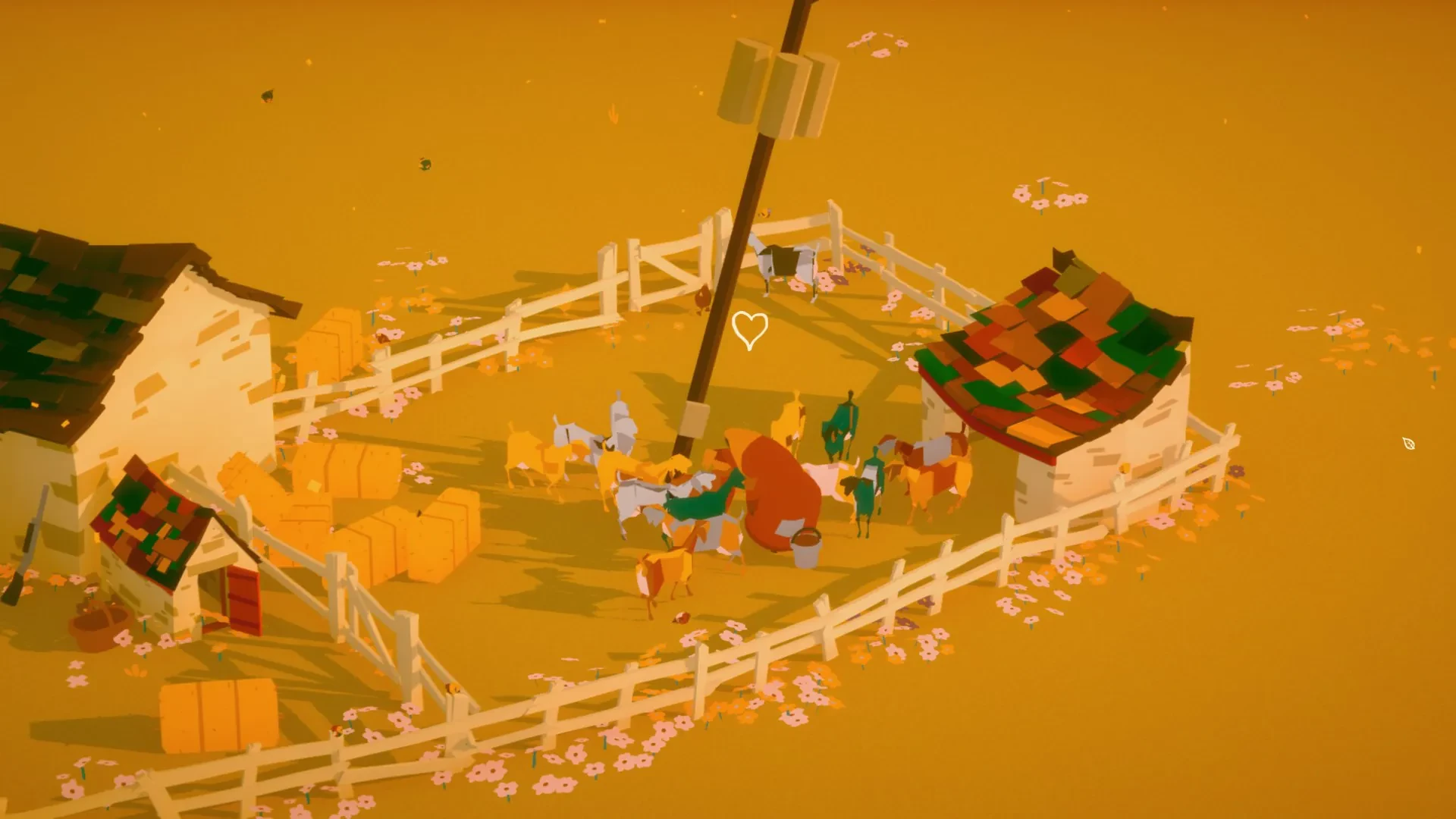
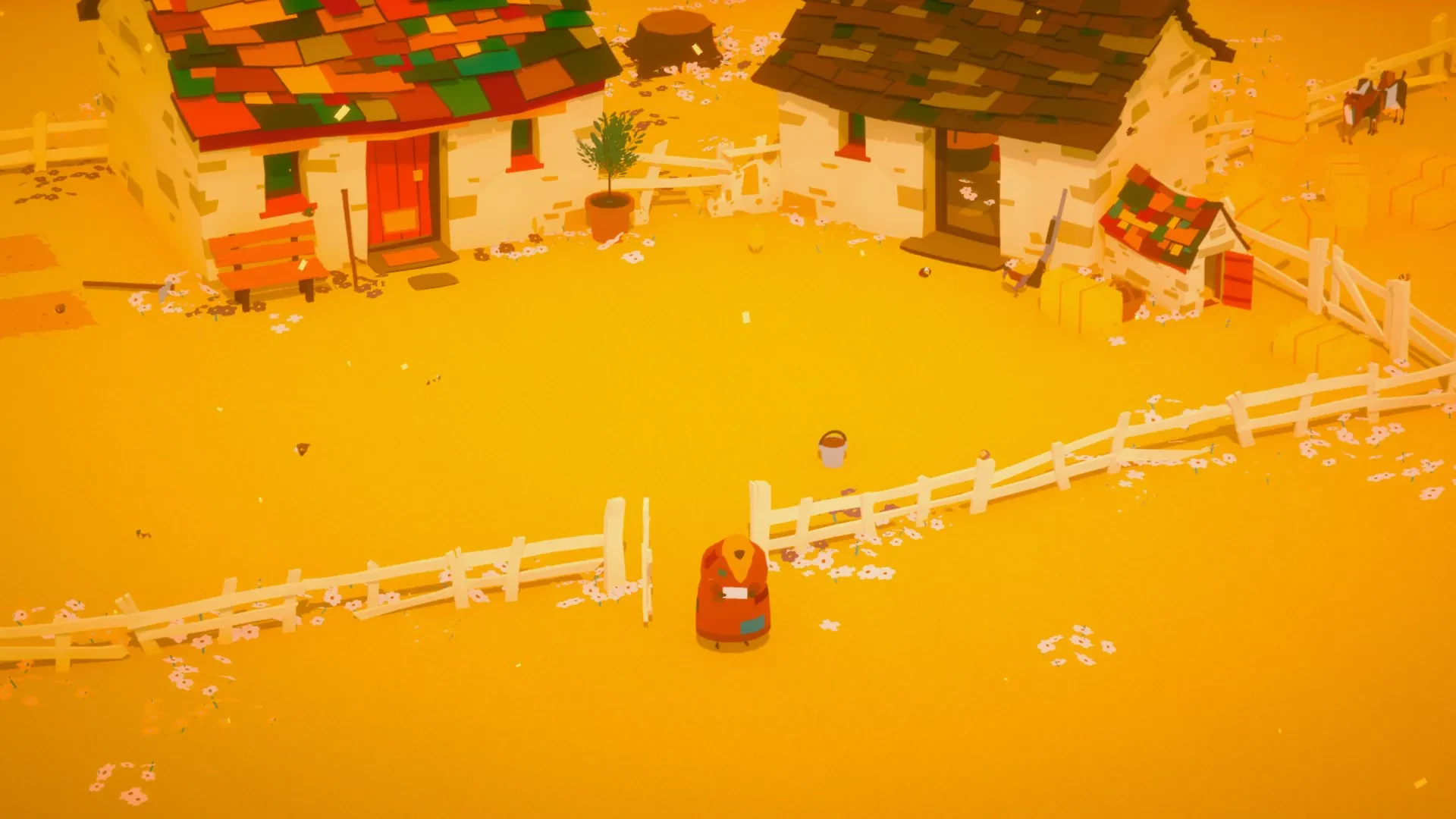
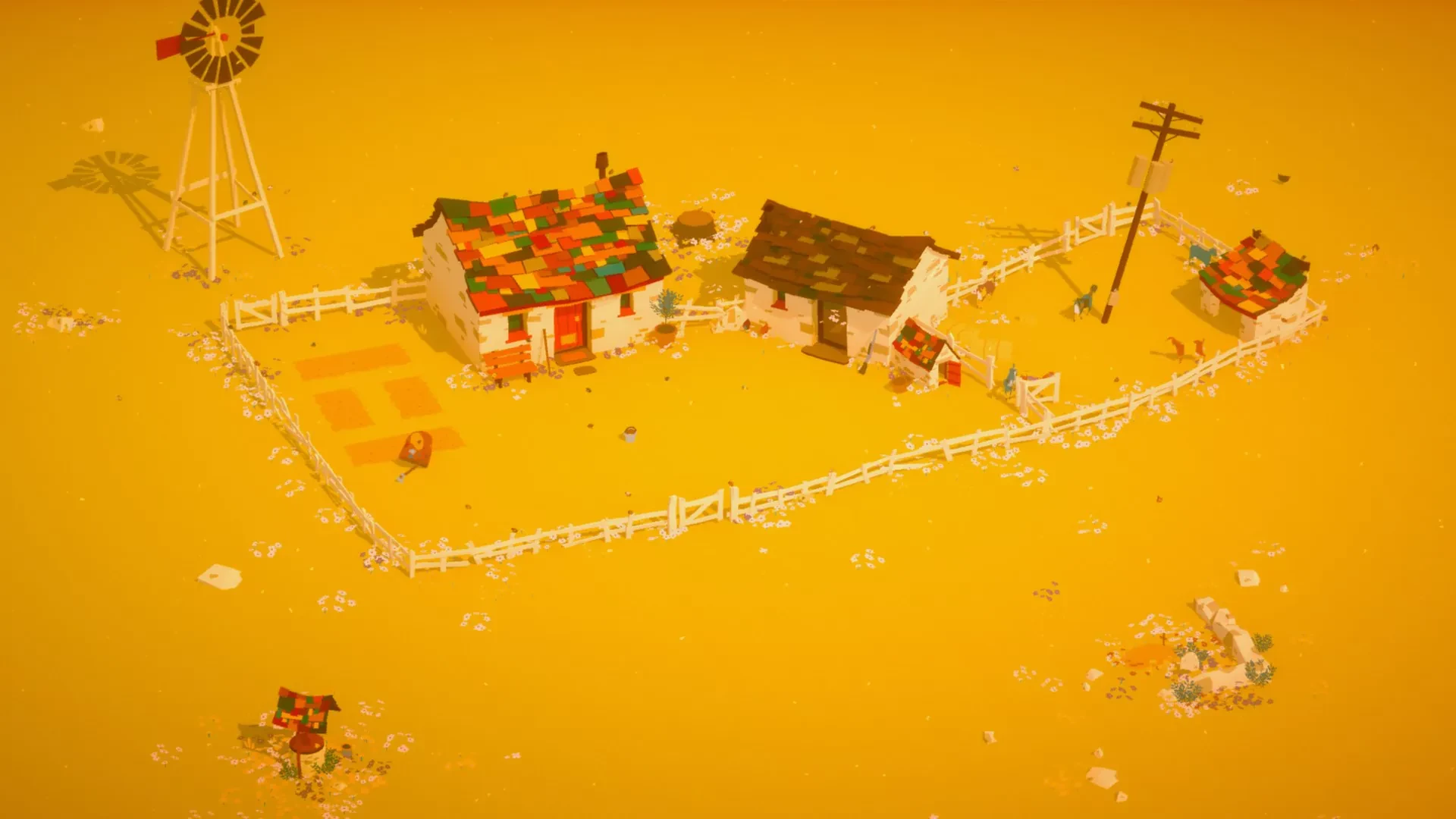
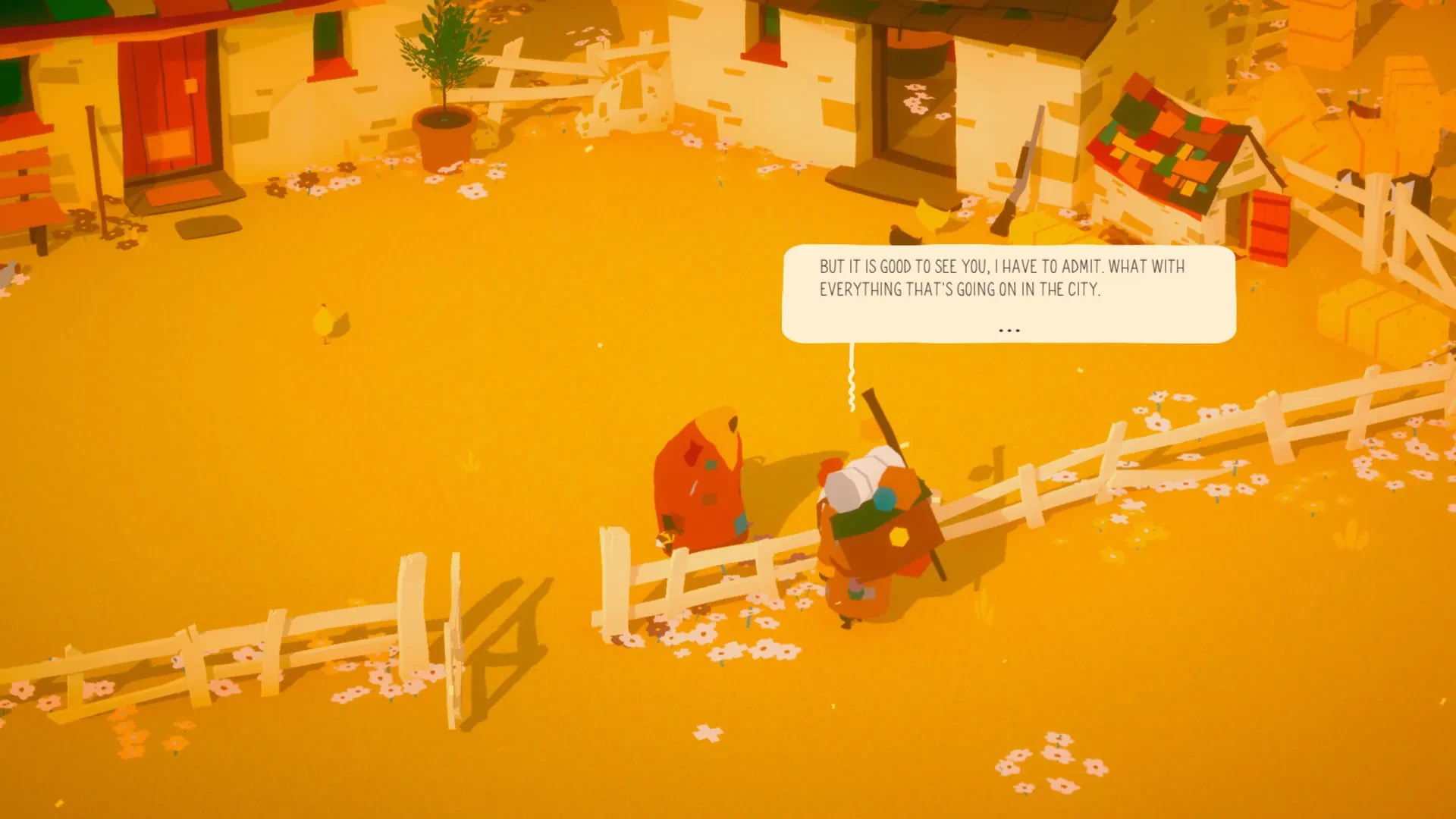
The Stillness of the Wind is an introspective indie game developed by Memory of God, offering players a meditative experience that blends quiet gameplay with deep storytelling. Unlike action-heavy or fast-paced games, it invites players to slow down, reflect, and immerse themselves in the gentle rhythm of rural life. Through its understated mechanics and evocative narrative, the game captures the beauty of solitude, the passage of time, and the quiet weight of responsibility.
In The Stillness of the Wind, players assume the role of Talma, an elderly goat farmer living in isolation on a remote homestead. The game’s premise is simple yet emotionally resonant: Talma must manage her farm, care for her animals, and maintain her home while reflecting on her past and confronting the inevitability of change. The story is told through letters, interactions, and subtle environmental storytelling, creating a sense of nostalgia and melancholy. The narrative emphasizes themes of aging, loneliness, and the quiet dignity of labor, inviting players to contemplate the rhythms of life in a deeply personal way.
Gameplay in The Stillness of the Wind is deliberately slow-paced and methodical. Players perform daily tasks such as feeding goats, milking them, tending to crops, and managing resources like food and money. Each day is structured yet flexible, allowing players to approach their work at their own pace. The simplicity of the mechanics mirrors the thematic focus on reflection and patience, transforming ordinary actions into meditative rituals. This approach encourages players to appreciate the small moments and the repetitive yet comforting routines of rural life.
One of the most striking aspects of the game is its attention to atmosphere and sound design. The hand-painted pixel art creates a warm, timeless visual style, where sunsets, gentle winds, and shifting seasons evoke a sense of calm and introspection. The audio complements this beautifully, with soft ambient sounds, the bleating of goats, and subtle musical cues that reflect the mood of each day. Together, these elements create an immersive experience that feels like stepping into a quiet, lived-in world.
The Stillness of the Wind also explores the emotional landscape of isolation and connection. Letters from distant relatives, memories of Talma’s past, and fleeting interactions with outsiders gradually reveal a story of family, loss, and resilience. The game doesn’t rely on dramatic twists or conventional conflict; instead, it finds depth in the everyday, in the passage of time, and in the quiet ways people cope with solitude. This focus on introspection and emotional nuance makes it a profoundly human experience, one that lingers in the mind long after the game ends.
Ultimately, The Stillness of the Wind is more than a farming simulator—it is a contemplative meditation on life, aging, and the passage of time. Its serene gameplay, evocative visuals, and poetic storytelling offer a unique experience in the gaming landscape, perfect for players seeking reflection and emotional resonance. By transforming simple daily routines into a profound narrative journey, the game reminds us of the beauty in quiet moments and the stillness that can reveal life’s deepest truths.
OS: Mac OS X 10.12 or higherProcessor: 2.0 GHzRAM: 4 GBVideo card: GPU: OpenGL 3.2+Disk space: 2 GB
Unzip the archive and follow the standard installation procedure.
The installation is completed by choosing a location to place the game.
It is recommended to specify the Applications folder.
Frequently Asked Questions
Mount the image and run Open Gatekeeper friendly.
Press Enter to bypass Gatekeeper in the Terminal window.
Drag the application to the Applications folder.
The application is ready for use.
ATTENTION! SIP must be disabled. Learn more >
Restart your Mac and hold down Command + R to enter Recovery Mode.
Open Terminal from the Utilities menu.
Enter the command: csrutil disable
Restart your Mac.
This is a common Gatekeeper issue. Follow these steps:
1. Open Terminal
2. Enter: sudo xattr -rd com.apple.quarantine /Applications/AppName.app
3. Replace "AppName" with the actual application name
4. Press Enter and enter your password
Yes, all our downloads are thoroughly checked for viruses and malware.
We use multiple antivirus engines to scan every file.
Our team tests each application before publishing.
We never bundle adware or unwanted software.
Yes, we regularly update our applications to the latest versions.
You can check our website for updates or subscribe to our newsletter.
We strive to provide the most recent versions within 24-48 hours of release.
If a download link is not working, please:
1. Try a different browser
2. Clear your browser cache and cookies
3. Try the alternative download links provided
4. Contact our support team if the issue persists