


Through the Darkest of Times
Download Through the Darkest of Times
Mount the downloaded image and follow the standard installation procedure.
The installation is completed by choosing a location to place the game.
It is recommended to specify the Applications folder.
Previous Versions
Through the Darkest of Times is a strategy-driven narrative game that confronts one of history’s most disturbing periods with honesty and restraint. Rather than focusing on battles or heroic power fantasies, the game places players in the uncomfortable role of leading a small resistance group in Nazi Germany. It is an experience built around moral tension, limited choices, and the emotional weight of survival.
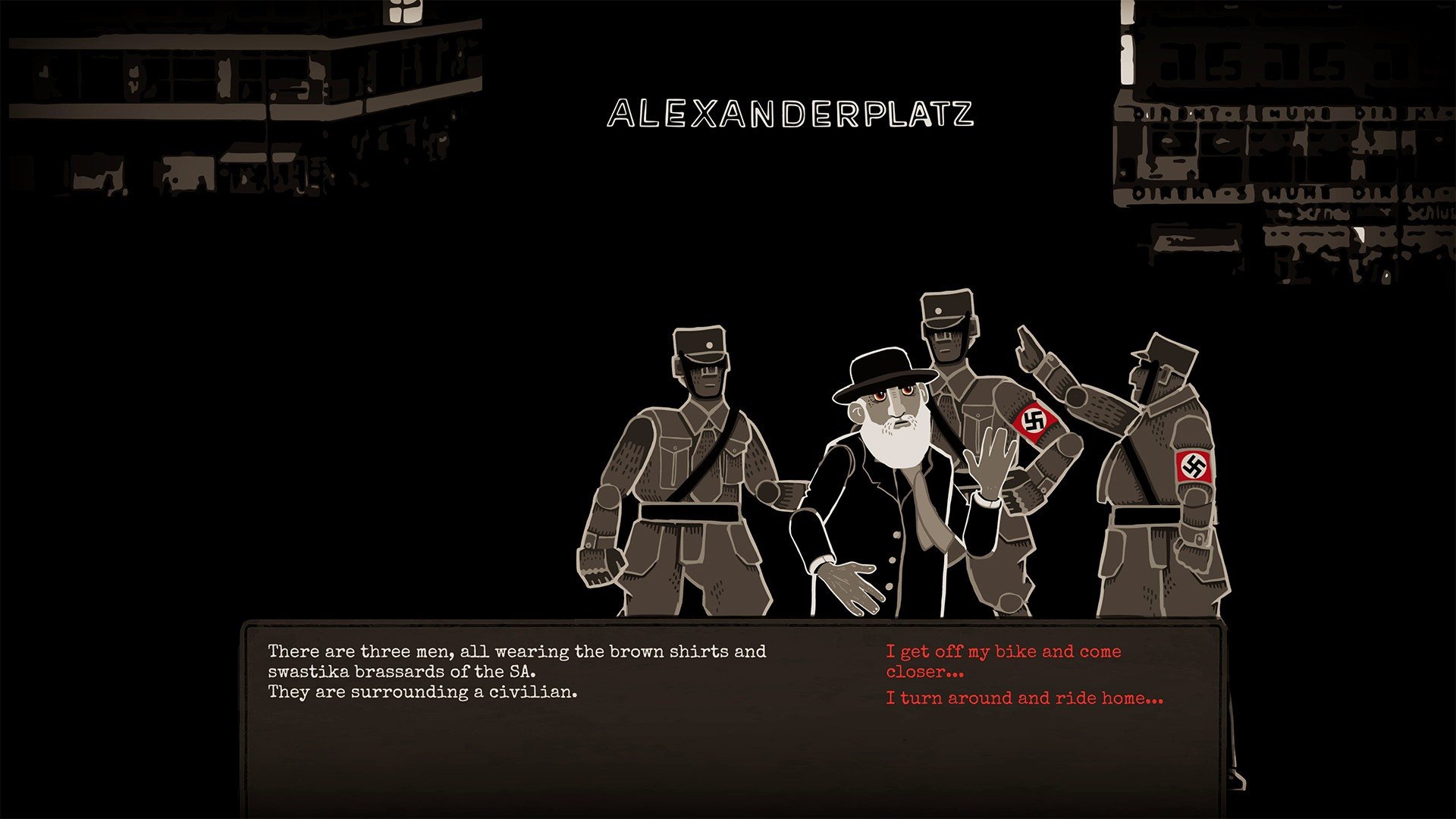
The game begins in Berlin during the early rise of the Nazi regime. Players form and manage a resistance cell made up of ordinary citizens, each with their own motivations, fears, and vulnerabilities. These are not soldiers or superheroes. They are teachers, workers, and students who must decide how far they are willing to go to oppose a system that punishes even the smallest act of defiance.
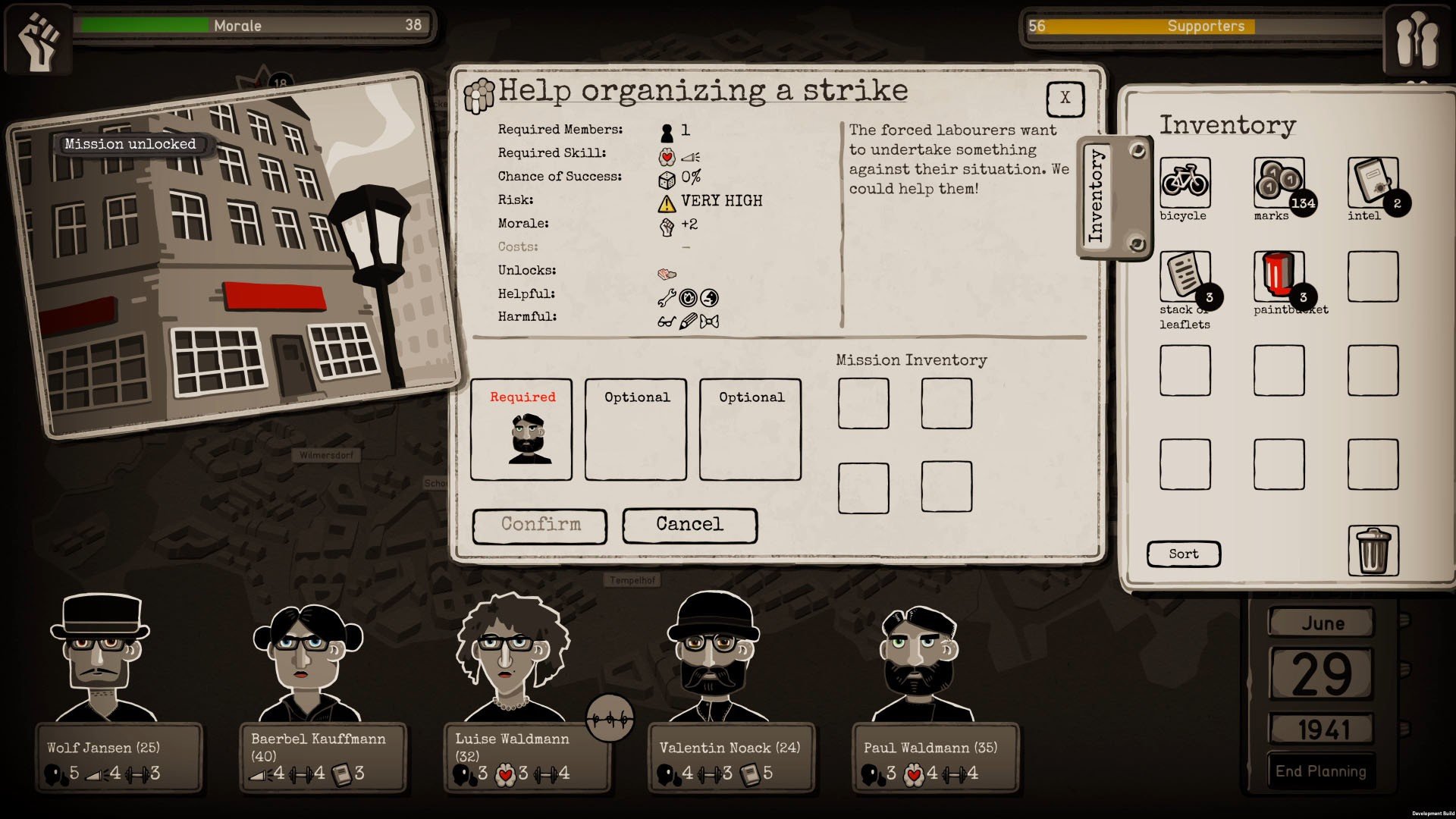
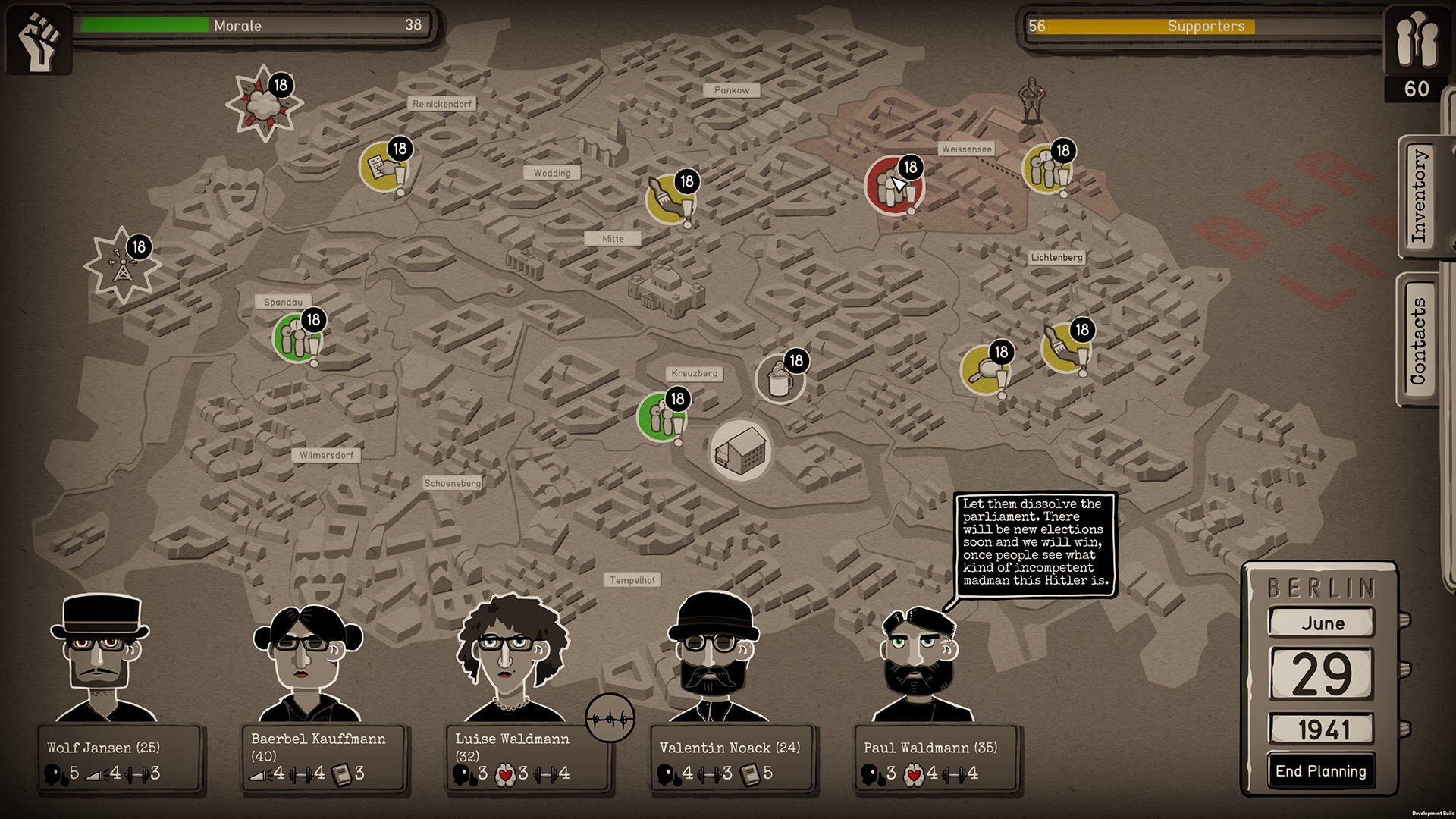
Gameplay revolves around planning and decision-making rather than direct confrontation. Each week, players assign group members to tasks such as spreading leaflets, gathering information, sabotaging resources, or avoiding attention altogether. Every action carries risk. Success can inspire hope, but failure may result in arrests, injuries, or worse. The game constantly reminds players that resistance comes at a cost.
Resource management plays a critical role. Money, morale, and safety must be carefully balanced. Pushing the group too hard can lead to exhaustion or panic, while playing too cautiously allows the regime to tighten its grip. This tension creates a powerful sense of responsibility, forcing players to consider not only what is effective, but what is ethical.
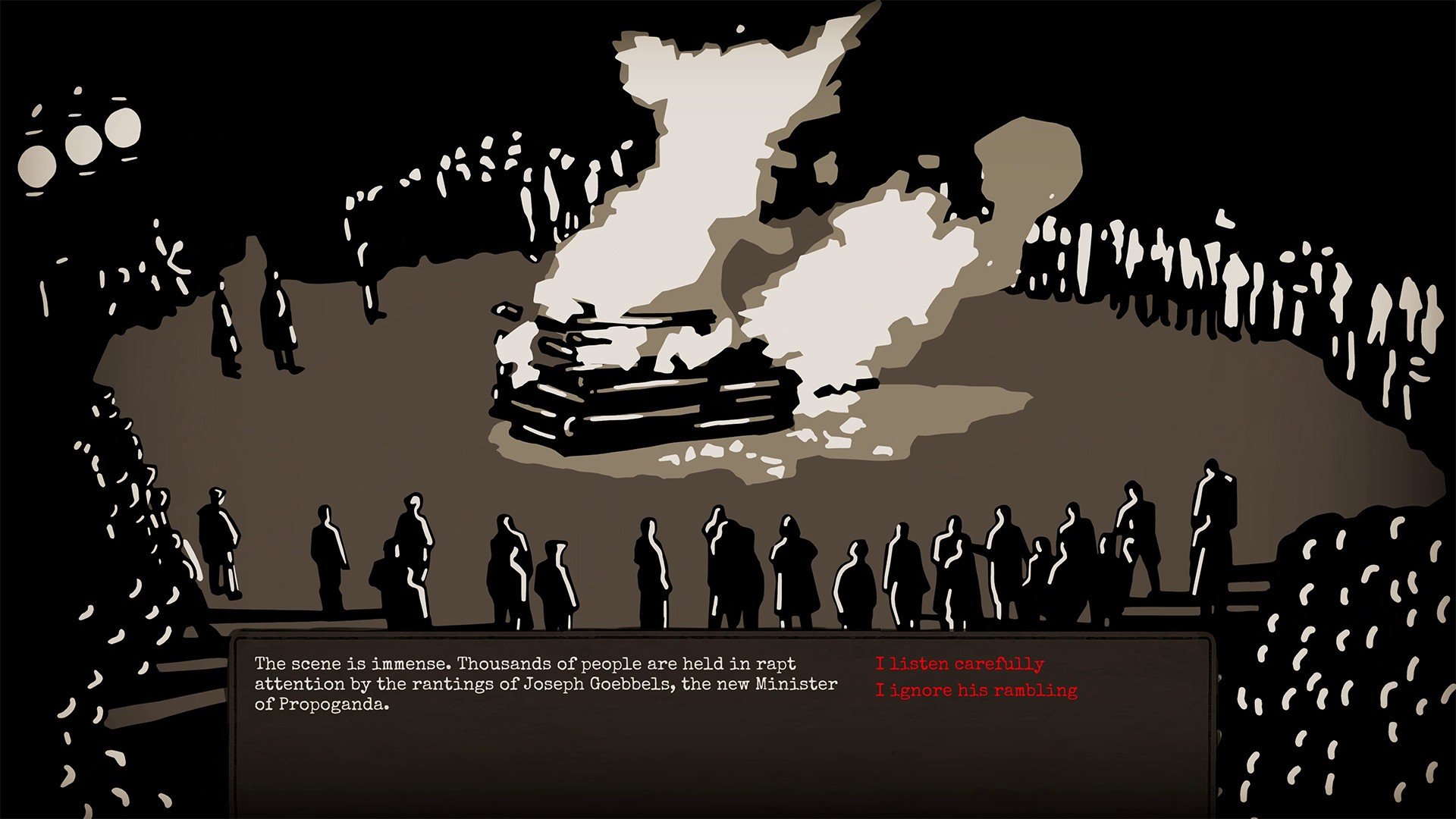
Visually, Through the Darkest of Times uses a stylized art direction that avoids realism while still conveying emotional depth. Dark tones, sharp silhouettes, and somber expressions reflect the oppressive atmosphere of the era. The presentation feels respectful and intentional, focusing on human suffering rather than spectacle.
The narrative progresses through historical events, grounding the experience in real-world consequences. As the war escalates and conditions worsen, the challenges faced by the resistance become more dangerous and morally complex. The game does not offer easy victories or comforting resolutions. Instead, it emphasizes persistence, solidarity, and the quiet power of refusing to be silent.
What sets Through the Darkest of Times apart is its emotional honesty. It does not glorify resistance or suggest that courage guarantees success. Many outcomes are uncertain, and some losses are unavoidable. This realism makes each decision feel heavy and personal, encouraging players to reflect on the meaning of resistance in the face of overwhelming oppression.
The soundtrack and sound design further deepen the atmosphere, using restrained music and ambient effects to underline moments of tension and despair. Silence is often used effectively, allowing players to sit with the weight of their choices.
Through the Darkest of Times is not an easy game to play, emotionally or mentally. It asks players to confront uncomfortable truths about history, fear, and responsibility. For those willing to engage with its themes, it offers a powerful reminder that resistance often begins quietly, through small acts of courage carried out in the darkest moments.
macOS 10.11 or laterProcessor: 2.4 GHzMemory: 8 GB RAMGraphics: 1 GBDisk space: 2 GB available space
Mount the downloaded image and follow the standard installation procedure.
The installation is completed by choosing a location to place the game.
It is recommended to specify the Applications folder.
Frequently Asked Questions
Mount the image and run Open Gatekeeper friendly.
Press Enter to bypass Gatekeeper in the Terminal window.
Drag the application to the Applications folder.
The application is ready for use.
ATTENTION! SIP must be disabled. Learn more >
Restart your Mac and hold down Command + R to enter Recovery Mode.
Open Terminal from the Utilities menu.
Enter the command: csrutil disable
Restart your Mac.
This is a common Gatekeeper issue. Follow these steps:
1. Open Terminal
2. Enter: sudo xattr -rd com.apple.quarantine /Applications/AppName.app
3. Replace "AppName" with the actual application name
4. Press Enter and enter your password
Yes, all our downloads are thoroughly checked for viruses and malware.
We use multiple antivirus engines to scan every file.
Our team tests each application before publishing.
We never bundle adware or unwanted software.
Yes, we regularly update our applications to the latest versions.
You can check our website for updates or subscribe to our newsletter.
We strive to provide the most recent versions within 24-48 hours of release.
If a download link is not working, please:
1. Try a different browser
2. Clear your browser cache and cookies
3. Try the alternative download links provided
4. Contact our support team if the issue persists