


Timber Rush
Download Timber Rush
Run the downloaded image and drag the application to the Applications folder shortcut.
Once copying is complete, the application can be launched via Launchpad.
Previous Versions
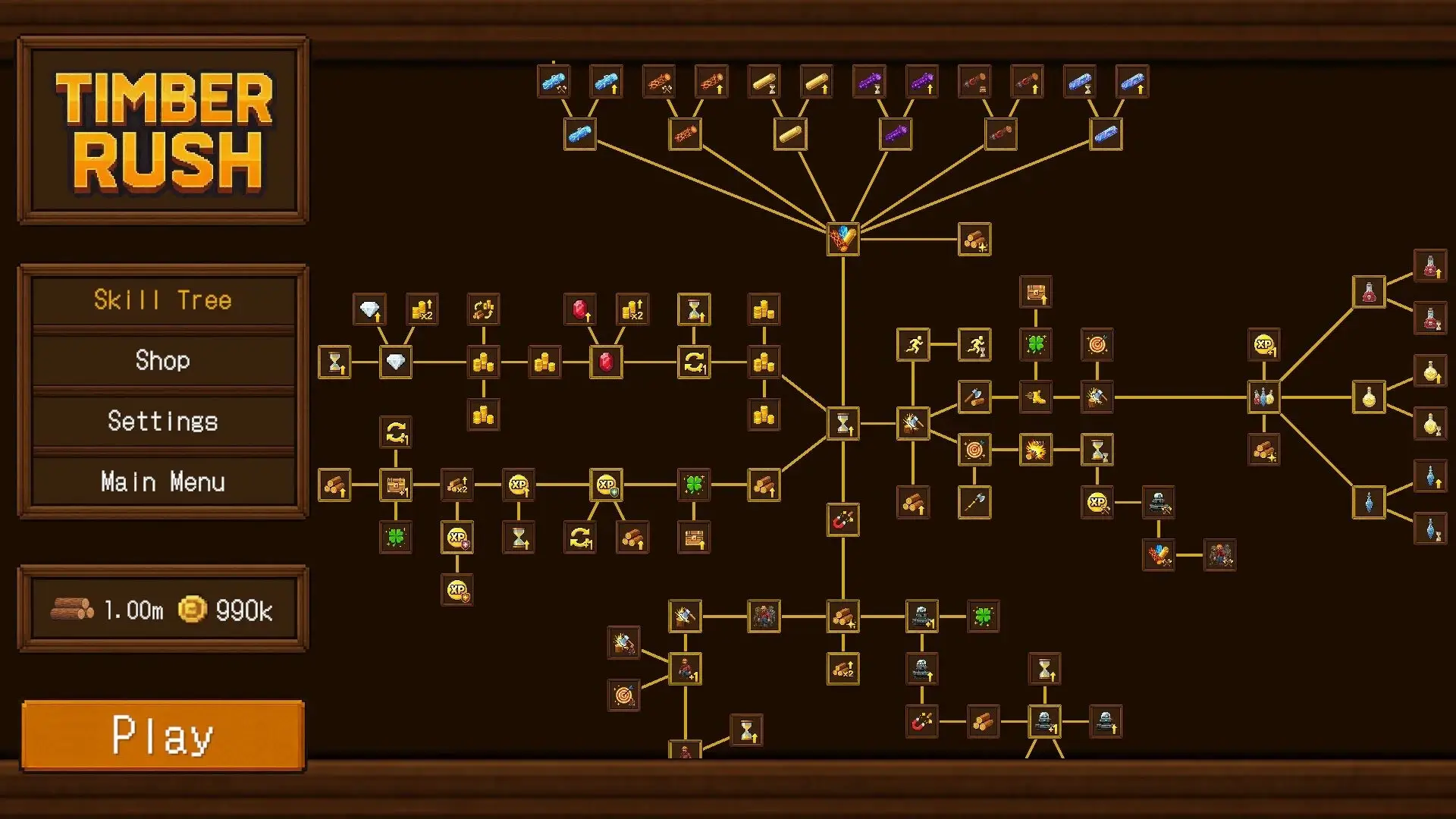
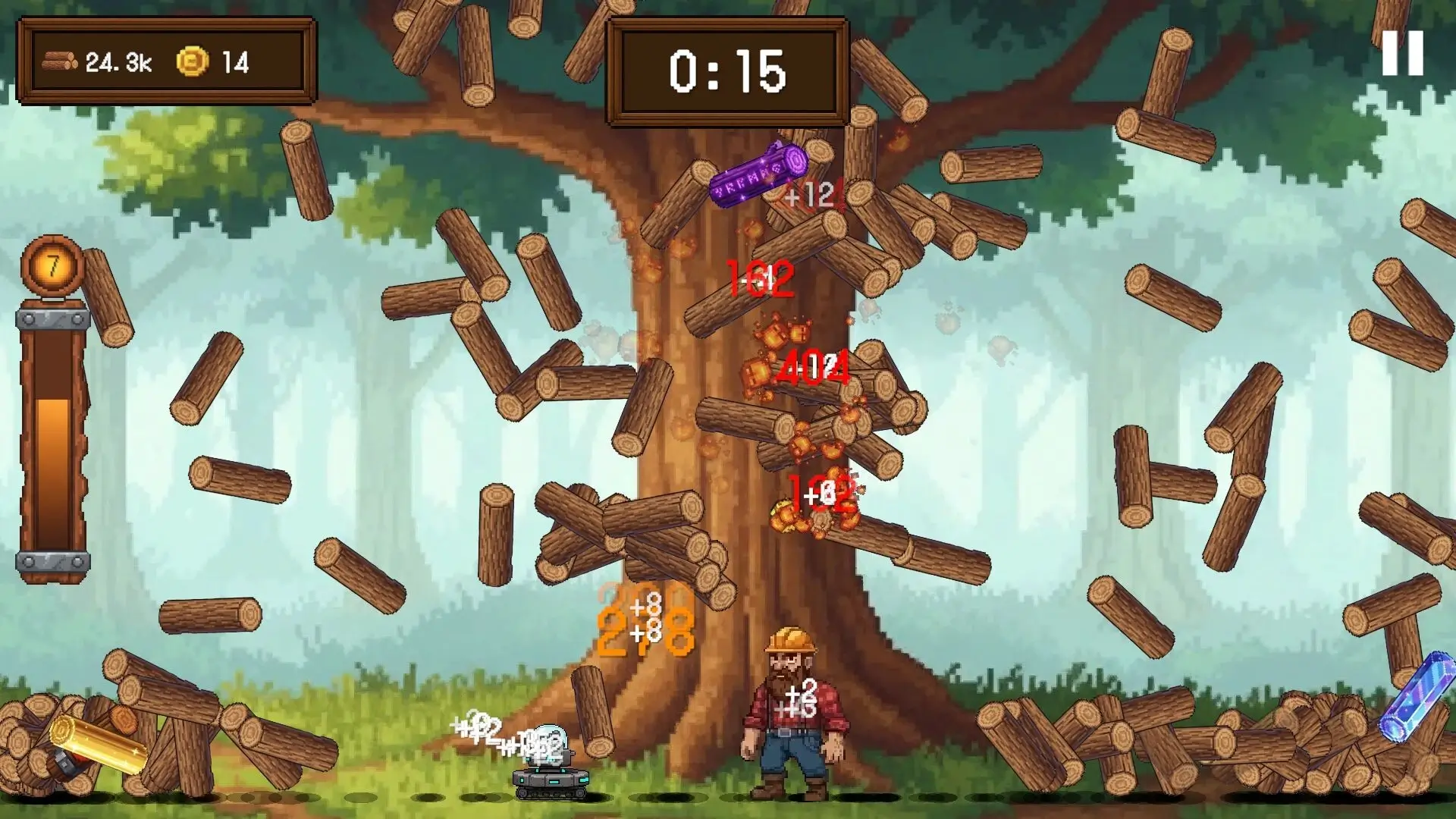
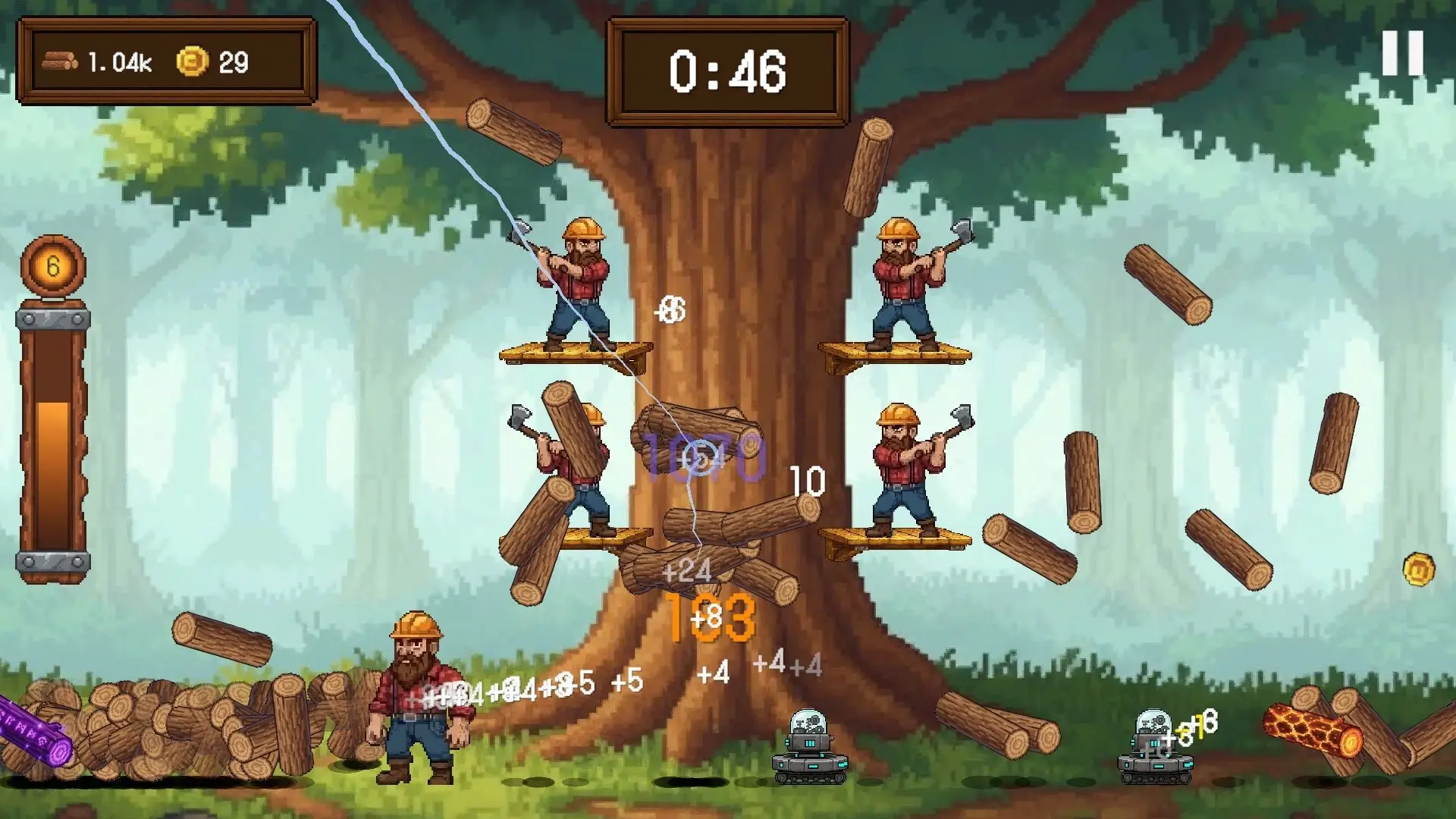
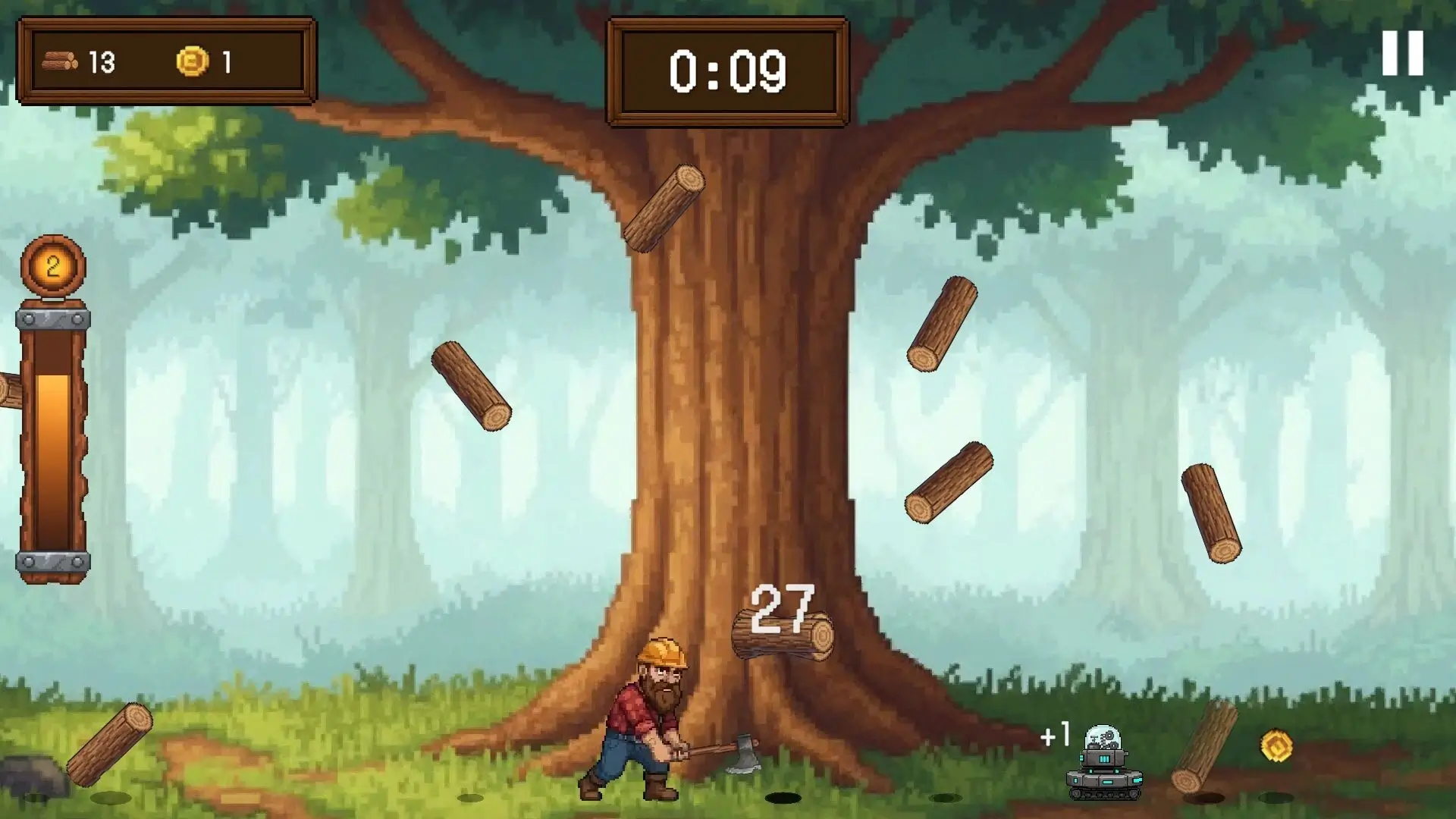
The indie game market continues to offer creative and engaging experiences, and one title that has begun to capture the attention of strategy and survival fans is Timber Rush. Combining resource management, exploration, and quick decision-making, Timber Rush offers players a fresh challenge in a world where survival depends on intelligence, planning, and the efficient use of natural resources.
With its blend of classic management mechanics and modern survival gameplay, Timber Rush creates an experience that feels both familiar and exciting. Players who enjoy crafting, building, and strategically progressing will find plenty to love in this rising indie title.
A World Built Around Survival
In Timber Rush, players are dropped into a harsh wasteland where resources are limited and every decision matters. The main objective is simple at first: gather wood, build a shelter, and survive; but the further players progress, the more complex the experience becomes.
The game puts players in charge of building a thriving settlement in an unpredictable environment. Harsh weather, dangerous wildlife, and limited supplies create constant pressure, forcing players to balance expansion with survival.
Unlike many survival games that focus solely on combat, Timber Rush emphasizes smart resource planning and long-term strategy.
Engaging Gameplay Mechanics
One of Timber Rush's strengths is its satisfying gameplay loop. Players start with basic tools and limited materials, gradually unlocking advanced structures, better equipment, and new crafting options.
Key game features include:
Logging and gathering wood
Resource management and crafting
Settlement construction and upgrades
Exploring hidden environments
Surviving natural challenges
Every action contributes to the growth of your settlement. Gathering wood may seem simple at first, but as new challenges arise, players must manage labor, storage, and production efficiency.
This creates an addictive cycle of progress and improvement.
Strategy and Speed
The word "Rush" in Timber Rush isn't just an aesthetic detail: it reflects the speed at which decisions are made in the game. Resources can disappear quickly, weather conditions can change without warning, and expansion often requires rapid adaptation.
Players must constantly prioritize their tasks:
Should you gather more resources, improve defenses, or send workers to explore uncharted territories?
These decisions generate tension and make each game dynamic.
Visual Style and Atmosphere
Timber Rush offers a colorful and immersive visual experience. Lush forests, rushing rivers, mountainous landscapes, and changing weather effects bring the world to life.
The art style balances realism with accessibility, making the game visually appealing without sacrificing clarity of gameplay.
Audio also plays an important role. The sound of trees being felled, distant wildlife, and ambient effects create a relaxing and immersive atmosphere.
High Replayability
One of the reasons Timber Rush stands out is its replayability. Random environmental conditions, changing resource locations, and constantly evolving survival challenges ensure that every playthrough is different.
Players can experiment with new settlement layouts, resource strategies, and expansion plans, creating endless opportunities for creative problem-solving.
Conclusion
Timber Rush successfully combines resource management, survival mechanics, and strategic gameplay into a rewarding experience. Its engaging progression system, beautiful environments, and dynamic challenges make it an excellent choice for fans of simulation and survival games.
OS: macOS 10.13 High SierraProcessor: Apple M1 or Intel Core MMemory: 2 GB RAMVideo Card: Metal-compatible GPUStorage: 500 MB
Run the downloaded image and drag the application to the Applications folder shortcut.
Once copying is complete, the application can be launched via Launchpad.
Frequently Asked Questions
Mount the image and run Open Gatekeeper friendly.
Press Enter to bypass Gatekeeper in the Terminal window.
Drag the application to the Applications folder.
The application is ready for use.
ATTENTION! SIP must be disabled. Learn more >
Restart your Mac and hold down Command + R to enter Recovery Mode.
Open Terminal from the Utilities menu.
Enter the command: csrutil disable
Restart your Mac.
This is a common Gatekeeper issue. Follow these steps:
1. Open Terminal
2. Enter: sudo xattr -rd com.apple.quarantine /Applications/AppName.app
3. Replace "AppName" with the actual application name
4. Press Enter and enter your password
Yes, all our downloads are thoroughly checked for viruses and malware.
We use multiple antivirus engines to scan every file.
Our team tests each application before publishing.
We never bundle adware or unwanted software.
Yes, we regularly update our applications to the latest versions.
You can check our website for updates or subscribe to our newsletter.
We strive to provide the most recent versions within 24-48 hours of release.
If a download link is not working, please:
1. Try a different browser
2. Clear your browser cache and cookies
3. Try the alternative download links provided
4. Contact our support team if the issue persists