


Tinyfolks
Download Tinyfolks
Mount the downloaded image and drag the game to the Applications folder.
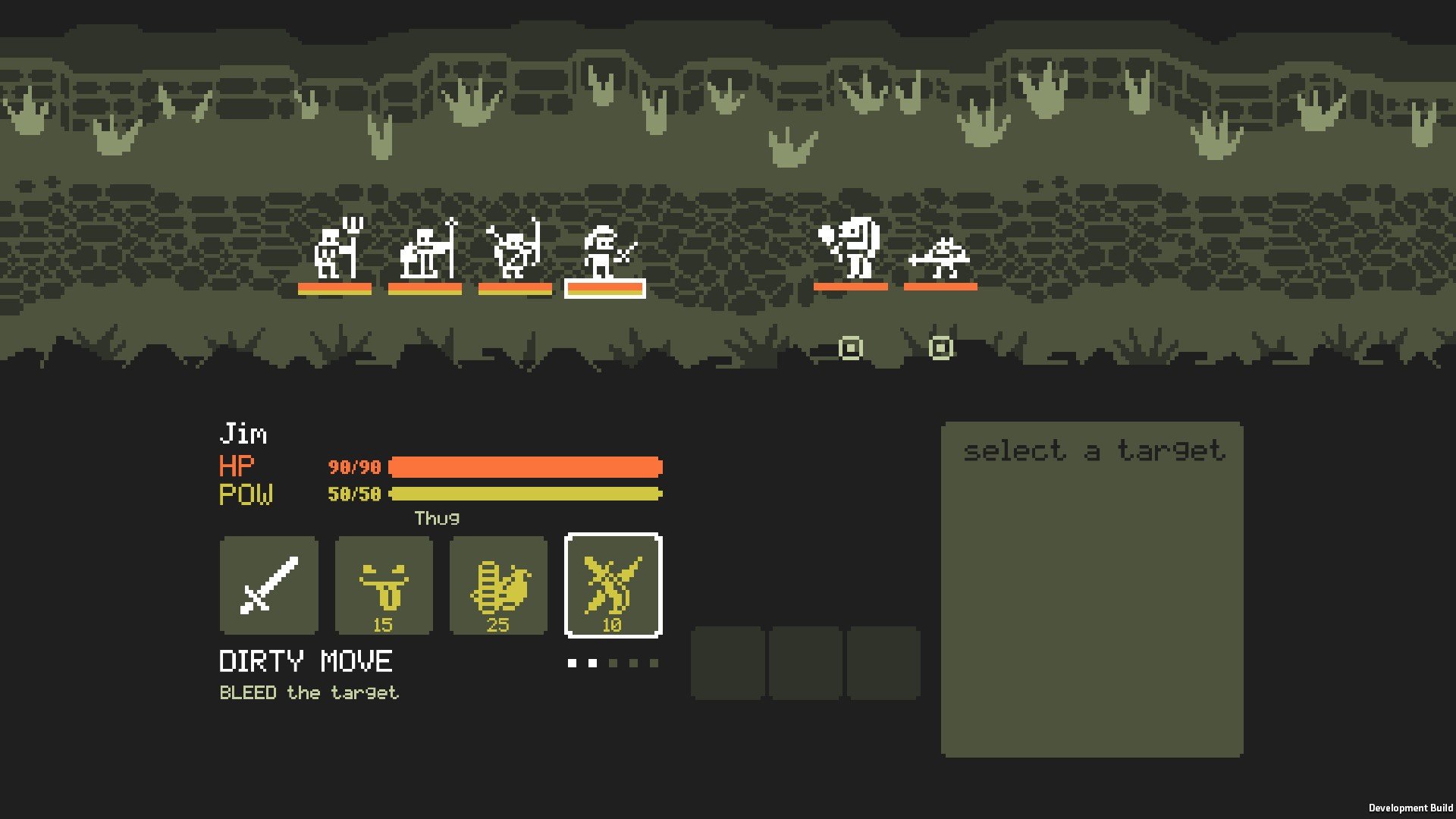
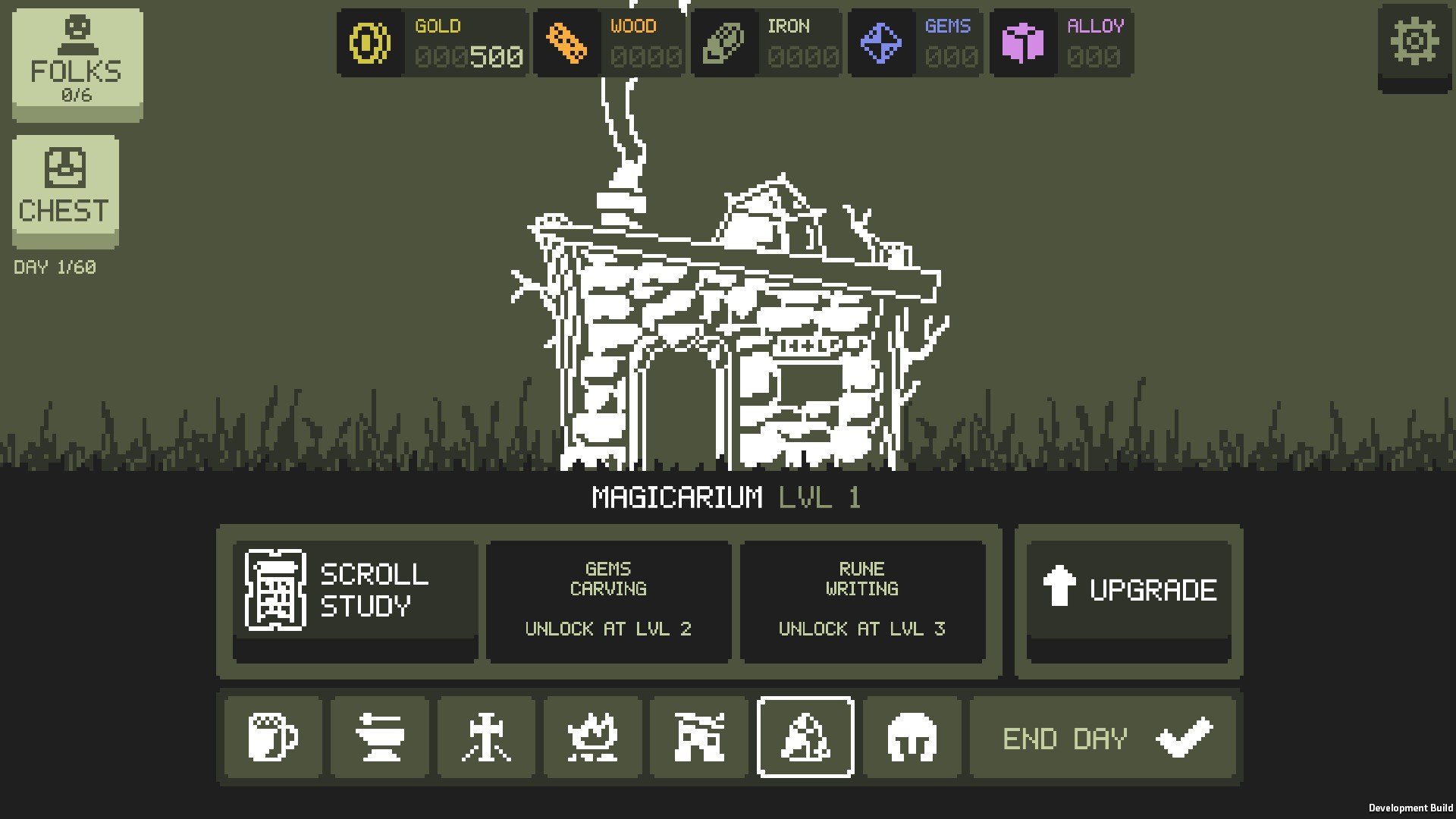
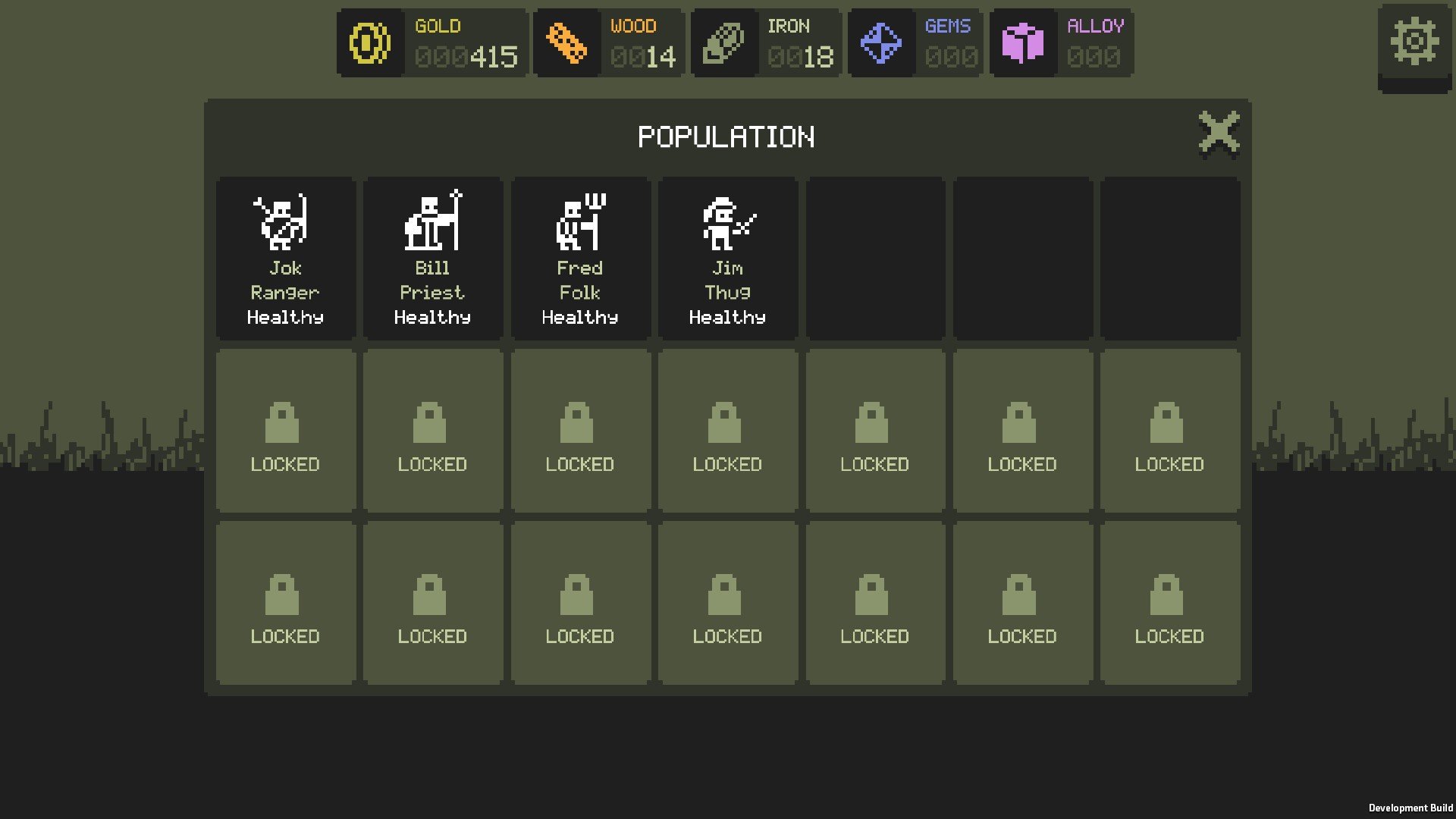
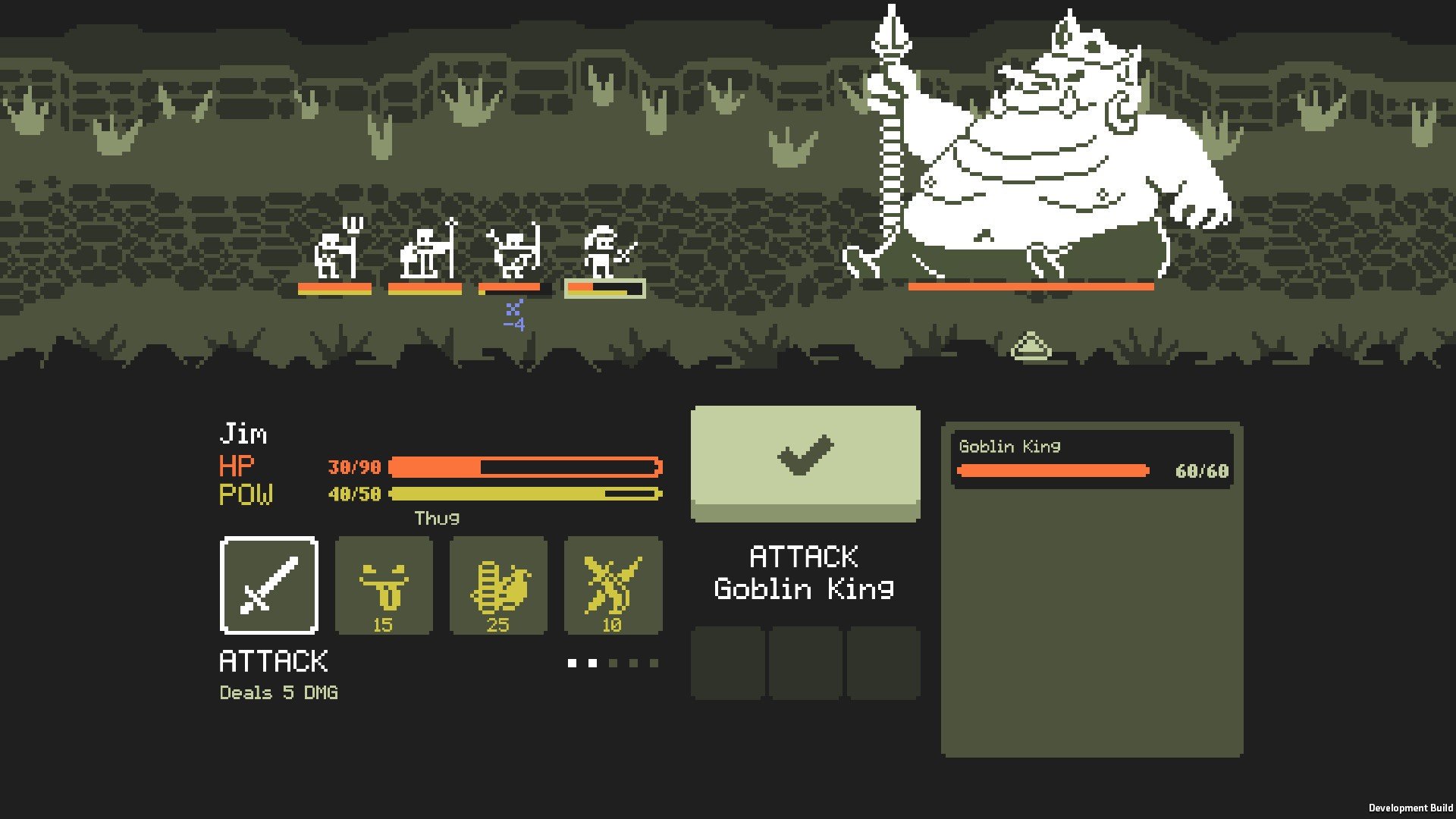
In a world dominated by sprawling open-world games and complex narratives, Tinyfolks presents a refreshing alternative: a gentle, engaging simulation that allows players to explore, nurture, and interact with a miniature society. Developed by Simutronics, this charming title allows players to step into a world where the small details hold the biggest surprises. Unlike fast-paced or combat-driven games, Tinyfolks emphasizes creativity, observation, and the joy of discovery, making it a delightful experience for players of all ages.
At its core, Tinyfolks is a life simulation game that places players in charge of a tiny community. The inhabitants, or “tinyfolks,” have their own personalities, routines, and preferences. Players are tasked with helping the community thrive by managing resources, arranging homes, and guiding the tinyfolks through daily life. What sets this game apart is the way it balances structured goals with freedom: while there are objectives to complete, the tinyfolks themselves have autonomy, creating unpredictable and often humorous interactions.
One of the most engaging aspects of Tinyfolks is its attention to detail. Each tinyfolk has unique behaviors and reactions, creating a dynamic ecosystem that responds to the player’s actions. For instance, neglecting certain resources may lead to conflicts, while providing thoughtful arrangements for homes and workspaces can foster happiness and productivity. Observing these interactions becomes a game in itself, as players experiment with different setups to see how the tinyfolks adapt and evolve.
The visual style of Tinyfolks is charming and accessible. The game employs a colorful, cartoon-inspired aesthetic that enhances its playful atmosphere. Tinyfolks move fluidly within their environment, and every object—from houses to trees—has a sense of scale and weight, contributing to the illusion of a living, breathing miniature world. The attention to environmental detail ensures that players remain engaged, discovering new interactions and hidden surprises as they explore.
Complementing the visuals is a soothing and adaptive soundtrack that mirrors the tinyfolks’ daily routines. Gentle melodies accompany periods of calm and exploration, while subtle shifts in tone indicate moments of tension or important events. Sound design also includes environmental cues—footsteps, rustling leaves, and small conversations—that enrich the sense of immersion and make the world feel alive.
Gameplay in Tinyfolks encourages curiosity and experimentation. There are no rigid paths or strict time limits, allowing players to explore at their own pace. This open-ended structure fosters creativity, as players can design their communities, manipulate the environment, and even create small stories for their tinyfolks. The combination of freedom, interaction, and discovery makes the experience both relaxing and intellectually engaging.
Ultimately, Tinyfolks is more than a simulation; it is an invitation to appreciate the intricate details of miniature life and the impact of small choices. Its focus on observation, creativity, and gentle storytelling offers a welcome respite from high-stress gaming experiences. For those seeking a thoughtful, playful, and charming escape, Tinyfolks provides a world where every tiny action matters and every moment of discovery brings joy.
OS: macOS 10.13Processor: Dual-core CPU @ 2GHzRAM: 3 GBVideo card: GeForce GT 630 or AMD Radeon HD 7450Disk space: 200 MB
Mount the downloaded image and drag the game to the Applications folder.
Frequently Asked Questions
Mount the image and run Open Gatekeeper friendly.
Press Enter to bypass Gatekeeper in the Terminal window.
Drag the application to the Applications folder.
The application is ready for use.
ATTENTION! SIP must be disabled. Learn more >
Restart your Mac and hold down Command + R to enter Recovery Mode.
Open Terminal from the Utilities menu.
Enter the command: csrutil disable
Restart your Mac.
This is a common Gatekeeper issue. Follow these steps:
1. Open Terminal
2. Enter: sudo xattr -rd com.apple.quarantine /Applications/AppName.app
3. Replace "AppName" with the actual application name
4. Press Enter and enter your password
Yes, all our downloads are thoroughly checked for viruses and malware.
We use multiple antivirus engines to scan every file.
Our team tests each application before publishing.
We never bundle adware or unwanted software.
Yes, we regularly update our applications to the latest versions.
You can check our website for updates or subscribe to our newsletter.
We strive to provide the most recent versions within 24-48 hours of release.
If a download link is not working, please:
1. Try a different browser
2. Clear your browser cache and cookies
3. Try the alternative download links provided
4. Contact our support team if the issue persists