


Tooth and Tail
Download Tooth and Tail
Run the downloaded package and follow the standard installation procedure.
The installation is completed by choosing a location to place the game.
It is recommended to specify the Applications folder.
Previous Versions
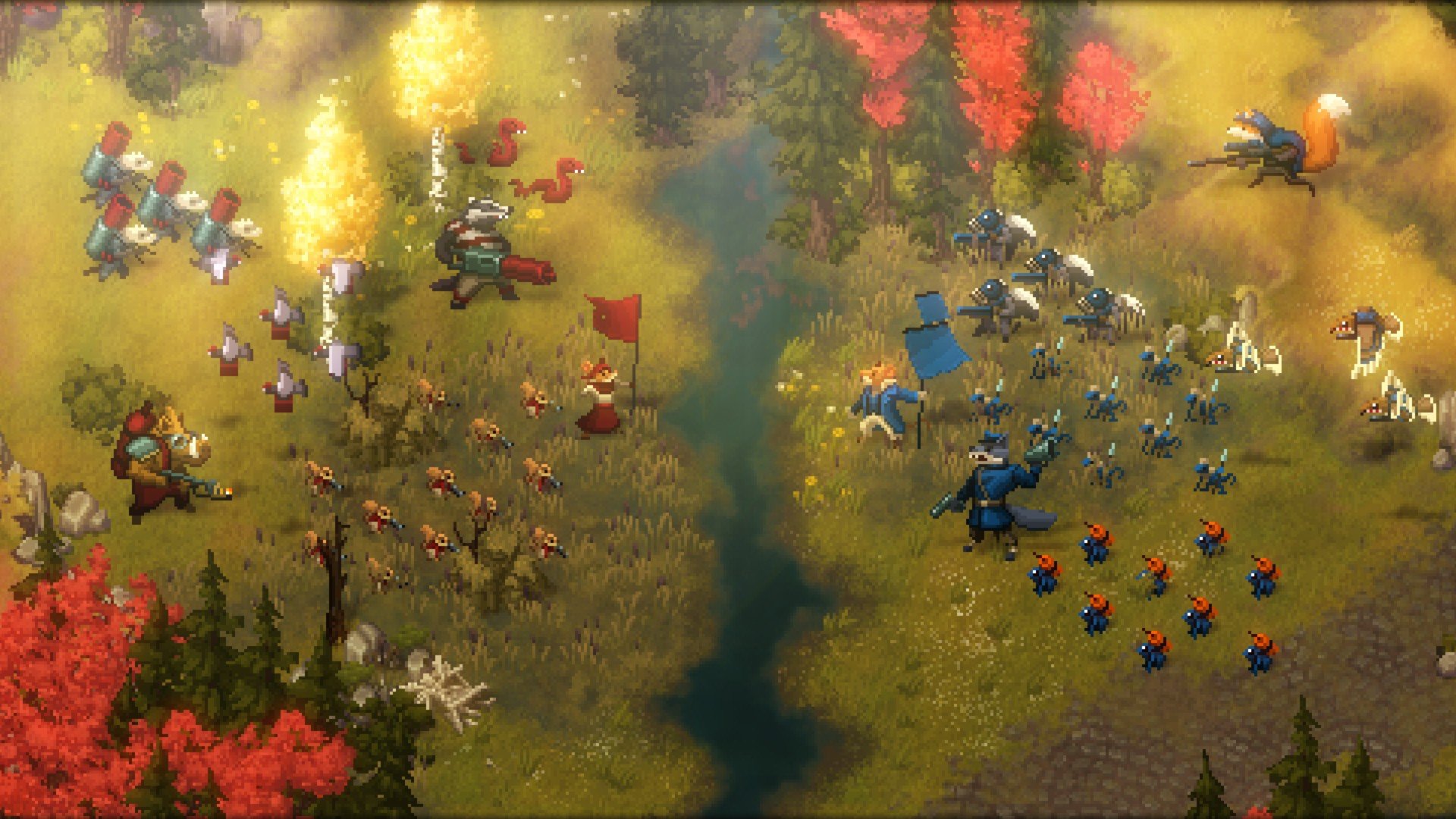
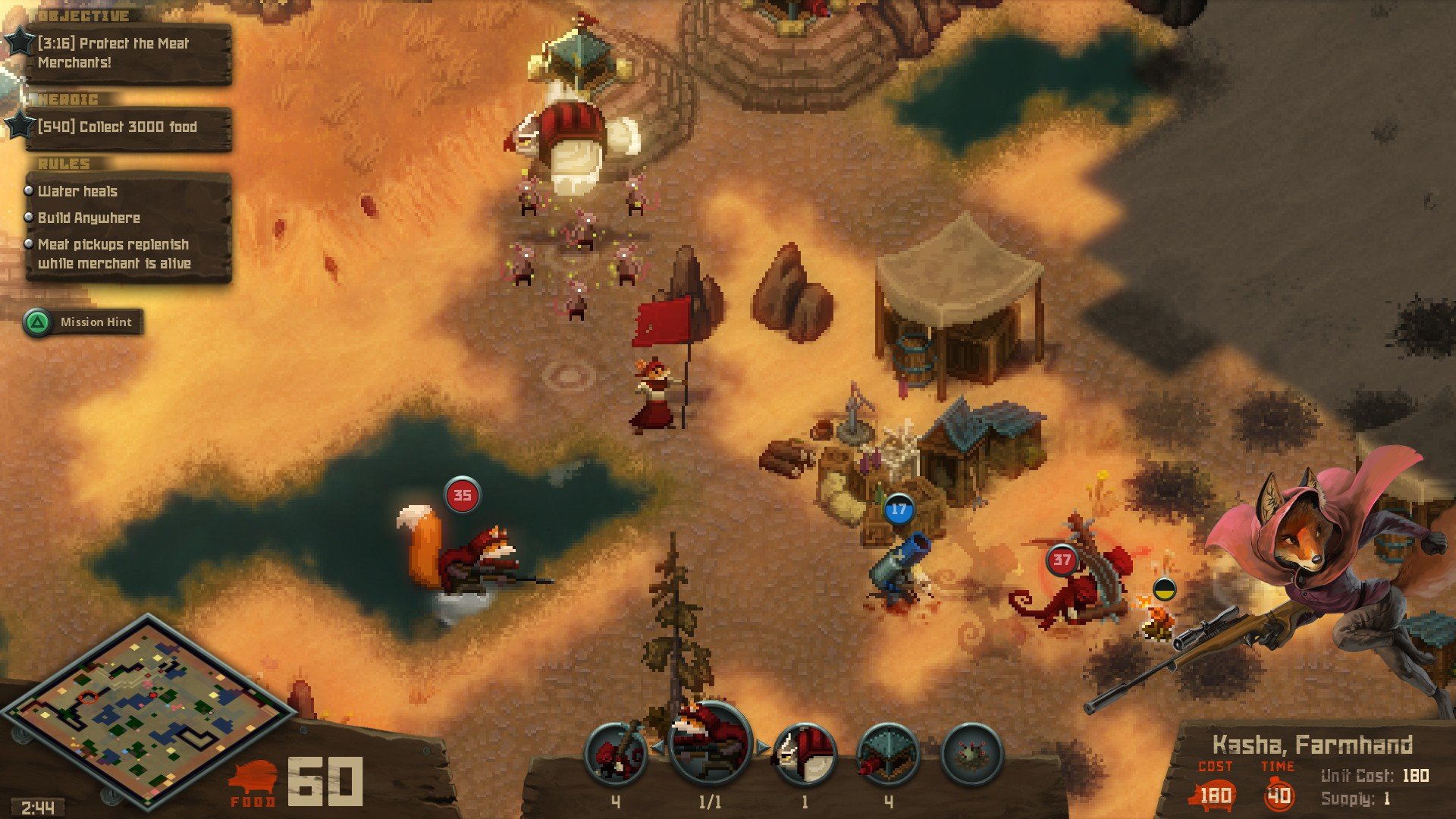
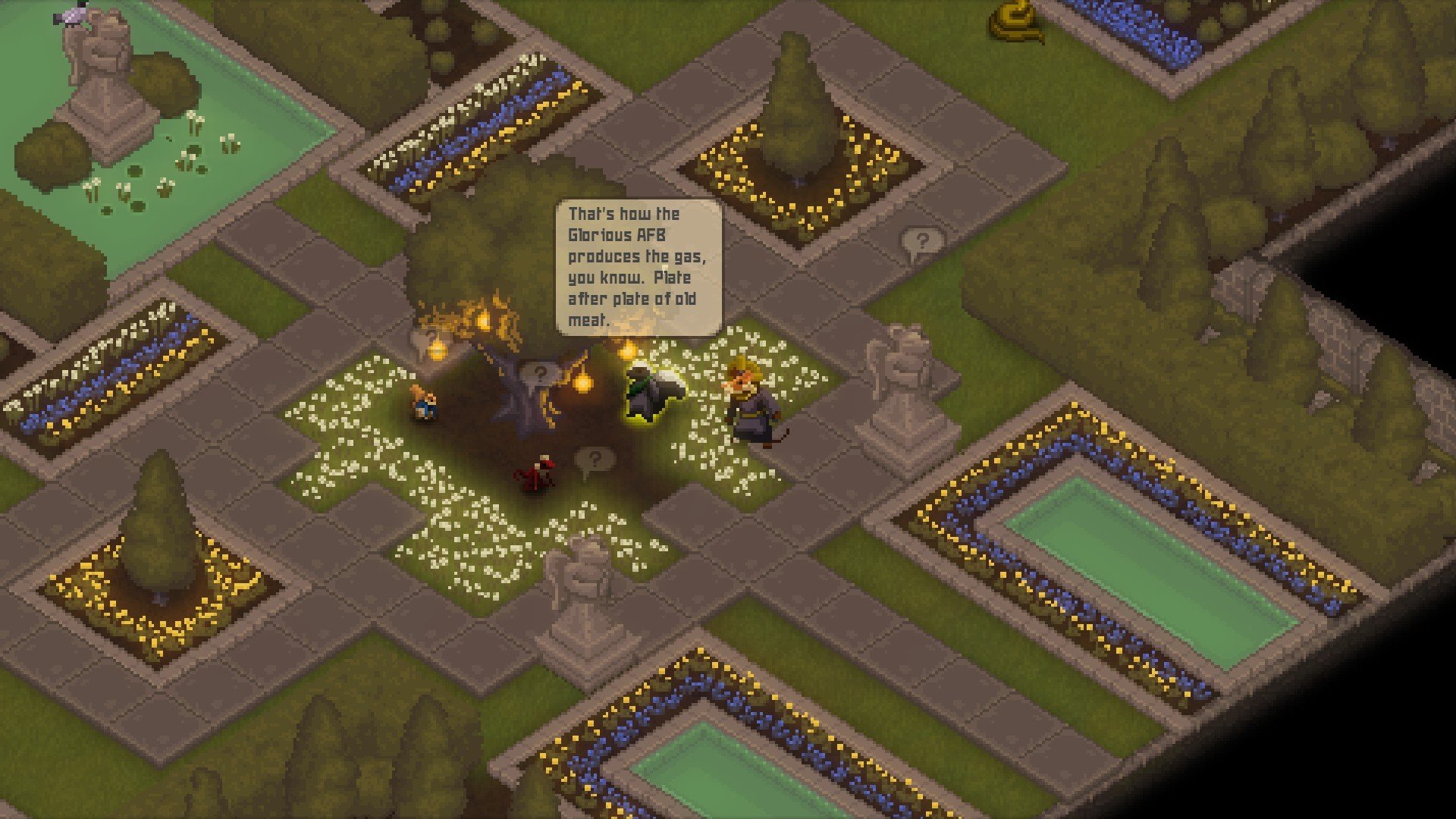
Tooth and Tail is a real-time strategy game that distills the genre down to its most essential elements while adding a strong sense of personality and atmosphere. Developed by Pocketwatch Games, the title trades complex menus and overwhelming unit management for quick decisions and intuitive controls. The result is a strategy experience that is fast, tense, and surprisingly deep despite its minimalist approach.
Set in a war-torn world populated by anthropomorphic animals, Tooth and Tail tells the story of a brutal civil conflict driven by hunger, ideology, and survival. Players command one of several factions, each representing a different response to famine and societal collapse. Although the characters appear cute at first glance, the narrative explores dark themes such as class struggle and moral compromise, creating a sharp contrast between appearance and subject matter.
Gameplay in Tooth and Tail is designed around accessibility without sacrificing strategy. Instead of controlling units individually, players use a single commander character who directs troops, constructs buildings, and gathers resources. This streamlined system removes the need for complex interfaces, allowing players to focus entirely on positioning, timing, and tactical decisions. Every choice matters, as matches are often short and mistakes can quickly lead to defeat.
Resource management is tightly woven into the experience. Food serves as the primary resource and is required to create units and structures. Deciding how to spend food—whether on immediate military strength or long-term production—adds a layer of strategic tension. The game encourages aggressive yet thoughtful play, pushing players to adapt quickly to changing conditions on the battlefield.
One of Tooth and Tail’s standout features is its emphasis on sound and atmosphere. The audio design plays a critical role in gameplay, as players rely on sound cues to detect enemy movements and attacks, especially in the game’s fog-of-war environments. The original soundtrack, featuring intense and emotional compositions, elevates the experience and reinforces the urgency of each encounter.
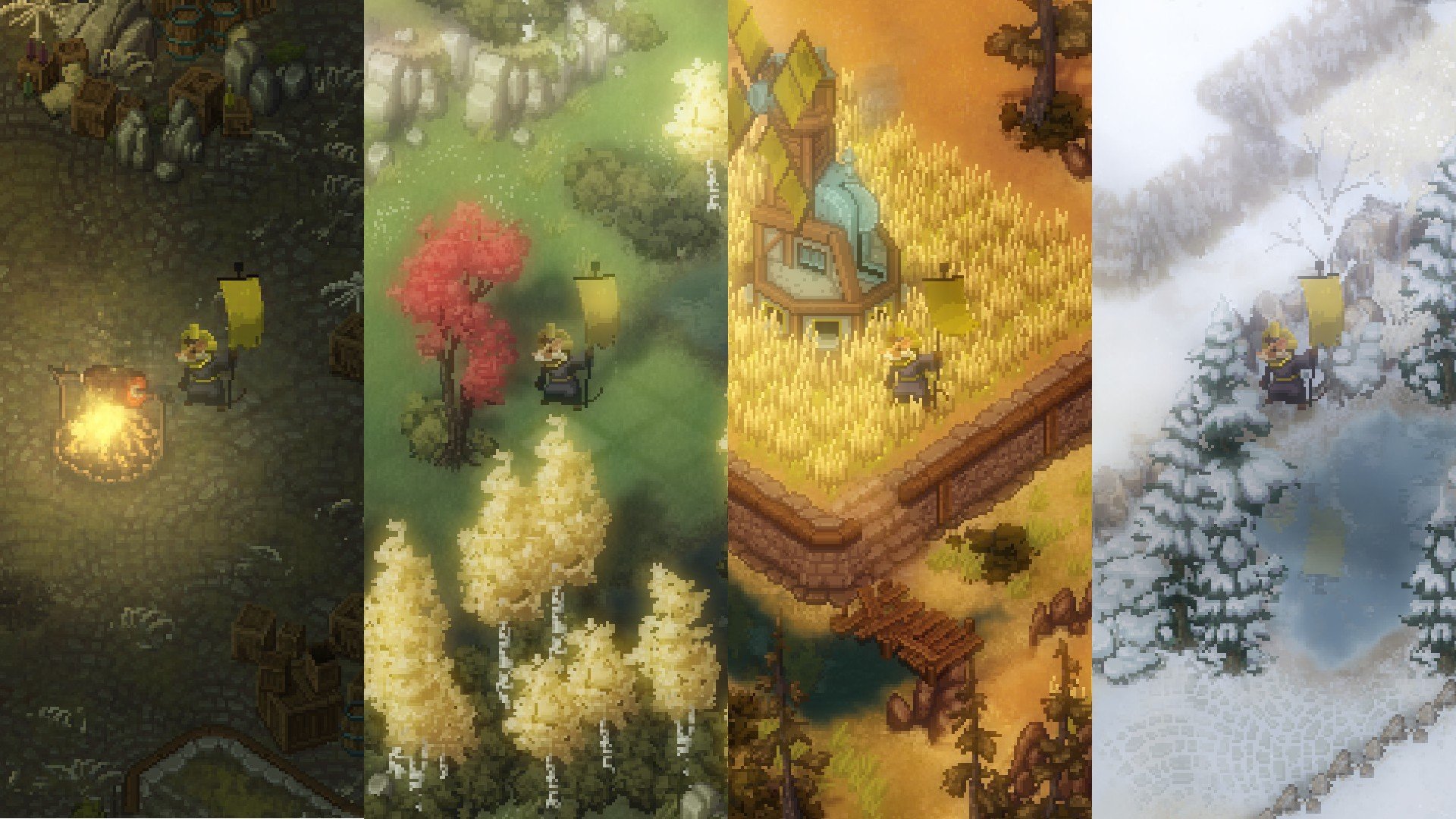
Visually, the game adopts a distinctive art style that combines simplicity with strong visual identity. Units and buildings are easy to recognize, ensuring clarity during fast-paced matches. The environments are varied yet cohesive, contributing to a world that feels alive and conflict-ridden. This clear visual language supports the game’s focus on quick decision-making and readability.
Tooth and Tail also shines in its multiplayer and skirmish modes, offering replayability and competitive depth. Matches are designed to be brief but meaningful, making the game well-suited for both casual play and intense competition. Its approachable controls lower the barrier to entry, while its strategic nuances reward mastery and experimentation.
In conclusion, Tooth and Tail is a bold reimagining of real-time strategy that proves complexity is not required for depth. By focusing on essential mechanics, strong atmosphere, and meaningful choices, it delivers a strategy experience that is both accessible and rewarding. For players seeking a fresh take on the genre that values clarity, tension, and personality, Tooth and Tail offers a sharp and memorable battlefield where every decision counts.
OS: OS X Mavericks 10.6Processor: Dual core from IntelRAM: 2 GBVideo card: 1.5gb video card required to play. nVidia 320M, Radeon HD 2400, Intel HD 3000 or betterDisk space: 2 GB
Run the downloaded package and follow the standard installation procedure.
The installation is completed by choosing a location to place the game.
It is recommended to specify the Applications folder.
Frequently Asked Questions
Mount the image and run Open Gatekeeper friendly.
Press Enter to bypass Gatekeeper in the Terminal window.
Drag the application to the Applications folder.
The application is ready for use.
ATTENTION! SIP must be disabled. Learn more >
Restart your Mac and hold down Command + R to enter Recovery Mode.
Open Terminal from the Utilities menu.
Enter the command: csrutil disable
Restart your Mac.
This is a common Gatekeeper issue. Follow these steps:
1. Open Terminal
2. Enter: sudo xattr -rd com.apple.quarantine /Applications/AppName.app
3. Replace "AppName" with the actual application name
4. Press Enter and enter your password
Yes, all our downloads are thoroughly checked for viruses and malware.
We use multiple antivirus engines to scan every file.
Our team tests each application before publishing.
We never bundle adware or unwanted software.
Yes, we regularly update our applications to the latest versions.
You can check our website for updates or subscribe to our newsletter.
We strive to provide the most recent versions within 24-48 hours of release.
If a download link is not working, please:
1. Try a different browser
2. Clear your browser cache and cookies
3. Try the alternative download links provided
4. Contact our support team if the issue persists