


Train Fever
Download Train Fever
Run the downloaded image and follow the standard installation procedure.
The installation is completed by choosing a location to place the game.
It is recommended to specify the Applications folder.
Previous Versions

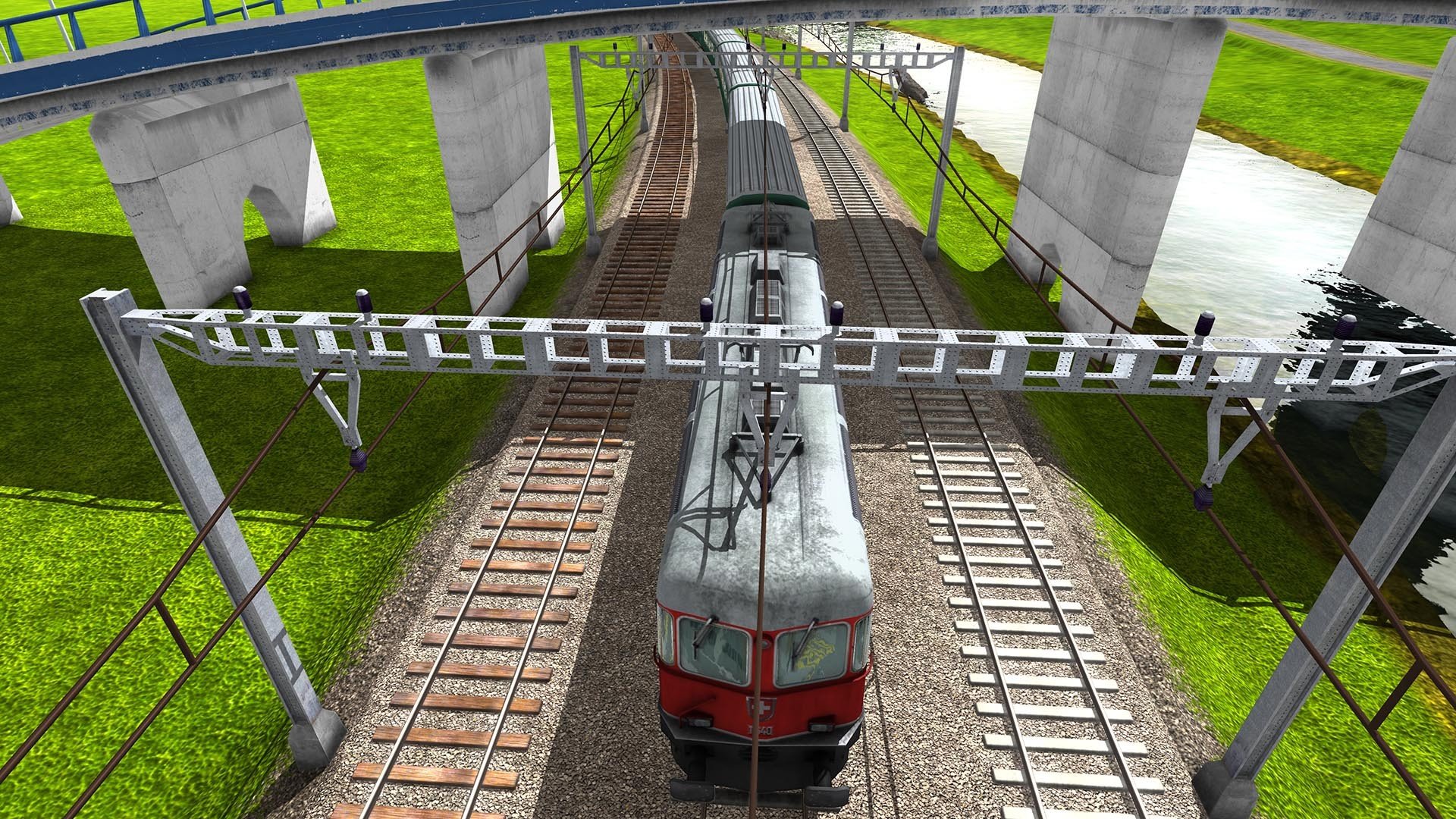
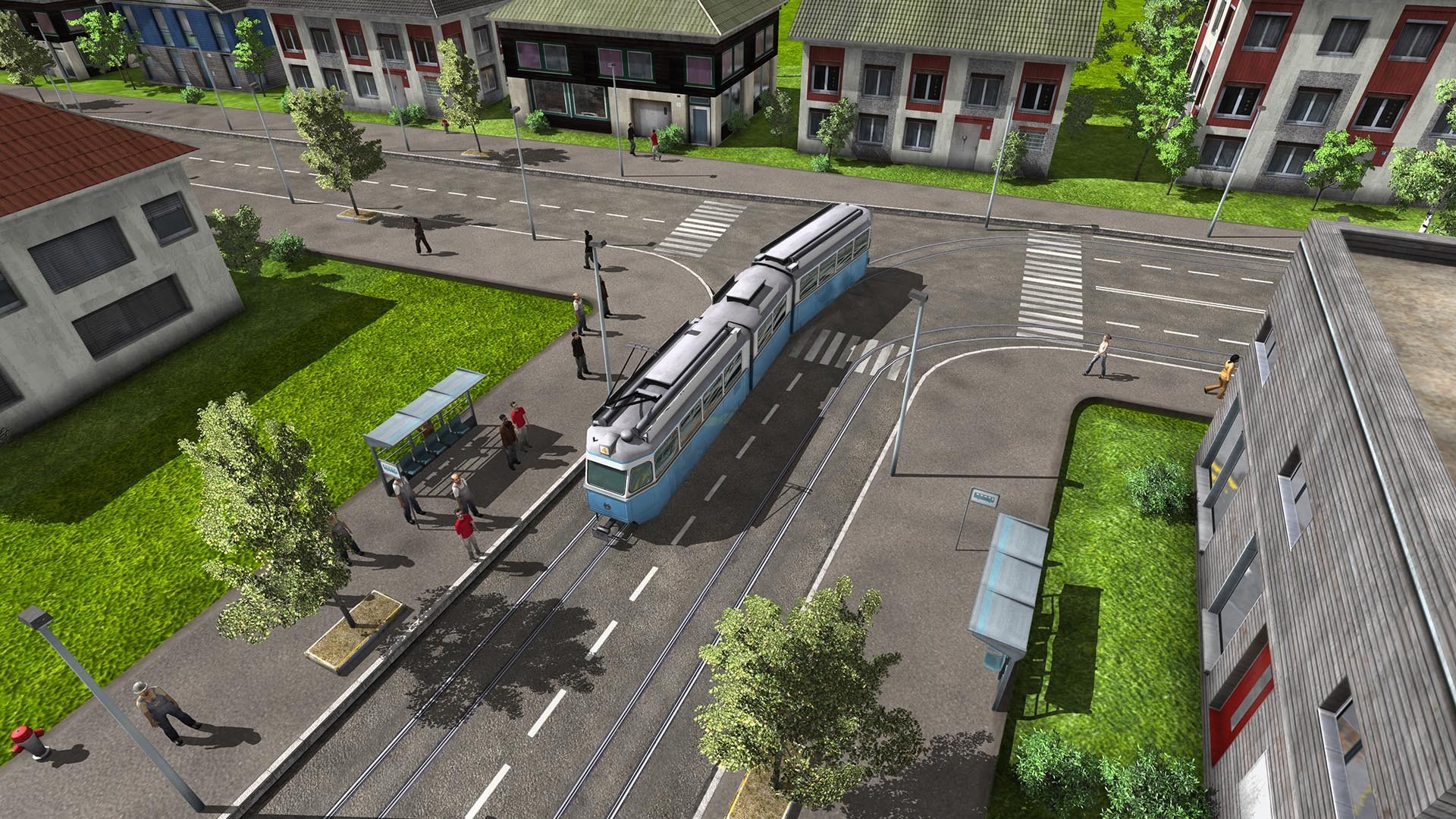
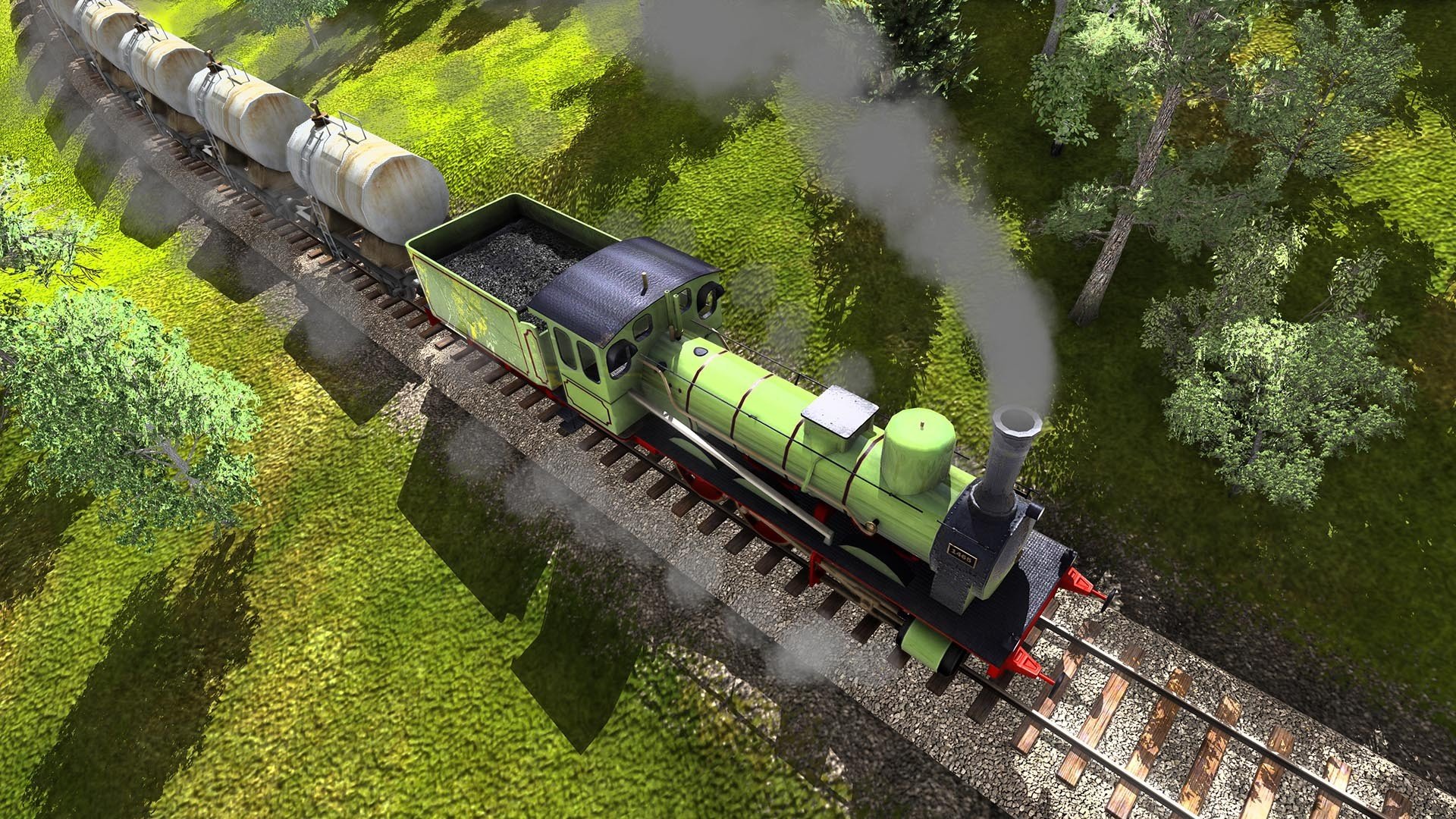
Train Fever is a transport management game that captures the quiet satisfaction of watching a world grow through careful planning. Rather than focusing on fast action or dramatic storytelling, the game rewards patience, foresight, and an appreciation for systems working in harmony. It places players in charge of developing transport networks that shape how cities evolve over time.
The experience begins in the mid-nineteenth century, when railways were still a bold experiment. Starting with limited resources, players must connect small towns and industries using basic locomotives and simple infrastructure. Every decision matters, from where tracks are laid to how frequently trains are scheduled. A poorly planned route can drain money quickly, while a smart connection can turn a sleepy village into a thriving city.
What makes Train Fever engaging is its emphasis on realism. Trains have weight, acceleration, and maintenance costs that must be considered. As time passes, technology advances, unlocking faster engines and more efficient wagons. This steady progression gives players a sense of historical development, as the world gradually shifts from steam-powered beginnings to modern transportation systems.
Cities in Train Fever feel alive and responsive. As goods and passengers flow efficiently, towns expand with new buildings and increased demand. If transport lines fail, growth slows or stops entirely. This cause-and-effect relationship encourages thoughtful expansion instead of reckless construction. Watching a city transform because of a well-designed network is one of the game’s most rewarding aspects.
The game’s interface is clean and practical, offering detailed information without overwhelming the player. Financial data, route performance, and demand levels are clearly presented, allowing players to fine-tune their strategies. While the learning curve may challenge newcomers, the game respects those willing to invest time in understanding its systems.
Visually, Train Fever balances simplicity with charm. Landscapes are pleasant to observe, and trains are modeled with enough detail to make each upgrade feel significant. There is a quiet joy in zooming in to watch locomotives travel through mountains, fields, and growing cities. The sound design supports this calm atmosphere, with subtle background noise that enhances immersion without becoming distracting.
Unlike many management games, Train Fever avoids artificial pressure. There are no sudden disasters or scripted events pushing the player forward. Progress unfolds naturally, shaped entirely by the player’s decisions. This open-ended structure allows for experimentation and creativity, whether focusing on profitable routes or building an efficient, realistic transport empire.
In the end, Train Fever is a thoughtful and rewarding management experience. It celebrates infrastructure, planning, and long-term thinking in a way that feels grounded and satisfying. For players who enjoy watching systems evolve and cities flourish through careful design, Train Fever offers a journey worth taking, one track at a time.
OS: Mac OS X 10.7.5+RAM: 2 GB Disk space: 2 GB
Run the downloaded image and follow the standard installation procedure.
The installation is completed by choosing a location to place the game.
It is recommended to specify the Applications folder.
Frequently Asked Questions
Mount the image and run Open Gatekeeper friendly.
Press Enter to bypass Gatekeeper in the Terminal window.
Drag the application to the Applications folder.
The application is ready for use.
ATTENTION! SIP must be disabled. Learn more >
Restart your Mac and hold down Command + R to enter Recovery Mode.
Open Terminal from the Utilities menu.
Enter the command: csrutil disable
Restart your Mac.
This is a common Gatekeeper issue. Follow these steps:
1. Open Terminal
2. Enter: sudo xattr -rd com.apple.quarantine /Applications/AppName.app
3. Replace "AppName" with the actual application name
4. Press Enter and enter your password
Yes, all our downloads are thoroughly checked for viruses and malware.
We use multiple antivirus engines to scan every file.
Our team tests each application before publishing.
We never bundle adware or unwanted software.
Yes, we regularly update our applications to the latest versions.
You can check our website for updates or subscribe to our newsletter.
We strive to provide the most recent versions within 24-48 hours of release.
If a download link is not working, please:
1. Try a different browser
2. Clear your browser cache and cookies
3. Try the alternative download links provided
4. Contact our support team if the issue persists