


TRANSFORMERS: Tactical Arena
Download TRANSFORMERS: Tactical Arena
Run the downloaded image and drag the application to the Applications folder shortcut.
Once the copy is complete, you can launch the application from Launchpad.
Previous Versions
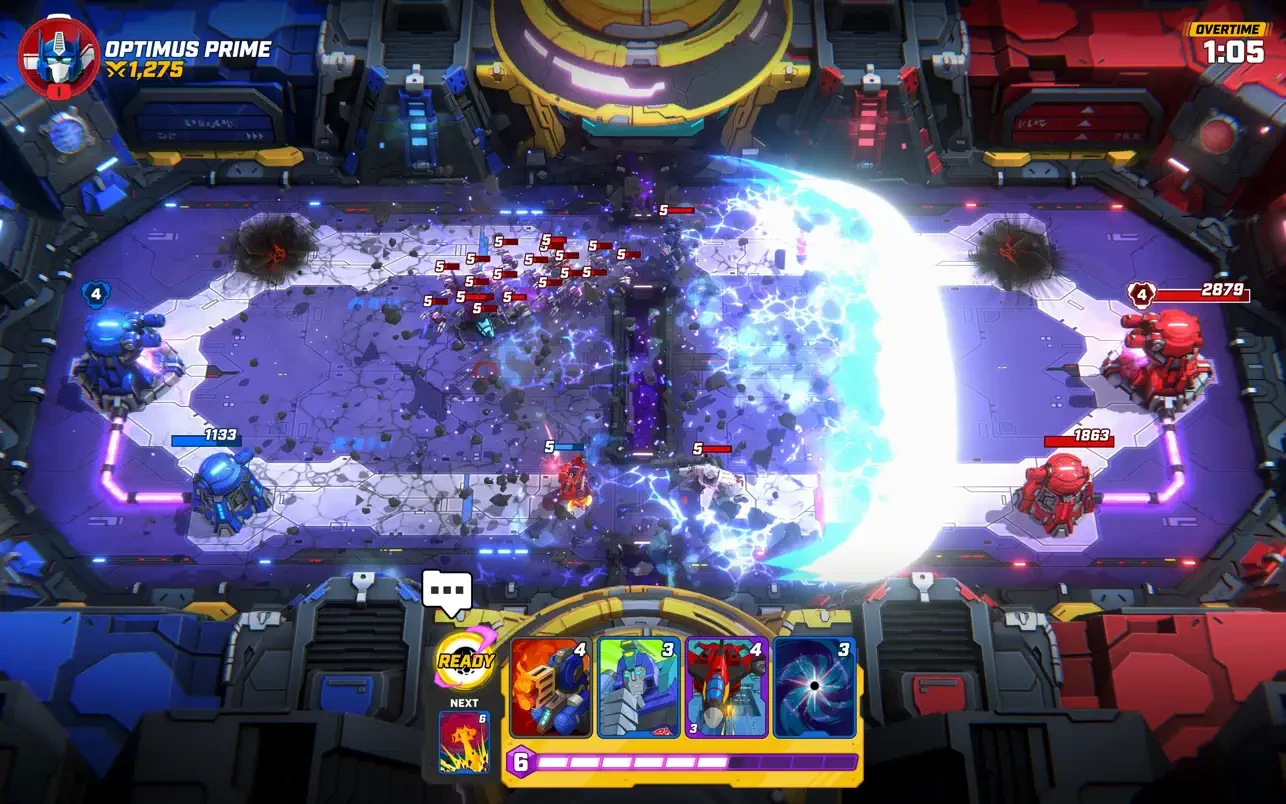
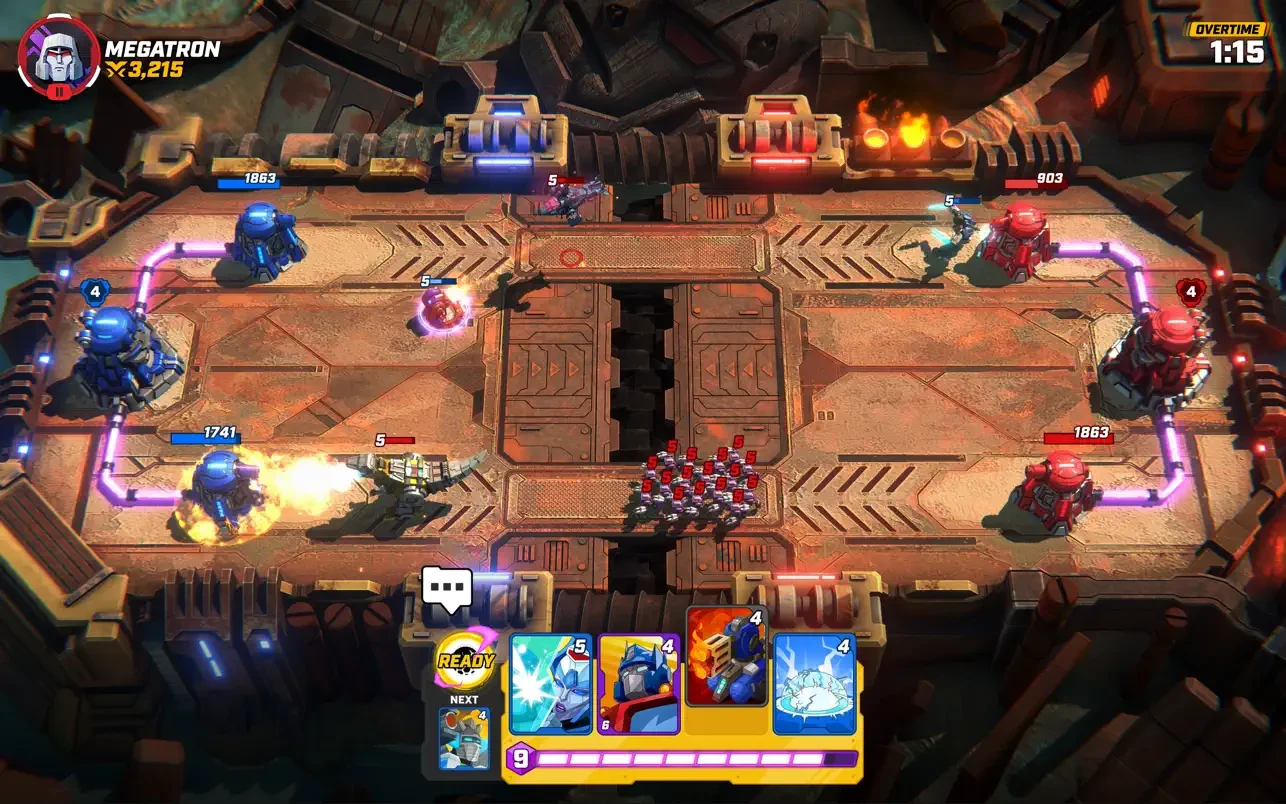
TRANSFORMERS: Tactical Arena is a thrilling turn-based strategy game that brings the iconic battle between Autobots and Decepticons into a tactical, action-packed arena. Developed by Outright Games, the title allows players to command their favorite Transformers in intense, grid-based combat, combining strategy, timing, and team coordination in a way that appeals to both longtime fans and newcomers to the franchise.
Set in a futuristic world where the eternal struggle between Autobots and Decepticons continues, TRANSFORMERS: Tactical Arena puts players in control of teams of heroic or villainous robots. Each Transformer comes with unique abilities, attack patterns, and movement strategies, making team composition and positioning vital for victory. The game’s turn-based mechanics require players to think several steps ahead, planning moves and anticipating enemy actions, creating a deep and engaging tactical experience that rewards careful strategy over brute force.
One of the standout features of Tactical Arena is its faithful adaptation of the Transformers universe. Characters are instantly recognizable, with detailed designs that pay homage to the original cartoons and movies while incorporating modern graphics and animations. Transformations from robot to vehicle form are seamlessly integrated into gameplay, allowing players to exploit mobility, dodge attacks, or gain strategic advantages on the battlefield. This mechanic adds an extra layer of strategy, as choosing the right moment to transform can turn the tide of battle.
The game’s arenas are designed to challenge both tactical thinking and resource management. Players must navigate obstacles, control high-ground positions, and make the most of special abilities to gain an edge over opponents. Each map offers unique hazards and interactive elements, ensuring that no two battles play out in exactly the same way. Coupled with the diverse abilities of each Transformer, this variety keeps the gameplay dynamic, requiring adaptability and careful planning for every encounter.
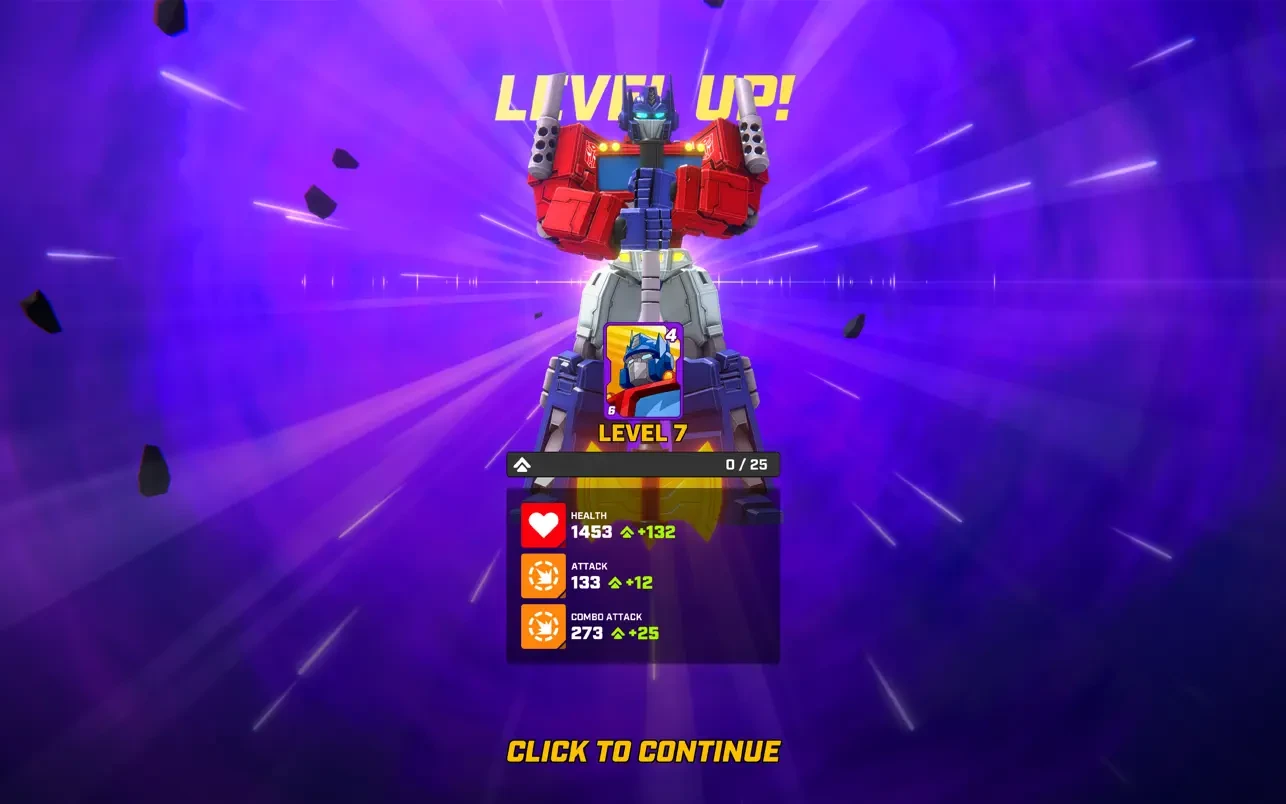
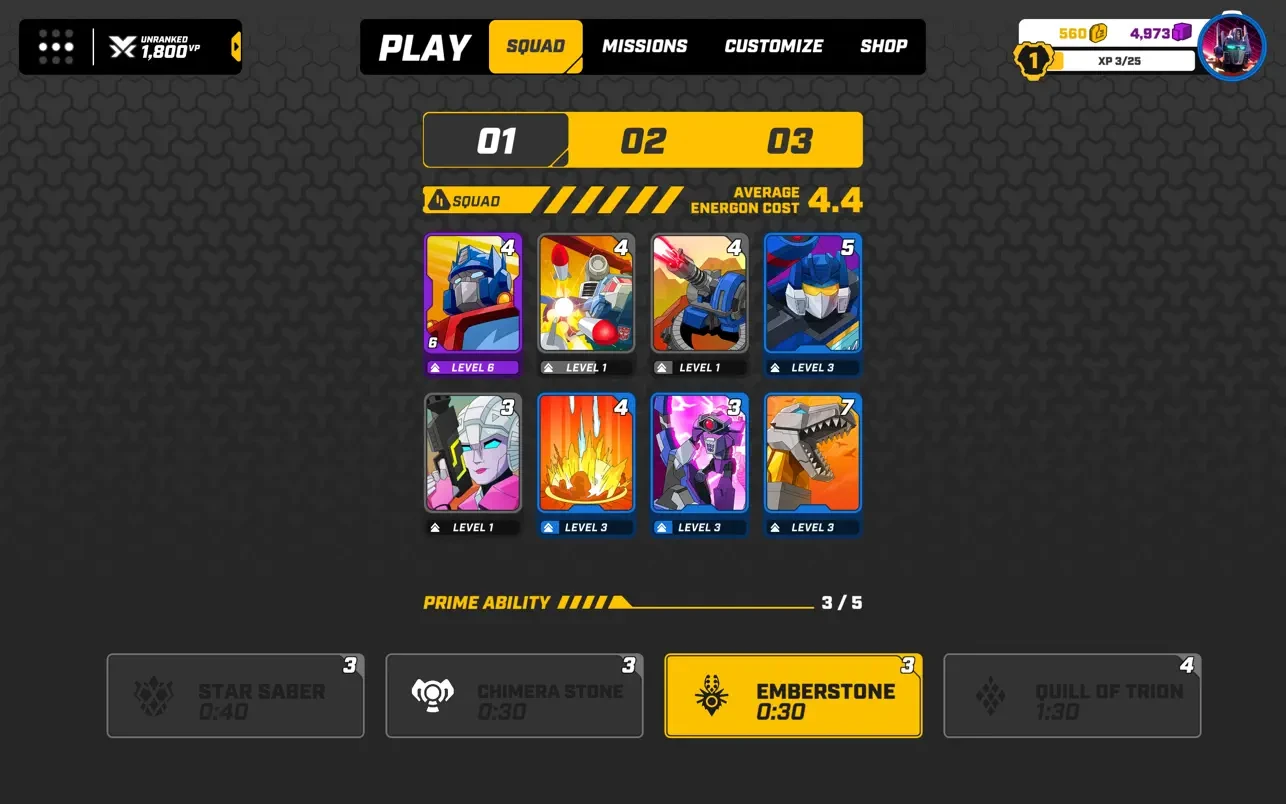
TRANSFORMERS: Tactical Arena also emphasizes progression and team customization. Players can unlock new Transformers, upgrade their abilities, and enhance their arsenal as they advance through campaigns or multiplayer matches. This system encourages experimentation with different team compositions and strategies, allowing for a personalized experience that keeps the game fresh over multiple playthroughs. The combination of leveling, ability upgrades, and tactical choice ensures long-term engagement and replayability.
The visual and audio design further enhances the experience. Vibrant, detailed arenas and character models bring the Transformers universe to life, while the sound design—including mechanical transformation noises, weapon effects, and voice lines from familiar characters—adds authenticity and excitement. The overall presentation immerses players in high-stakes battles, making each skirmish feel impactful and cinematic.
In conclusion, TRANSFORMERS: Tactical Arena is a masterful blend of strategy, action, and franchise nostalgia. Its combination of tactical depth, faithful character adaptation, and engaging gameplay mechanics makes it a standout title for strategy enthusiasts and Transformers fans alike. By offering a rich tactical experience, dynamic arenas, and a focus on thoughtful team management, the game delivers a compelling journey through the ongoing conflict between Autobots and Decepticons. Every battle is a test of skill, strategy, and timing, capturing the excitement and intensity of the Transformers universe in a strategic arena format.
Requires macOS 11.0.0 or later.
Run the downloaded image and drag the application to the Applications folder shortcut.
Once the copy is complete, you can launch the application from Launchpad.
Frequently Asked Questions
Mount the image and run Open Gatekeeper friendly.
Press Enter to bypass Gatekeeper in the Terminal window.
Drag the application to the Applications folder.
The application is ready for use.
ATTENTION! SIP must be disabled. Learn more >
Restart your Mac and hold down Command + R to enter Recovery Mode.
Open Terminal from the Utilities menu.
Enter the command: csrutil disable
Restart your Mac.
This is a common Gatekeeper issue. Follow these steps:
1. Open Terminal
2. Enter: sudo xattr -rd com.apple.quarantine /Applications/AppName.app
3. Replace "AppName" with the actual application name
4. Press Enter and enter your password
Yes, all our downloads are thoroughly checked for viruses and malware.
We use multiple antivirus engines to scan every file.
Our team tests each application before publishing.
We never bundle adware or unwanted software.
Yes, we regularly update our applications to the latest versions.
You can check our website for updates or subscribe to our newsletter.
We strive to provide the most recent versions within 24-48 hours of release.
If a download link is not working, please:
1. Try a different browser
2. Clear your browser cache and cookies
3. Try the alternative download links provided
4. Contact our support team if the issue persists