


Transistor
Download Transistor
Run the downloaded image and drag the application to the Applications folder shortcut.
Once copying is complete, the application can be launched via Launchpad.
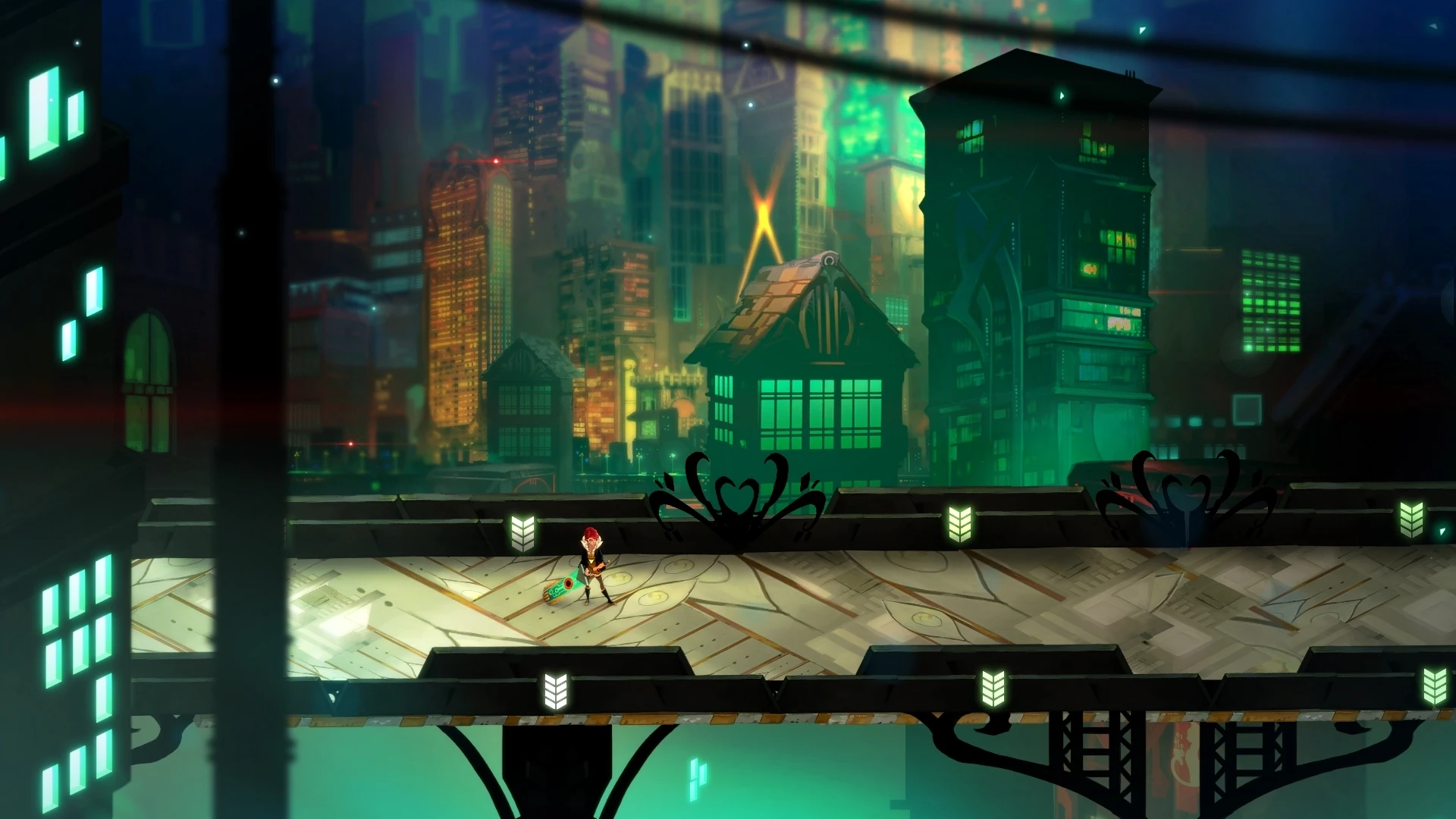
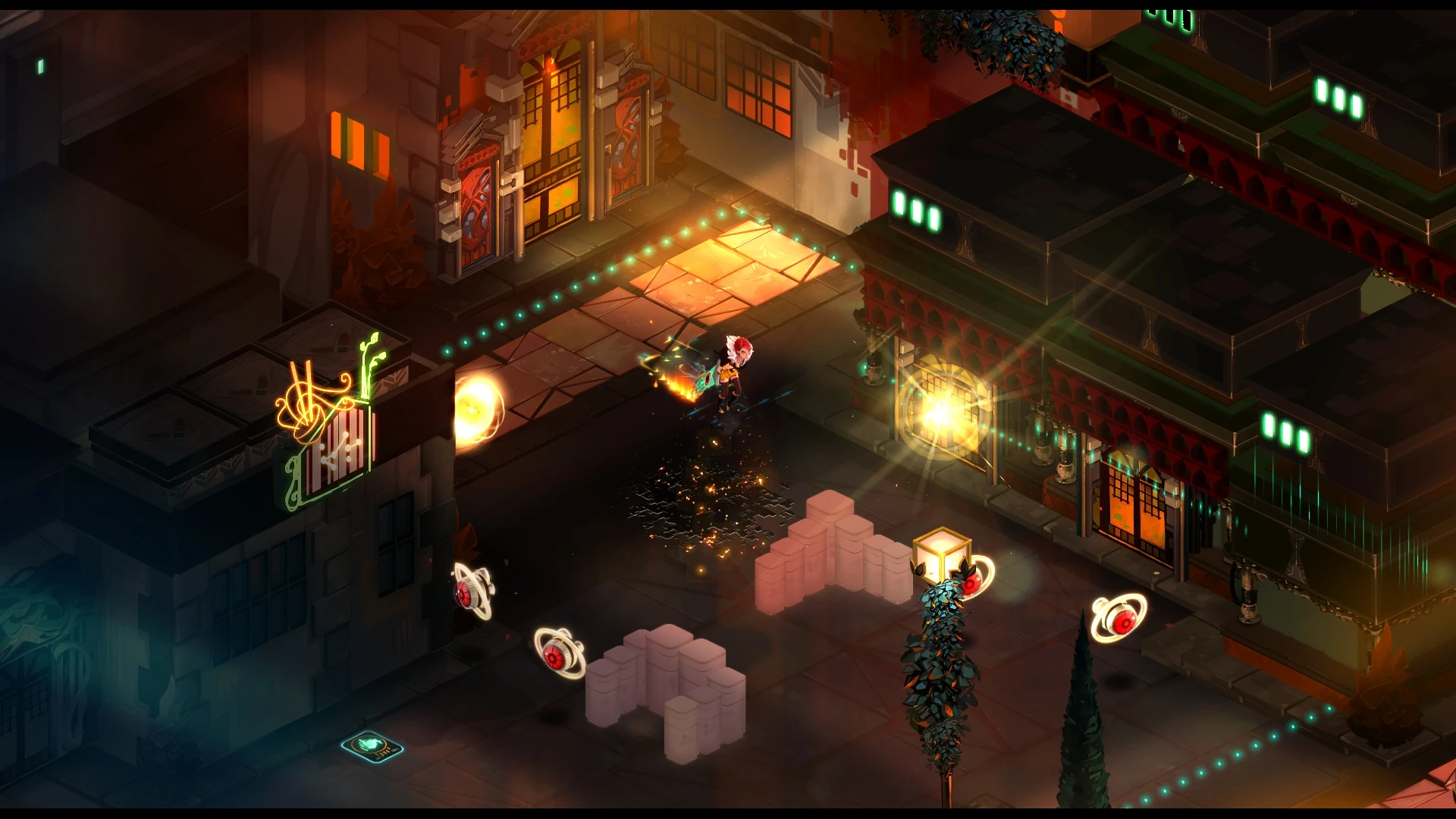
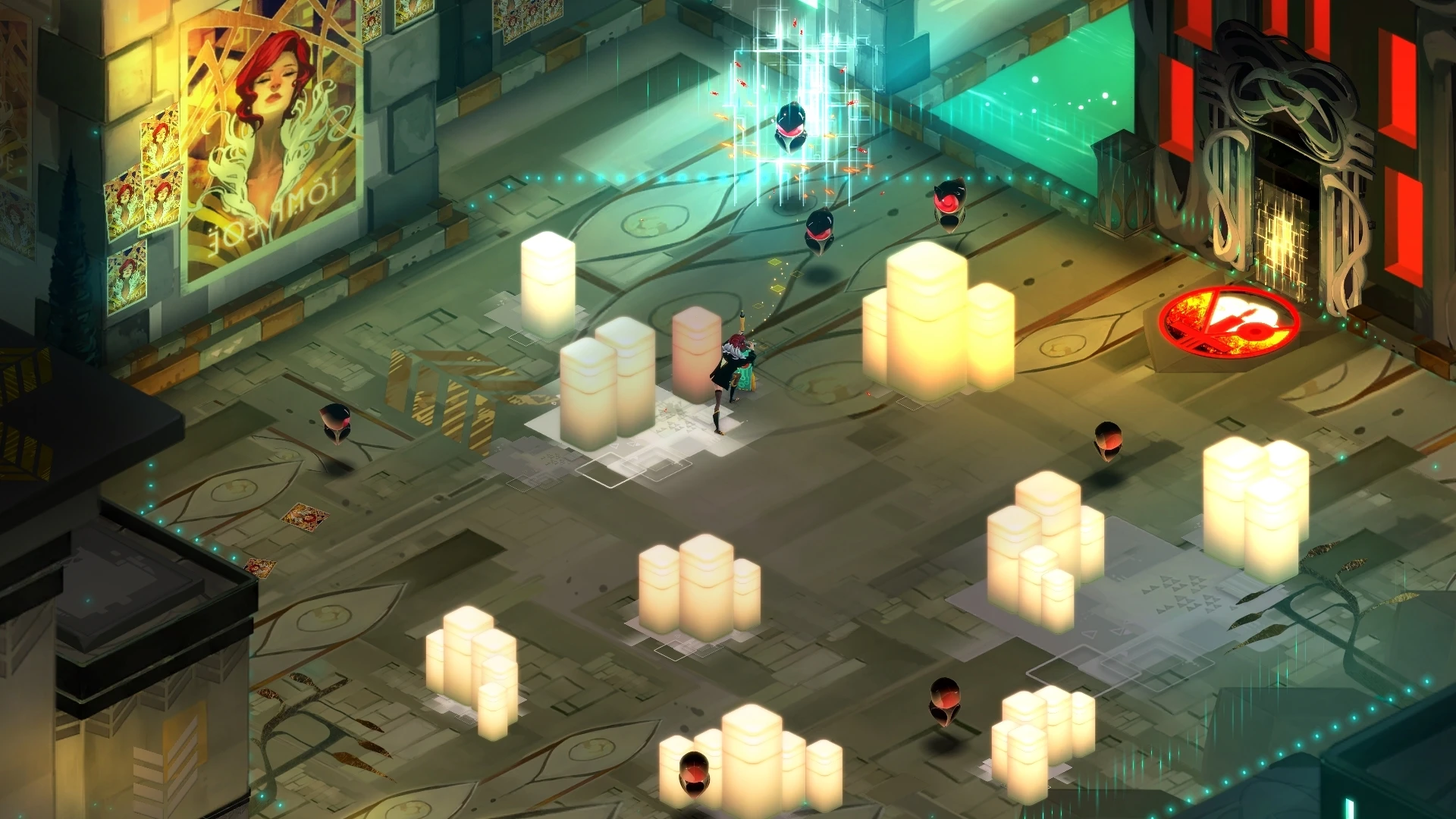
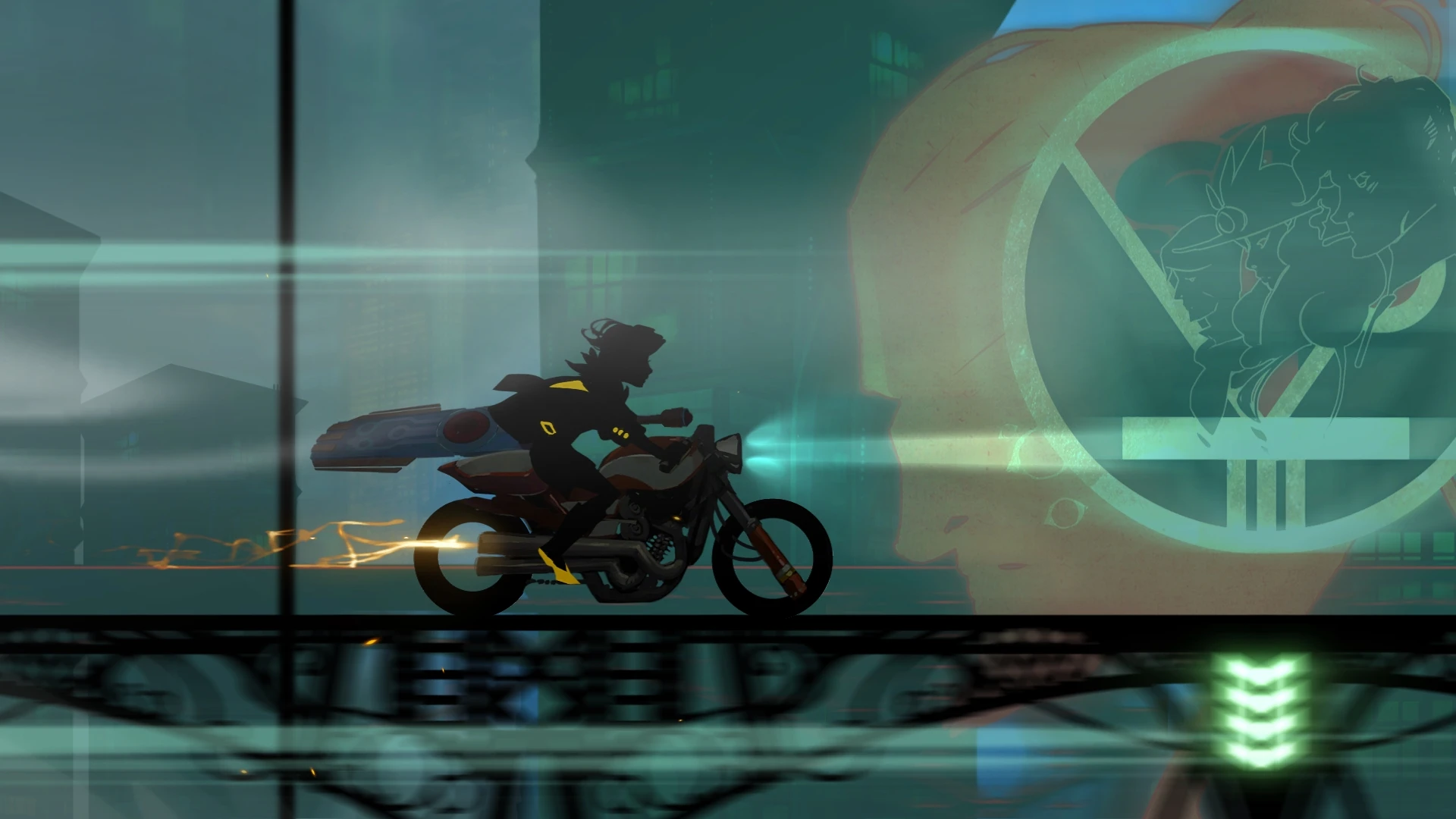
In the world of action role-playing games, few titles manage to combine narrative depth, visual artistry, and gameplay innovation as seamlessly as Transistor. Developed by Supergiant Games, the creators of Bastion, this game offers players an experience that is both emotionally resonant and mechanically engaging. It is a journey that blends strategy, exploration, and storytelling into a cohesive, unforgettable package.
At its core, Transistor tells the story of Red, a renowned singer in the futuristic city of Cloudbank, who becomes entangled with a mysterious weapon called the Transistor. After a catastrophic attack by a shadowy organization known as the Process, Red must navigate the city to uncover the truth and reclaim her voice. What sets Transistor apart is its intimate narrative, told not only through dialogue and cutscenes but also through the hauntingly beautiful environment. The city of Cloudbank feels alive, with neon-lit streets, reflective surfaces, and an ambiance that conveys both wonder and melancholy.
The gameplay in Transistor is a carefully crafted blend of real-time action and strategic planning. Players can engage enemies in direct combat or pause the action using the game’s “Turn()” system to plan complex maneuvers. This mechanic allows for thoughtful decision-making, letting players chain attacks, reposition characters, and exploit enemy weaknesses. The combination of fluid real-time combat and tactical pause creates a unique rhythm, rewarding both quick reflexes and careful strategy.
Character progression in Transistor is tied to the abilities embedded within the Transistor itself. Players collect “Functions,” which can be equipped, upgraded, and combined in various ways, allowing for highly customizable combat styles. This system encourages experimentation, as different combinations can drastically change how Red interacts with enemies and the environment. The game’s design ensures that every encounter feels fresh, challenging, and deeply satisfying.
Visually, Transistor is a triumph. The cityscapes of Cloudbank are rendered in stunning detail, with vibrant colors, intricate architecture, and dynamic lighting that highlight the game’s futuristic aesthetic. Every scene feels like a living painting, complementing the narrative and gameplay seamlessly. The artistic direction, combined with an evocative soundtrack composed by Darren Korb, immerses players in a world that is simultaneously beautiful and haunting. Music in Transistor is not just atmospheric; it responds to gameplay, enhancing tension and emphasizing narrative beats, creating an emotional resonance rare in video games.
The game also explores profound themes such as identity, memory, and legacy. Red’s journey is as much about self-discovery and reclaiming agency as it is about survival and combat. The story unfolds in fragments, inviting players to piece together the narrative, reflect on the characters’ struggles, and engage with the philosophical undertones woven throughout the experience.
In conclusion, Transistor is more than an action RPG; it is a work of art. Its elegant combination of strategic gameplay, immersive storytelling, and breathtaking visual and auditory design sets a high standard for interactive experiences. For players seeking a game that challenges the mind, engages the senses, and touches the heart, Transistor delivers a mesmerizing journey through a world that lingers long after the final note fades.
OS: 10.7.5Processor: Dual Core CPU - 2.6 GHzRAM: 4 GB RAMVideo card: OpenGL 3.0+ (2.1 with ARB extensions acceptable)Disk space: 3 GB
Run the downloaded image and drag the application to the Applications folder shortcut.
Once copying is complete, the application can be launched via Launchpad.
Frequently Asked Questions
Mount the image and run Open Gatekeeper friendly.
Press Enter to bypass Gatekeeper in the Terminal window.
Drag the application to the Applications folder.
The application is ready for use.
ATTENTION! SIP must be disabled. Learn more >
Restart your Mac and hold down Command + R to enter Recovery Mode.
Open Terminal from the Utilities menu.
Enter the command: csrutil disable
Restart your Mac.
This is a common Gatekeeper issue. Follow these steps:
1. Open Terminal
2. Enter: sudo xattr -rd com.apple.quarantine /Applications/AppName.app
3. Replace "AppName" with the actual application name
4. Press Enter and enter your password
Yes, all our downloads are thoroughly checked for viruses and malware.
We use multiple antivirus engines to scan every file.
Our team tests each application before publishing.
We never bundle adware or unwanted software.
Yes, we regularly update our applications to the latest versions.
You can check our website for updates or subscribe to our newsletter.
We strive to provide the most recent versions within 24-48 hours of release.
If a download link is not working, please:
1. Try a different browser
2. Clear your browser cache and cookies
3. Try the alternative download links provided
4. Contact our support team if the issue persists