


TRI: Of Friendship and Madness
Download TRI: Of Friendship and Madness
Run the downloaded package and follow the standard installation procedure.
The installation is completed by choosing a location to place the game.
It is recommended to specify the Applications folder.
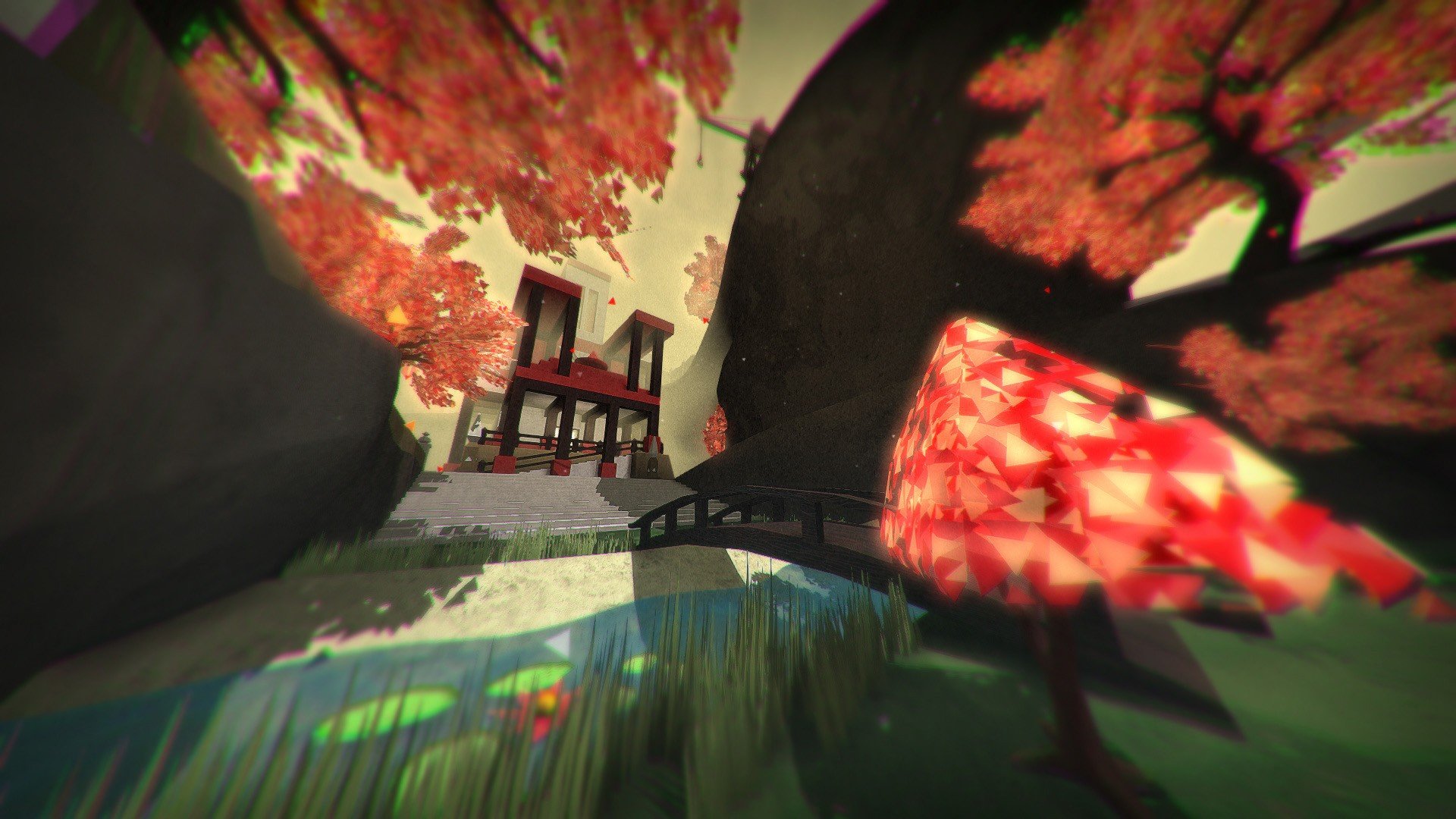
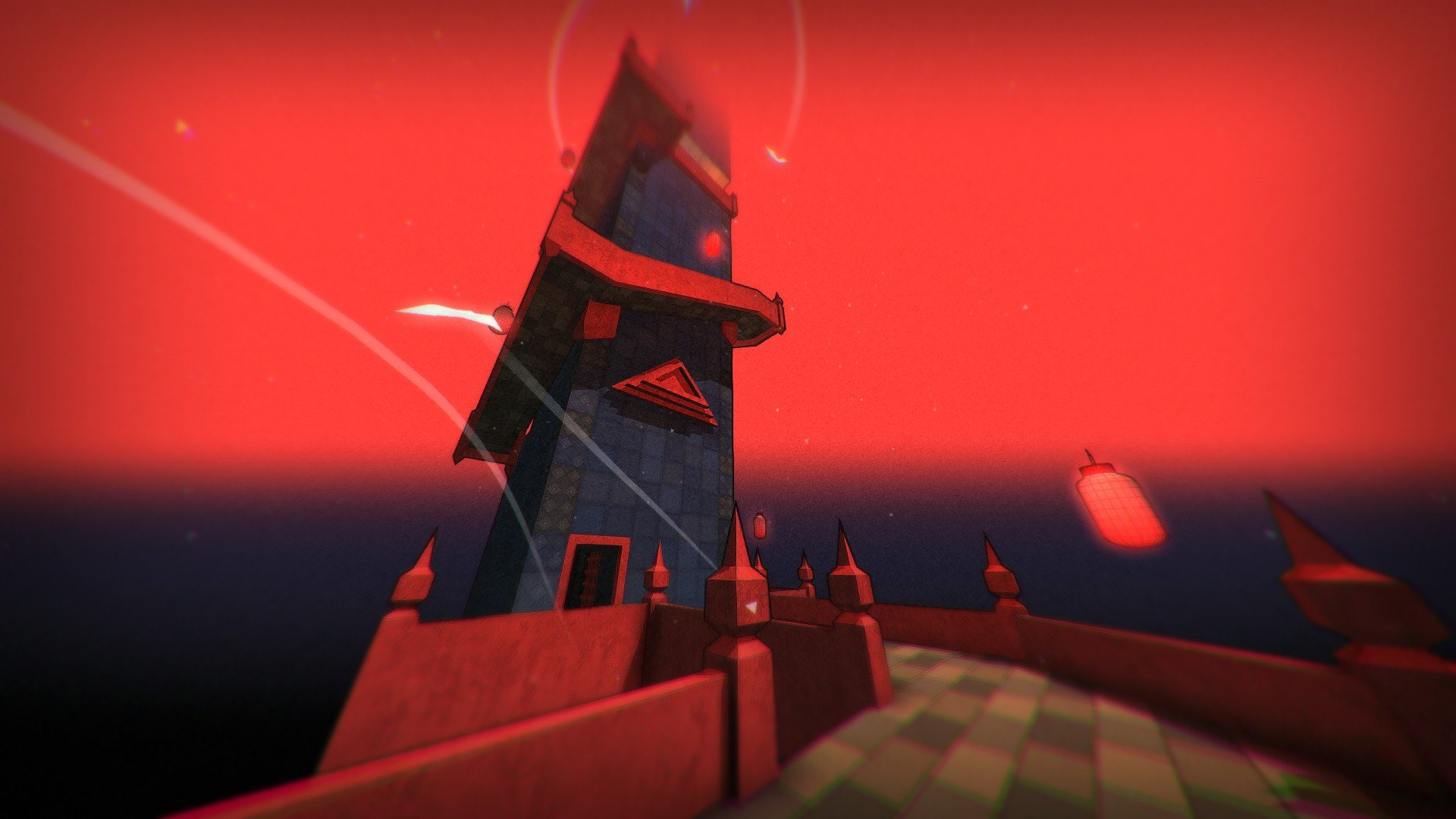
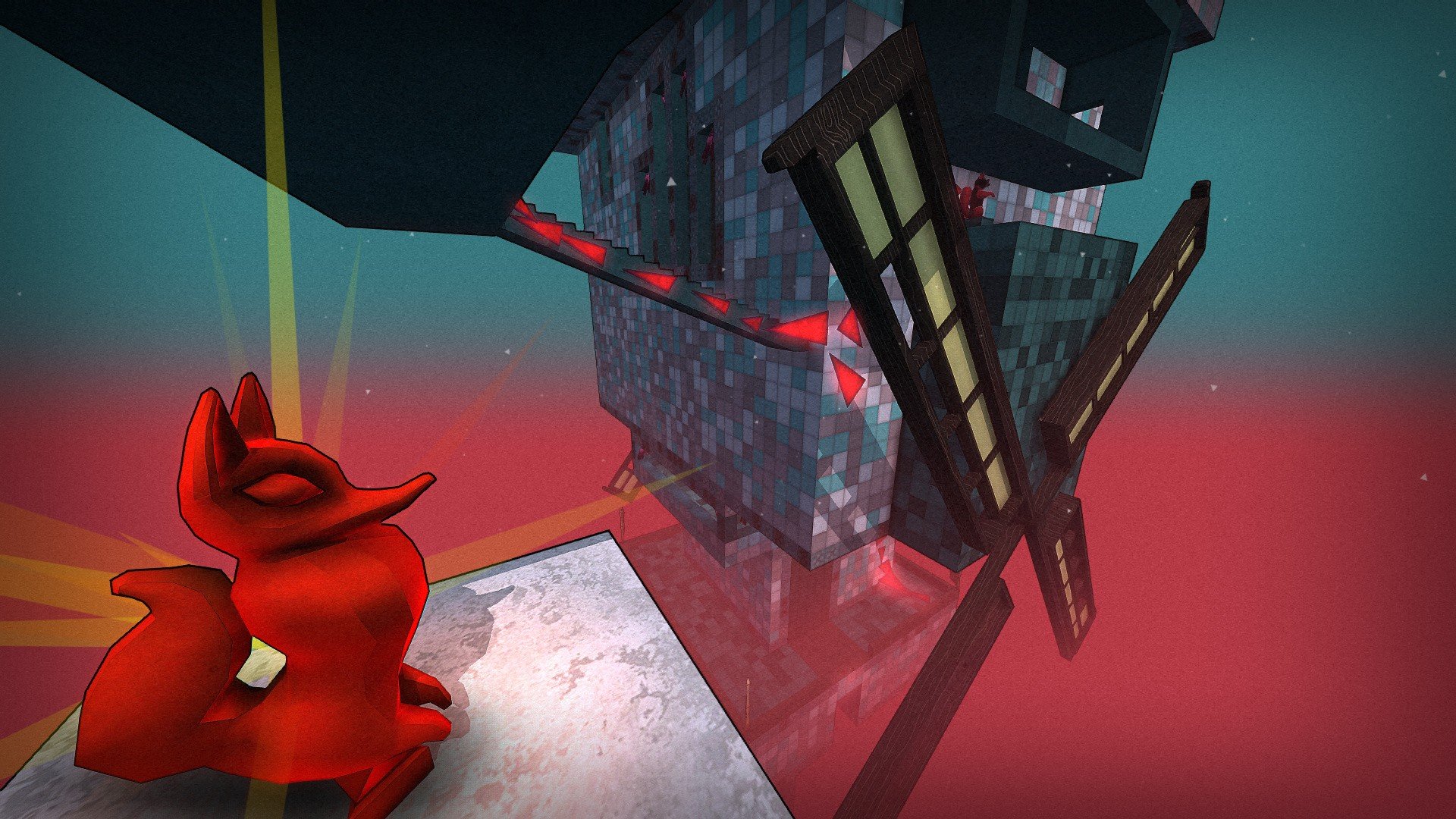
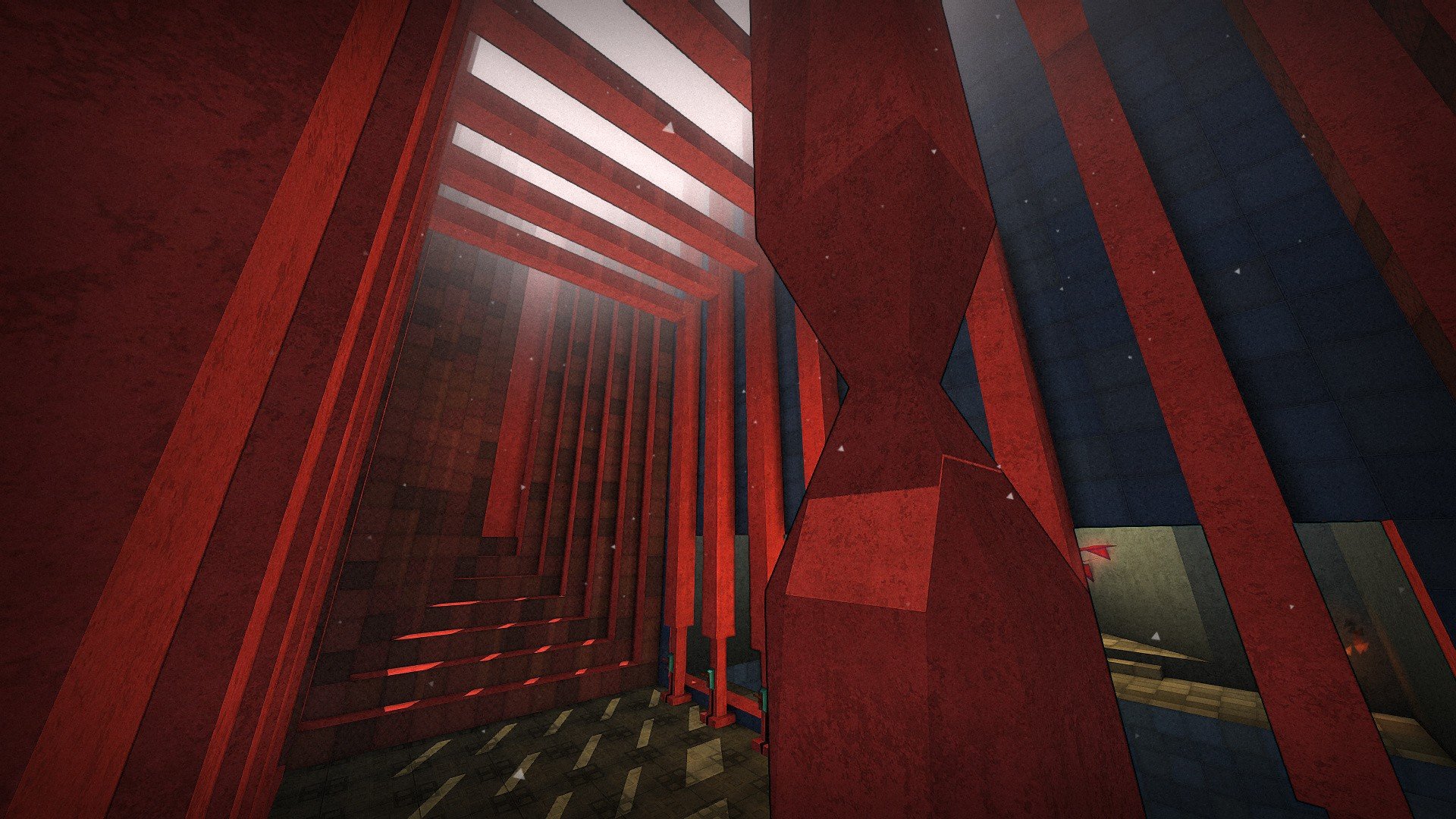
TRI: Of Friendship and Madness is a puzzle game that challenges not only a player’s logic but also their perception of space and reality. Instead of relying on fast reflexes or complex controls, the game focuses on careful thinking, experimentation, and patience. Its minimalist approach hides a surprisingly intense experience where every solution feels earned.
The player enters the world of TRI as a solitary explorer trapped in a strange, dreamlike tower. This place does not behave like a normal structure. Gravity can be altered, walls become walkable paths, and ceilings can suddenly feel like solid ground. Using a mysterious triangular artifact, the player manipulates gravity to navigate rooms that seem impossible at first glance. Each puzzle asks the player to rethink basic assumptions about up and down.
What makes TRI stand out is how it refuses to rush the player. There are no enemies chasing you, no timers forcing quick decisions. Instead, the tension comes from uncertainty. One wrong move can send the player falling into darkness, requiring them to carefully retrace their steps. This slow pace encourages observation and rewards creative problem-solving rather than trial-and-error brute force.
Visually, the game adopts a clean and abstract art style. Environments are constructed from simple shapes and muted colors, which helps players focus on puzzle design rather than visual clutter. Despite its simplicity, the world feels mysterious and heavy with meaning. Light and shadow are used effectively to create atmosphere, making the tower feel both empty and alive at the same time.
Sound design plays an important role in building mood. The music is subtle and ambient, often fading into near silence. This quiet approach enhances the feeling of isolation and reflection. When sounds do appear, they carry weight, reminding the player that every movement matters. The audio design supports the game’s meditative tone rather than distracting from it.
The story in TRI: Of Friendship and Madness is deliberately vague. Instead of direct narration, it unfolds through symbols, environmental cues, and cryptic messages. Themes of companionship, loss, and obsession slowly surface as the player progresses. The title itself hints at emotional depth, suggesting that friendship can be both grounding and destructive. Players are encouraged to interpret the meaning in their own way, making the experience personal.
Difficulty increases gradually, introducing new mechanics at a steady pace. The puzzles never feel unfair, but they do demand attention and persistence. Moments of frustration are often followed by genuine satisfaction once a solution clicks. This balance keeps players engaged without overwhelming them.
In the end, TRI: Of Friendship and Madness is not just a puzzle game; it is a thoughtful exploration of space, patience, and perception. It invites players to slow down, question reality, and find meaning in silence. For those who enjoy cerebral challenges and atmospheric worlds, TRI offers a memorable and quietly powerful journey.
OS: Mac OS X 10.6 (64-bit)Processor: i3, 2.5GhZRAM: 2 GBVideo card: Card with Shader Model 3Disk space: 440 MB
Run the downloaded package and follow the standard installation procedure.
The installation is completed by choosing a location to place the game.
It is recommended to specify the Applications folder.
Frequently Asked Questions
Mount the image and run Open Gatekeeper friendly.
Press Enter to bypass Gatekeeper in the Terminal window.
Drag the application to the Applications folder.
The application is ready for use.
ATTENTION! SIP must be disabled. Learn more >
Restart your Mac and hold down Command + R to enter Recovery Mode.
Open Terminal from the Utilities menu.
Enter the command: csrutil disable
Restart your Mac.
This is a common Gatekeeper issue. Follow these steps:
1. Open Terminal
2. Enter: sudo xattr -rd com.apple.quarantine /Applications/AppName.app
3. Replace "AppName" with the actual application name
4. Press Enter and enter your password
Yes, all our downloads are thoroughly checked for viruses and malware.
We use multiple antivirus engines to scan every file.
Our team tests each application before publishing.
We never bundle adware or unwanted software.
Yes, we regularly update our applications to the latest versions.
You can check our website for updates or subscribe to our newsletter.
We strive to provide the most recent versions within 24-48 hours of release.
If a download link is not working, please:
1. Try a different browser
2. Clear your browser cache and cookies
3. Try the alternative download links provided
4. Contact our support team if the issue persists