


Two Point Museum
Download Two Point Museum
Run the downloaded image and drag the application to the Applications folder shortcut.
Once copying is complete, the application can be launched via Launchpad.
Previous Versions

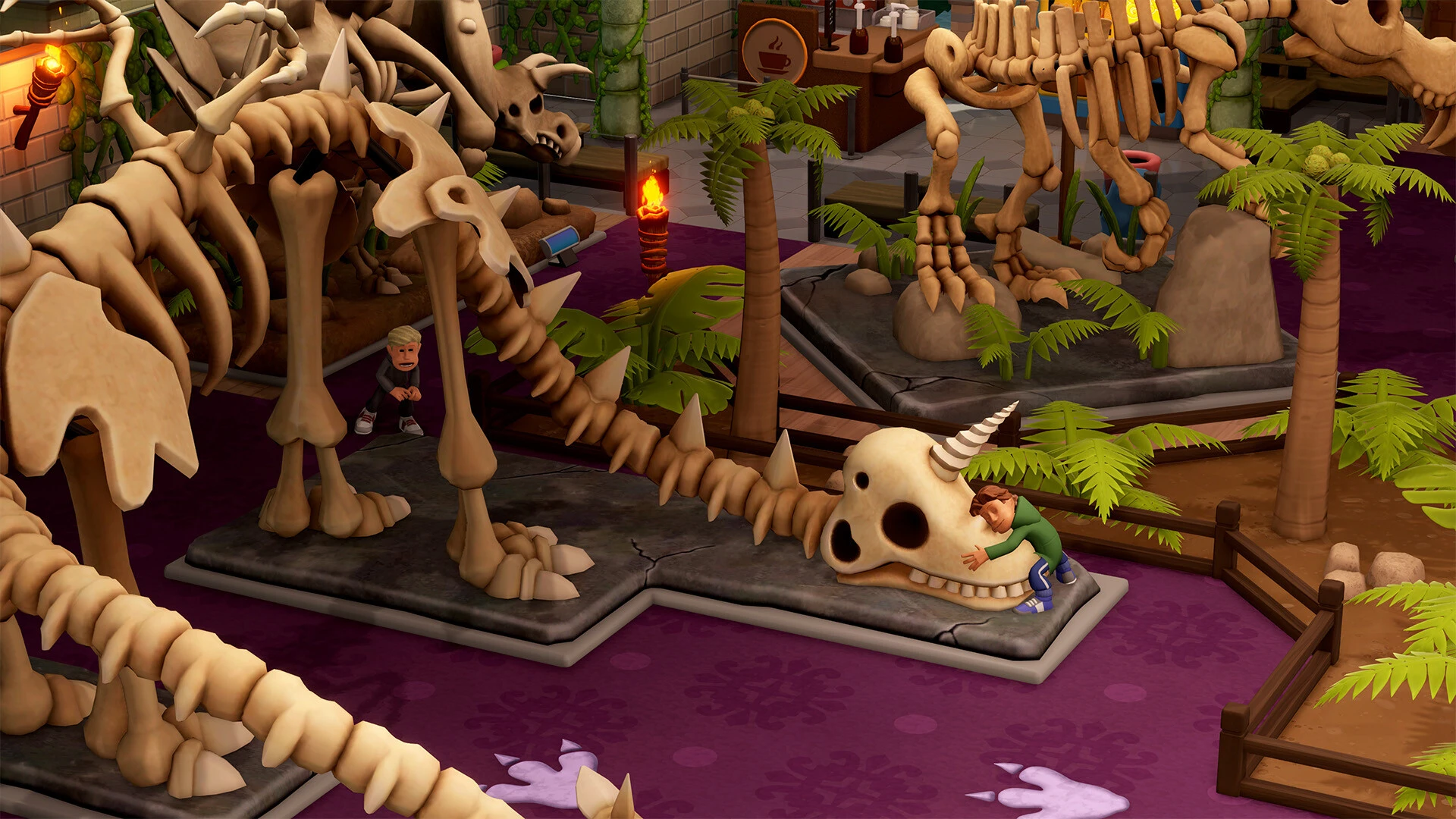

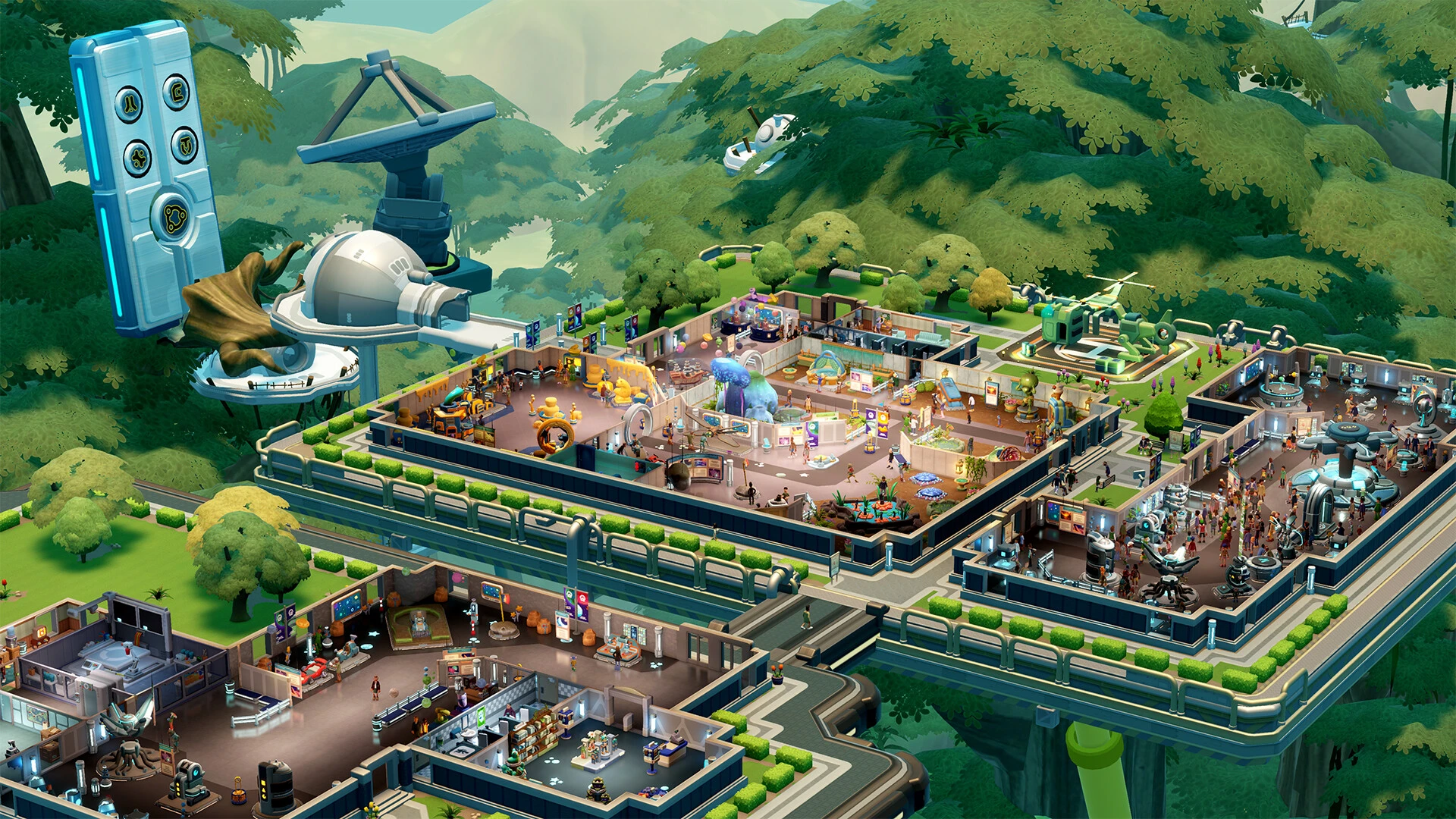
In the world of simulation games, few titles manage to combine humor, creativity, and strategic depth as effectively as Two Point Museum. Developed as part of the acclaimed Two Point Studios series, this game challenges players to design, manage, and expand their own virtual museums while balancing budgets, visitor satisfaction, and creative storytelling. It’s a game that rewards ingenuity and careful planning, offering a lighthearted yet intellectually stimulating experience.
Two Point Museum places players in the role of a museum curator, responsible for every aspect of their institution. Unlike conventional management games that focus solely on financials or logistics, this game emphasizes creativity in exhibit design and thematic curation. Players can choose from a wide variety of exhibit types, ranging from historical artifacts and art collections to quirky, interactive displays that encourage visitor engagement. The freedom to design layouts and craft narratives makes each museum unique, reflecting the personality and strategic vision of the player.
One of the most engaging elements of the game is its visitor management system. Guests arrive with differing expectations, interests, and levels of patience, requiring careful planning to maximize satisfaction. The placement of exhibits, staff allocation, and even the flow of foot traffic affect how visitors perceive the museum. By observing visitor behavior and responding to feedback, players learn to optimize their space for both enjoyment and efficiency. This attention to detail makes each decision impactful, blending strategy with creativity.
The game also incorporates a fun and humorous approach to management challenges. Unexpected events, such as quirky patron requests, bizarre exhibits, or staff mishaps, add a layer of unpredictability that keeps players on their toes. While these scenarios often evoke laughter, they also require strategic problem-solving, ensuring that the game remains both entertaining and mentally engaging. This balance between humor and challenge is a hallmark of Two Point Studios’ design philosophy.
Graphics and audio in Two Point Museum complement the gameplay perfectly. Bright, colorful visuals create a welcoming atmosphere, while detailed animations bring both exhibits and visitors to life. The soundtrack and sound effects enhance the playful tone, immersing players in a world that feels lively and interactive. This attention to aesthetics ensures that the game is as enjoyable to observe as it is to play, making museum management visually and audibly rewarding.
Another key feature is the game’s progression and unlock system. As players successfully run their museums, they gain access to new exhibit types, decorative items, and technological upgrades. This encourages experimentation and continuous improvement, rewarding players for creativity and strategic thinking. Each new addition provides opportunities to redesign and innovate, keeping the gameplay fresh and engaging over long periods.
In conclusion, Two Point Museum is more than just a simulation game; it is a celebration of creativity, strategy, and humor. By combining thoughtful management mechanics with playful design, it delivers an experience that is both challenging and highly entertaining. For players who enjoy building, planning, and experimenting, this game offers endless possibilities to create unique and memorable museums. It’s a delightful blend of strategy and imagination, proving that managing a museum can be as exciting as it is unpredictable.
OS: Big Sur 11.0+Processor: Mid-2017 or newer MacBook Pro 4+ core. Mid-2017 or newer iMac 4K. 2019 or newer Mac Pro. Late 2018 or newer Mac mini i5.RAM: 8 GB RAM.Disk space: 8 GB.
Run the downloaded image and drag the application to the Applications folder shortcut.
Once copying is complete, the application can be launched via Launchpad.
Frequently Asked Questions
Mount the image and run Open Gatekeeper friendly.
Press Enter to bypass Gatekeeper in the Terminal window.
Drag the application to the Applications folder.
The application is ready for use.
ATTENTION! SIP must be disabled. Learn more >
Restart your Mac and hold down Command + R to enter Recovery Mode.
Open Terminal from the Utilities menu.
Enter the command: csrutil disable
Restart your Mac.
This is a common Gatekeeper issue. Follow these steps:
1. Open Terminal
2. Enter: sudo xattr -rd com.apple.quarantine /Applications/AppName.app
3. Replace "AppName" with the actual application name
4. Press Enter and enter your password
Yes, all our downloads are thoroughly checked for viruses and malware.
We use multiple antivirus engines to scan every file.
Our team tests each application before publishing.
We never bundle adware or unwanted software.
Yes, we regularly update our applications to the latest versions.
You can check our website for updates or subscribe to our newsletter.
We strive to provide the most recent versions within 24-48 hours of release.
If a download link is not working, please:
1. Try a different browser
2. Clear your browser cache and cookies
3. Try the alternative download links provided
4. Contact our support team if the issue persists