


Unmechanical: Extended
Download Unmechanical: Extended
Run the downloaded image and drag the application to the Applications folder shortcut.
Once copying is complete, the application can be launched via Launchpad.
Previous Versions
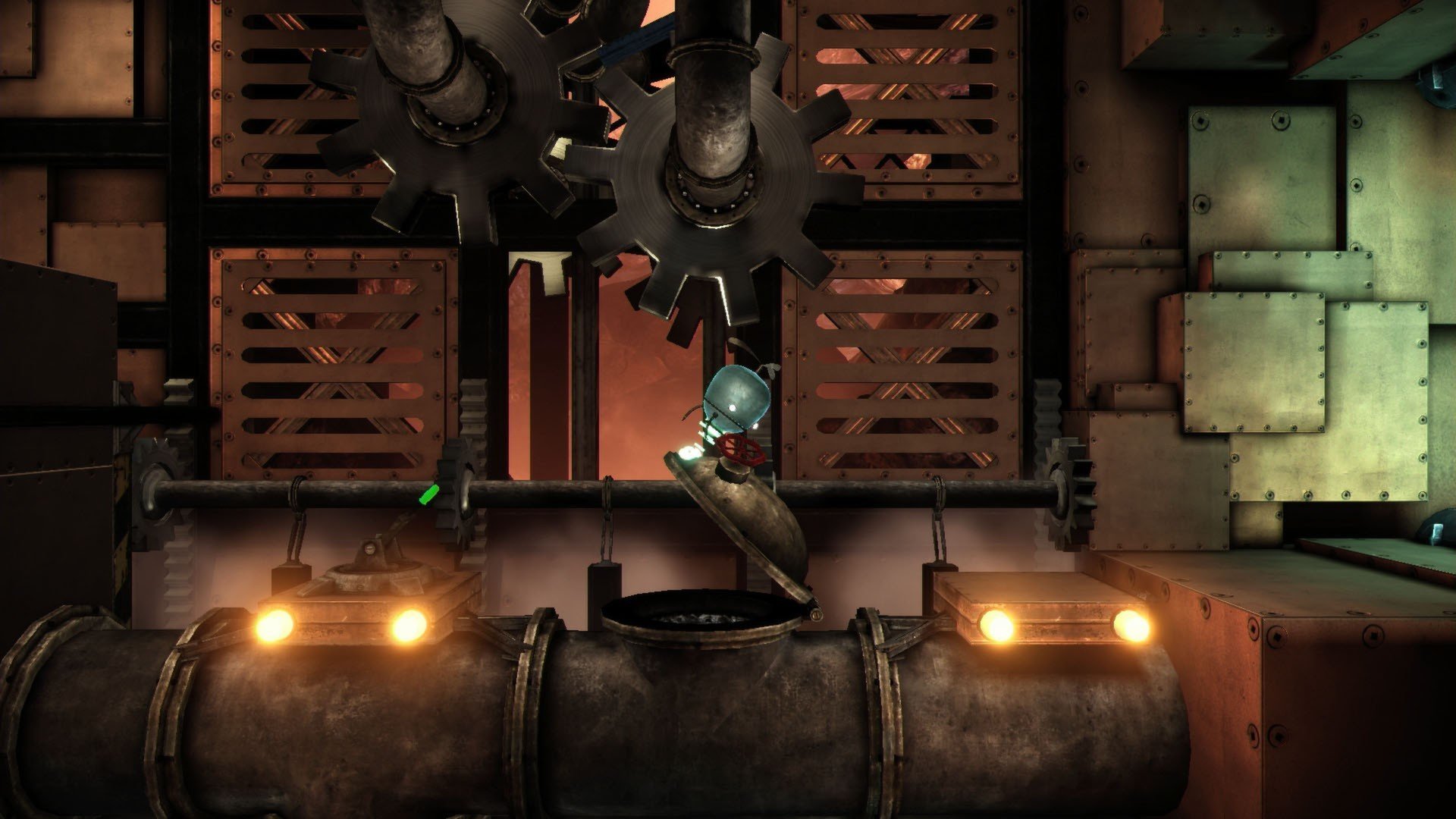
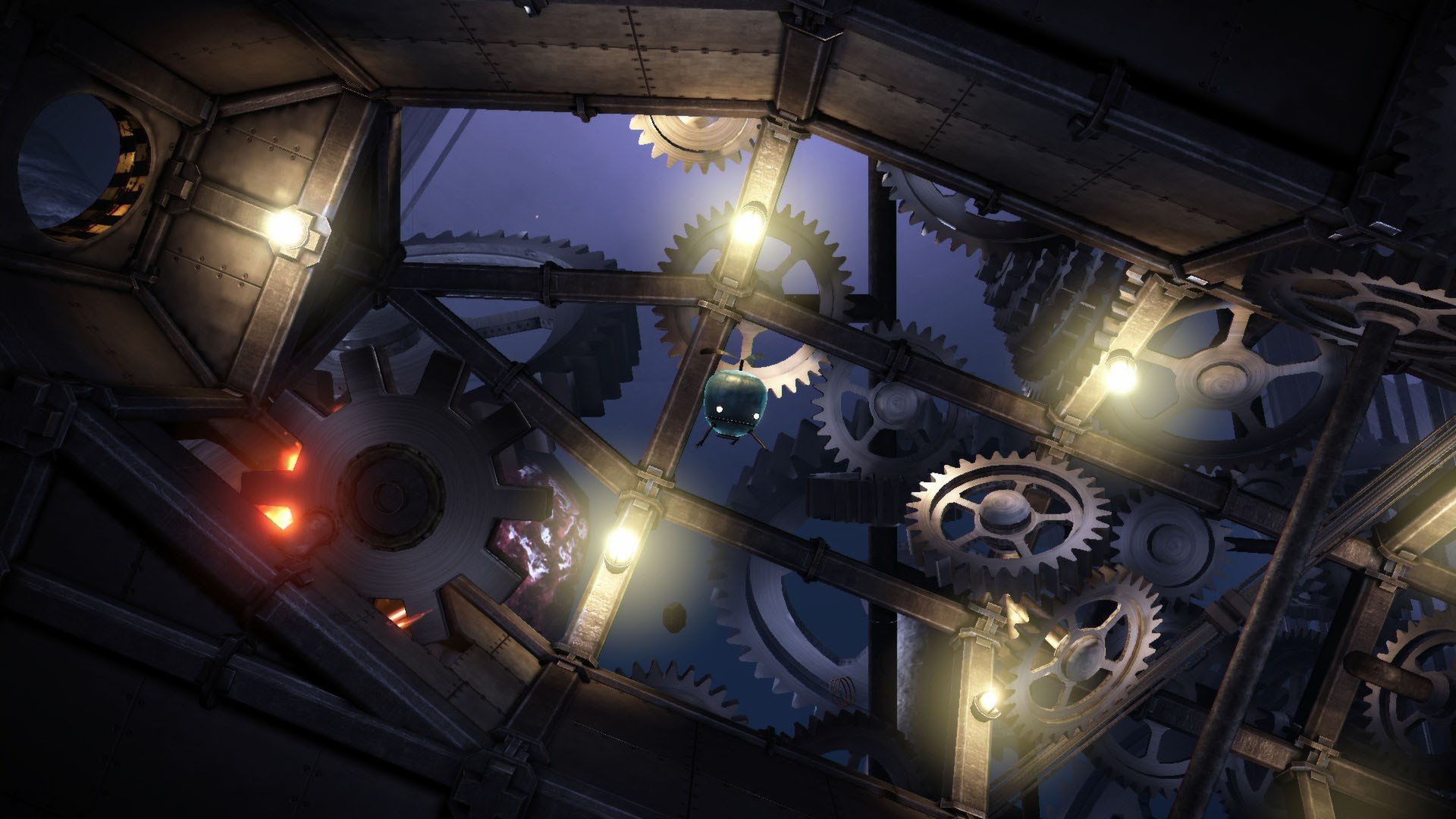
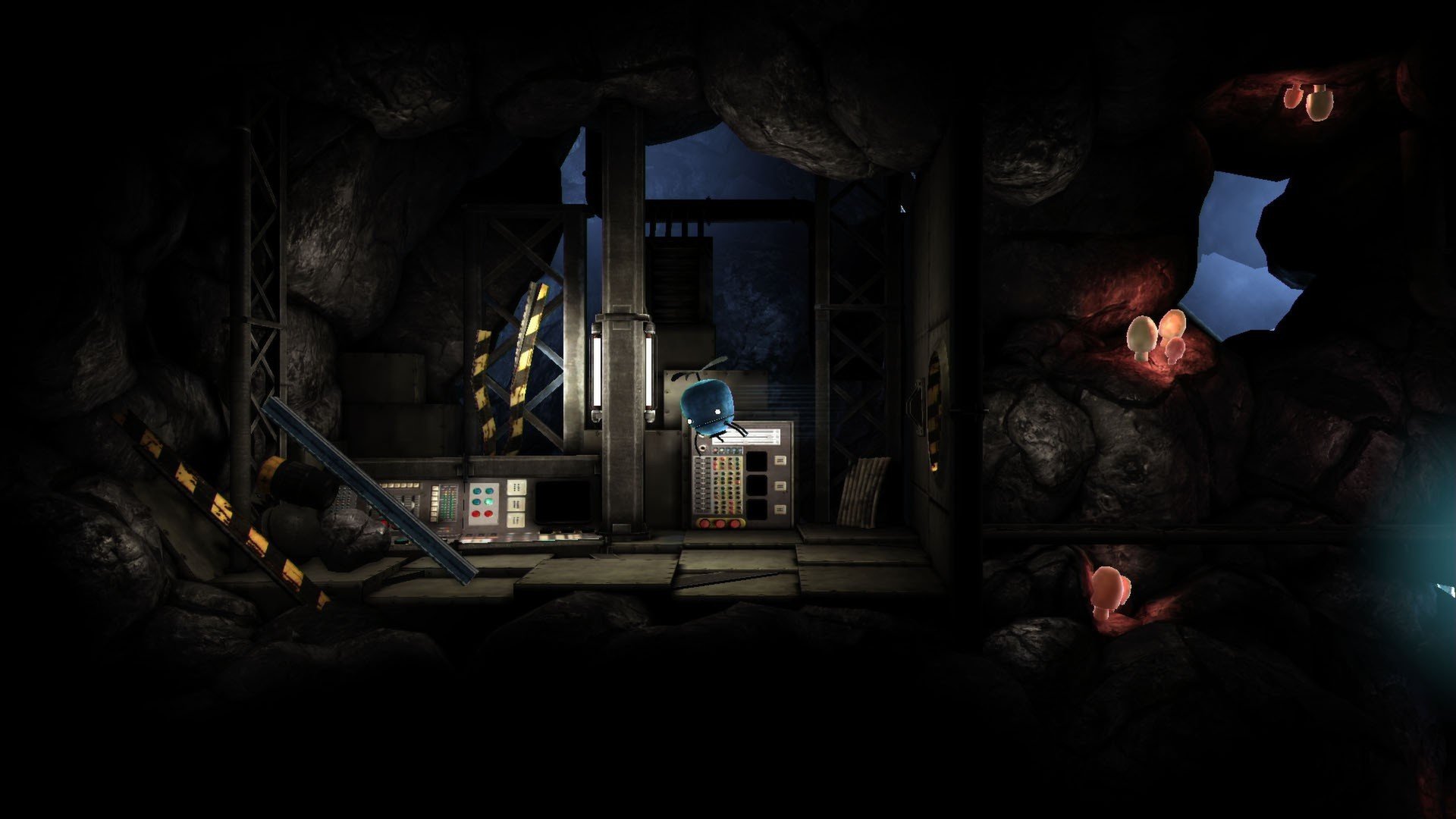
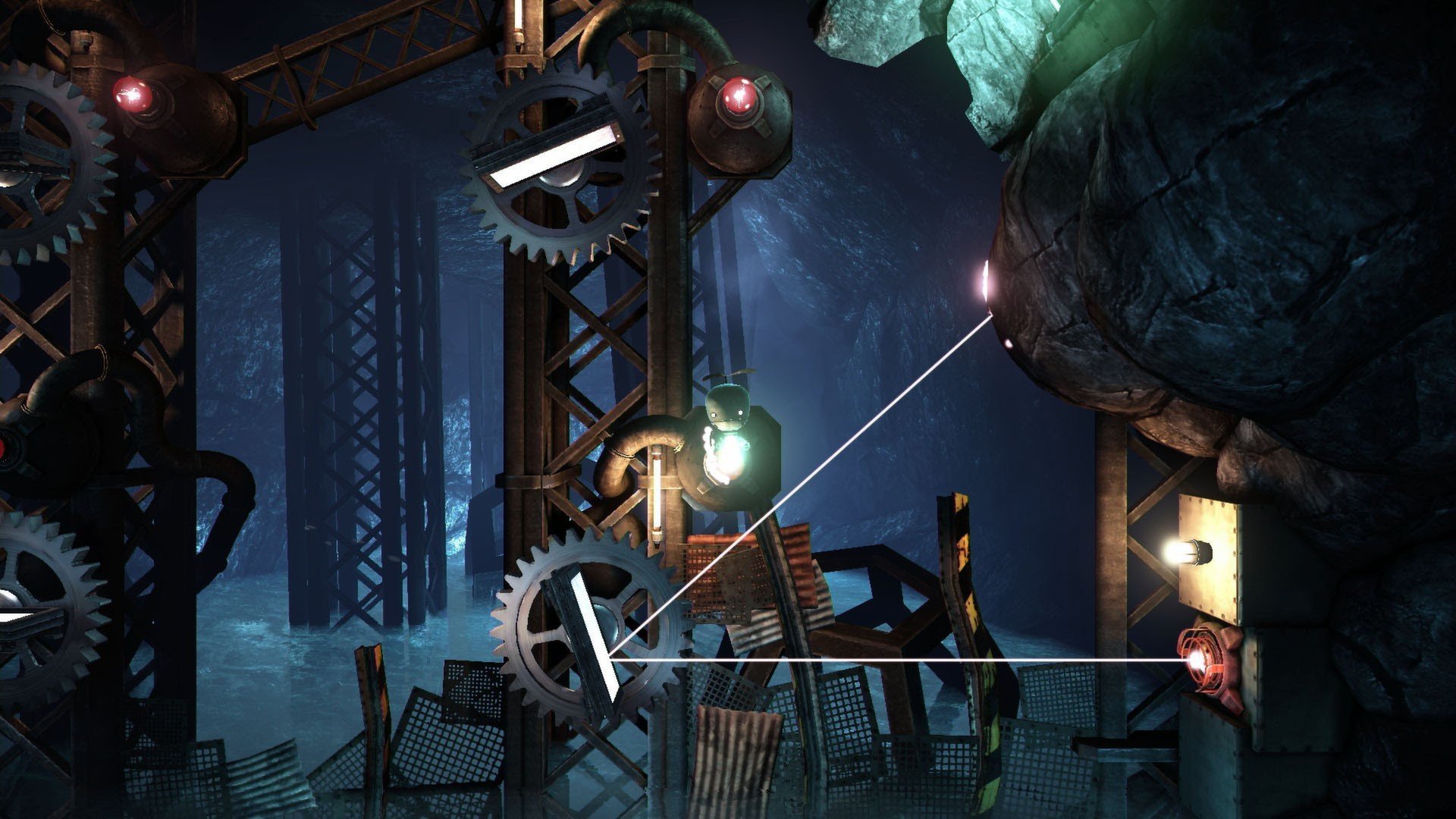
In the realm of puzzle adventure games, Unmechanical: Extended stands out for its clever design, immersive atmosphere, and thoughtful challenges. Developed by Talawa Games, this expanded version of the original Unmechanical enhances the experience with new levels, improved visuals, and refined gameplay mechanics. The game combines exploration, physics-based puzzles, and an intriguing story, offering a unique experience for players who enjoy mental challenges set within beautifully crafted environments.
The premise of Unmechanical: Extended is deceptively simple. Players take control of a small, flying robot navigating a mysterious, abandoned mechanical world. The goal is to explore interconnected environments, solve puzzles, and uncover the secrets hidden within. Despite its straightforward objective, the game’s world is filled with creative obstacles that test logic, timing, and spatial reasoning, keeping players engaged and constantly challenged.
One of the most appealing aspects of the game is its puzzle design. Unlike traditional puzzles that rely on trial and error, Unmechanical encourages players to experiment and think critically. Levers, gears, conveyor belts, and other mechanical elements interact in intricate ways, requiring players to observe their environment carefully and understand how various systems connect. This makes each solution feel earned, providing a satisfying sense of accomplishment when a particularly tricky puzzle is solved.
The Extended edition introduces additional content that further enriches the experience. New levels expand the game’s narrative, offering more complex puzzles and diverse environments. These additions maintain the original’s charm while increasing the challenge for players seeking deeper engagement. The enhanced visuals and lighting effects create a more immersive atmosphere, making the abandoned mechanical world feel alive and mysterious.
Unmechanical: Extended also excels in atmosphere and design. The mechanical world is both eerie and beautiful, with intricate machinery, dimly lit corridors, and vast open spaces that evoke curiosity and wonder. Sound design plays a key role, with ambient noises and subtle audio cues guiding players through puzzles and adding depth to the experience. Together, visuals and sound create an environment that draws players in and encourages exploration.
Although the game is non-violent and relaxed in pace, it demands mental focus and creativity. The absence of combat allows players to immerse themselves fully in problem-solving, giving the experience a meditative quality. Each puzzle encourages experimentation, and players are rewarded for thinking outside the box, making the game appealing to both casual gamers and puzzle enthusiasts.
In conclusion, Unmechanical: Extended is a masterclass in puzzle adventure design. Its combination of inventive mechanics, immersive environments, and thoughtful challenges makes it a standout title for fans of the genre. By expanding on the original game with new content and refined visuals, the Extended edition offers both newcomers and returning players a rewarding journey through a mysterious mechanical world. It proves that games don’t need violence or fast action to captivate players; clever design, engaging puzzles, and a compelling atmosphere can create an unforgettable adventure that challenges the mind and delights the senses.
OS: OS X 10.6.6Processor: Intel Core i7, 2.5 GHzRAM: 4 GB RAM
Run the downloaded image and drag the application to the Applications folder shortcut.
Once copying is complete, the application can be launched via Launchpad.
Frequently Asked Questions
Mount the image and run Open Gatekeeper friendly.
Press Enter to bypass Gatekeeper in the Terminal window.
Drag the application to the Applications folder.
The application is ready for use.
ATTENTION! SIP must be disabled. Learn more >
Restart your Mac and hold down Command + R to enter Recovery Mode.
Open Terminal from the Utilities menu.
Enter the command: csrutil disable
Restart your Mac.
This is a common Gatekeeper issue. Follow these steps:
1. Open Terminal
2. Enter: sudo xattr -rd com.apple.quarantine /Applications/AppName.app
3. Replace "AppName" with the actual application name
4. Press Enter and enter your password
Yes, all our downloads are thoroughly checked for viruses and malware.
We use multiple antivirus engines to scan every file.
Our team tests each application before publishing.
We never bundle adware or unwanted software.
Yes, we regularly update our applications to the latest versions.
You can check our website for updates or subscribe to our newsletter.
We strive to provide the most recent versions within 24-48 hours of release.
If a download link is not working, please:
1. Try a different browser
2. Clear your browser cache and cookies
3. Try the alternative download links provided
4. Contact our support team if the issue persists