


Unwording
Download Unwording
Unzip the archive and follow the standard installation procedure.
The installation is completed by choosing a location to place the game.
It is recommended to specify the Applications folder.
Previous Versions
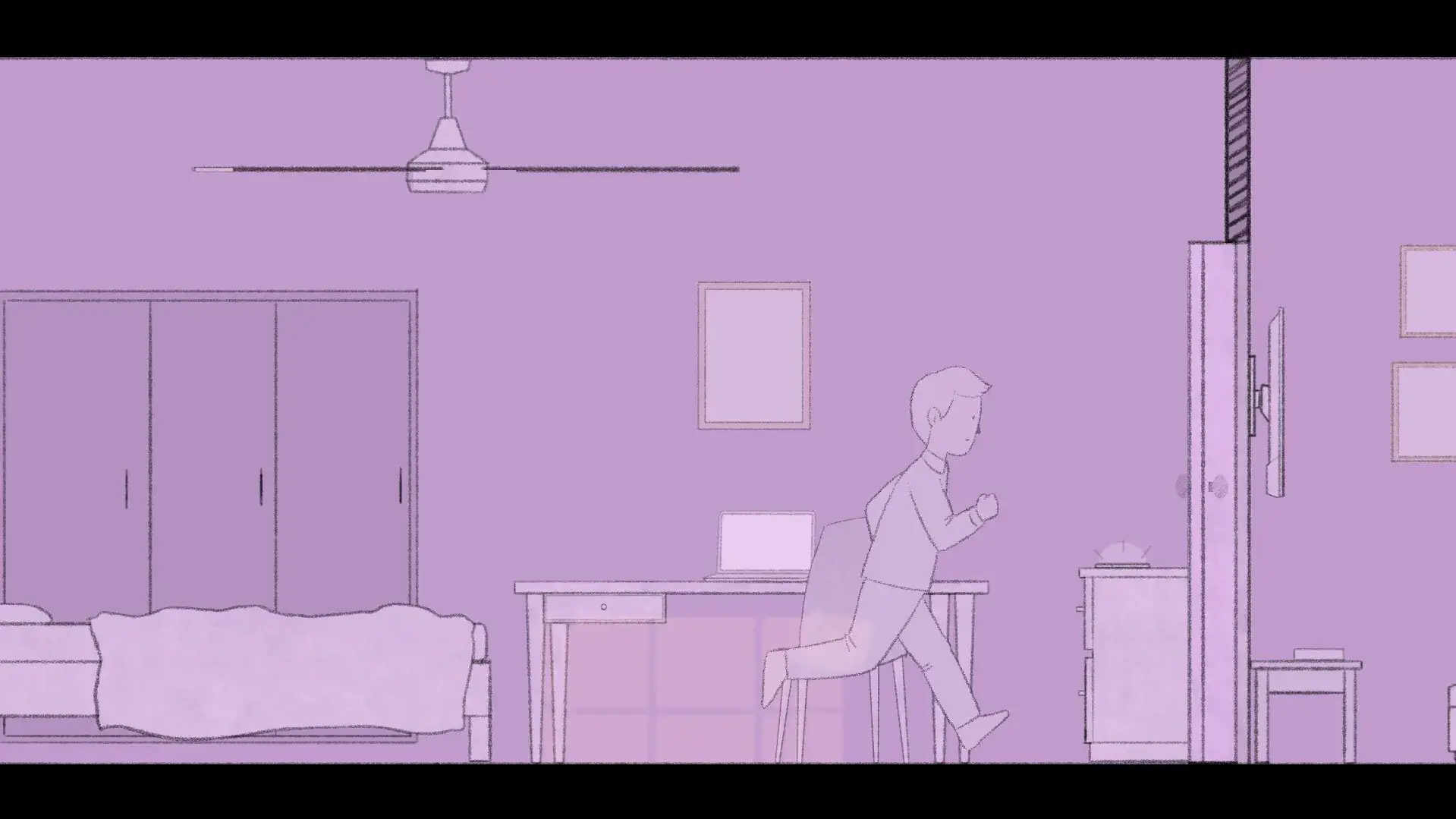
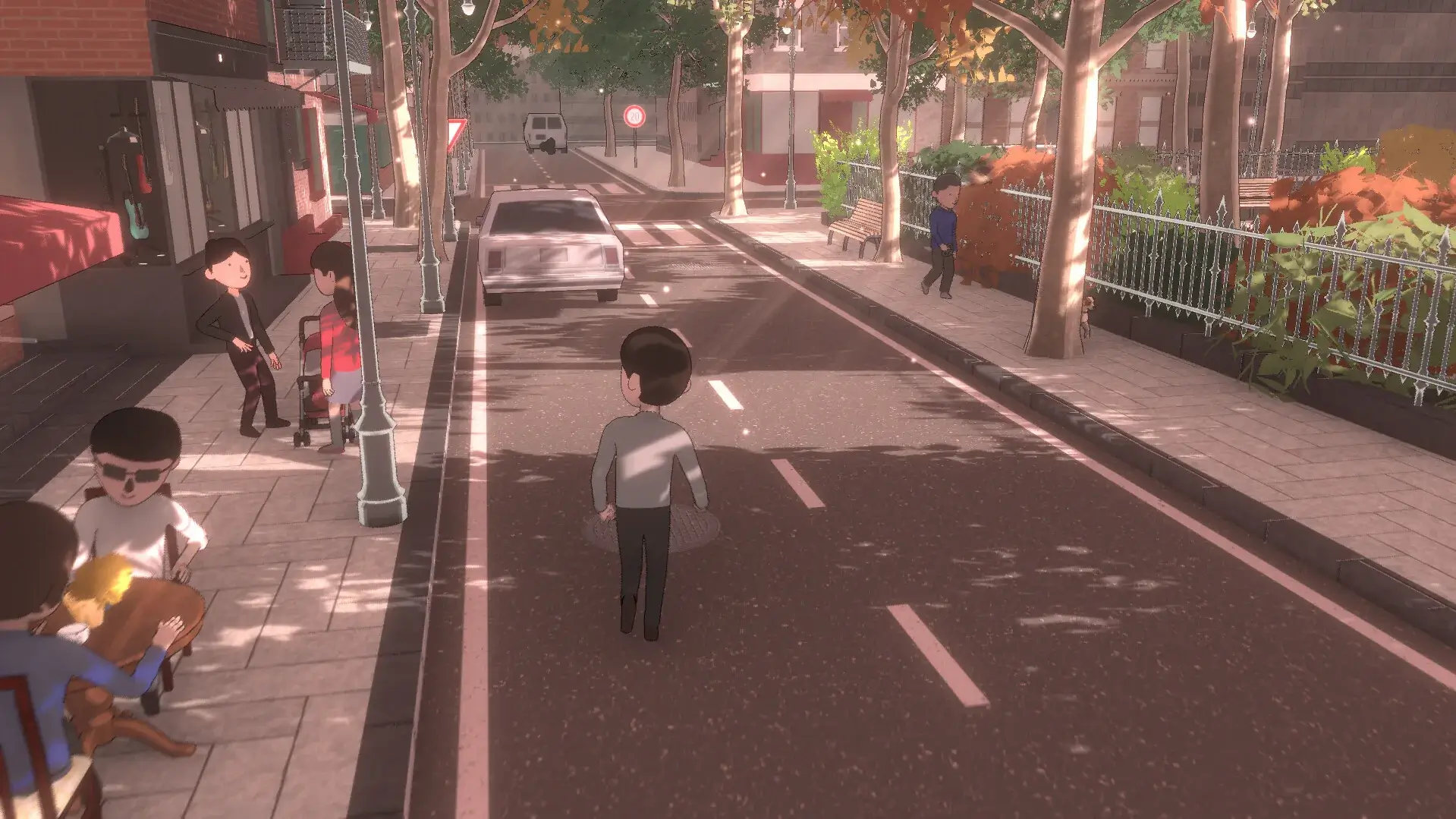


Unwording is a thought-provoking puzzle-adventure game that challenges players to explore language in an entirely unique and immersive way. Developed with an emphasis on storytelling and linguistic creativity, the game transforms words from simple tools of communication into dynamic elements of gameplay. By merging narrative, puzzles, and artistic presentation, Unwording offers an experience that is as intellectually stimulating as it is visually captivating.
The premise of Unwording centers on the manipulation and deconstruction of words. Players navigate surreal, abstract environments where language itself becomes a tangible object that can be altered, combined, or erased to progress. This mechanic encourages players to think beyond traditional puzzle-solving, inviting them to engage with the very structure of words and their meanings. The interplay between language and environment forms the core of the game, creating a sense of exploration that is both cerebral and creative.
One of the most compelling aspects of Unwording is its emphasis on emergent problem-solving. Each puzzle requires careful observation, experimentation, and lateral thinking. Words may act as bridges, keys, or barriers depending on how they are manipulated, making the solutions both satisfying and often surprising. Unlike conventional word games, Unwording seamlessly integrates its mechanics into the narrative world, ensuring that each challenge feels purposeful and connected to the overarching story.
The narrative of Unwording is abstract yet deeply engaging. Players uncover a world where communication has fractured, and meaning is slipping away. As they progress, fragments of stories, emotions, and memories emerge, revealing a larger tapestry of interconnected ideas. The storytelling is subtle, often conveyed through environmental cues, visual metaphors, and the evolution of words themselves. This approach encourages reflection and interpretation, giving players a sense of discovery that extends beyond traditional gameplay objectives.
Visually, Unwording embraces a minimalist yet striking design. Its environments are surreal landscapes of letters, symbols, and shifting typography, creating a dreamlike atmosphere that perfectly complements the game’s focus on language. The visual clarity of the puzzles ensures that players can experiment freely without frustration, while the artistic choices evoke a sense of wonder and curiosity. Subtle animations and transitions enhance immersion, making every manipulation of a word feel impactful.
The game’s audio design further reinforces the experience. Soundscapes of whispers, echoes, and subtle musical cues provide both feedback and ambiance, emphasizing the ethereal and mysterious qualities of the world. The audio interacts with the visual elements, heightening the emotional resonance of each puzzle and making the manipulation of words feel tactile and alive.
In conclusion, Unwording is a captivating exploration of language, creativity, and human perception. By transforming words into interactive puzzle elements within a narrative-driven world, it challenges players to think critically, experiment freely, and engage deeply with both meaning and form. For those who enjoy cerebral puzzles, abstract storytelling, and innovative gameplay, Unwording offers an unforgettable journey into the heart of language itself.
OS: PLEASE READ PINNED THREAD FOR ISSUES WITH UNWORDING ON MACProcessor: 1.8 GHzRAM: 8 GBVideo card: Intel HD 4000 seriesDisk space: 1 GB
Unzip the archive and follow the standard installation procedure.
The installation is completed by choosing a location to place the game.
It is recommended to specify the Applications folder.
Frequently Asked Questions
Mount the image and run Open Gatekeeper friendly.
Press Enter to bypass Gatekeeper in the Terminal window.
Drag the application to the Applications folder.
The application is ready for use.
ATTENTION! SIP must be disabled. Learn more >
Restart your Mac and hold down Command + R to enter Recovery Mode.
Open Terminal from the Utilities menu.
Enter the command: csrutil disable
Restart your Mac.
This is a common Gatekeeper issue. Follow these steps:
1. Open Terminal
2. Enter: sudo xattr -rd com.apple.quarantine /Applications/AppName.app
3. Replace "AppName" with the actual application name
4. Press Enter and enter your password
Yes, all our downloads are thoroughly checked for viruses and malware.
We use multiple antivirus engines to scan every file.
Our team tests each application before publishing.
We never bundle adware or unwanted software.
Yes, we regularly update our applications to the latest versions.
You can check our website for updates or subscribe to our newsletter.
We strive to provide the most recent versions within 24-48 hours of release.
If a download link is not working, please:
1. Try a different browser
2. Clear your browser cache and cookies
3. Try the alternative download links provided
4. Contact our support team if the issue persists