Urtuk: The Desolation

Published:
688 MB10 downloads

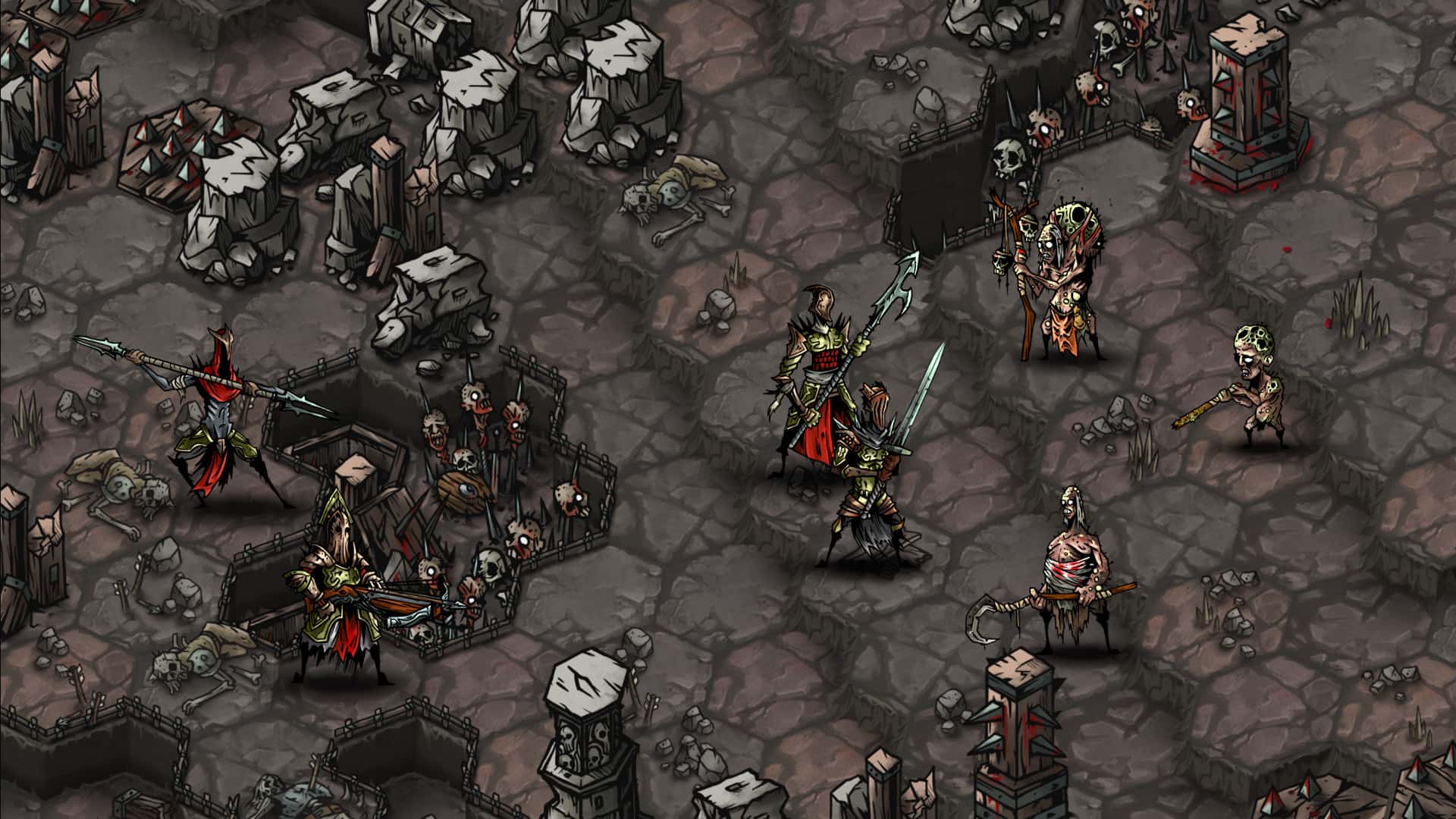
Urtuk: The Desolation is a dark tactical role-playing game that places survival at the center of every decision. Set in a bleak and unforgiving world, the game challenges players to lead a small group of warriors through a land shaped by decay, mutation, and endless conflict. Rather than presenting heroism as glamorous, Urtuk portrays it as a constant struggle against scarcity and loss.

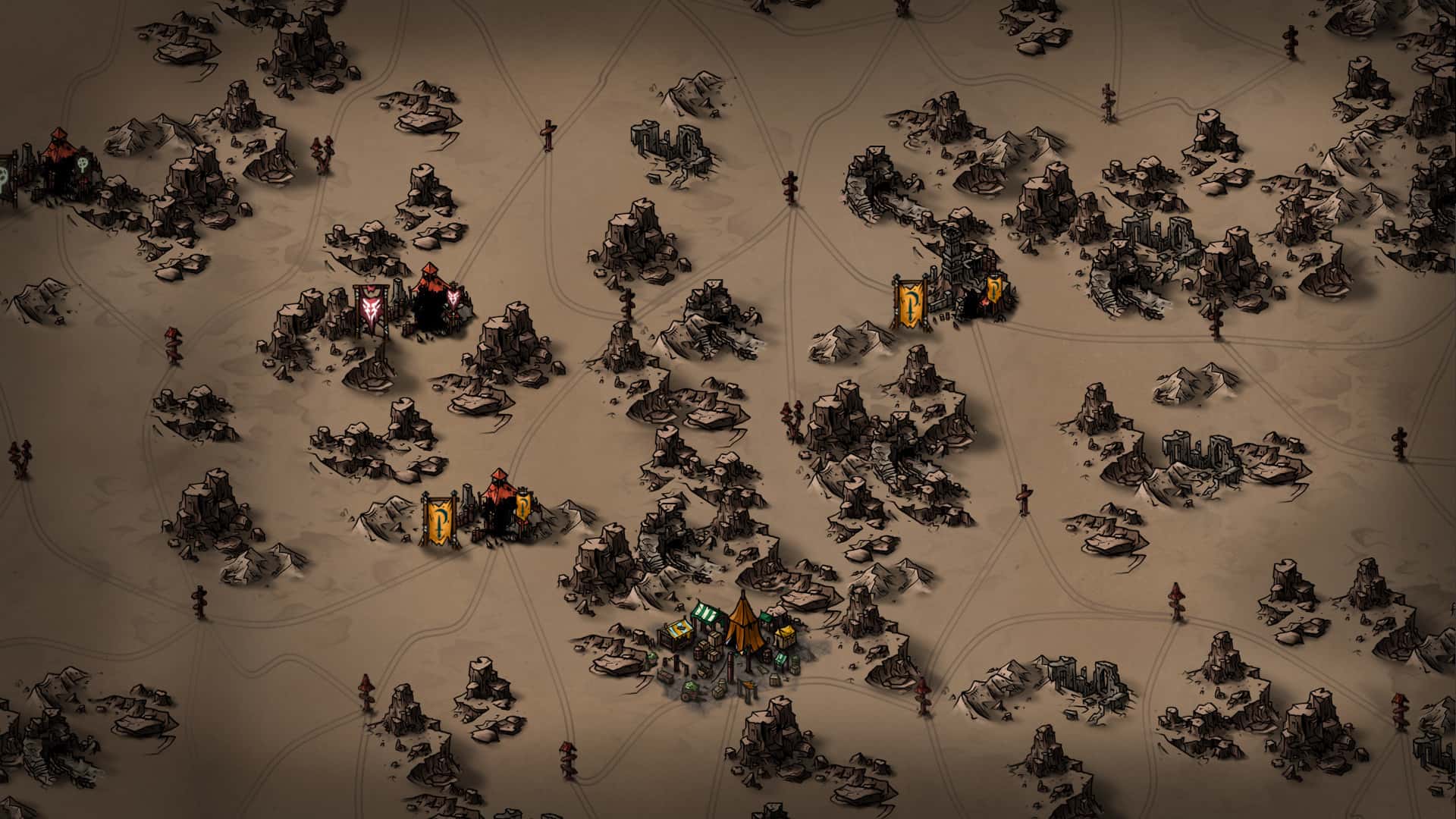
The world of Urtuk feels harsh from the very beginning. Its landscapes are scarred by ruins, bloodstained battlegrounds, and remnants of forgotten civilizations. This environment is not just a backdrop; it actively influences gameplay. Players must navigate difficult terrain, manage limited resources, and prepare carefully for every encounter. There is little room for mistakes, which makes each victory feel meaningful and hard-earned.

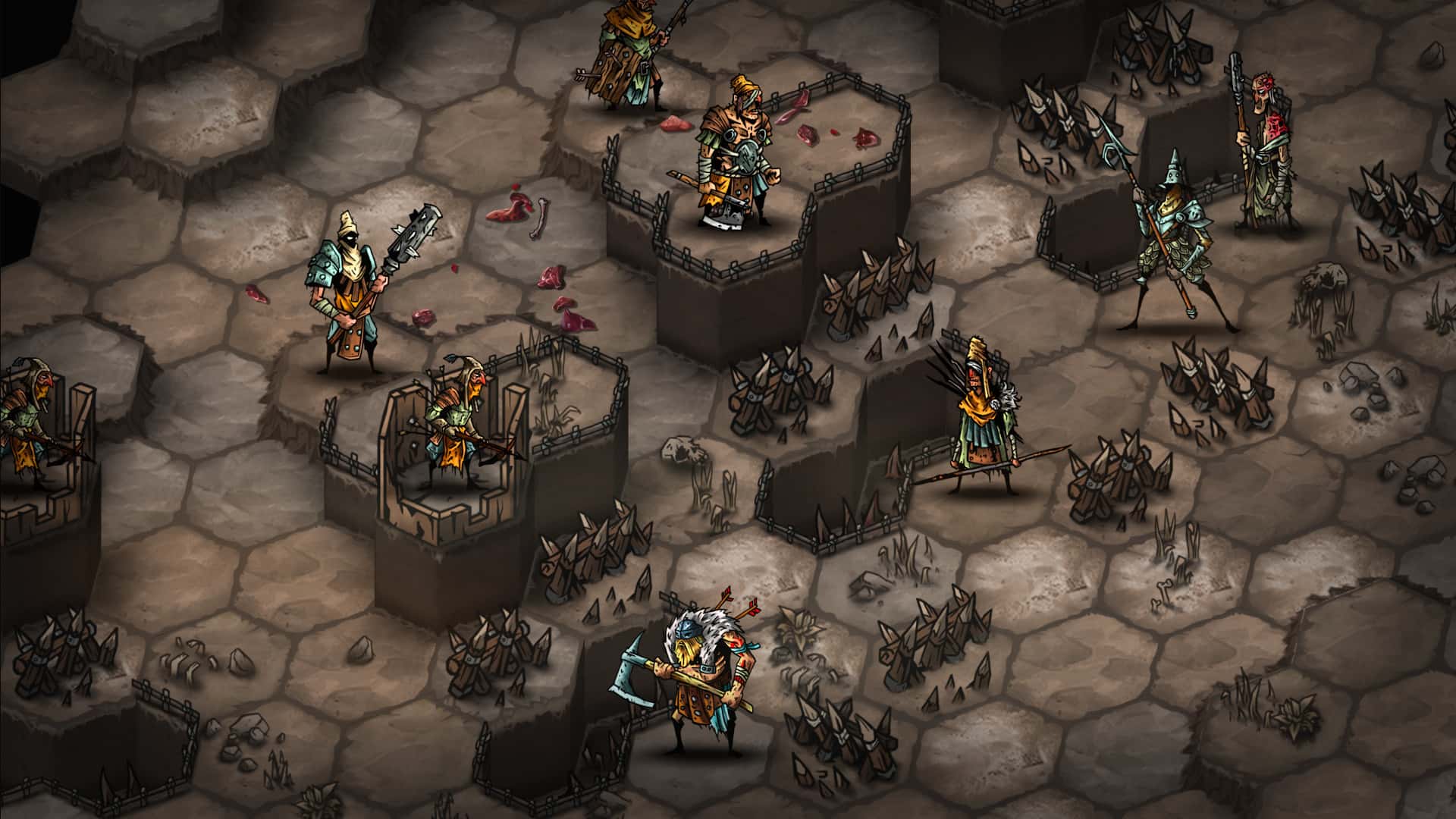
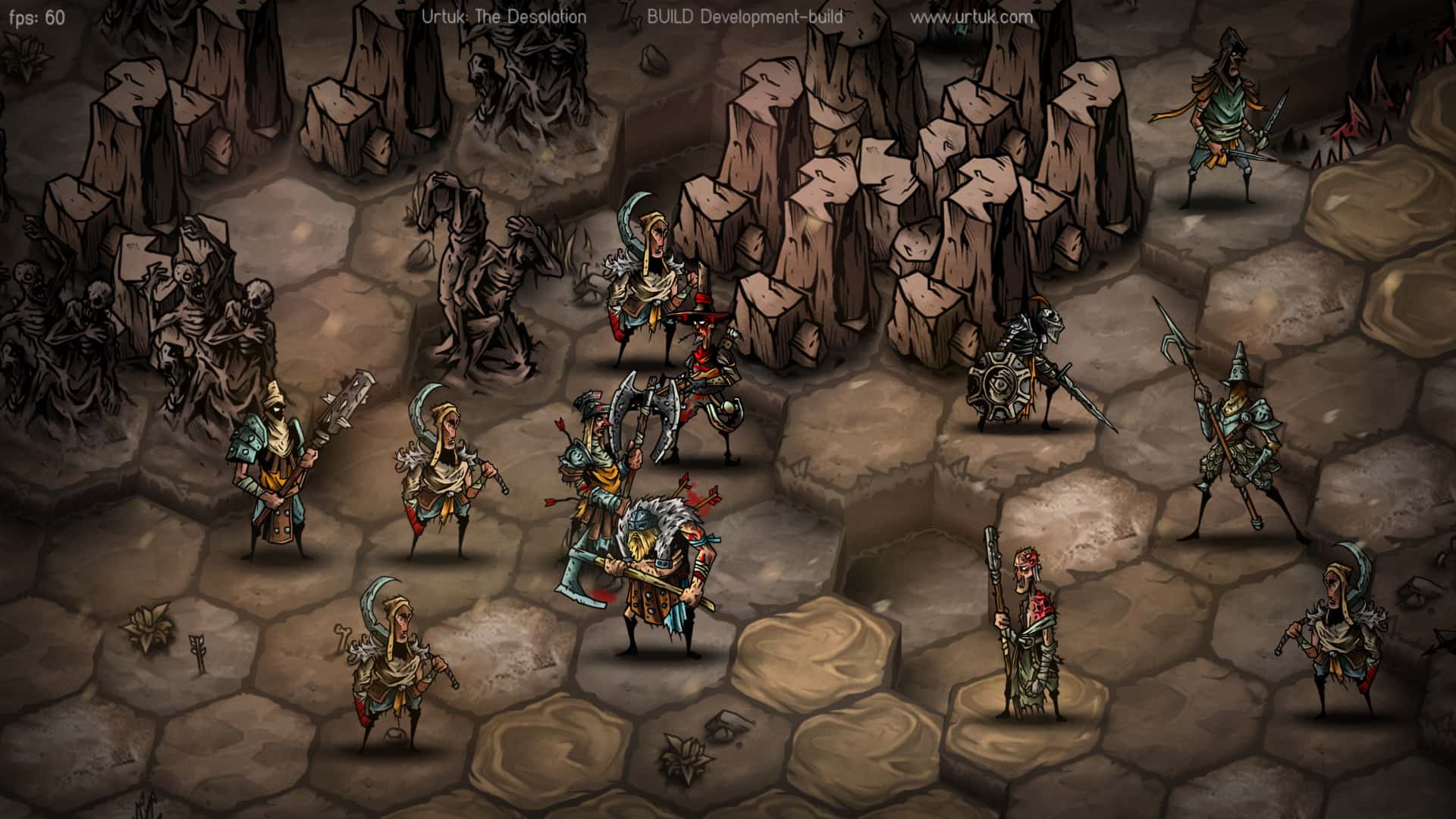
Combat in Urtuk is turn-based and deeply tactical. Positioning matters just as much as strength, as characters can be pushed, surrounded, or thrown into hazards. Battles reward careful planning rather than brute force. Players must think several steps ahead, anticipating enemy movements and using the environment to their advantage. This approach keeps combat tense and engaging, even during smaller skirmishes.

One of the game’s most distinctive features is its injury and mutation system. Instead of simply leveling up through experience, characters grow stronger by surviving wounds. Injuries can lead to permanent changes, some harmful and others surprisingly beneficial. Over time, warriors may develop mutations that alter their abilities or appearance. This system adds unpredictability and encourages players to adapt their strategies rather than relying on fixed builds.

The narrative of Urtuk: The Desolation unfolds gradually through exploration and subtle storytelling. Rather than long dialogues, the game uses environmental clues and short interactions to convey its lore. This restrained approach suits the setting, allowing players to feel like explorers uncovering fragments of a broken history. Themes of sacrifice, corruption, and resilience run quietly beneath the surface.

Visual design reinforces the game’s grim tone. The art style is minimalistic yet striking, with sharp contrasts and a limited color palette. Characters appear rugged and worn, reflecting the toll of survival in a dying world. Animations are purposeful and grounded, emphasizing the weight of each action in combat and exploration.

Despite its difficulty, Urtuk: The Desolation offers a sense of agency and reward. Players shape their band of survivors through choices that have lasting consequences. Loss is inevitable, but it is never meaningless. Each fallen character and each hard-won triumph contributes to a larger story of endurance.

In conclusion, Urtuk: The Desolation stands out as a thoughtful and challenging tactical experience. By blending strategic combat, unique progression systems, and a somber atmosphere, it creates a world that feels both cruel and compelling. It is a game that respects the player’s intelligence and rewards perseverance, offering a memorable journey through desolation and survival.

OS: OSX 10.11 or later
Processor: 1.2Ghz Intel
RAM: 2 GB
Video card: OpenGL 2.0 compatible, 256 MB VRAM
Disk space: 600 MB

Run the downloaded package and follow the standard installation procedure.
The installation is completed by choosing a location to place the game.
It is recommended to specify the Applications folder.
Frequently Asked Questions

Mount the image and run Open Gatekeeper friendly.

Press Enter to bypass Gatekeeper in the Terminal window.

Drag the application to the Applications folder.

The application is ready for use.

ATTENTION! SIP must be disabled. Learn more >

Restart your Mac and hold down Command + R to enter Recovery Mode.

Open Terminal from the Utilities menu.

Enter the command: csrutil disable

Restart your Mac.

This is a common Gatekeeper issue. Follow these steps:

1. Open Terminal

2. Enter: sudo xattr -rd com.apple.quarantine /Applications/AppName.app

3. Replace "AppName" with the actual application name

4. Press Enter and enter your password

Yes, all our downloads are thoroughly checked for viruses and malware.

We use multiple antivirus engines to scan every file.

Our team tests each application before publishing.

We never bundle adware or unwanted software.

Yes, we regularly update our applications to the latest versions.

You can check our website for updates or subscribe to our newsletter.

We strive to provide the most recent versions within 24-48 hours of release.

If a download link is not working, please:

1. Try a different browser

2. Clear your browser cache and cookies

3. Try the alternative download links provided

4. Contact our support team if the issue persists