


Viking Heroes 4 Collector’s Edition
Download Viking Heroes 4 Collector’s Edition
Run the downloaded image and drag the application to the Applications folder shortcut.
Once copying is complete, the application can be launched via Launchpad.
Previous Versions
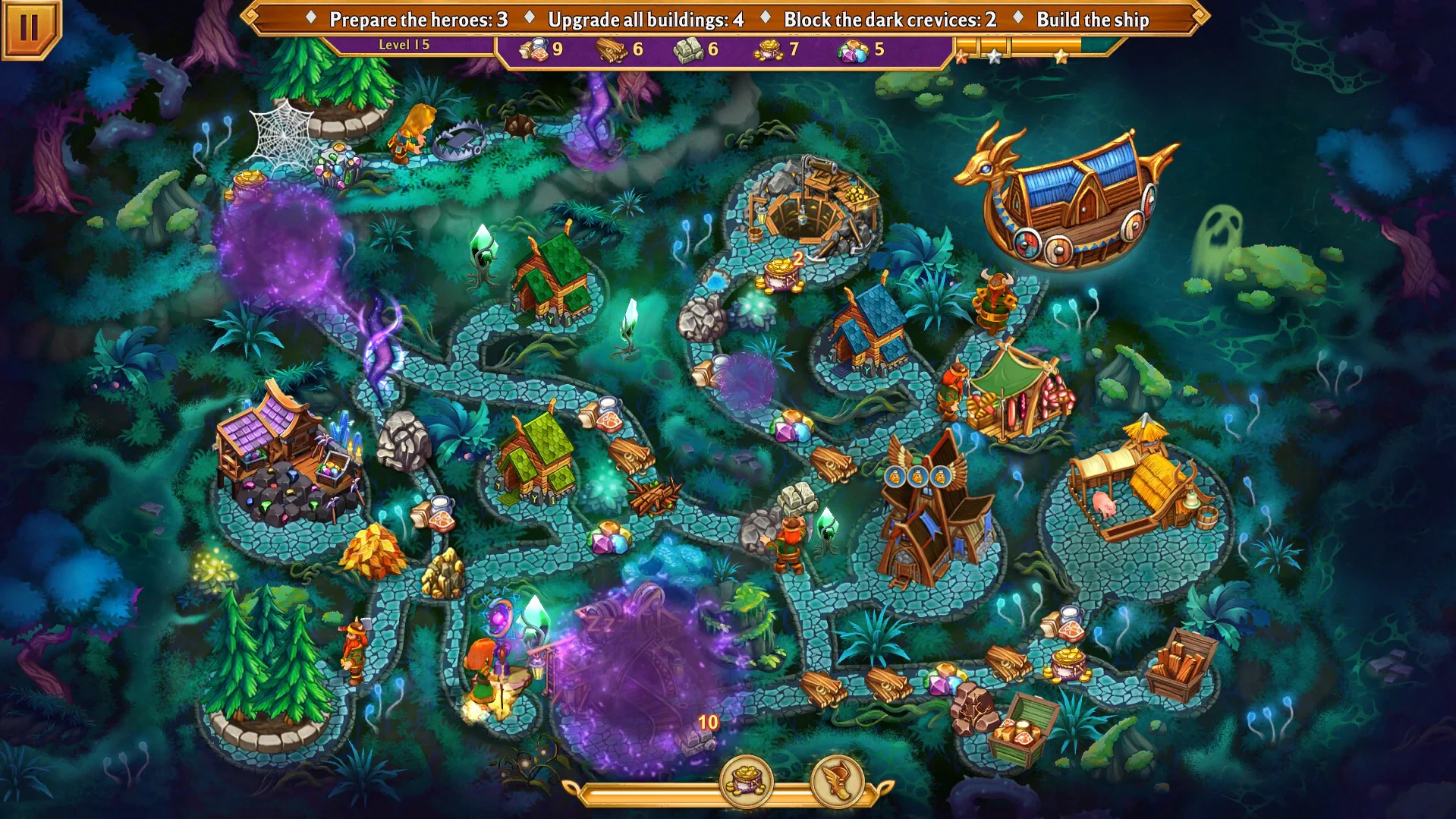
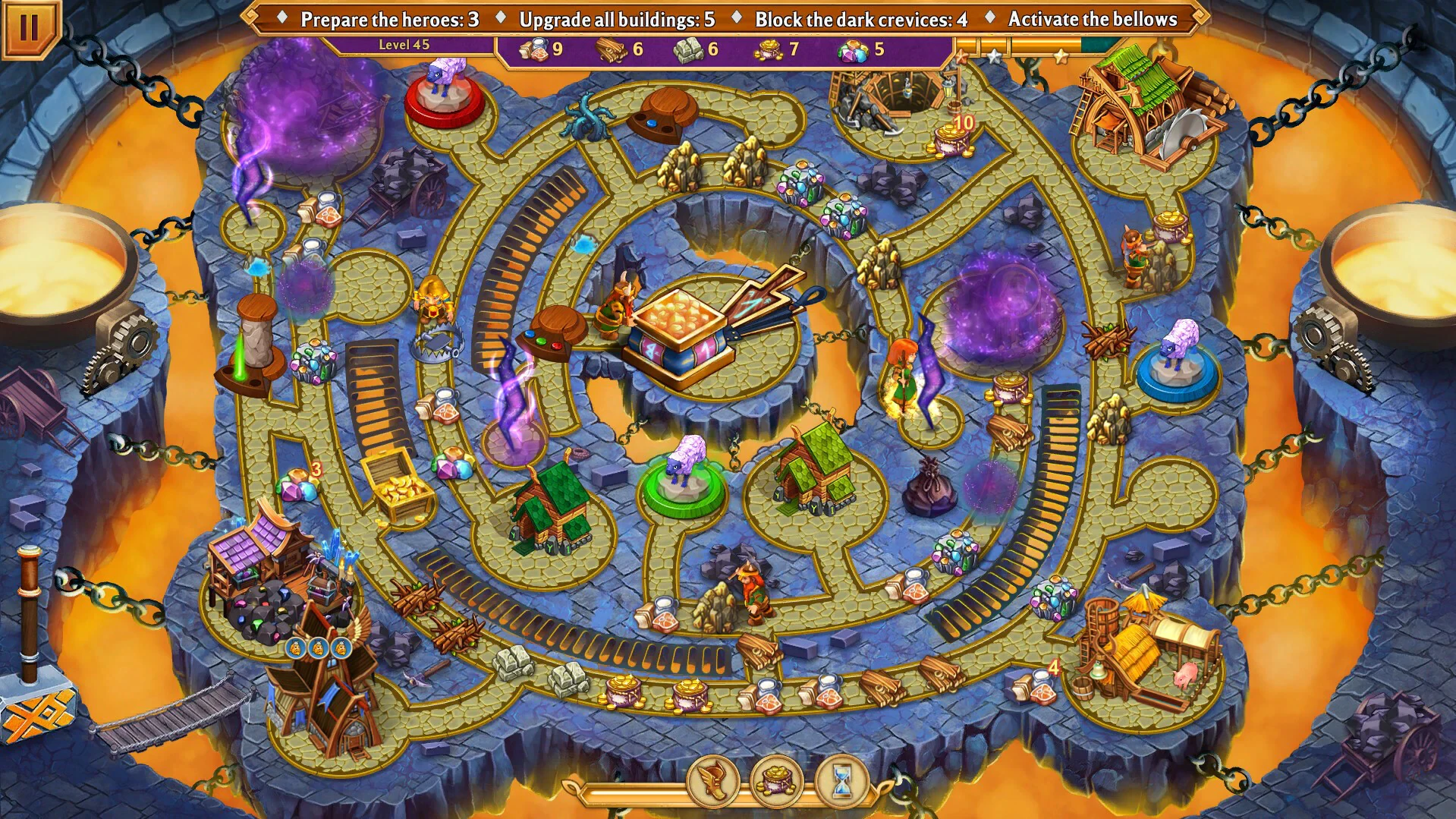
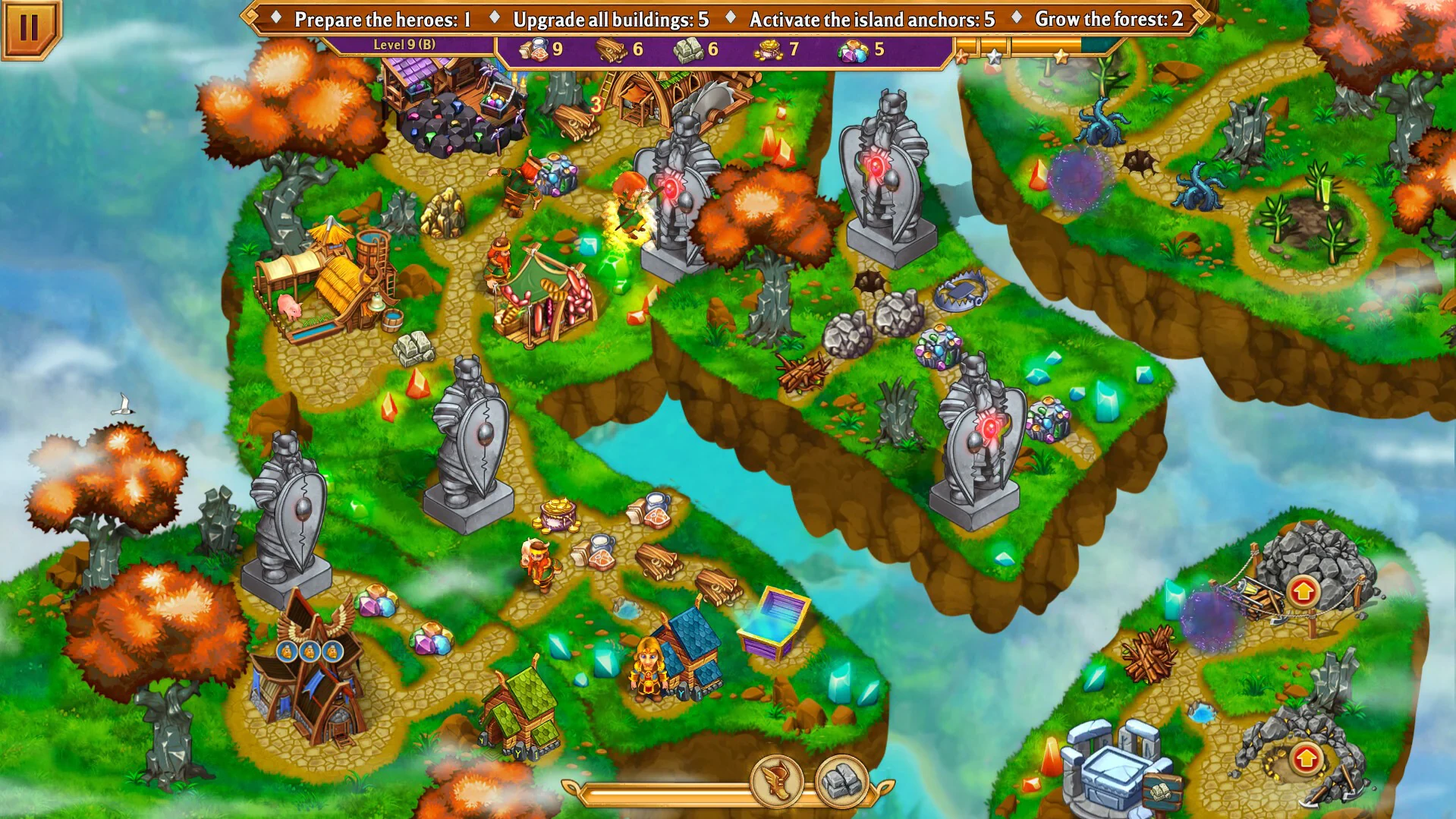
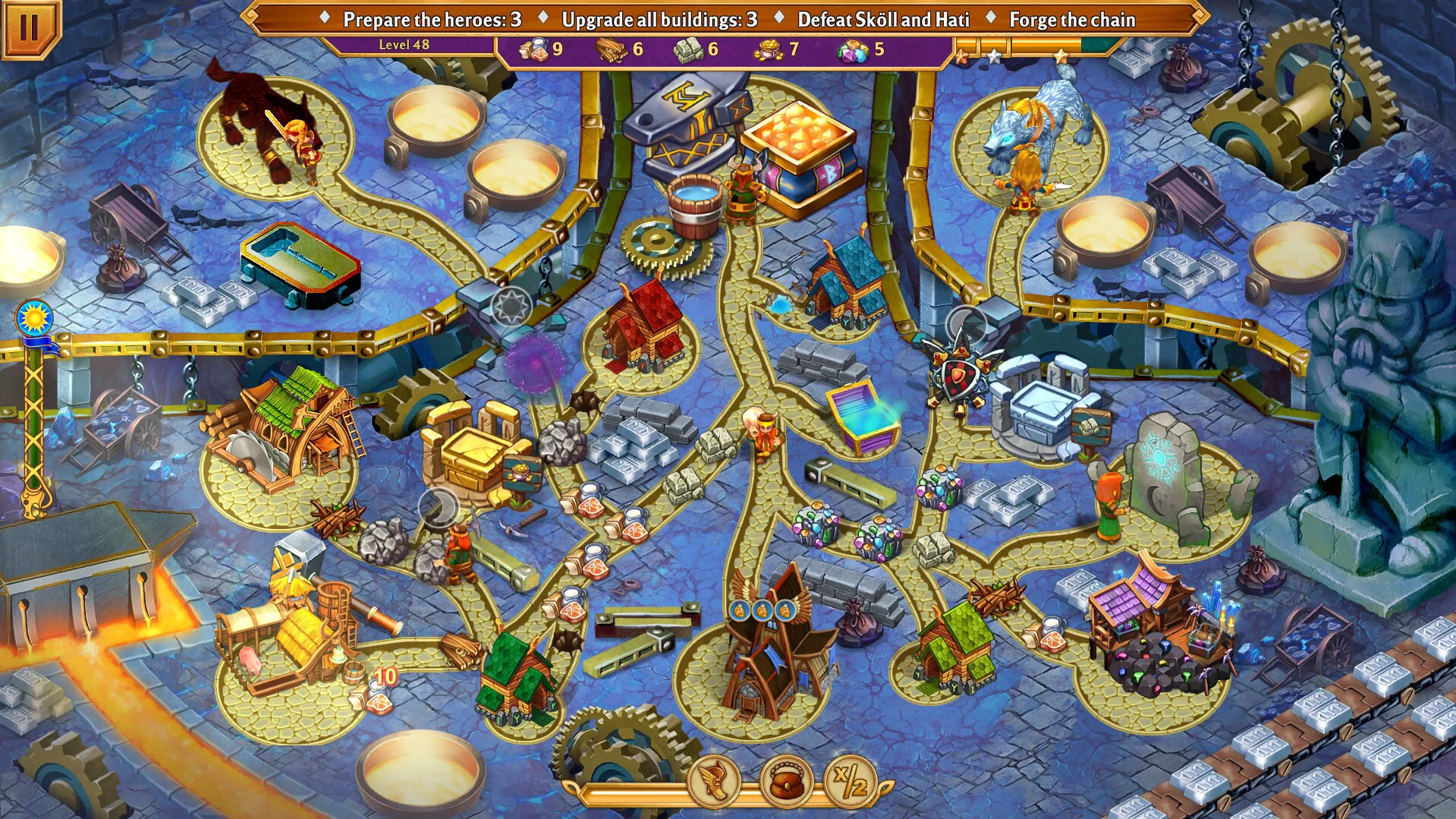
Viking Heroes 4 Collector's Edition is an enthralling hidden object and puzzle adventure game that invites players into a world of Norse mythology, heroic battles, and intricate storytelling. As the fourth installment in the popular Viking Heroes series, this Collector’s Edition expands on the franchise’s strengths by adding exclusive content, enhanced gameplay features, and a richer narrative that keeps both new players and longtime fans fully engaged.
The game immerses players in a captivating Viking-inspired world where legendary heroes rise to face extraordinary challenges. Players assume the role of a courageous protagonist navigating through mysterious lands, ancient temples, and treacherous forests, all filled with secrets and hidden dangers. The narrative is skillfully woven, blending myth, history, and fantasy elements to create a compelling storyline that gradually unfolds as players progress. Each chapter introduces new mysteries, puzzles, and characters, keeping the adventure fresh and intriguing.
One of the most notable features of Viking Heroes 4 is its beautifully crafted environments. Every scene is rich with visual detail, from snow-covered mountains and roaring rivers to ancient ruins and bustling Viking settlements. The meticulous design enhances immersion, encouraging players to explore thoroughly and discover hidden objects, clues, and lore. The Collector’s Edition further elevates the experience by offering additional locations and scenes not available in the standard edition, providing a more complete and satisfying journey through the Viking world.
Gameplay in Viking Heroes 4 is centered around hidden object challenges and engaging puzzles. Players must search intricate scenes for cleverly concealed items, solve logic-based puzzles, and complete mini-games that require both strategy and observation. The game strikes a perfect balance between challenge and accessibility, ensuring that players feel rewarded for their efforts without becoming frustrated. Each puzzle is thoughtfully integrated into the storyline, making every discovery meaningful and enhancing the overall sense of progression.
The Collector’s Edition includes a variety of exclusive bonuses, such as bonus chapters, concept art galleries, soundtracks, and behind-the-scenes content. These additions deepen the narrative, offering further insight into the characters’ motivations and the creative process behind the game. Bonus chapters often explore side stories or expand on unresolved plot points, giving players additional opportunities to engage with the Viking world and its heroes.
In addition to puzzles and exploration, the game emphasizes character interaction and story development. Players encounter a diverse cast of allies, rivals, and mystical beings, each with unique personalities and roles in the overarching narrative. Choices made during the game can influence certain outcomes, adding a layer of interactivity and replayability.
Overall, Viking Heroes 4 Collector's Edition delivers a captivating adventure filled with intricate puzzles, stunning visuals, and a richly layered story. Its combination of hidden object gameplay, strategic problem-solving, and Norse mythology creates a unique experience that appeals to both casual and dedicated players. The Collector’s Edition features enhance every aspect of the game, making it an essential addition for fans seeking a deeper, more immersive journey into the heroic world of Vikings.
OS: macOS 10.15 and laterProcessor: 2.0 GhZRAM: 2 GBDisk space: 450 MB
Run the downloaded image and drag the application to the Applications folder shortcut.
Once copying is complete, the application can be launched via Launchpad.
Frequently Asked Questions
Mount the image and run Open Gatekeeper friendly.
Press Enter to bypass Gatekeeper in the Terminal window.
Drag the application to the Applications folder.
The application is ready for use.
ATTENTION! SIP must be disabled. Learn more >
Restart your Mac and hold down Command + R to enter Recovery Mode.
Open Terminal from the Utilities menu.
Enter the command: csrutil disable
Restart your Mac.
This is a common Gatekeeper issue. Follow these steps:
1. Open Terminal
2. Enter: sudo xattr -rd com.apple.quarantine /Applications/AppName.app
3. Replace "AppName" with the actual application name
4. Press Enter and enter your password
Yes, all our downloads are thoroughly checked for viruses and malware.
We use multiple antivirus engines to scan every file.
Our team tests each application before publishing.
We never bundle adware or unwanted software.
Yes, we regularly update our applications to the latest versions.
You can check our website for updates or subscribe to our newsletter.
We strive to provide the most recent versions within 24-48 hours of release.
If a download link is not working, please:
1. Try a different browser
2. Clear your browser cache and cookies
3. Try the alternative download links provided
4. Contact our support team if the issue persists