


Vivid World
Download Vivid World
Run the downloaded image and drag the application to the Applications folder shortcut.
Once copying is complete, the application can be launched via Launchpad.
Previous Versions
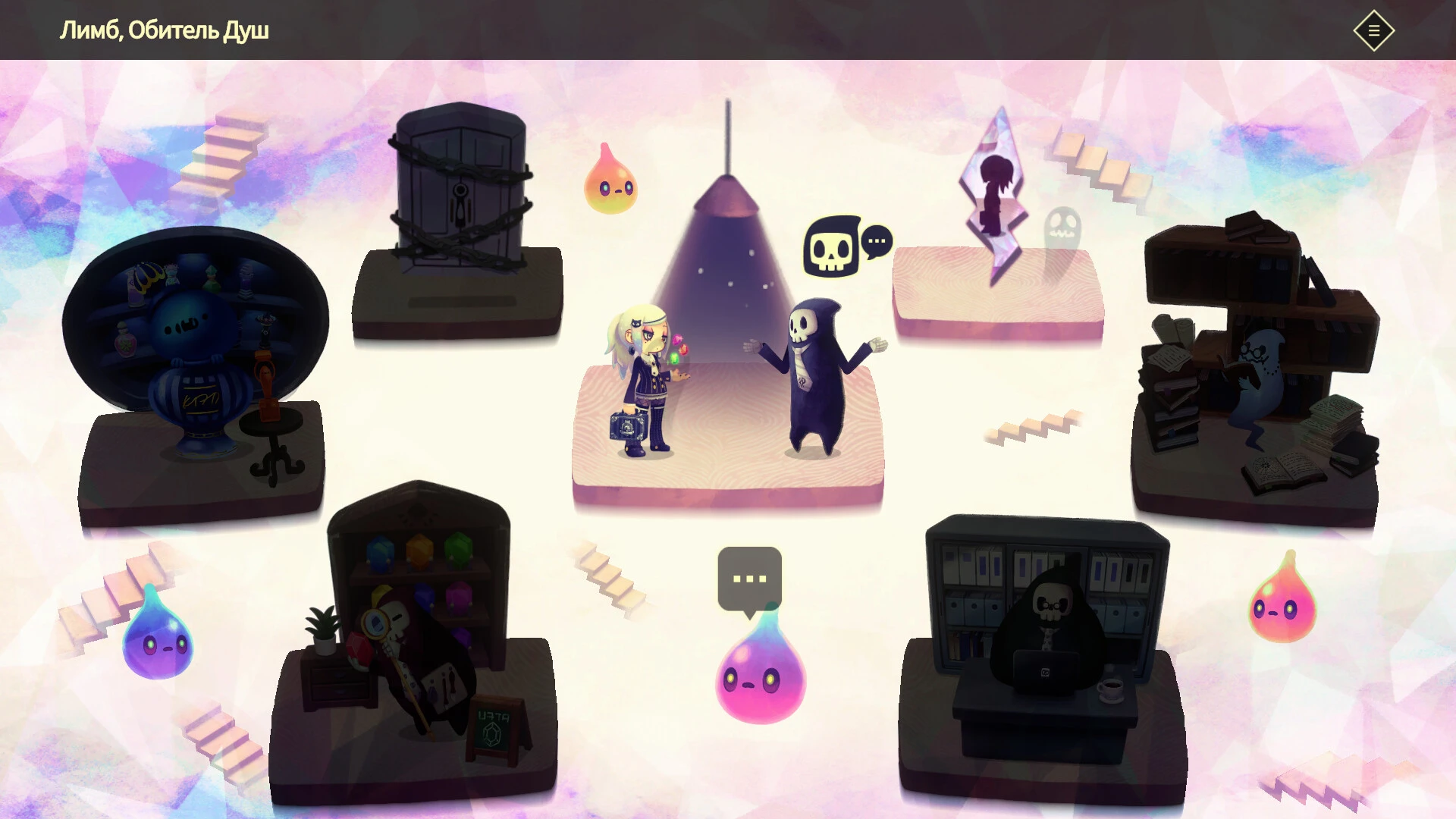
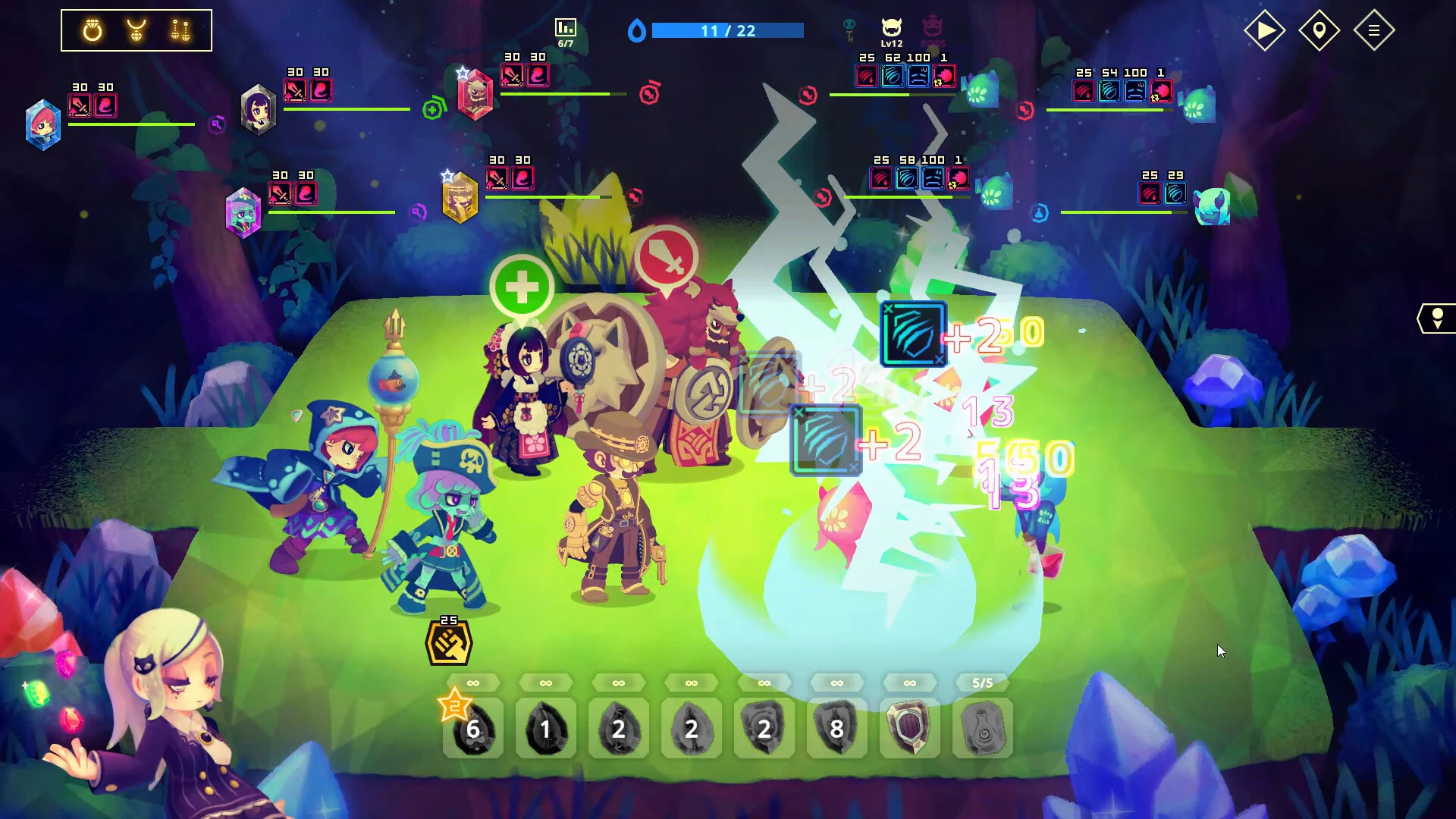
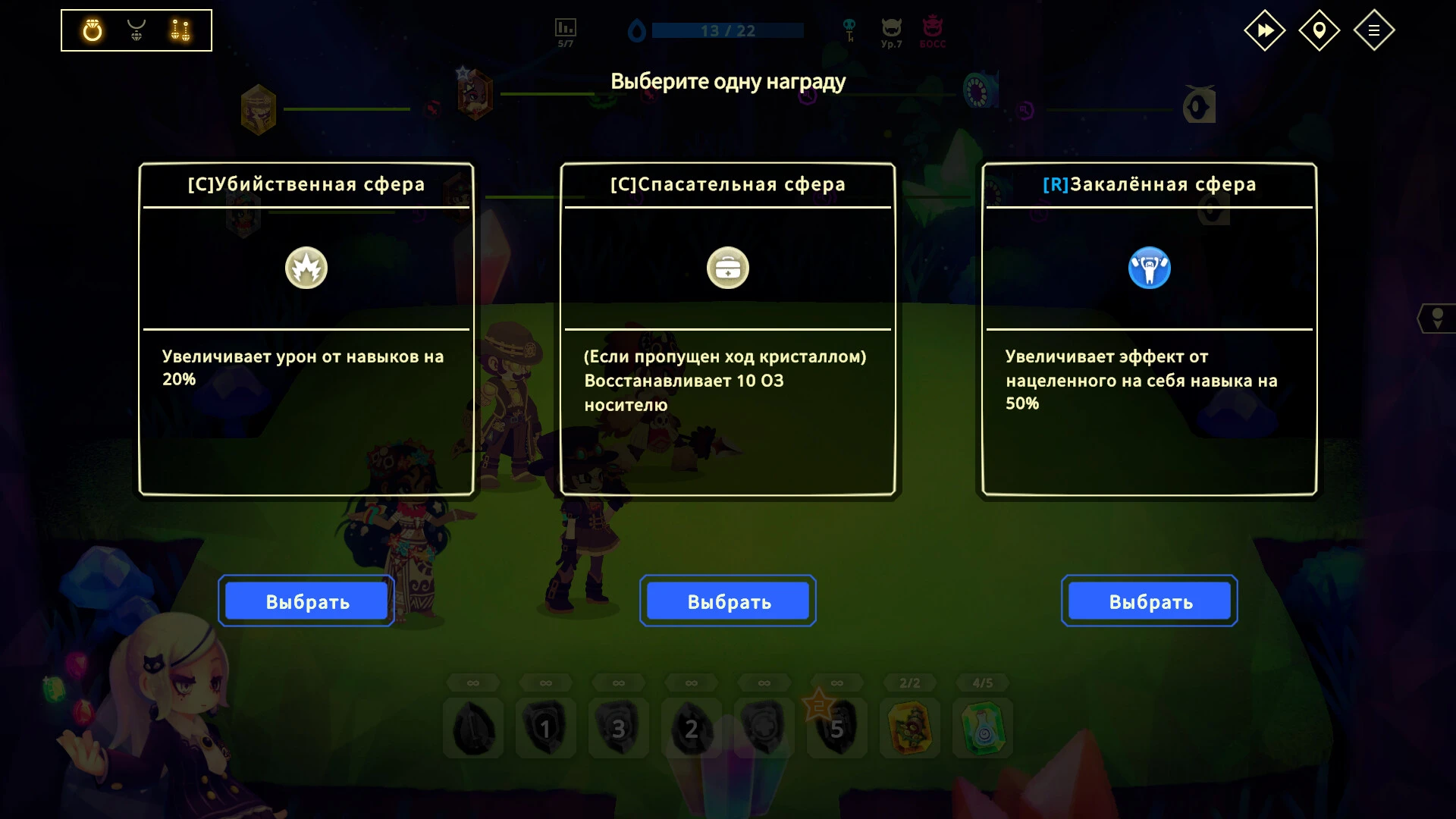
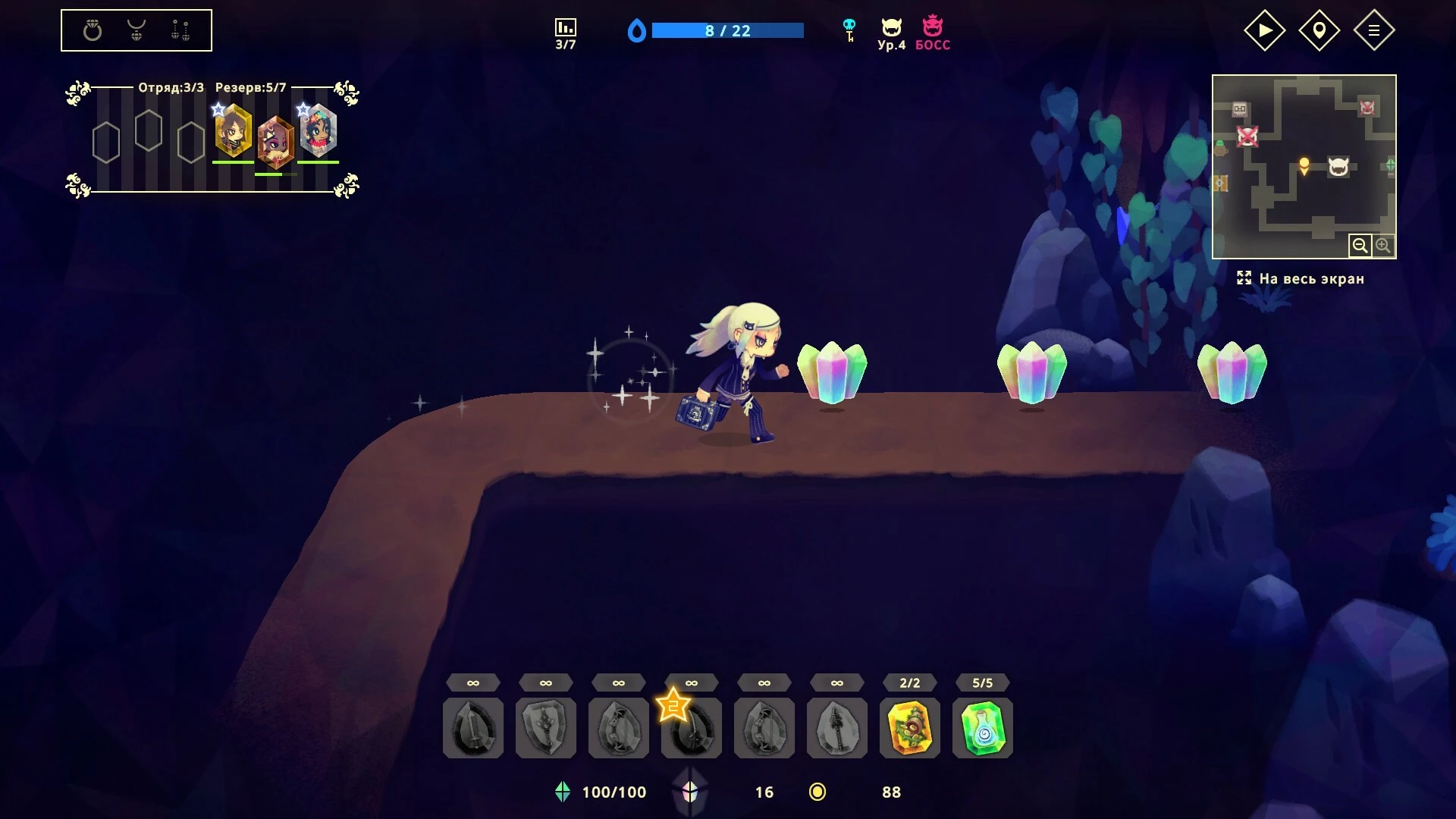
Vivid World is a digital experience built around one simple idea: a game world should feel alive. Rather than focusing solely on objectives or competition, Vivid World invites players into a space where exploration, creativity, and atmosphere take center stage. It is less about rushing toward an ending and more about discovering meaning in the journey itself.
From the moment players enter Vivid World, the environment makes a strong impression. Colors are bold without being overwhelming, and landscapes are crafted to feel expressive rather than realistic. Forests glow softly at dusk, cities pulse with energy, and open spaces encourage curiosity. Every location feels intentionally designed to evoke emotion, making movement through the world feel purposeful even when there is no immediate goal.
Gameplay in Vivid World emphasizes freedom and personal expression. Instead of rigid missions, players are often given loose objectives that can be approached in multiple ways. Exploration is rewarded with hidden stories, environmental puzzles, and unexpected interactions. The game trusts players to create their own pace, allowing moments of calm to exist alongside moments of excitement. This flexible structure helps the experience feel natural rather than forced.
One of the defining strengths of Vivid World is how it blends interaction with atmosphere. Objects in the environment respond subtly to player actions, creating a sense of presence. Light shifts as characters move, sound changes depending on surroundings, and even small actions can alter the mood of a space. These details may seem minor individually, but together they build a powerful sense of immersion.
Narrative in Vivid World is not delivered through long cutscenes or heavy dialogue. Instead, stories are woven into the environment itself. Abandoned structures, symbolic landmarks, and visual cues hint at past events and unseen characters. Players piece together meaning through observation, allowing interpretation to vary from one person to another. This storytelling approach respects the player’s intelligence and imagination.
Character interaction also plays an important role. Whether engaging with non-playable characters or shaping the identity of a playable figure, relationships feel organic. Conversations adapt based on prior choices, and trust or distance develops over time. Rather than clear moral paths, the game presents situations with emotional weight, encouraging reflection rather than judgment.
Technically, Vivid World balances artistic style with smooth performance. The interface remains minimal, keeping attention focused on the world itself. Sound design supports this philosophy, using ambient music and environmental audio to guide emotion without overwhelming the senses. Silence is used effectively, allowing players to truly absorb their surroundings.
What makes Vivid World memorable is its respect for player agency. There is no pressure to play a certain way or achieve success by a fixed definition. Progress is measured in understanding, connection, and discovery rather than points or rankings. Each player’s experience becomes personal, shaped by curiosity and choice.
In the end, Vivid World is not just a place to play—it is a place to feel. It offers a thoughtful reminder that games can be expressive spaces, capable of inspiring wonder, reflection, and creativity long after the screen fades to black.
OS: Mojave 10.14Processor: Intel(R) Core(TM) i5 or Apple m1RAM: 8 GB RAMVideo Card: Intel Iris Plus Graphics or Apple m1Disk Space: 2 MB
Run the downloaded image and drag the application to the Applications folder shortcut.
Once copying is complete, the application can be launched via Launchpad.
Frequently Asked Questions
Mount the image and run Open Gatekeeper friendly.
Press Enter to bypass Gatekeeper in the Terminal window.
Drag the application to the Applications folder.
The application is ready for use.
ATTENTION! SIP must be disabled. Learn more >
Restart your Mac and hold down Command + R to enter Recovery Mode.
Open Terminal from the Utilities menu.
Enter the command: csrutil disable
Restart your Mac.
This is a common Gatekeeper issue. Follow these steps:
1. Open Terminal
2. Enter: sudo xattr -rd com.apple.quarantine /Applications/AppName.app
3. Replace "AppName" with the actual application name
4. Press Enter and enter your password
Yes, all our downloads are thoroughly checked for viruses and malware.
We use multiple antivirus engines to scan every file.
Our team tests each application before publishing.
We never bundle adware or unwanted software.
Yes, we regularly update our applications to the latest versions.
You can check our website for updates or subscribe to our newsletter.
We strive to provide the most recent versions within 24-48 hours of release.
If a download link is not working, please:
1. Try a different browser
2. Clear your browser cache and cookies
3. Try the alternative download links provided
4. Contact our support team if the issue persists