


Wagotabi: A Japanese Journey
Download Wagotabi: A Japanese Journey
Run the downloaded image and drag the application to the Applications folder shortcut.
Once copying is complete, the application can be launched via Launchpad.
Previous Versions
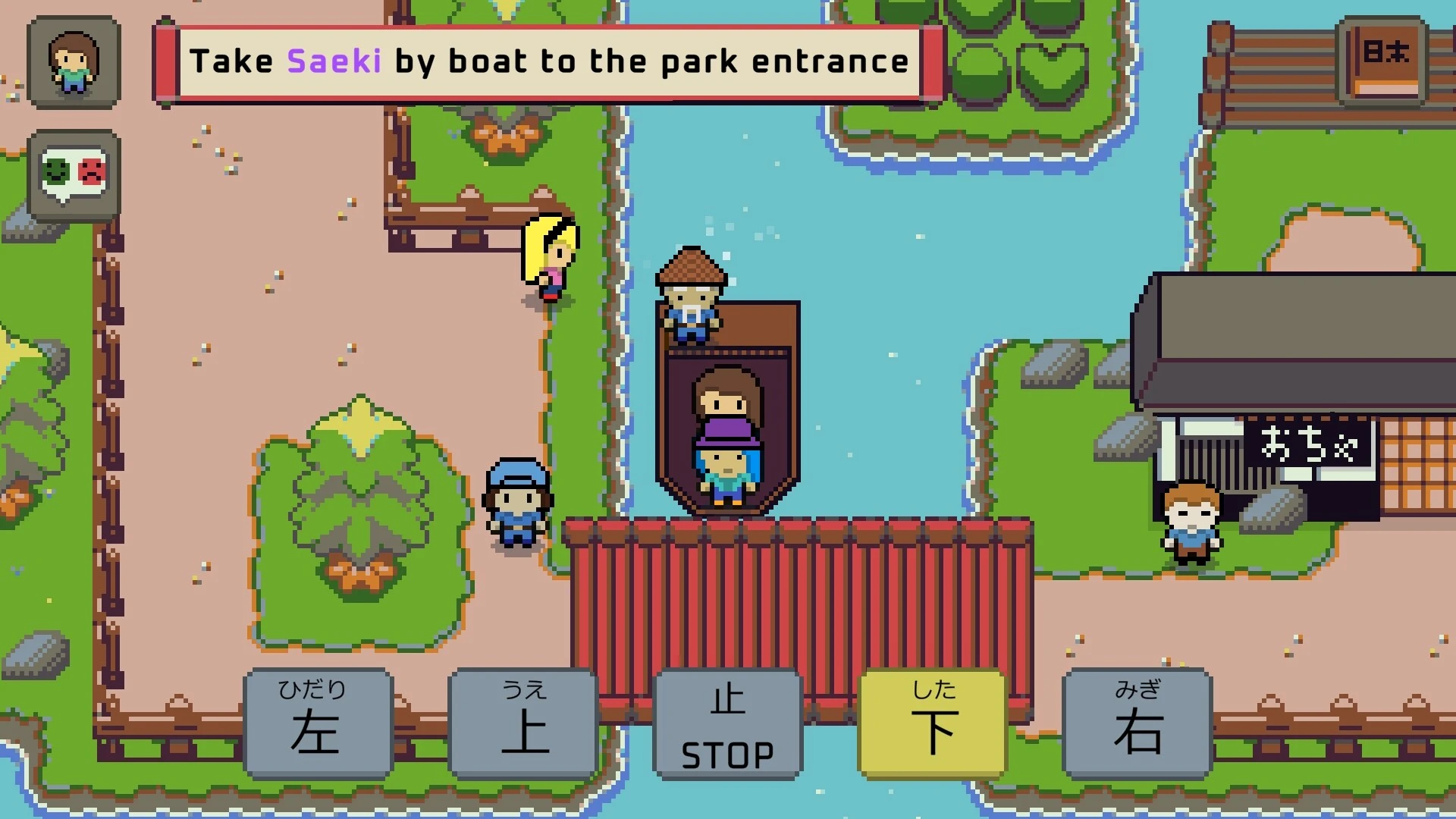
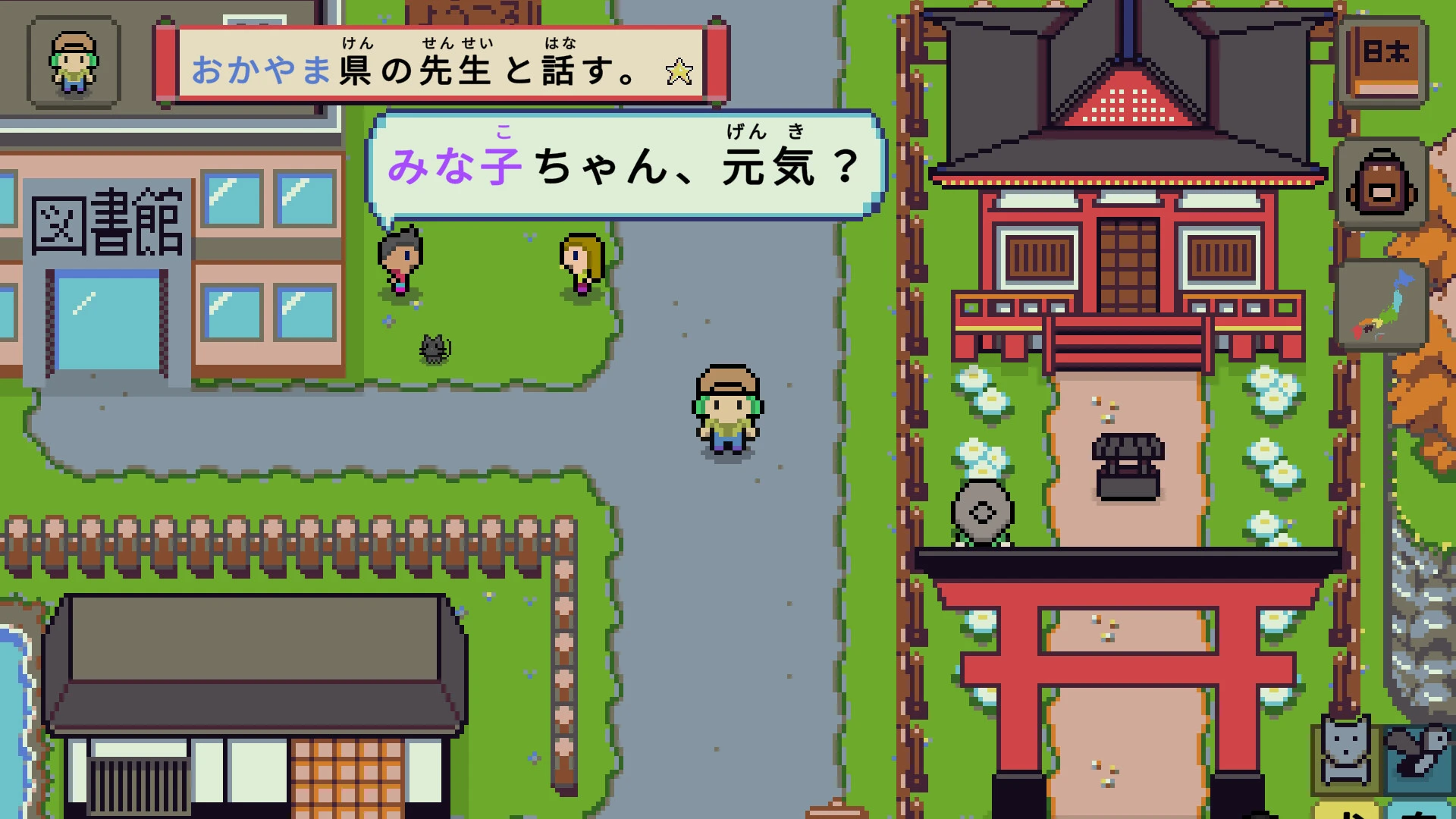
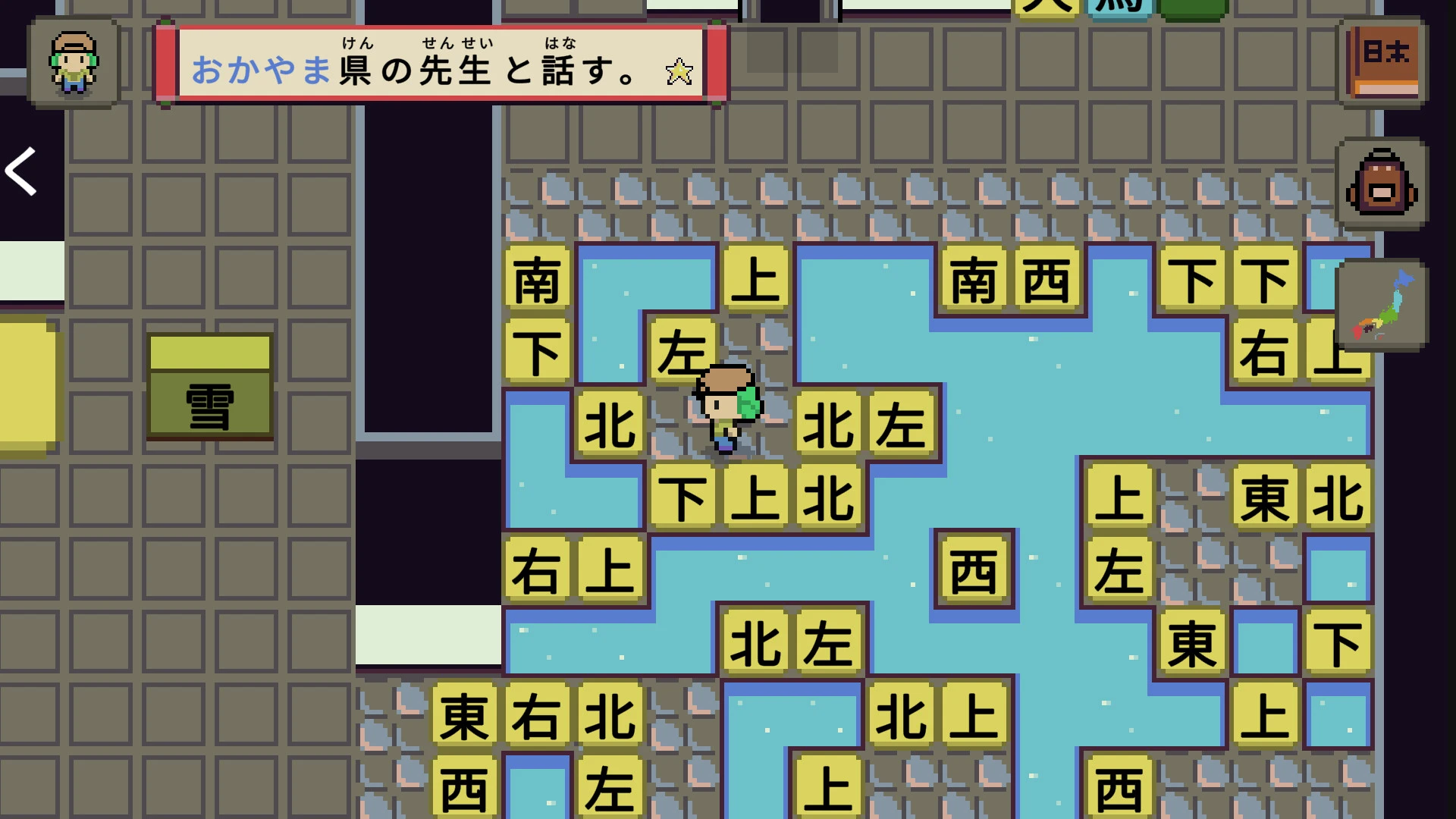
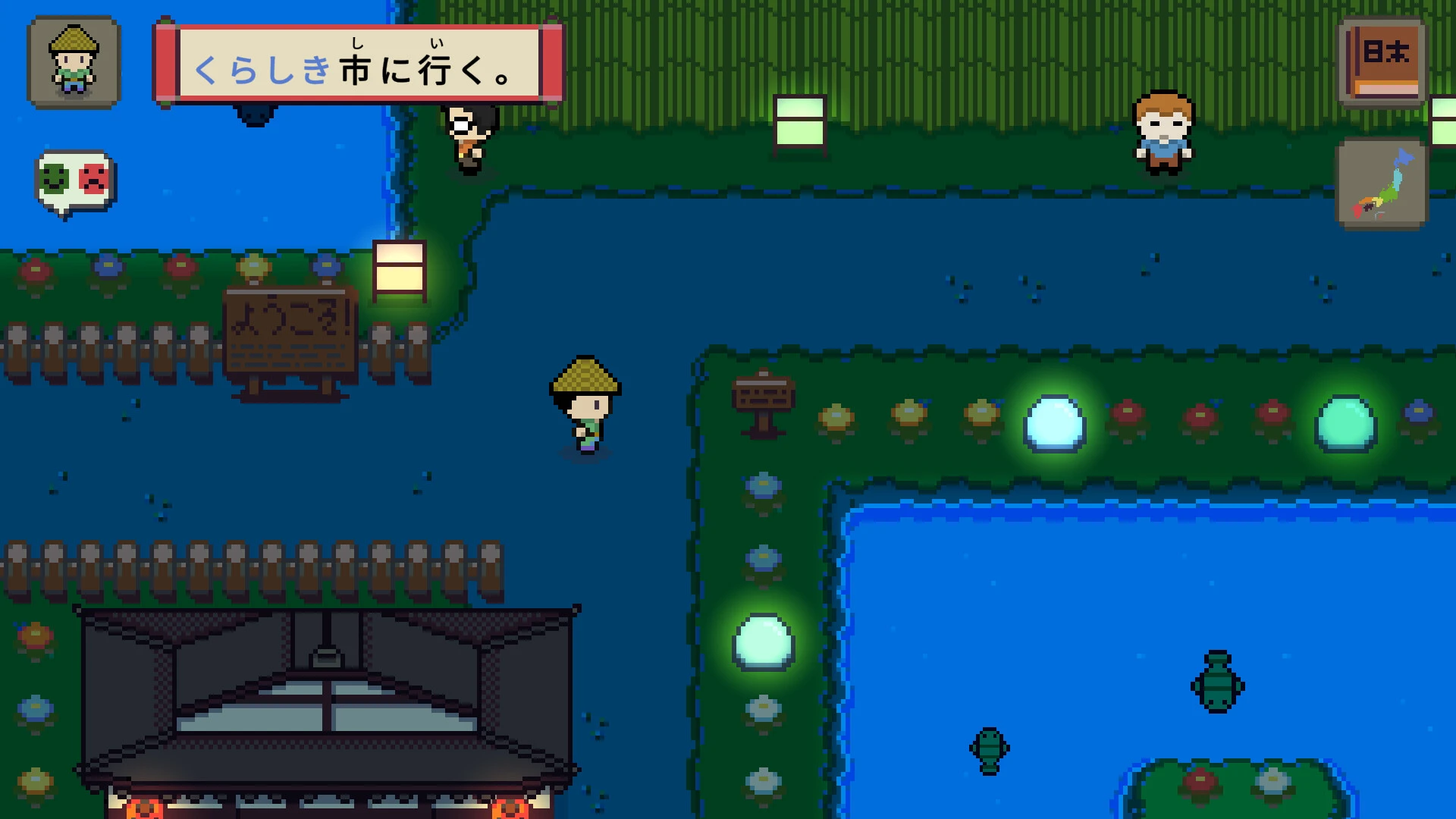
In the realm of video games that transcend mere entertainment, Wagotabi: A Japanese Journey stands as a serene and evocative experience. Rather than focusing on fast-paced action or high-stakes combat, this game invites players to immerse themselves in the quiet beauty of Japan’s landscapes, traditions, and everyday life. It is an exploration of culture, nature, and the subtle poetry of existence, offering a digital retreat that feels meditative and heartfelt.
Set in a world inspired by rural and urban Japan, Wagotabi allows players to travel through villages, forests, mountains, and bustling towns. Each location is carefully crafted, capturing the nuanced aesthetics of Japanese architecture, seasonal changes, and natural scenery. From sakura trees in full bloom to quiet, misty temples tucked away in the mountains, the environments feel alive and harmonious. The game’s visuals are complemented by an understated sound design, with gentle ambient music, flowing rivers, and the soft rustle of leaves creating an atmosphere of tranquility and reflection.
A unique aspect of Wagotabi is its focus on exploration and interaction rather than conflict. Players are encouraged to engage with the environment and its inhabitants. Conversations with villagers reveal stories, traditions, and wisdom, while engaging in daily tasks such as tending gardens, fishing, or helping with festivals deepens the sense of immersion. These interactions are not mere gameplay mechanics—they are a window into a culture that values patience, respect, and harmony with nature.
The game also incorporates a light puzzle-solving element, often tied to environmental observation and cultural practices. For instance, arranging objects in a temple or deciphering a seasonal ritual may unlock hidden areas or new experiences. These puzzles are designed to be intuitive and rewarding, emphasizing mindfulness and attention to detail rather than frustration. This approach reinforces the game’s core theme: the joy of discovery and the serenity found in thoughtful engagement with the world.
Beyond gameplay, Wagotabi excels in storytelling through subtlety. There is no grand narrative or epic quest; instead, the story unfolds organically through the places visited and the people met. Players create their own journey, making choices that influence which aspects of the culture and environment they experience. This open-ended narrative encourages reflection, making each journey personal and unique.
The game also celebrates seasonal and cultural diversity. Spring cherry blossoms, autumn maple leaves, winter snowfalls, and summer festivals all provide unique experiences, reinforcing the cyclical nature of life in traditional Japan. Players gain an appreciation for the rhythm of everyday life and the beauty found in simplicity.
In conclusion, Wagotabi: A Japanese Journey is a masterpiece of subtle storytelling and immersive exploration. It is a game that values reflection over action, serenity over chaos, and connection over competition. For players seeking a meditative experience that captures the spirit of Japan and the quiet poetry of life, Wagotabi offers a journey that lingers long after the screen fades to black.
OS: Mojave 10.14+Processor: Apple Silicon, x64 architecture with SSE2Memory: 4 GB RAMGraphics: Metal-capable Intel or AMD GPUsDisk Space: 400 MB
Run the downloaded image and drag the application to the Applications folder shortcut.
Once copying is complete, the application can be launched via Launchpad.
Frequently Asked Questions
Mount the image and run Open Gatekeeper friendly.
Press Enter to bypass Gatekeeper in the Terminal window.
Drag the application to the Applications folder.
The application is ready for use.
ATTENTION! SIP must be disabled. Learn more >
Restart your Mac and hold down Command + R to enter Recovery Mode.
Open Terminal from the Utilities menu.
Enter the command: csrutil disable
Restart your Mac.
This is a common Gatekeeper issue. Follow these steps:
1. Open Terminal
2. Enter: sudo xattr -rd com.apple.quarantine /Applications/AppName.app
3. Replace "AppName" with the actual application name
4. Press Enter and enter your password
Yes, all our downloads are thoroughly checked for viruses and malware.
We use multiple antivirus engines to scan every file.
Our team tests each application before publishing.
We never bundle adware or unwanted software.
Yes, we regularly update our applications to the latest versions.
You can check our website for updates or subscribe to our newsletter.
We strive to provide the most recent versions within 24-48 hours of release.
If a download link is not working, please:
1. Try a different browser
2. Clear your browser cache and cookies
3. Try the alternative download links provided
4. Contact our support team if the issue persists