


Wall World 2
Download Wall World 2
Mount the downloaded image and follow the standard installation procedure.
The installation is completed by choosing a location to place the game.
It is recommended to specify the Applications folder.
Previous Versions
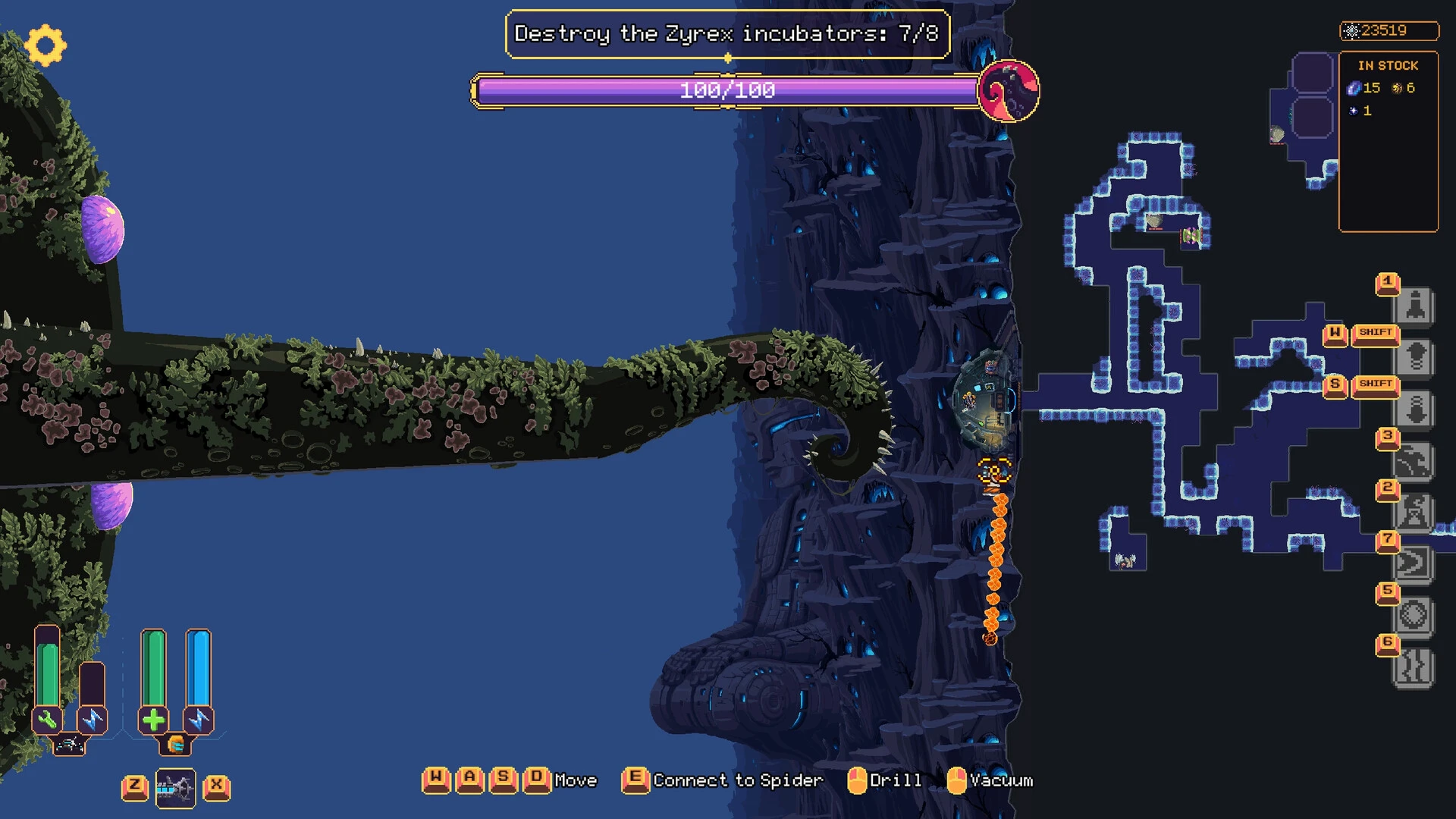
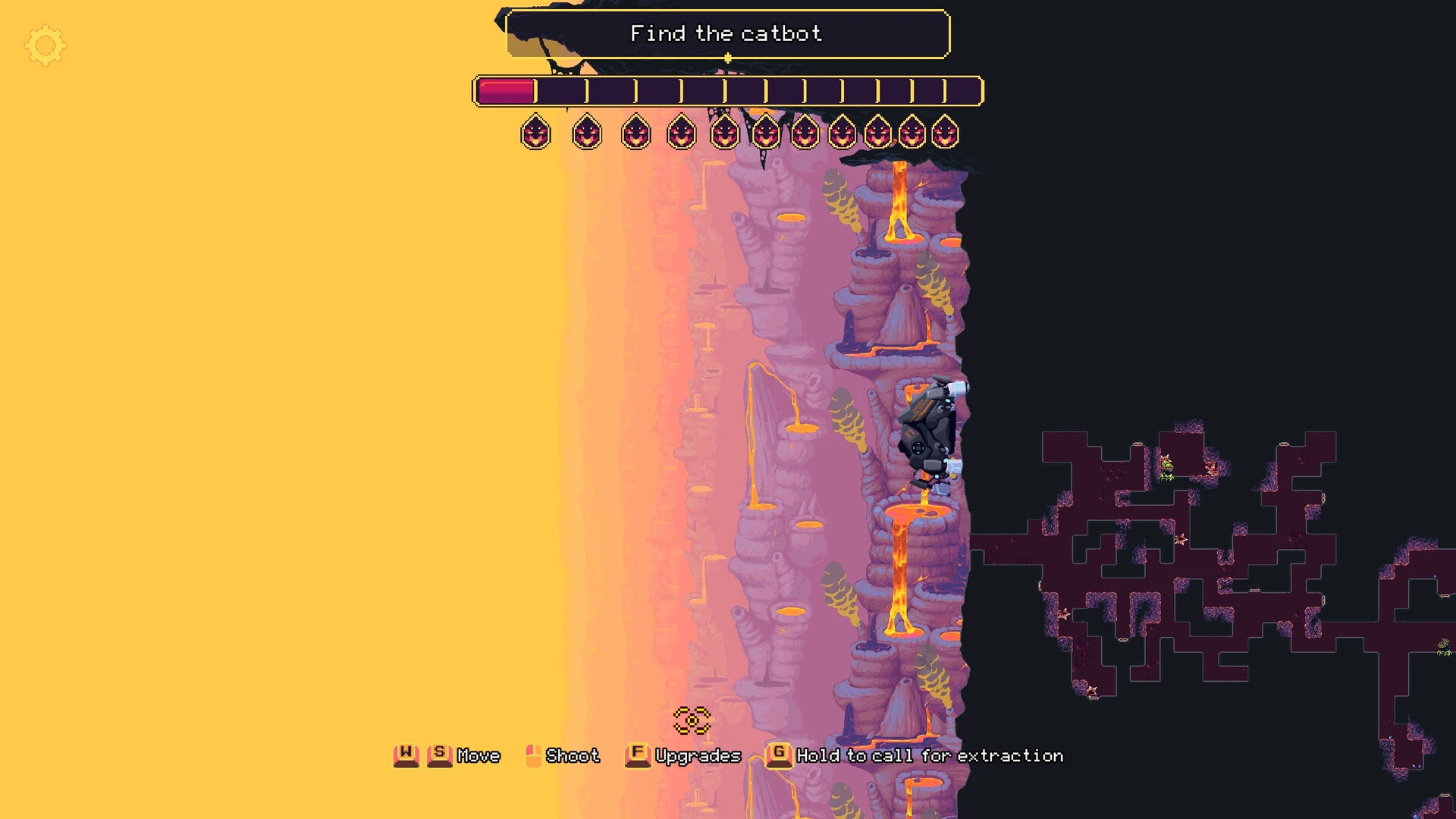
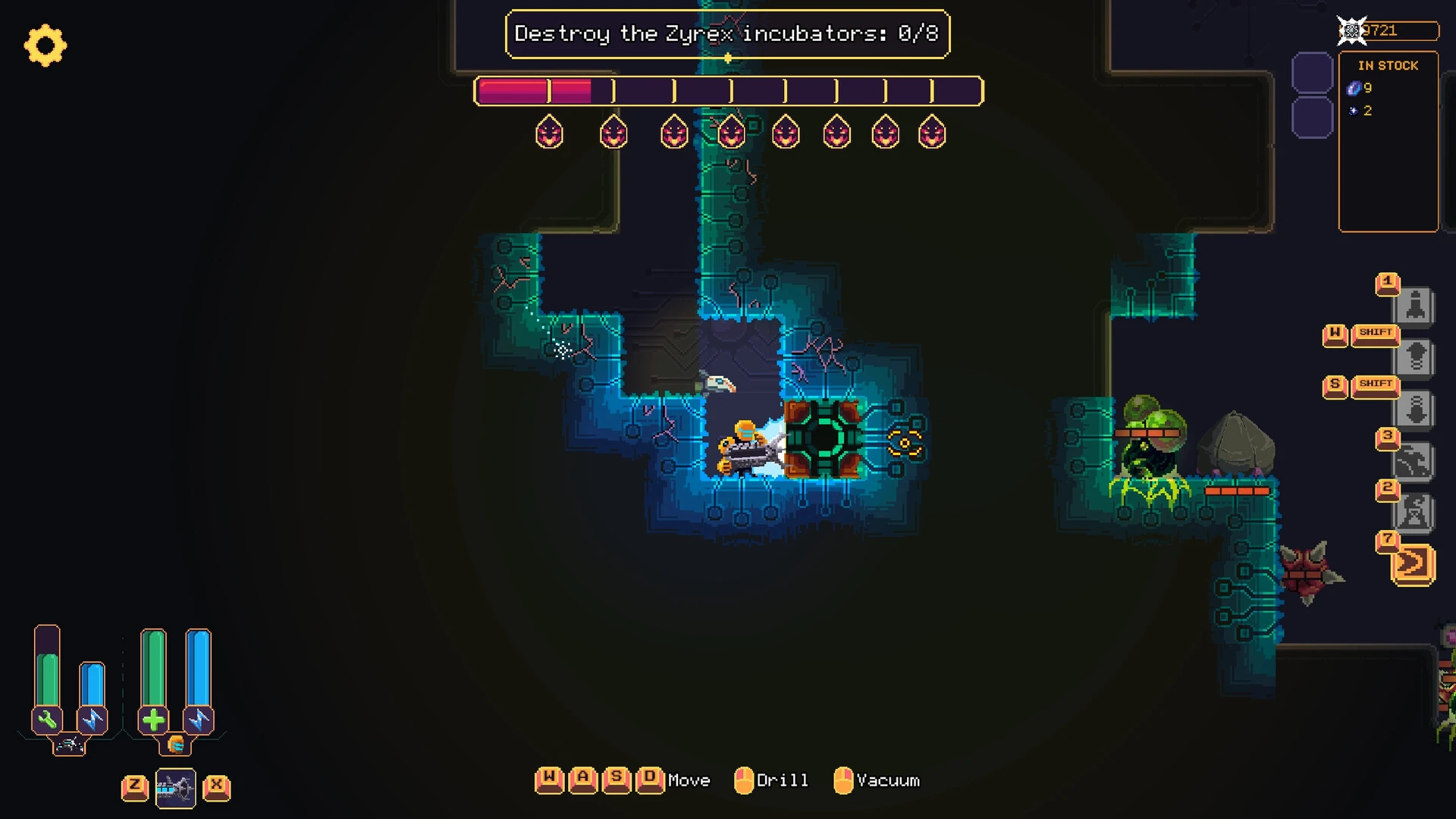
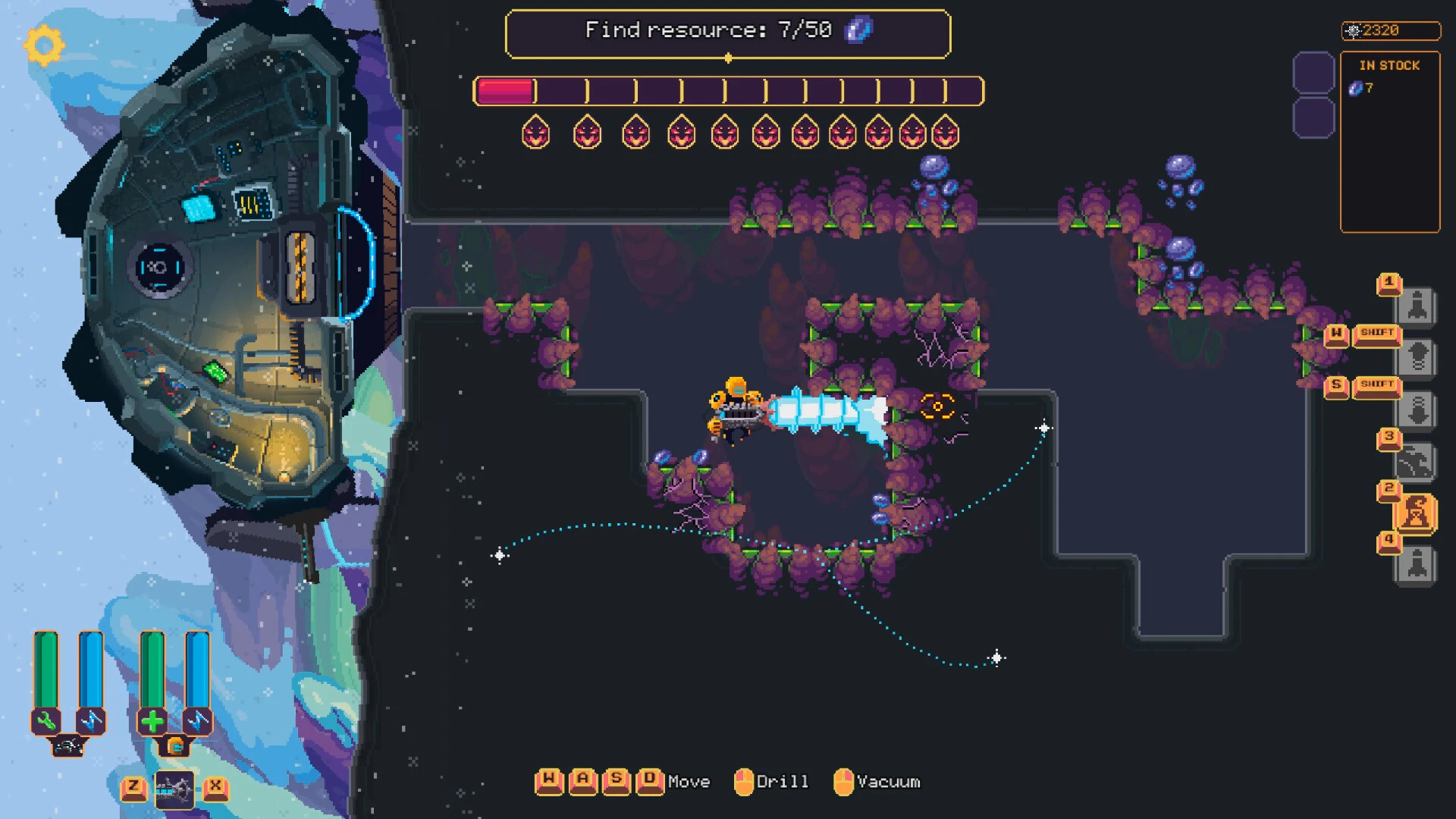
Wall World 2 builds upon the foundation of its predecessor while pushing the concept of vertical exploration to new creative heights. Instead of simply refining existing mechanics, the sequel expands the world, deepens the systems, and introduces fresh challenges that make survival more strategic and rewarding. The result is an experience that feels familiar yet meaningfully evolved.
The game is set on an enormous moving wall that stretches endlessly across a hostile world. This towering structure serves as both a lifeline and a battlefield. Players control a mobile machine that clings to the wall, allowing them to mine resources, explore dangerous zones, and defend against relentless enemy waves. The vertical nature of the environment creates a unique sense of scale, making every climb and descent feel purposeful and tense.
Exploration is more diverse in Wall World 2. New biomes introduce different hazards, enemies, and environmental mechanics. Some areas are unstable, requiring quick decisions and careful movement, while others hide valuable resources behind deadly threats. This variety keeps exploration exciting and prevents repetition, encouraging players to adapt their strategies as they encounter new conditions.
Combat has also been refined to feel more dynamic and tactical. Enemies attack in unpredictable patterns, forcing players to constantly adjust their defenses and positioning. Upgraded weapons and tools offer more customization, allowing players to tailor their combat style. Whether focusing on heavy firepower or defensive systems, each choice influences how encounters unfold. The pressure of managing combat while protecting vital equipment adds an extra layer of intensity.
Resource management remains at the heart of the experience. Players must carefully balance mining, upgrading, and repairing their machine. Time is a valuable resource, as lingering too long in one area can attract stronger enemies. This creates a constant push-and-pull between risk and reward, where greed can lead to disaster and caution can limit progress.
Visually, Wall World 2 enhances its distinctive art style with richer detail and smoother animations. The environments feel alive, with subtle visual cues signaling danger or opportunity. Sound design complements this atmosphere, using mechanical noises, distant rumbling, and alert signals to maintain tension. Together, these elements create an immersive setting that draws players deeper into the world.
The progression system encourages experimentation and long-term planning. New upgrades unlock alternate paths and strategies, allowing players to approach challenges in different ways. This flexibility increases replay value, as each run can unfold differently depending on the decisions made.
In conclusion, Wall World 2 successfully expands on its original concept while introducing enough new ideas to feel fresh and engaging. Its blend of vertical exploration, strategic combat, and thoughtful resource management creates a compelling survival experience. For players seeking a game that rewards adaptability, awareness, and careful planning, Wall World 2 delivers an intense and memorable journey that rises above expectations.
OS: OSX Big Sur 11.7.10 or newerProcessor: Apple M1Memory: 8 GB RAMVideo Card: An OpenGL supported GPUStorage: 10 GB
Mount the downloaded image and follow the standard installation procedure.
The installation is completed by choosing a location to place the game.
It is recommended to specify the Applications folder.
Frequently Asked Questions
Mount the image and run Open Gatekeeper friendly.
Press Enter to bypass Gatekeeper in the Terminal window.
Drag the application to the Applications folder.
The application is ready for use.
ATTENTION! SIP must be disabled. Learn more >
Restart your Mac and hold down Command + R to enter Recovery Mode.
Open Terminal from the Utilities menu.
Enter the command: csrutil disable
Restart your Mac.
This is a common Gatekeeper issue. Follow these steps:
1. Open Terminal
2. Enter: sudo xattr -rd com.apple.quarantine /Applications/AppName.app
3. Replace "AppName" with the actual application name
4. Press Enter and enter your password
Yes, all our downloads are thoroughly checked for viruses and malware.
We use multiple antivirus engines to scan every file.
Our team tests each application before publishing.
We never bundle adware or unwanted software.
Yes, we regularly update our applications to the latest versions.
You can check our website for updates or subscribe to our newsletter.
We strive to provide the most recent versions within 24-48 hours of release.
If a download link is not working, please:
1. Try a different browser
2. Clear your browser cache and cookies
3. Try the alternative download links provided
4. Contact our support team if the issue persists