


Warp Frontier
Download Warp Frontier
Run the downloaded package and follow the standard installation procedure.
The installation is completed by choosing a location to place the game.
It is recommended to specify the Applications folder.
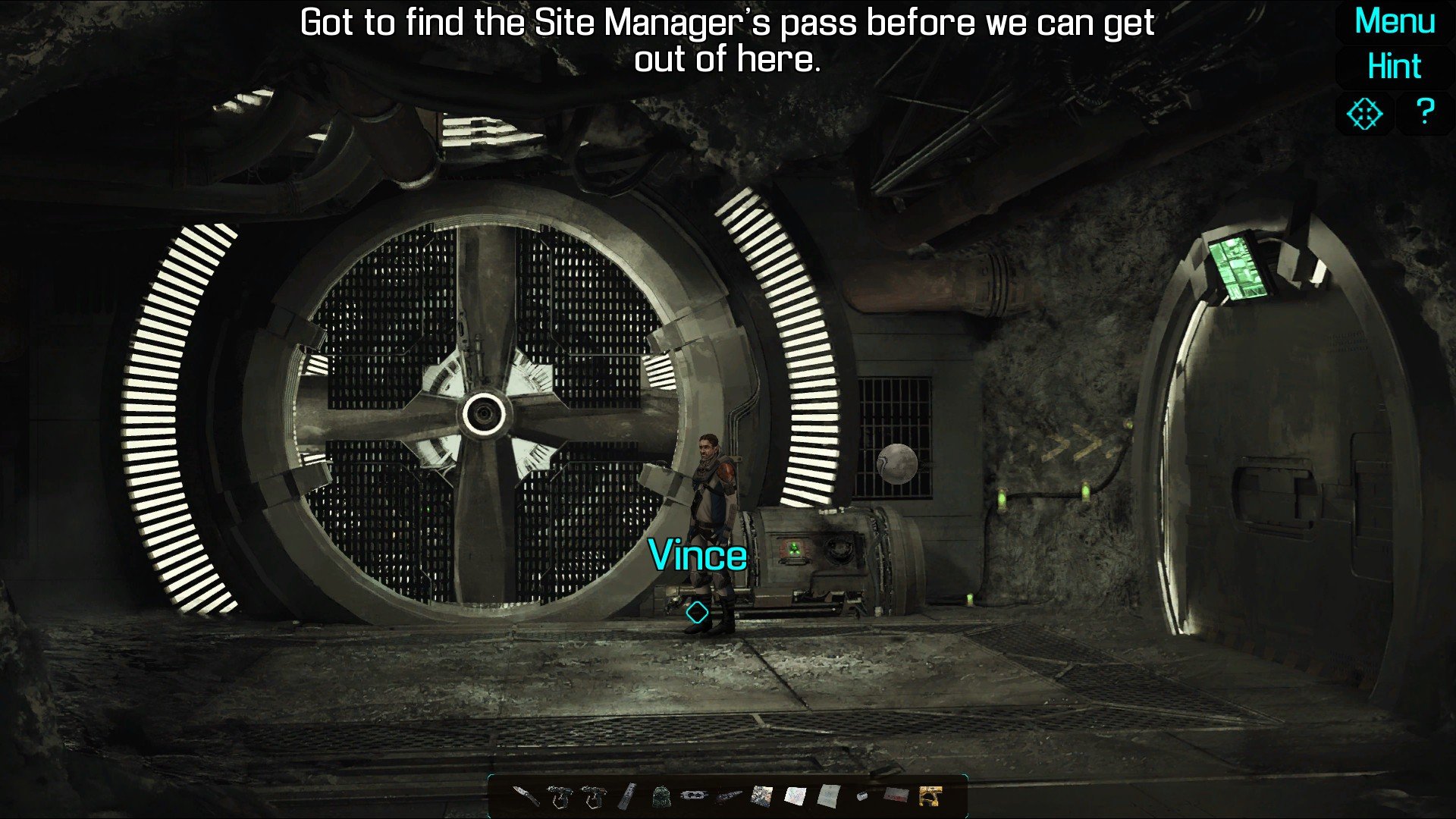
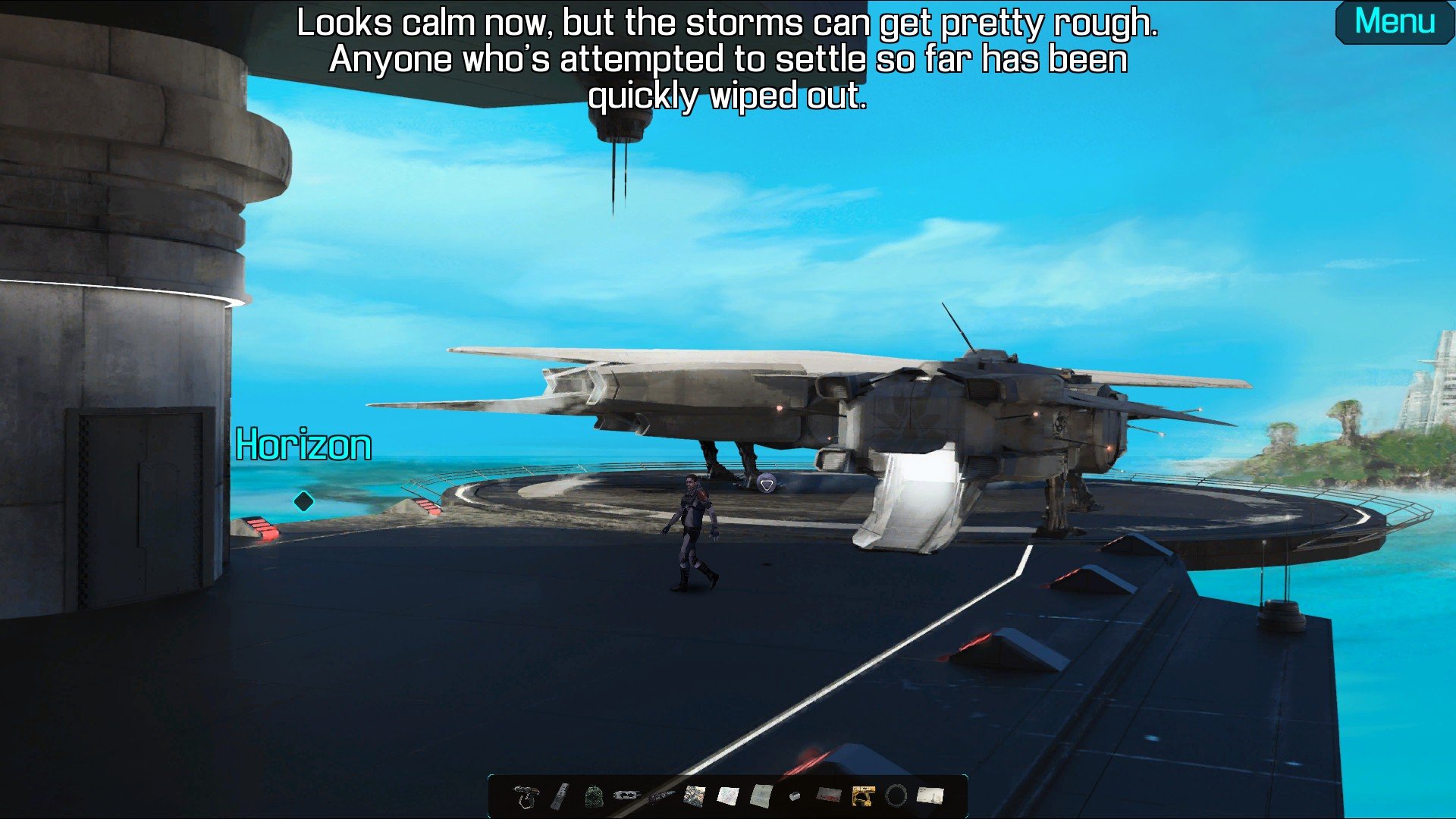
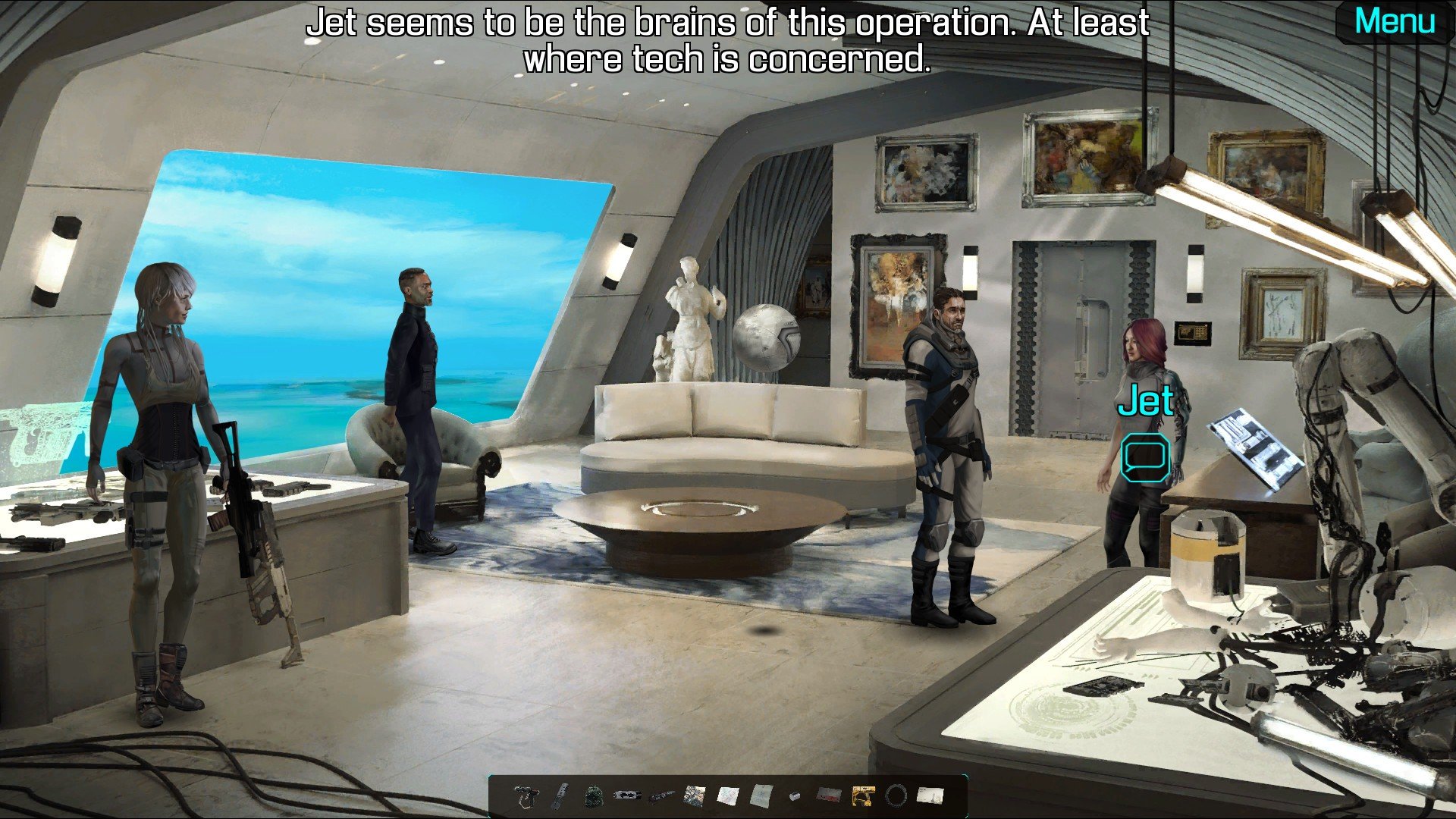
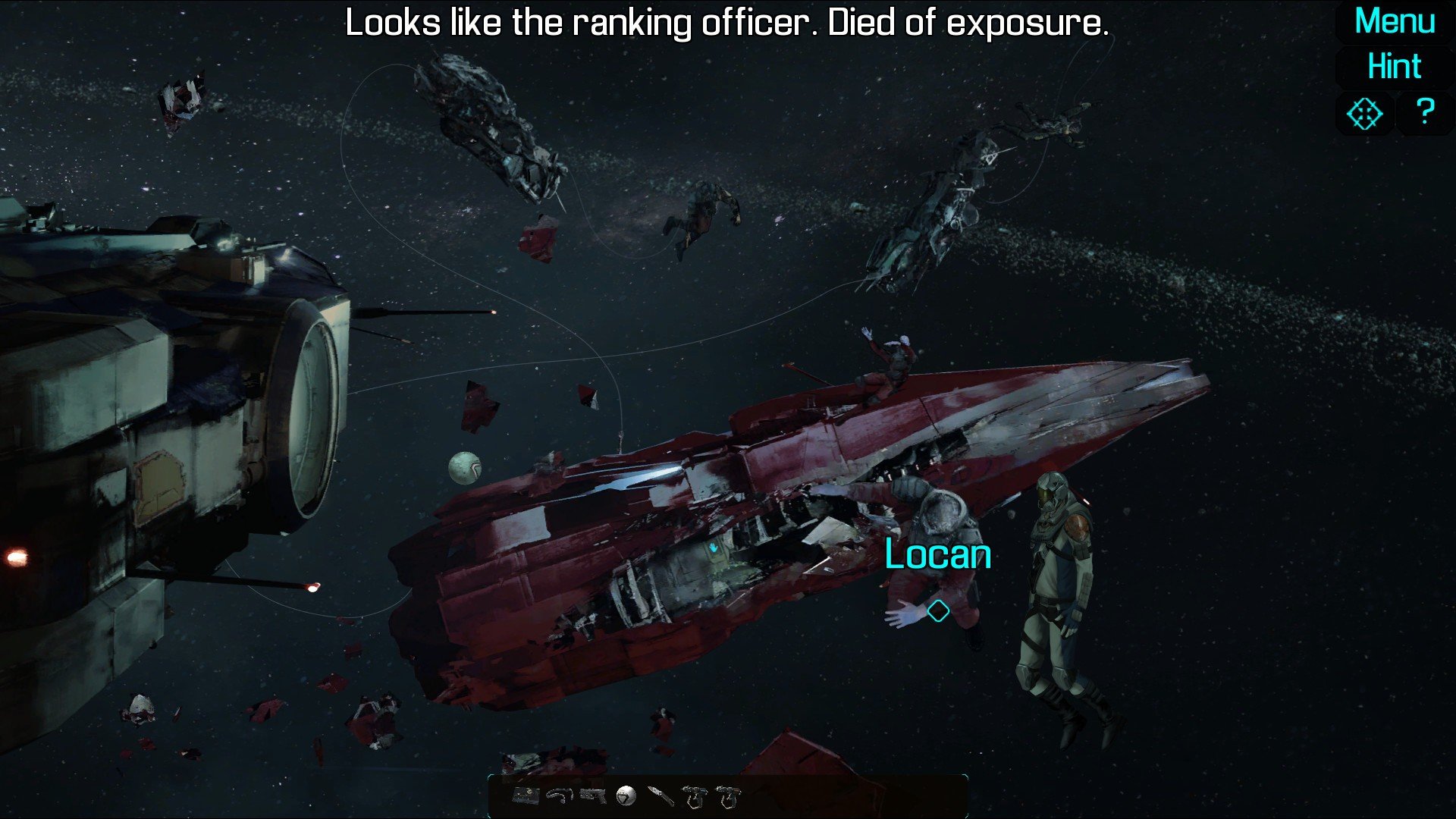
Warp Frontier, developed by Icerberg Games, is a turn-based strategy and adventure title that transports players to the far reaches of space, blending tactical combat with rich storytelling. Set in a galaxy filled with mysterious civilizations, political intrigue, and hidden dangers, the game challenges players to navigate complex scenarios where every decision can alter the fate of entire star systems. With its strategic depth, immersive narrative, and dynamic gameplay mechanics, Warp Frontier offers a compelling experience for both strategy enthusiasts and sci-fi fans.
In Warp Frontier, players take on the role of a commander leading an expedition across uncharted regions of the galaxy. The game emphasizes tactical decision-making, requiring careful planning in every encounter. Battles are turn-based, taking place on a hex-grid system where positioning, unit abilities, and terrain all influence the outcome. Players command a diverse fleet of ships, each with unique strengths and specialized roles, from agile scouts and devastating capital ships to support vessels with healing or buffing capabilities. Strategic deployment and adaptation to enemy tactics are essential to survival, making combat both challenging and rewarding.
Exploration is a central component of the game. The galaxy is procedurally generated, ensuring that each playthrough presents new planets, anomalies, and hazards. Players must weigh the risks and rewards of each expedition, balancing the search for valuable resources with the potential dangers of hostile encounters. Along the way, they uncover relics of ancient civilizations, encounter alien species, and make decisions that affect both their fleet and the larger political landscape of the galaxy. These choices add depth and replayability, encouraging players to experiment with different strategies and alliances.
The narrative of Warp Frontier is rich and multifaceted. Players experience the story through mission briefings, dialogue with key characters, and the outcomes of their decisions. Themes of exploration, loyalty, and moral ambiguity are explored as players negotiate with alien civilizations, confront rival factions, and manage internal tensions within their own fleet. The game allows players to shape the story, making each decision meaningful and giving a sense of ownership over the unfolding events.
Visual and audio design play a significant role in creating immersion. The game features detailed ship models, dynamic space environments, and vibrant planetary systems. Animated battle sequences and visual effects convey both scale and impact, while the atmospheric soundtrack and sound effects enhance the tension and excitement of exploration and combat. Together, they create a cohesive and engaging sci-fi world that draws players in from start to finish.
Ultimately, Warp Frontier is more than just a strategy game; it is a journey of exploration, decision-making, and tactical mastery. Its combination of turn-based combat, procedural exploration, and narrative depth offers a satisfying challenge for players who enjoy thoughtful planning and immersive storytelling. For fans of strategy and science fiction alike, Warp Frontier provides a rich and memorable adventure across the stars, where every choice carries weight and every victory feels earned.
OS: 10.13Processor: i3RAM: 4 GBVideo card: 1280x720, 32 bit color, Metal capable Intel or AMD GPUDisk space: 700 MB
Run the downloaded package and follow the standard installation procedure.
The installation is completed by choosing a location to place the game.
It is recommended to specify the Applications folder.
Frequently Asked Questions
Mount the image and run Open Gatekeeper friendly.
Press Enter to bypass Gatekeeper in the Terminal window.
Drag the application to the Applications folder.
The application is ready for use.
ATTENTION! SIP must be disabled. Learn more >
Restart your Mac and hold down Command + R to enter Recovery Mode.
Open Terminal from the Utilities menu.
Enter the command: csrutil disable
Restart your Mac.
This is a common Gatekeeper issue. Follow these steps:
1. Open Terminal
2. Enter: sudo xattr -rd com.apple.quarantine /Applications/AppName.app
3. Replace "AppName" with the actual application name
4. Press Enter and enter your password
Yes, all our downloads are thoroughly checked for viruses and malware.
We use multiple antivirus engines to scan every file.
Our team tests each application before publishing.
We never bundle adware or unwanted software.
Yes, we regularly update our applications to the latest versions.
You can check our website for updates or subscribe to our newsletter.
We strive to provide the most recent versions within 24-48 hours of release.
If a download link is not working, please:
1. Try a different browser
2. Clear your browser cache and cookies
3. Try the alternative download links provided
4. Contact our support team if the issue persists