


Zombotron
Download Zombotron
Run the downloaded image and drag the game to the Applications folder shortcut.
Once the copying is complete, the game can be launched via Launchpad.
Previous Versions
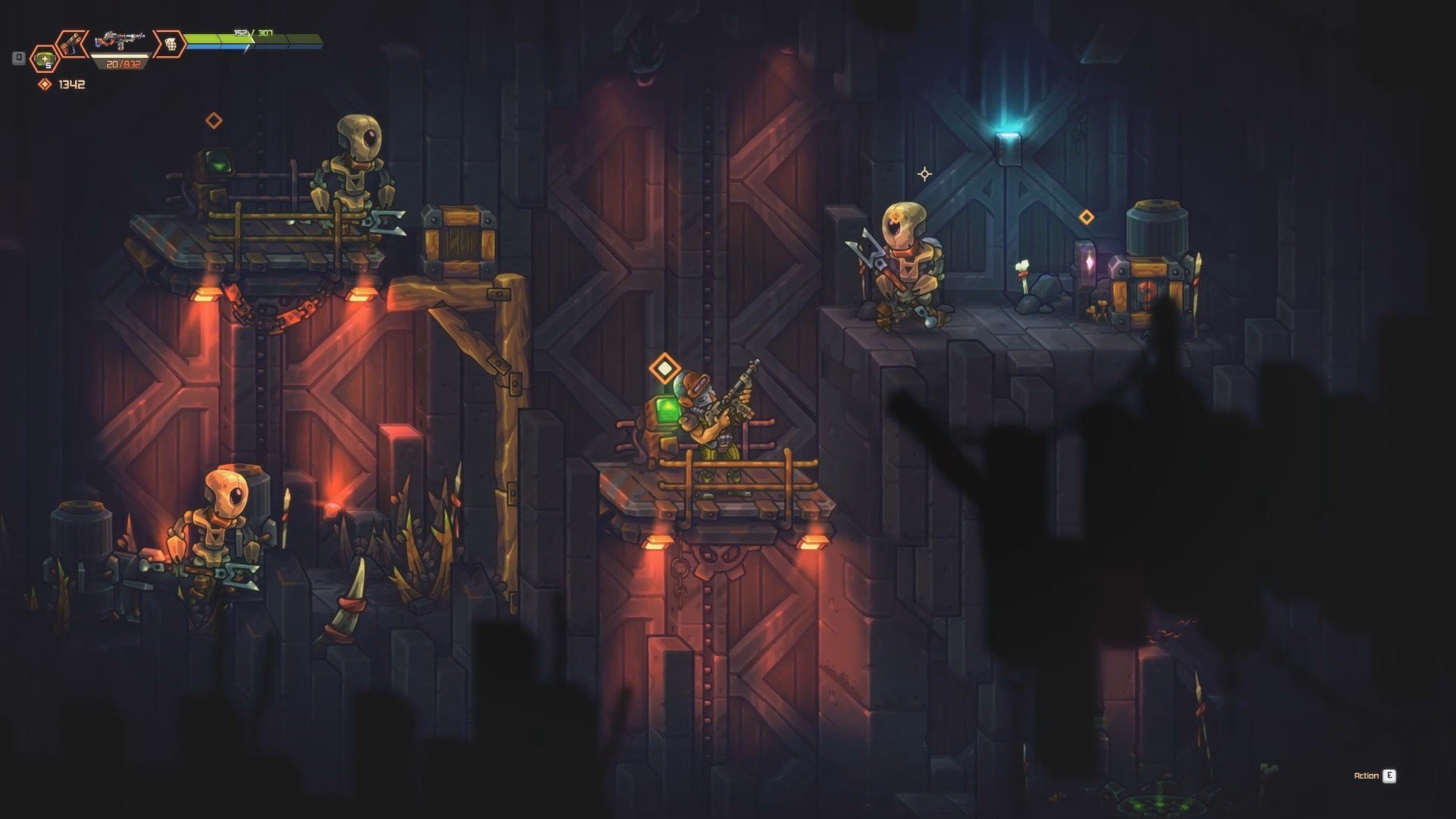
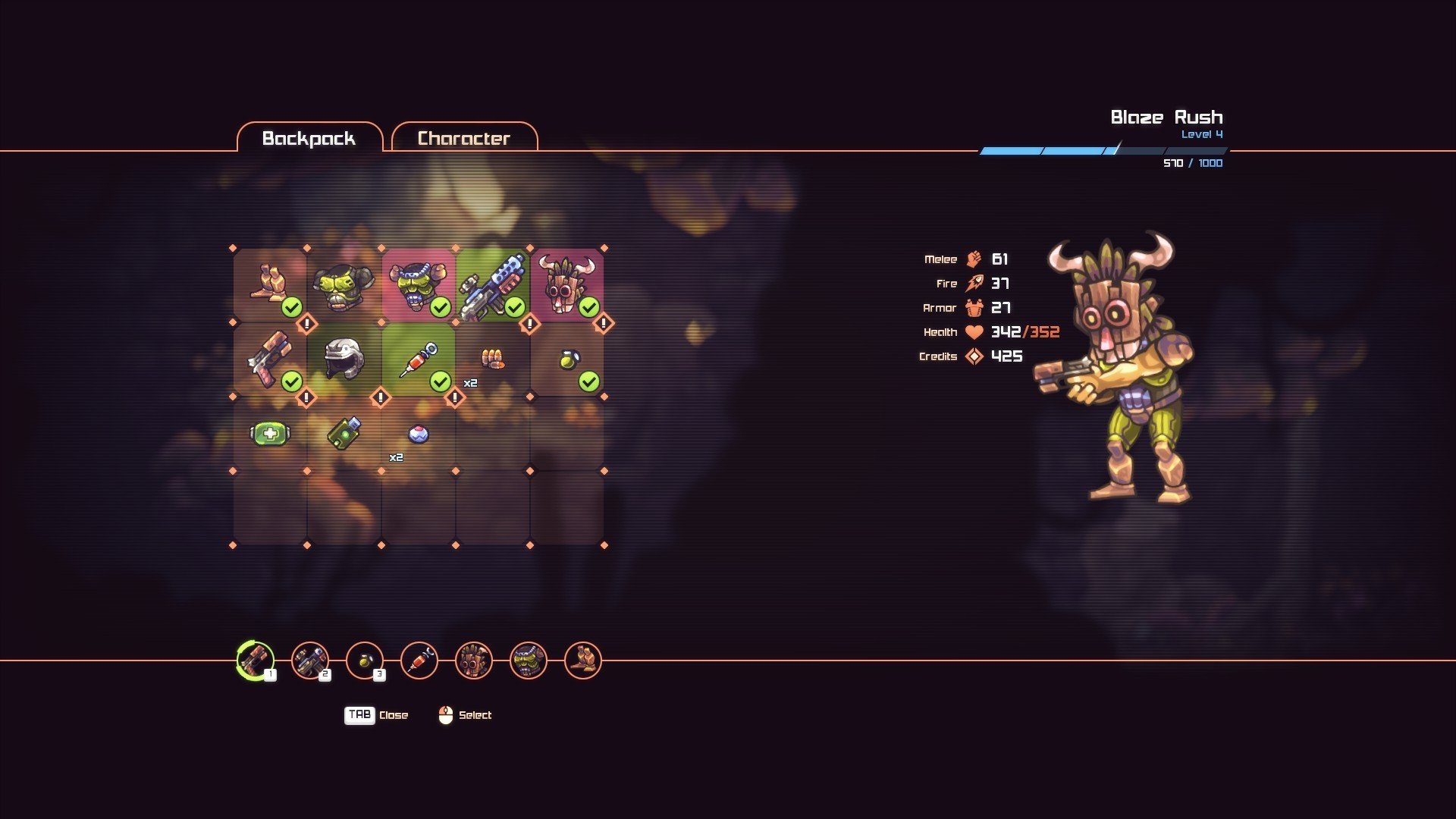
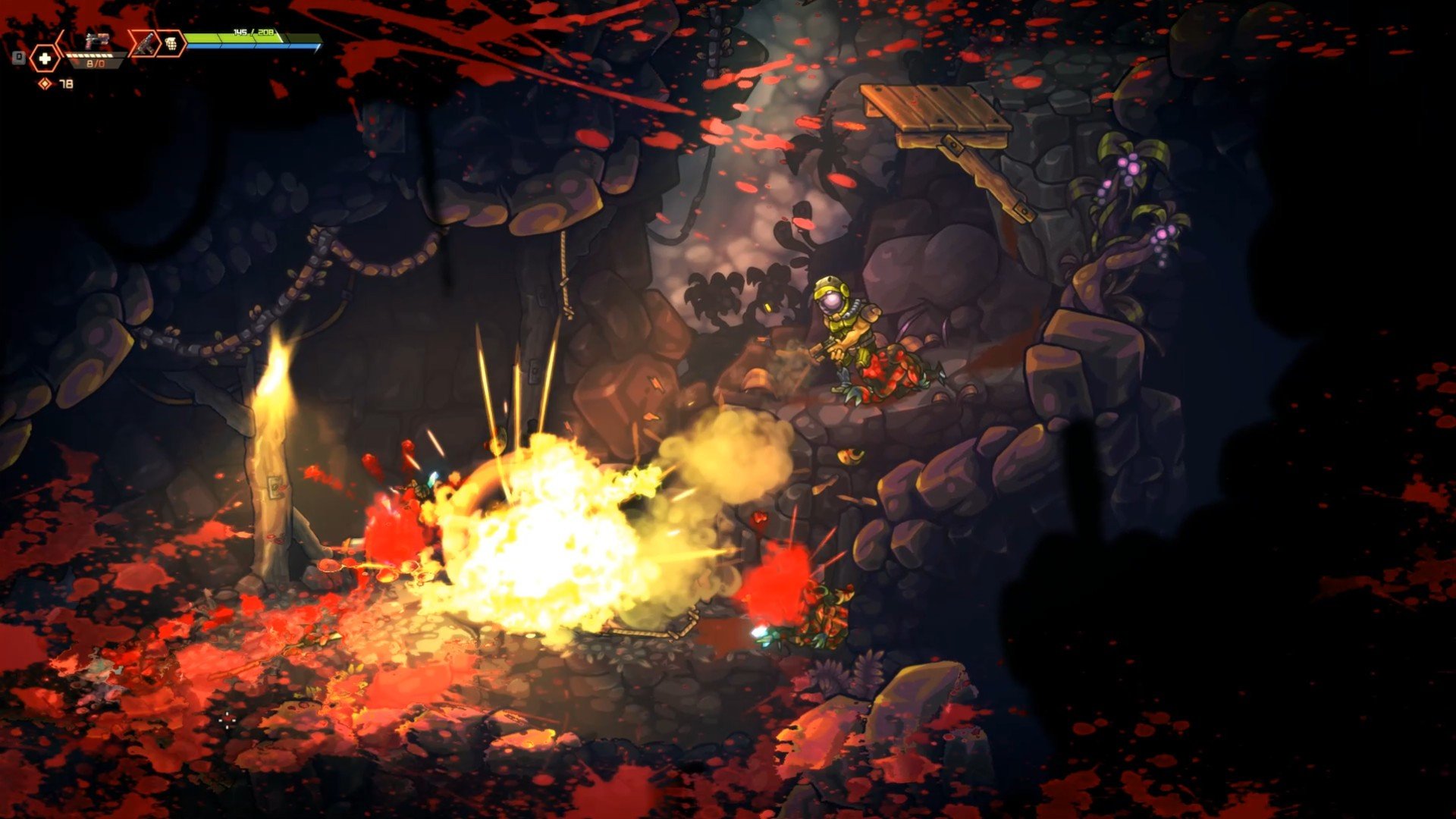
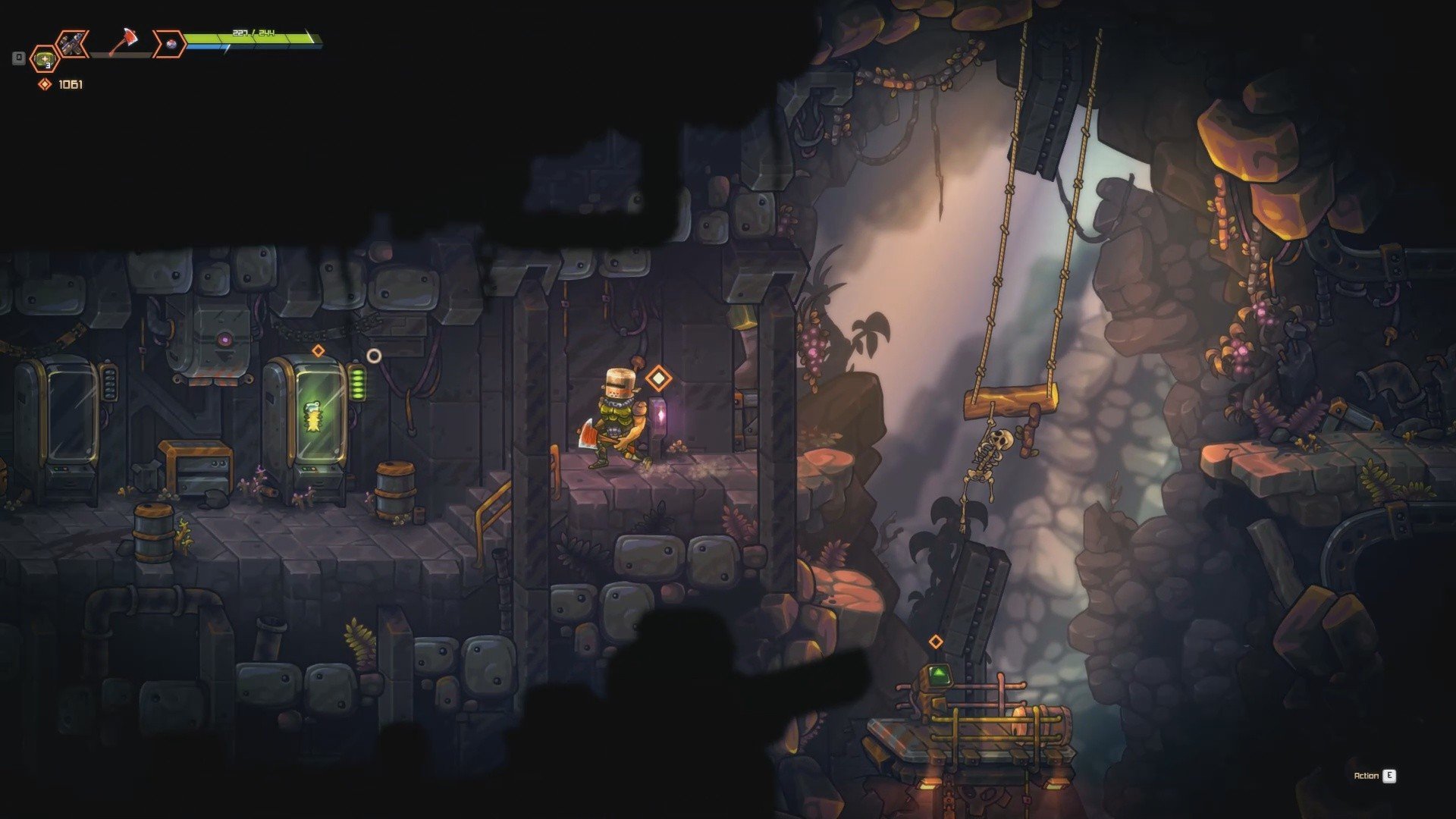
In the landscape of indie action games, Zombotron has carved out a reputation as a fast-paced, engaging 2D shooter that combines strategic thinking with intense combat. Developed by Anton Karlov, the game places players in a post-apocalyptic world teeming with dangerous creatures, futuristic technology, and endless opportunities for exploration. Its blend of action, exploration, and tactical resource management makes it a standout among side-scrolling shooters.
The premise of Zombotron is simple yet compelling: you play as a lone survivor navigating hostile environments filled with alien creatures, zombies, and deadly hazards. Armed with an array of weapons—from conventional firearms to futuristic experimental gadgets—you must battle your way through levels while scavenging resources, upgrading equipment, and uncovering hidden secrets. Each level is a carefully crafted arena that tests reflexes, strategy, and adaptability.
One of the most appealing aspects of Zombotron is its combat mechanics. Unlike many 2D shooters that rely solely on rapid-fire action, Zombotron encourages players to think tactically. Positioning, weapon selection, and environmental awareness all play crucial roles in surviving encounters. Players can use explosive barrels, energy shields, and traps strategically to gain an advantage over waves of enemies. This combination of strategy and fast-paced action keeps the gameplay dynamic and rewarding.
Exploration is another critical component of Zombotron. Levels are not strictly linear; they often feature hidden paths, secret rooms, and collectible items. This encourages players to carefully investigate every corner of the map, rewarding curiosity with upgrades, additional weapons, and story elements. The sense of discovery adds depth to the game and keeps players engaged beyond the immediate thrill of combat.
Visually, Zombotron employs a retro-inspired 2D aesthetic that complements its action-packed gameplay. While the graphics are not hyper-realistic, they are clear, colorful, and detailed enough to make each environment distinct and engaging. Enemy designs are varied, keeping encounters fresh, while the animations are smooth, allowing for precise control and enjoyable gameplay. The soundtrack and sound effects further enhance immersion, providing tension during combat and atmosphere during exploration.
The game also emphasizes progression and customization. Players can upgrade weapons, improve abilities, and tailor their approach to combat based on personal preferences. This level of customization adds a layer of strategy, making repeated playthroughs feel different and rewarding. The combination of action, exploration, and upgrades ensures that Zombotron is both challenging and satisfying.
In conclusion, Zombotron is more than just a 2D shooter; it is a carefully balanced action-adventure experience that blends tactical combat, exploration, and progression into a cohesive whole. Its engaging gameplay, creative level design, and vibrant post-apocalyptic world make it a must-play for fans of indie shooters. Whether you are seeking fast-paced action, strategic combat, or the thrill of uncovering hidden secrets, Zombotron offers an adventure that is both exciting and deeply satisfying.
OS: Mac OS XRAM: 2 GBDisk space: 900 MB
Run the downloaded image and drag the game to the Applications folder shortcut.
Once the copying is complete, the game can be launched via Launchpad.
Frequently Asked Questions
Mount the image and run Open Gatekeeper friendly.
Press Enter to bypass Gatekeeper in the Terminal window.
Drag the application to the Applications folder.
The application is ready for use.
ATTENTION! SIP must be disabled. Learn more >
Restart your Mac and hold down Command + R to enter Recovery Mode.
Open Terminal from the Utilities menu.
Enter the command: csrutil disable
Restart your Mac.
This is a common Gatekeeper issue. Follow these steps:
1. Open Terminal
2. Enter: sudo xattr -rd com.apple.quarantine /Applications/AppName.app
3. Replace "AppName" with the actual application name
4. Press Enter and enter your password
Yes, all our downloads are thoroughly checked for viruses and malware.
We use multiple antivirus engines to scan every file.
Our team tests each application before publishing.
We never bundle adware or unwanted software.
Yes, we regularly update our applications to the latest versions.
You can check our website for updates or subscribe to our newsletter.
We strive to provide the most recent versions within 24-48 hours of release.
If a download link is not working, please:
1. Try a different browser
2. Clear your browser cache and cookies
3. Try the alternative download links provided
4. Contact our support team if the issue persists