


JustStream PRO
Download JustStream PRO
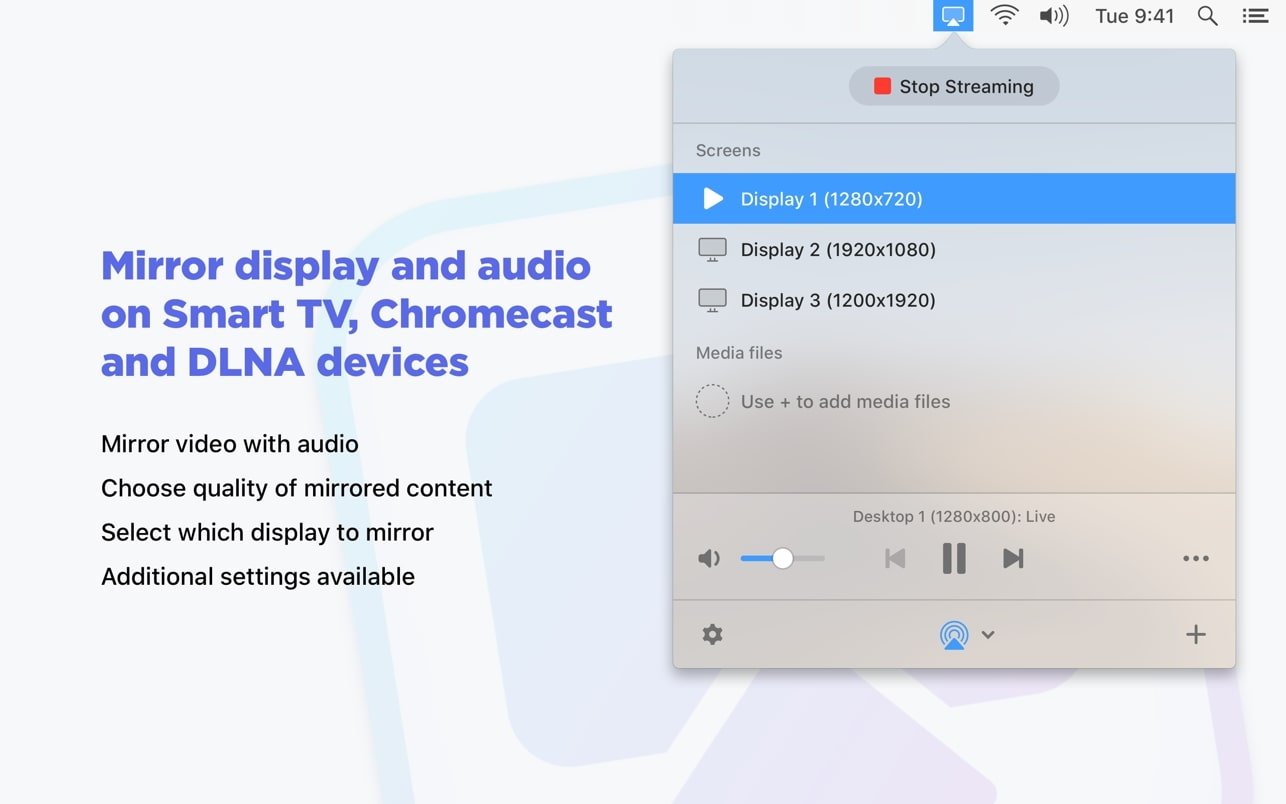
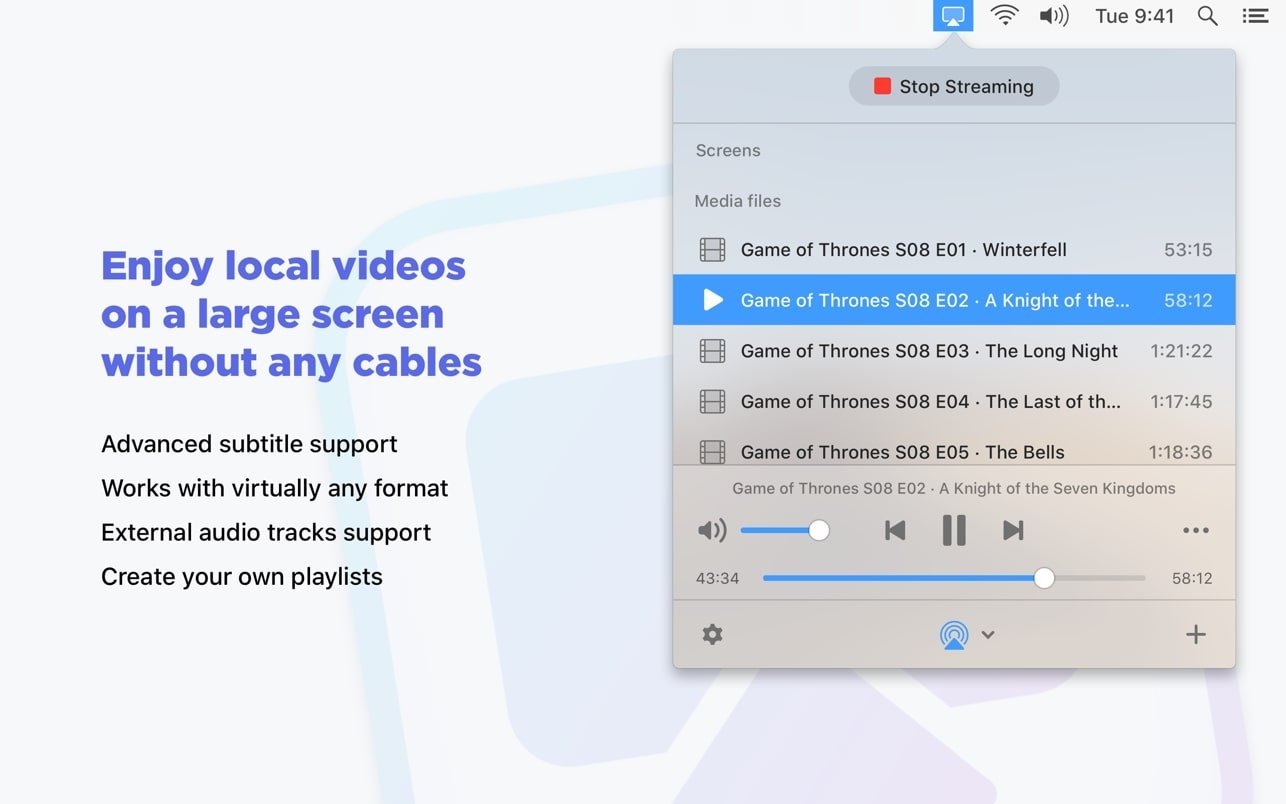
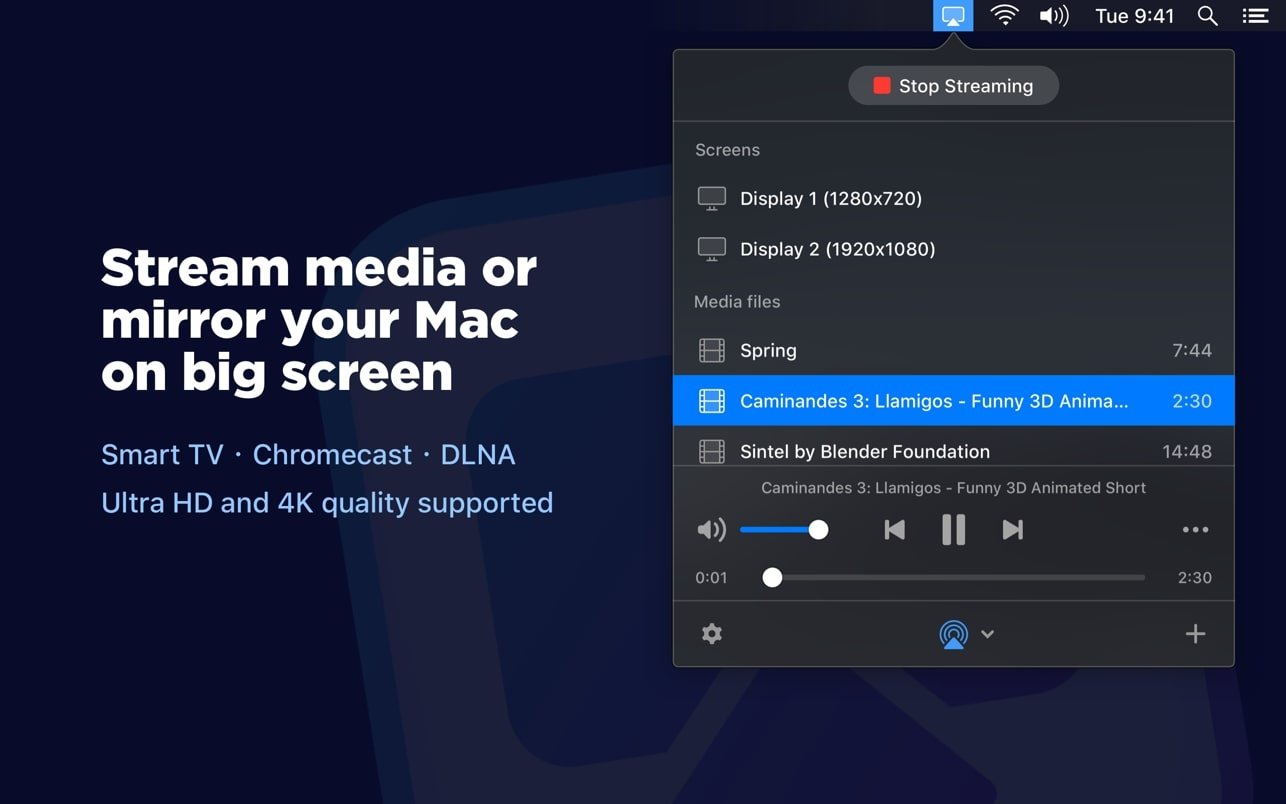
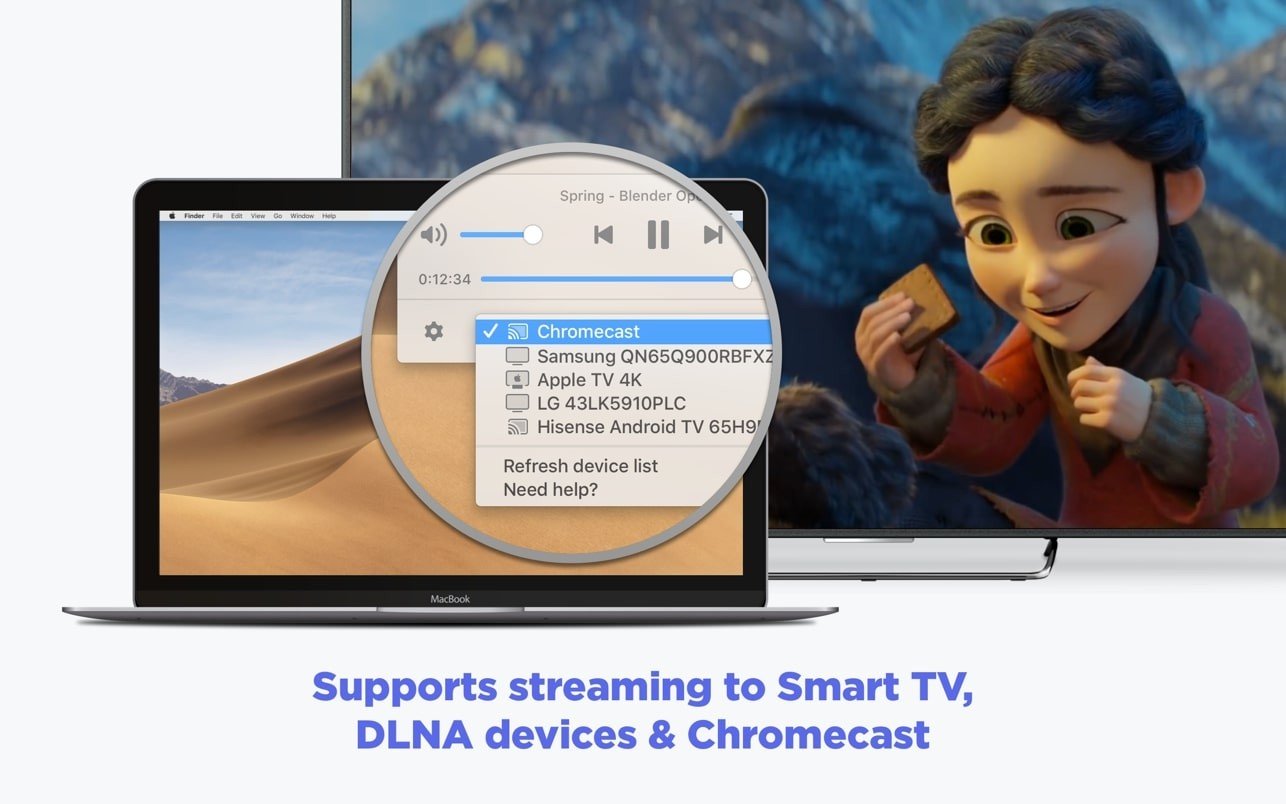
JustStream PRO" is a dedicated Mac application designed for wireless media streaming and screen mirroring to a wide variety of TV devices. It functions as a universal remote casting tool for your local media and Mac screen.
Key Features of JustStream PRO
The "PRO" version typically unlocks the full, unlimited functionality of the app, removing time restrictions and watermarks.
Universal Casting (Device Support)
-
Wide Compatibility: Streams to virtually any major TV device or protocol on your local network, including:
- Apple TV (AirPlay)
- Chromecast & Chromecast Ultra
- DLNA-Certified Smart TVs (Samsung, LG, Sony, Panasonic, Roku, etc.)
Media Streaming & Transcoding
-
Format Freedom: Supports a vast array of video and audio file types that your Mac can play (e.g., AVI, FLV, MP4, MKV, MOV, WMV, MP3, WAV).
-
Real-Time Transcoding: This is a crucial feature. If your target TV doesn't natively support a file format (like MKV), JustStream PRO will convert the file on the fly as it streams, ensuring smooth playback without quality loss.
-
4K and Ultra HD support for high-resolution streaming.
Subtitles and Audio
-
Advanced Subtitle Support: Handles both embedded and external subtitles (SRT, SSA, etc.).
-
Customization: When streaming to Chromecast, you can change the subtitle font, size, and color.
-
External Audio: Supports videos with audio tracks stored in separate files.
-
Playlists: Create custom playlists of video or audio files for non-stop playback.
Screen Mirroring
-
Mac Display Mirroring: Wirelessly mirrors your entire Mac or MacBook screen (including audio) to the TV.
-
Quality Control: Allows you to select the output quality: Auto, Full HD (1080p), or HD (720p).
-
Mirroring Options: You can choose which monitor to mirror (if you use multiple displays) and customize settings like whether to capture the mouse cursor or highlight mouse clicks (useful for presentations).
Requirement Specification Operating System macOS 10.13 (High Sierra) or later Processor Compatible with both Intel-based Macs and Apple Silicon (M1, M2, M3) Macs (Native support improves performance for transcoding). Network Must be connected to the same Wi-Fi network as the target streaming device (TV, Chromecast, etc.). Disk Space Approximately 165 MB for the application.
Frequently Asked Questions
Mount the image and run Open Gatekeeper friendly.
Press Enter to bypass Gatekeeper in the Terminal window.
Drag the application to the Applications folder.
The application is ready for use.
ATTENTION! SIP must be disabled. Learn more >
Restart your Mac and hold down Command + R to enter Recovery Mode.
Open Terminal from the Utilities menu.
Enter the command: csrutil disable
Restart your Mac.
This is a common Gatekeeper issue. Follow these steps:
1. Open Terminal
2. Enter: sudo xattr -rd com.apple.quarantine /Applications/AppName.app
3. Replace "AppName" with the actual application name
4. Press Enter and enter your password
Yes, all our downloads are thoroughly checked for viruses and malware.
We use multiple antivirus engines to scan every file.
Our team tests each application before publishing.
We never bundle adware or unwanted software.
Yes, we regularly update our applications to the latest versions.
You can check our website for updates or subscribe to our newsletter.
We strive to provide the most recent versions within 24-48 hours of release.
If a download link is not working, please:
1. Try a different browser
2. Clear your browser cache and cookies
3. Try the alternative download links provided
4. Contact our support team if the issue persists