


Fusion Studio 21
Download Fusion Studio 21
Mount the downloaded image and follow the standard installation procedure.
Previous Versions
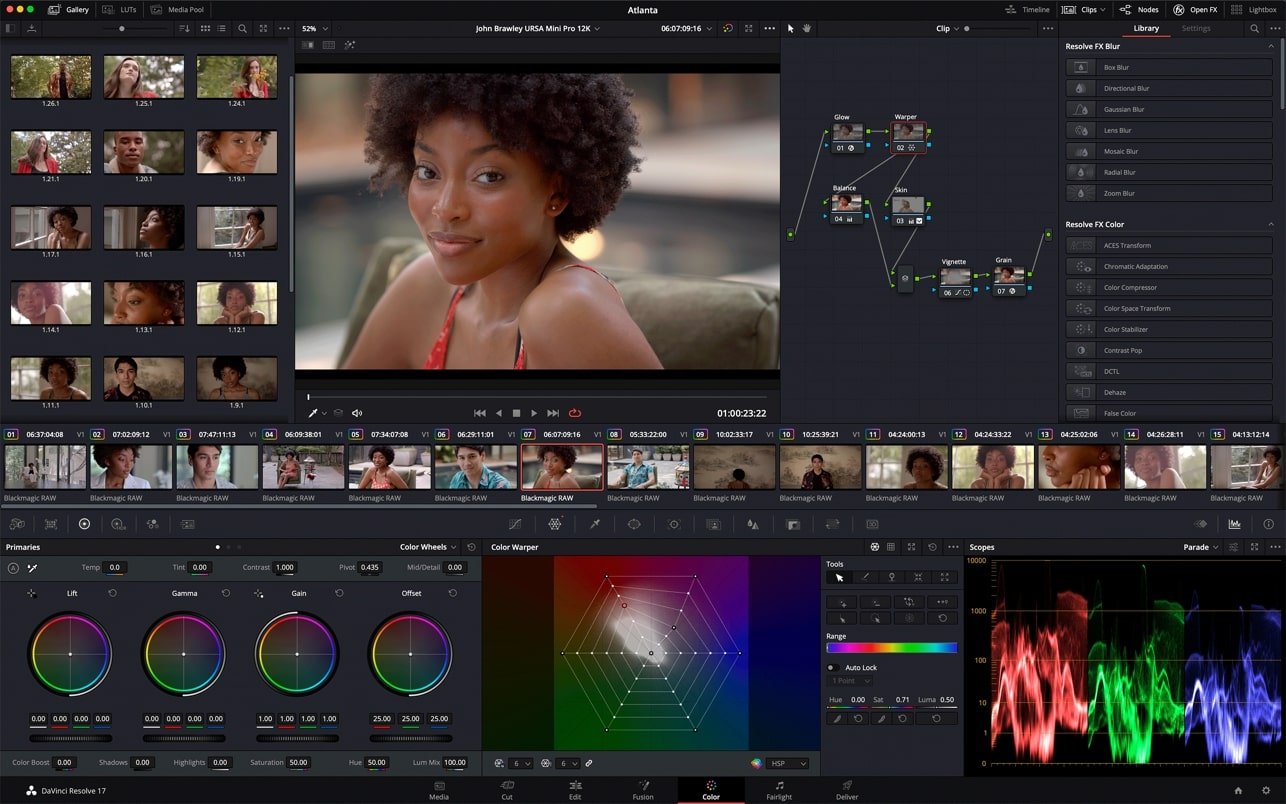
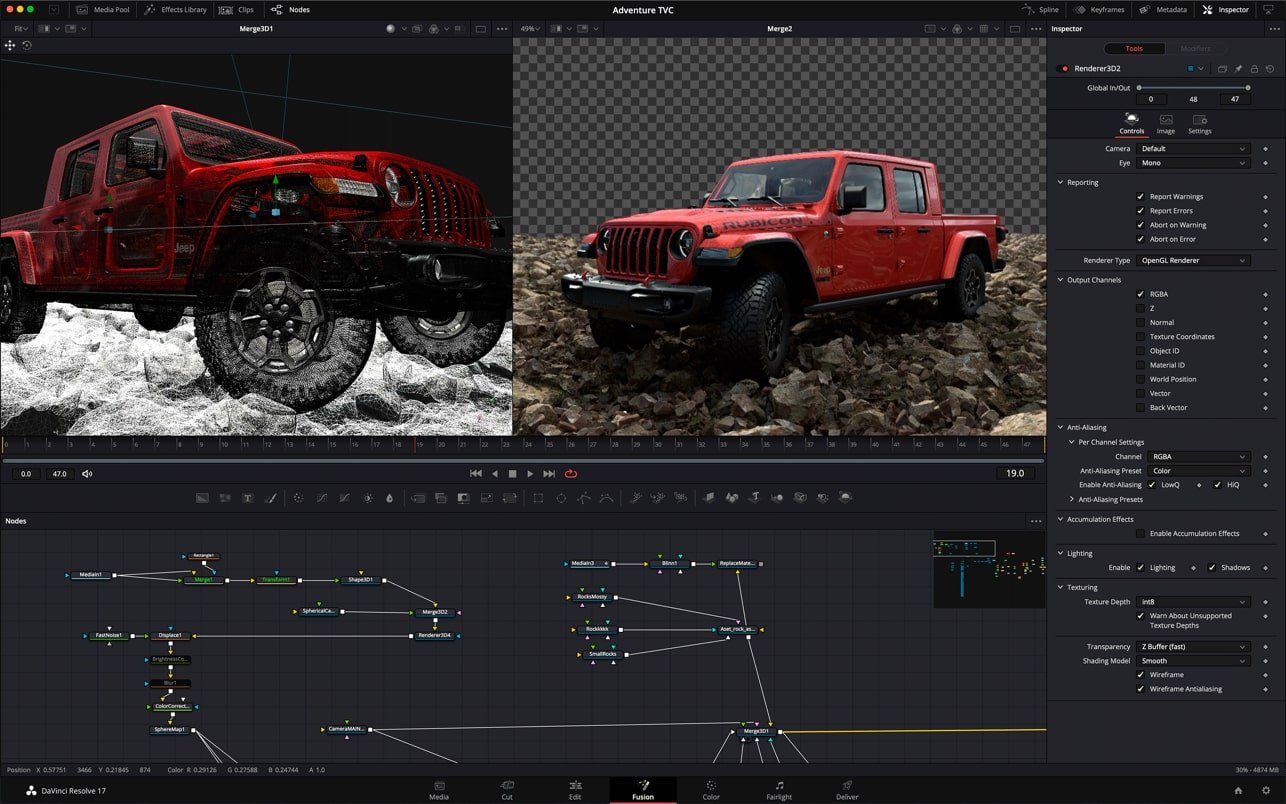
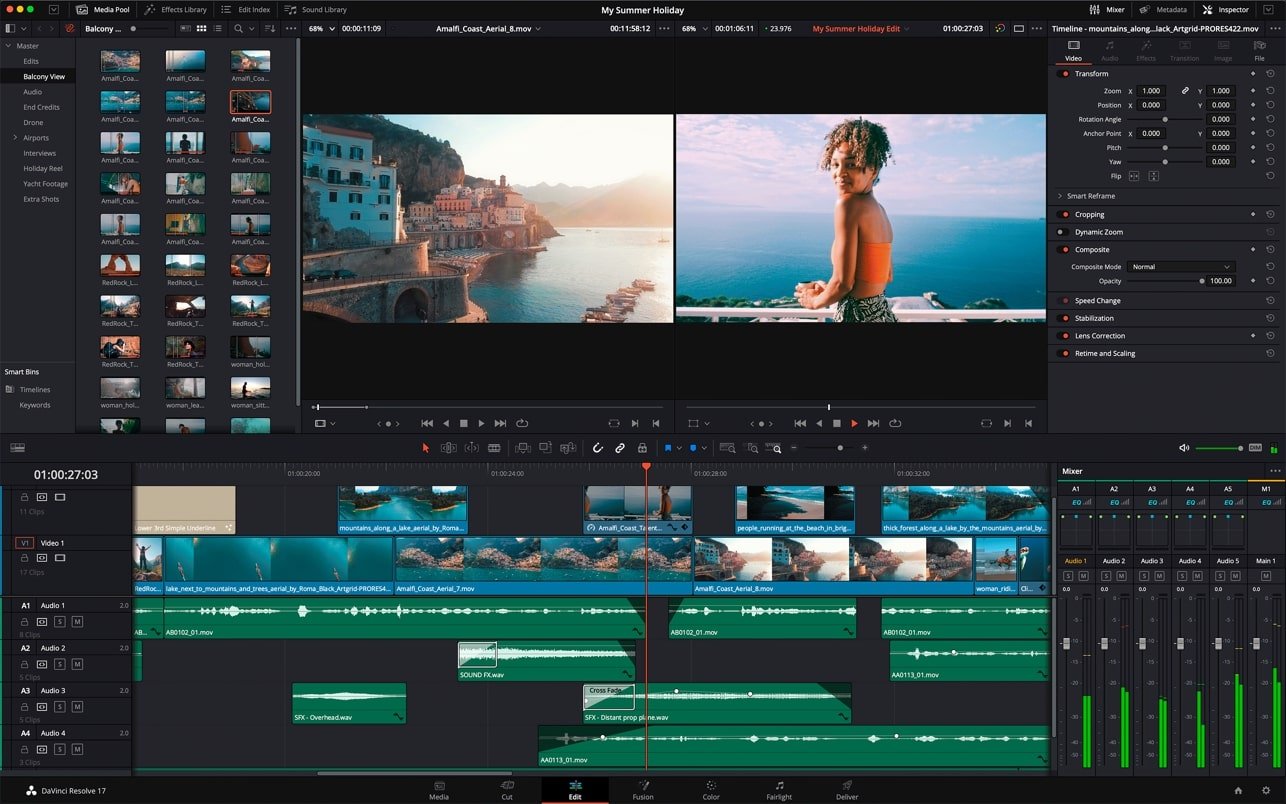
In the world of filmmaking, television, and digital media, the demand for high-quality visual effects has never been greater. Fusion Studio 21 stands out as a comprehensive solution for artists seeking advanced compositing, motion graphics, and visual effects tools in a single platform. With a powerful node-based workflow, Fusion Studio 21 offers unprecedented control and flexibility, enabling creators to bring their imagination to life with precision and efficiency.
At its core, Fusion Studio 21 is built for professional visual effects and compositing. Unlike traditional layer-based editing software, Fusion uses a node-based interface, which allows artists to connect effects, transforms, and color corrections in a logical, flexible structure. This approach makes it easier to manage complex projects, experiment with creative choices, and maintain full control over each element in a composition. From integrating CGI elements to creating realistic particle effects, the software provides the tools to handle even the most intricate visual challenges.
One of the most remarkable features of Fusion Studio 21 is its advanced 3D workspace. Artists can create fully three-dimensional environments, animate cameras, lights, and objects, and integrate these elements seamlessly into live-action footage. This capability is especially valuable for creating cinematic shots, visual effects sequences, and dynamic motion graphics that require a realistic spatial context. The software supports 3D particles, volumetric effects, and advanced lighting, allowing creators to achieve stunning visuals without relying on multiple tools or plugins.
Fusion Studio 21 also emphasizes speed and efficiency. Its GPU-accelerated performance ensures that previews, rendering, and playback are faster than ever, even for high-resolution compositions. Real-time collaboration tools enable teams to work simultaneously on shared projects, making it ideal for studios with multiple artists or remote workflows. Additionally, Fusion Studio 21 integrates seamlessly with other post-production software, including video editing and color grading tools, creating a smooth pipeline from concept to final output.
Another key strength of Fusion Studio 21 is its extensive set of creative tools. From rotoscoping and keying to advanced particle simulations and motion graphics, the software provides everything an artist needs to produce professional-quality work. Its color correction and grading capabilities are equally robust, allowing precise adjustments to match visual styles or integrate CGI elements naturally. The software also supports OpenFX plugins, giving artists access to an expanded library of effects and enhancements.
Ease of use is a surprising feature given its depth. While Fusion Studio 21 is professional-grade software, its interface is customizable, and it offers templates, presets, and learning resources to help artists get started quickly. Whether used by a seasoned VFX professional or an aspiring filmmaker, the software provides a powerful yet approachable environment to create extraordinary visuals.
In conclusion, Fusion Studio 21 is a game-changing tool for visual effects, compositing, and motion graphics. Its node-based workflow, advanced 3D capabilities, GPU acceleration, and comprehensive toolset make it a versatile platform for both individual creators and large studios. By combining flexibility, speed, and professional-grade features, Fusion Studio 21 empowers artists to push the boundaries of creativity and deliver visually stunning content that captivates audiences worldwide.
Operating System: Windows 10 or later / macOS 11.0 or later / Linux (CentOS 7+)Processor: Intel Core i7 or AMD Ryzen 7 (or Apple M1/M2)RAM: 16 GB minimum (32 GB recommended for complex compositions)Storage: 1 GB free disk space for installation; additional space required for cache and projectsGraphics: GPU with 4 GB VRAM or higher; NVIDIA/AMD OpenCL or Apple Metal compatible
Mount the downloaded image and follow the standard installation procedure.
Frequently Asked Questions
Mount the image and run Open Gatekeeper friendly.
Press Enter to bypass Gatekeeper in the Terminal window.
Drag the application to the Applications folder.
The application is ready for use.
ATTENTION! SIP must be disabled. Learn more >
Restart your Mac and hold down Command + R to enter Recovery Mode.
Open Terminal from the Utilities menu.
Enter the command: csrutil disable
Restart your Mac.
This is a common Gatekeeper issue. Follow these steps:
1. Open Terminal
2. Enter: sudo xattr -rd com.apple.quarantine /Applications/AppName.app
3. Replace "AppName" with the actual application name
4. Press Enter and enter your password
Yes, all our downloads are thoroughly checked for viruses and malware.
We use multiple antivirus engines to scan every file.
Our team tests each application before publishing.
We never bundle adware or unwanted software.
Yes, we regularly update our applications to the latest versions.
You can check our website for updates or subscribe to our newsletter.
We strive to provide the most recent versions within 24-48 hours of release.
If a download link is not working, please:
1. Try a different browser
2. Clear your browser cache and cookies
3. Try the alternative download links provided
4. Contact our support team if the issue persists