


7 Billion Humans
Download 7 Billion Humans
Run the downloaded image and follow the standard installation procedure.
The installation is completed by choosing a location to place the game.
It is recommended to specify the Applications folder.
Previous Versions
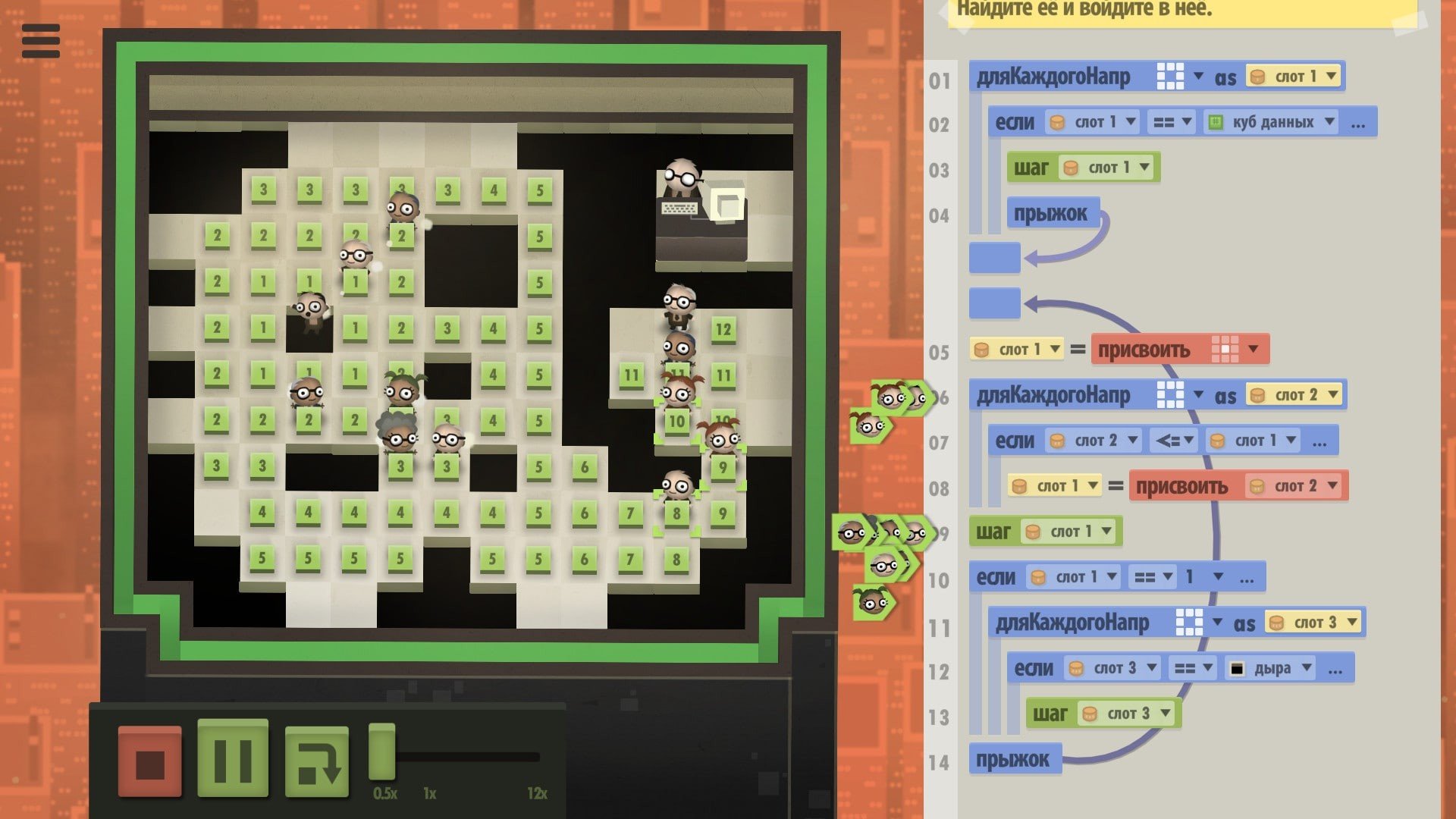
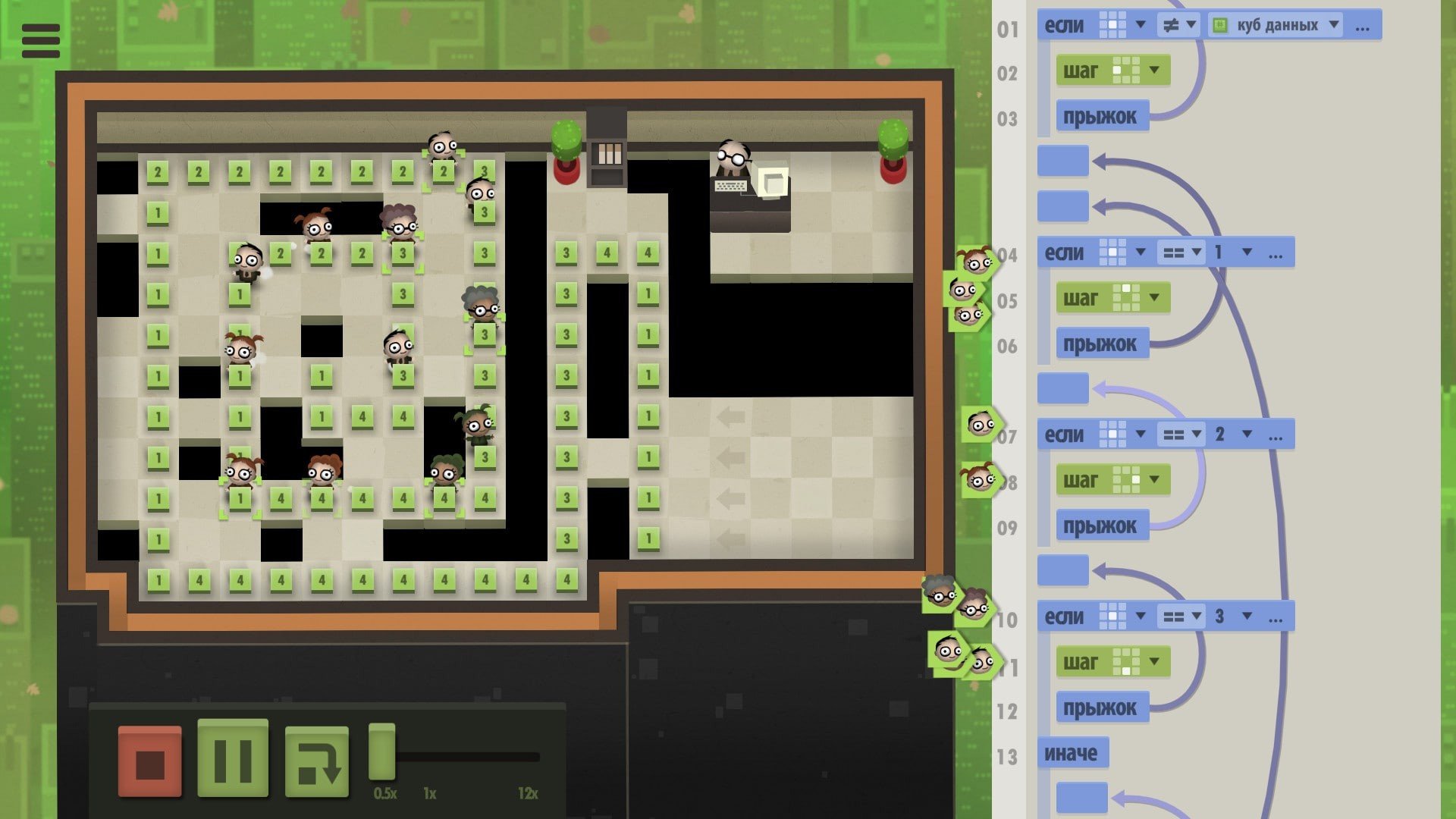
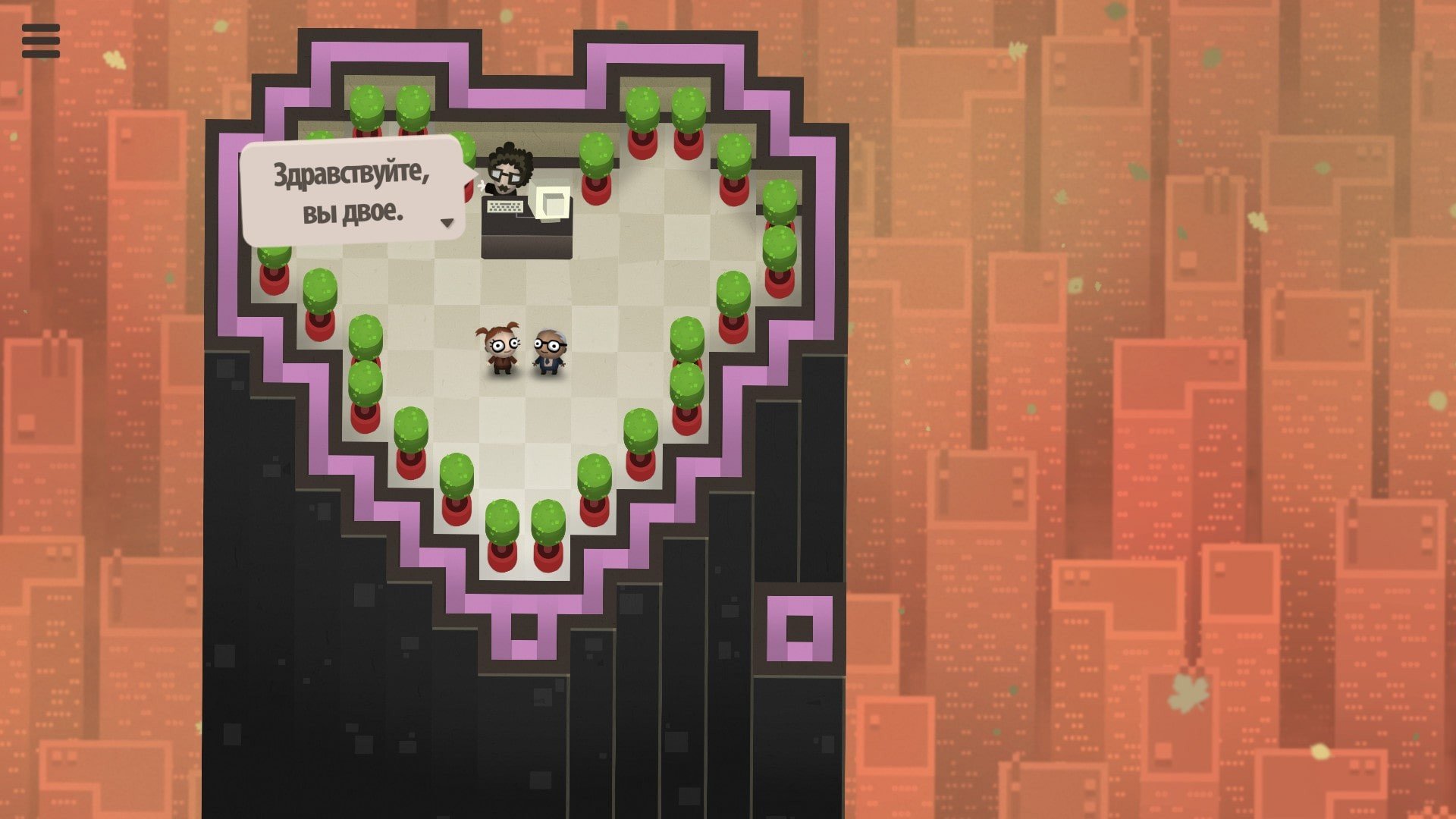
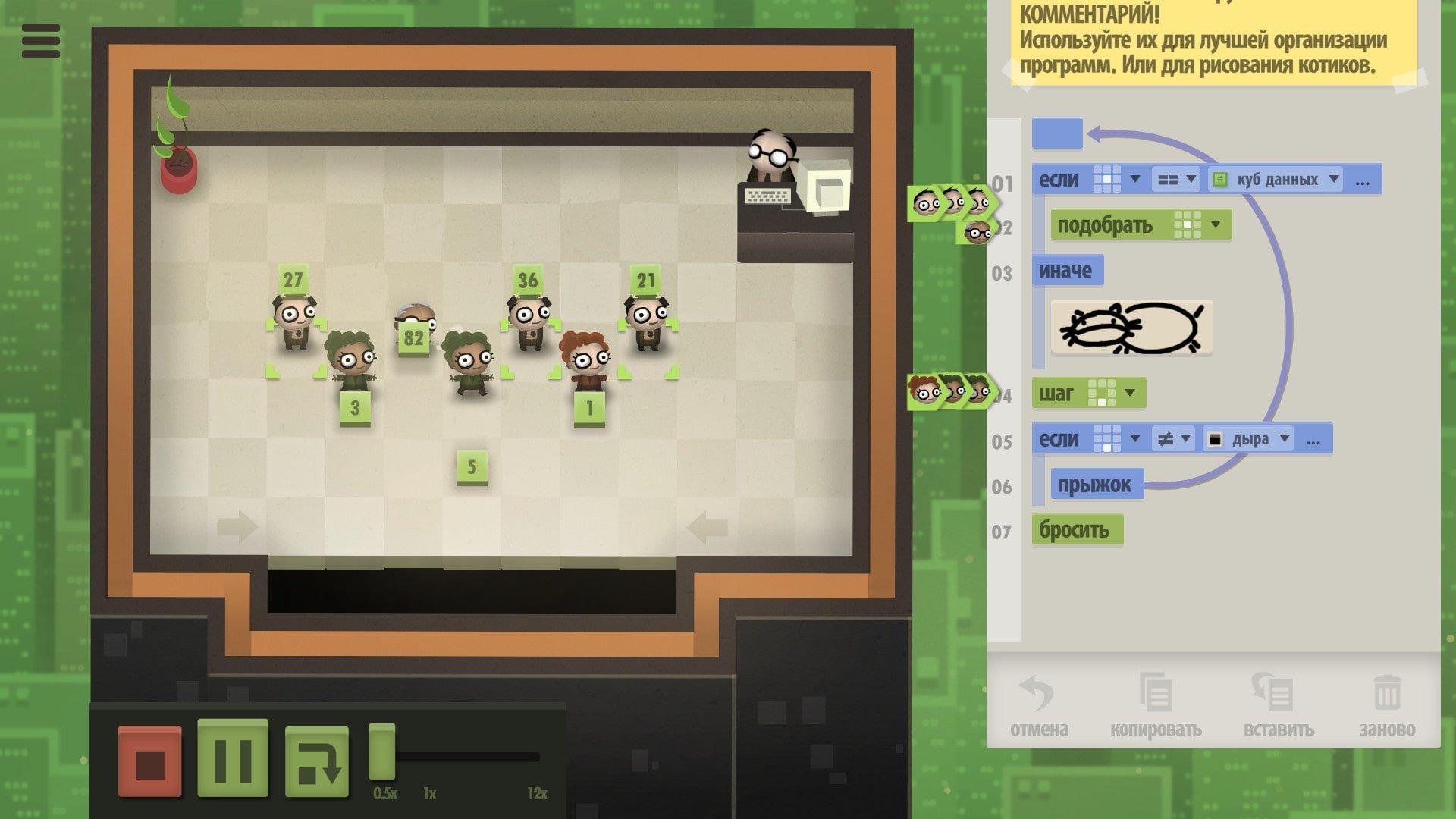
In an era dominated by fast-paced action games and cinematic adventures, 7 Billion Humans stands out as a cerebral experience that challenges the mind rather than reflexes. Developed by Tomorrow Corporation, this puzzle game is a sequel to the critically acclaimed Human Resource Machine and takes players into a world where coding meets quirky humor and imaginative design.
Set in a futuristic society overwhelmed by automation, 7 Billion Humans puts players in control of an army of office workers tasked with solving complex computational problems. Unlike traditional games, the core gameplay revolves around programming instructions that guide humans to complete tasks, manipulate data, and optimize workflows. Players are not just solving puzzles—they are effectively teaching virtual workers to think logically and act efficiently, simulating real-world programming challenges in an accessible and entertaining format.
The game’s genius lies in its approachable programming mechanics. Using a visual language, players drag and drop commands to create sequences that accomplish specific objectives. While the language may seem simple at first, the depth quickly becomes apparent as tasks grow in complexity. Instructions must be carefully planned to handle multiple workers simultaneously, making optimization a key aspect of gameplay. This balance between simplicity and sophistication allows both newcomers and seasoned coders to find enjoyment, encouraging players to think algorithmically without requiring prior coding experience.
Another standout feature of 7 Billion Humans is its charm and personality. Each office worker has a unique presence, often depicted with humorous animations and expressions that bring the otherwise abstract coding exercises to life. The game’s whimsical soundtrack and colorful, minimalist visuals further enhance its appeal, creating an inviting and stimulating environment where learning and entertainment coexist seamlessly.
The challenges in 7 Billion Humans are designed not just to test logic but also to foster creativity. There is rarely a single solution to any given problem, allowing players to experiment with different approaches and optimize for efficiency, speed, or elegance. This open-endedness mirrors the real-world nature of programming, where multiple algorithms can achieve the same outcome but vary in efficiency and style. As players progress, they gain a sense of accomplishment not only for completing tasks but also for discovering innovative solutions that push the limits of their own reasoning.
Beyond its educational value, 7 Billion Humans offers subtle commentary on the modern workplace and the rise of automation. By controlling hundreds of digital employees, players witness the power and pitfalls of large-scale coordination and mechanization, provoking thought about technology’s role in society without feeling preachy or heavy-handed.
In conclusion, 7 Billion Humans is a rare gem in the puzzle genre, blending clever programming mechanics with humor, charm, and thoughtful design. It’s a game that entertains while educating, encouraging players to think critically and creatively. For those seeking a mental challenge wrapped in a delightful and imaginative package, this game offers an experience that is both rewarding and memorable. Its unique approach to coding puzzles makes it a must-play for anyone curious about logic, problem-solving, or simply the joy of guiding a virtual army of office workers to success.
OS: Mac OS X 10.7+RAM: 1 GB Disk space: 200 MB
Run the downloaded image and follow the standard installation procedure.
The installation is completed by choosing a location to place the game.
It is recommended to specify the Applications folder.
Frequently Asked Questions
Mount the image and run Open Gatekeeper friendly.
Press Enter to bypass Gatekeeper in the Terminal window.
Drag the application to the Applications folder.
The application is ready for use.
ATTENTION! SIP must be disabled. Learn more >
Restart your Mac and hold down Command + R to enter Recovery Mode.
Open Terminal from the Utilities menu.
Enter the command: csrutil disable
Restart your Mac.
This is a common Gatekeeper issue. Follow these steps:
1. Open Terminal
2. Enter: sudo xattr -rd com.apple.quarantine /Applications/AppName.app
3. Replace "AppName" with the actual application name
4. Press Enter and enter your password
Yes, all our downloads are thoroughly checked for viruses and malware.
We use multiple antivirus engines to scan every file.
Our team tests each application before publishing.
We never bundle adware or unwanted software.
Yes, we regularly update our applications to the latest versions.
You can check our website for updates or subscribe to our newsletter.
We strive to provide the most recent versions within 24-48 hours of release.
If a download link is not working, please:
1. Try a different browser
2. Clear your browser cache and cookies
3. Try the alternative download links provided
4. Contact our support team if the issue persists