


Adam Wolfe
Download Adam Wolfe
Mount the downloaded package and follow the standard installation procedure.
The installation is completed by choosing a location to place the game.
It is recommended to specify the Applications folder.
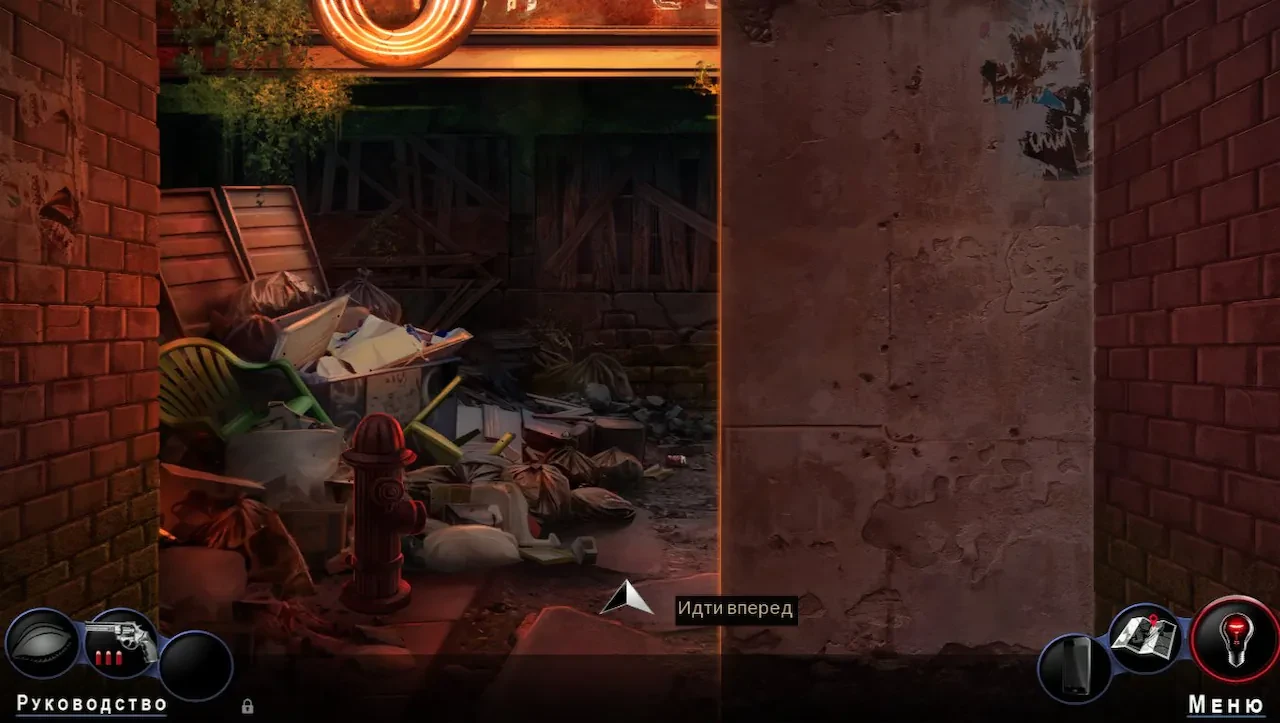
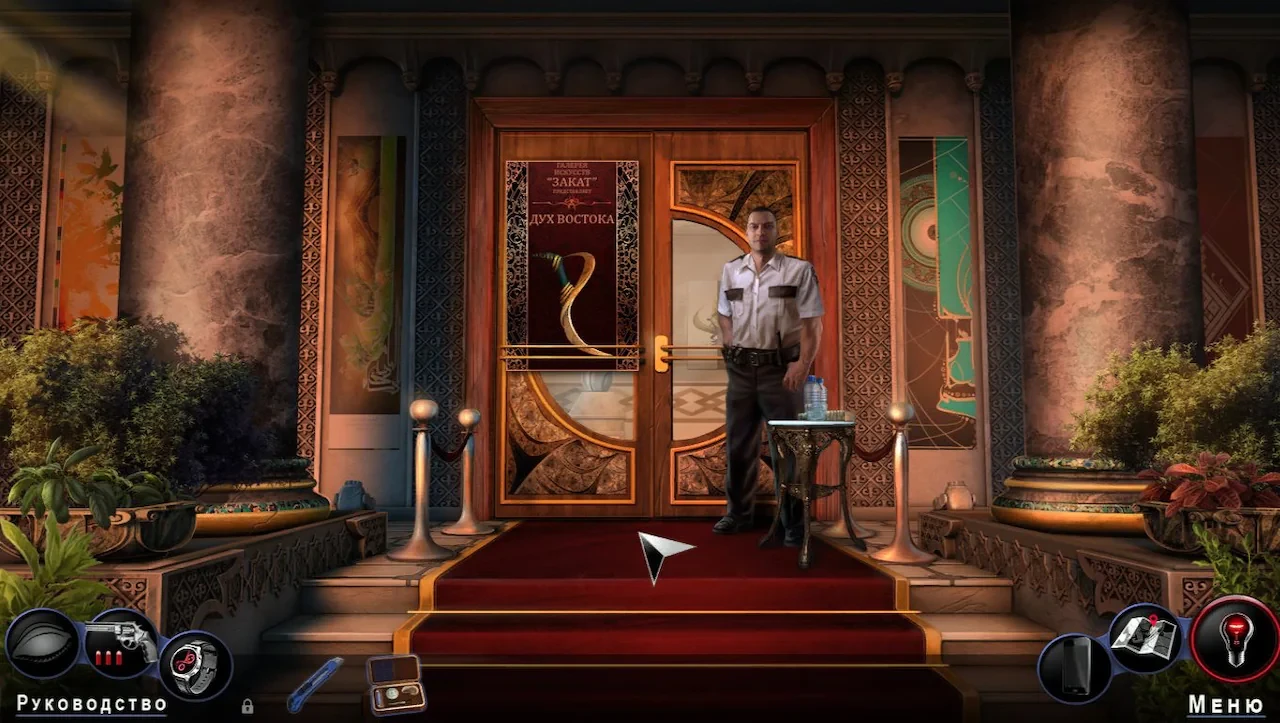
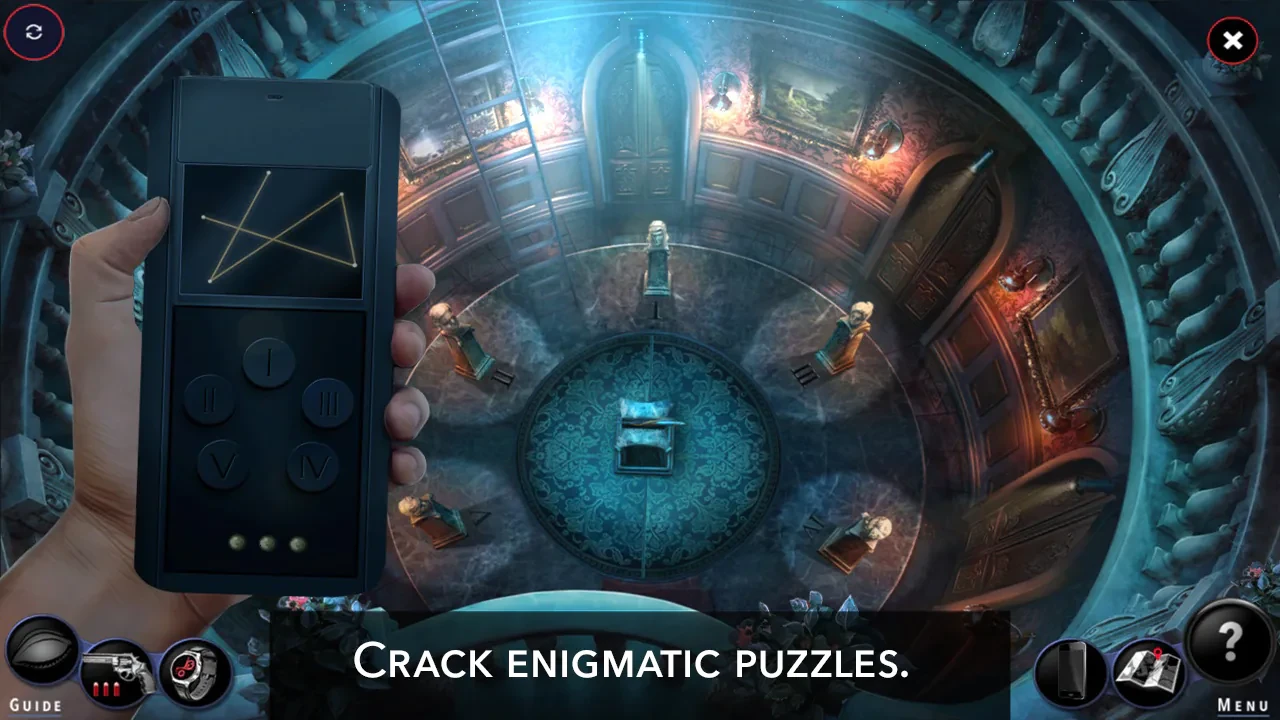

Adam Wolfe is a captivating hidden object puzzle adventure (HOPA) game that combines the intrigue of detective work with supernatural suspense. Developed with meticulous attention to storytelling and atmosphere, the game immerses players in a world where mysteries are deeper, darker, and often more personal than they first appear.
The game introduces players to Adam Wolfe, a private investigator haunted by his past and gifted—or perhaps cursed—with a rare ability to sense paranormal occurrences. When a string of mysterious events begins to unfold, Adam is drawn into a chilling investigation that goes beyond ordinary crime-solving. Each case challenges him to confront the unknown, blending traditional detective work with encounters that test his courage and intuition. The narrative is carefully layered, revealing twists and secrets that keep players guessing until the very end.
One of the standout elements of Adam Wolfe is its atmospheric design. The environments are richly detailed, with every scene crafted to evoke tension and immersion. From shadow-filled alleys and abandoned buildings to eerie, fog-laden streets, the visual storytelling heightens the sense of suspense. These immersive backgrounds are paired with haunting soundscapes that further amplify the game’s dark tone, creating an experience that feels cinematic and gripping.
Gameplay in Adam Wolfe revolves around hidden object challenges, logic puzzles, and investigation sequences. Players must carefully examine scenes, find crucial evidence, and solve a variety of puzzles to progress in the story. The game strikes a perfect balance between challenge and accessibility, ensuring that puzzle difficulty feels rewarding rather than frustrating. Additionally, players have opportunities to uncover optional collectibles and secret paths, enhancing replay value and encouraging thorough exploration.
A particularly compelling feature of Adam Wolfe is its focus on character development and narrative depth. The protagonist is complex and relatable, grappling with personal loss and ethical dilemmas while navigating the supernatural elements of his world. Supporting characters are equally well-developed, each with their own motives, secrets, and connections to the central mystery. This focus on human emotion and interpersonal dynamics adds layers of depth to the investigative experience, making the stakes feel real and personal.
Furthermore, the game integrates supernatural elements seamlessly into the detective framework. Rather than feeling like a separate mechanic, the paranormal aspects are woven into the story, enriching both the gameplay and narrative. Players encounter strange phenomena that require careful observation and deduction, enhancing the suspense and reinforcing the eerie atmosphere.
Overall, Adam Wolfe is a masterful blend of mystery, suspense, and supernatural intrigue. Its engaging puzzles, immersive environments, and compelling storytelling make it a standout title in the hidden object genre. For players seeking a dark, thought-provoking, and emotionally resonant adventure, Adam Wolfe delivers a gripping experience that lingers long after the final case is solved.
OS: macOS 10.6 and laterCPU: 1.4 GhZ RAM: 512 MB
Mount the downloaded package and follow the standard installation procedure.
The installation is completed by choosing a location to place the game.
It is recommended to specify the Applications folder.
Frequently Asked Questions
Mount the image and run Open Gatekeeper friendly.
Press Enter to bypass Gatekeeper in the Terminal window.
Drag the application to the Applications folder.
The application is ready for use.
ATTENTION! SIP must be disabled. Learn more >
Restart your Mac and hold down Command + R to enter Recovery Mode.
Open Terminal from the Utilities menu.
Enter the command: csrutil disable
Restart your Mac.
This is a common Gatekeeper issue. Follow these steps:
1. Open Terminal
2. Enter: sudo xattr -rd com.apple.quarantine /Applications/AppName.app
3. Replace "AppName" with the actual application name
4. Press Enter and enter your password
Yes, all our downloads are thoroughly checked for viruses and malware.
We use multiple antivirus engines to scan every file.
Our team tests each application before publishing.
We never bundle adware or unwanted software.
Yes, we regularly update our applications to the latest versions.
You can check our website for updates or subscribe to our newsletter.
We strive to provide the most recent versions within 24-48 hours of release.
If a download link is not working, please:
1. Try a different browser
2. Clear your browser cache and cookies
3. Try the alternative download links provided
4. Contact our support team if the issue persists