


Yooka-Laylee
Download Yooka-Laylee
Mount the downloaded image and follow the standard installation procedure.
The installation is completed by choosing a location to place the game.
It is recommended to specify the Applications folder.
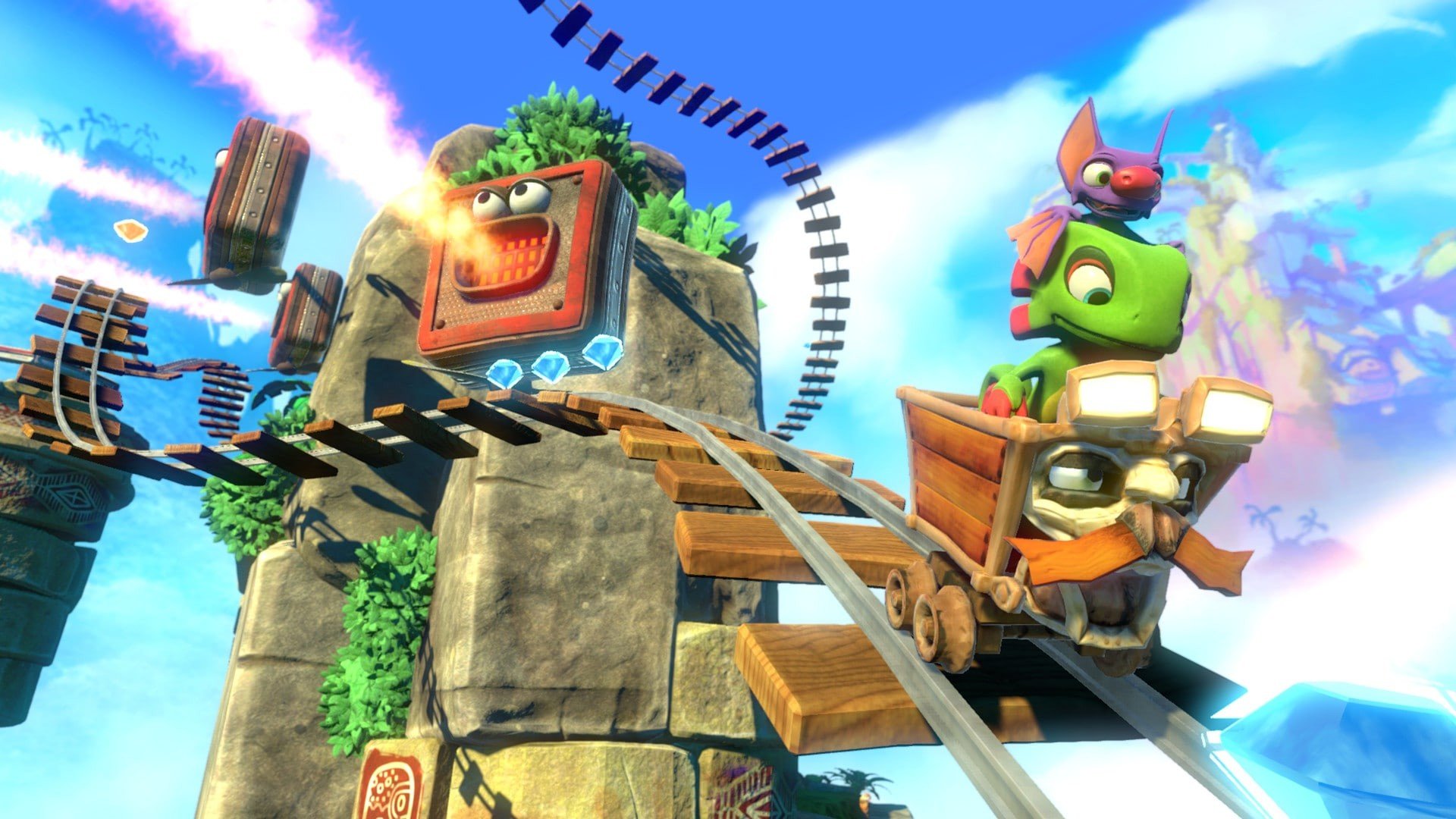
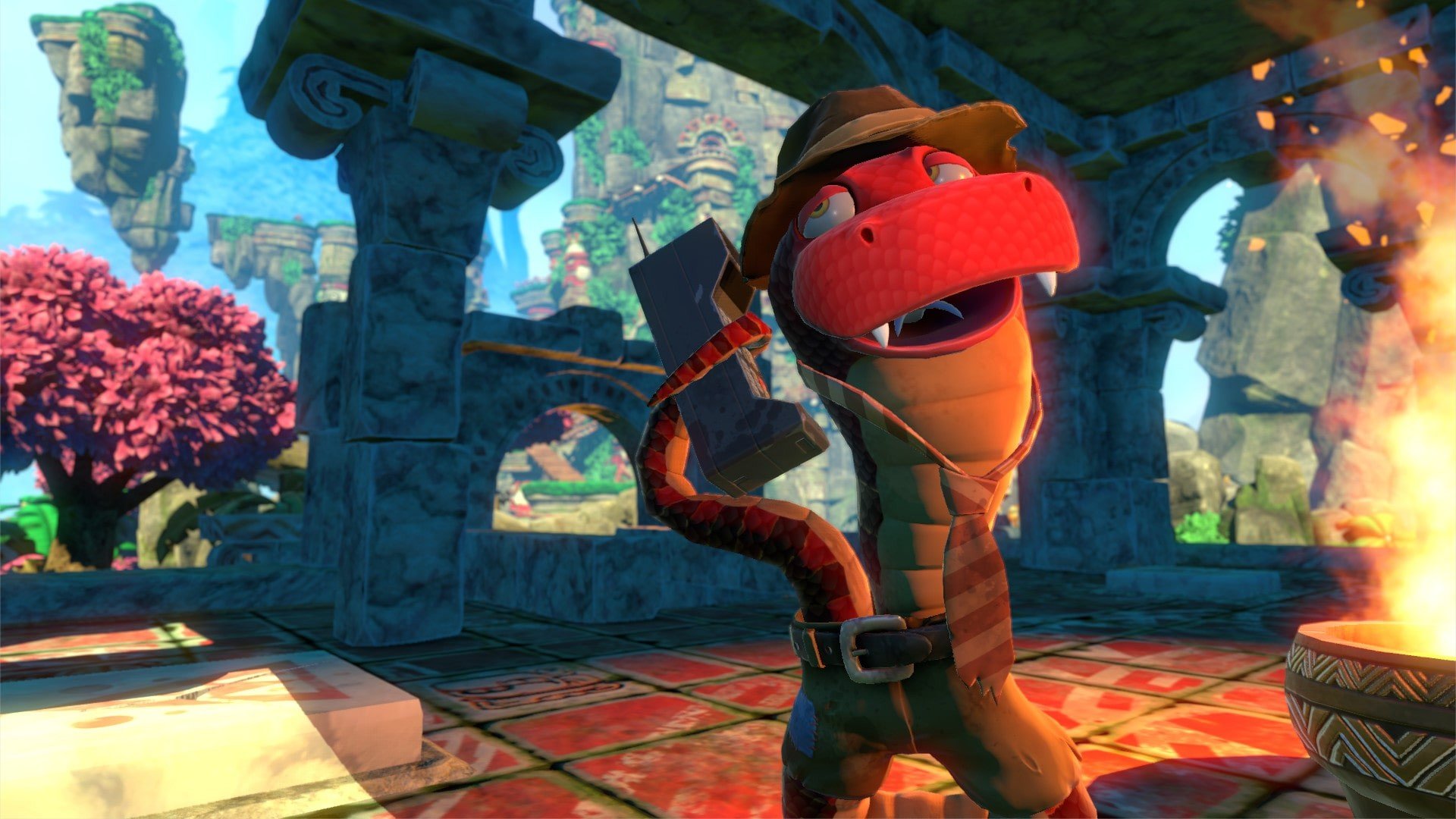

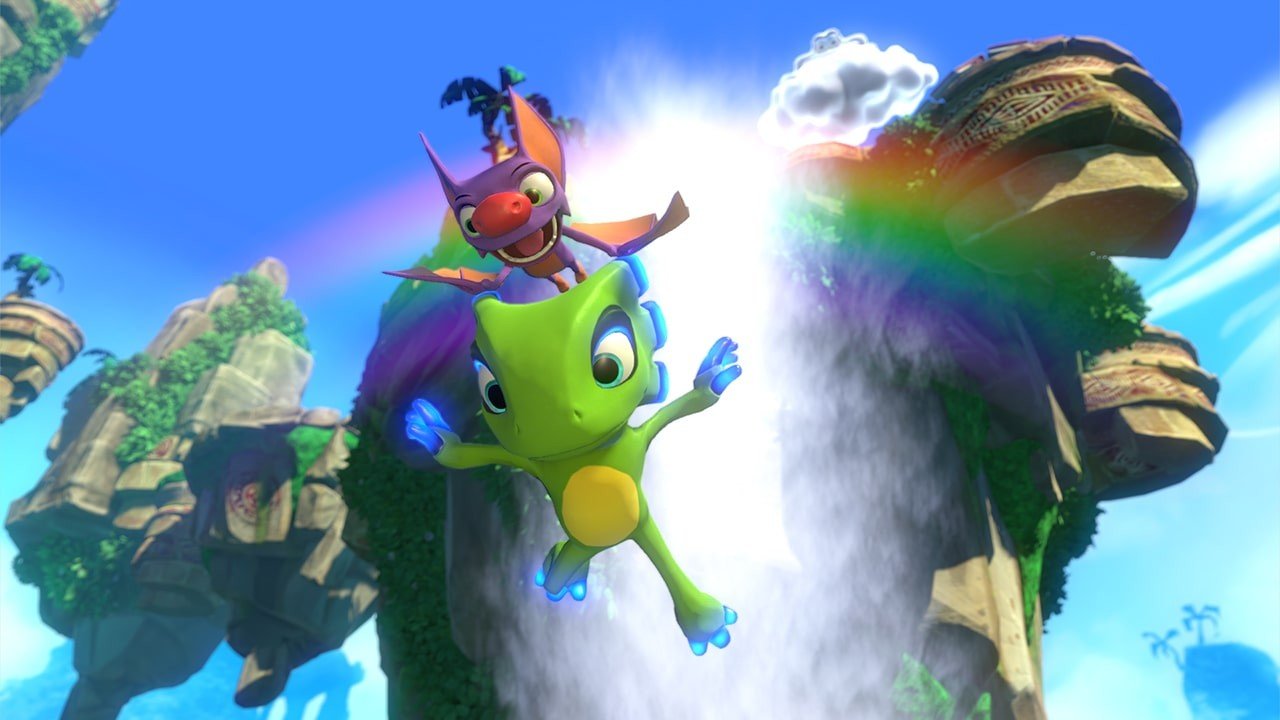
In an era dominated by fast-paced shooters and open-world adventures, Yooka-Laylee brings back the charm and creativity of classic 3D platformers. Developed by Playtonic Games, a studio formed by former Rare developers, the game serves as a spiritual successor to beloved titles like Banjo-Kazooie, blending vibrant worlds, quirky characters, and inventive gameplay mechanics. With its whimsical art style, catchy music, and engaging platforming challenges, Yooka-Laylee has become a nostalgic yet refreshing experience for players of all ages.
The game follows the adventures of Yooka, a green chameleon, and Laylee, a purple bat. Together, this unlikely duo explores vast, colorful worlds, collecting Pagies, the game’s main collectible, to unlock new areas and abilities. Unlike linear platformers, Yooka-Laylee encourages exploration and experimentation. Players are rewarded for venturing off the beaten path, solving puzzles, discovering hidden secrets, and interacting with eccentric characters who populate the game’s whimsical universe.
One of Yooka-Laylee’s standout features is its creative gameplay mechanics. The combination of Yooka’s agility and Laylee’s flight allows for unique platforming sequences, while the duo’s abilities, such as rolling attacks, gliding, and tail swipes, enable inventive problem-solving. The game also includes transformation abilities and special moves that encourage players to think strategically about how to overcome obstacles and defeat quirky enemies. This dynamic gameplay ensures that no two sections of the game feel repetitive, keeping the experience fresh and engaging.
The visual and audio design of Yooka-Laylee further enhances its charm. Each world is distinctly themed, from lush forests to industrial cities, vibrant beaches, and mysterious caves. The attention to detail, combined with playful animations and character designs, creates a lively and inviting environment. Complementing the visuals is a catchy, memorable soundtrack composed by David Wise, whose music elevates each level, making exploration both fun and memorable.
Yooka-Laylee also emphasizes humor and personality. The characters are filled with witty dialogue, playful banter, and humorous references that appeal to both longtime fans of 3D platformers and newcomers. The writing injects a lighthearted tone, ensuring that even challenging platforming segments remain enjoyable and engaging.
While the game pays homage to its spiritual predecessors, it also embraces modern design elements. The inclusion of an overworld hub, collectible-based progression, and diverse puzzles demonstrates a thoughtful evolution of classic platforming mechanics. Players can tackle objectives in multiple ways, promoting exploration and replayability.
In conclusion, Yooka-Laylee is a joyful celebration of classic 3D platformers, blending nostalgia with fresh ideas. Its vibrant worlds, engaging mechanics, memorable characters, and delightful music make it a standout title for fans of the genre. By combining exploration, creativity, and humor, Yooka-Laylee delivers an experience that captures the spirit of beloved classics while offering something uniquely its own. For anyone seeking a lighthearted, imaginative adventure, Yooka and Laylee’s journey is an unforgettable ride through a world full of wonder, challenge, and fun.
OS: 10.9.5+Processor: Intel i5 @ 2.7GHzRAM: 8 GB
Mount the downloaded image and follow the standard installation procedure.
The installation is completed by choosing a location to place the game.
It is recommended to specify the Applications folder.
Frequently Asked Questions
Mount the image and run Open Gatekeeper friendly.
Press Enter to bypass Gatekeeper in the Terminal window.
Drag the application to the Applications folder.
The application is ready for use.
ATTENTION! SIP must be disabled. Learn more >
Restart your Mac and hold down Command + R to enter Recovery Mode.
Open Terminal from the Utilities menu.
Enter the command: csrutil disable
Restart your Mac.
This is a common Gatekeeper issue. Follow these steps:
1. Open Terminal
2. Enter: sudo xattr -rd com.apple.quarantine /Applications/AppName.app
3. Replace "AppName" with the actual application name
4. Press Enter and enter your password
Yes, all our downloads are thoroughly checked for viruses and malware.
We use multiple antivirus engines to scan every file.
Our team tests each application before publishing.
We never bundle adware or unwanted software.
Yes, we regularly update our applications to the latest versions.
You can check our website for updates or subscribe to our newsletter.
We strive to provide the most recent versions within 24-48 hours of release.
If a download link is not working, please:
1. Try a different browser
2. Clear your browser cache and cookies
3. Try the alternative download links provided
4. Contact our support team if the issue persists