AER – Memories of Old

Published:
673.7 MB16 downloads

AER – Memories of Old is an exploration-focused adventure that invites players into a world defined by openness, calm, and mystery. Instead of relying on combat or fast-paced challenges, the experience encourages quiet discovery and reflection. It presents a landscape where ruins float among the clouds, and the past lingers gently in the air, waiting to be uncovered.

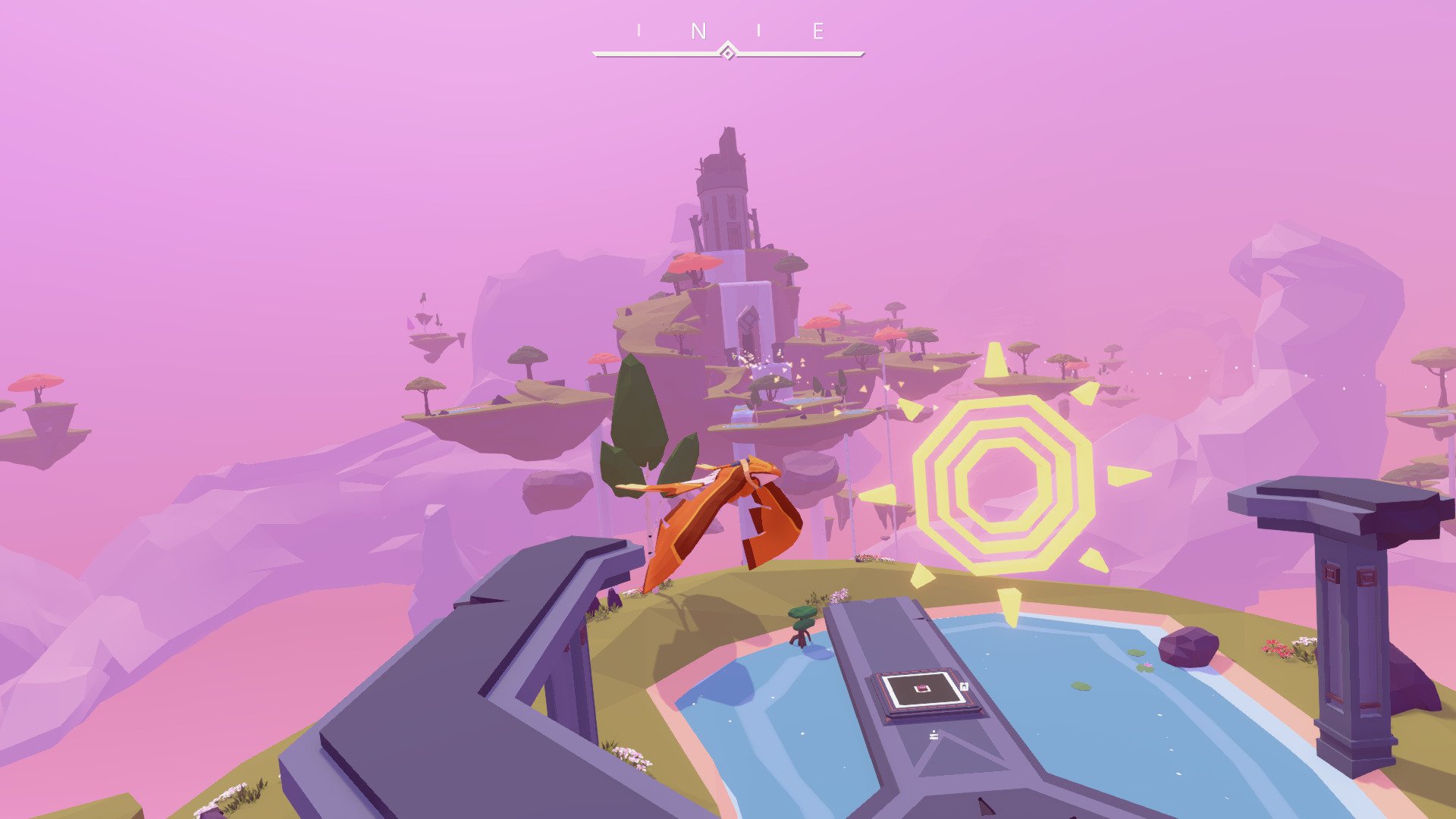
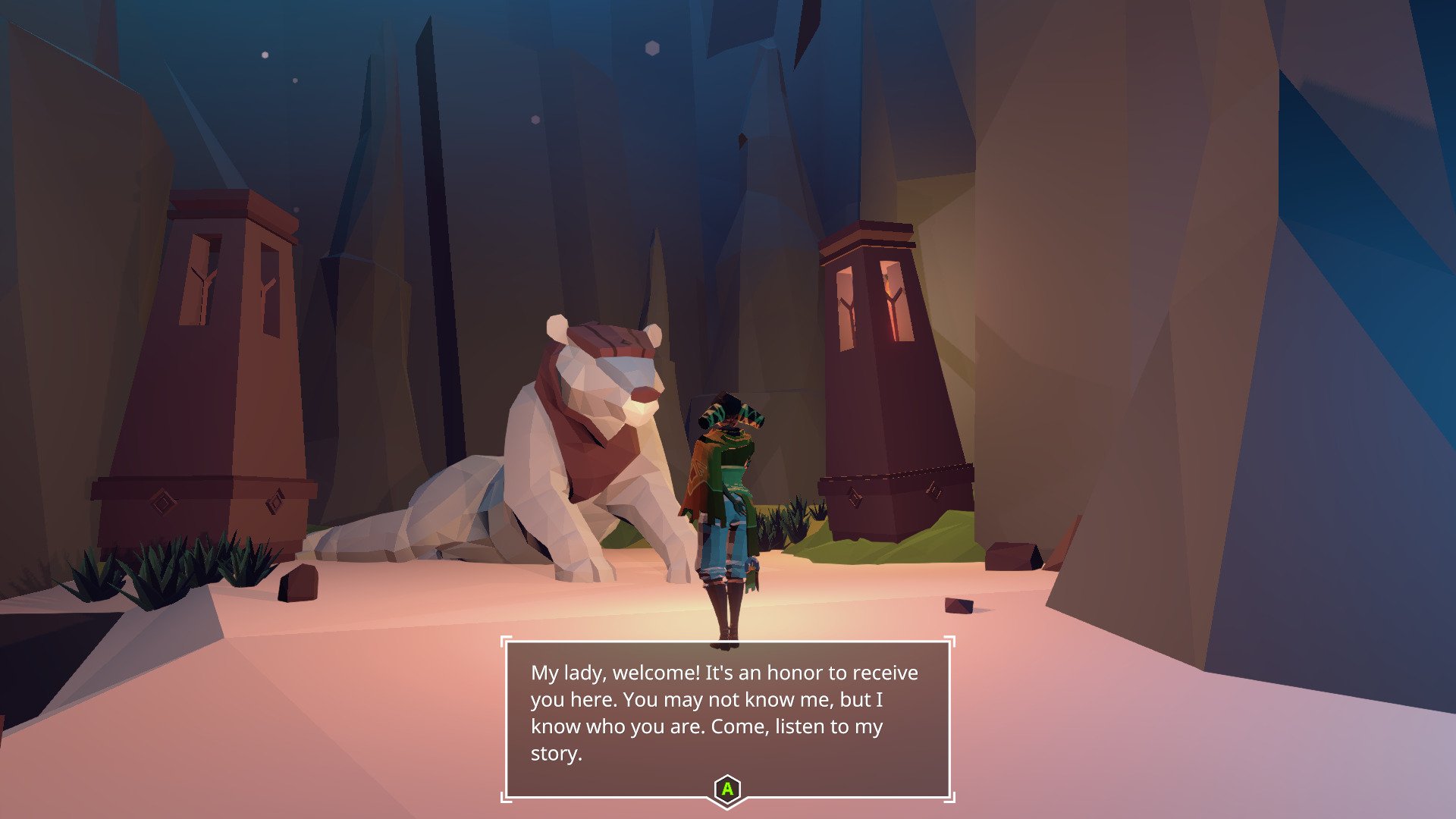
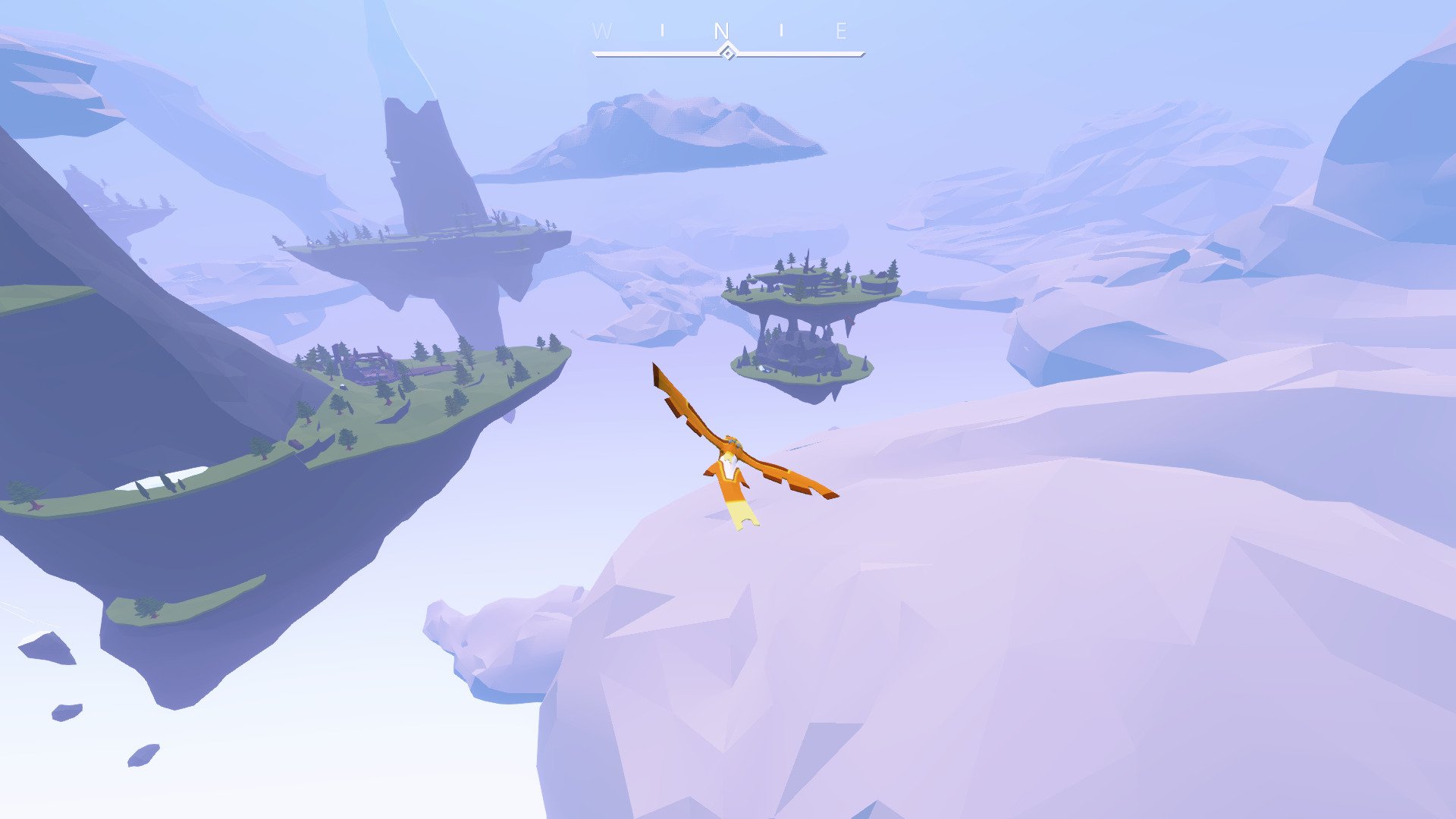
The story follows a young woman named Auk, who has the rare ability to transform into a bird. This power allows her to soar freely between islands suspended in the sky. Flight is not treated as a tool for speed, but as an expression of freedom. Gliding through open skies becomes a central part of the experience, offering moments of peace that feel almost meditative. The act of flying itself becomes a form of storytelling, expressing emotion without words.

The world of AER is made up of floating landmasses, each holding fragments of an ancient civilization. These islands are scattered yet connected by history, and players slowly piece together what happened to the people who once lived there. The game does not rely on lengthy explanations. Instead, it allows players to interpret clues through architecture, symbols, and environmental details. This subtle approach makes the world feel alive, even in its quiet emptiness.

Visual design plays a key role in shaping the game’s atmosphere. The art style is simple but expressive, using soft colors and clean shapes to create a dreamlike environment. This minimalism removes distractions and draws attention to the beauty of the sky and the ruins below. The changing light and weather further enhance the feeling of being part of a living world suspended in time.

Music and sound design are used sparingly but effectively. Gentle melodies accompany exploration, while silence is often allowed to take center stage. Wind, distant echoes, and the sound of wings cutting through air deepen the sense of solitude. These audio choices support the emotional tone, encouraging reflection rather than urgency.

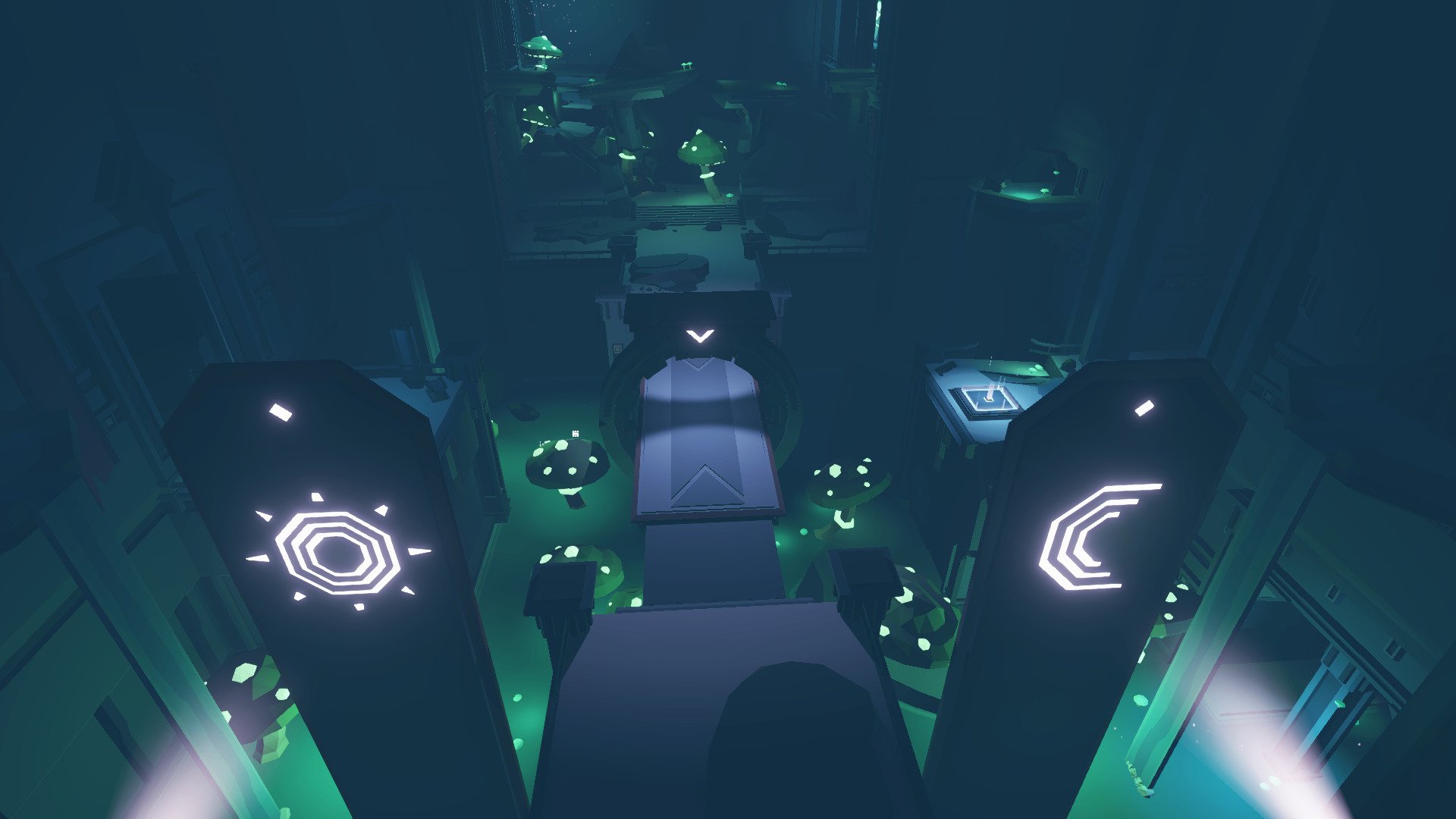
Gameplay in AER – Memories of Old focuses on exploration and puzzle-solving. Ancient mechanisms, hidden pathways, and symbolic challenges invite players to think carefully rather than act quickly. There are no enemies to defeat, which shifts the focus toward understanding and connection. Progress feels natural, driven by curiosity instead of pressure.

What makes AER especially memorable is its emotional restraint. The game trusts the player to find meaning without constant guidance. Themes of loss, balance, and renewal emerge quietly, leaving space for personal interpretation. This open-ended storytelling creates a lasting impression that extends beyond the final moments of play.

In conclusion, AER – Memories of Old is a gentle yet powerful experience that highlights the beauty of exploration and silence. By combining flight, minimalistic design, and thoughtful storytelling, it offers a unique journey through a world shaped by memory and sky. It is a reminder that sometimes the most meaningful adventures are the quiet ones.

OS: Mac OS X 10.10
Processor: 3GHz Dual Core CPU
RAM: 4 GB
Video card: Intel Iris 550
Disk space: 3 GB
Sound card: 16 bit

Run the downloaded image and follow the standard installation procedure.
Once installation is complete, the game can be launched via Launchpad.

Frequently Asked Questions

Mount the image and run Open Gatekeeper friendly.

Press Enter to bypass Gatekeeper in the Terminal window.

Drag the application to the Applications folder.

The application is ready for use.

ATTENTION! SIP must be disabled. Learn more >

Restart your Mac and hold down Command + R to enter Recovery Mode.

Open Terminal from the Utilities menu.

Enter the command: csrutil disable

Restart your Mac.

This is a common Gatekeeper issue. Follow these steps:

1. Open Terminal

2. Enter: sudo xattr -rd com.apple.quarantine /Applications/AppName.app

3. Replace "AppName" with the actual application name

4. Press Enter and enter your password

Yes, all our downloads are thoroughly checked for viruses and malware.

We use multiple antivirus engines to scan every file.

Our team tests each application before publishing.

We never bundle adware or unwanted software.

Yes, we regularly update our applications to the latest versions.

You can check our website for updates or subscribe to our newsletter.

We strive to provide the most recent versions within 24-48 hours of release.

If a download link is not working, please:

1. Try a different browser

2. Clear your browser cache and cookies

3. Try the alternative download links provided

4. Contact our support team if the issue persists