


NIMRODS: GunCraft Survivor
Download NIMRODS: GunCraft Survivor
Run the downloaded image and drag the application to the Applications folder shortcut.
Once copying is complete, the application can be launched via Launchpad.
Previous Versions
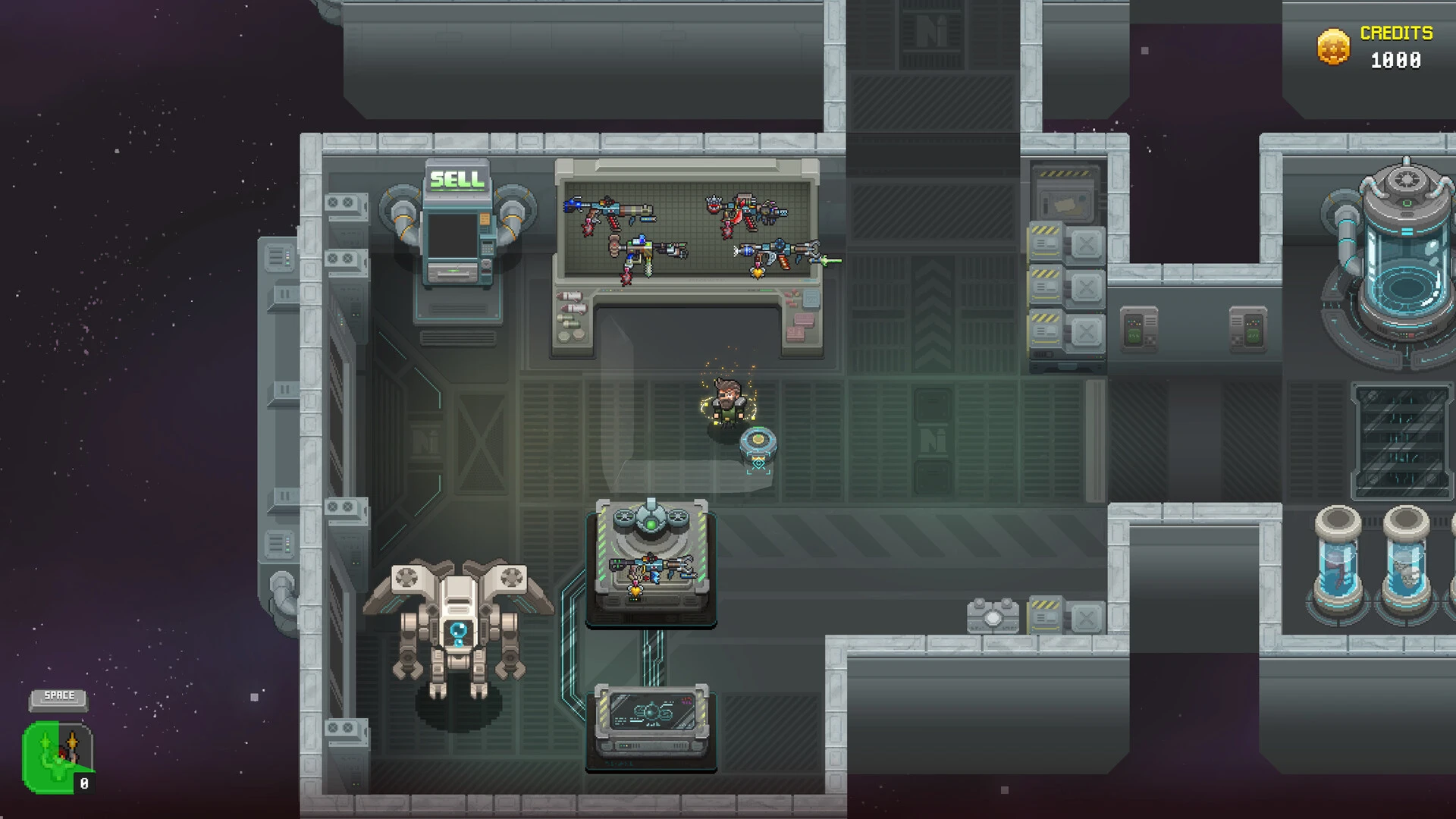
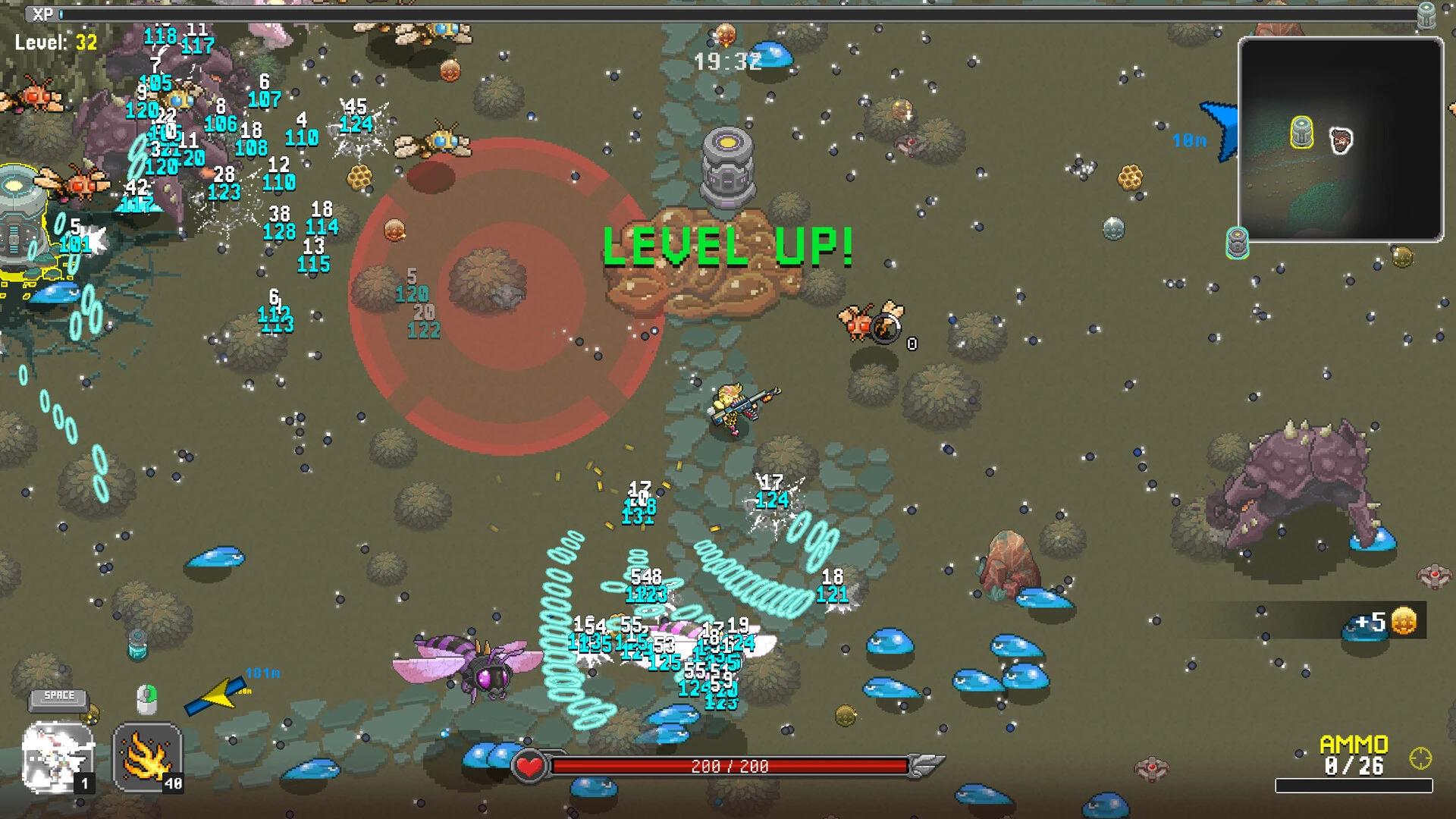
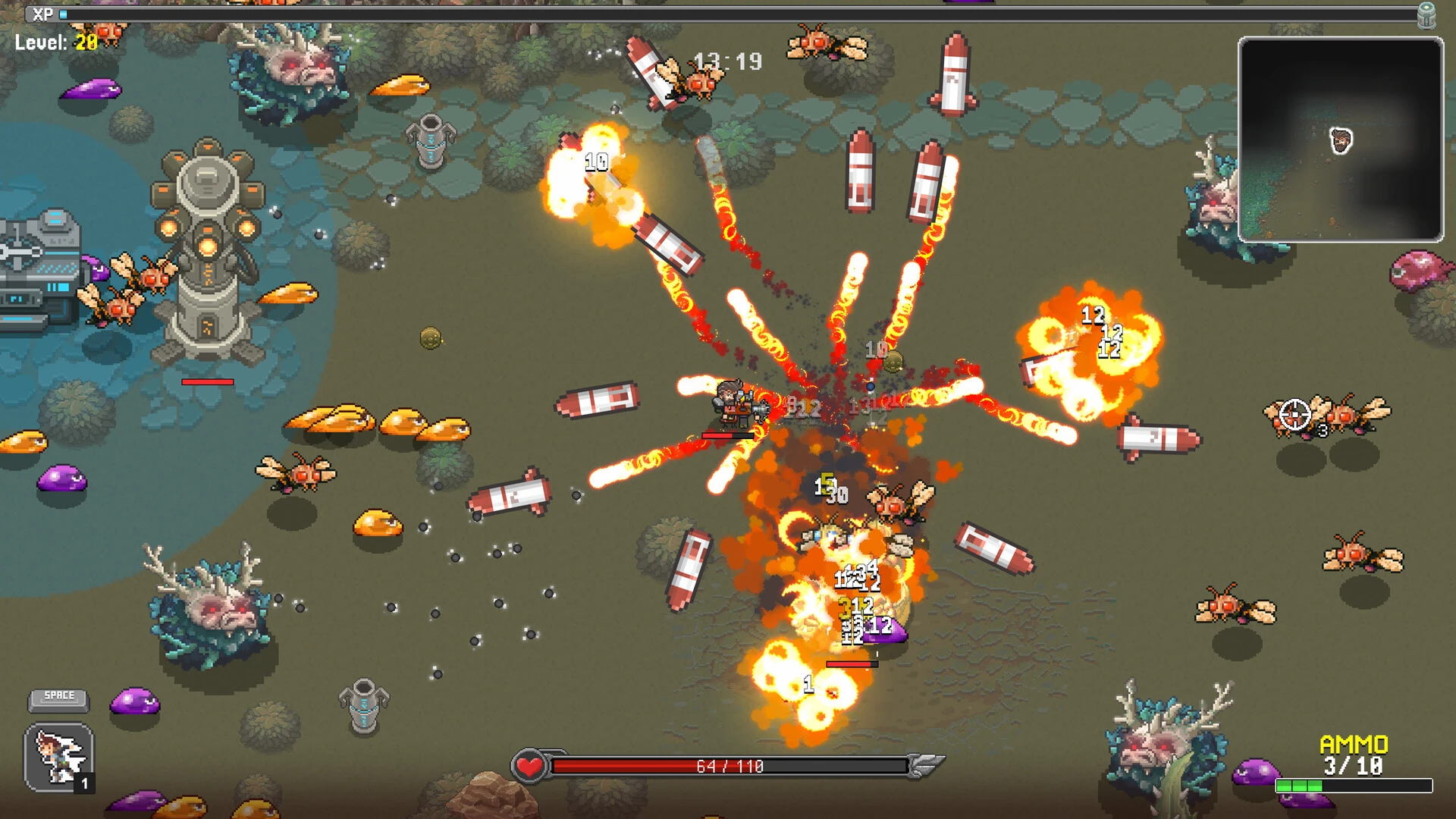
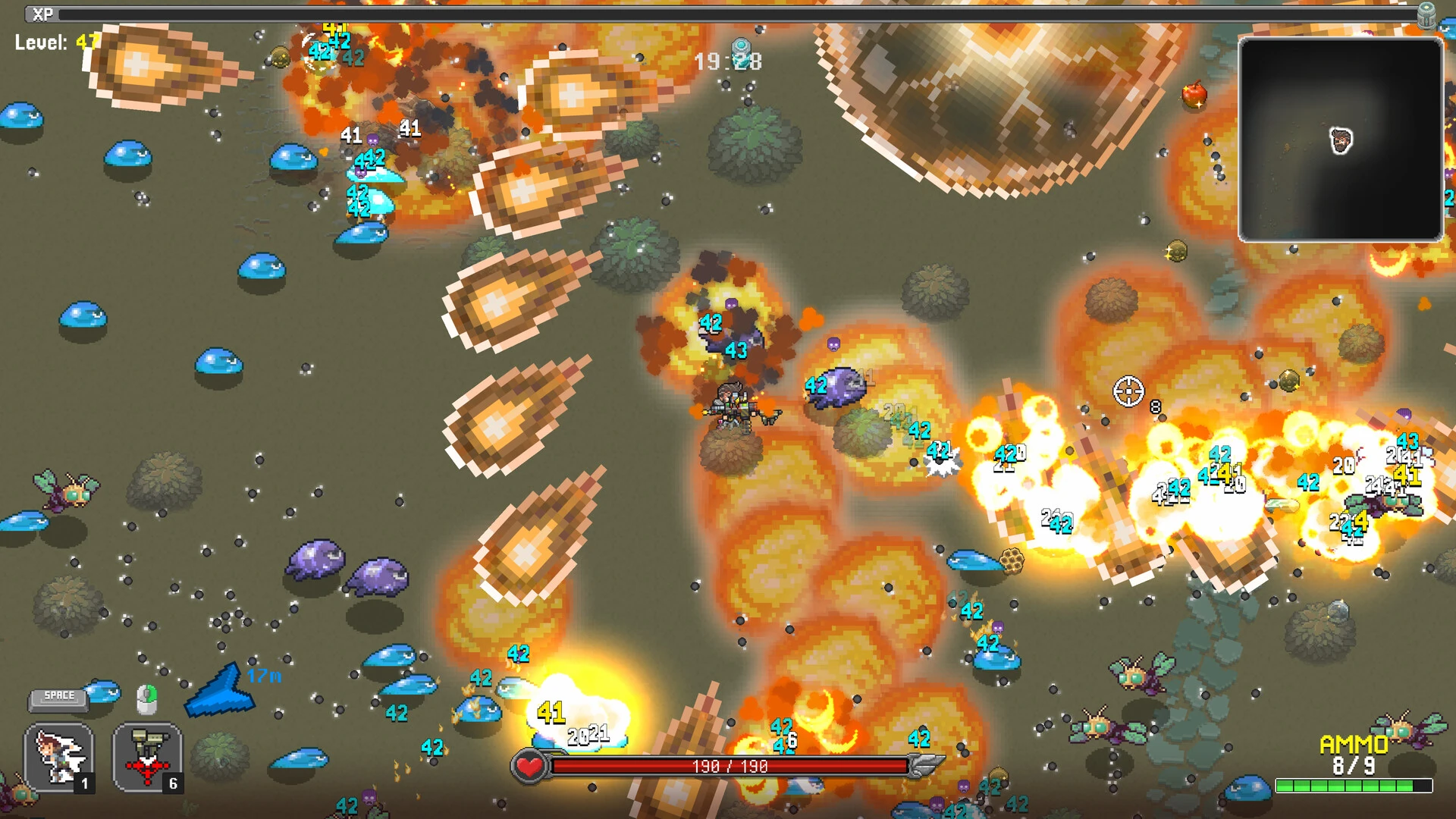
In the ever-evolving world of survival games, NIMRODS: GunCraft Survivor stands out by combining intense combat, strategic crafting, and dynamic exploration. Unlike traditional survival titles that focus solely on scavenging or building, this game challenges players to adapt, fight, and craft in a world where every decision can mean the difference between life and death. Its unique mix of resource management, action, and strategic planning makes it an immersive experience for gamers who enjoy a fast-paced, hands-on survival adventure.
At the core of NIMRODS: GunCraft Survivor is the struggle to survive in a hostile environment. Players are dropped into dangerous territories filled with enemies, environmental hazards, and unpredictable events. Every resource—from weapons and ammo to food and materials—is valuable, requiring careful management and planning. Unlike games where resources are abundant, NIMRODS demands strategic thinking, rewarding players who can balance combat readiness with the need to craft and upgrade essential tools.
Gameplay in NIMRODS emphasizes both combat and creativity. Players can craft weapons, build fortifications, and customize gear to suit their playstyle. The crafting system is versatile, allowing players to combine basic resources into advanced weaponry or defensive equipment. This not only encourages experimentation but also provides a strategic edge during encounters. In combat, skill, timing, and positioning are crucial, as enemies are relentless and adapt to player strategies. This balance of survival mechanics and tactical fighting keeps the gameplay engaging and unpredictable.
Another standout feature is the game’s progression system. Players start with basic gear and must gradually upgrade weapons, armor, and tools by exploring the environment and collecting resources. Each upgrade opens new possibilities for crafting and combat, creating a rewarding feedback loop that motivates players to take risks and explore further. Additionally, the game features varied environments—ranging from dense forests and abandoned towns to industrial ruins—each presenting unique challenges and opportunities for resource collection.
NIMRODS: GunCraft Survivor also excels in creating tension and immersion. The game’s visuals, from detailed landscapes to realistic weather effects, make every exploration feel alive and dangerous. Dynamic lighting and atmospheric effects enhance the sense of threat, while the sound design—footsteps, distant gunfire, and environmental cues—keeps players alert and engaged. These elements combine to create a world that feels both expansive and perilous, making survival all the more satisfying.
Moreover, the game encourages player creativity and adaptability. Different approaches—whether stealth, direct combat, or tactical crafting—can lead to success, giving players multiple ways to overcome challenges. This flexibility enhances replayability and ensures that no two survival experiences feel identical. The combination of resource management, combat strategy, and inventive crafting makes every session intense and rewarding.
Ultimately, NIMRODS: GunCraft Survivor is more than just a survival game; it is a test of resourcefulness, strategy, and adaptability. By blending combat, crafting, and environmental exploration, it delivers an engaging and dynamic experience that keeps players on edge while rewarding creativity and planning. For those seeking a survival game that challenges both the mind and reflexes, NIMRODS: GunCraft Survivor offers a thrilling and unforgettable adventure.
OS: macOS 10.14 or laterProcessor: Apple Silicon or Intel x64Memory: 2 GBRAM Graphics: Metal-capable Intel and AMD GPUsDisk Space: 2 GB
Run the downloaded image and drag the application to the Applications folder shortcut.
Once copying is complete, the application can be launched via Launchpad.
Frequently Asked Questions
Mount the image and run Open Gatekeeper friendly.
Press Enter to bypass Gatekeeper in the Terminal window.
Drag the application to the Applications folder.
The application is ready for use.
ATTENTION! SIP must be disabled. Learn more >
Restart your Mac and hold down Command + R to enter Recovery Mode.
Open Terminal from the Utilities menu.
Enter the command: csrutil disable
Restart your Mac.
This is a common Gatekeeper issue. Follow these steps:
1. Open Terminal
2. Enter: sudo xattr -rd com.apple.quarantine /Applications/AppName.app
3. Replace "AppName" with the actual application name
4. Press Enter and enter your password
Yes, all our downloads are thoroughly checked for viruses and malware.
We use multiple antivirus engines to scan every file.
Our team tests each application before publishing.
We never bundle adware or unwanted software.
Yes, we regularly update our applications to the latest versions.
You can check our website for updates or subscribe to our newsletter.
We strive to provide the most recent versions within 24-48 hours of release.
If a download link is not working, please:
1. Try a different browser
2. Clear your browser cache and cookies
3. Try the alternative download links provided
4. Contact our support team if the issue persists