


Aether & Iron
Download Aether & Iron
Run the downloaded image and drag the application to the Applications folder shortcut.
Once copying is complete, the application can be launched via Launchpad.
Previous Versions
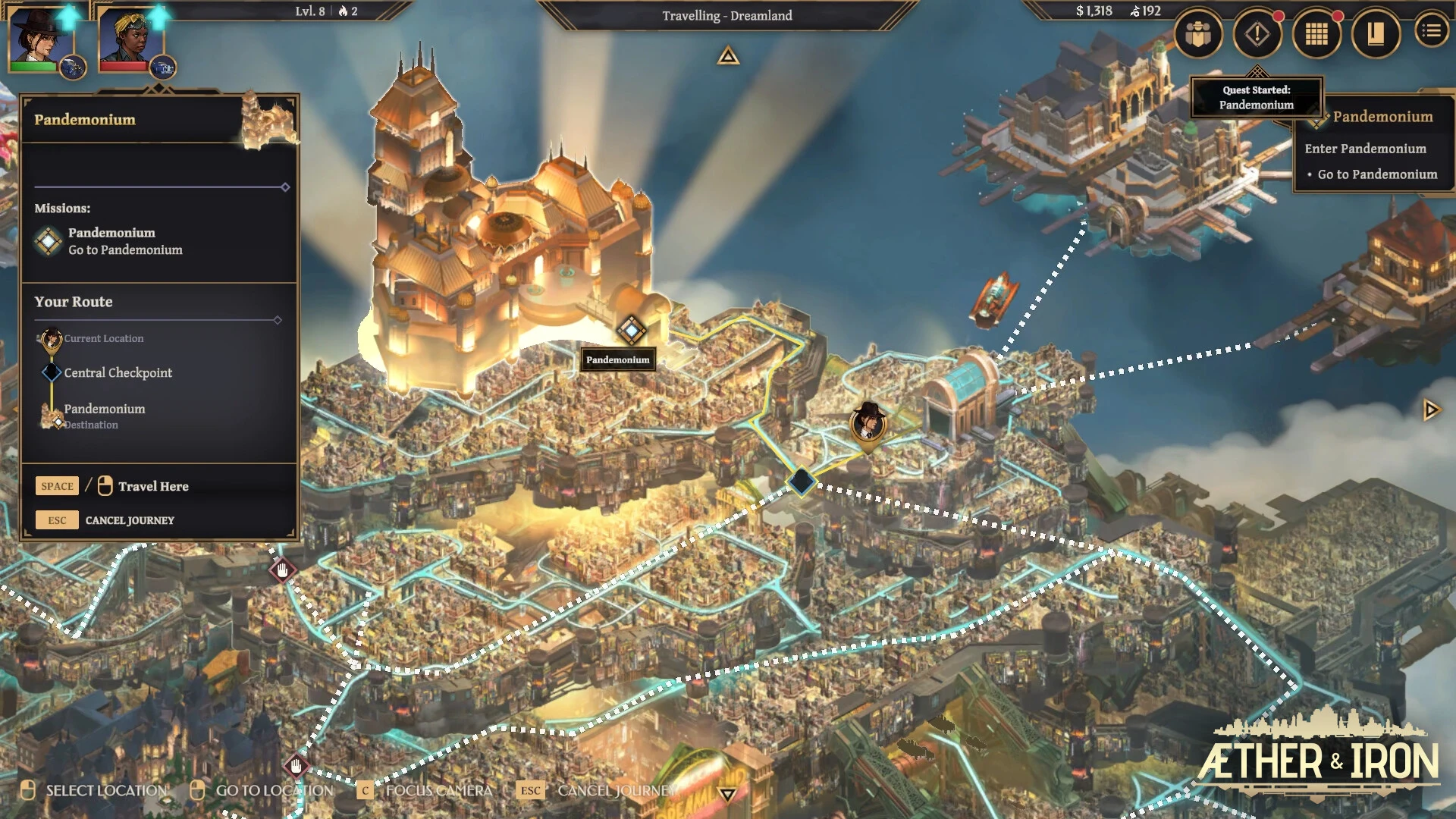
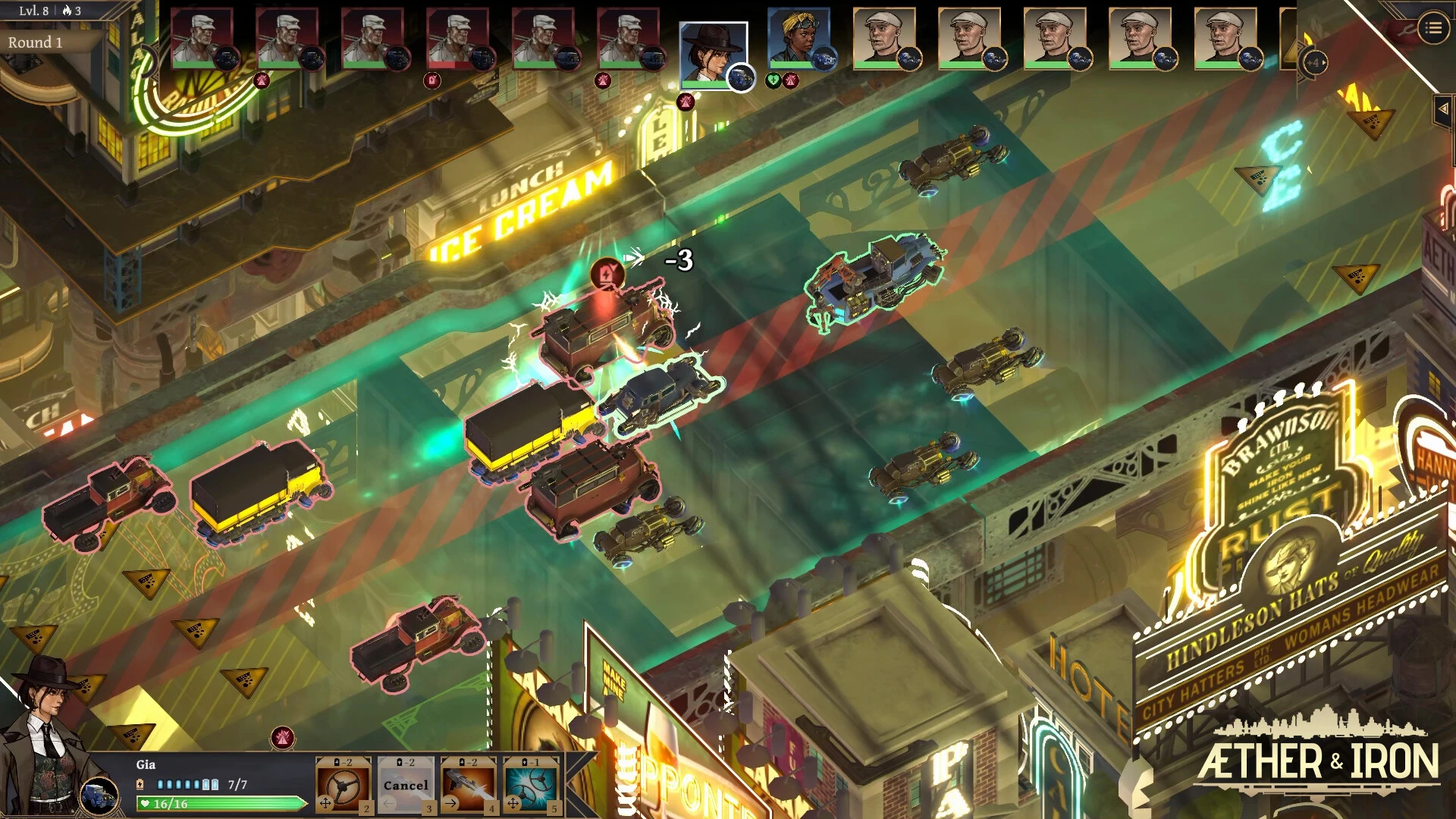
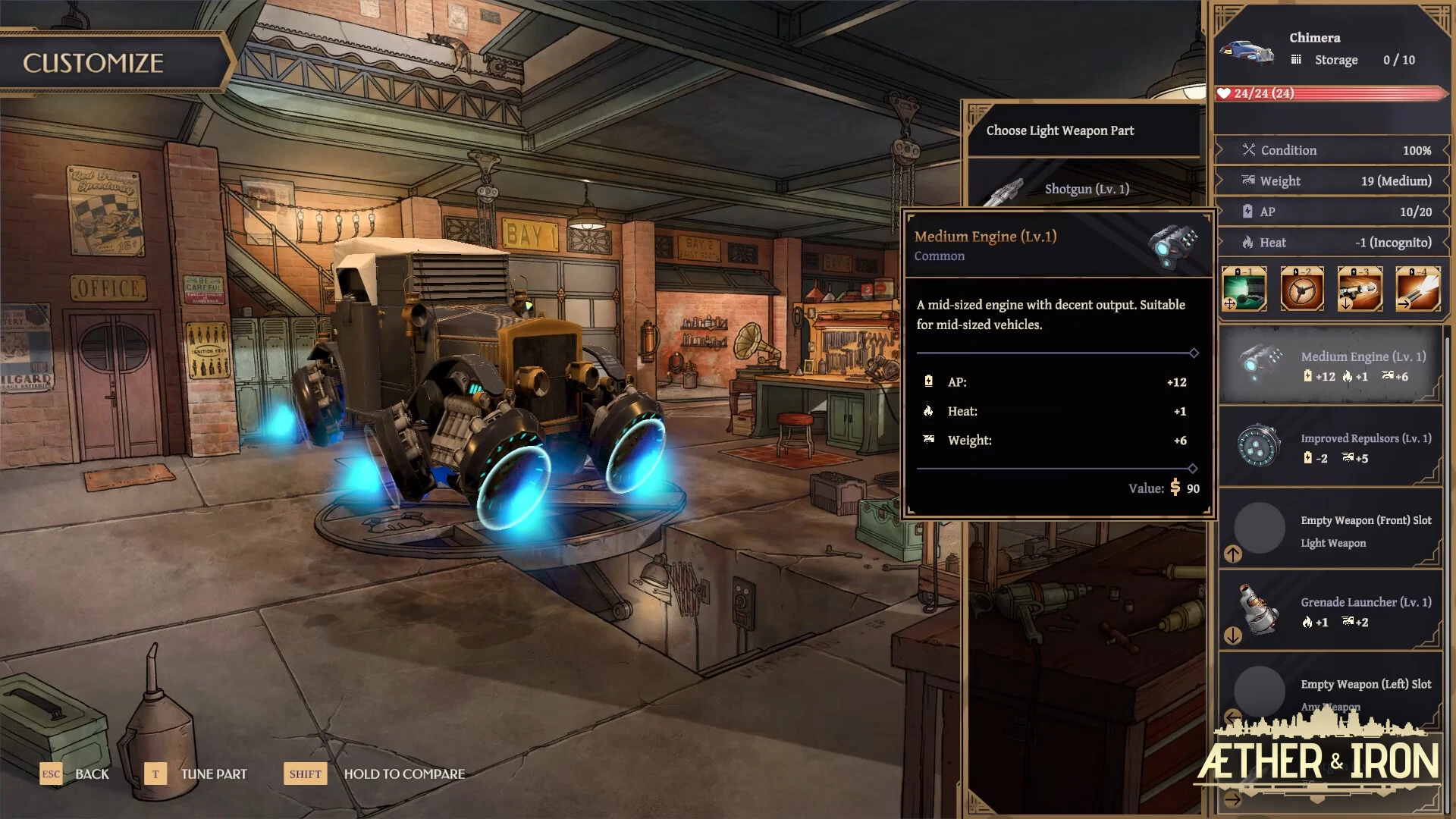
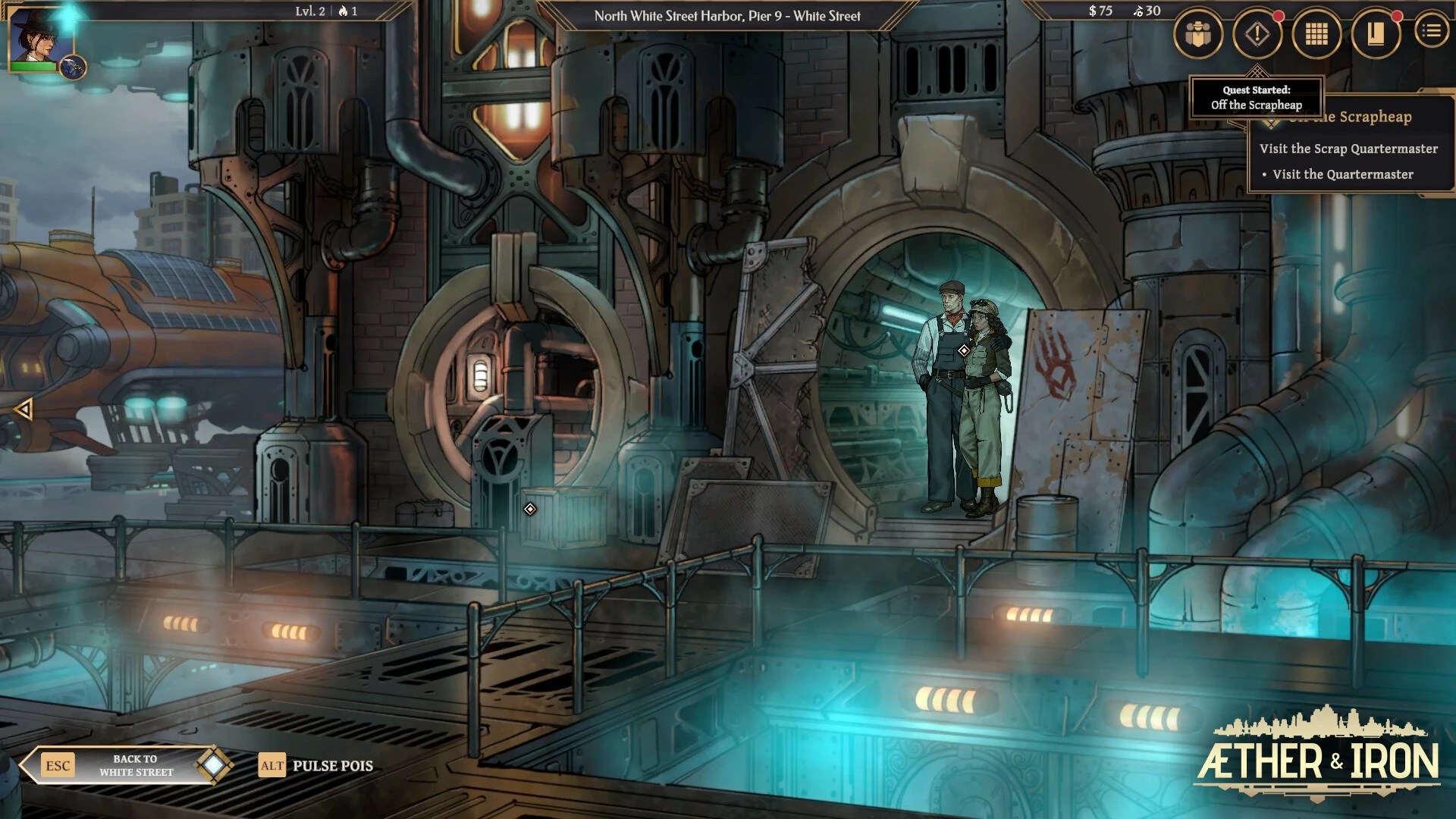
Aether & Iron is an imaginative, steampunk-inspired role-playing game that blends magic, technology, and strategy into a rich narrative experience. Set in a world where floating energy and mechanical engineering coexist, it offers a unique mix of exploration, combat, and storytelling. The game appeals to players who enjoy complex world-building, tactical decisions, and fantastical settings with an immersive atmosphere.
The World of Aether & Iron
The universe of Aether & Iron is built upon floating islands, mechanical cities, and forgotten ruins powered by ancient energy cores. Each region has its own distinct identity, culture, and political structure. Some societies embrace the Aether, relying on magical abilities and enchanted artifacts, while others depend on Iron, developing powerful machines and industrial empires.
This duality creates a dynamic environment where conflict and cooperation coexist. Players must manage their alliances carefully, as every decision can alter the balance of power.
Gameplay and Core Mechanics
Aether & Iron focuses on exploration, strategy, and decision-making. Players can travel across different regions, gather resources, and interact with various factions. The choices made during conversations and quests influence the story and the state of the world.
Combat in Aether & Iron is tactical and combines magical abilities with mechanical weaponry. Players can customize their approach by choosing between casting spells, using engineering tools, or creating hybrid setups that combine both styles.
Resource management also plays a significant role. Aether energy is scarce and powerful, while iron-based materials are more stable but less mystical. Balancing these resources is key to survival and progress.
Narrative and Player Choices
One of Aether & Iron's strengths is its branching narrative system. Every decision affects relationships, faction alliances, and world events. Players can choose to support magical academies, industrial corporations, or remain neutral explorers.
This freedom allows for multiple endings and replayability, encouraging players to experience different paths and outcomes.
The story is deeply influenced by themes such as balance, progress, and the conflict between tradition and innovation.
Visual Style and Atmosphere
Aether & Iron features a visually striking steampunk aesthetic. You'll find shimmering ether crystals, colossal steam engines, and floating cities shrouded in mist and clouds. The contrast between magical energy and mechanical design creates a unique and unforgettable atmosphere.
The sound design further enhances immersion, blending mechanical sounds with mystical tones to reflect the world's dual nature.
Why Aether & Iron Stand Out
Aether & Iron excels at combining two popular fantasy themes—magic and technology—into a single, cohesive world. Rather than focusing on one or the other, it explores the tension between the two, offering players a deeper narrative experience.
Its focus on choice-based gameplay, strategic combat, and world-building makes it appealing to both RPG fans and steampunk enthusiasts.
Conclusion
Aether & Iron delivers a powerful combination of fantasy storytelling, strategic gameplay, and immersive world design. By balancing magical ether and industrial iron, it creates a unique universe where every choice matters. For players who enjoy rich narratives, tactical combat, and atmospheric exploration, Aether & Iron offers an unforgettable journey through a world shaped by magic and machinery.
OS: MacOS 15.0Processor: Apple Silicon: M1 (8-core CPU) or 10th generation Intel Core i5 (1038NG7)Memory: 8 GB RAM
Run the downloaded image and drag the application to the Applications folder shortcut.
Once copying is complete, the application can be launched via Launchpad.
Frequently Asked Questions
Mount the image and run Open Gatekeeper friendly.
Press Enter to bypass Gatekeeper in the Terminal window.
Drag the application to the Applications folder.
The application is ready for use.
ATTENTION! SIP must be disabled. Learn more >
Restart your Mac and hold down Command + R to enter Recovery Mode.
Open Terminal from the Utilities menu.
Enter the command: csrutil disable
Restart your Mac.
This is a common Gatekeeper issue. Follow these steps:
1. Open Terminal
2. Enter: sudo xattr -rd com.apple.quarantine /Applications/AppName.app
3. Replace "AppName" with the actual application name
4. Press Enter and enter your password
Yes, all our downloads are thoroughly checked for viruses and malware.
We use multiple antivirus engines to scan every file.
Our team tests each application before publishing.
We never bundle adware or unwanted software.
Yes, we regularly update our applications to the latest versions.
You can check our website for updates or subscribe to our newsletter.
We strive to provide the most recent versions within 24-48 hours of release.
If a download link is not working, please:
1. Try a different browser
2. Clear your browser cache and cookies
3. Try the alternative download links provided
4. Contact our support team if the issue persists