


Castle on the Coast
Download Castle on the Coast
Run the downloaded package and follow the standard installation procedure.
The installation is completed by choosing a location to place the game.
It is recommended to specify the Applications folder.
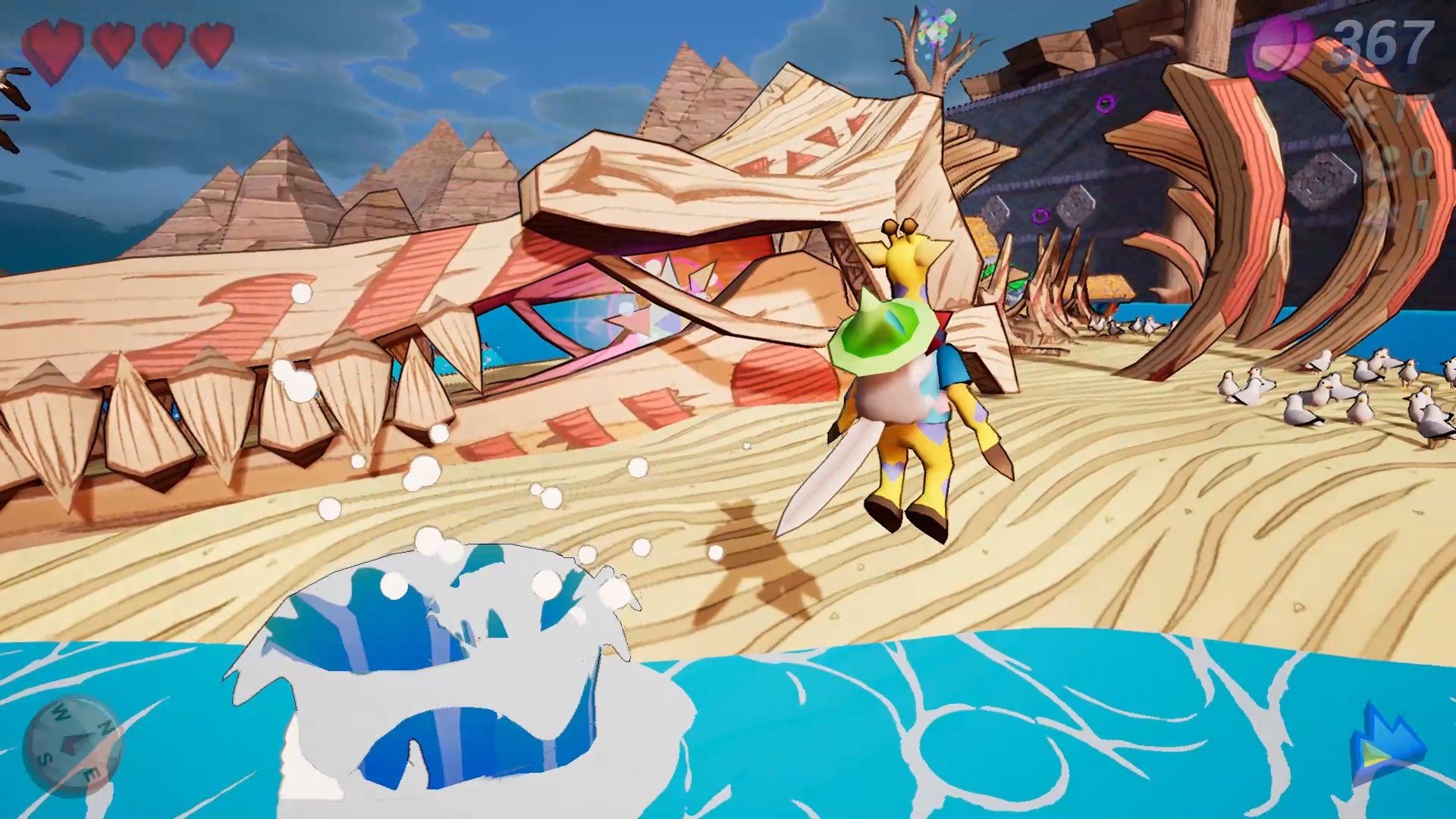
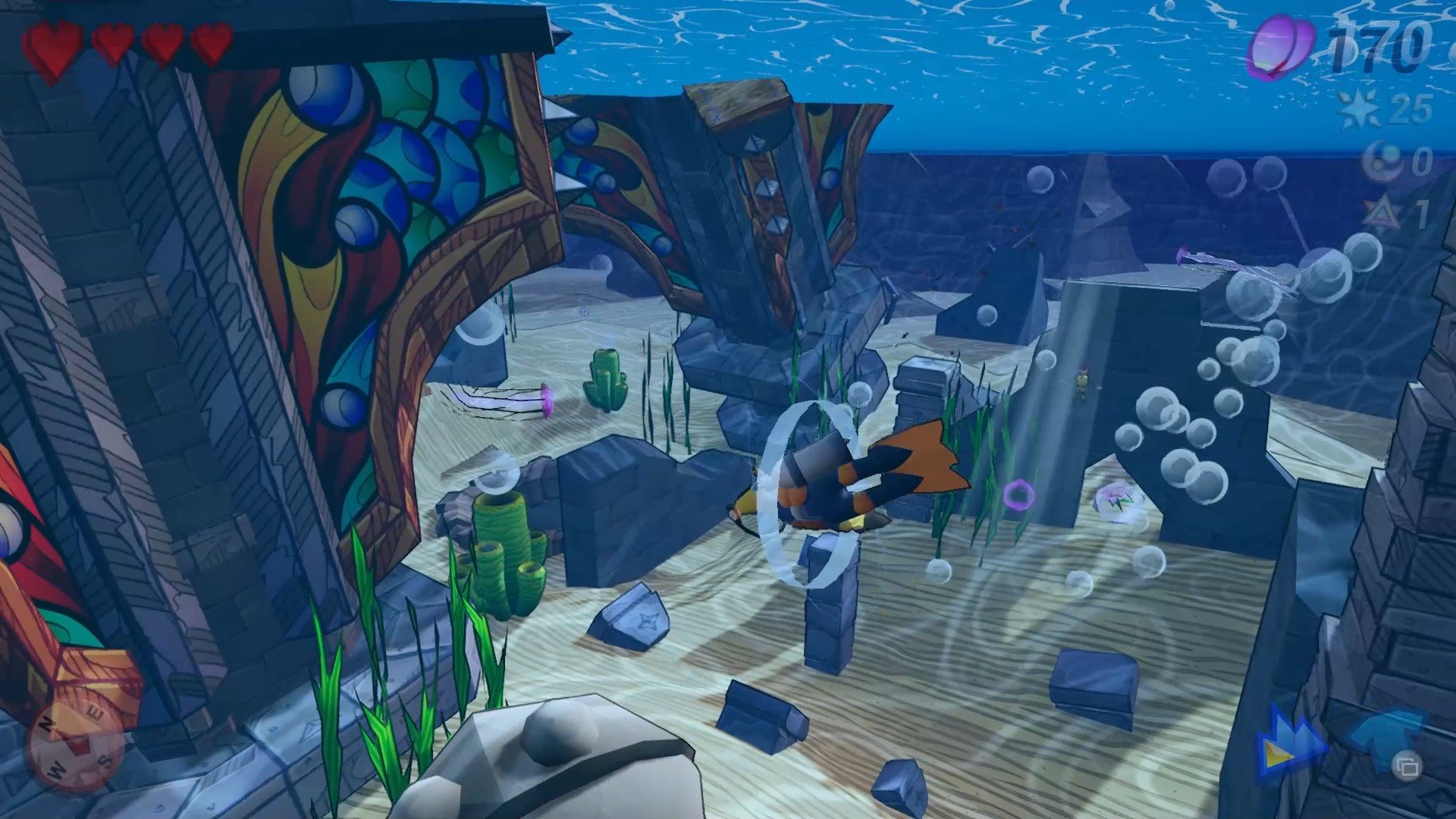
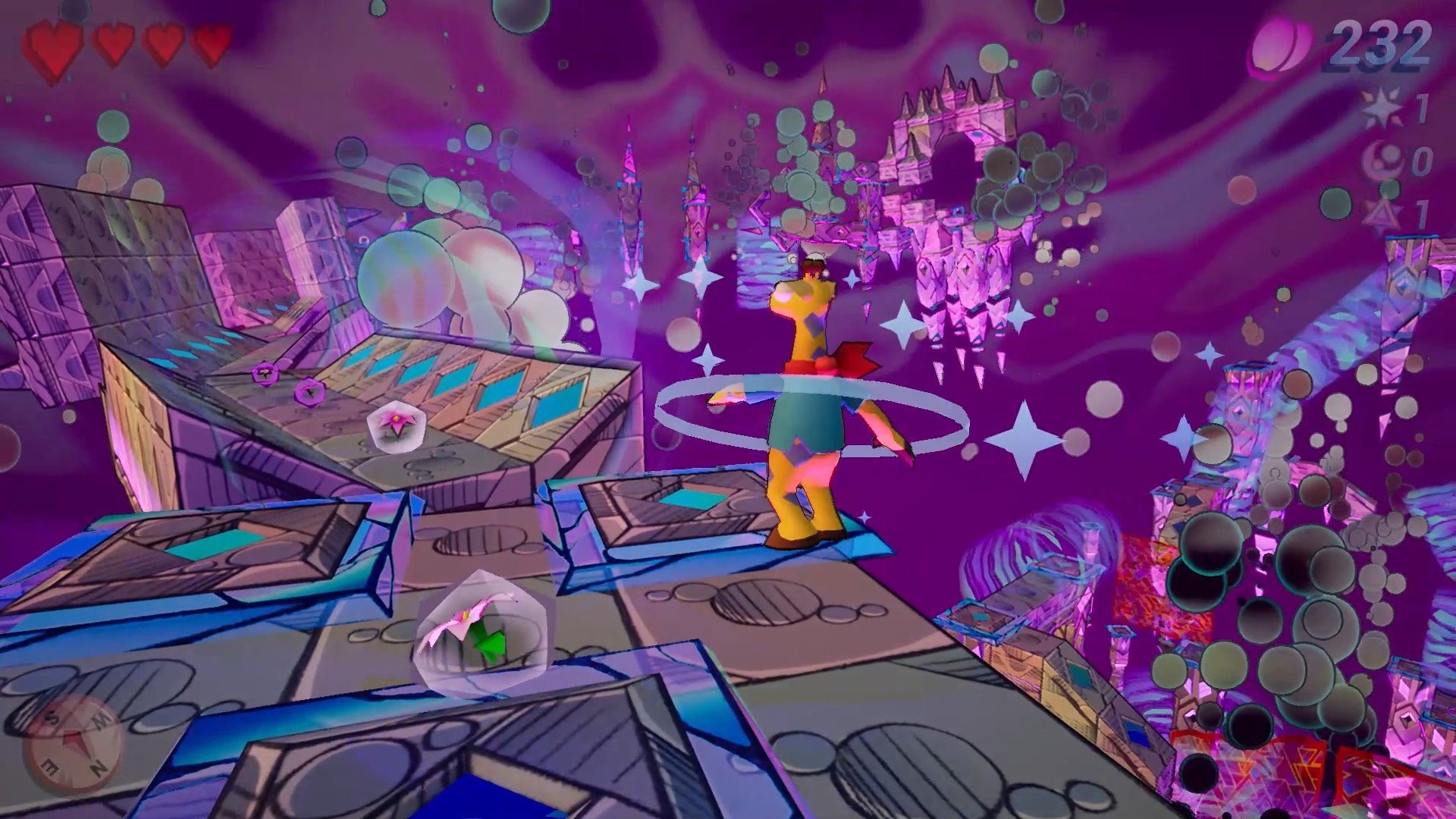
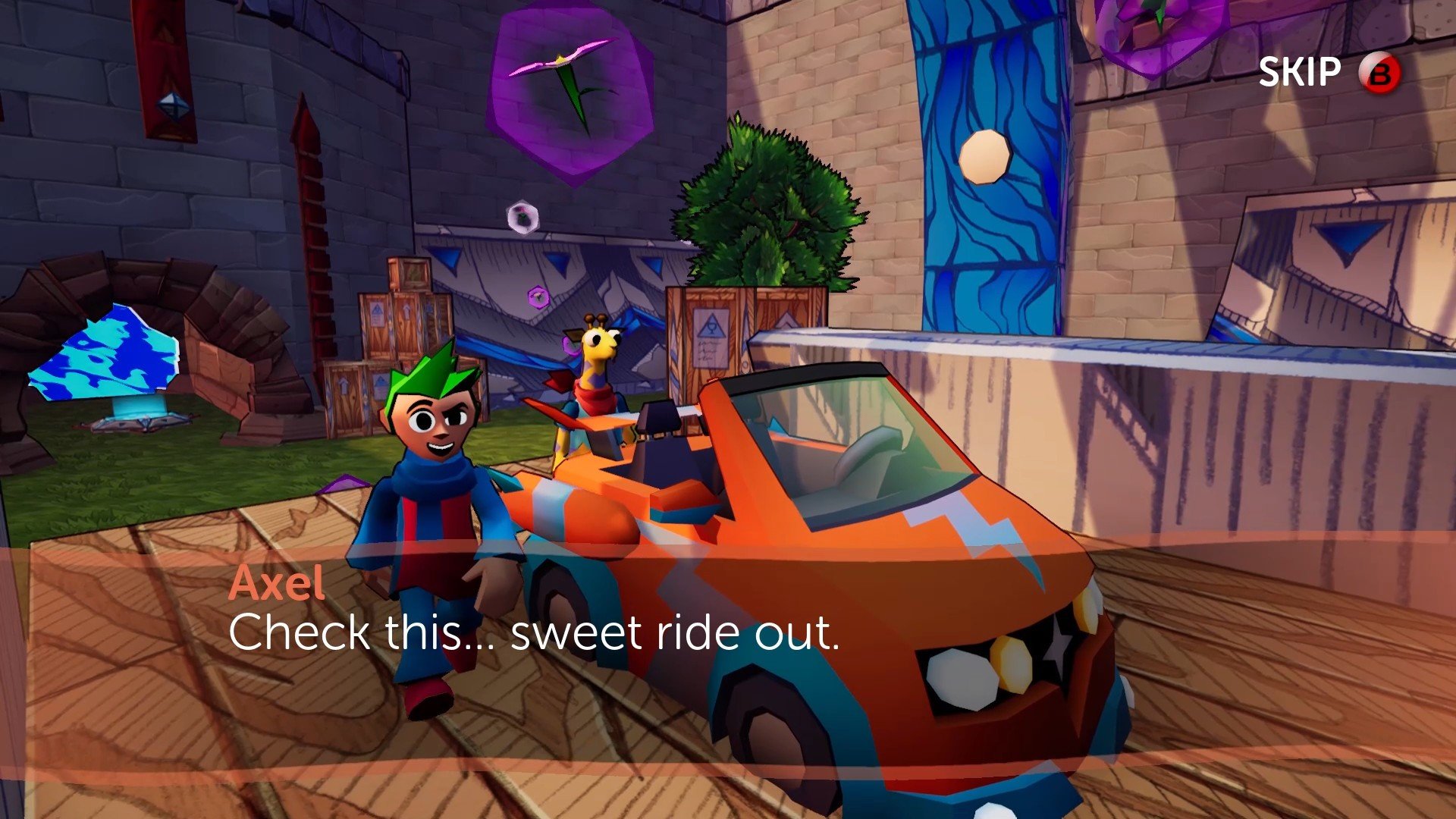
Castle on the Coast is a charming 3D platformer that blends classic gameplay ideas with a modern, welcoming presentation. Developed by Big Heart Productions, the game offers a lighthearted yet engaging experience focused on exploration, precise movement, and joyful discovery. Set in a vibrant coastal world filled with mystery and personality, it invites players of all skill levels to enjoy a thoughtfully designed adventure that values fun over frustration.
Players step into the role of George, a friendly giraffe with a surprising talent for parkour. The story follows his journey to explore a mysterious castle perched near the ocean, a place rumored to hold secrets, challenges, and unexpected wonders. While the narrative remains simple, it provides enough motivation to push players forward, allowing the world and gameplay to take center stage. The focus is less on dramatic storytelling and more on the joy of movement and exploration.
Gameplay in Castle on the Coast emphasizes fluid platforming and experimentation. Players run, jump, climb, and dash through a series of carefully crafted levels that encourage creativity rather than strict precision. The controls feel responsive, making it easy to chain movements together and navigate vertical spaces. The game avoids punishing difficulty, instead rewarding curiosity and persistence. Falling or failing rarely feels frustrating, as checkpoints are generous and progression remains smooth.
Exploration is a core strength of the game. Each area contains hidden collectibles, optional challenges, and secret paths that reward players who take their time. The environments are designed with multiple routes in mind, allowing players to approach obstacles in different ways. This open-ended level design makes the experience feel relaxed and personal, as players are free to explore at their own pace without pressure.
Visually, Castle on the Coast is bright, cheerful, and full of character. The coastal setting is brought to life through colorful landscapes, clear skies, and playful architectural designs. The art style leans toward simplicity, but it is polished and expressive, giving the world a welcoming atmosphere. Character animations add charm and personality, reinforcing the game’s lighthearted tone.
The audio design complements the visuals perfectly. A relaxing soundtrack accompanies exploration, while subtle sound effects enhance movement and interaction. The music never overwhelms the experience, instead providing a calm backdrop that supports the game’s sense of adventure and discovery.
What makes Castle on the Coast stand out is its accessibility. The game is designed to be enjoyed by both newcomers to the platforming genre and experienced players looking for a relaxing experience. It respects the player’s time and skill level, focusing on enjoyment rather than challenge for its own sake.
In the end, Castle on the Coast is a celebration of classic platforming wrapped in a modern, friendly package. Its smooth movement, inviting world, and emphasis on exploration make it a refreshing experience in a genre often dominated by difficulty. For players seeking a colorful, stress-free adventure filled with charm and creativity, Castle on the Coast delivers a delightful journey worth taking.
OS: macOS 10.14.6Processor: Intel Core i5 3.4 GHzRAM: 4 GBVideo card: Radeon Pro 560 4GbDisk space: 1 GB
Run the downloaded package and follow the standard installation procedure.
The installation is completed by choosing a location to place the game.
It is recommended to specify the Applications folder.
Frequently Asked Questions
Mount the image and run Open Gatekeeper friendly.
Press Enter to bypass Gatekeeper in the Terminal window.
Drag the application to the Applications folder.
The application is ready for use.
ATTENTION! SIP must be disabled. Learn more >
Restart your Mac and hold down Command + R to enter Recovery Mode.
Open Terminal from the Utilities menu.
Enter the command: csrutil disable
Restart your Mac.
This is a common Gatekeeper issue. Follow these steps:
1. Open Terminal
2. Enter: sudo xattr -rd com.apple.quarantine /Applications/AppName.app
3. Replace "AppName" with the actual application name
4. Press Enter and enter your password
Yes, all our downloads are thoroughly checked for viruses and malware.
We use multiple antivirus engines to scan every file.
Our team tests each application before publishing.
We never bundle adware or unwanted software.
Yes, we regularly update our applications to the latest versions.
You can check our website for updates or subscribe to our newsletter.
We strive to provide the most recent versions within 24-48 hours of release.
If a download link is not working, please:
1. Try a different browser
2. Clear your browser cache and cookies
3. Try the alternative download links provided
4. Contact our support team if the issue persists