


After Inc: Revival
Download After Inc: Revival
Run the downloaded image and drag the application to the Applications folder shortcut.
Once copying is complete, the application can be launched via Launchpad.
Previous Versions
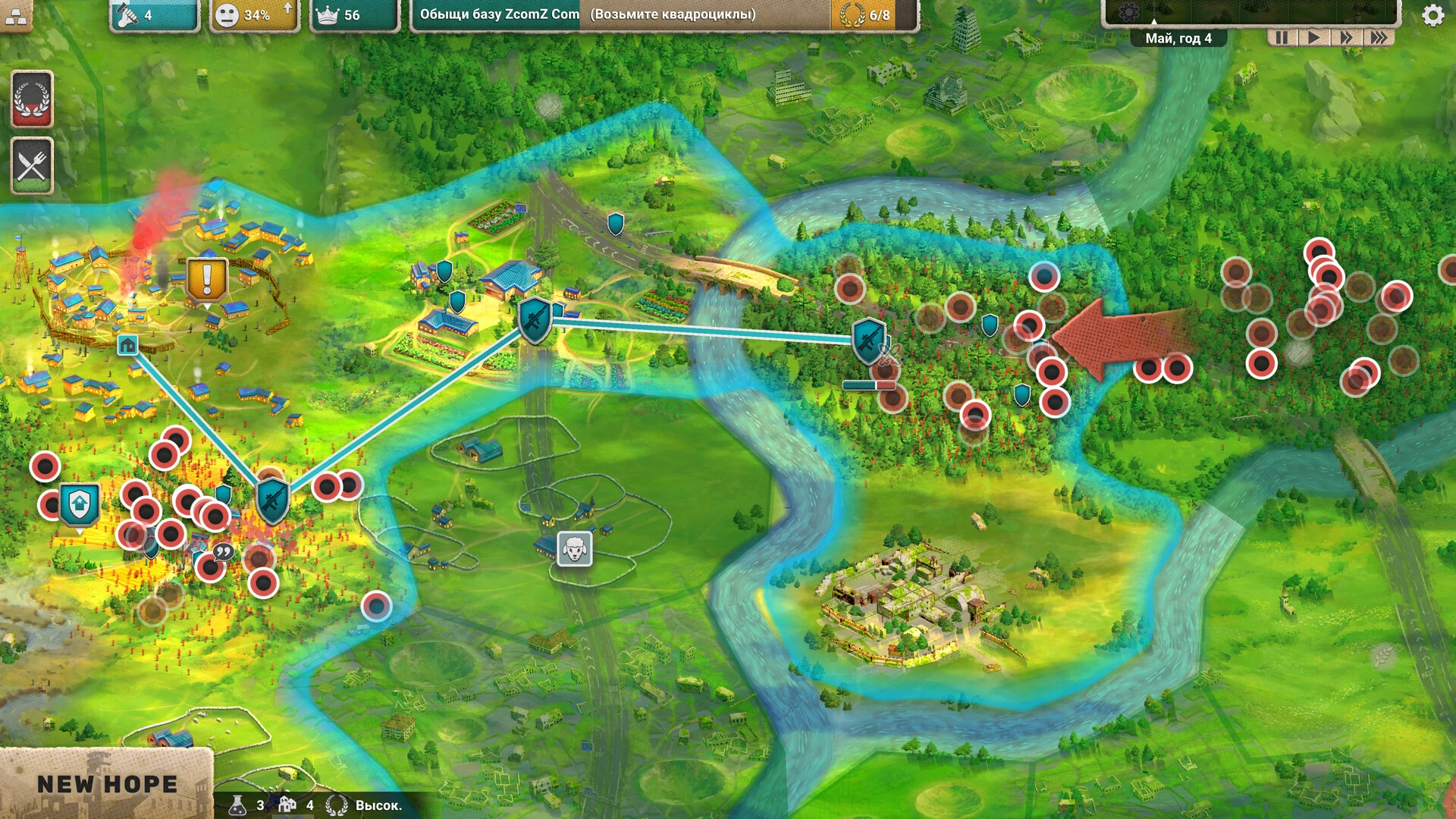
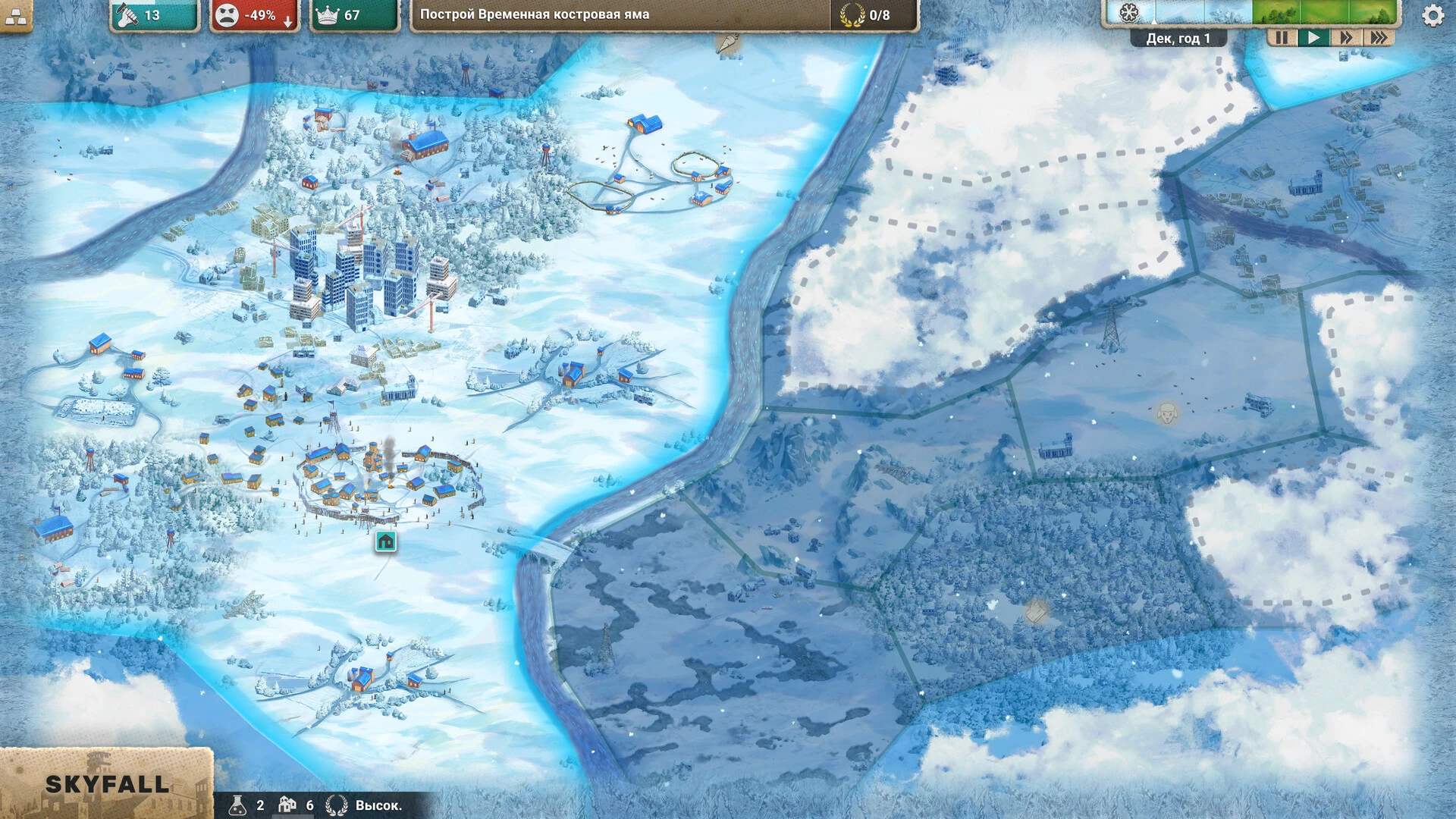
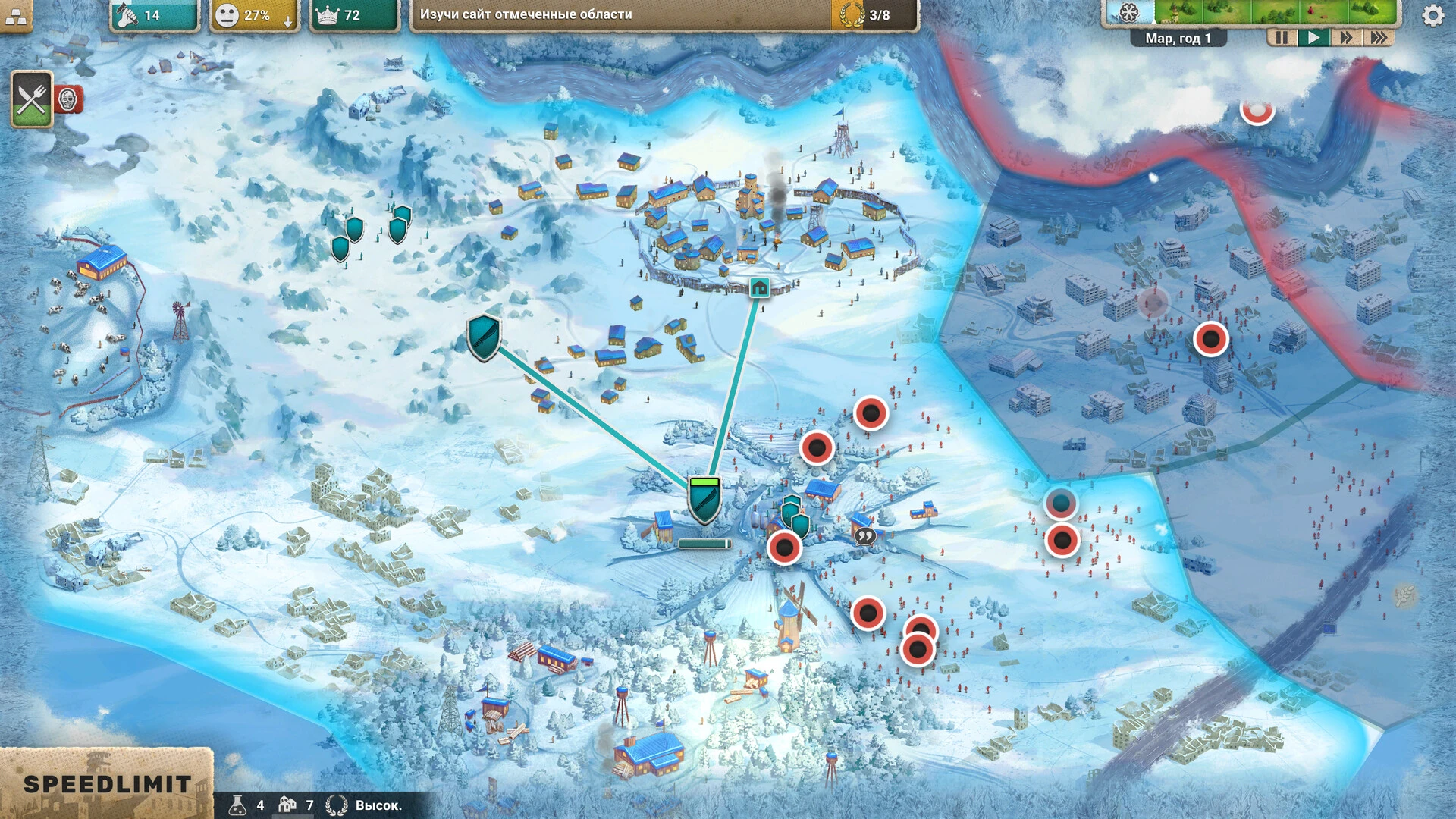
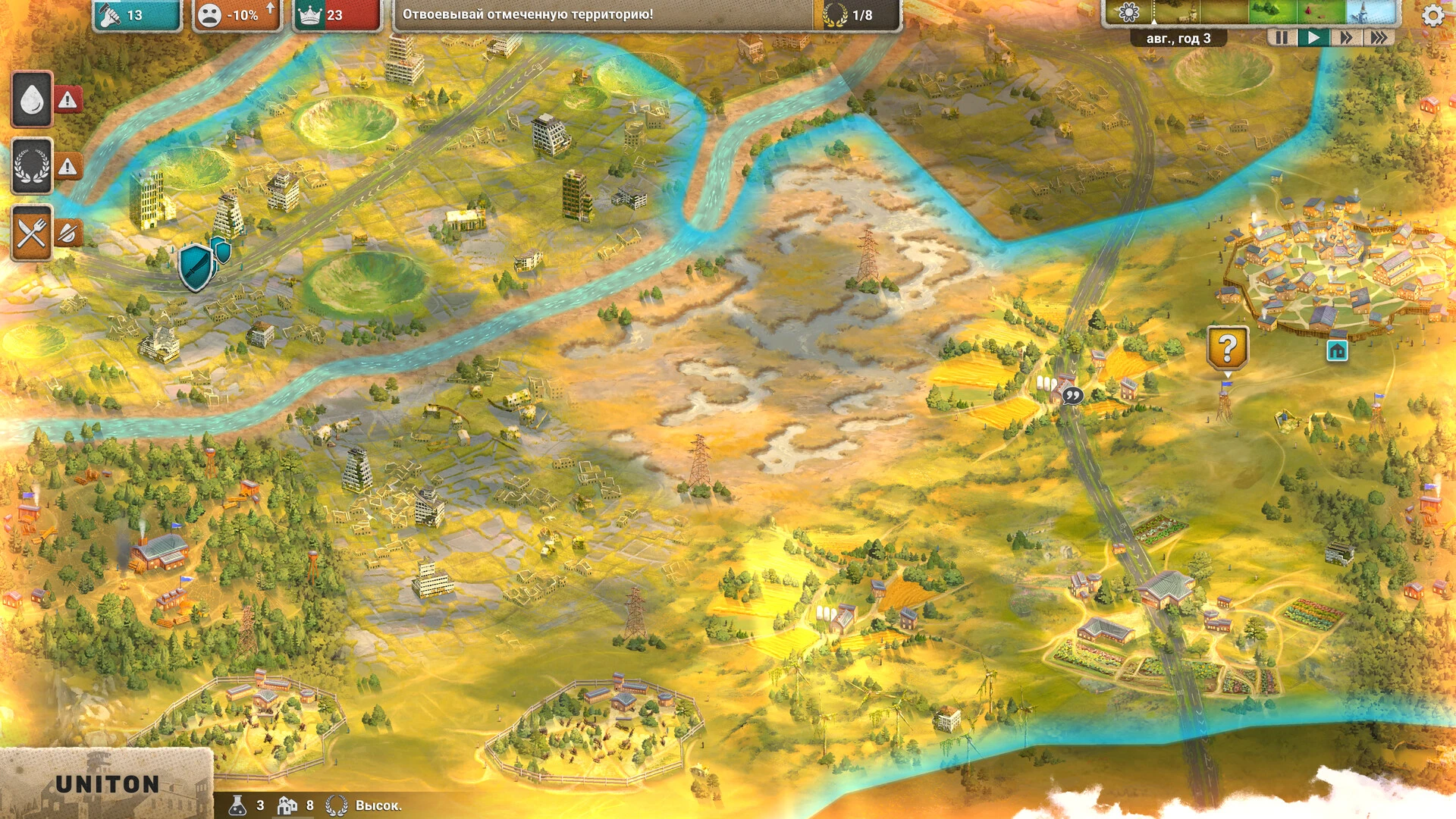
In the genre of post-apocalyptic simulation games, After Inc: Revival stands out as a compelling mix of survival, management, and strategic storytelling. Unlike traditional post-apocalyptic games that focus solely on combat or exploration, After Inc: Revival challenges players to rebuild society, manage resources, and make critical decisions that shape the fate of their community. Its unique combination of strategy, survival mechanics, and immersive narrative makes it an unforgettable experience for players who enjoy both tactical thinking and creative problem-solving.
At the heart of After Inc: Revival is the challenge of rebuilding civilization from the ruins of a catastrophic event. Players take control of a small group of survivors tasked with restoring order, securing resources, and defending against external threats. Every choice matters—how resources are allocated, which structures are built first, and which threats are prioritized can dramatically affect the success or failure of the settlement. This emphasis on strategic decision-making sets After Inc: Revival apart from games that simply rely on action or exploration.
Gameplay in After Inc: Revival is multifaceted, blending management, exploration, and tactical defense. Players must gather essential resources like food, water, and building materials while maintaining the morale and health of their survivors. Exploration is key, as the surrounding wasteland holds both opportunities and dangers: abandoned facilities may contain valuable supplies, but hostile factions and environmental hazards pose constant threats. The balance between risk and reward encourages thoughtful planning and adaptive strategies.
A defining feature of the game is its emphasis on community development. Players can construct and upgrade buildings, establish defensive measures, and assign tasks to survivors based on their skills. Each survivor has unique attributes that affect productivity, combat effectiveness, and morale, making careful management essential. This system encourages players to think tactically about how they deploy their human and material resources to maximize efficiency and survival chances.
After Inc: Revival also delivers a rich narrative experience. The story unfolds through events, character interactions, and environmental storytelling, creating a world that feels alive and reactive to player decisions. Moral dilemmas frequently arise, forcing players to weigh the well-being of individual survivors against the needs of the community. These choices influence the narrative, survivor relationships, and the overall success of the settlement, adding depth and replayability to the game.
Visually and audibly, After Inc: Revival immerses players in a post-apocalyptic atmosphere. The environments are detailed, from crumbling urban landscapes to desolate wastelands, reflecting the consequences of societal collapse. Complementing the visuals, the sound design—ambient noises, distant threats, and subtle music—creates tension and reinforces the urgency of survival. Together, these elements make the world feel both dangerous and compelling, enhancing the strategic and emotional impact of gameplay.
Ultimately, After Inc: Revival is more than a survival or management game; it is a strategy-driven journey of rebuilding, adaptation, and decision-making. By combining resource management, tactical defense, exploration, and narrative depth, it offers players a challenging and immersive experience. For those who enjoy thoughtful gameplay, complex decision-making, and post-apocalyptic adventure, After Inc: Revival provides a richly rewarding and unforgettable experience.
OS: MacOS Big Sur (11.6)Processor: Core i5RAM: 4 GB RAMVideo card: Intel Iris Pro graphics 6200 1536 MB
Run the downloaded image and drag the application to the Applications folder shortcut.
Once copying is complete, the application can be launched via Launchpad.
Frequently Asked Questions
Mount the image and run Open Gatekeeper friendly.
Press Enter to bypass Gatekeeper in the Terminal window.
Drag the application to the Applications folder.
The application is ready for use.
ATTENTION! SIP must be disabled. Learn more >
Restart your Mac and hold down Command + R to enter Recovery Mode.
Open Terminal from the Utilities menu.
Enter the command: csrutil disable
Restart your Mac.
This is a common Gatekeeper issue. Follow these steps:
1. Open Terminal
2. Enter: sudo xattr -rd com.apple.quarantine /Applications/AppName.app
3. Replace "AppName" with the actual application name
4. Press Enter and enter your password
Yes, all our downloads are thoroughly checked for viruses and malware.
We use multiple antivirus engines to scan every file.
Our team tests each application before publishing.
We never bundle adware or unwanted software.
Yes, we regularly update our applications to the latest versions.
You can check our website for updates or subscribe to our newsletter.
We strive to provide the most recent versions within 24-48 hours of release.
If a download link is not working, please:
1. Try a different browser
2. Clear your browser cache and cookies
3. Try the alternative download links provided
4. Contact our support team if the issue persists