


Astalon: Tears of the Earth
Download Astalon: Tears of the Earth
Run the downloaded package and follow the standard installation procedure.
The installation is completed by choosing a location to place the game.
It is recommended to specify the Applications folder.
Previous Versions
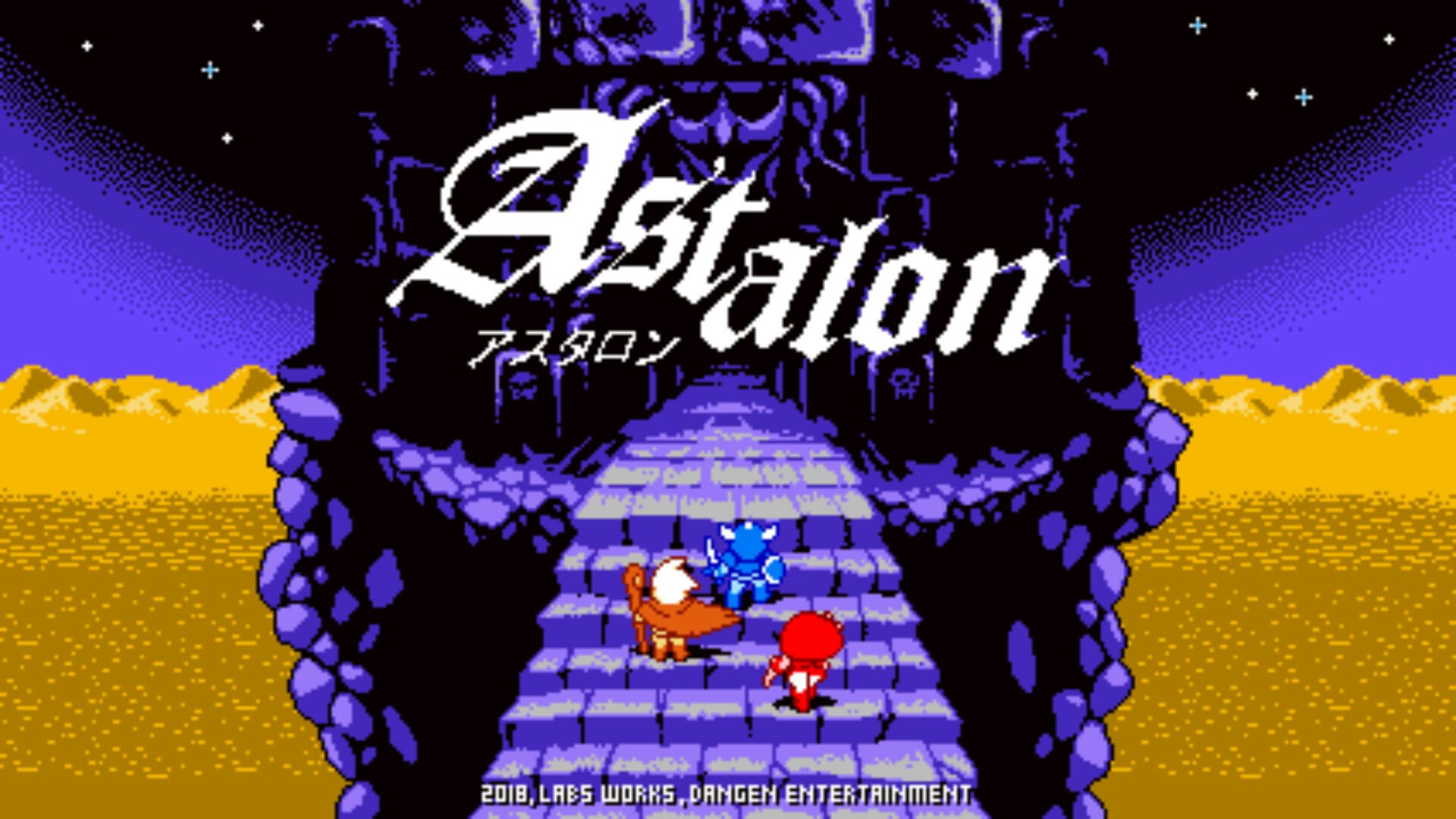
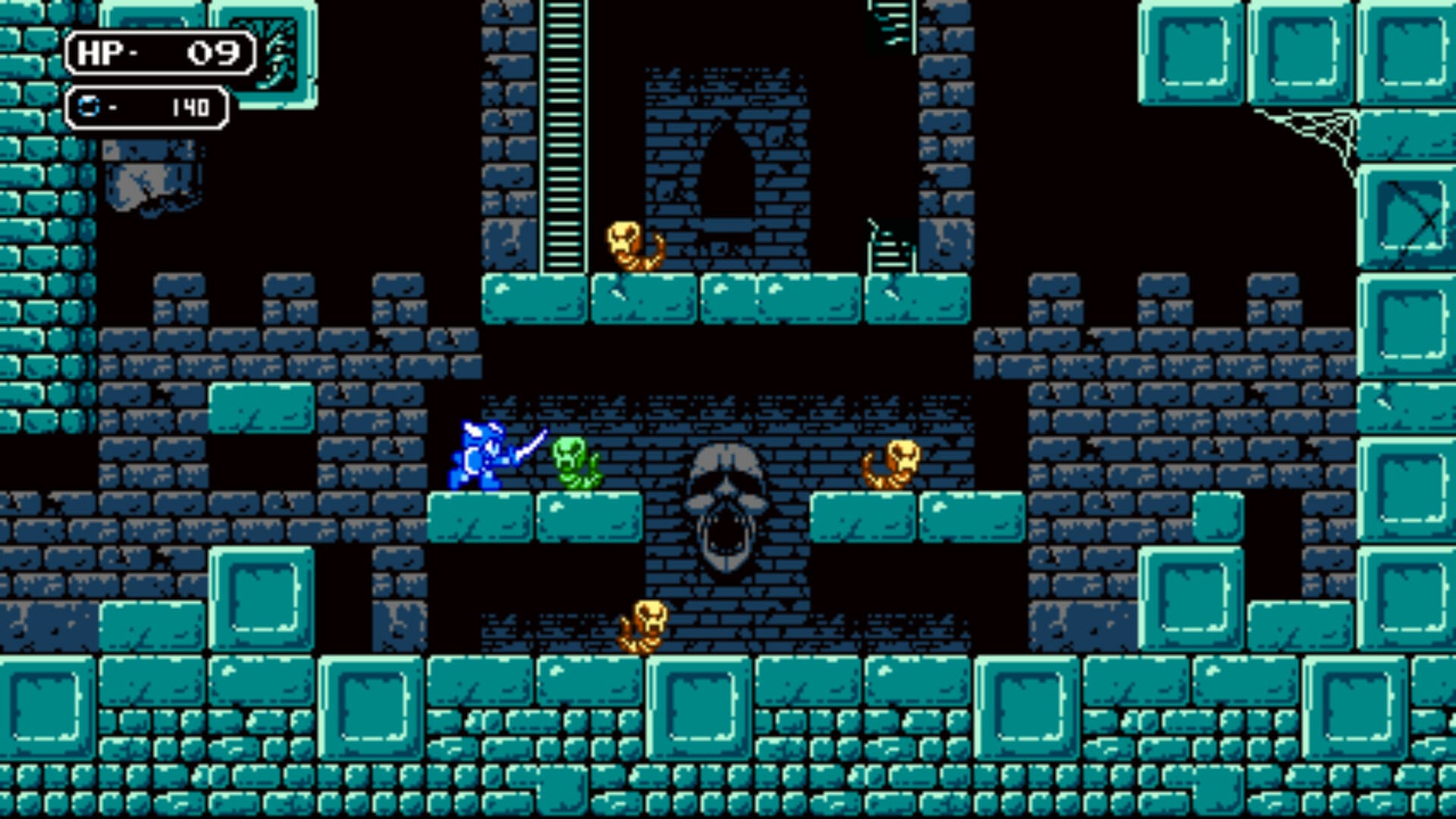
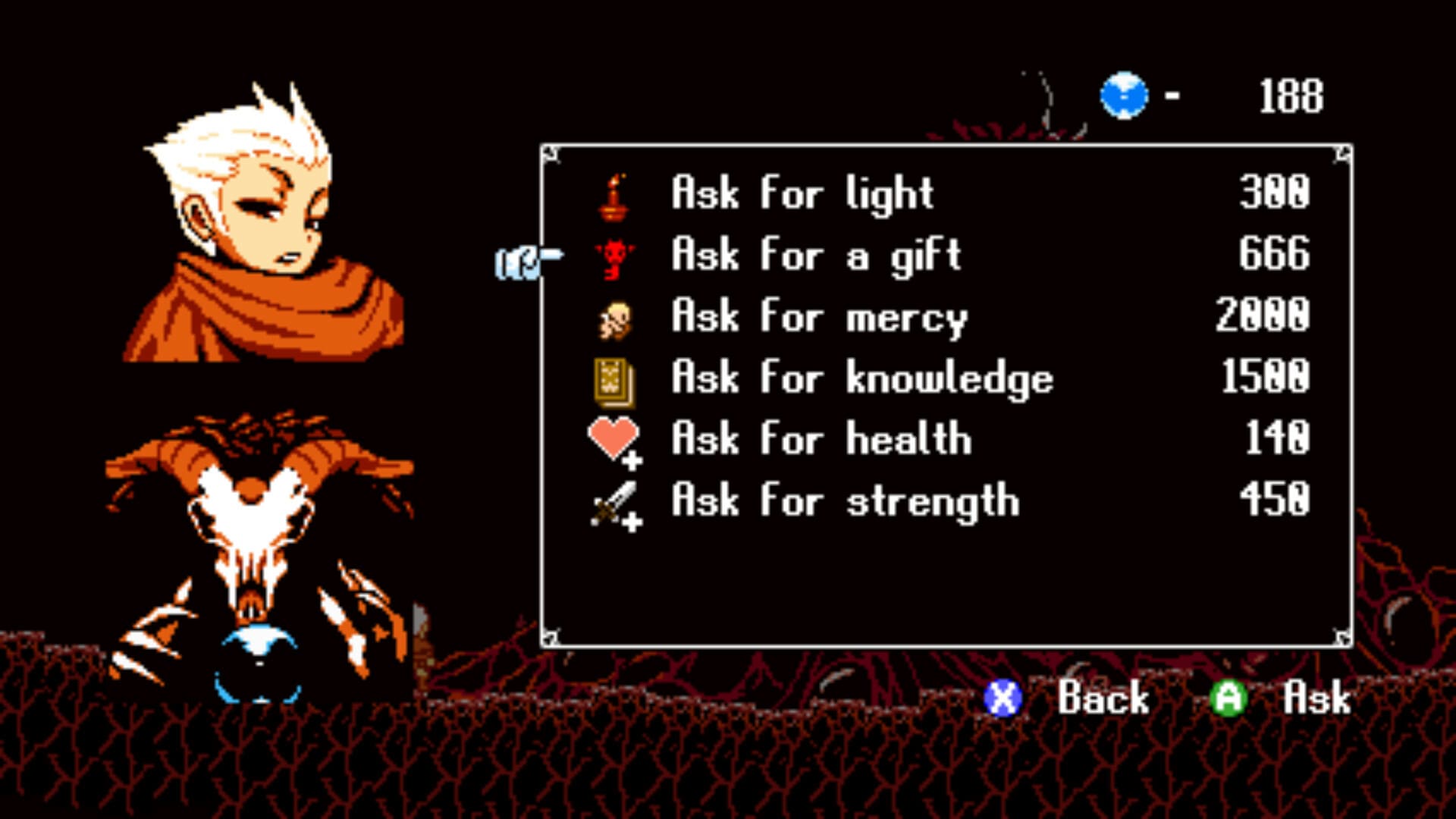
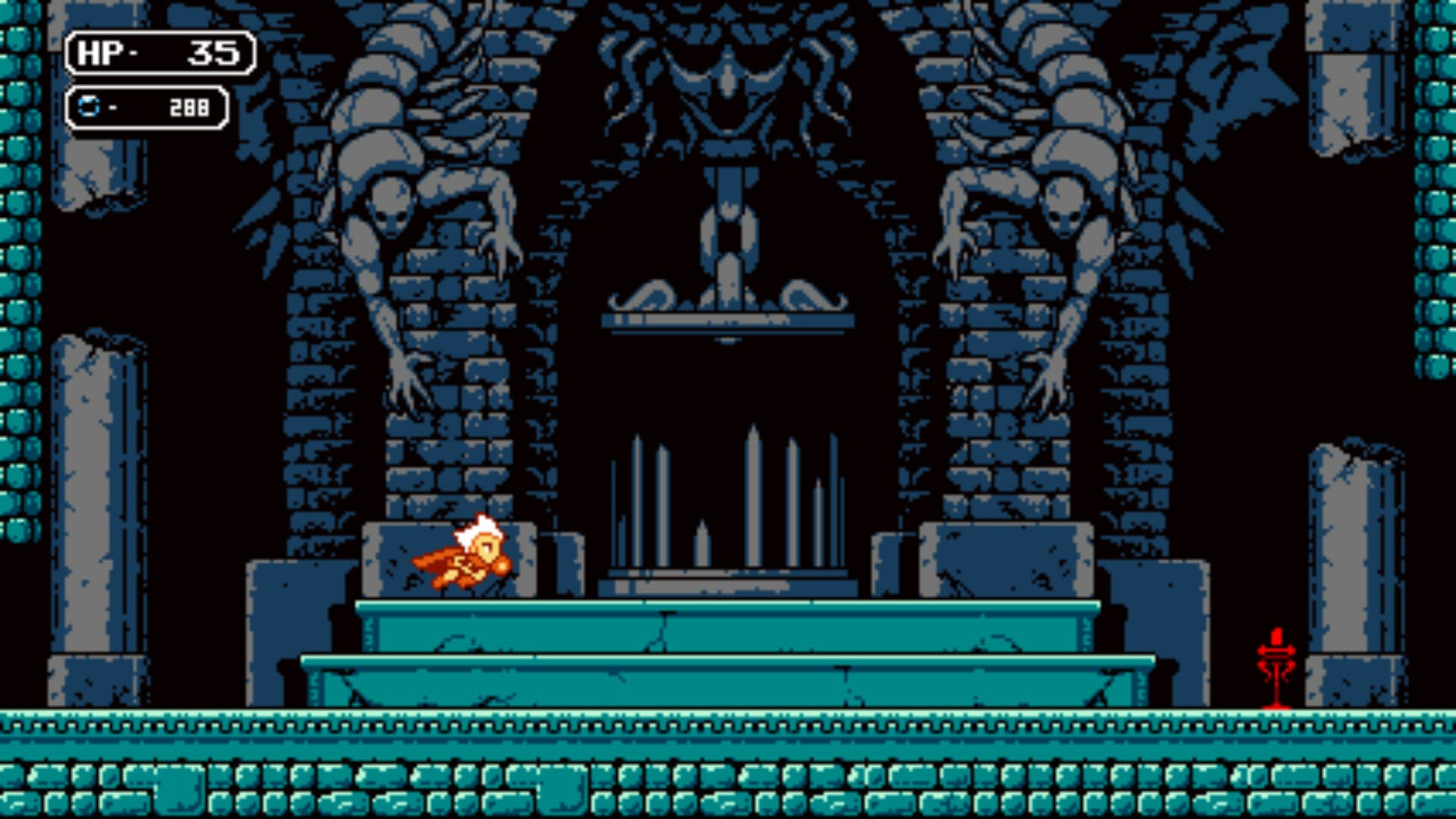
Astalon: Tears of the Earth is a retro-inspired action-adventure game that blends classic platforming with modern design sensibilities. Developed by LABS Works, the game draws inspiration from early console-era titles while introducing fresh mechanics that make exploration and progression deeply engaging. Set in a crumbling tower filled with danger and secrets, Astalon challenges players to think strategically, master multiple characters, and uncover a haunting world shaped by sacrifice and despair.
The story follows three adventurers—Arias the warrior, Kyuli the rogue, and Algus the mage—who journey to a mysterious tower in hopes of saving their village from destruction. Each character has unique abilities that affect how players navigate the environment. Arias excels in close combat and defense, Kyuli specializes in agility and ranged attacks, and Algus uses magic to manipulate enemies and the environment. The ability to switch between characters at designated points adds depth to exploration, encouraging players to experiment and rethink earlier areas with new skills.
Exploration is the heart of Astalon. The tower is vast, interconnected, and filled with shortcuts, hidden rooms, and environmental puzzles. Progress is rarely straightforward, as new abilities unlock paths that were previously inaccessible. This design rewards curiosity and patience, making every discovery feel earned. Instead of hand-holding, the game trusts players to observe their surroundings, remember landmarks, and learn from experience.
Combat is deliberate and challenging without being overwhelming. Enemies are carefully placed, forcing players to consider positioning and timing rather than relying on button-mashing. Boss battles stand out as memorable encounters that test mastery of character abilities and adaptability. Failure is part of the experience, but the game balances difficulty with fair checkpoints and meaningful progression, ensuring frustration never outweighs satisfaction.
Visually, Astalon: Tears of the Earth embraces pixel art inspired by 8-bit and 16-bit eras, yet it feels refined and expressive. Dark color palettes, detailed sprites, and atmospheric animations bring the tower to life. The environments convey a sense of decay and mystery, reinforcing the game’s somber tone. The soundtrack complements the visuals perfectly, using haunting melodies and subtle ambient tracks that enhance immersion without distracting from gameplay.
Narratively, the game tells its story gradually through environmental clues, dialogue, and character interactions. Themes of sacrifice, loyalty, and desperation are woven into the experience, giving emotional weight to the journey. The tower itself feels like a character—silent, oppressive, and full of hidden history waiting to be uncovered.
What truly sets Astalon: Tears of the Earth apart is its respect for classic design while avoiding outdated frustrations. It captures the spirit of old-school adventure games without sacrificing accessibility or polish. The result is a thoughtful balance between nostalgia and innovation.
Ultimately, Astalon: Tears of the Earth is a rewarding experience for players who enjoy exploration, challenge, and atmospheric storytelling. It proves that retro-inspired games can still feel fresh, meaningful, and engaging. For fans of classic action-adventure titles seeking depth, mystery, and carefully crafted gameplay, Astalon offers a journey well worth taking.
OS: macOS X 10.11 or higherProcessor: Intel Core 2 Duo E4500 (2 * 2200) or higherRAM: 512 MB RAMVideo card: GeForce 9600 GT (512 MB) or higher Disk space: 500 MB
Run the downloaded package and follow the standard installation procedure.
The installation is completed by choosing a location to place the game.
It is recommended to specify the Applications folder.
Frequently Asked Questions
Mount the image and run Open Gatekeeper friendly.
Press Enter to bypass Gatekeeper in the Terminal window.
Drag the application to the Applications folder.
The application is ready for use.
ATTENTION! SIP must be disabled. Learn more >
Restart your Mac and hold down Command + R to enter Recovery Mode.
Open Terminal from the Utilities menu.
Enter the command: csrutil disable
Restart your Mac.
This is a common Gatekeeper issue. Follow these steps:
1. Open Terminal
2. Enter: sudo xattr -rd com.apple.quarantine /Applications/AppName.app
3. Replace "AppName" with the actual application name
4. Press Enter and enter your password
Yes, all our downloads are thoroughly checked for viruses and malware.
We use multiple antivirus engines to scan every file.
Our team tests each application before publishing.
We never bundle adware or unwanted software.
Yes, we regularly update our applications to the latest versions.
You can check our website for updates or subscribe to our newsletter.
We strive to provide the most recent versions within 24-48 hours of release.
If a download link is not working, please:
1. Try a different browser
2. Clear your browser cache and cookies
3. Try the alternative download links provided
4. Contact our support team if the issue persists