


AV Director Life!
Download AV Director Life!
Run the downloaded image and drag the application to the Applications folder shortcut.
Once copying is complete, the application can be launched via Launchpad.
Previous Versions
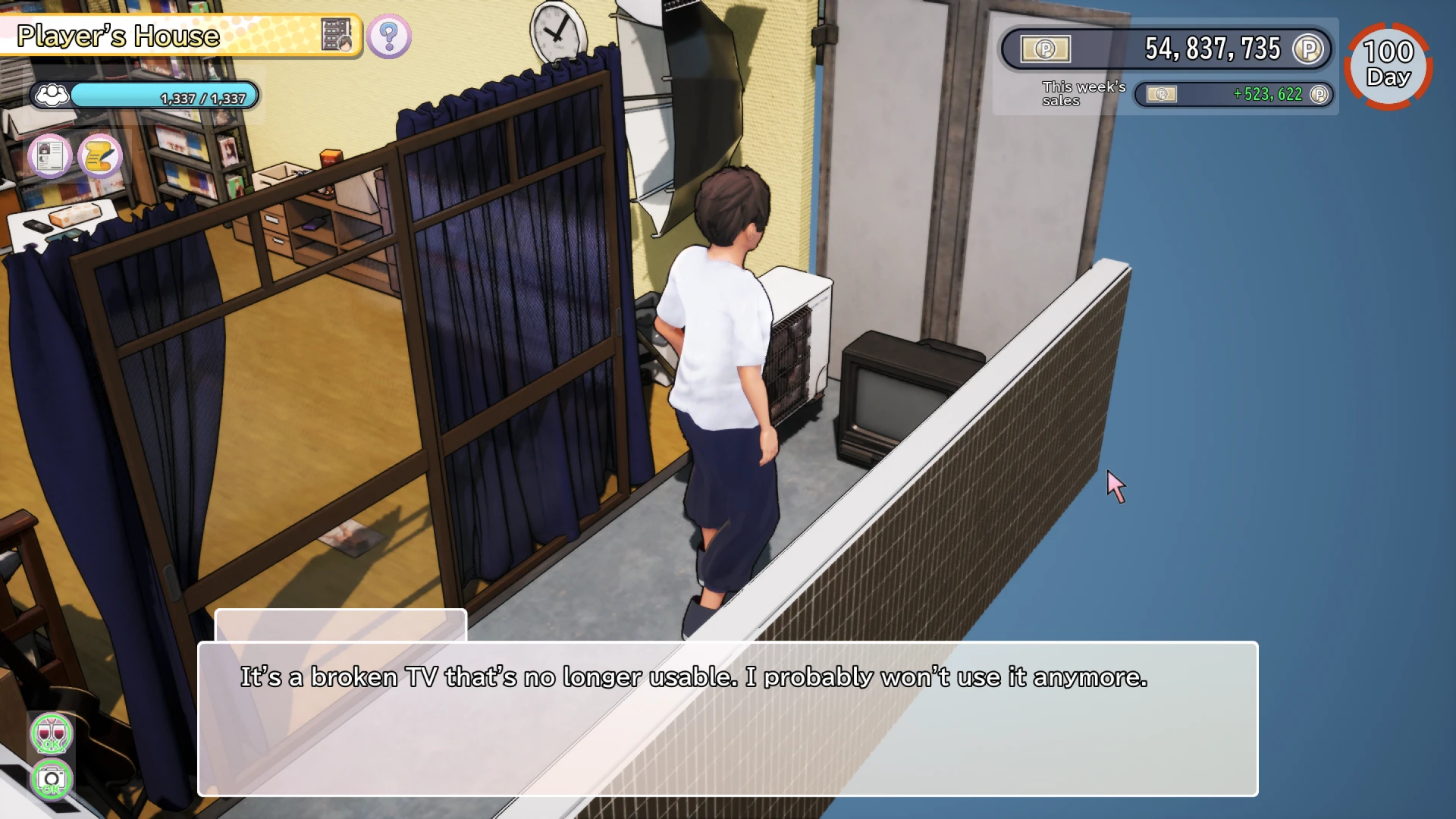
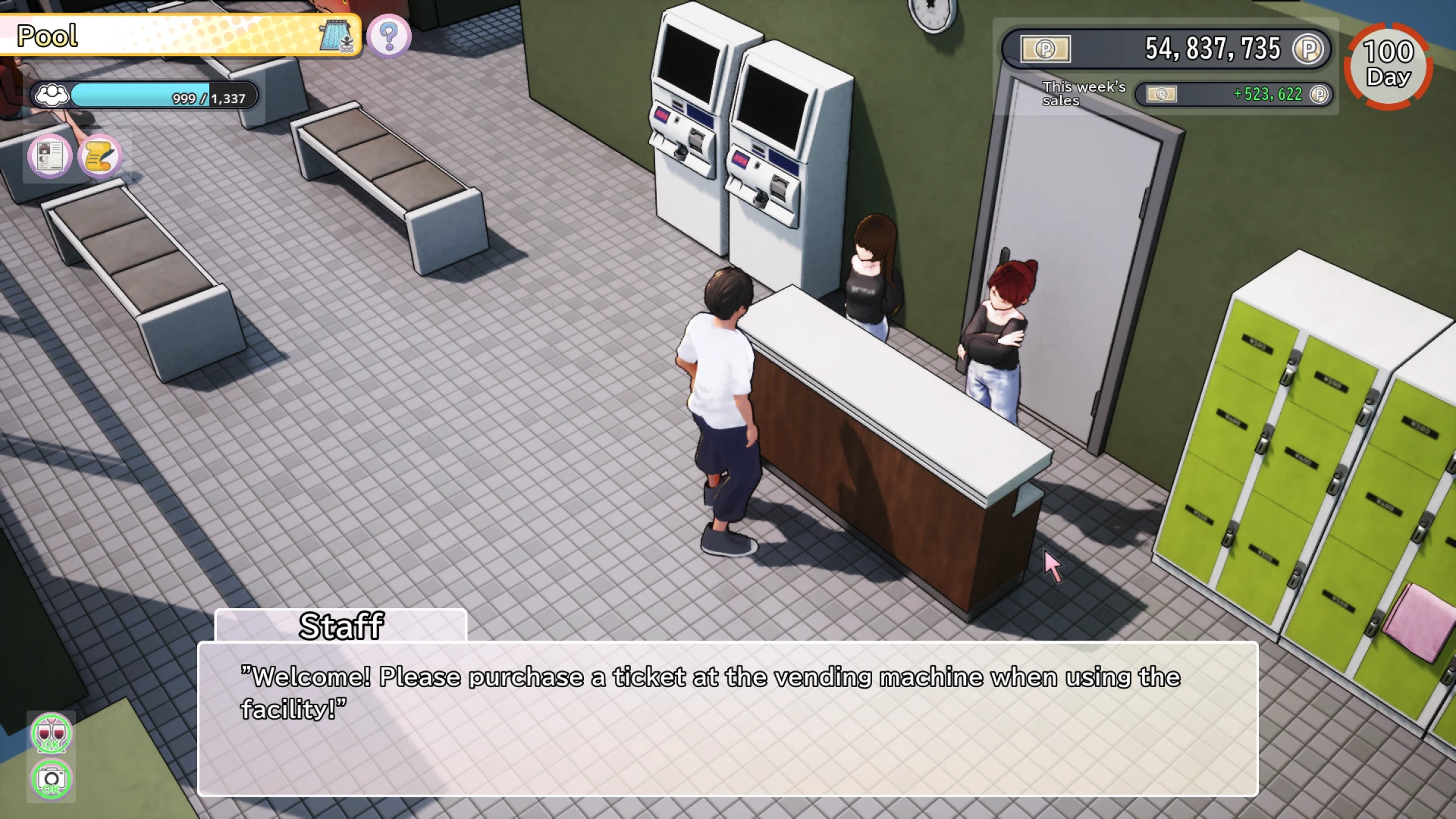
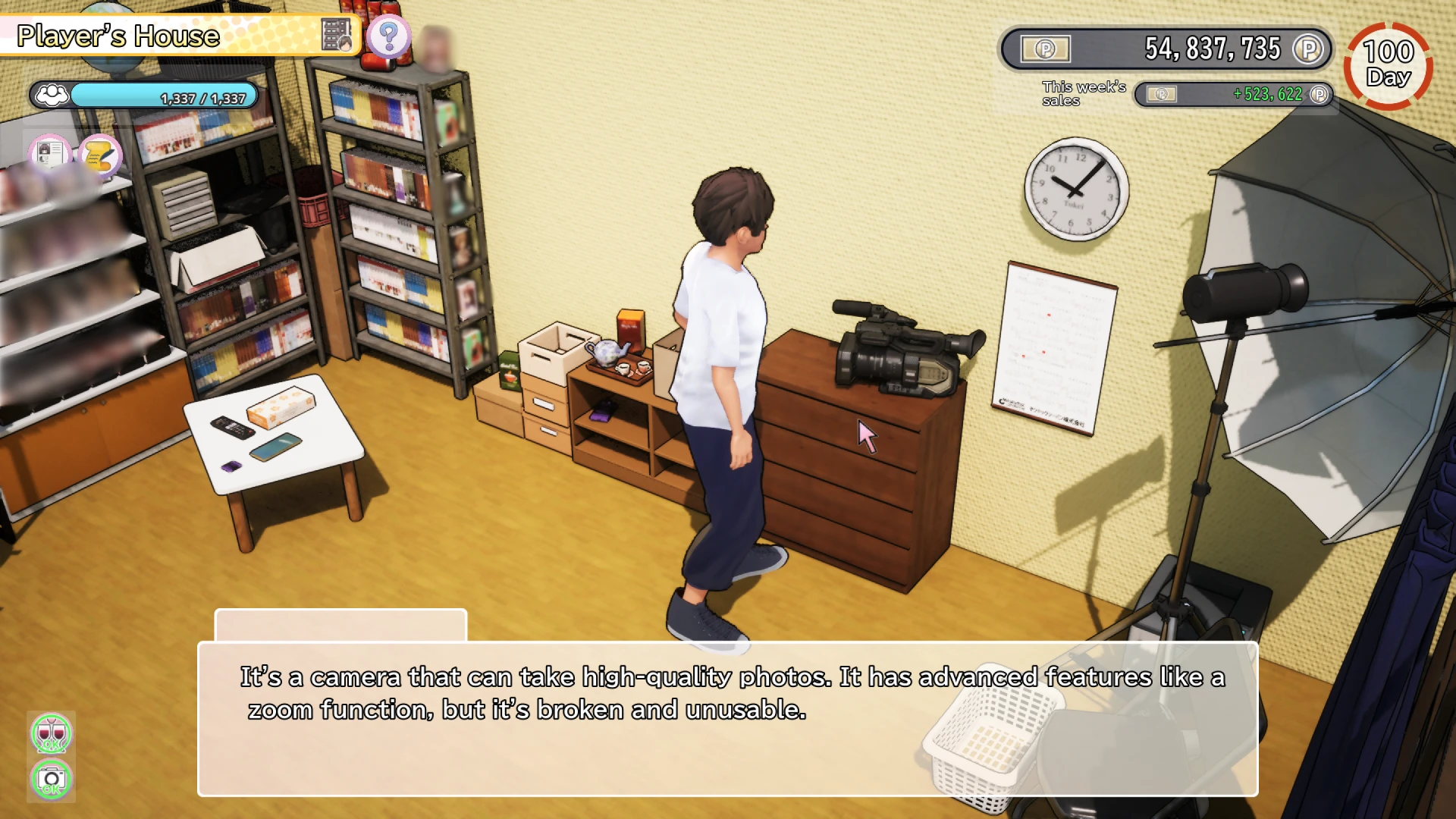
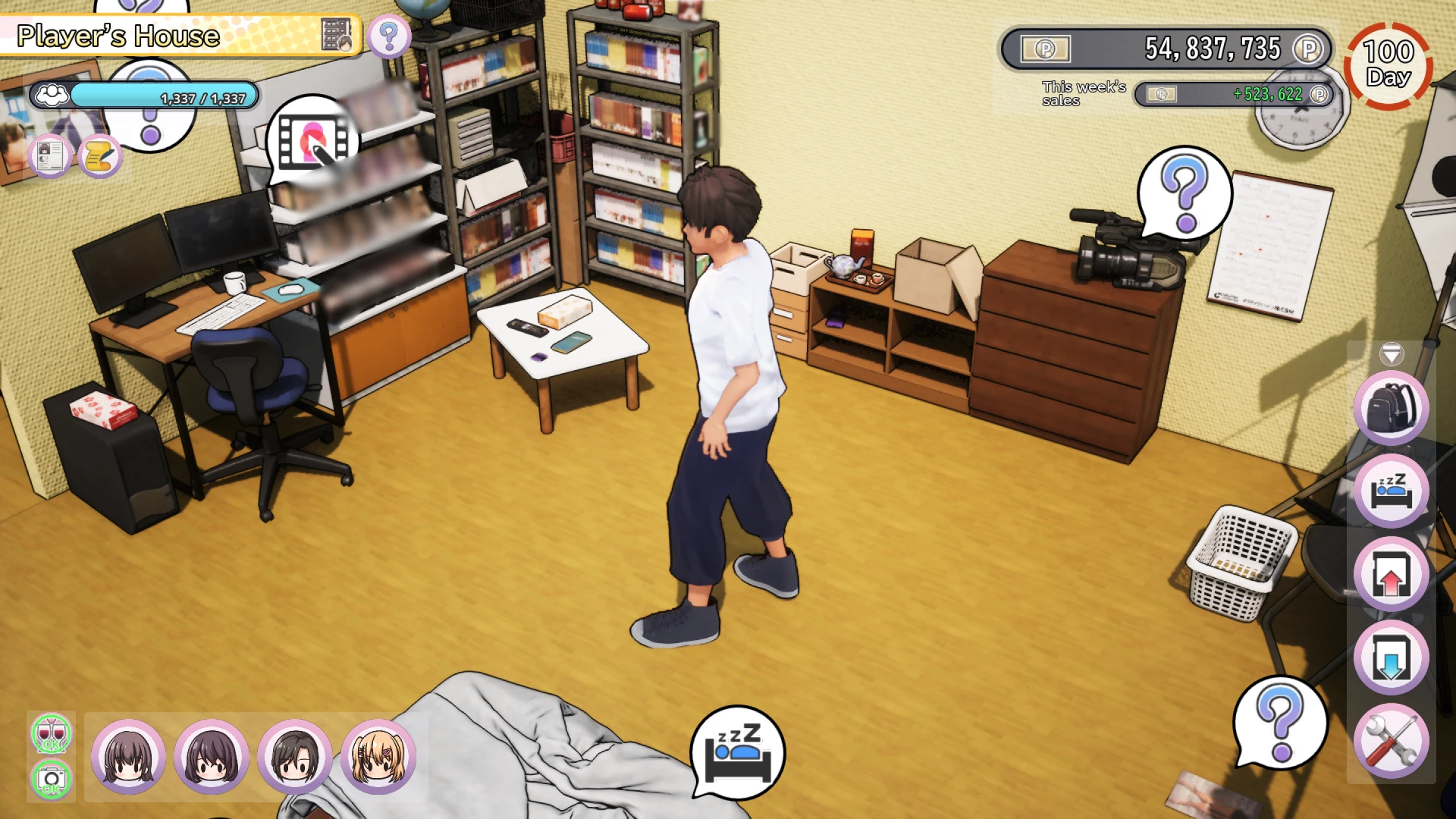
AV Director Life! is a simulation game that offers players a behind-the-scenes look at the world of audiovisual production. Instead of being the performer on stage, players step into the role of a director who manages cameras, lighting, sound, and creative decisions. The game focuses on creativity, planning, and technical skill, making it a refreshing experience for players who enjoy thoughtful and detail-driven gameplay.
The core gameplay revolves around directing various types of productions, such as shows, recordings, and staged scenes. Players must decide how cameras are positioned, how scenes are framed, and how visual elements come together to create a polished final result. Each project presents new challenges, requiring players to adapt their approach and improve their directing skills over time.
One of the strongest aspects of AV Director Life! is its emphasis on decision-making. Every choice, from camera angles to timing, affects the quality of the production. A poorly planned setup can result in awkward shots or missed moments, while careful preparation leads to smooth and professional outcomes. This encourages players to think critically and develop an understanding of how audiovisual storytelling works.
Progression plays an important role in keeping the game engaging. As players complete successful projects, they unlock new equipment, tools, and opportunities. Better cameras, improved lighting options, and advanced editing features allow for more creative freedom. This sense of growth makes the experience rewarding, as players can clearly see how their skills and production quality improve.
The game’s presentation supports its creative theme. Visuals are clean and functional, focusing on clarity rather than unnecessary detail. The interface is designed to be intuitive, allowing players to concentrate on directing rather than struggling with controls. Sound design also plays a key role, helping players understand how audio balance and timing influence the final production.
AV Director Life! also stands out for its educational value. Without feeling like a lesson, the game introduces players to basic concepts of audiovisual production, such as framing, pacing, and coordination. Players gain an appreciation for the work that happens behind the scenes and the effort required to produce high-quality content.
Another appealing aspect is the relaxed pace of gameplay. There is no pressure to rush, allowing players to experiment and refine their approach. This makes the game suitable for both casual players and those who enjoy mastering systems over time. Creativity is rewarded, and experimentation is encouraged.
In conclusion, AV Director Life! offers a unique simulation experience centered on creativity and technical skill. By placing players in the role of a director, the game highlights the importance of planning, teamwork, and artistic vision. Its thoughtful design, steady progression, and focus on behind-the-scenes work make it an engaging and meaningful addition to the simulation genre.
▎Apple Silicon (ARM)- macOS Tahoe 26.1 and later. - Apple Silicon (M1 Pro and higher).- ±16 GB of shared memory.- ±6 GB free space.▎Dualshock/Dualsense gamepad support available
Run the downloaded image and drag the application to the Applications folder shortcut.
Once copying is complete, the application can be launched via Launchpad.
Frequently Asked Questions
Mount the image and run Open Gatekeeper friendly.
Press Enter to bypass Gatekeeper in the Terminal window.
Drag the application to the Applications folder.
The application is ready for use.
ATTENTION! SIP must be disabled. Learn more >
Restart your Mac and hold down Command + R to enter Recovery Mode.
Open Terminal from the Utilities menu.
Enter the command: csrutil disable
Restart your Mac.
This is a common Gatekeeper issue. Follow these steps:
1. Open Terminal
2. Enter: sudo xattr -rd com.apple.quarantine /Applications/AppName.app
3. Replace "AppName" with the actual application name
4. Press Enter and enter your password
Yes, all our downloads are thoroughly checked for viruses and malware.
We use multiple antivirus engines to scan every file.
Our team tests each application before publishing.
We never bundle adware or unwanted software.
Yes, we regularly update our applications to the latest versions.
You can check our website for updates or subscribe to our newsletter.
We strive to provide the most recent versions within 24-48 hours of release.
If a download link is not working, please:
1. Try a different browser
2. Clear your browser cache and cookies
3. Try the alternative download links provided
4. Contact our support team if the issue persists