


Maestro’s Cold War 2
Download Maestro’s Cold War 2
Run the downloaded image and drag the application to the Applications folder shortcut.
Once copying is complete, the application can be launched via Launchpad.
Previous Versions
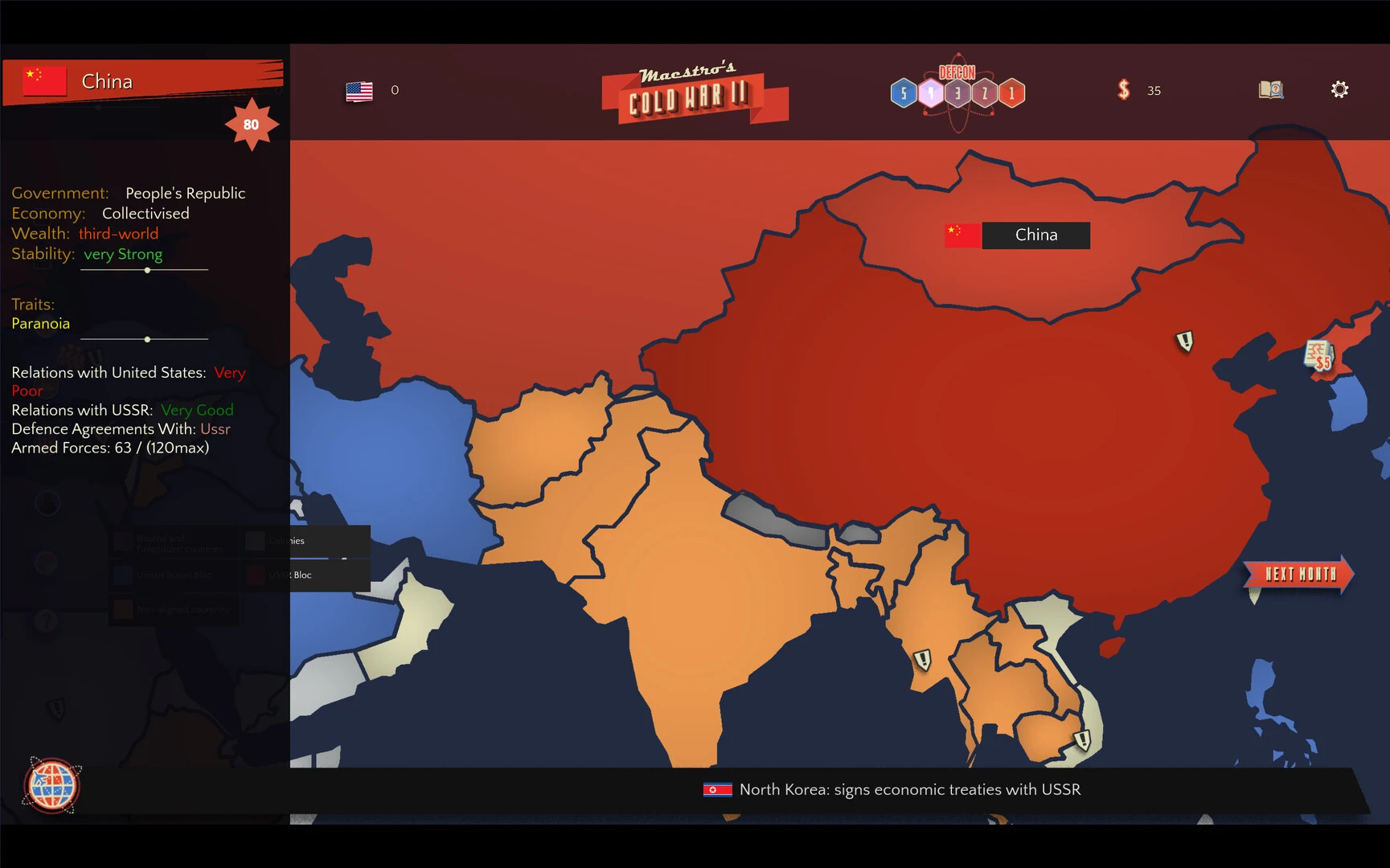
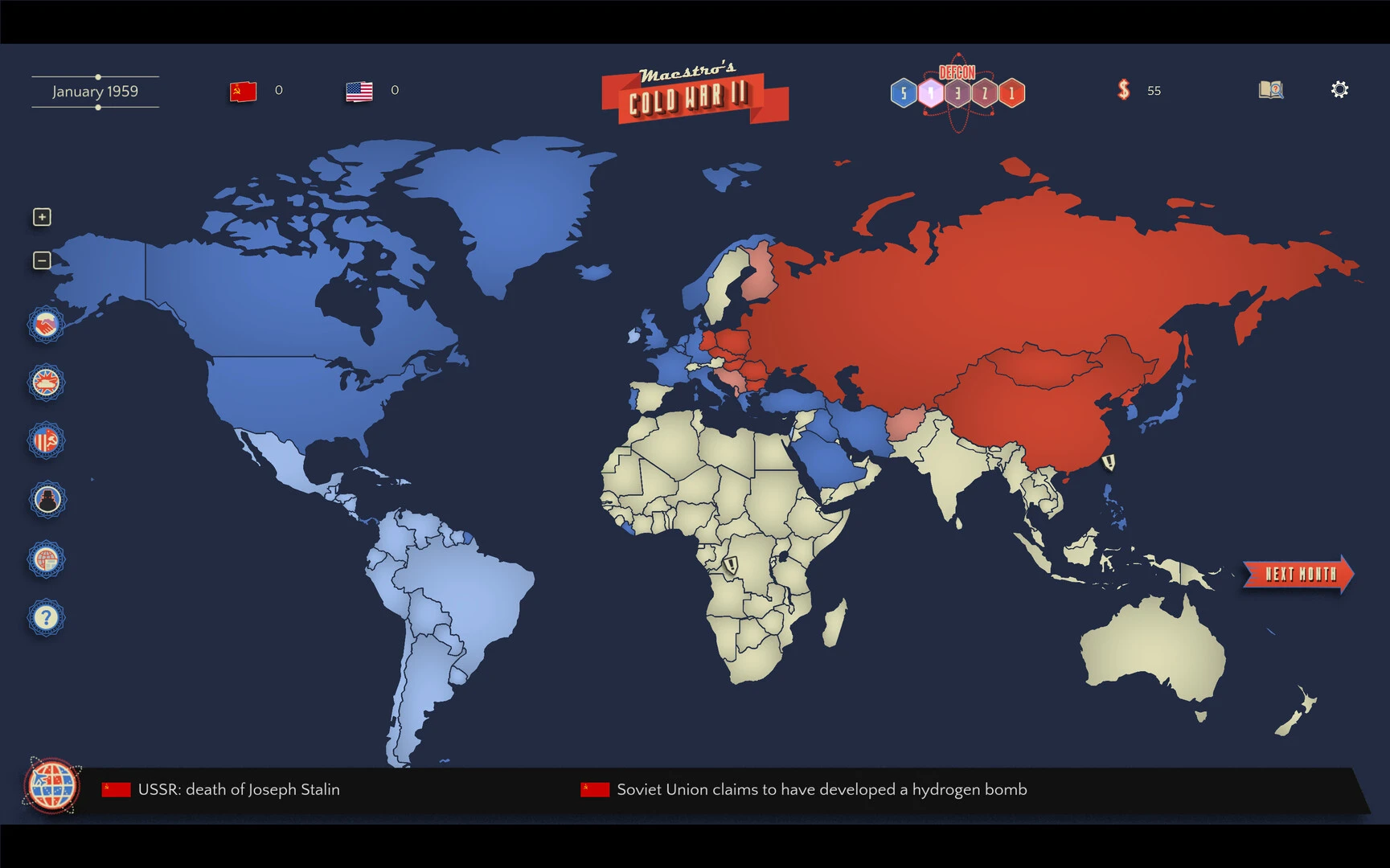
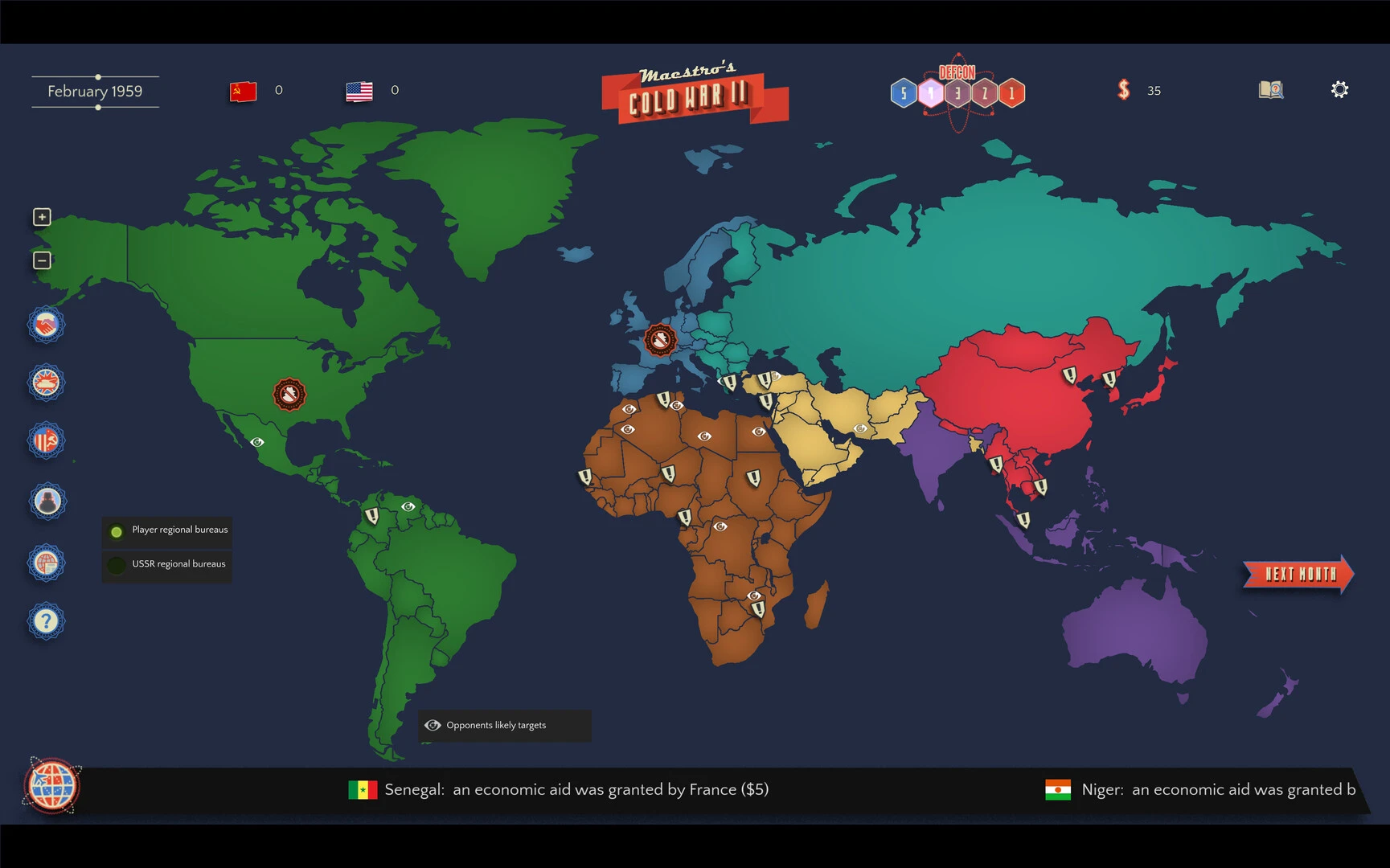
Maestro's Cold War 2 is a complex grand strategy experience that places players in one of the most politically charged periods of modern history. Combining diplomacy, military planning, economic management, and global influence, the game offers an immersive look at the challenges of international leadership in a world marked by ideological conflict. With deep strategic systems and historical inspiration, it appeals to players who enjoy thoughtful decision-making and long-term planning.
Historical Inspiration and Setting
The game draws inspiration from the historical period known as the Cold War, when global superpowers competed through politics, intelligence, economics, and military presence, rather than direct, large-scale warfare.
In Maestro's Cold War 2, players enter a world divided by ideology, where alliances, trade agreements, and intelligence operations can be as powerful as armies. The setting includes multiple nations, regional conflicts, and constantly evolving diplomatic relations that shape the international landscape.
Strategic Gameplay and Decision-Making
The core of the game revolves around strategic planning. Players manage national resources, military forces, political systems, and foreign relations. Every decision can create opportunities or trigger unexpected consequences.
Economic management is a fundamental part of the experience. Players must control budgets, invest in infrastructure, manage trade, and balance military spending with civilian development.
Diplomacy also plays a central role. Forging alliances, negotiating treaties, and influencing neutral nations can have a significant impact on long-term success.
Military and Intelligence Operations
While diplomacy is important, military power remains a crucial factor. Players can create armies, expand their naval power, and develop advanced technologies to protect their national interests.
Intelligence operations add further depth to the game. Espionage, covert missions, and intelligence gathering can reveal enemy strategies or weaken rival governments without direct confrontation.
This combination of overt diplomacy and covert operations creates a realistic and engaging geopolitical experience.
Technology and Global Influence
Technological advancement is essential in Maestro's Cold War 2. Players can invest in scientific research, military innovation, and industrial development to gain strategic advantages.
Nations that are technological leaders typically gain greater influence on the world stage. This fosters competition not only in warfare but also in science, communication, and economic development.
Dynamic World Events
The game features dynamic global events that test the player's strategy. Political revolutions, economic crises, border conflicts, and diplomatic incidents can alter the balance of power at any moment.
These unpredictable situations force players to adapt quickly and think beyond short-term objectives.
Why does Maestro's Cold War 2 stand out?
Maestro's Cold War 2 stands out for combining a historical setting with complex strategic systems. Instead of focusing solely on battles, it explores the intricacies of global leadership, including economics, diplomacy, intelligence, and ideology.
This makes it especially appealing to players who enjoy thoughtful strategy and realistic political simulations.
Conclusion
Maestro's Cold War 2 offers a rich and challenging grand strategy experience set in a world of political tension and global competition. With its complex systems, historical inspiration, and emphasis on diplomacy, economics, and military planning, it provides total immersion in international leadership. For strategy fans who enjoy complex decision-making and geopolitical gameplay, Maestro's Cold War 2 is a must-play.
OS: i3 or higherProcessor: i3 or higherRAM: 8 MB RAMVideo card: Intel HD Graphics 4000 (or equivalent)
Run the downloaded image and drag the application to the Applications folder shortcut.
Once copying is complete, the application can be launched via Launchpad.
Frequently Asked Questions
Mount the image and run Open Gatekeeper friendly.
Press Enter to bypass Gatekeeper in the Terminal window.
Drag the application to the Applications folder.
The application is ready for use.
ATTENTION! SIP must be disabled. Learn more >
Restart your Mac and hold down Command + R to enter Recovery Mode.
Open Terminal from the Utilities menu.
Enter the command: csrutil disable
Restart your Mac.
This is a common Gatekeeper issue. Follow these steps:
1. Open Terminal
2. Enter: sudo xattr -rd com.apple.quarantine /Applications/AppName.app
3. Replace "AppName" with the actual application name
4. Press Enter and enter your password
Yes, all our downloads are thoroughly checked for viruses and malware.
We use multiple antivirus engines to scan every file.
Our team tests each application before publishing.
We never bundle adware or unwanted software.
Yes, we regularly update our applications to the latest versions.
You can check our website for updates or subscribe to our newsletter.
We strive to provide the most recent versions within 24-48 hours of release.
If a download link is not working, please:
1. Try a different browser
2. Clear your browser cache and cookies
3. Try the alternative download links provided
4. Contact our support team if the issue persists