


Before We Leave
Download Before We Leave
Run the downloaded image and drag the application to the Applications folder shortcut.
Once copying is complete, the application can be launched via Launchpad.
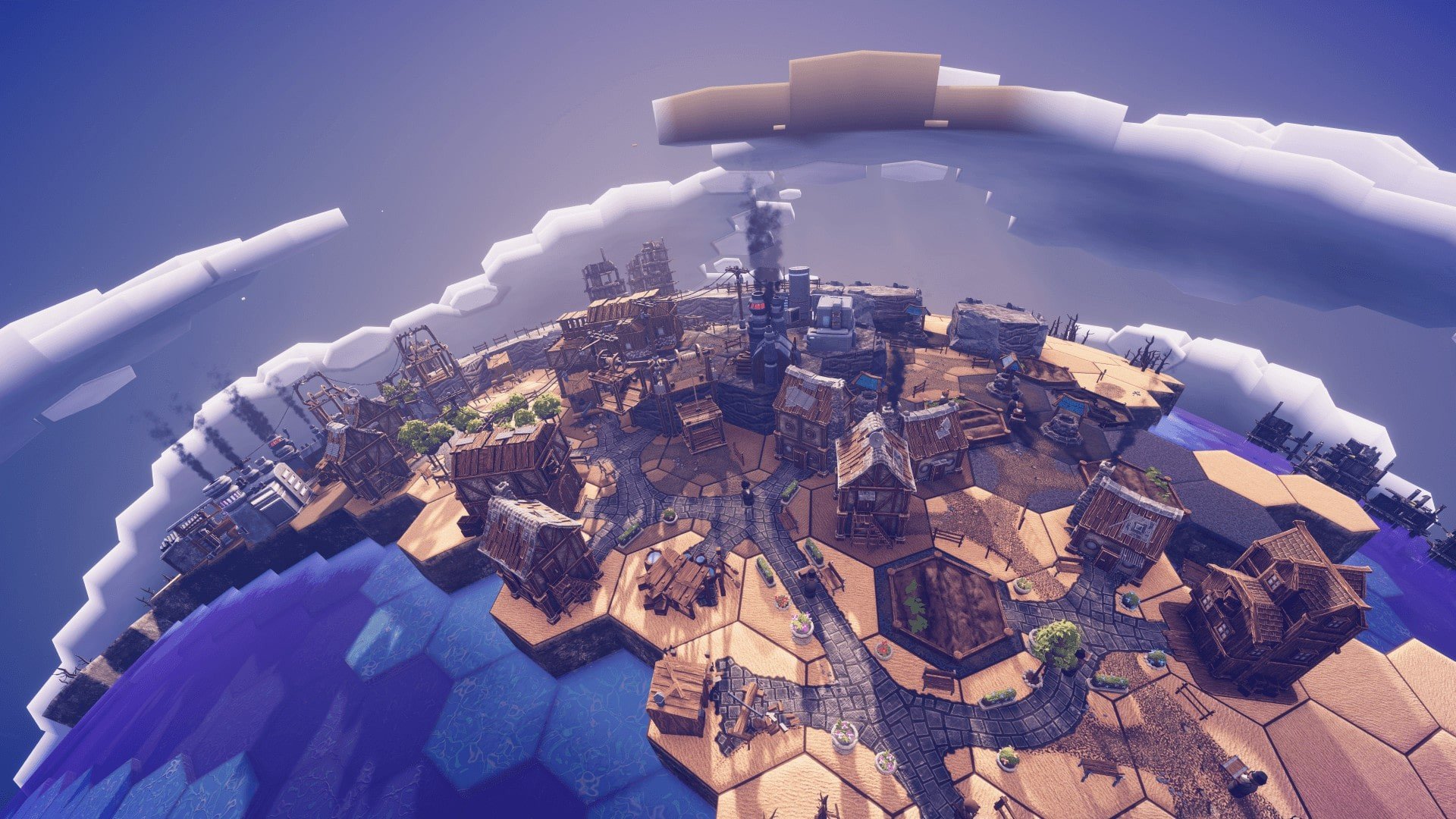
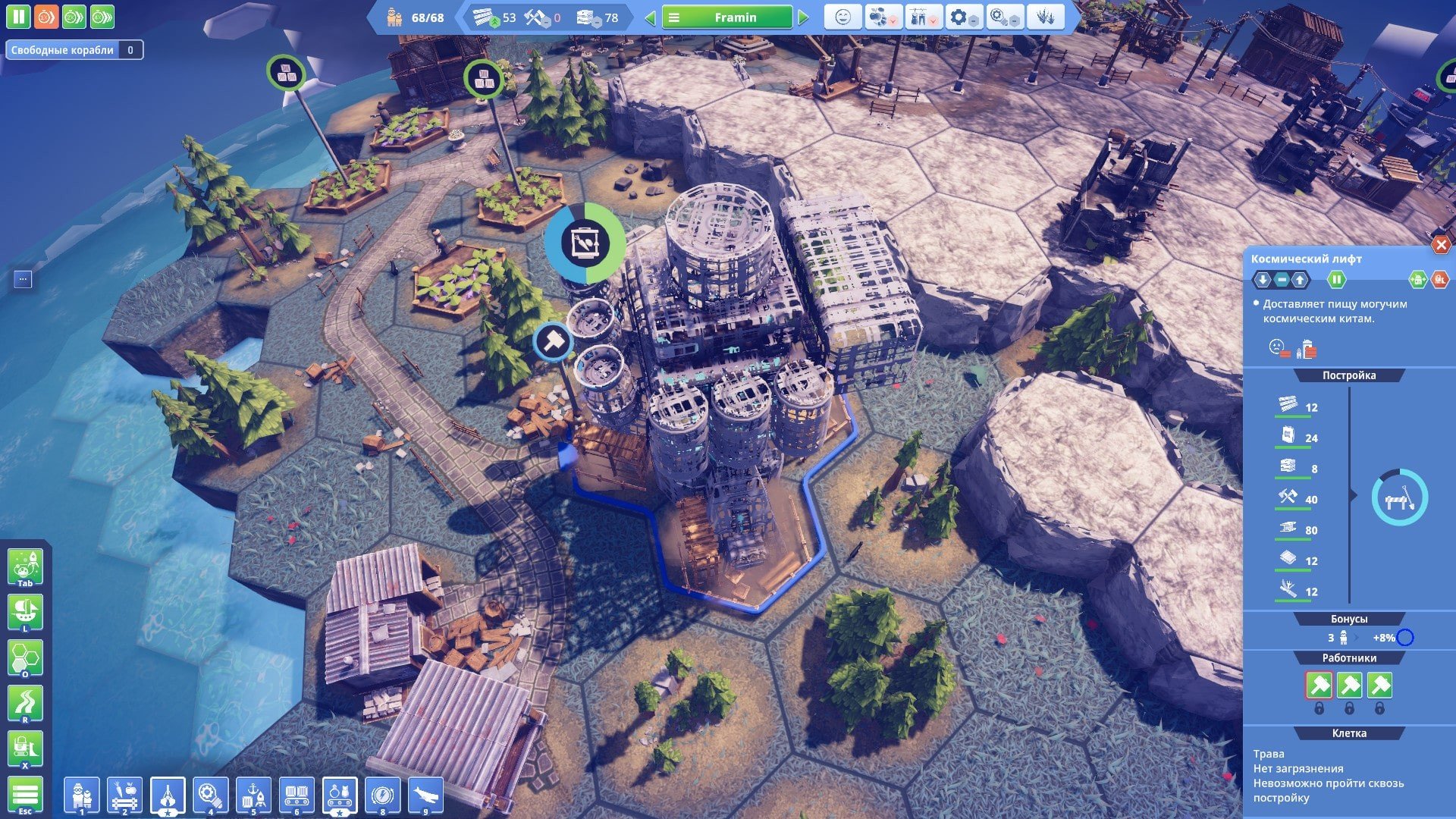
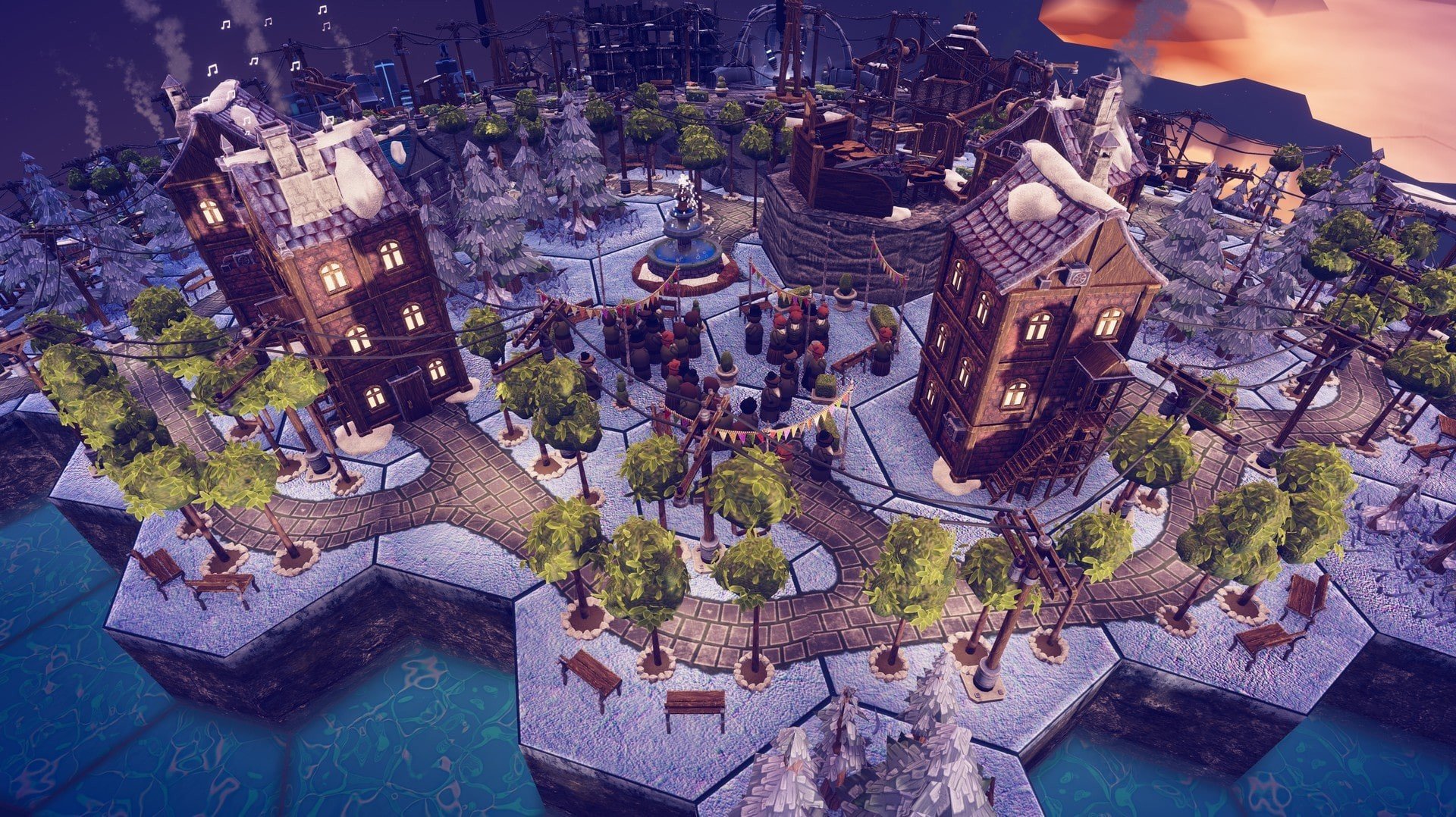
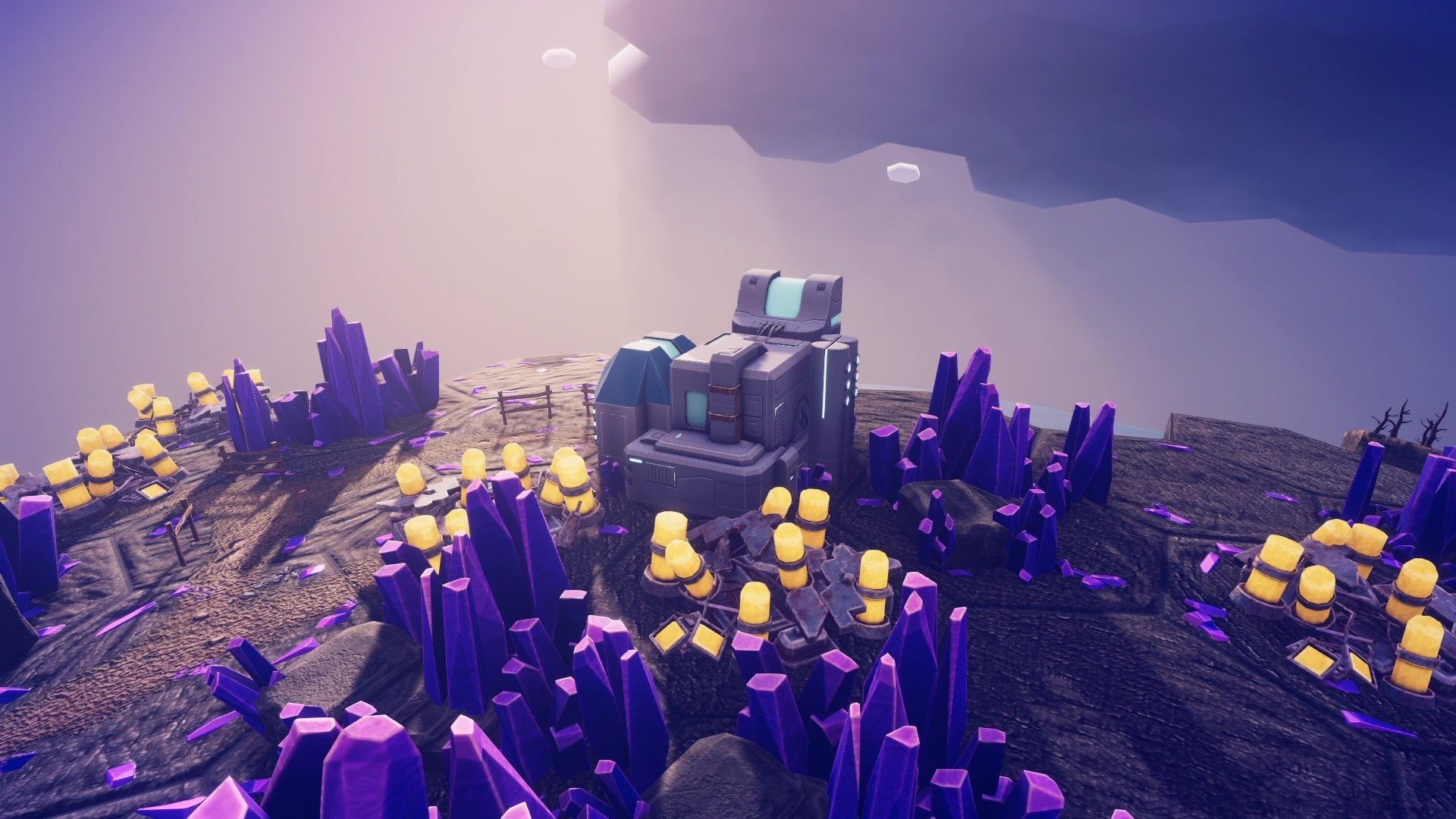
In a gaming landscape often dominated by complex simulations and high-stakes strategy titles, Before We Leave stands out as a refreshing, approachable, and utterly charming city-building game. Developed by Balancing Monkey Games, it delivers a unique blend of strategic planning, exploration, and creativity, inviting players to guide a fledgling civilization from humble beginnings to interstellar expansion. With its thoughtful design, accessible mechanics, and delightful aesthetics, Before We Leave offers a compelling experience for both casual and dedicated city-building enthusiasts.
The premise of Before We Leave is deceptively simple. Players are tasked with helping a peaceful civilization thrive, starting with small settlements and gradually expanding into a bustling society capable of interplanetary exploration. Unlike traditional city-builders that emphasize resource scarcity or survival against harsh conditions, this game focuses on positive, constructive gameplay. The challenge lies not in fighting enemies or managing disasters but in carefully planning and optimizing settlements to ensure the population’s growth, happiness, and prosperity.
Gameplay revolves around building and managing cities on a variety of charming, colorful planets. Players must carefully allocate resources, construct buildings, and develop infrastructure while balancing the needs and desires of their citizens. Exploration plays a central role as well, encouraging players to expand their settlements, discover new areas, and unlock advanced technologies. The game encourages creative problem-solving, allowing multiple approaches to city development, which ensures that no two civilizations are ever exactly alike.
One of the standout features of Before We Leave is its emphasis on accessibility and player-friendliness. Unlike more complex strategy games that can overwhelm newcomers, the game gradually introduces mechanics, ensuring that players can learn and master systems at their own pace. The interface is clean and intuitive, and visual cues provide clear guidance on how to expand and manage settlements effectively. This design philosophy ensures that the game is approachable without sacrificing depth or challenge.
Visually, Before We Leave is vibrant, whimsical, and inviting. The hand-crafted aesthetic, with its colorful planets, charming architecture, and animated citizens, creates a warm and engaging world. The art style complements the game’s focus on creativity and exploration, providing a sense of joy and discovery as players watch their civilization grow. The soundtrack and sound design further enhance the experience, delivering soothing melodies that match the game’s leisurely pace and positive tone.
Progression in Before We Leave is both satisfying and motivating. As players develop their civilization, they unlock new technologies, buildings, and interplanetary exploration opportunities. This system rewards careful planning and experimentation, as players can optimize their cities and experiment with different strategies to achieve efficiency and expansion. The combination of exploration, expansion, and optimization ensures long-term engagement and replayability.
In conclusion, Before We Leave is a standout city-building game that emphasizes creativity, strategy, and positive gameplay. Its approachable mechanics, charming visuals, and engaging progression make it an enjoyable experience for players of all skill levels. For anyone seeking a thoughtful, relaxing, and rewarding city-building adventure, Before We Leave offers a delightful journey from small settlements to thriving civilizations among the stars.
OS: OSX 10.14.2 Mojave (64-bit)Processor: Intel® Core™ i5 3.0GHz, 21.5RAM: 4 GBVideo card: 2 GB RAMDisk space: 2 GB
Run the downloaded image and drag the application to the Applications folder shortcut.
Once copying is complete, the application can be launched via Launchpad.
Frequently Asked Questions
Mount the image and run Open Gatekeeper friendly.
Press Enter to bypass Gatekeeper in the Terminal window.
Drag the application to the Applications folder.
The application is ready for use.
ATTENTION! SIP must be disabled. Learn more >
Restart your Mac and hold down Command + R to enter Recovery Mode.
Open Terminal from the Utilities menu.
Enter the command: csrutil disable
Restart your Mac.
This is a common Gatekeeper issue. Follow these steps:
1. Open Terminal
2. Enter: sudo xattr -rd com.apple.quarantine /Applications/AppName.app
3. Replace "AppName" with the actual application name
4. Press Enter and enter your password
Yes, all our downloads are thoroughly checked for viruses and malware.
We use multiple antivirus engines to scan every file.
Our team tests each application before publishing.
We never bundle adware or unwanted software.
Yes, we regularly update our applications to the latest versions.
You can check our website for updates or subscribe to our newsletter.
We strive to provide the most recent versions within 24-48 hours of release.
If a download link is not working, please:
1. Try a different browser
2. Clear your browser cache and cookies
3. Try the alternative download links provided
4. Contact our support team if the issue persists