


Jewel Match Solitaire Atlantis 4 Collector’s Edition
Download Jewel Match Solitaire Atlantis 4 Collector’s Edition
Run the downloaded image and drag the application to the Applications folder shortcut.
Once copying is complete, the application can be launched via Launchpad.
Previous Versions
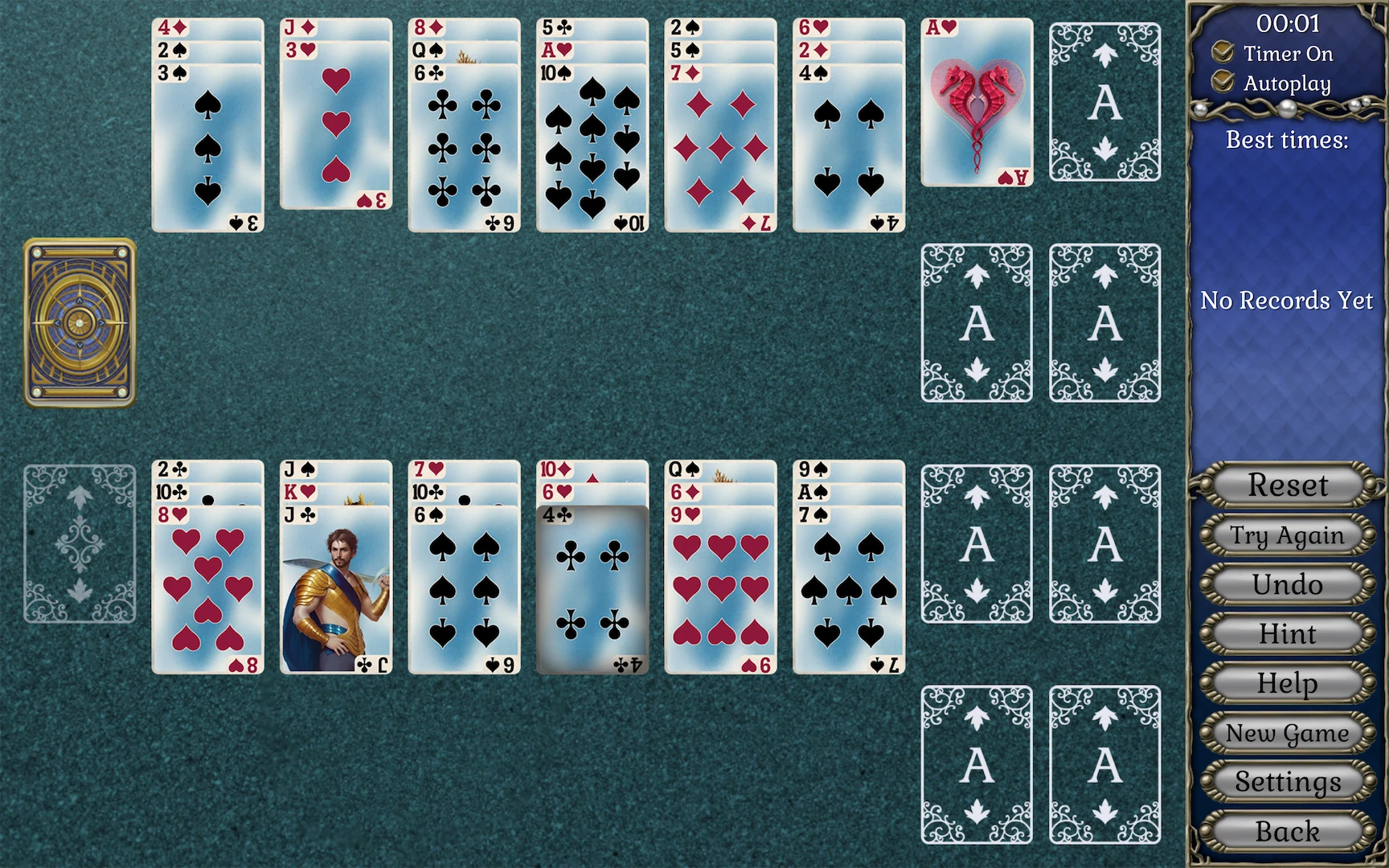
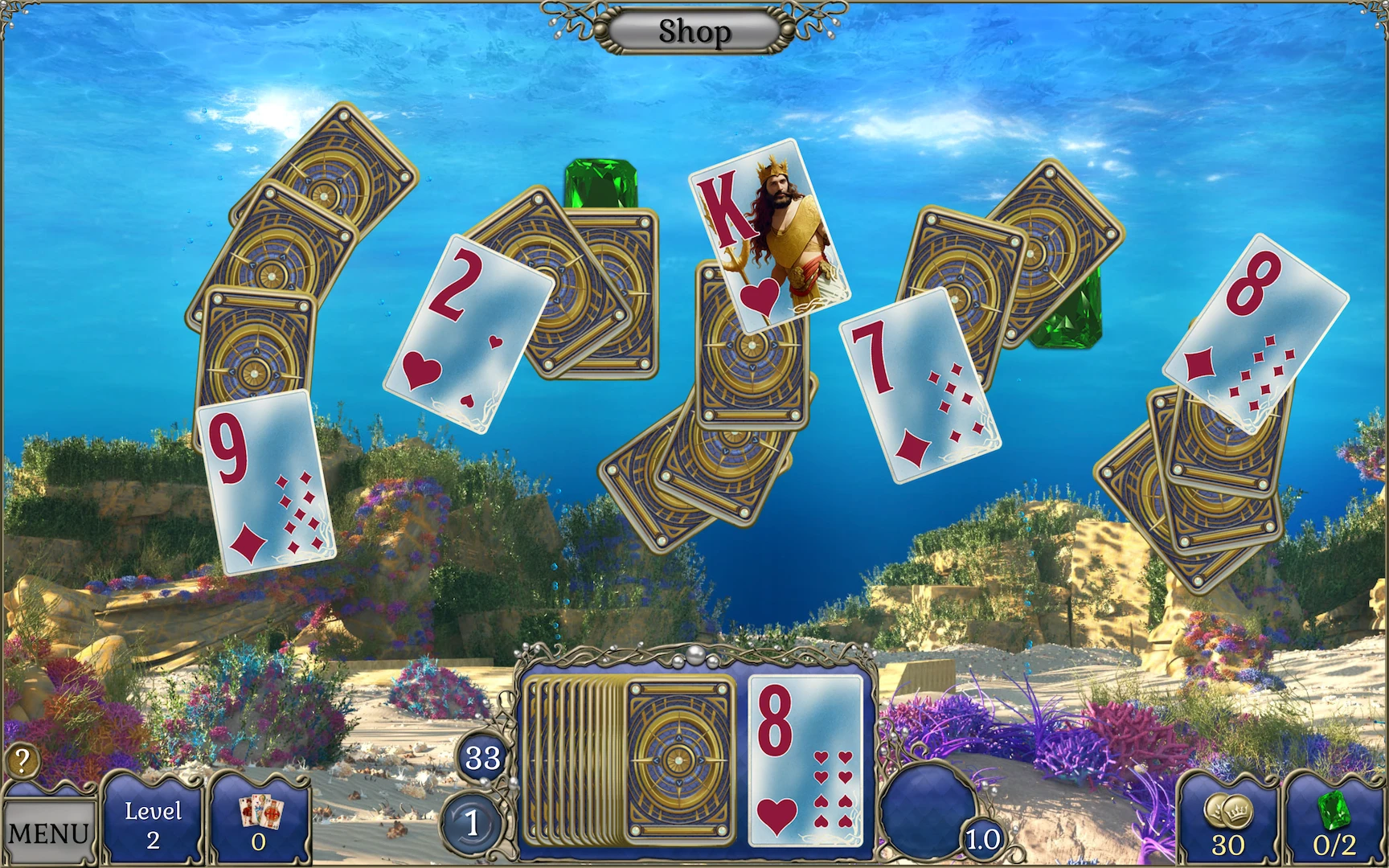
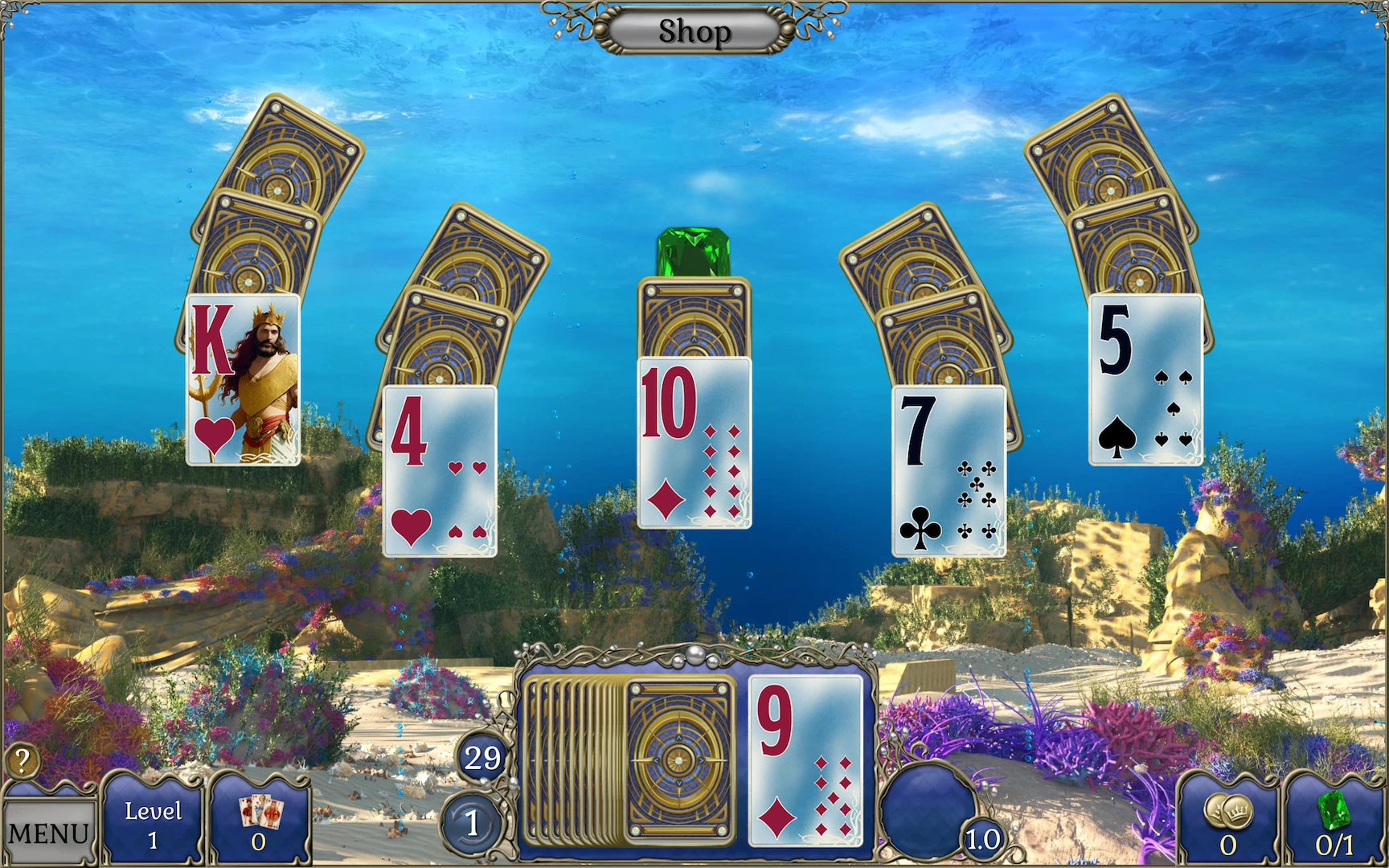
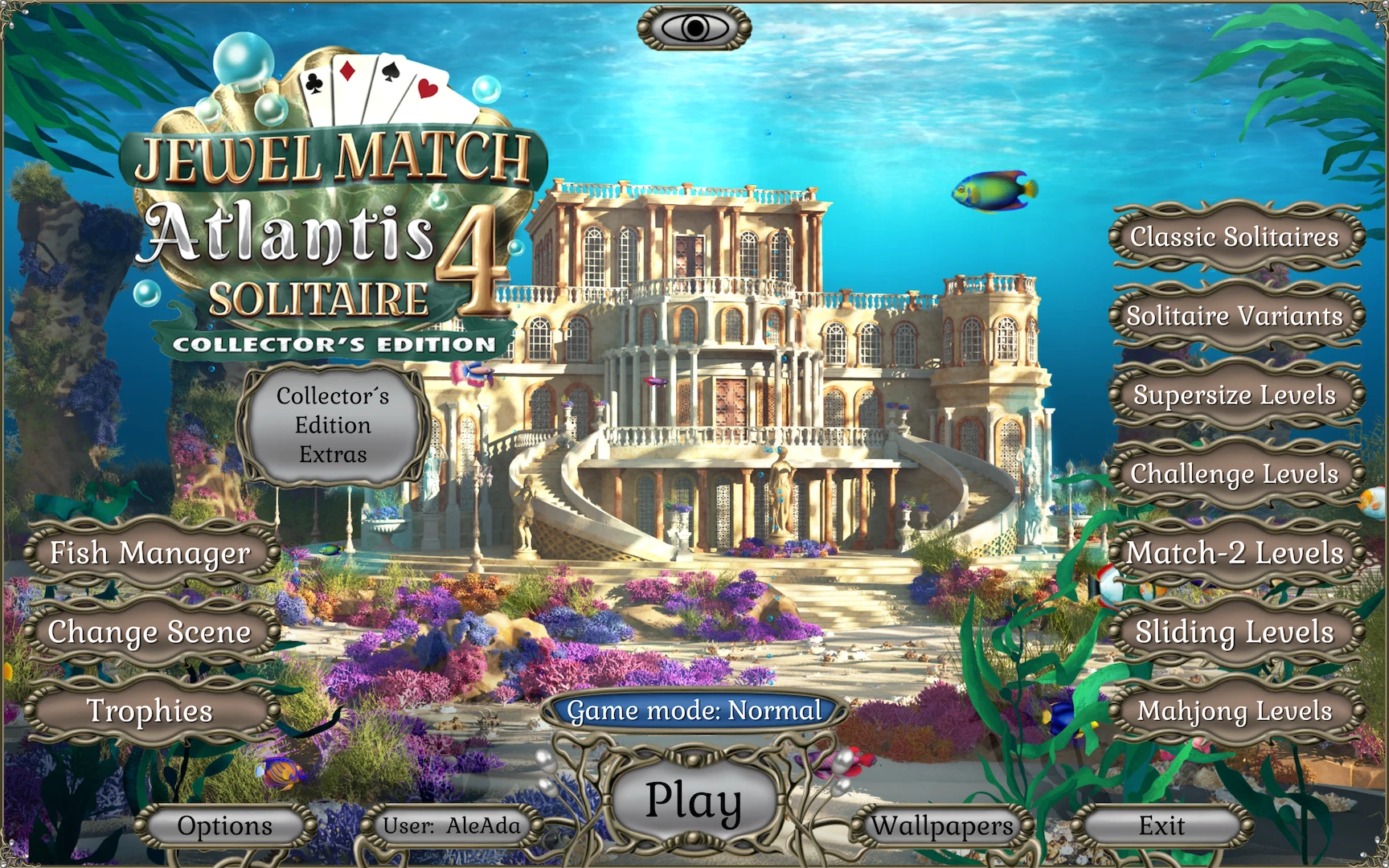
Jewel Match Solitaire Atlantis 4 Collector’s Edition is a captivating blend of classic solitaire gameplay and immersive hidden-object adventure, transporting players to the sunken world of Atlantis. As the latest installment in the popular Jewel Match Solitaire series, this Collector’s Edition offers exclusive content, expanded levels, and bonus puzzles that elevate the experience, making it both challenging and engaging for casual gamers and puzzle enthusiasts alike.
The game’s narrative begins as players uncover the secrets of Atlantis, a legendary city lost beneath the waves. Ancient artifacts, mystical jewels, and hidden treasures lie scattered across the ocean floor, waiting to be discovered. Players must solve solitaire-based puzzles to recover these treasures, gradually piecing together the history and mysteries of the sunken city. Each level provides a new challenge, with unique card layouts, special power-ups, and obstacles that require strategic thinking and careful planning.
What sets Atlantis 4 apart from other solitaire games is its seamless integration of narrative and puzzle mechanics. Players are not just clearing cards; they are actively participating in an unfolding story. Hidden-object elements and mini-games are interwoven with the solitaire gameplay, offering variety and keeping the experience fresh. Whether it’s matching jewels to unlock a secret chamber or solving a puzzle to retrieve a lost artifact, each task contributes meaningfully to the progression of the adventure.
The Collector’s Edition enhances the game with additional features that provide deeper engagement. Exclusive bonus levels introduce new solitaire challenges and hidden treasures, rewarding players who explore thoroughly. Collectible items and achievements offer extra incentives, encouraging creativity and careful observation. Additionally, behind-the-scenes galleries and concept art showcase the development of Atlantis’ stunning underwater environments, giving players an appreciation for the meticulous design that went into creating this magical world.
Visually, Jewel Match Solitaire Atlantis 4 is a feast for the eyes. The game’s vibrant underwater landscapes, shimmering jewels, and intricate ruins of Atlantis are beautifully rendered, combining bright, colorful graphics with rich, atmospheric details. Animated sea creatures, flowing water effects, and ambient lighting contribute to an immersive underwater setting, making players feel as though they are truly exploring a lost civilization beneath the waves.
The audio design further enhances immersion, with a soothing soundtrack that complements the serene yet mysterious atmosphere of Atlantis. Gentle music, ambient ocean sounds, and subtle sound effects accompany gameplay, creating a relaxing environment while maintaining an element of suspense and discovery. This combination of visual and audio design ensures a compelling and engaging experience for players of all ages.
In conclusion, Jewel Match Solitaire Atlantis 4 Collector’s Edition is more than just a card game; it is an enchanting adventure that combines strategic gameplay with narrative exploration. Its unique blend of solitaire challenges, hidden-object puzzles, and richly detailed environments makes it a standout title in the puzzle genre. The Collector’s Edition adds depth, variety, and rewards for dedicated players, ensuring that the journey through the lost city of Atlantis is as captivating as it is challenging. For anyone who enjoys puzzle-solving, exploration, and discovering hidden treasures, this game offers an unforgettable underwater adventure.
OS: macOS 10.15 and later
Run the downloaded image and drag the application to the Applications folder shortcut.
Once copying is complete, the application can be launched via Launchpad.
Frequently Asked Questions
Mount the image and run Open Gatekeeper friendly.
Press Enter to bypass Gatekeeper in the Terminal window.
Drag the application to the Applications folder.
The application is ready for use.
ATTENTION! SIP must be disabled. Learn more >
Restart your Mac and hold down Command + R to enter Recovery Mode.
Open Terminal from the Utilities menu.
Enter the command: csrutil disable
Restart your Mac.
This is a common Gatekeeper issue. Follow these steps:
1. Open Terminal
2. Enter: sudo xattr -rd com.apple.quarantine /Applications/AppName.app
3. Replace "AppName" with the actual application name
4. Press Enter and enter your password
Yes, all our downloads are thoroughly checked for viruses and malware.
We use multiple antivirus engines to scan every file.
Our team tests each application before publishing.
We never bundle adware or unwanted software.
Yes, we regularly update our applications to the latest versions.
You can check our website for updates or subscribe to our newsletter.
We strive to provide the most recent versions within 24-48 hours of release.
If a download link is not working, please:
1. Try a different browser
2. Clear your browser cache and cookies
3. Try the alternative download links provided
4. Contact our support team if the issue persists