


Bittersweet Birthday
Download Bittersweet Birthday
Mount the downloaded image and follow the standard installation procedure.
The installation is completed by choosing a location to place the game.
It is recommended to specify the Applications folder.
Previous Versions
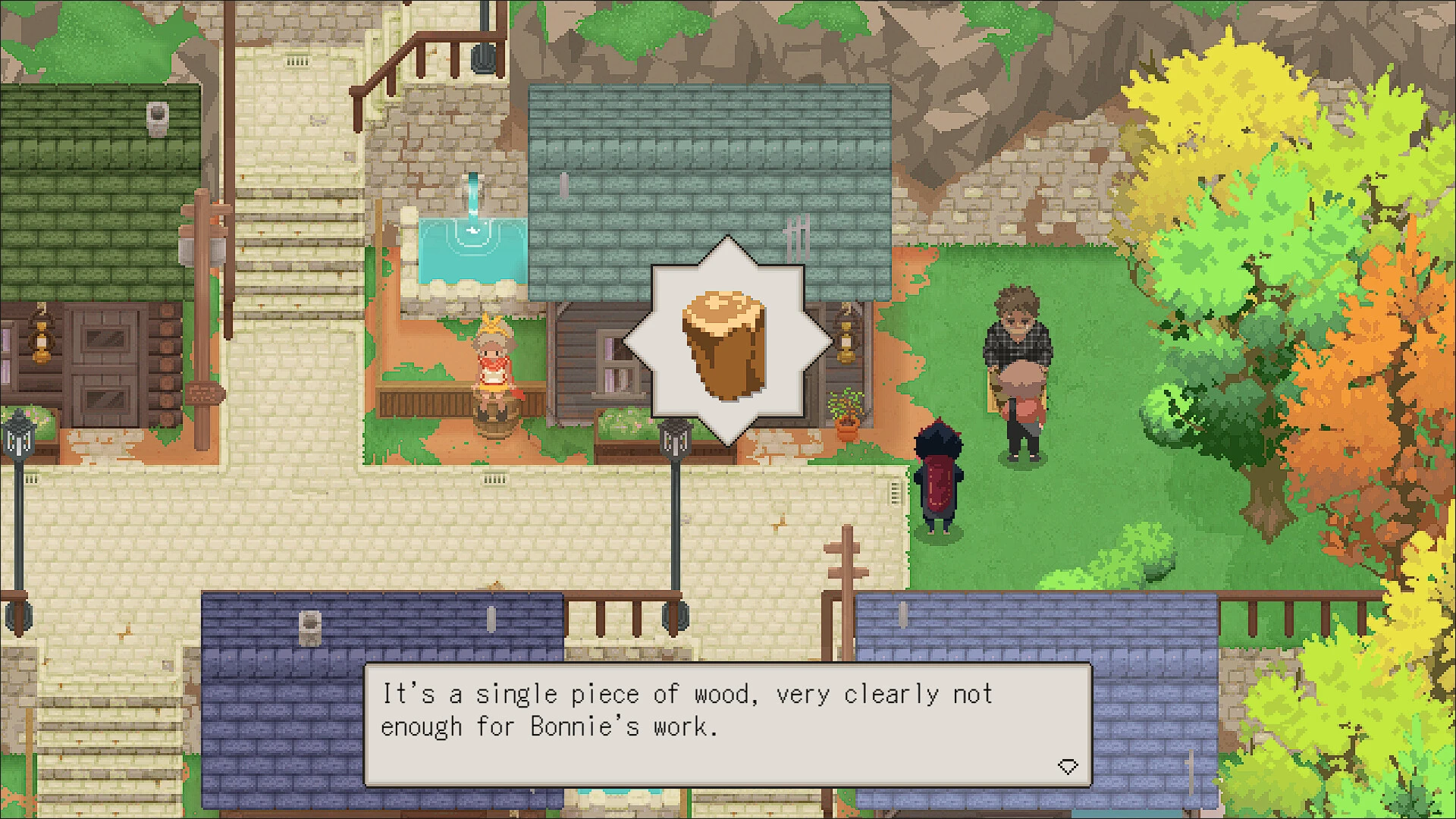
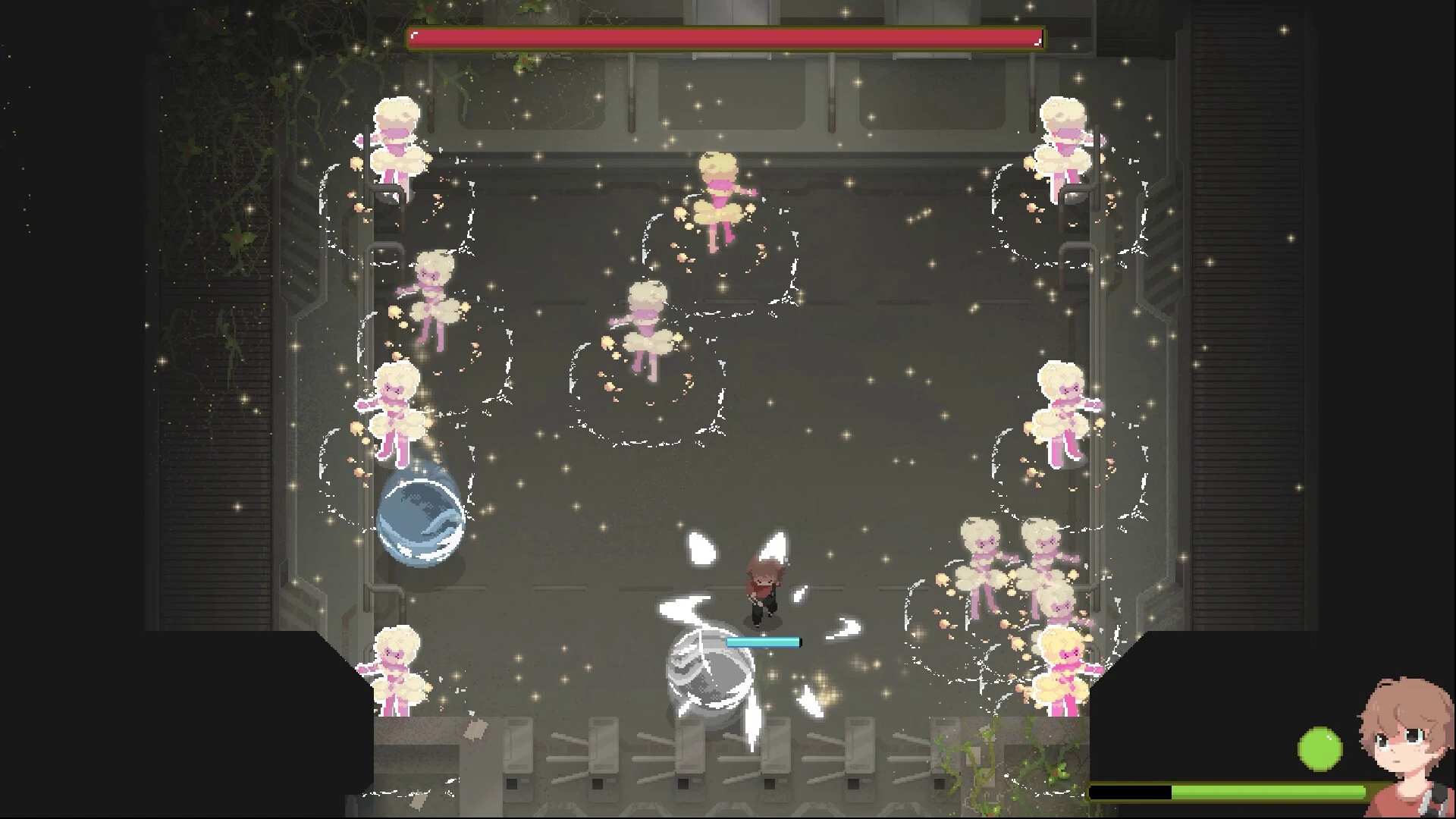
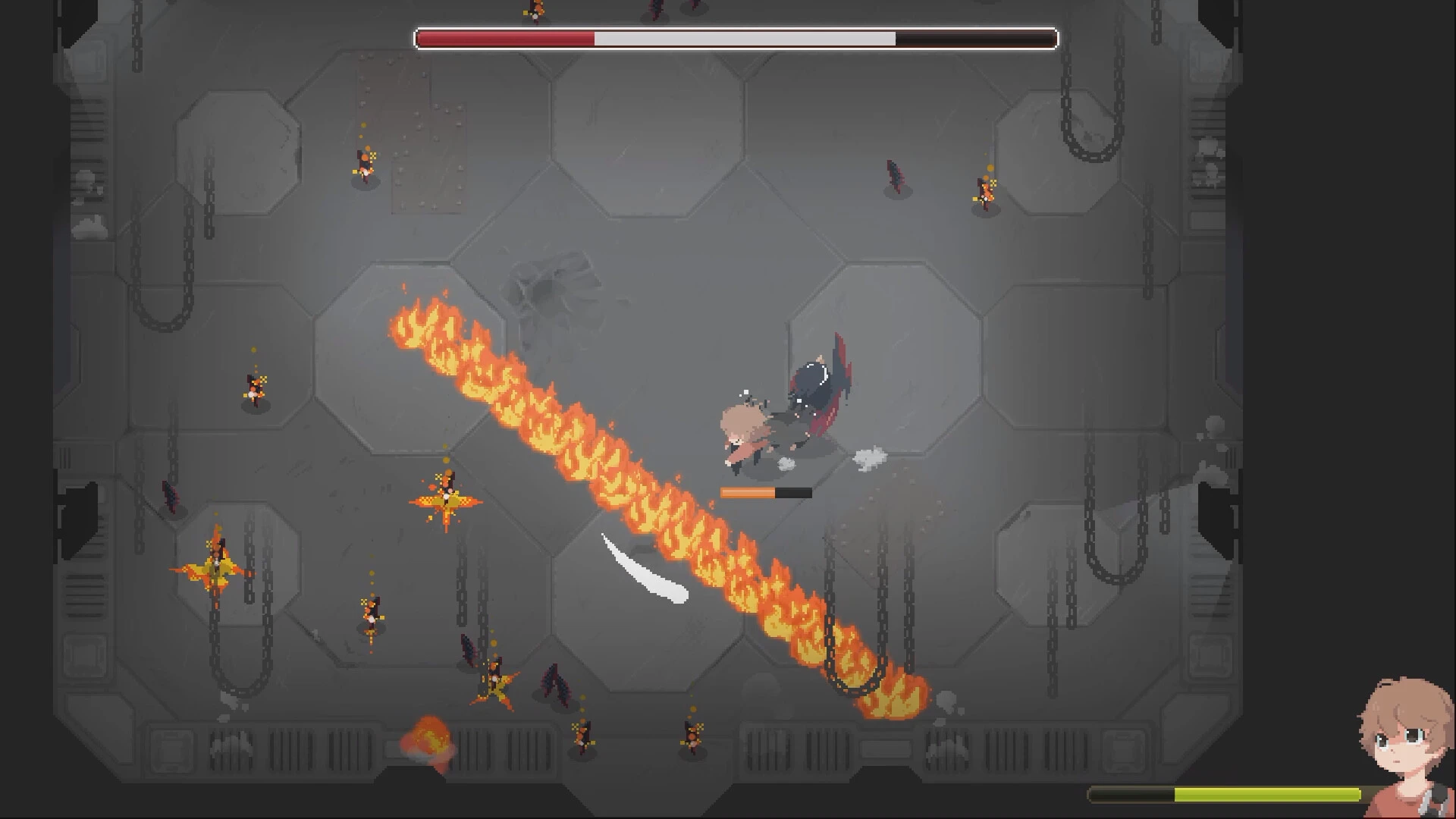

Bittersweet Birthday is a deeply emotional narrative experience that explores how small moments can carry enormous meaning. Rather than relying on dramatic twists or high-stakes conflict, the game focuses on introspection, memory, and the complicated emotions tied to growing older. It is a story about reflection, where joy and sadness exist side by side, shaping a moment that feels both personal and universal.
The experience centers around a birthday, a day traditionally associated with celebration. However, Bittersweet Birthday approaches this occasion from a more thoughtful angle. Players are invited to revisit familiar spaces filled with memories, each one revealing fragments of the past. These environments feel intimate and lived-in, encouraging players to move slowly and absorb details rather than rush forward. The simplicity of the setting allows emotion to take center stage.
Storytelling in Bittersweet Birthday is subtle and understated. There is little direct explanation or exposition. Instead, the narrative unfolds through objects, sounds, and brief interactions. A photograph, a handwritten note, or an unfinished gift can evoke powerful emotions without a single line of dialogue. This approach allows players to connect the story to their own experiences, making the journey feel personal and relatable.
Interaction within the game is minimal but meaningful. Players are not challenged with complex mechanics or puzzles. Instead, they engage with everyday actions that carry emotional weight. Opening a door, examining an object, or revisiting a familiar corner becomes an act of reflection. These simple interactions reinforce the idea that meaning often lies in ordinary moments rather than grand events.
The visual style of Bittersweet Birthday is gentle and expressive. Soft lighting, muted colors, and careful composition create an atmosphere that feels warm yet melancholic. The environments are designed to evoke comfort while quietly reminding players of time passing. Subtle visual cues guide attention without interrupting immersion, allowing emotions to surface naturally.
Sound plays an equally important role. The game’s audio design relies on ambient noise, soft music, and moments of silence to shape mood. Footsteps, distant sounds, and faint melodies enhance the sense of solitude and reflection. Silence is used intentionally, giving players space to process emotions without distraction.
What makes Bittersweet Birthday stand out is its emotional honesty. It does not attempt to offer clear answers or resolutions. Instead, it presents a moment in time and invites players to sit with their feelings. Joy, regret, gratitude, and longing coexist, reflecting the complexity of real-life experiences. The game trusts players to interpret its message in their own way.
In conclusion, Bittersweet Birthday is a quiet yet powerful narrative experience that captures the emotional complexity of reflection and growth. By focusing on subtle storytelling, meaningful interaction, and atmospheric design, it creates a deeply personal journey. For players seeking an experience that values emotion over spectacle, Bittersweet Birthday offers a gentle reminder that some of life’s most meaningful moments are both happy and heavy at the same time.
OS: macOS 10.15 CatalinaProcessor: Apple M1RAM: 4 GBVideo card: Graphics card with full Vulkan 1.0 supportDisk space: 2 GB
Mount the downloaded image and follow the standard installation procedure.
The installation is completed by choosing a location to place the game.
It is recommended to specify the Applications folder.
Frequently Asked Questions
Mount the image and run Open Gatekeeper friendly.
Press Enter to bypass Gatekeeper in the Terminal window.
Drag the application to the Applications folder.
The application is ready for use.
ATTENTION! SIP must be disabled. Learn more >
Restart your Mac and hold down Command + R to enter Recovery Mode.
Open Terminal from the Utilities menu.
Enter the command: csrutil disable
Restart your Mac.
This is a common Gatekeeper issue. Follow these steps:
1. Open Terminal
2. Enter: sudo xattr -rd com.apple.quarantine /Applications/AppName.app
3. Replace "AppName" with the actual application name
4. Press Enter and enter your password
Yes, all our downloads are thoroughly checked for viruses and malware.
We use multiple antivirus engines to scan every file.
Our team tests each application before publishing.
We never bundle adware or unwanted software.
Yes, we regularly update our applications to the latest versions.
You can check our website for updates or subscribe to our newsletter.
We strive to provide the most recent versions within 24-48 hours of release.
If a download link is not working, please:
1. Try a different browser
2. Clear your browser cache and cookies
3. Try the alternative download links provided
4. Contact our support team if the issue persists