


Torchlight
Download Torchlight
Run the downloaded image and drag the game to the Applications folder shortcut.
Once the copying is complete, the game can be launched via Launchpad.
Previous Versions
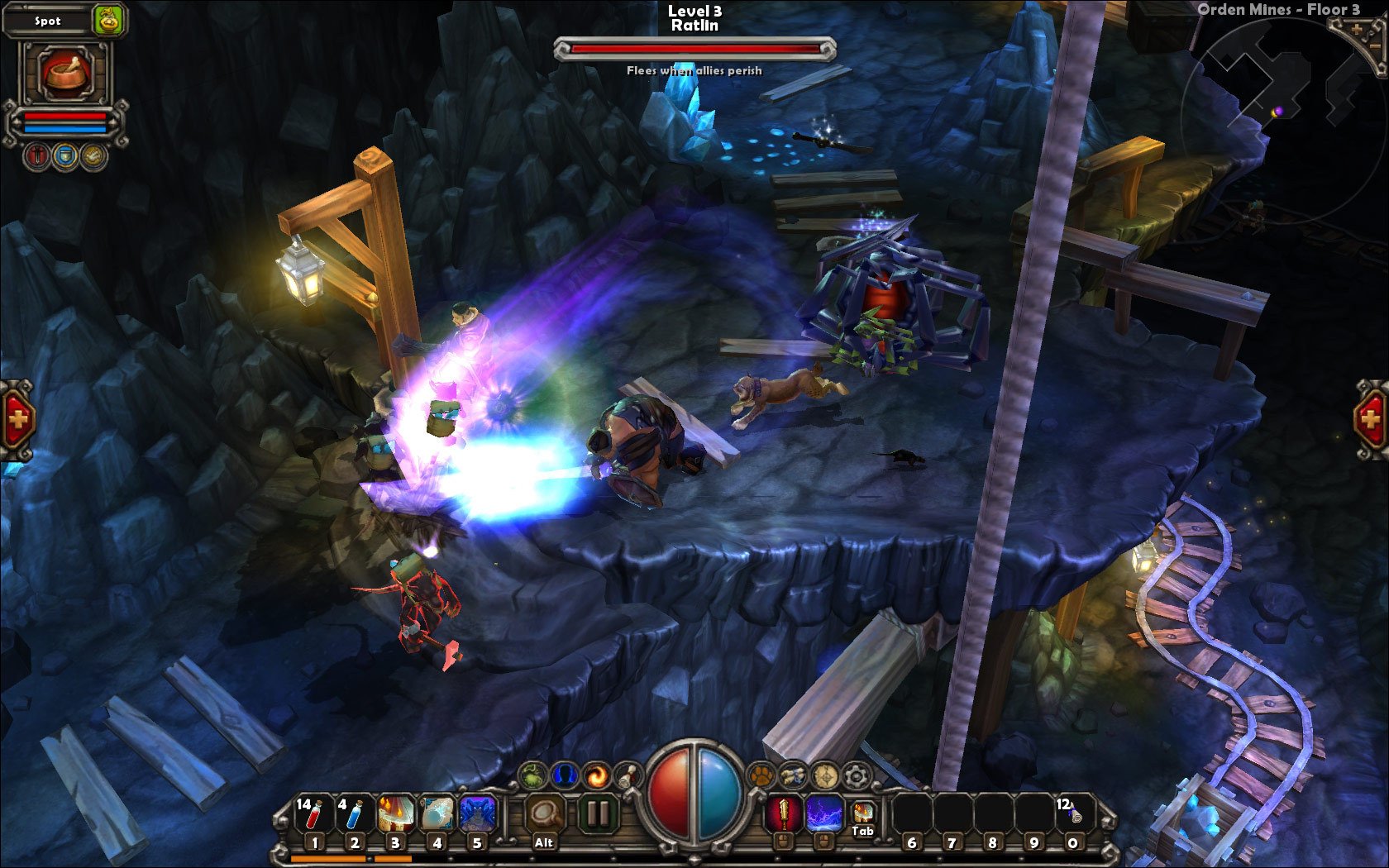
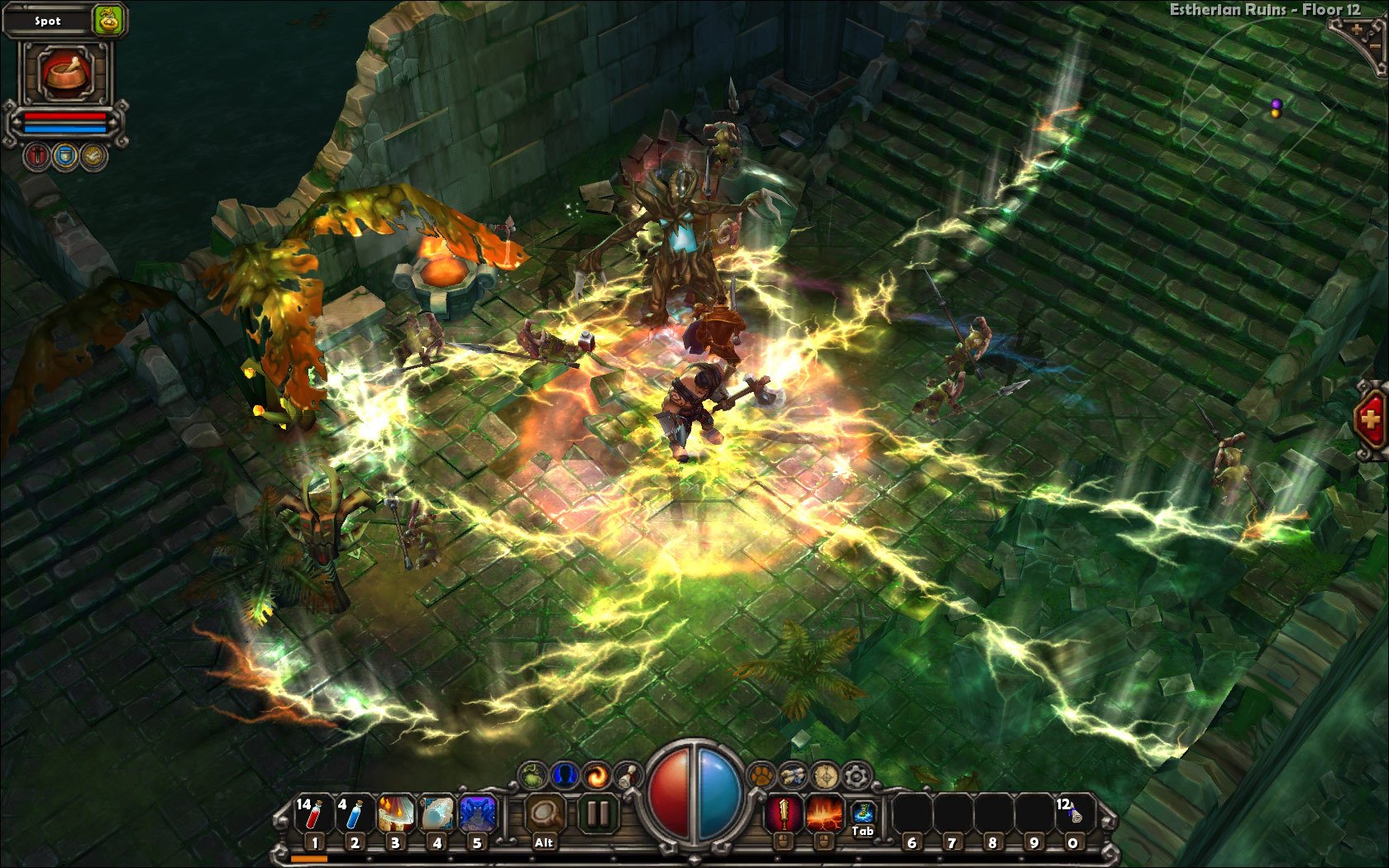
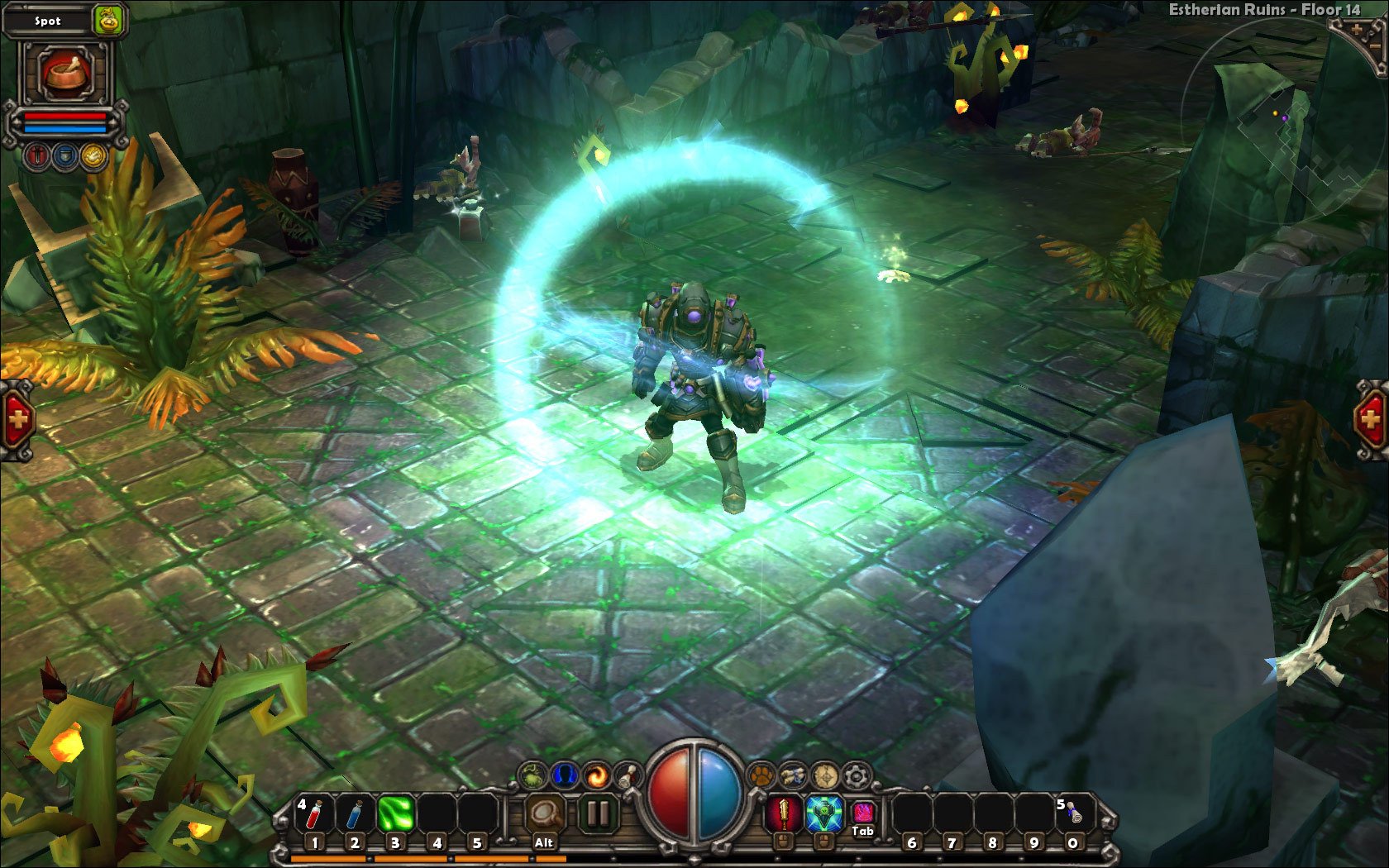
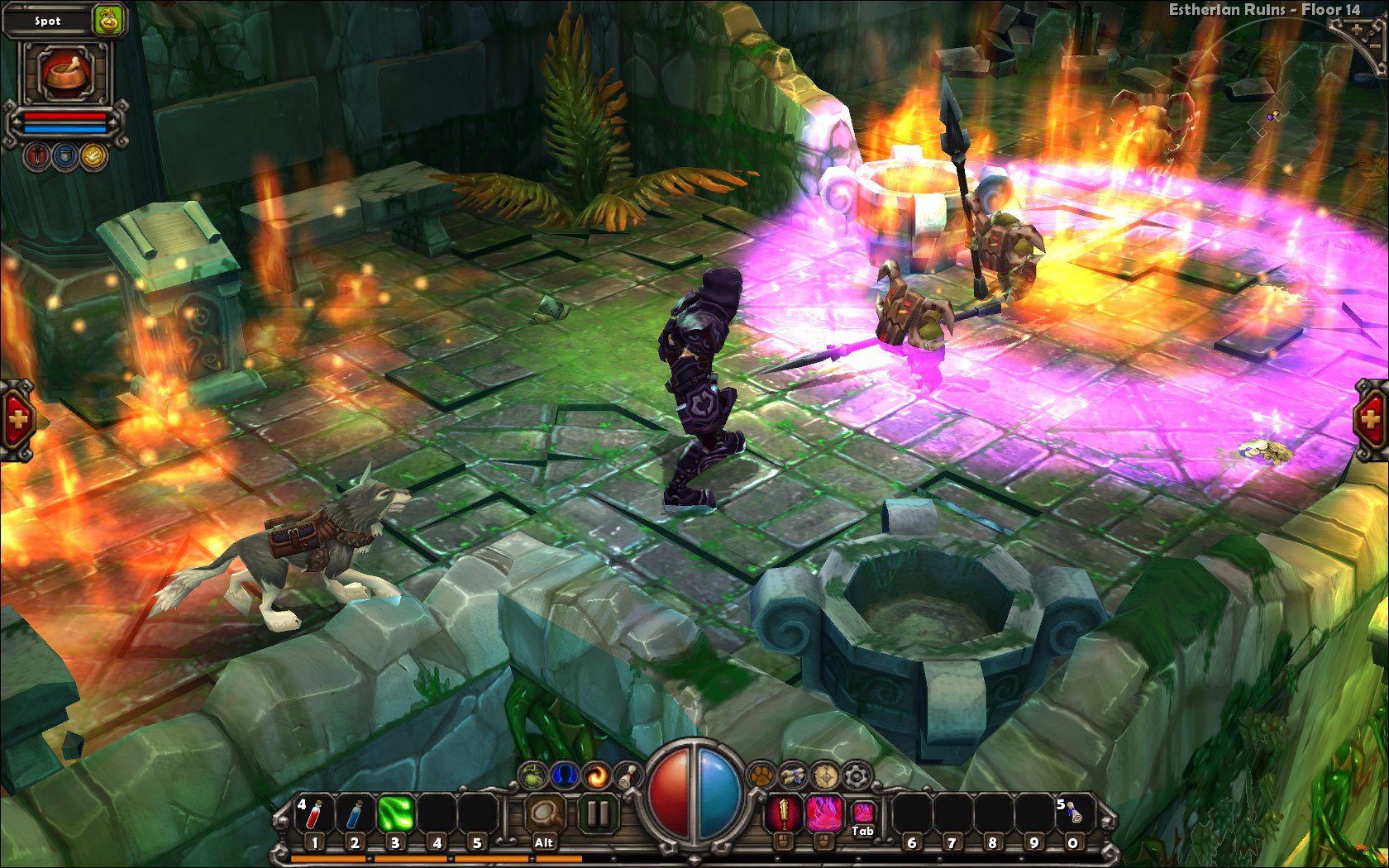
Torchlight is an action role-playing game that combines fast-paced combat, intricate dungeon exploration, and a vibrant, imaginative world. Released as a modern successor to classic hack-and-slash titles, it captures the thrill of adventure while offering a unique visual style, engaging mechanics, and hours of gameplay. For fans of RPGs and dungeon crawlers, Torchlight provides a balance of excitement, strategy, and discovery that keeps players coming back.
Set in the fantastical world of Torchlight, players take on the role of one of several heroes, each with distinct abilities and playstyles. From spell-casting mages to agile rogues, the game encourages players to experiment with different approaches to combat and character progression. The hero’s journey begins in the surface town, but the real adventure lies underground, where dangerous dungeons are teeming with monsters, traps, and valuable treasures.
One of Torchlight’s standout features is its fluid, action-oriented combat. Players are constantly engaged, swinging weapons, casting spells, and unleashing combos on hordes of enemies. The game rewards both quick reflexes and tactical thinking, as knowing when to dodge, use potions, or trigger abilities can be the difference between victory and defeat. This dynamic combat system ensures that gameplay never feels repetitive, even after extended play sessions.
Exploration is another cornerstone of Torchlight. The dungeons are procedurally generated, meaning no two runs are exactly alike. Players encounter unexpected challenges, hidden rooms, secret items, and rare equipment that encourage careful navigation and thorough investigation. This randomness adds replayability, ensuring that the game feels fresh even after multiple playthroughs. Beyond dungeons, the surface town serves as a hub where players can upgrade gear, manage inventory, interact with NPCs, and take on new quests, giving a sense of continuity and purpose to the adventure.
Customization and progression are also crucial elements. Players earn experience points, level up, and acquire new skills, allowing them to tailor their character to preferred playstyles. The loot system is rich and varied, with countless weapons, armor sets, and magical items that provide strategic options and encourage experimentation. This depth makes Torchlight appealing to both casual players and hardcore RPG enthusiasts.
Visually, Torchlight is striking. Unlike darker, grittier RPGs, it embraces a colorful, almost cartoonish art style that brings the world and its inhabitants to life. The environments are detailed and expressive, from sparkling treasure rooms to ominous monster lairs, creating an atmosphere that is immersive without being oppressive. Coupled with a lively soundtrack, Torchlight succeeds in keeping players engaged through both sight and sound.
Ultimately, Torchlight is more than a dungeon crawler; it is an adventure full of strategy, exploration, and thrilling combat. Its blend of action, customization, and vibrant design makes it accessible to newcomers while satisfying experienced RPG fans. By combining engaging gameplay with a rich world and endless replayability, Torchlight proves that the magic of classic hack-and-slash games can be reborn for modern audiences, delivering a timeless journey of excitement, discovery, and heroic triumph.
Operating system: macOS X 10.6.8 or laterProcessor: Intel Core 2 DuoMemory: 1 GB RAMGraphics: OpenGL 2.0 compatible video card with 256MB dedicated RAM (ATI Radeon X1600 or nVidia equivalent)
Run the downloaded image and drag the game to the Applications folder shortcut.
Once the copying is complete, the game can be launched via Launchpad.
Frequently Asked Questions
Mount the image and run Open Gatekeeper friendly.
Press Enter to bypass Gatekeeper in the Terminal window.
Drag the application to the Applications folder.
The application is ready for use.
ATTENTION! SIP must be disabled. Learn more >
Restart your Mac and hold down Command + R to enter Recovery Mode.
Open Terminal from the Utilities menu.
Enter the command: csrutil disable
Restart your Mac.
This is a common Gatekeeper issue. Follow these steps:
1. Open Terminal
2. Enter: sudo xattr -rd com.apple.quarantine /Applications/AppName.app
3. Replace "AppName" with the actual application name
4. Press Enter and enter your password
Yes, all our downloads are thoroughly checked for viruses and malware.
We use multiple antivirus engines to scan every file.
Our team tests each application before publishing.
We never bundle adware or unwanted software.
Yes, we regularly update our applications to the latest versions.
You can check our website for updates or subscribe to our newsletter.
We strive to provide the most recent versions within 24-48 hours of release.
If a download link is not working, please:
1. Try a different browser
2. Clear your browser cache and cookies
3. Try the alternative download links provided
4. Contact our support team if the issue persists