


Bloons TD 6
Download Bloons TD 6
Run the downloaded image and drag the application to the Applications folder shortcut.
Once copying is complete, the application can be launched via Launchpad.
Previous Versions
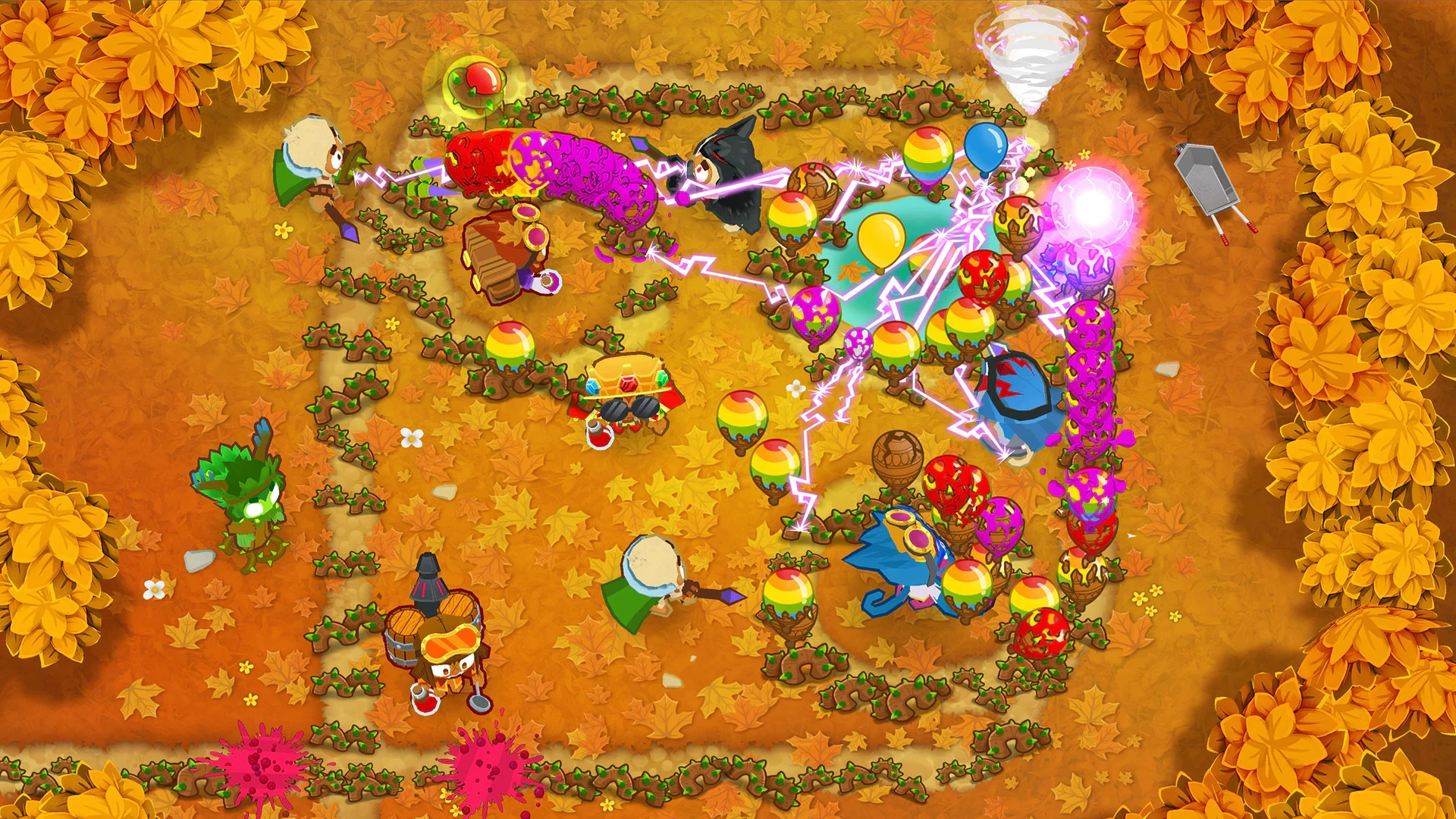
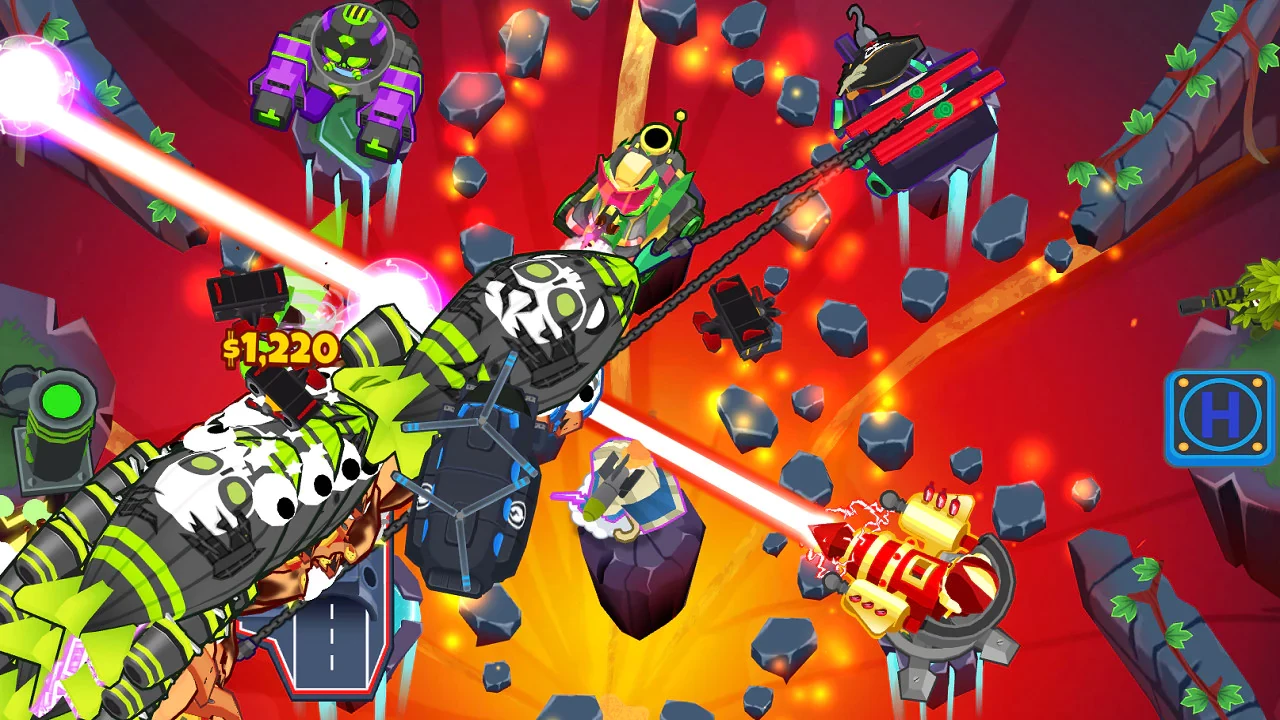
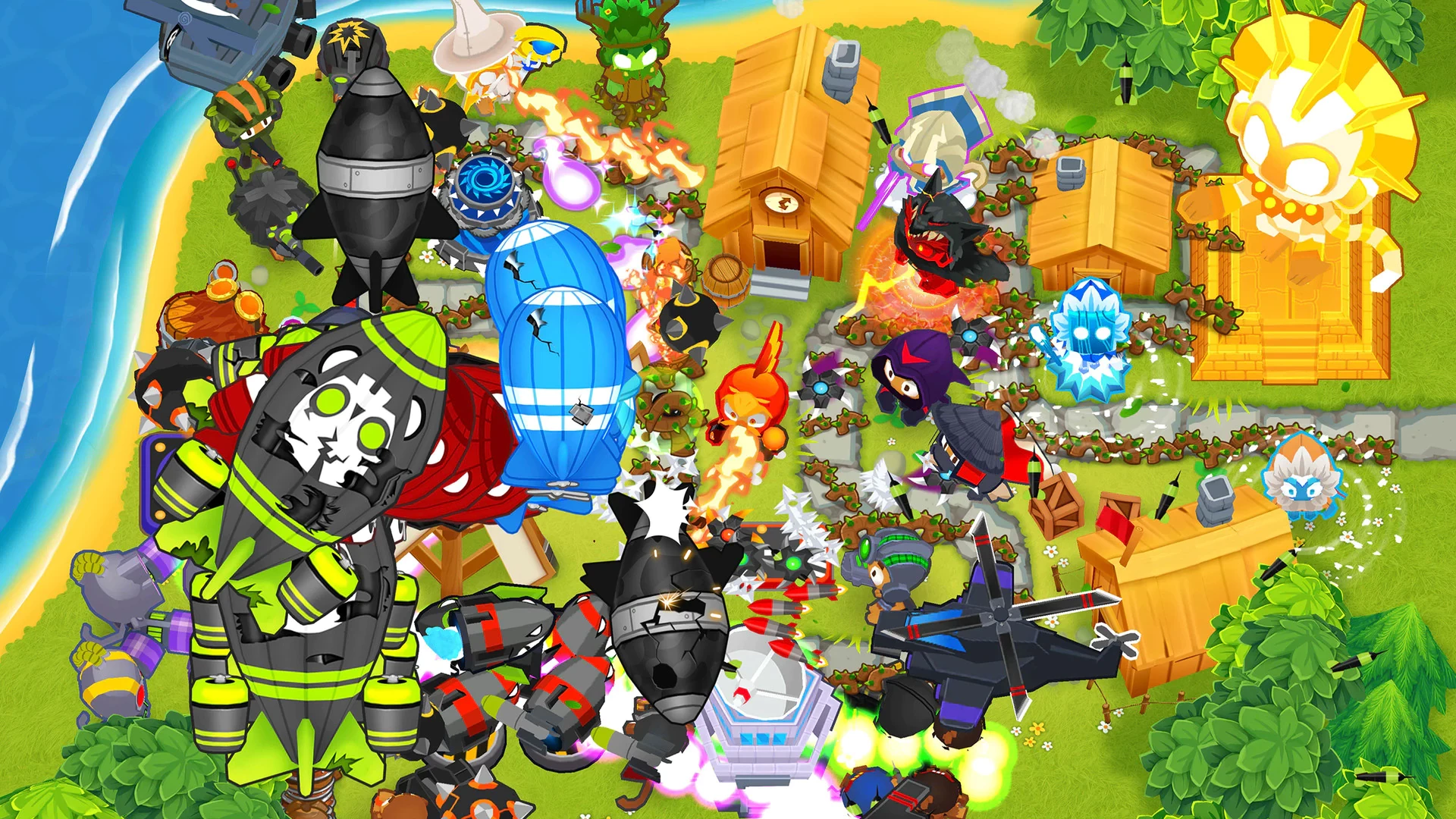
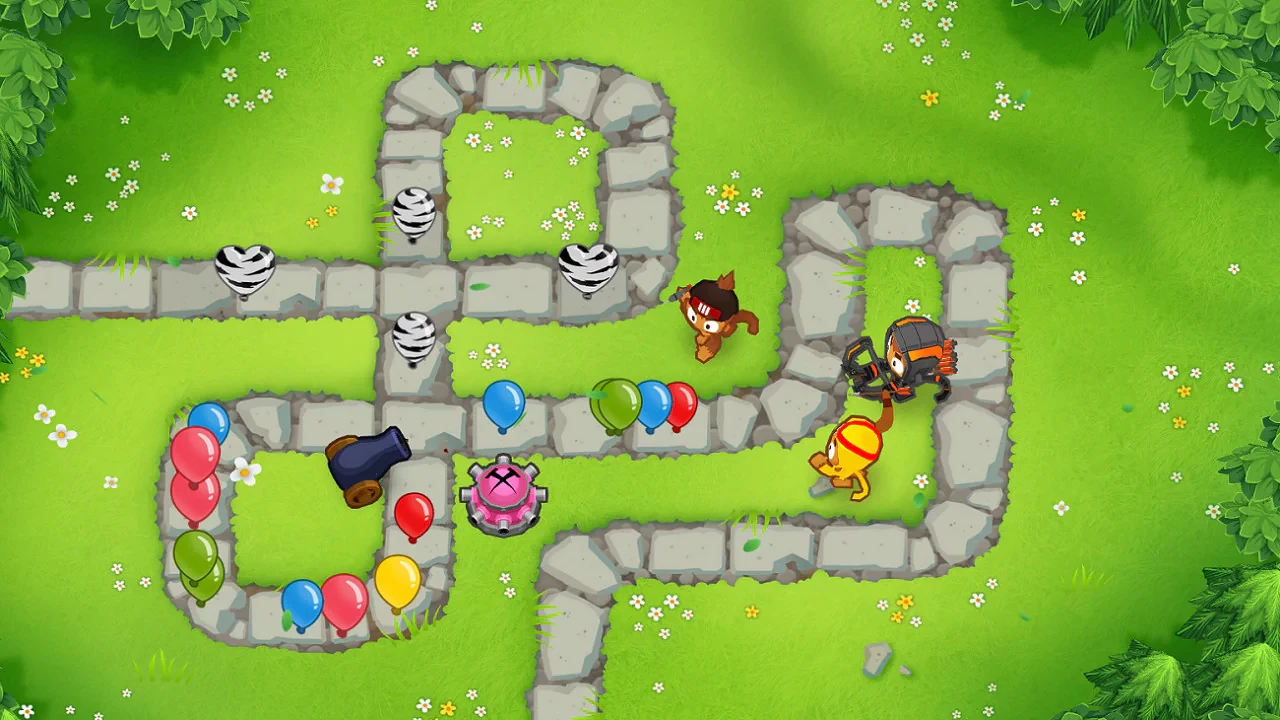
Bloons TD 6 is a tower defense game that transforms simple mechanics into a deep and rewarding strategy experience. At first glance, the game appears colorful and lighthearted, featuring cartoon monkeys defending paths from waves of balloons. However, beneath its playful appearance lies a complex system of planning, timing, and decision-making that keeps players engaged for hours.
The core goal of Bloons TD 6 is straightforward: stop the bloons from reaching the end of the track. Players place different monkey towers along winding paths, each with unique abilities and upgrade options. As rounds progress, bloons become faster, tougher, and more varied, forcing players to adapt their strategies. This gradual increase in difficulty creates a sense of progression that feels both fair and challenging.
One of the strongest features of the game is its upgrade system. Each tower can follow multiple upgrade paths, allowing players to customize their defenses based on play style. A single tower can serve very different roles depending on how it is upgraded. This flexibility encourages experimentation and replayability, as there is no single “correct” solution to winning a map.
Heroes add another strategic layer to Bloons TD 6. These powerful characters gain abilities as they level up during gameplay. Choosing the right hero can greatly influence the outcome of a match, especially on higher difficulty settings. Some heroes focus on damage, while others support nearby towers or control enemy movement. Learning how and when to use hero abilities becomes a key part of advanced play.
The variety of maps also keeps the game fresh. Each map presents different layouts, obstacles, and path designs that challenge players to rethink tower placement. Some maps feature multiple paths, while others limit space, making efficient use of resources essential. This diversity ensures that players must stay creative rather than rely on the same strategy every time.
Bloons TD 6 also offers several game modes that change how players approach each level. Modes with restricted upgrades, limited money, or increased bloon strength push players to think more carefully about every decision. These variations prevent the gameplay from becoming repetitive and reward players who understand the mechanics deeply.
Beyond its mechanics, the game’s visual and sound design contribute to its appeal. Bright colors, smooth animations, and humorous sound effects create an inviting atmosphere. Despite the increasing difficulty, the game rarely feels stressful, making it enjoyable for both casual players and dedicated strategists.
In conclusion, Bloons TD 6 succeeds by combining accessible gameplay with deep strategic options. Its blend of creativity, challenge, and charm makes it a standout in the tower defense genre. Whether played casually or competitively, the game rewards thoughtful planning and continuous learning, proving that even the simplest ideas can evolve into something truly engaging.
OS: OSX 10.13Processor: 1.5Ghz or better (64 bit)RAM: 4096 MBVideo card: MetalDisk space: 2048 MBSound card: Mac compatible
Run the downloaded image and drag the application to the Applications folder shortcut.
Once copying is complete, the application can be launched via Launchpad.
Frequently Asked Questions
Mount the image and run Open Gatekeeper friendly.
Press Enter to bypass Gatekeeper in the Terminal window.
Drag the application to the Applications folder.
The application is ready for use.
ATTENTION! SIP must be disabled. Learn more >
Restart your Mac and hold down Command + R to enter Recovery Mode.
Open Terminal from the Utilities menu.
Enter the command: csrutil disable
Restart your Mac.
This is a common Gatekeeper issue. Follow these steps:
1. Open Terminal
2. Enter: sudo xattr -rd com.apple.quarantine /Applications/AppName.app
3. Replace "AppName" with the actual application name
4. Press Enter and enter your password
Yes, all our downloads are thoroughly checked for viruses and malware.
We use multiple antivirus engines to scan every file.
Our team tests each application before publishing.
We never bundle adware or unwanted software.
Yes, we regularly update our applications to the latest versions.
You can check our website for updates or subscribe to our newsletter.
We strive to provide the most recent versions within 24-48 hours of release.
If a download link is not working, please:
1. Try a different browser
2. Clear your browser cache and cookies
3. Try the alternative download links provided
4. Contact our support team if the issue persists