


CARRION
Download CARRION
Run the downloaded package and follow the standard installation procedure.
Once installation is complete, the game can be launched via Launchpad.
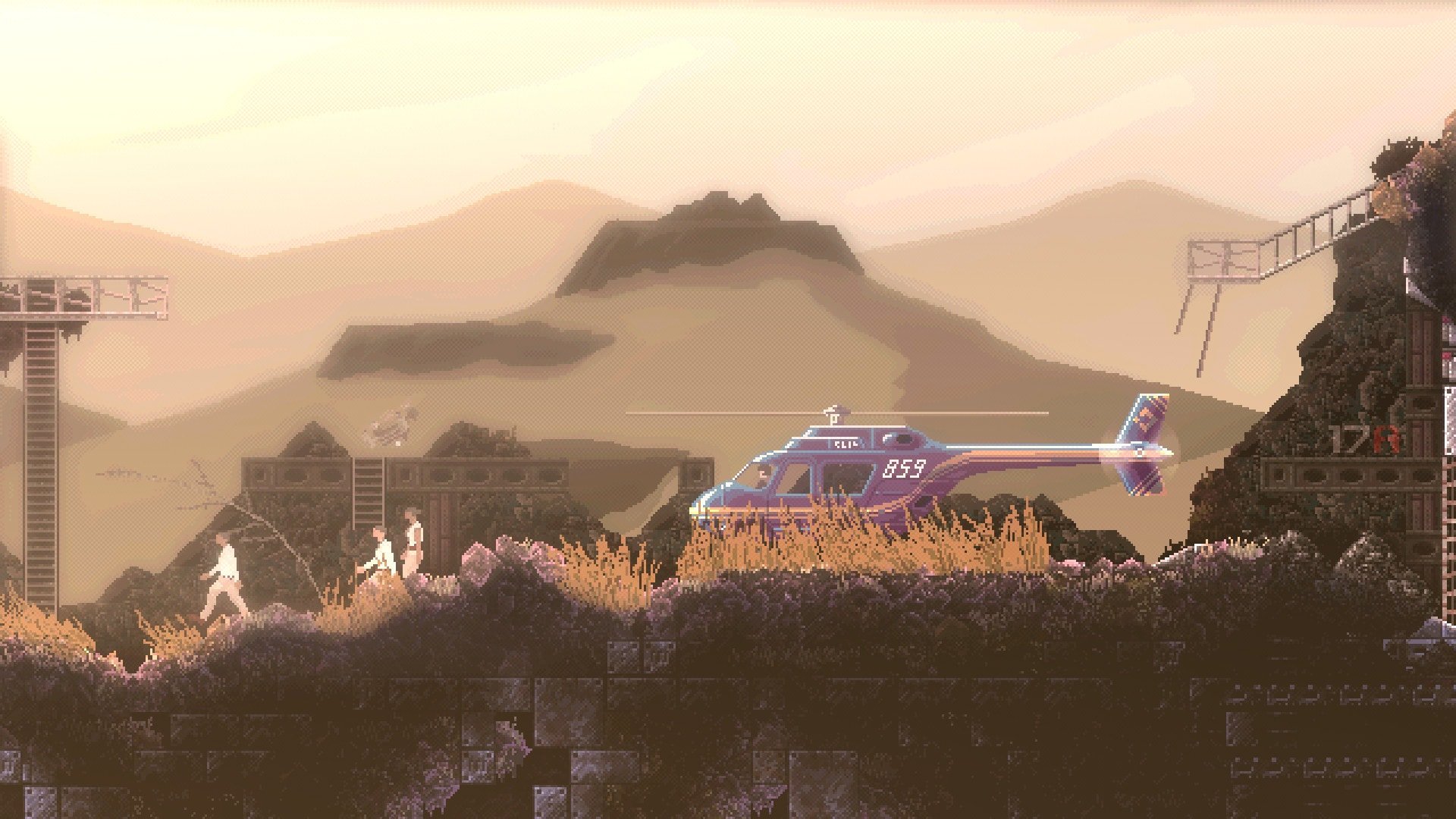
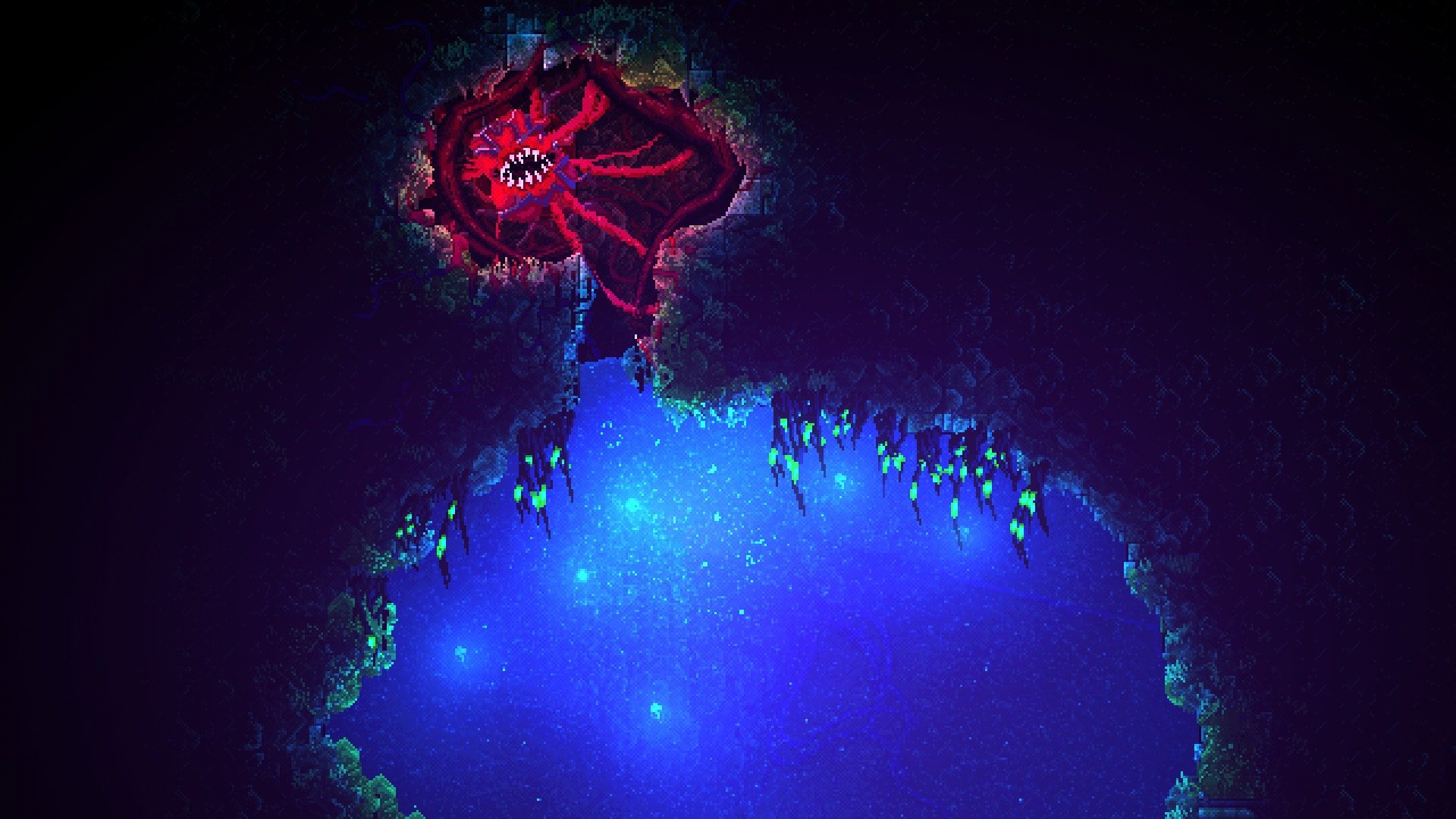

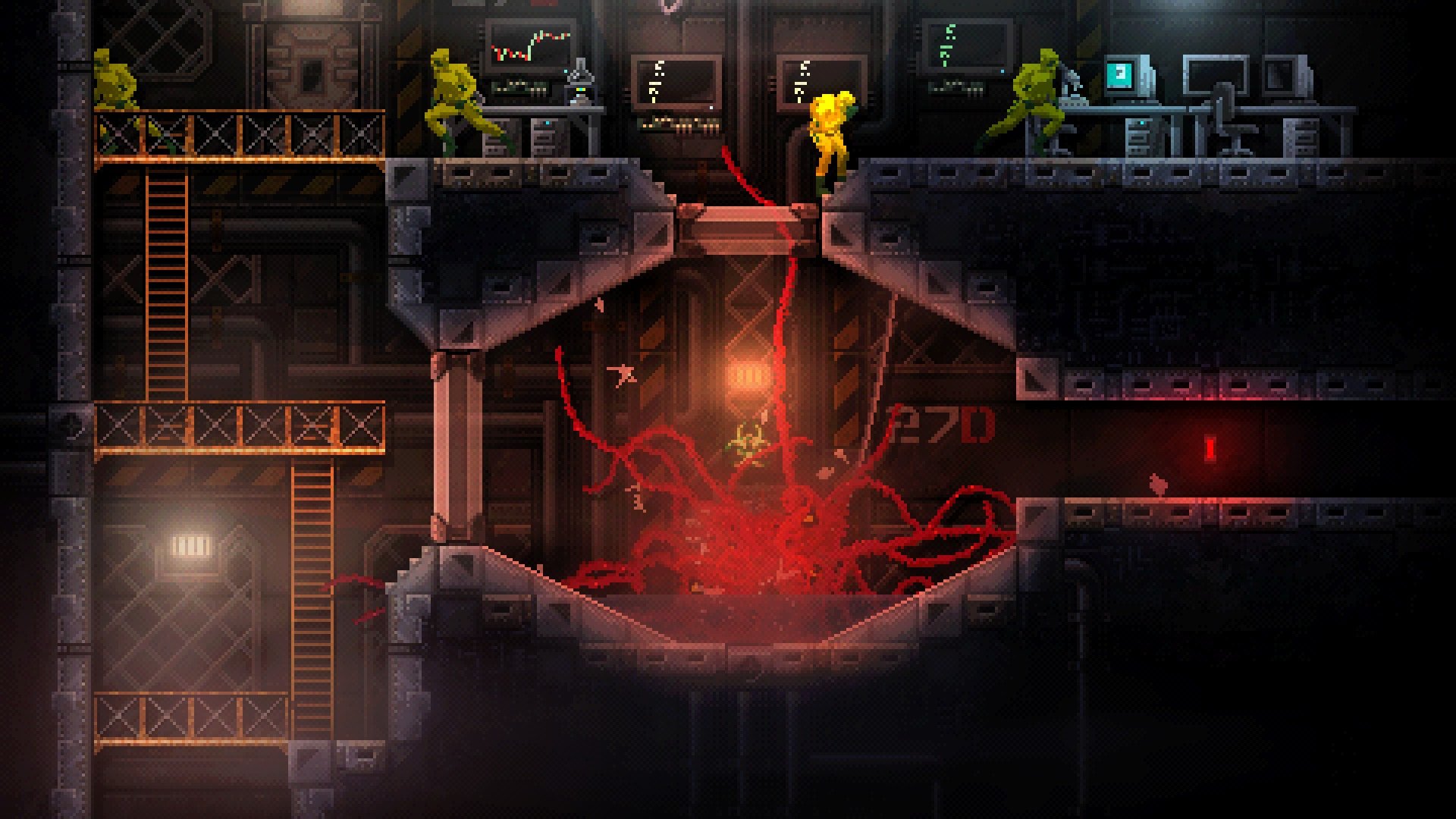
CARRION is a horror-themed action game that flips the traditional monster narrative on its head. Developed by Phobia Game Studio and published by Devolver Digital, the game allows players to experience the perspective of a terrifying amorphous creature rather than the human victims typically found in horror games. Released in 2020, CARRION quickly gained acclaim for its innovative gameplay, atmospheric design, and the sheer thrill of playing as the antagonist.
In CARRION, players control a mysterious, tentacled mass of living biomass that escapes from a research facility. The creature grows stronger as it consumes humans and other biological matter, evolving to gain new abilities that allow it to manipulate the environment, break barriers, and confront increasingly formidable threats. This growth mechanic provides a tangible sense of progression, turning the player into a truly formidable force over the course of the game. Unlike typical hero-driven narratives, CARRION makes players embrace destruction and fear, creating a unique and memorable gaming experience.
The game’s level design is exceptional. Each environment is meticulously crafted to provide strategic opportunities for the creature to navigate, hunt, and solve spatial puzzles. Players must use stealth, agility, and brute force to overcome obstacles, making every encounter both tense and rewarding. The layout of the research facility gradually introduces new challenges and hazards, encouraging experimentation and creative problem-solving. Players are motivated to explore thoroughly, as hidden paths and secret areas reward clever manipulation of the creature’s abilities.
A standout feature of CARRION is its art style and animation. The game employs a retro-inspired pixel art aesthetic that perfectly complements its horror theme. The fluid movements of the creature, combined with grotesque yet captivating animations of its consumption and attacks, create an unnerving atmosphere that keeps players on edge. Coupled with an ambient and suspenseful soundtrack, the game successfully builds tension and maintains a sense of dread, even during moments of victory.
Gameplay in CARRION balances action, strategy, and horror. While players can unleash the creature’s destructive potential, careful planning is often required to avoid traps, security systems, and enemies. Each ability gained adds a new layer to gameplay, offering multiple approaches to challenges. The sense of empowerment derived from mastering these mechanics is immensely satisfying, as players feel like a true force of nature within the facility.
Narratively, CARRION is minimalistic yet effective. Without heavy dialogue or exposition, the game communicates story through environment, design, and player actions. The mystery of the creature’s origin and the sinister experiments conducted within the facility unfold organically, encouraging players to piece together the story as they progress. This subtle approach allows for immersion and adds to the tension, letting players imagine the horror rather than having it explicitly spelled out.
In conclusion, CARRION is a standout title in the horror-action genre. Its innovative perspective, strategic gameplay, and striking visual and auditory design combine to deliver a unique experience that challenges conventional storytelling in games. By allowing players to embrace the role of the predator, CARRION offers a fresh, exhilarating, and genuinely terrifying journey. It is a must-play for anyone seeking a bold and original horror adventure.
System: OSX 10.12+Processor: 2 core processorMemory: 1024 MB RAMGraphics: Compatible with OpenGL 3.0Storage: 500 MBOther: Requires a 64-bit processor and operating system
Run the downloaded package and follow the standard installation procedure.
Once installation is complete, the game can be launched via Launchpad.
Frequently Asked Questions
Mount the image and run Open Gatekeeper friendly.
Press Enter to bypass Gatekeeper in the Terminal window.
Drag the application to the Applications folder.
The application is ready for use.
ATTENTION! SIP must be disabled. Learn more >
Restart your Mac and hold down Command + R to enter Recovery Mode.
Open Terminal from the Utilities menu.
Enter the command: csrutil disable
Restart your Mac.
This is a common Gatekeeper issue. Follow these steps:
1. Open Terminal
2. Enter: sudo xattr -rd com.apple.quarantine /Applications/AppName.app
3. Replace "AppName" with the actual application name
4. Press Enter and enter your password
Yes, all our downloads are thoroughly checked for viruses and malware.
We use multiple antivirus engines to scan every file.
Our team tests each application before publishing.
We never bundle adware or unwanted software.
Yes, we regularly update our applications to the latest versions.
You can check our website for updates or subscribe to our newsletter.
We strive to provide the most recent versions within 24-48 hours of release.
If a download link is not working, please:
1. Try a different browser
2. Clear your browser cache and cookies
3. Try the alternative download links provided
4. Contact our support team if the issue persists