


Catizens
Download Catizens
Unzip the archive and follow the standard installation procedure.
The installation is completed by choosing a location to place the game.
It is recommended to specify the Applications folder.
Previous Versions
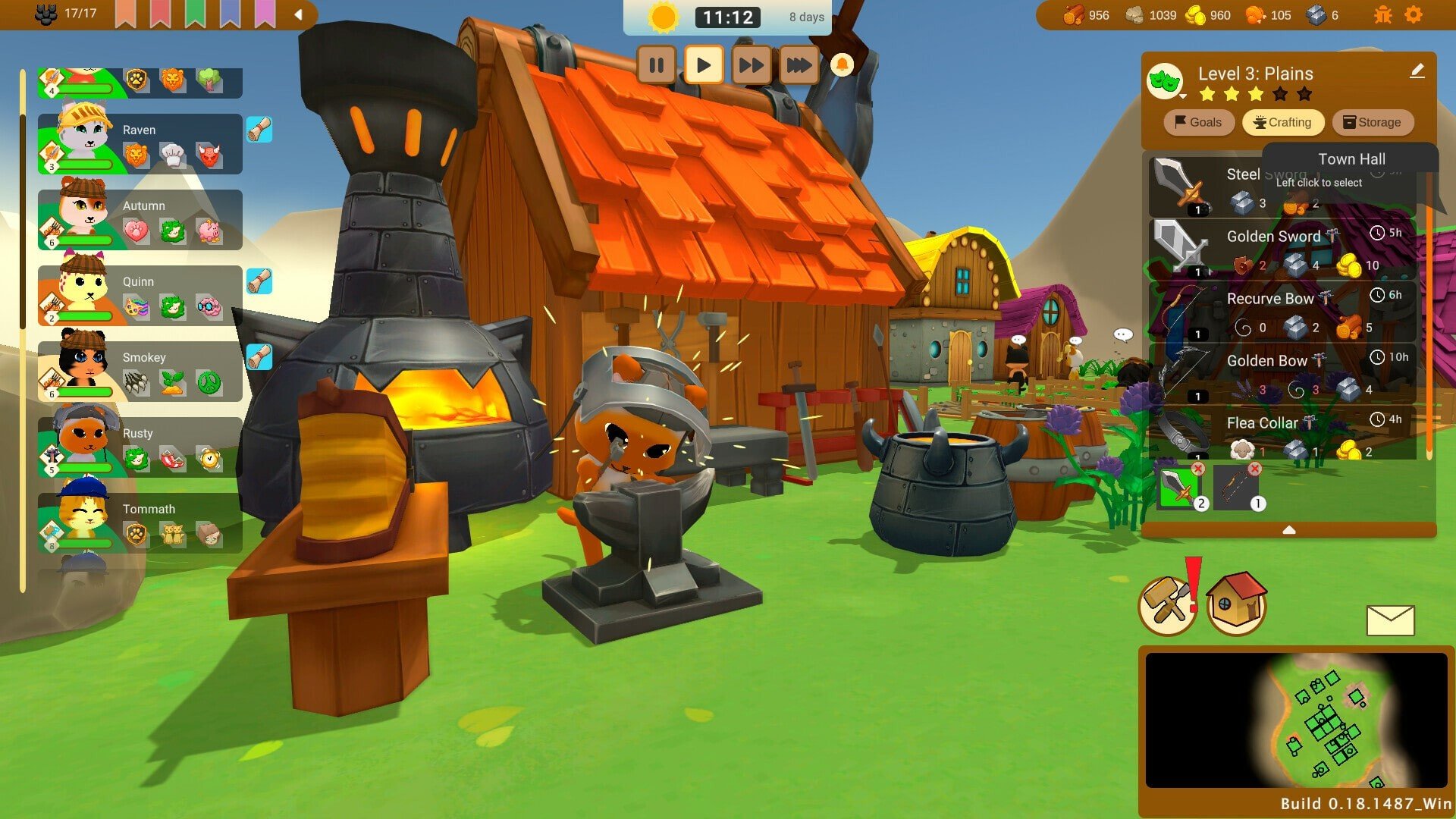
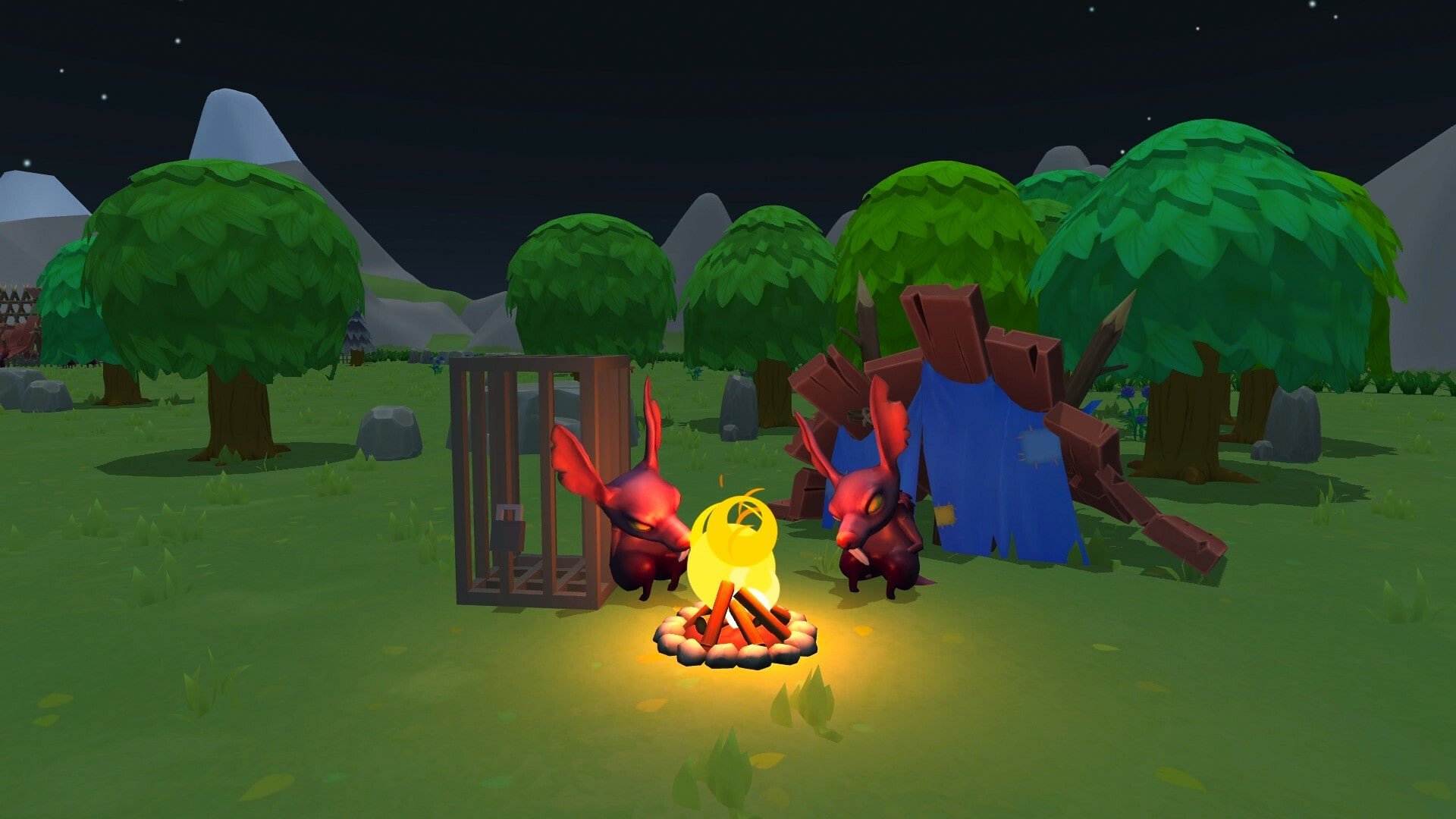
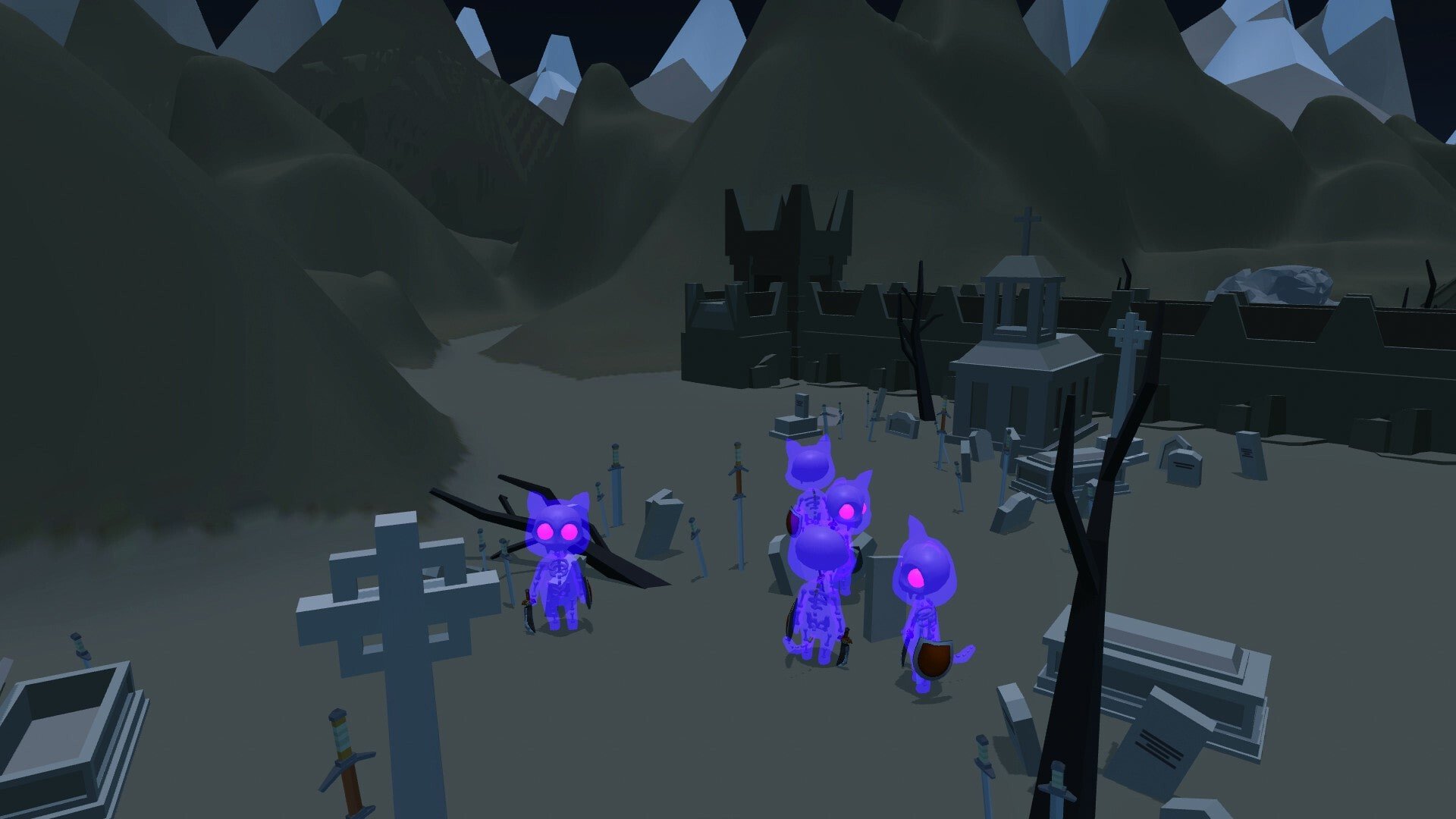
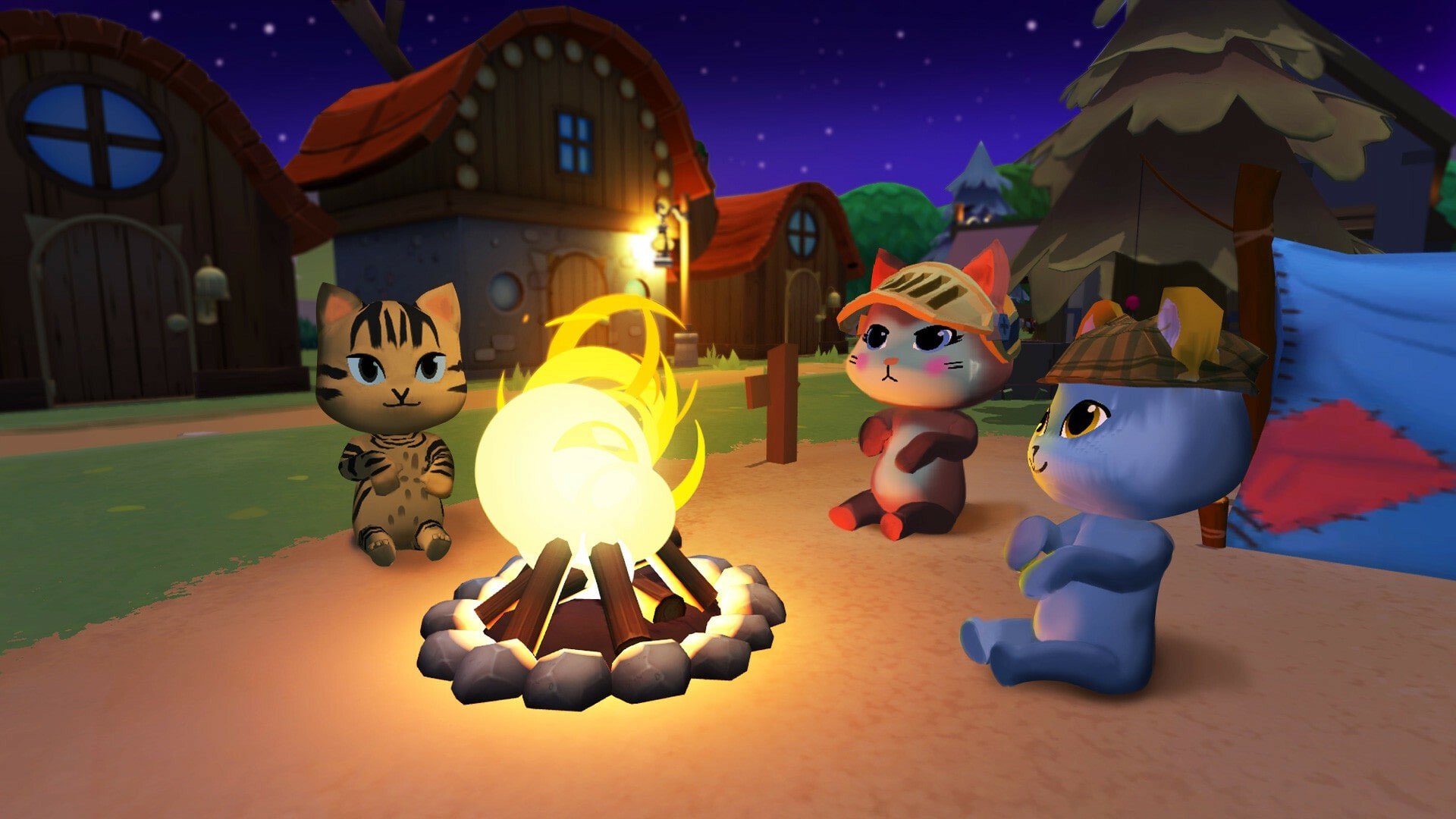
Catizens is a delightful simulation game that combines city-building mechanics with adorable, anthropomorphic cats, creating an experience that is as engaging as it is charming. Developed by Jack King-Spooner, the game allows players to build and manage their own cat community, blending strategic planning, resource management, and playful creativity. With its whimsical concept and accessible gameplay, Catizens offers a unique take on the simulation genre.
At its core, Catizens tasks players with constructing a thriving village for their feline citizens. Players begin with a small group of cats and a limited amount of resources, and their goal is to expand the settlement, ensuring that each cat has a home, food, and work to contribute to the community. The game encourages creativity, as players design buildings, arrange streets, and customize their village to meet the needs of their growing population. Every decision, from building placement to resource allocation, impacts the happiness and productivity of the catizens, making thoughtful planning essential.
One of the most appealing aspects of Catizens is the variety of cat citizens themselves. Each cat has unique traits, personalities, and preferences, which affect how they interact with their environment and with other cats. Some may be skilled builders, while others excel at farming or gathering resources. Players must assign tasks according to each cat’s strengths, creating a dynamic system where management and strategy are key. This adds depth to the gameplay, as success depends on understanding the quirks and abilities of each feline citizen.
The game also introduces light resource management mechanics. Players must balance the collection of essential materials like wood, stone, and food to construct buildings and sustain their population. As the village grows, challenges such as limited space, resource scarcity, and occasional natural events require players to adapt and plan ahead. This blend of city-building and strategy ensures that Catizens remains engaging without becoming overly complex, appealing to a wide range of players.
Visually, Catizens is a feast for the eyes. The game features a colorful, hand-drawn art style with whimsical animations that bring each cat and building to life. The charming design is complemented by expressive character movements and playful interactions, giving the village a lively and endearing atmosphere. Sound design also plays a significant role, with cheerful music and subtle sound effects that enhance immersion and reinforce the game’s lighthearted tone.
Exploration and progression are key motivators in Catizens. Players unlock new building types, additional cats, and expanded areas as they advance, encouraging continual engagement and creative experimentation. The satisfaction of seeing a small group of cats evolve into a bustling, well-managed village provides a rewarding loop that keeps players invested in the community they build.
In conclusion, Catizens is a uniquely charming city-building simulation that combines strategic gameplay with playful creativity. Its adorable feline inhabitants, engaging resource management, and vibrant visual style create an experience that is both relaxing and intellectually stimulating. For players who enjoy thoughtful city management, imaginative worlds, and a touch of whimsy, Catizens offers a delightful and unforgettable adventure in building a community of lovable cats.
OS: macOS 10.12+Processor: Intel Core i5RAM: 4 GBVideo card: AMD Radeon R7 265 or equivalent (min 2GB VRAM)Disk space: 3 GB
Unzip the archive and follow the standard installation procedure.
The installation is completed by choosing a location to place the game.
It is recommended to specify the Applications folder.
Frequently Asked Questions
Mount the image and run Open Gatekeeper friendly.
Press Enter to bypass Gatekeeper in the Terminal window.
Drag the application to the Applications folder.
The application is ready for use.
ATTENTION! SIP must be disabled. Learn more >
Restart your Mac and hold down Command + R to enter Recovery Mode.
Open Terminal from the Utilities menu.
Enter the command: csrutil disable
Restart your Mac.
This is a common Gatekeeper issue. Follow these steps:
1. Open Terminal
2. Enter: sudo xattr -rd com.apple.quarantine /Applications/AppName.app
3. Replace "AppName" with the actual application name
4. Press Enter and enter your password
Yes, all our downloads are thoroughly checked for viruses and malware.
We use multiple antivirus engines to scan every file.
Our team tests each application before publishing.
We never bundle adware or unwanted software.
Yes, we regularly update our applications to the latest versions.
You can check our website for updates or subscribe to our newsletter.
We strive to provide the most recent versions within 24-48 hours of release.
If a download link is not working, please:
1. Try a different browser
2. Clear your browser cache and cookies
3. Try the alternative download links provided
4. Contact our support team if the issue persists