


Game of Thrones: Tale of Crows
Download Game of Thrones: Tale of Crows
Run the downloaded image and drag the application to the Applications folder shortcut.
Once copying is complete, the application can be launched via Launchpad.
Previous Versions
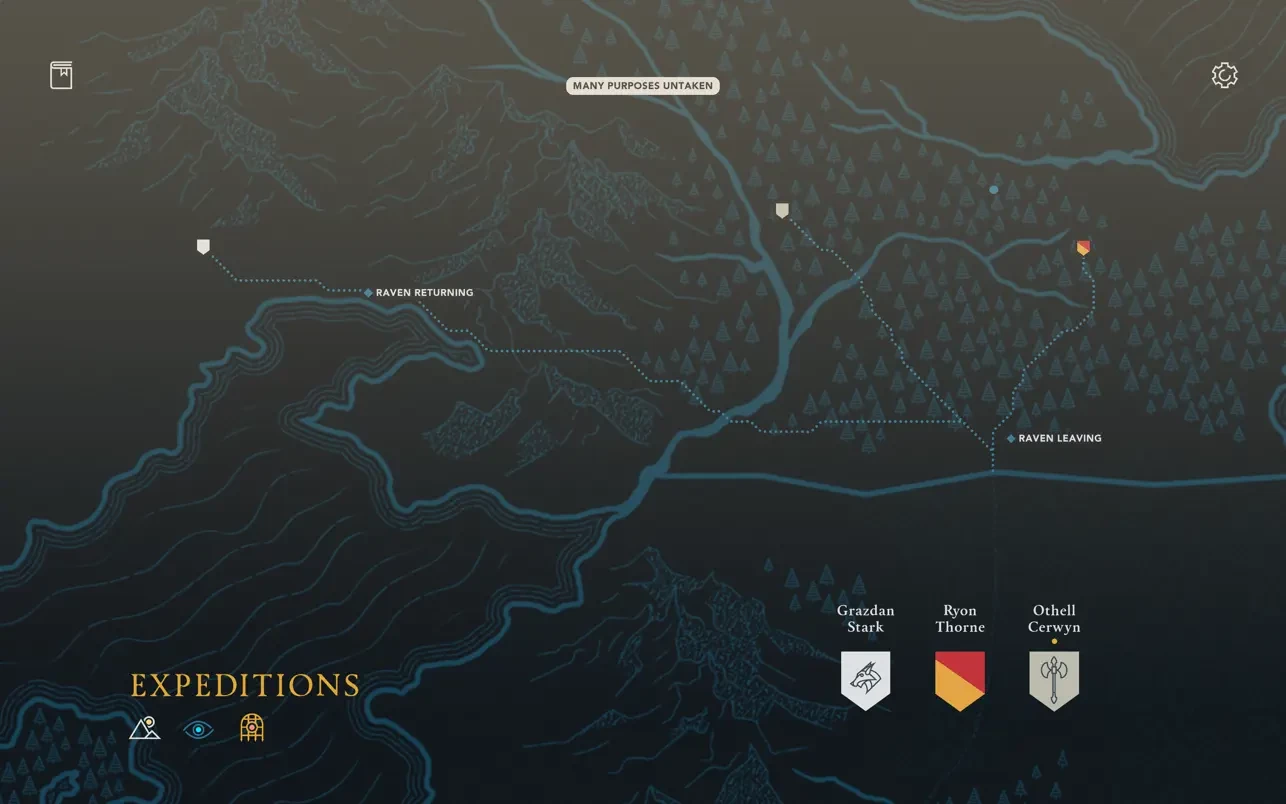
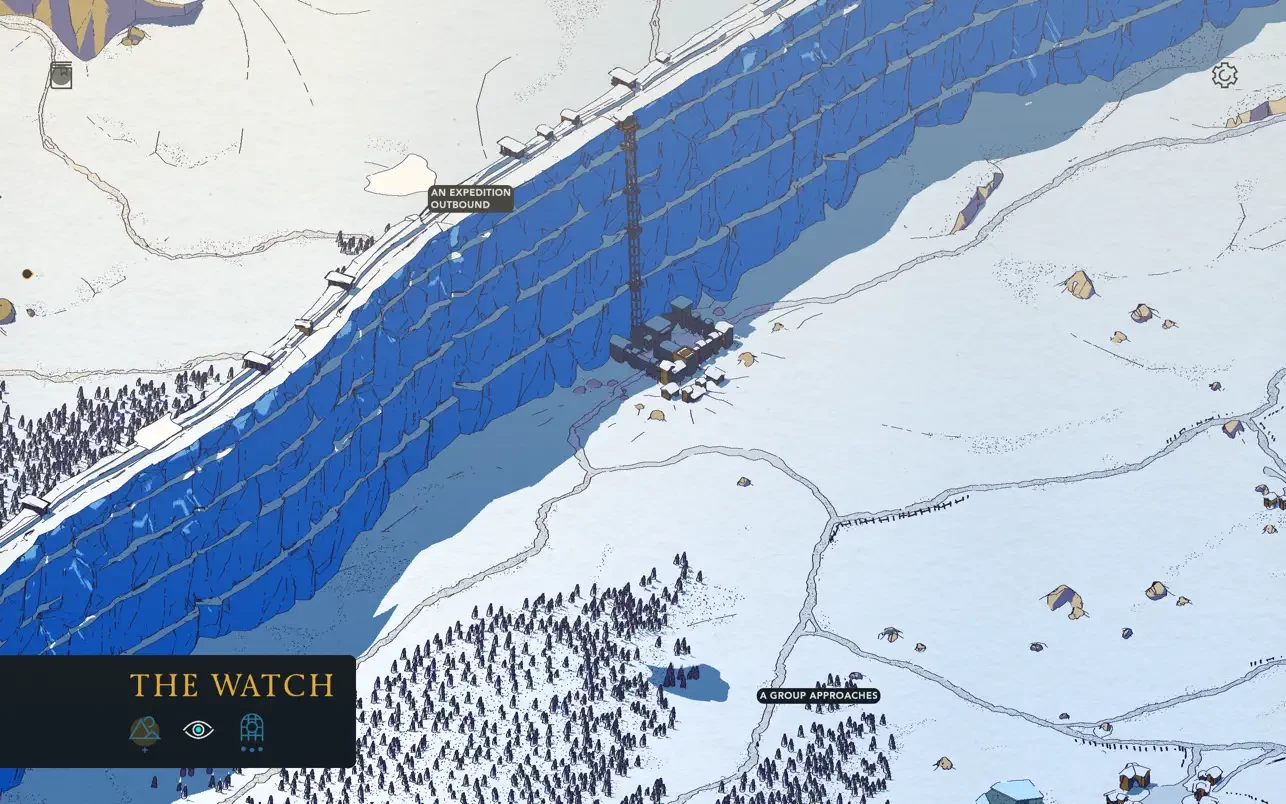
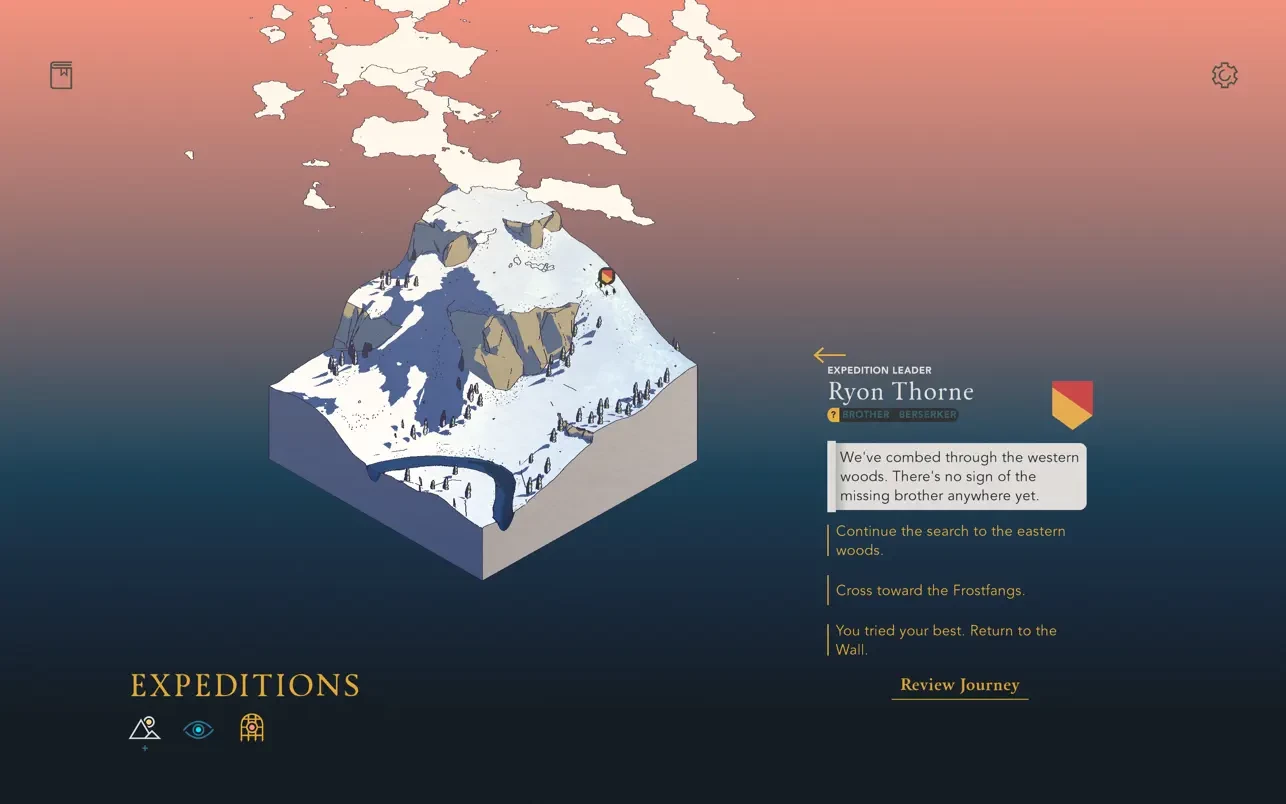
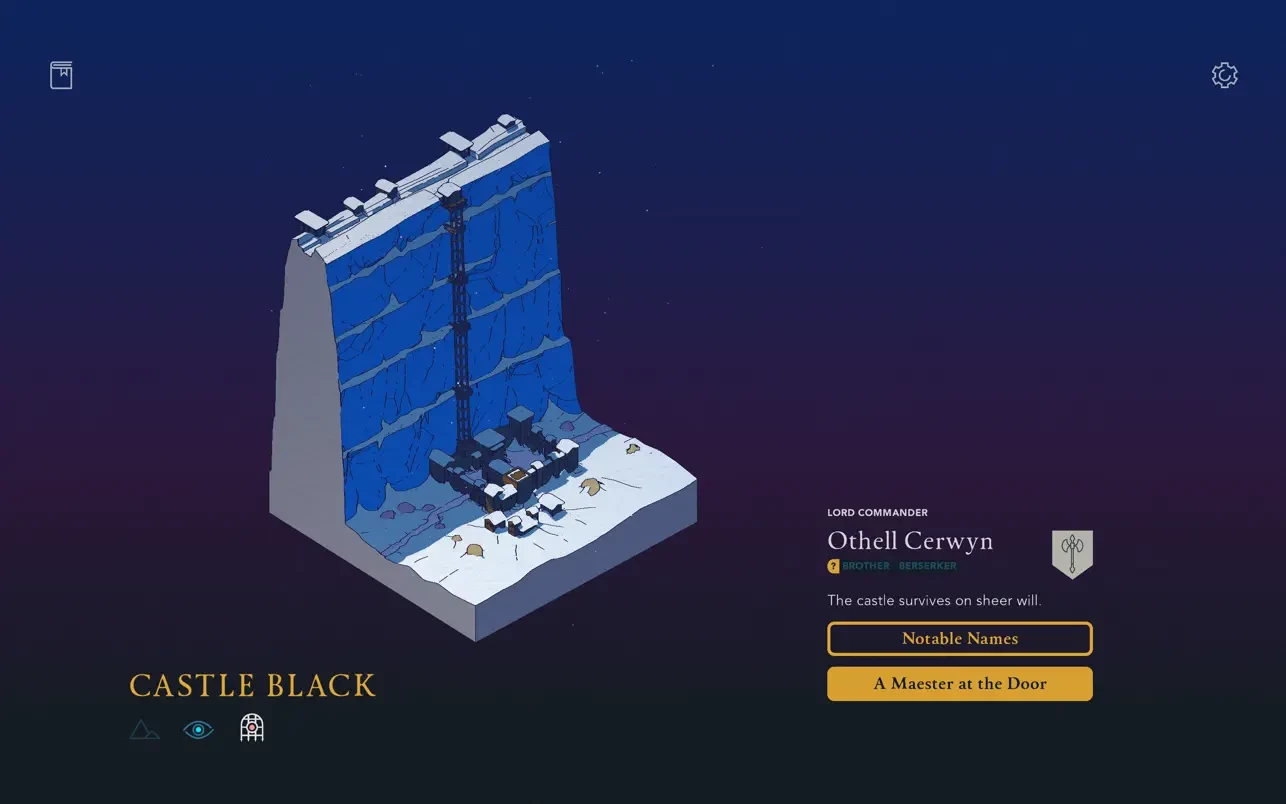
Game of Thrones: Tale of Crows takes a very different approach to the famous fantasy universe of Westeros. Instead of epic battles, dramatic dialogue, or familiar faces clashing swords, this game focuses on the quiet, often overlooked life of the Night’s Watch. It transforms the harsh reality of guarding the Wall into a slow, strategic experience that emphasizes duty, sacrifice, and survival over spectacle.
In the game, players assume command of the Night’s Watch shortly after the events that lead to chaos along the Wall. Your role is not that of a hero charging into combat, but of a leader responsible for managing limited resources, sending brothers on missions, and maintaining order in a frozen land where danger is constant. Every decision matters, and even small choices can have lasting consequences. This deliberate pacing reflects the grim reality of the Watch’s existence, where patience and discipline are more valuable than glory.
One of the most distinctive elements of Tale of Crows is its visual style. The game uses dark, minimalist artwork that feels closer to an illustrated novel than a traditional video game. Scenes are moody and atmospheric, capturing the isolation of the Wall and the bleak beauty of the North. This artistic direction supports the game’s tone perfectly, reinforcing the sense of loneliness and responsibility that defines life in the Night’s Watch.
Gameplay revolves around managing time and personnel. Players send rangers beyond the Wall, assign stewards to gather supplies, and dispatch builders to maintain defenses. Missions often come with risks, and not everyone who leaves Castle Black will return. The game does not shy away from loss, reminding players that the Watch is built on sacrifice. This creates a strong emotional connection, as each fallen brother feels like a personal failure rather than a simple statistic.
The narrative unfolds gradually through text and choices, allowing players to shape their own version of events. While the game respects the established lore of Game of Thrones, it does not rely heavily on familiar characters. Instead, it tells smaller, more personal stories that highlight the human cost of guarding the realm. This makes the experience accessible even to players who are not deeply familiar with the series.
What makes Game of Thrones: Tale of Crows memorable is its restraint. It does not attempt to recreate the grand scale of the television show. Instead, it focuses on atmosphere, decision-making, and storytelling. The result is a thoughtful strategy game that feels mature and reflective, much like the vows of the Night’s Watch themselves.
In the end, Tale of Crows is a somber tribute to those who stand watch while the rest of the world sleeps. It offers a unique perspective on Westeros, proving that even in a land of dragons and kings, quiet dedication can tell the most powerful stories.
Run the downloaded image and drag the application to the Applications folder shortcut.
Once copying is complete, the application can be launched via Launchpad.
Frequently Asked Questions
Mount the image and run Open Gatekeeper friendly.
Press Enter to bypass Gatekeeper in the Terminal window.
Drag the application to the Applications folder.
The application is ready for use.
ATTENTION! SIP must be disabled. Learn more >
Restart your Mac and hold down Command + R to enter Recovery Mode.
Open Terminal from the Utilities menu.
Enter the command: csrutil disable
Restart your Mac.
This is a common Gatekeeper issue. Follow these steps:
1. Open Terminal
2. Enter: sudo xattr -rd com.apple.quarantine /Applications/AppName.app
3. Replace "AppName" with the actual application name
4. Press Enter and enter your password
Yes, all our downloads are thoroughly checked for viruses and malware.
We use multiple antivirus engines to scan every file.
Our team tests each application before publishing.
We never bundle adware or unwanted software.
Yes, we regularly update our applications to the latest versions.
You can check our website for updates or subscribe to our newsletter.
We strive to provide the most recent versions within 24-48 hours of release.
If a download link is not working, please:
1. Try a different browser
2. Clear your browser cache and cookies
3. Try the alternative download links provided
4. Contact our support team if the issue persists