


Command & Conquer Generals – Zero Hour
Download Command & Conquer Generals – Zero Hour
Mount the downloaded image and drag the game to the Applications folder.
Previous Versions
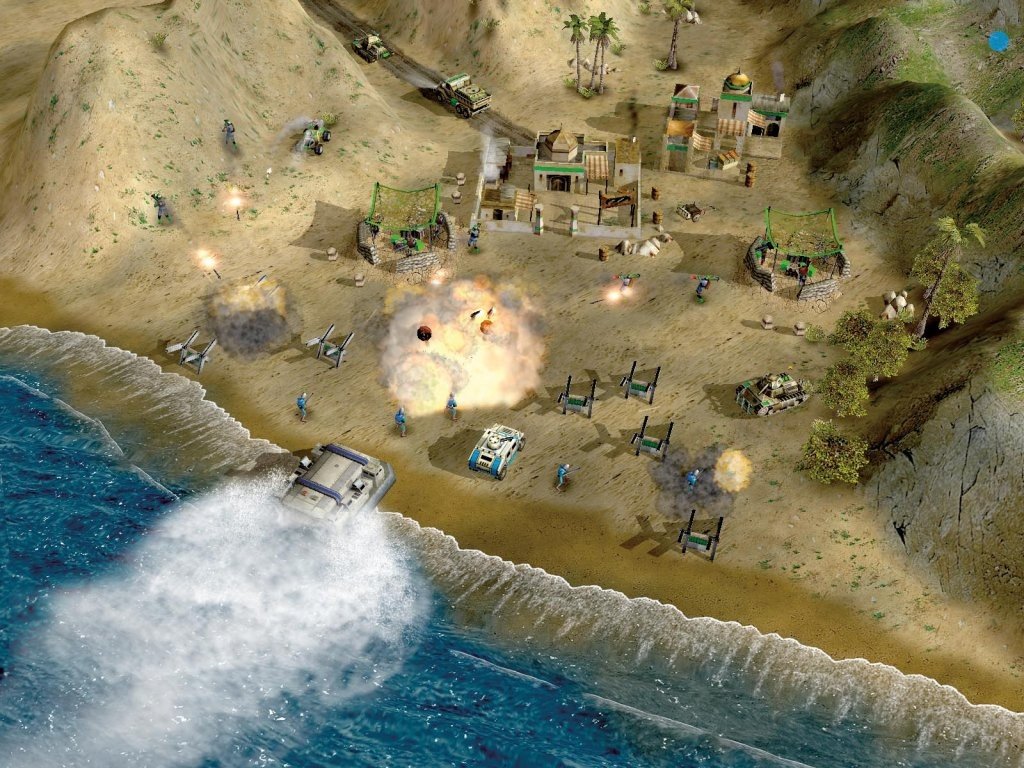
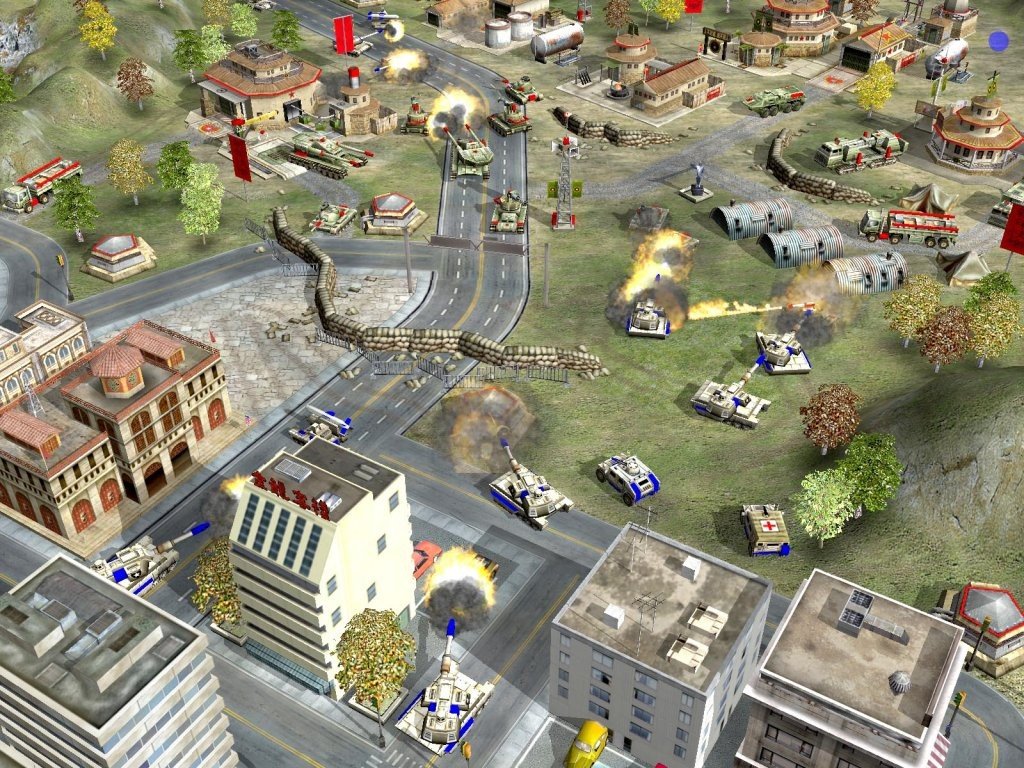
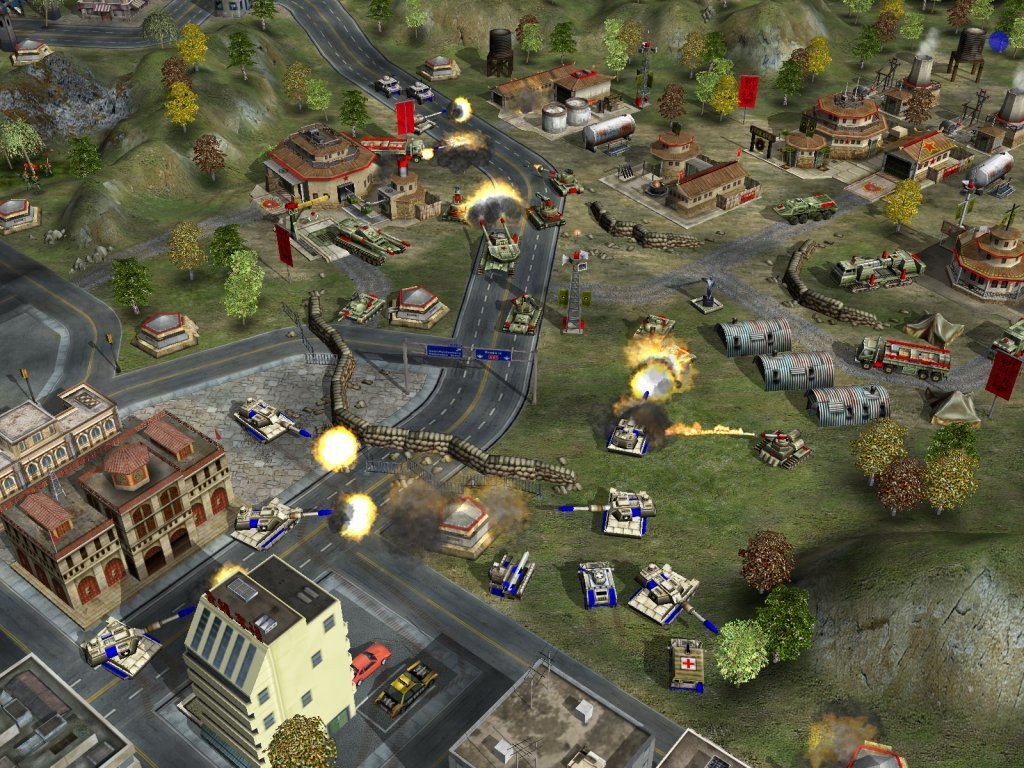
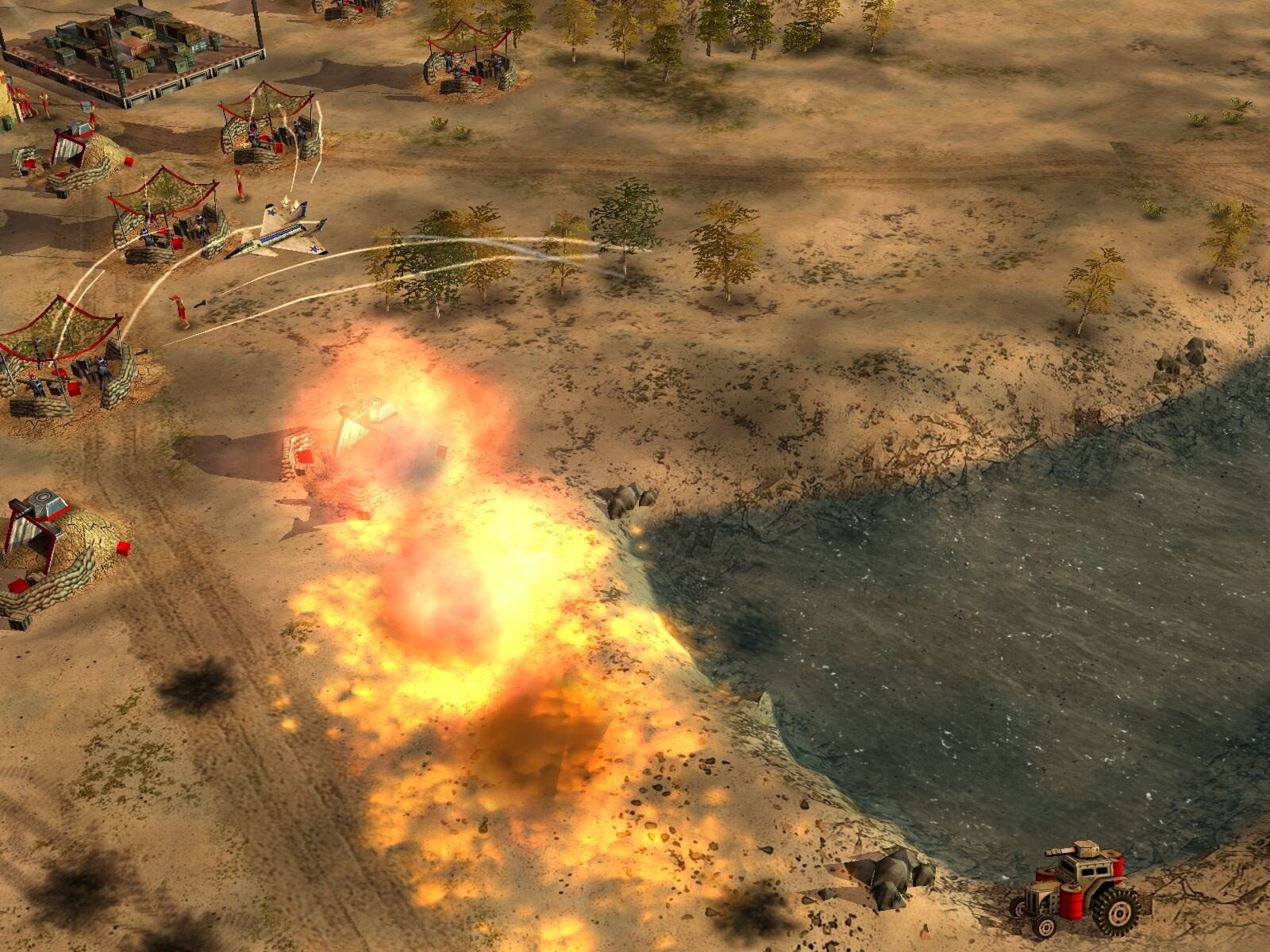
Command & Conquer: Generals – Zero Hour, developed by Electronic Arts, is an expansion to the popular Generals game that pushed the boundaries of real-time strategy (RTS) with its intense combat, diverse factions, and tactical depth. Released in 2003, Zero Hour has remained a favorite among RTS enthusiasts due to its innovative gameplay, strategic complexity, and memorable multiplayer experience.
The game builds upon the foundation of Command & Conquer: Generals, offering three distinct factions: the United States, China, and the Global Liberation Army (GLA). Each faction has unique units, abilities, and playstyles, providing a diverse and balanced strategic landscape. The United States rely on advanced technology and air superiority, China focuses on powerful ground forces and robust defenses, while the GLA excels at guerrilla tactics, stealth, and unconventional warfare. This variety ensures that players can tailor their strategies according to personal preference and the evolving battlefield conditions.
One of the most notable features of Zero Hour is the introduction of “Generals Abilities.” These are faction-specific superpowers that can dramatically alter the course of battle. For instance, a U.S. General might call in a precision airstrike, while a Chinese General could deploy a massive artillery barrage, and a GLA General may unleash a swarm of hidden explosives. These abilities add layers of strategic depth, forcing players to think carefully about timing, resource allocation, and counter-strategies, making each match unpredictable and engaging.
The single-player campaign in Zero Hour is equally compelling. Players navigate through a series of missions that explore global conflict scenarios, each requiring unique tactics and critical thinking. The campaign emphasizes adaptability, as players must respond to evolving enemy strategies, terrain challenges, and mission-specific objectives. This dynamic gameplay keeps the experience fresh and tests both planning and quick decision-making skills.
Multiplayer mode is where Zero Hour truly shines. The game offers competitive online matches where players face off in strategic battles that test their ability to manage resources, command units, and anticipate opponents’ moves. The combination of base building, resource management, and tactical combat creates an adrenaline-filled experience, where each decision can lead to victory or defeat. The balance between factions, coupled with the variety of strategies enabled by Generals Abilities, ensures that multiplayer battles remain exciting and competitive even after years of gameplay.
Visually, while Zero Hour may not match modern graphics, its clear unit design, detailed environments, and dynamic effects make the battlefield easy to navigate and visually engaging. The animations for explosions, unit movements, and special abilities enhance the immersive experience without overwhelming the player. Complementing the visuals is an iconic soundtrack and sound design that heightens tension and adds excitement to each mission and multiplayer encounter.
Ultimately, Command & Conquer: Generals – Zero Hour is more than just an RTS game; it is a masterclass in strategic depth and replayability. With its faction diversity, innovative abilities, challenging campaigns, and competitive multiplayer, it remains a timeless classic in the genre. For players seeking a game that combines tactical planning, resource management, and high-stakes combat, Zero Hour delivers an unforgettable experience that continues to captivate strategy enthusiasts worldwide.
OS: macOS 10.13+
Mount the downloaded image and drag the game to the Applications folder.
Frequently Asked Questions
Mount the image and run Open Gatekeeper friendly.
Press Enter to bypass Gatekeeper in the Terminal window.
Drag the application to the Applications folder.
The application is ready for use.
ATTENTION! SIP must be disabled. Learn more >
Restart your Mac and hold down Command + R to enter Recovery Mode.
Open Terminal from the Utilities menu.
Enter the command: csrutil disable
Restart your Mac.
This is a common Gatekeeper issue. Follow these steps:
1. Open Terminal
2. Enter: sudo xattr -rd com.apple.quarantine /Applications/AppName.app
3. Replace "AppName" with the actual application name
4. Press Enter and enter your password
Yes, all our downloads are thoroughly checked for viruses and malware.
We use multiple antivirus engines to scan every file.
Our team tests each application before publishing.
We never bundle adware or unwanted software.
Yes, we regularly update our applications to the latest versions.
You can check our website for updates or subscribe to our newsletter.
We strive to provide the most recent versions within 24-48 hours of release.
If a download link is not working, please:
1. Try a different browser
2. Clear your browser cache and cookies
3. Try the alternative download links provided
4. Contact our support team if the issue persists