


Conquest: Medieval Kingdoms
Download Conquest: Medieval Kingdoms
Run the downloaded image and drag the application to the Applications folder shortcut.
Once copying is complete, the application can be launched via Launchpad.
Previous Versions
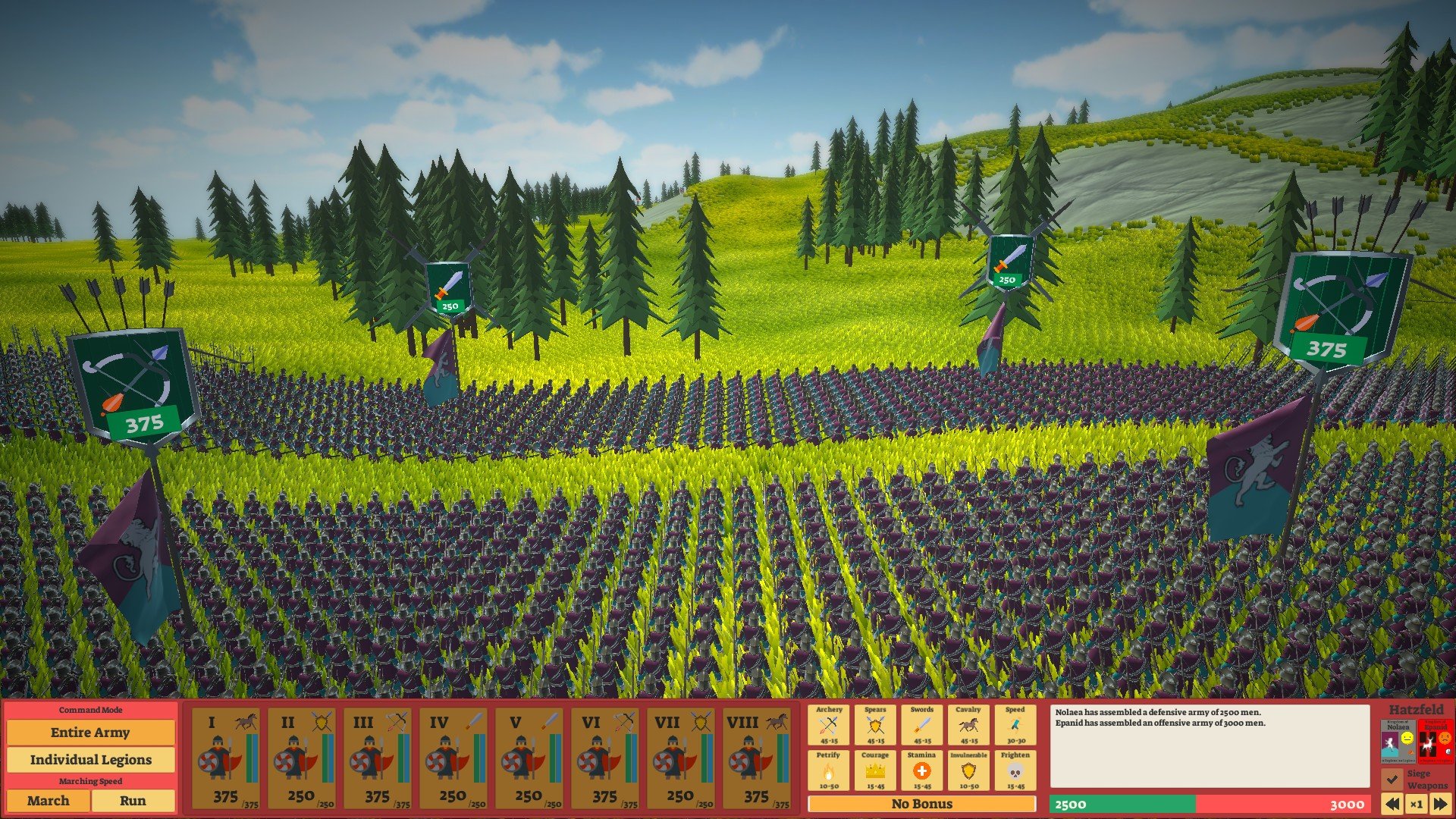
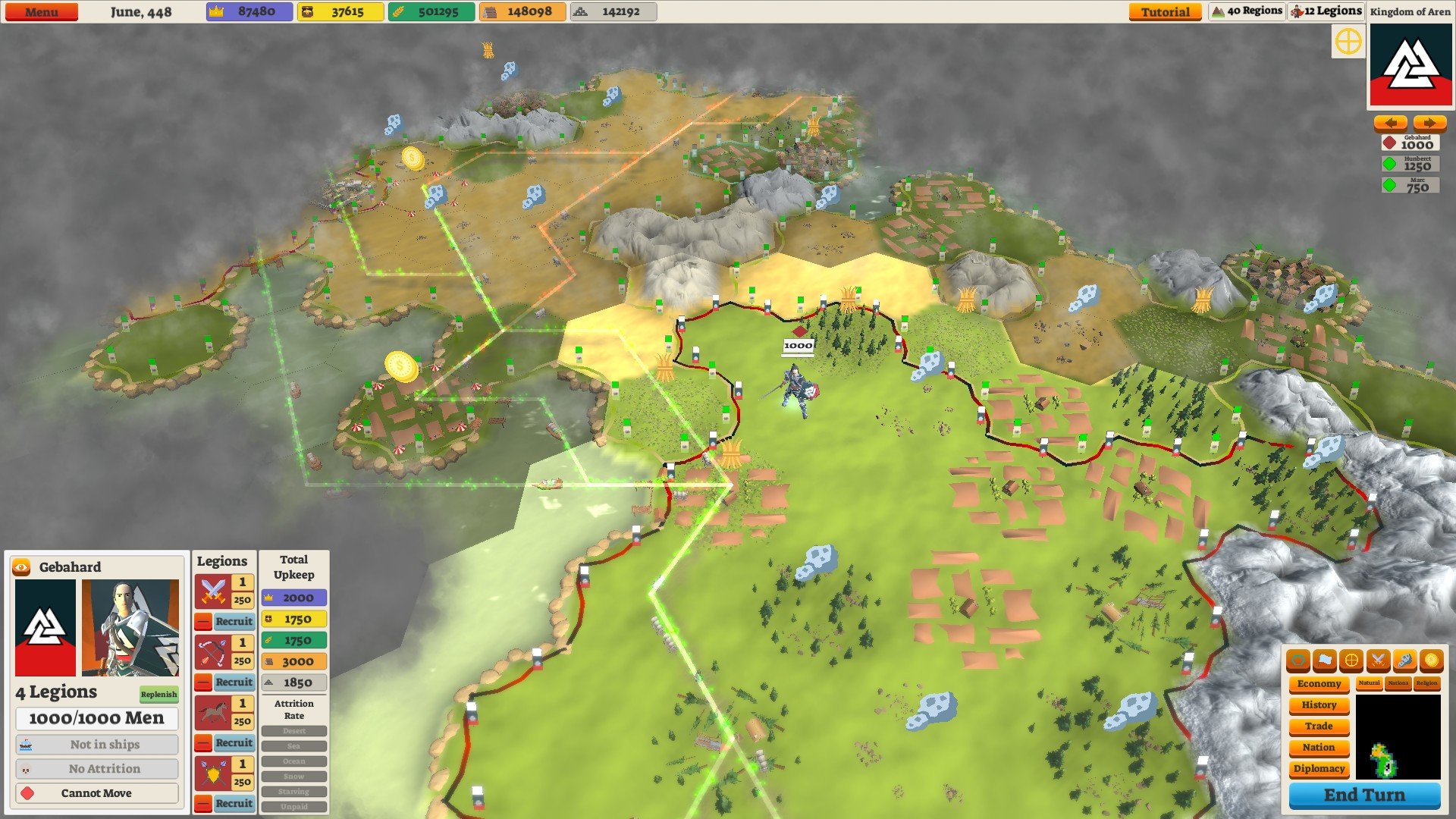
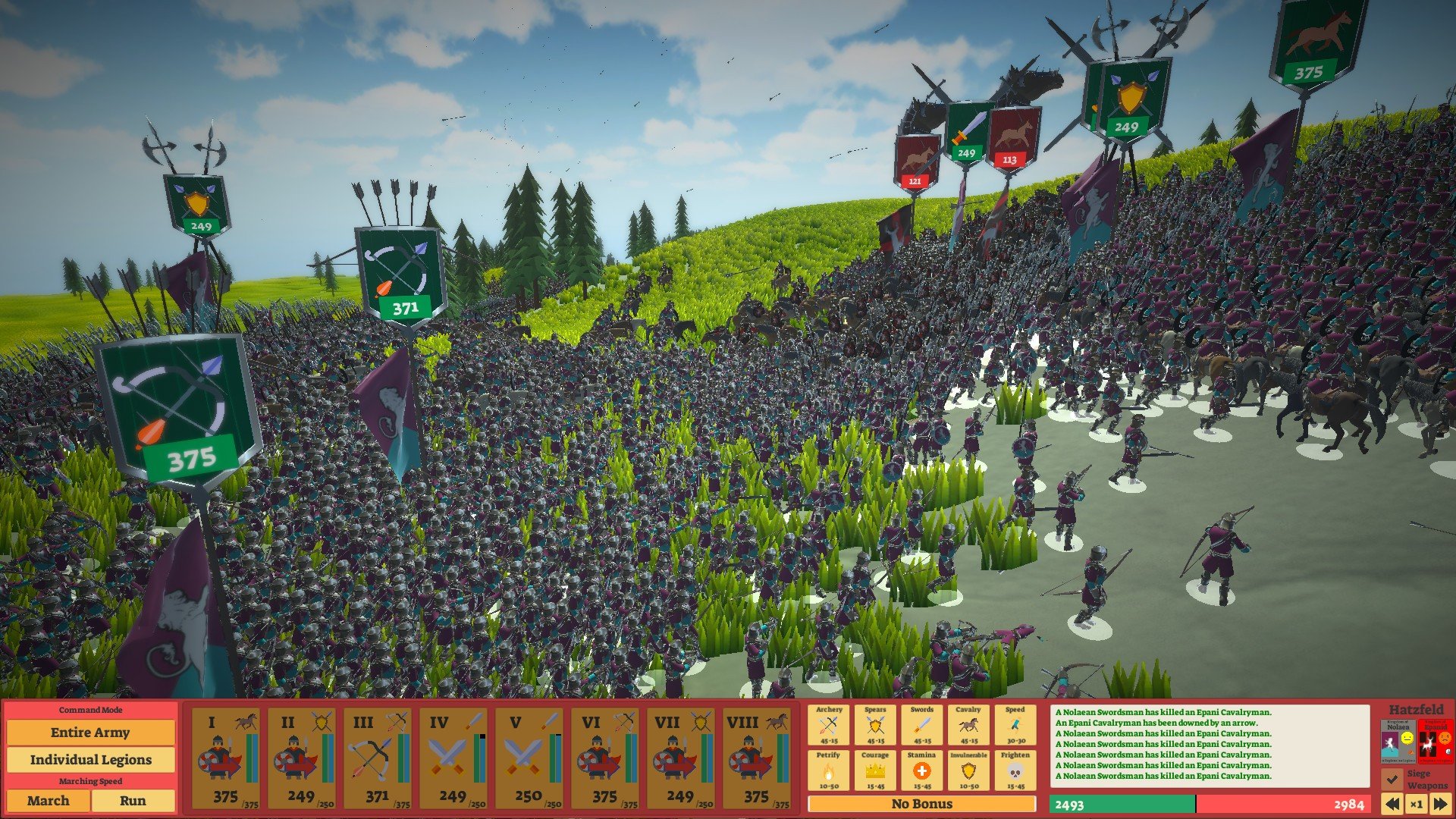
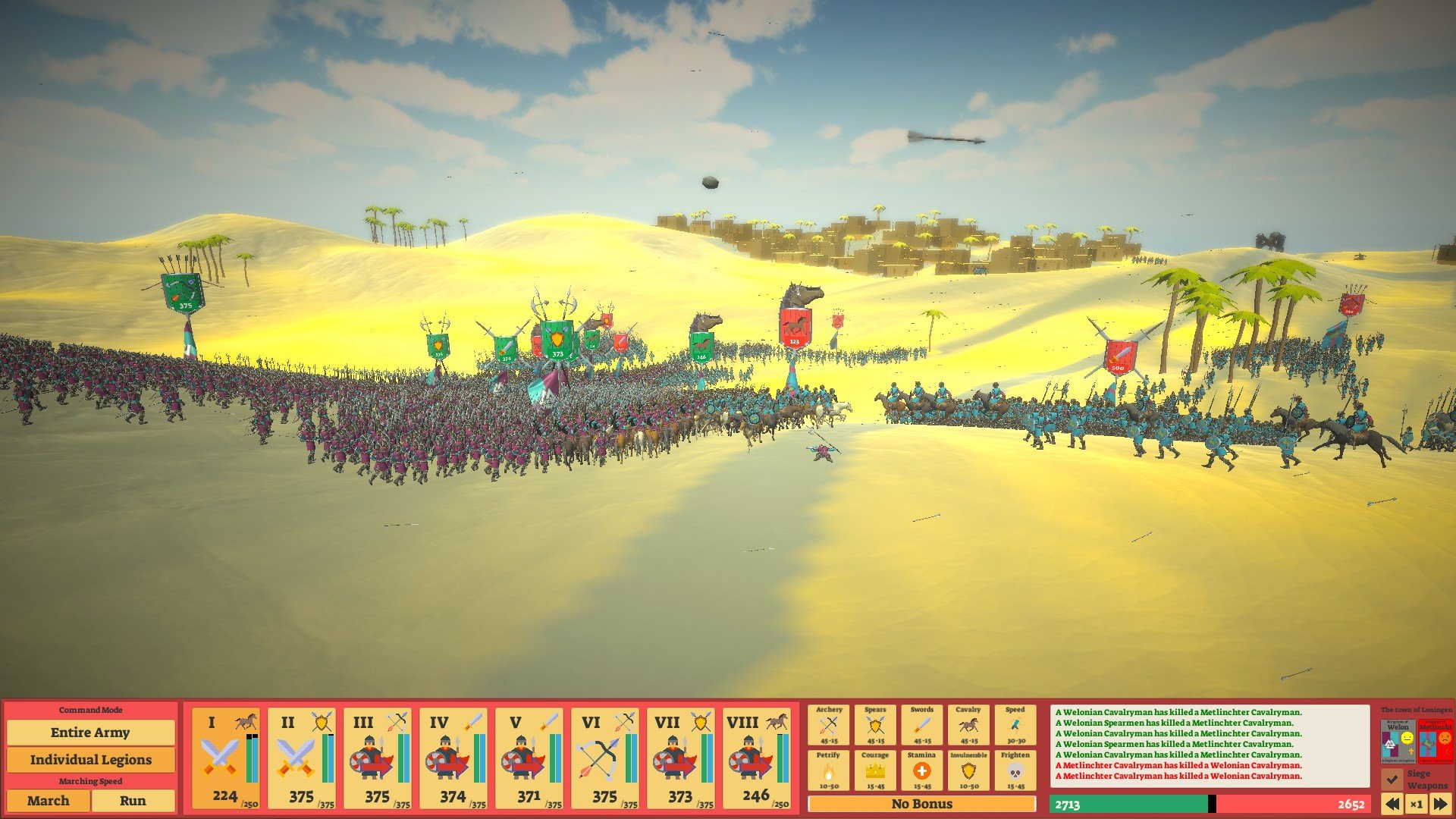
Conquest: Medieval Kingdoms, developed by HexWar Games, is a turn-based strategy game that immerses players in the complex and often brutal world of medieval Europe. Combining tactical warfare, resource management, and empire-building, the game challenges players to expand their territories, manage their populations, and navigate the political intricacies of the Middle Ages. Unlike many strategy games that focus solely on combat, Conquest: Medieval Kingdoms balances warfare with governance, diplomacy, and careful planning, offering a comprehensive experience for strategy enthusiasts.
At the heart of the game is territorial expansion. Players start with a modest kingdom and must carefully manage resources, build infrastructure, and train armies to survive and grow. Every decision, from constructing farms to fortifying castles, has a direct impact on the prosperity and stability of the realm. Neglecting one aspect, such as food production or defense, can quickly lead to unrest or invasion, making strategic foresight essential. This attention to detail creates a gameplay experience that rewards thoughtful planning and punishes careless mistakes.
Military strategy is a central pillar of Conquest: Medieval Kingdoms. Players command a variety of units, including infantry, archers, and cavalry, each with unique strengths and weaknesses. Battles are turn-based, requiring careful positioning, timing, and consideration of terrain. Sieges, skirmishes, and open-field engagements all present distinct challenges, forcing players to adapt their tactics to succeed. The game’s combat system is intuitive yet deep, allowing for strategic creativity without overwhelming players with overly complicated mechanics.
Diplomacy and alliances also play a crucial role. Players can negotiate treaties, form alliances, and manipulate rivals to gain advantages. Choosing allies wisely or betraying enemies at the right moment can significantly alter the balance of power in the game world. This layer of political strategy adds depth beyond the battlefield, ensuring that players must consider not just immediate gains but long-term consequences of their actions.
The game’s map design and historical setting add to its immersive quality. Kingdoms, towns, and battlefields are thoughtfully crafted to reflect medieval Europe, complete with realistic geographic and political considerations. Resource distribution, trade routes, and strategic locations all influence gameplay, requiring players to plan expansion carefully. Combined with detailed unit models and a clear interface, the game offers both aesthetic appeal and functional clarity.
Another notable feature is the management of population and economy. Players must ensure that their citizens are productive, content, and loyal. Economic planning includes taxation, trade, and resource allocation, all of which influence the kingdom’s ability to sustain armies and infrastructure. Neglecting these aspects can lead to rebellion or economic collapse, adding layers of realism and challenge to the game.
Ultimately, Conquest: Medieval Kingdoms is a rich and engaging strategy game that balances tactical combat, political maneuvering, and empire management. It challenges players to think critically, plan ahead, and make meaningful decisions that affect the fate of their kingdoms. For those who enjoy the complexity of medieval warfare and the satisfaction of building a thriving empire from the ground up, this game offers an experience that is both rewarding and endlessly replayable.
OS: 10.8.5 (Mountain Lion)Processor: Intel Core 2 Duo (Dual-Core) CPU Speed: 2.4 GHzRAM: 2 GBVideo card: Radeon HD 2600, Geforce 8600, HD 4000Disk space: 1 GB
Run the downloaded image and drag the application to the Applications folder shortcut.
Once copying is complete, the application can be launched via Launchpad.
Frequently Asked Questions
Mount the image and run Open Gatekeeper friendly.
Press Enter to bypass Gatekeeper in the Terminal window.
Drag the application to the Applications folder.
The application is ready for use.
ATTENTION! SIP must be disabled. Learn more >
Restart your Mac and hold down Command + R to enter Recovery Mode.
Open Terminal from the Utilities menu.
Enter the command: csrutil disable
Restart your Mac.
This is a common Gatekeeper issue. Follow these steps:
1. Open Terminal
2. Enter: sudo xattr -rd com.apple.quarantine /Applications/AppName.app
3. Replace "AppName" with the actual application name
4. Press Enter and enter your password
Yes, all our downloads are thoroughly checked for viruses and malware.
We use multiple antivirus engines to scan every file.
Our team tests each application before publishing.
We never bundle adware or unwanted software.
Yes, we regularly update our applications to the latest versions.
You can check our website for updates or subscribe to our newsletter.
We strive to provide the most recent versions within 24-48 hours of release.
If a download link is not working, please:
1. Try a different browser
2. Clear your browser cache and cookies
3. Try the alternative download links provided
4. Contact our support team if the issue persists