


Cook, Serve, Delicious! 2!!
Download Cook, Serve, Delicious! 2!!
Run the downloaded package and follow the standard installation procedure.
The installation is completed by choosing a location to place the game.
It is recommended to specify the Applications folder.
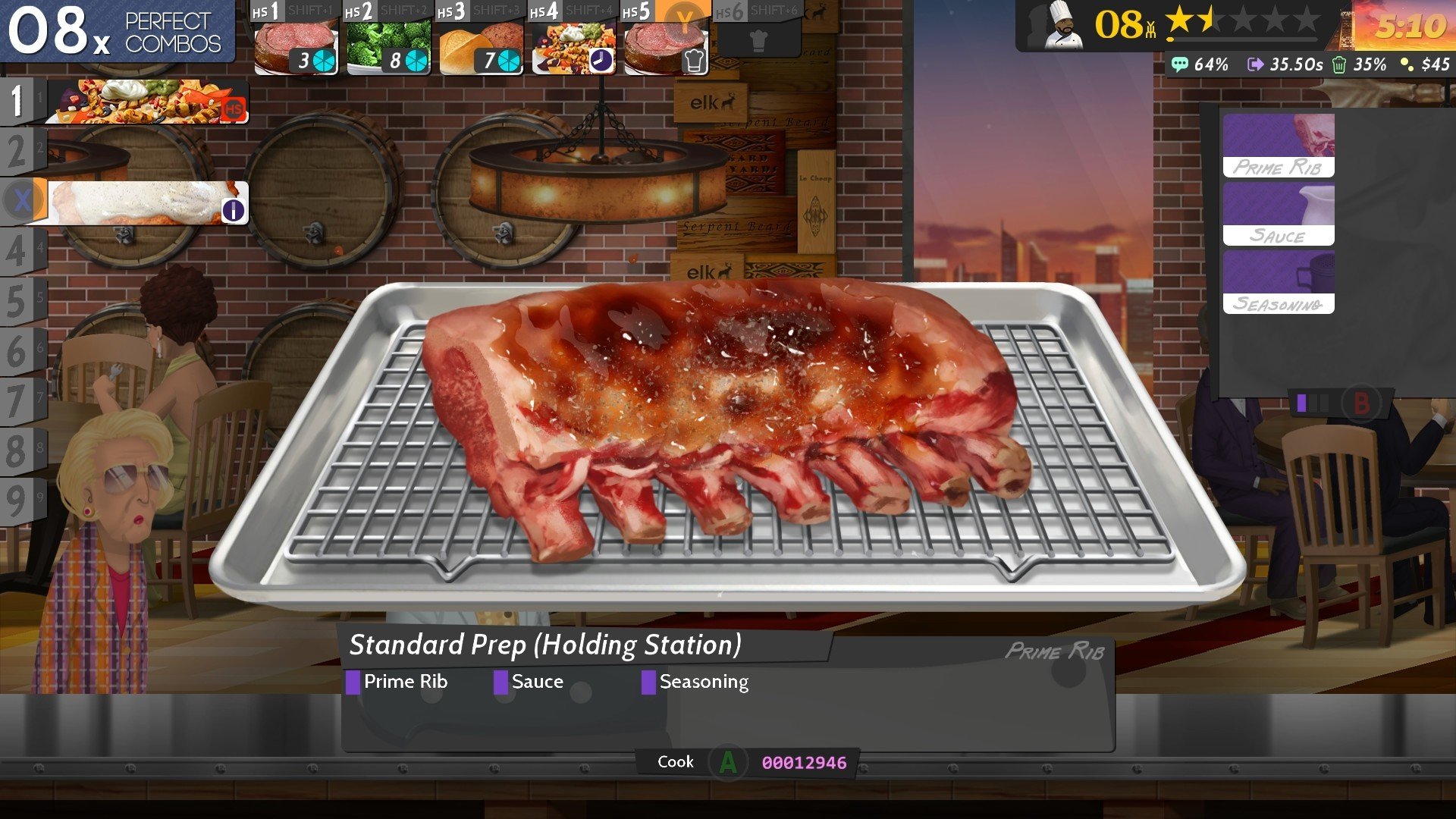

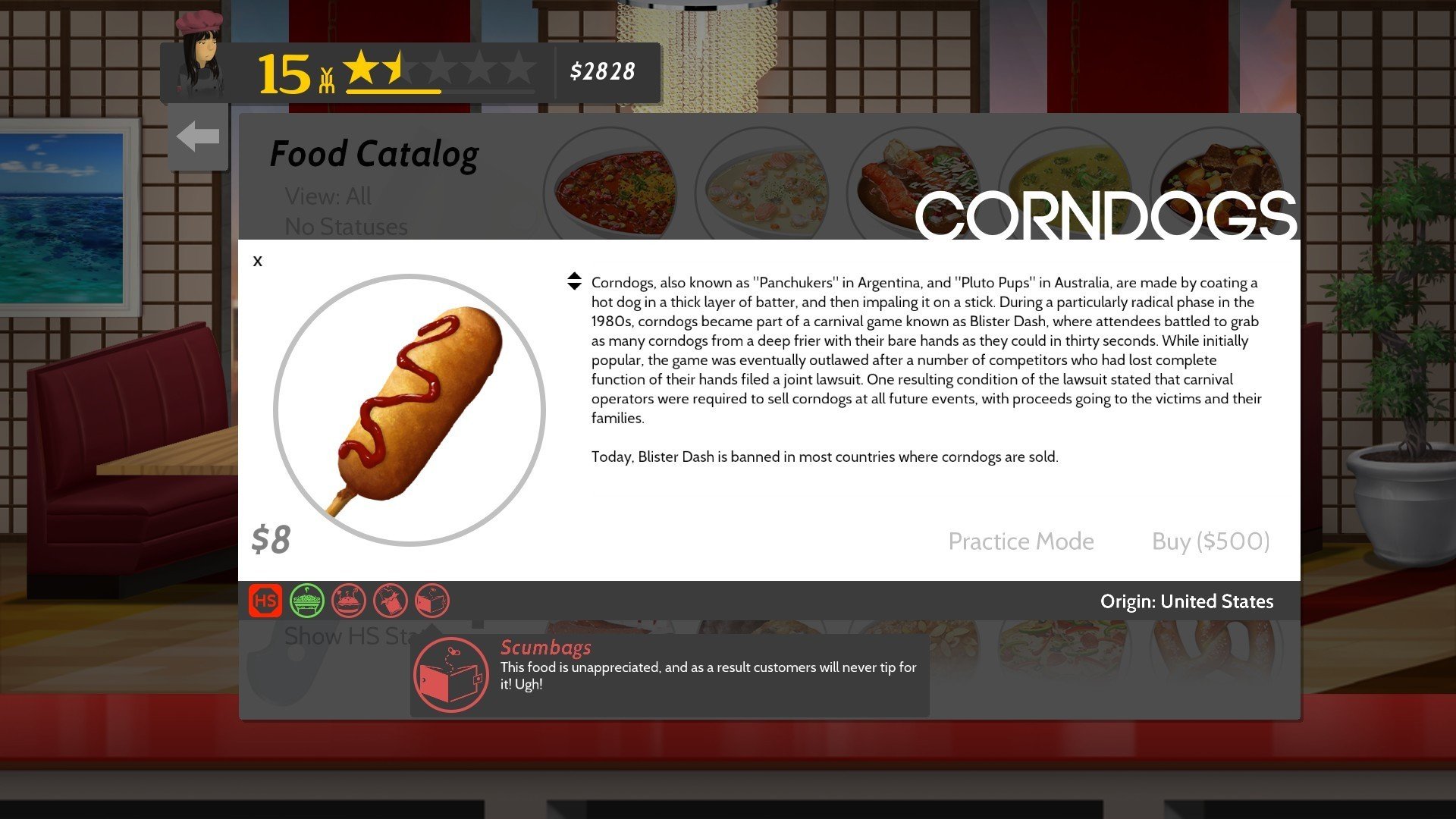
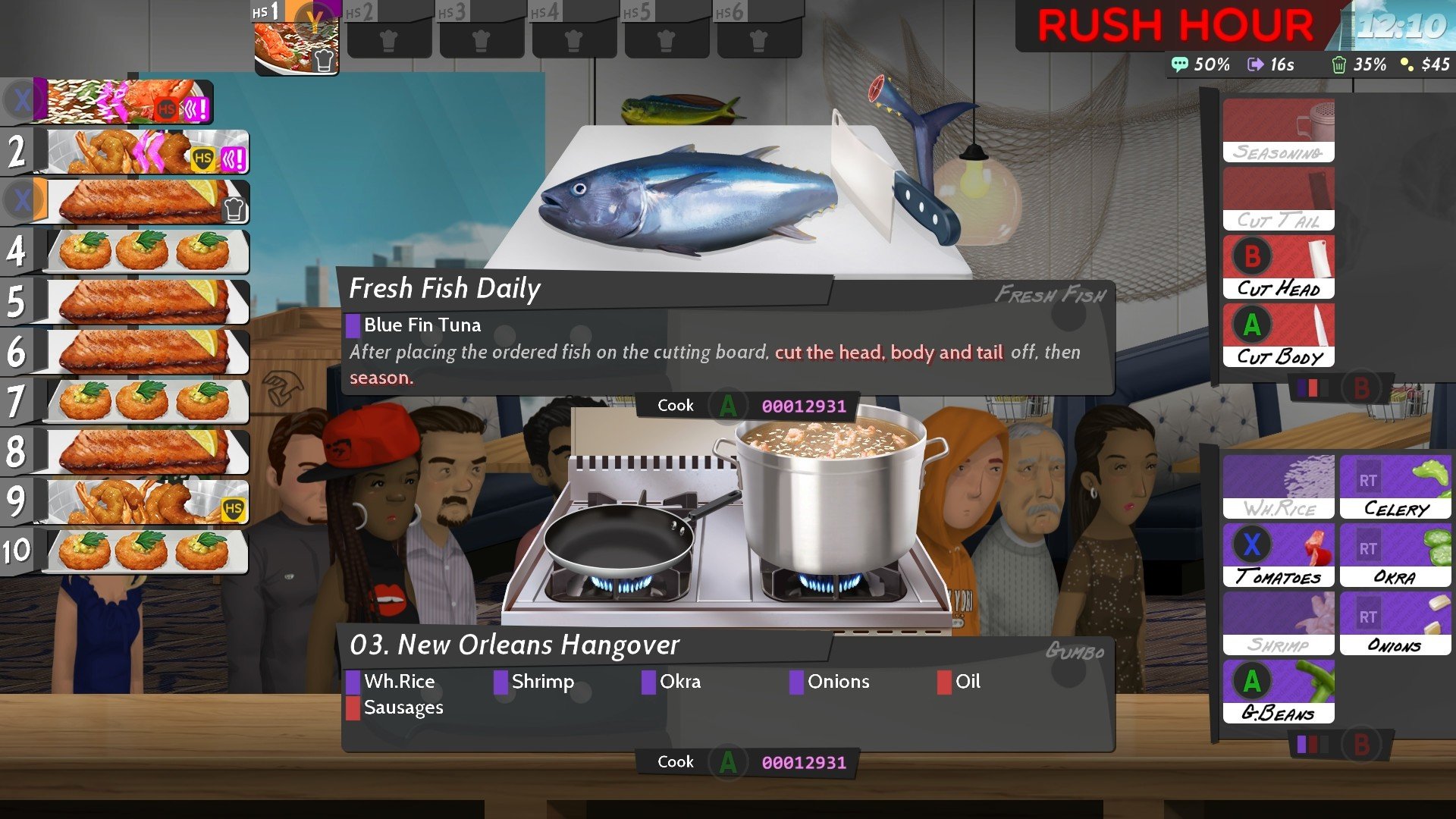
In the world of simulation games, few titles manage to combine precision, strategy, and sheer fun as seamlessly as Cook, Serve, Delicious! 2!!. Developed as a fast-paced cooking simulation, this sequel elevates the culinary chaos to new heights, offering players a unique blend of time management, menu planning, and high-energy gameplay. Unlike traditional cooking games that focus mainly on presentation or casual play, Cook, Serve, Delicious! 2!! challenges players to think quickly, multitask efficiently, and keep their virtual customers happy under intense pressure.
Set in a bustling restaurant environment, the game puts players in control of their very own eatery, managing everything from taking orders to preparing complex dishes and cleaning up afterward. The core gameplay revolves around fulfilling orders with speed and accuracy, balancing a variety of ingredients, cooking methods, and customer preferences. Every action must be executed with precision; a single mistake can lead to dissatisfied patrons and lost tips. This level of detail creates an immersive experience that feels both rewarding and exhilarating.
One of the standout features of Cook, Serve, Delicious! 2!! is its expansive menu. Players have access to hundreds of recipes, ranging from simple appetizers to elaborate entrées. Each dish has its own unique preparation process, requiring players to memorize steps, manage multiple orders simultaneously, and adapt to unexpected challenges. The game also introduces special events, seasonal menus, and mini-challenges, keeping gameplay fresh and encouraging players to continually refine their culinary strategies.
The sequel also emphasizes progression and customization. As players advance, they can unlock new kitchen equipment, upgrade their restaurant, and even expand to additional locations. Customization extends to the menu itself, allowing players to craft a dining experience that reflects their personal style and strategic approach. These elements provide a sense of growth and accomplishment, making each successful shift deeply satisfying.
Visually, the game adopts a charming, pixel-art style that complements its fast-paced gameplay. The animations are smooth, colorful, and expressive, ensuring that every dish and customer interaction feels lively and engaging. Combined with an upbeat, dynamic soundtrack, the aesthetic choices enhance the energy and rhythm of the game, immersing players in the bustling life of a virtual chef.
Beyond its surface as a cooking simulator, Cook, Serve, Delicious! 2!! tests players’ multitasking abilities, memory, and strategic thinking. The game’s difficulty scales intelligently, pushing players to improve their timing, decision-making, and stress management. It is this blend of mental challenge and tactile gameplay that sets the title apart, making it appealing not only to fans of cooking but also to those who enjoy intense, skill-based games.
Ultimately, Cook, Serve, Delicious! 2!! is a celebration of culinary creativity, precision, and the thrill of managing a fast-paced kitchen. With its intricate menu system, engaging progression, and addictive gameplay loop, it delivers an experience that is both challenging and immensely satisfying. For anyone who has dreamed of running their own restaurant—or simply enjoys testing their reflexes and strategy under pressure—this game offers a feast of excitement, right from the first order to the last satisfied customer.
OS: OS X 10.8 and later
Run the downloaded package and follow the standard installation procedure.
The installation is completed by choosing a location to place the game.
It is recommended to specify the Applications folder.
Frequently Asked Questions
Mount the image and run Open Gatekeeper friendly.
Press Enter to bypass Gatekeeper in the Terminal window.
Drag the application to the Applications folder.
The application is ready for use.
ATTENTION! SIP must be disabled. Learn more >
Restart your Mac and hold down Command + R to enter Recovery Mode.
Open Terminal from the Utilities menu.
Enter the command: csrutil disable
Restart your Mac.
This is a common Gatekeeper issue. Follow these steps:
1. Open Terminal
2. Enter: sudo xattr -rd com.apple.quarantine /Applications/AppName.app
3. Replace "AppName" with the actual application name
4. Press Enter and enter your password
Yes, all our downloads are thoroughly checked for viruses and malware.
We use multiple antivirus engines to scan every file.
Our team tests each application before publishing.
We never bundle adware or unwanted software.
Yes, we regularly update our applications to the latest versions.
You can check our website for updates or subscribe to our newsletter.
We strive to provide the most recent versions within 24-48 hours of release.
If a download link is not working, please:
1. Try a different browser
2. Clear your browser cache and cookies
3. Try the alternative download links provided
4. Contact our support team if the issue persists