


CULTIC
Download CULTIC
Run the downloaded image and drag the application to the Applications folder shortcut.
Once copying is complete, the application can be launched via Launchpad.
Previous Versions
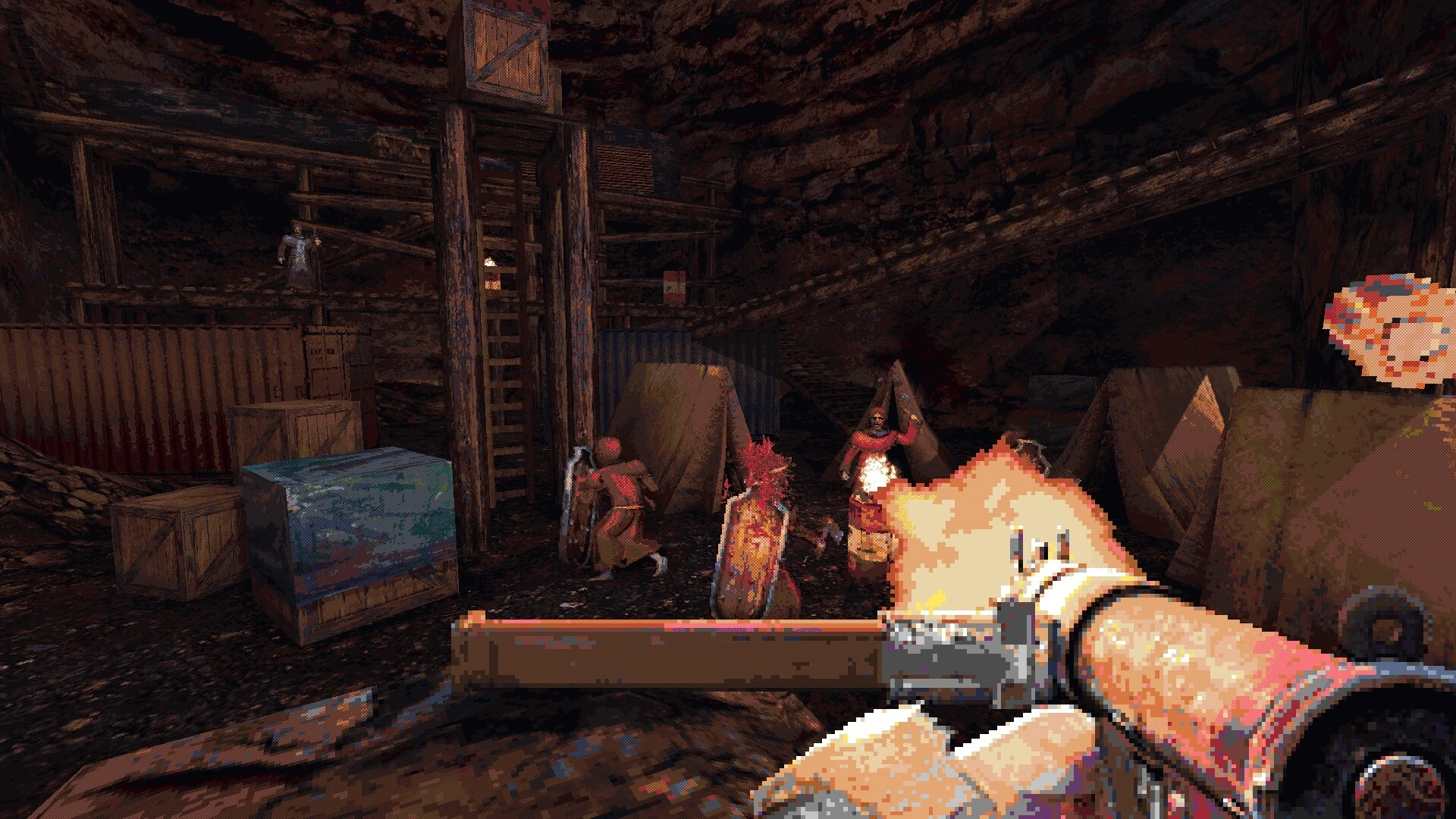
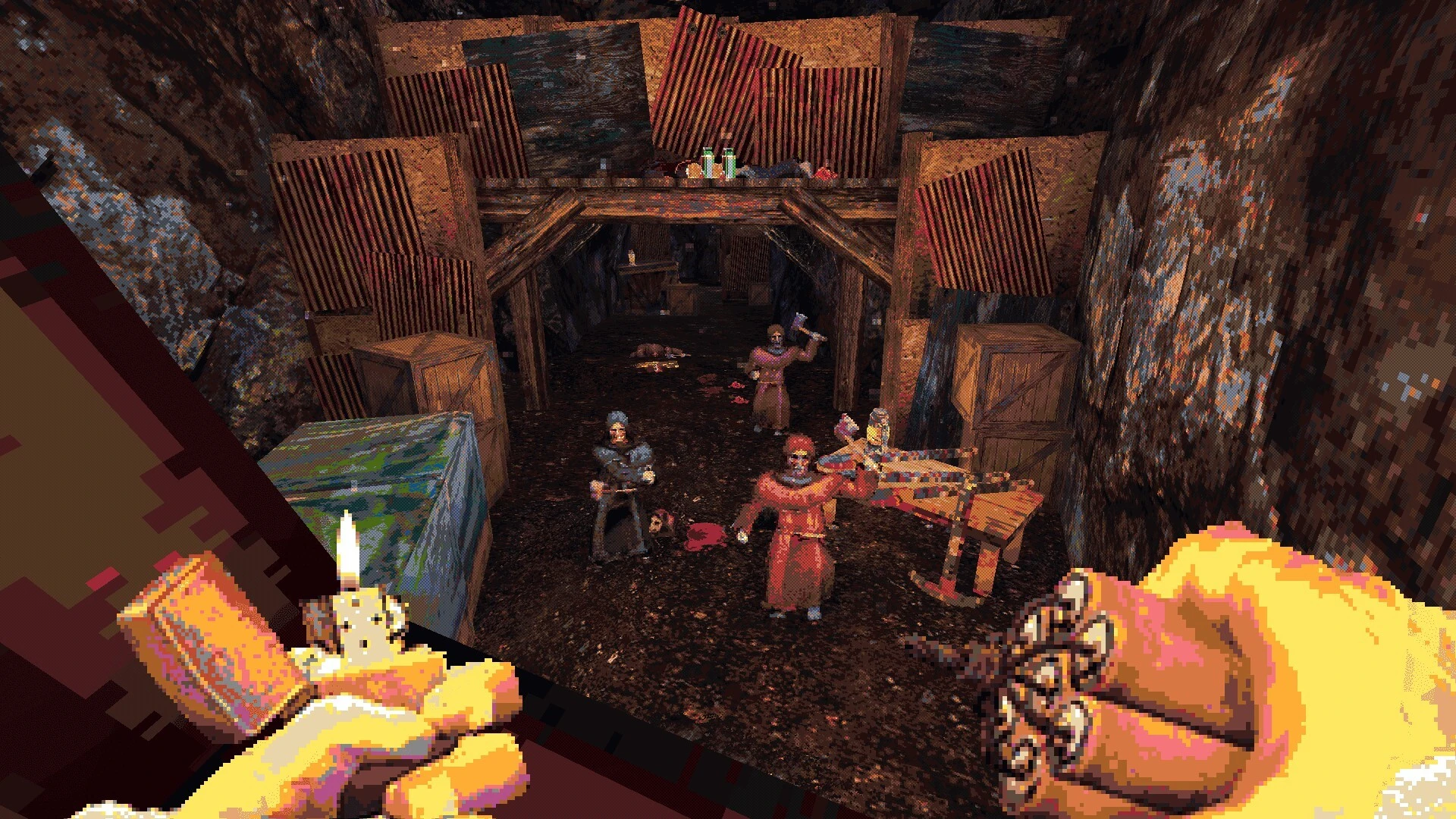
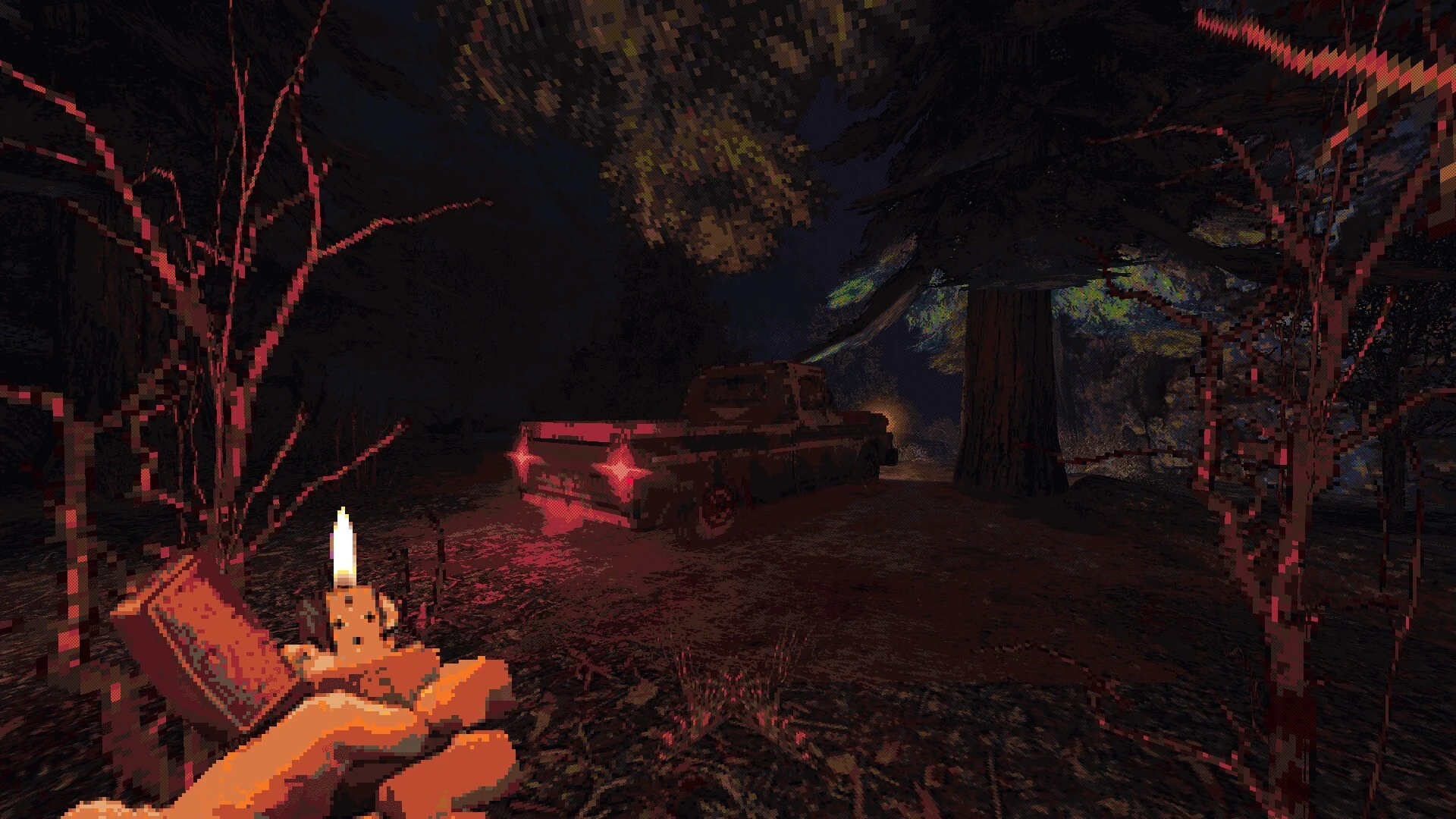
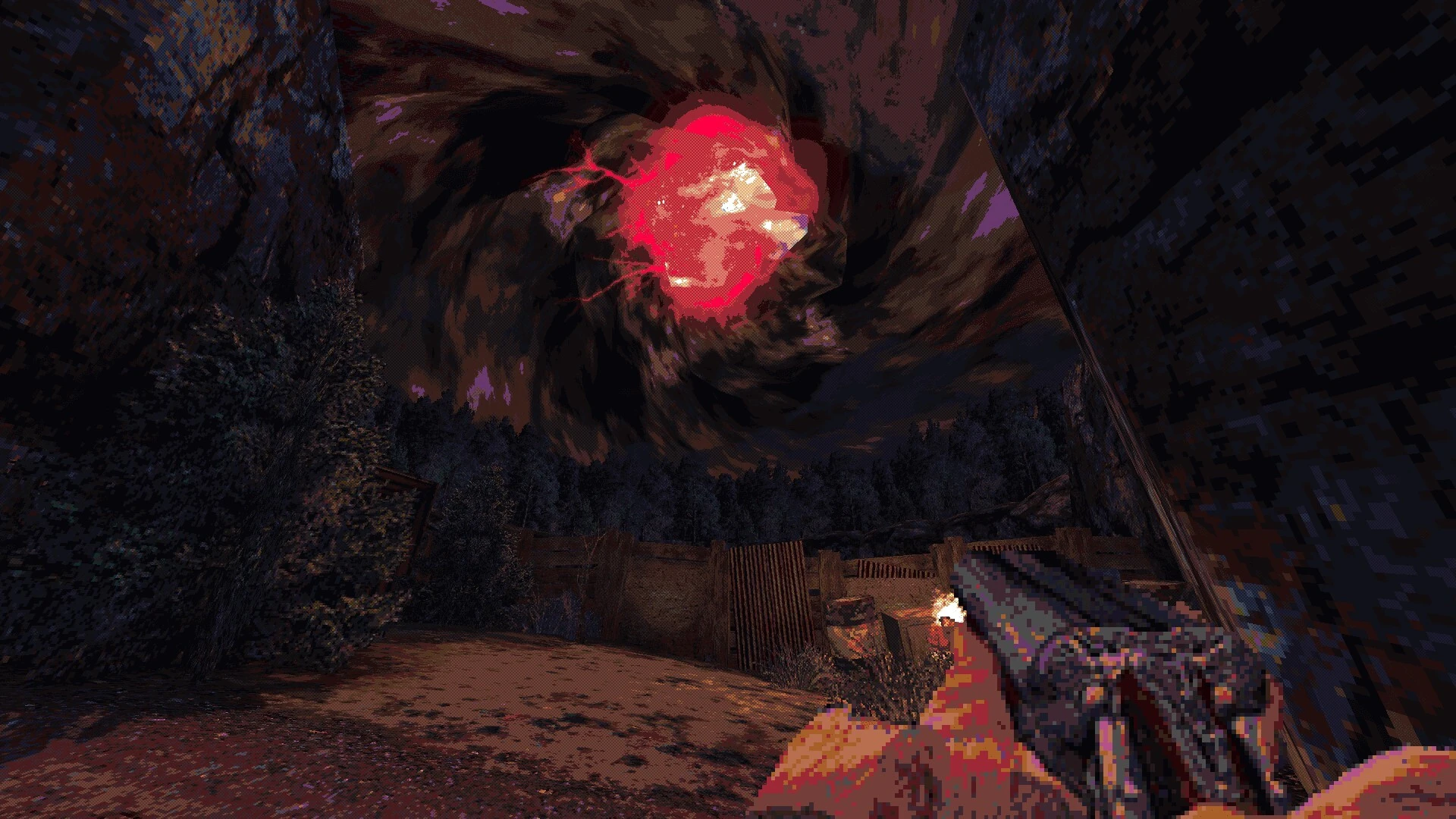
CULTIC is a first-person shooter that blends old-school design with modern intensity, delivering a dark and unforgettable experience. Inspired by classic 1990s shooters, the game does not simply imitate the past—it reshapes it with smarter mechanics, deeper atmosphere, and relentless pacing. From the moment players step into its grim world, CULTIC makes it clear that survival will depend on skill, awareness, and nerve.
The visual style immediately stands out. CULTIC uses a retro-inspired aesthetic that feels gritty rather than nostalgic. Pixelated textures, sharp lighting, and detailed environments combine to create a world that feels decayed and hostile. Every corridor, abandoned village, and underground tunnel is soaked in dread. The game’s environments are not just backdrops; they actively contribute to tension, often hiding enemies in darkness or using tight spaces to keep players on edge.
Combat in CULTIC is fast, violent, and demanding. Weapons feel heavy and dangerous, with each gun offering a distinct personality. Ammunition is limited, forcing players to think carefully before engaging enemies. Unlike many modern shooters that reward constant aggression, CULTIC encourages tactical movement, precise aiming, and smart positioning. Reloading at the wrong time or rushing into a fight can quickly lead to death.
One of the game’s strongest elements is its enemy design. Cultists and monstrous creatures behave aggressively and unpredictably, often overwhelming careless players. Enemies react to sound, movement, and player actions, making each encounter feel dynamic. This intelligent behavior prevents combat from becoming repetitive and ensures that players remain alert throughout the experience.
CULTIC also places heavy emphasis on exploration. Hidden areas, secret passages, and optional challenges reward curiosity. These secrets often contain valuable resources or upgrades, making exploration feel meaningful rather than optional. The game trusts players to observe their surroundings closely, echoing the design philosophy of classic shooters while adding modern polish.
Sound design plays a major role in building atmosphere. Gunshots echo sharply through empty spaces, footsteps signal danger, and distant noises create a constant sense of unease. Combined with a haunting soundtrack, the audio pulls players deeper into the game’s unsettling world. Silence itself becomes a tool, often making moments between combat just as intense as the fights themselves.
What truly sets CULTIC apart is its commitment to identity. It does not attempt to appeal to everyone or soften its difficulty. Instead, it delivers a focused experience that respects players who enjoy challenge, horror, and deliberate gameplay. The game understands its roots but confidently builds upon them, proving that retro-inspired design can still feel fresh and powerful.
In the end, CULTIC is more than a tribute to classic shooters—it is a brutal, carefully crafted experience that stands on its own. For players seeking intense action, dark atmosphere, and rewarding difficulty, CULTIC offers a journey that is as punishing as it is memorable.
▎Apple Silicon (ARM)- macOS Tahoe 26.1-26.2 and later. - Apple Silicon processors (M1-M5, M Pro/Max/Ultra).- ±8 GB of shared memory.- ±11 GB of free disk space.▎There is support for the Dualsense gamepad
Run the downloaded image and drag the application to the Applications folder shortcut.
Once copying is complete, the application can be launched via Launchpad.
Frequently Asked Questions
Mount the image and run Open Gatekeeper friendly.
Press Enter to bypass Gatekeeper in the Terminal window.
Drag the application to the Applications folder.
The application is ready for use.
ATTENTION! SIP must be disabled. Learn more >
Restart your Mac and hold down Command + R to enter Recovery Mode.
Open Terminal from the Utilities menu.
Enter the command: csrutil disable
Restart your Mac.
This is a common Gatekeeper issue. Follow these steps:
1. Open Terminal
2. Enter: sudo xattr -rd com.apple.quarantine /Applications/AppName.app
3. Replace "AppName" with the actual application name
4. Press Enter and enter your password
Yes, all our downloads are thoroughly checked for viruses and malware.
We use multiple antivirus engines to scan every file.
Our team tests each application before publishing.
We never bundle adware or unwanted software.
Yes, we regularly update our applications to the latest versions.
You can check our website for updates or subscribe to our newsletter.
We strive to provide the most recent versions within 24-48 hours of release.
If a download link is not working, please:
1. Try a different browser
2. Clear your browser cache and cookies
3. Try the alternative download links provided
4. Contact our support team if the issue persists