


Dark City 8: Kyiv Collector’s Edition
Download Dark City 8: Kyiv Collector’s Edition
Run the downloaded image and drag the application to the Applications folder shortcut.
Once copying is complete, the application can be launched via Launchpad.
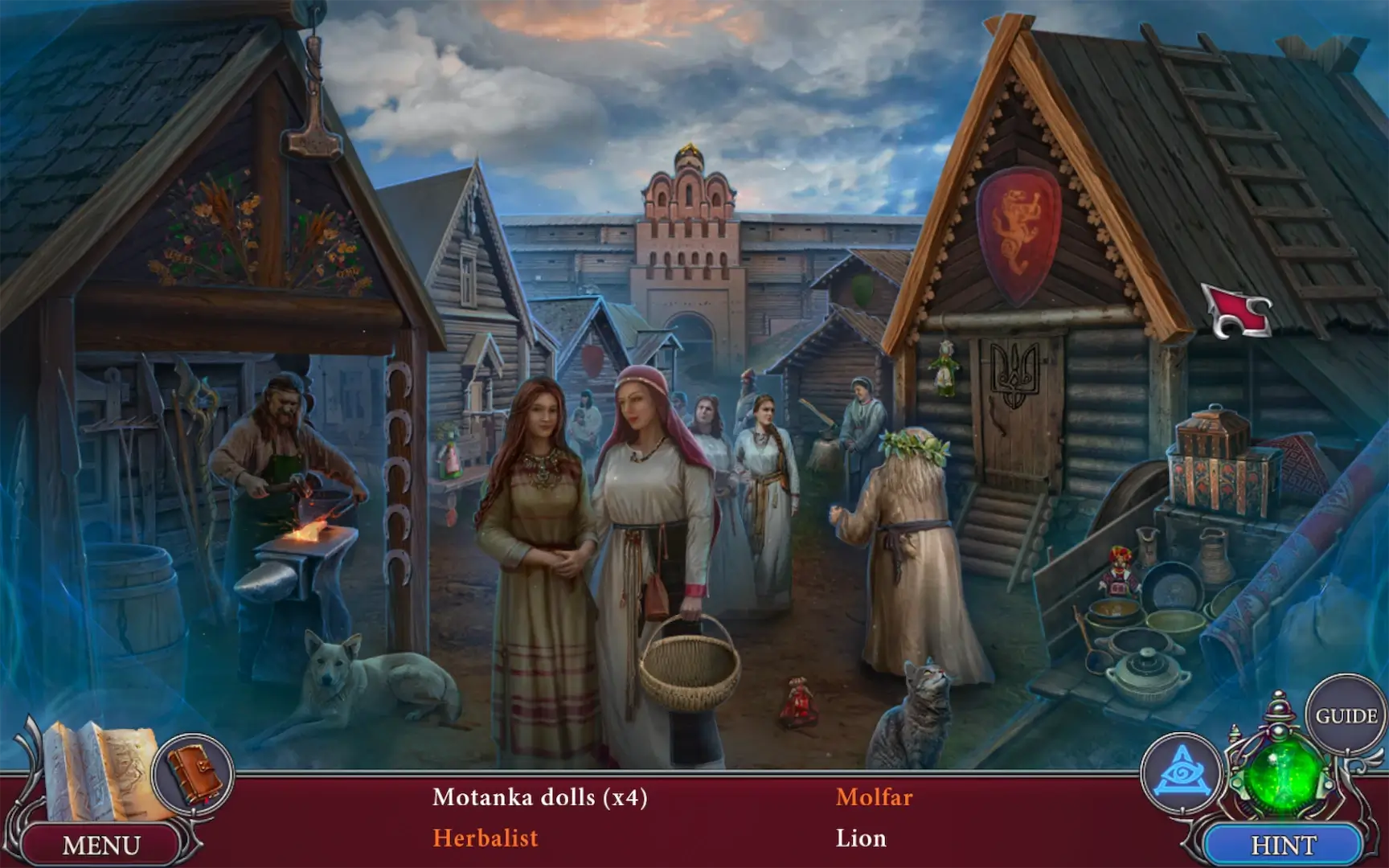
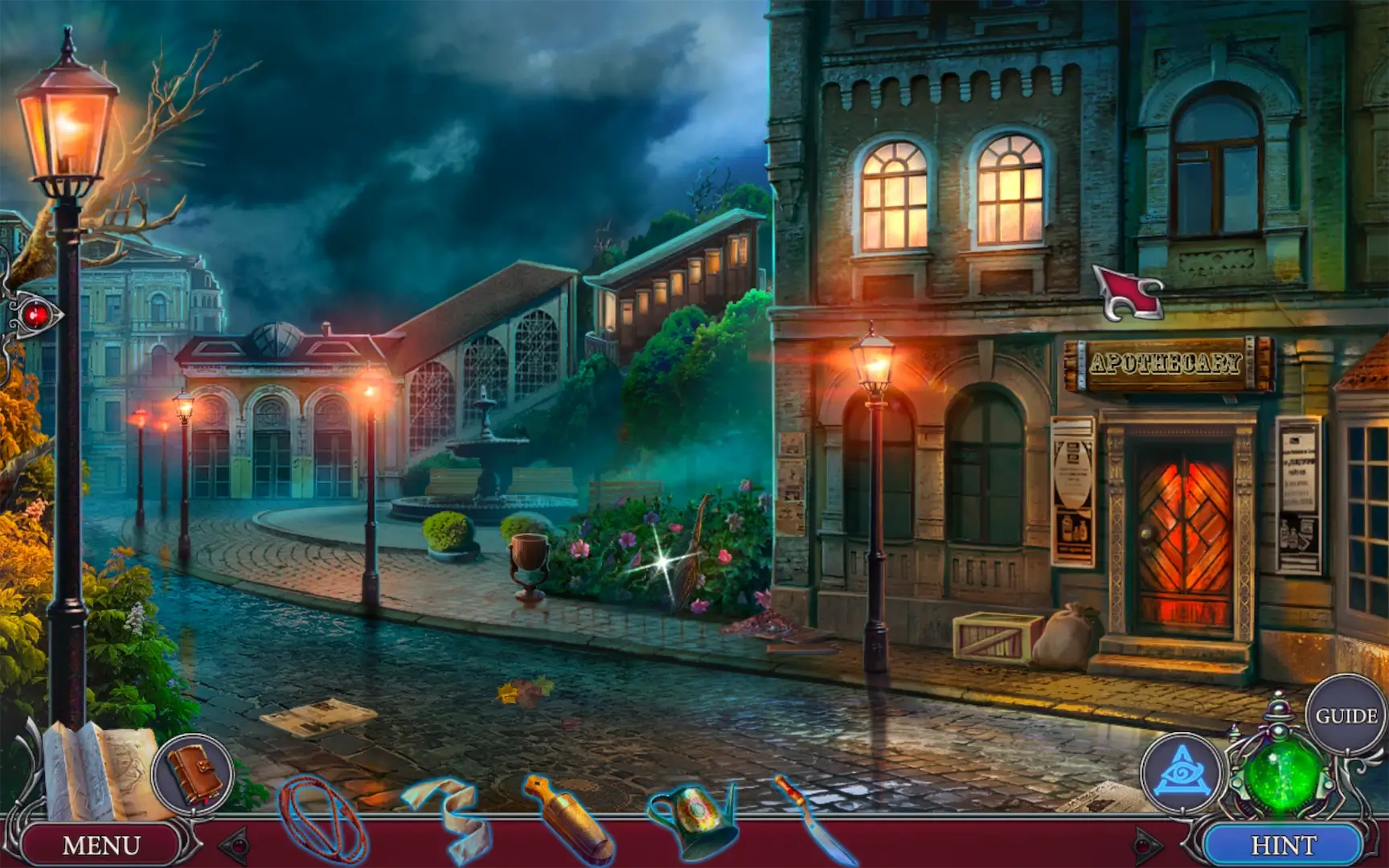
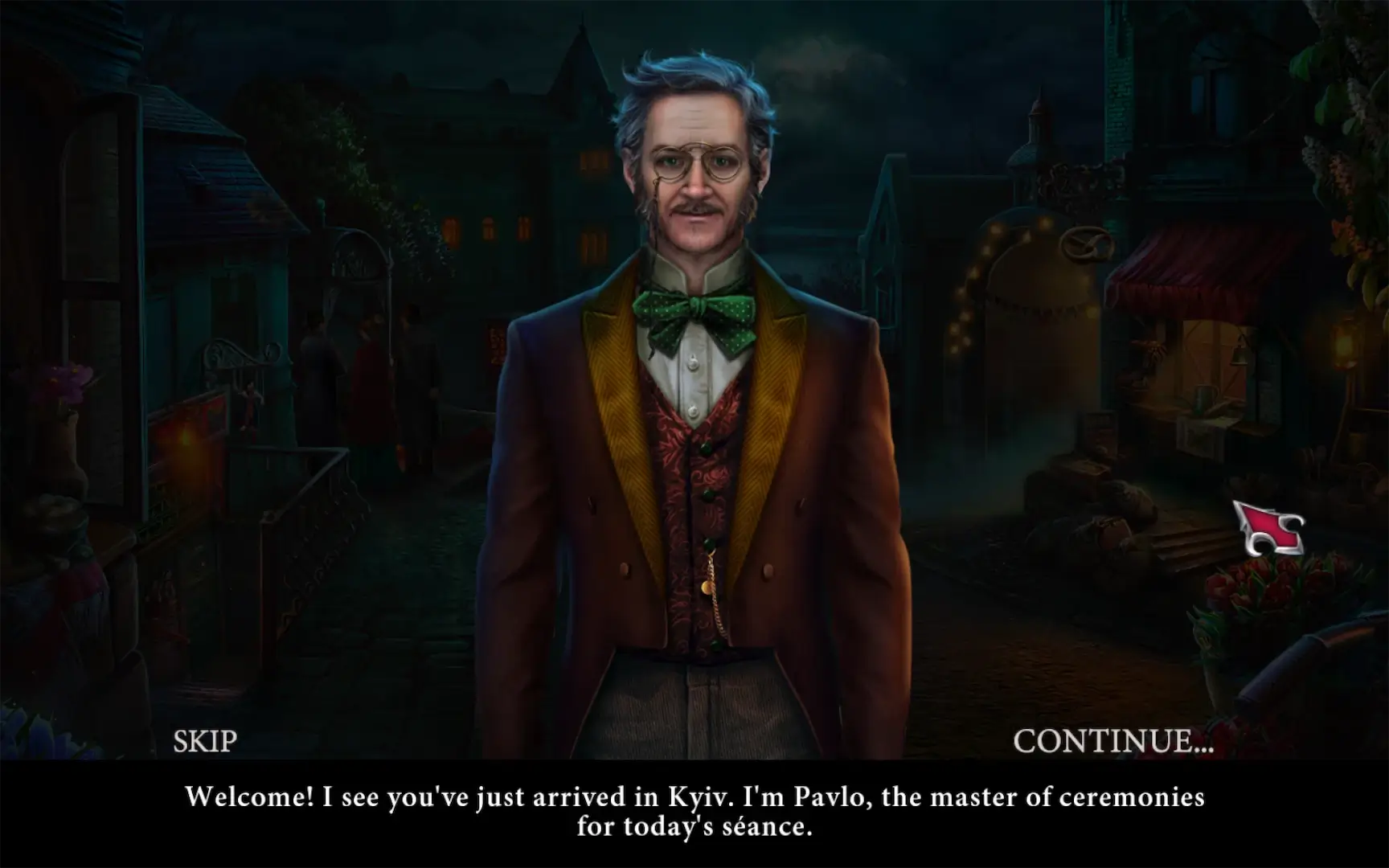
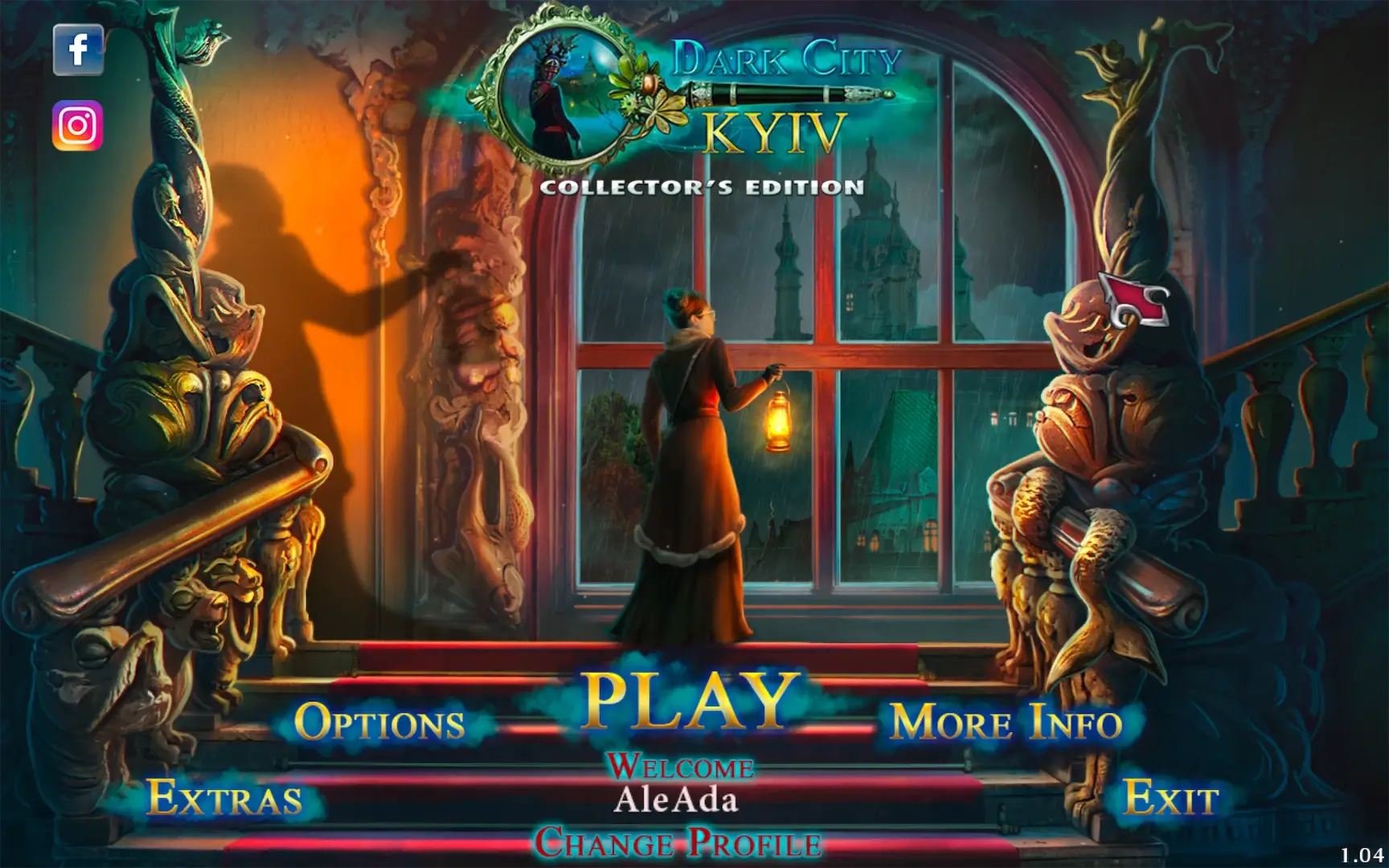
Dark City 8: Kyiv Collector’s Edition is an enthralling hidden-object adventure game that plunges players into the heart of Ukraine’s capital, blending suspense, mystery, and immersive storytelling. As the latest installment in the Dark City series, this Collector’s Edition expands the experience with bonus chapters, exclusive collectibles, and additional challenges, offering a richer and more engaging adventure for both newcomers and longtime fans.
The story begins when a series of unexplained disappearances and strange occurrences plague Kyiv. Players step into the role of a skilled investigator, tasked with uncovering the truth behind the city’s dark secrets. From the bustling streets of Khreshchatyk to the historic grandeur of Kyiv Pechersk Lavra, each location is meticulously recreated, providing a vivid and immersive backdrop for the investigation. The game combines realism with subtle fantastical elements, creating an atmosphere that is both intriguing and suspenseful.
Gameplay in Dark City 8: Kyiv is both challenging and rewarding. Hidden-object scenes require careful observation, attention to detail, and logical thinking. Players must analyze clues, solve puzzles, and piece together evidence to progress through the story. Mini-games and brain-teasers add variety, keeping gameplay fresh while encouraging players to think creatively. The Collector’s Edition enhances this experience by offering additional puzzles and secret locations, providing extra layers of challenge and depth for dedicated players.
One of the standout aspects of this game is its narrative design. Dark City 8: Kyiv weaves a compelling story filled with twists, intrigue, and suspense. The characters are well-developed, each with their own motives and secrets, adding complexity to the investigation. Players’ choices influence interactions and can even affect the story’s outcome, creating a personalized experience that encourages multiple playthroughs. The blend of mystery, detective work, and atmospheric storytelling ensures that players remain engaged from start to finish.
The Collector’s Edition also offers exclusive bonuses that deepen immersion. Players gain access to hidden collectibles, a detailed strategy guide, and a behind-the-scenes gallery showcasing the creation of the game’s stunning environments and characters. These extras provide insight into the development process and reward thorough exploration, enhancing the overall experience and making the adventure feel even more rewarding.
Visually, the game excels in creating a realistic yet captivating representation of Kyiv. Detailed graphics, atmospheric lighting, and dynamic weather effects bring the city to life, while ambient sounds and an evocative soundtrack heighten the tension and mystery of each scene. From the quiet, shadowy alleys to the grandeur of historic landmarks, the visual and audio design work in harmony to immerse players fully in the investigative journey.
In conclusion, Dark City 8: Kyiv Collector’s Edition is a masterful blend of mystery, exploration, and puzzle-solving. Its intricate hidden-object gameplay, compelling story, and richly detailed environments make it a standout title in the adventure genre. With the added content of the Collector’s Edition, players are invited to delve deeper into Kyiv’s secrets, uncover hidden truths, and enjoy an unforgettable investigative experience. For fans of mystery and adventure games, this edition is a must-play, offering a captivating journey that challenges the mind and rewards curiosity.
OS: macOS 10.15 and later
Run the downloaded image and drag the application to the Applications folder shortcut.
Once copying is complete, the application can be launched via Launchpad.
Frequently Asked Questions
Mount the image and run Open Gatekeeper friendly.
Press Enter to bypass Gatekeeper in the Terminal window.
Drag the application to the Applications folder.
The application is ready for use.
ATTENTION! SIP must be disabled. Learn more >
Restart your Mac and hold down Command + R to enter Recovery Mode.
Open Terminal from the Utilities menu.
Enter the command: csrutil disable
Restart your Mac.
This is a common Gatekeeper issue. Follow these steps:
1. Open Terminal
2. Enter: sudo xattr -rd com.apple.quarantine /Applications/AppName.app
3. Replace "AppName" with the actual application name
4. Press Enter and enter your password
Yes, all our downloads are thoroughly checked for viruses and malware.
We use multiple antivirus engines to scan every file.
Our team tests each application before publishing.
We never bundle adware or unwanted software.
Yes, we regularly update our applications to the latest versions.
You can check our website for updates or subscribe to our newsletter.
We strive to provide the most recent versions within 24-48 hours of release.
If a download link is not working, please:
1. Try a different browser
2. Clear your browser cache and cookies
3. Try the alternative download links provided
4. Contact our support team if the issue persists