


Deponia: The Complete Journey
Download Deponia: The Complete Journey
Run the downloaded image and drag the application to the Applications folder shortcut.
Once copying is complete, the application can be launched via Launchpad.

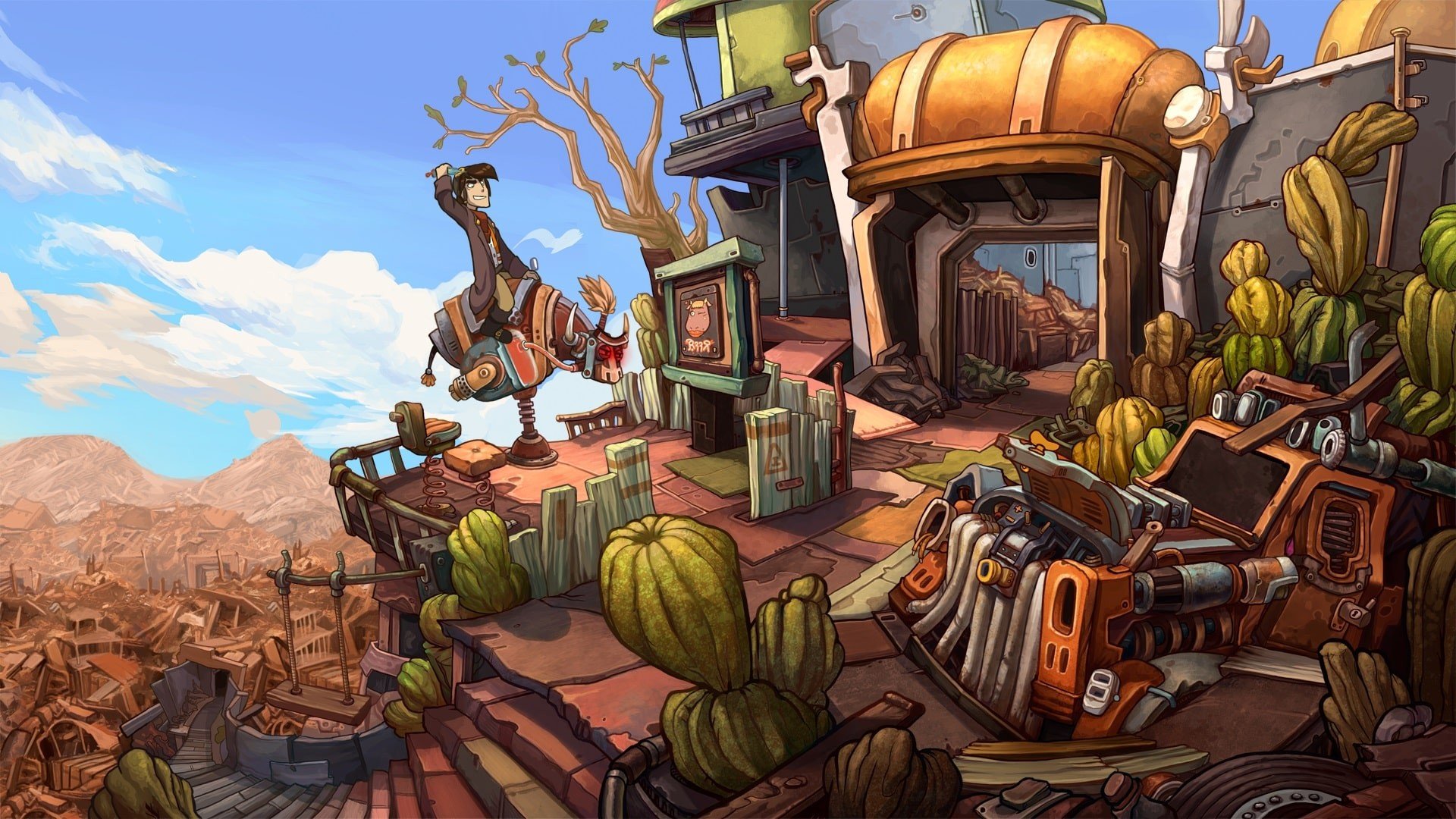
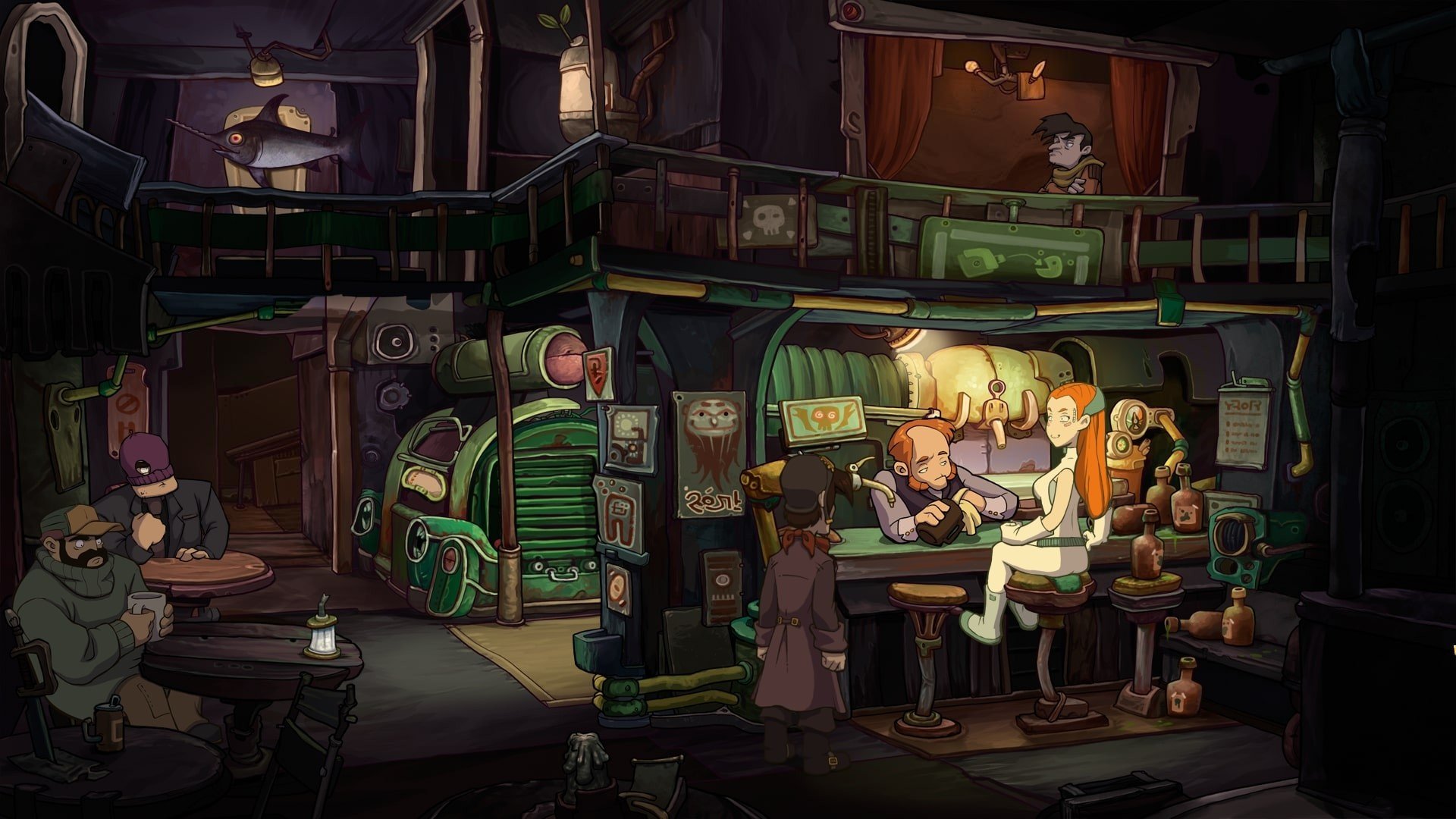
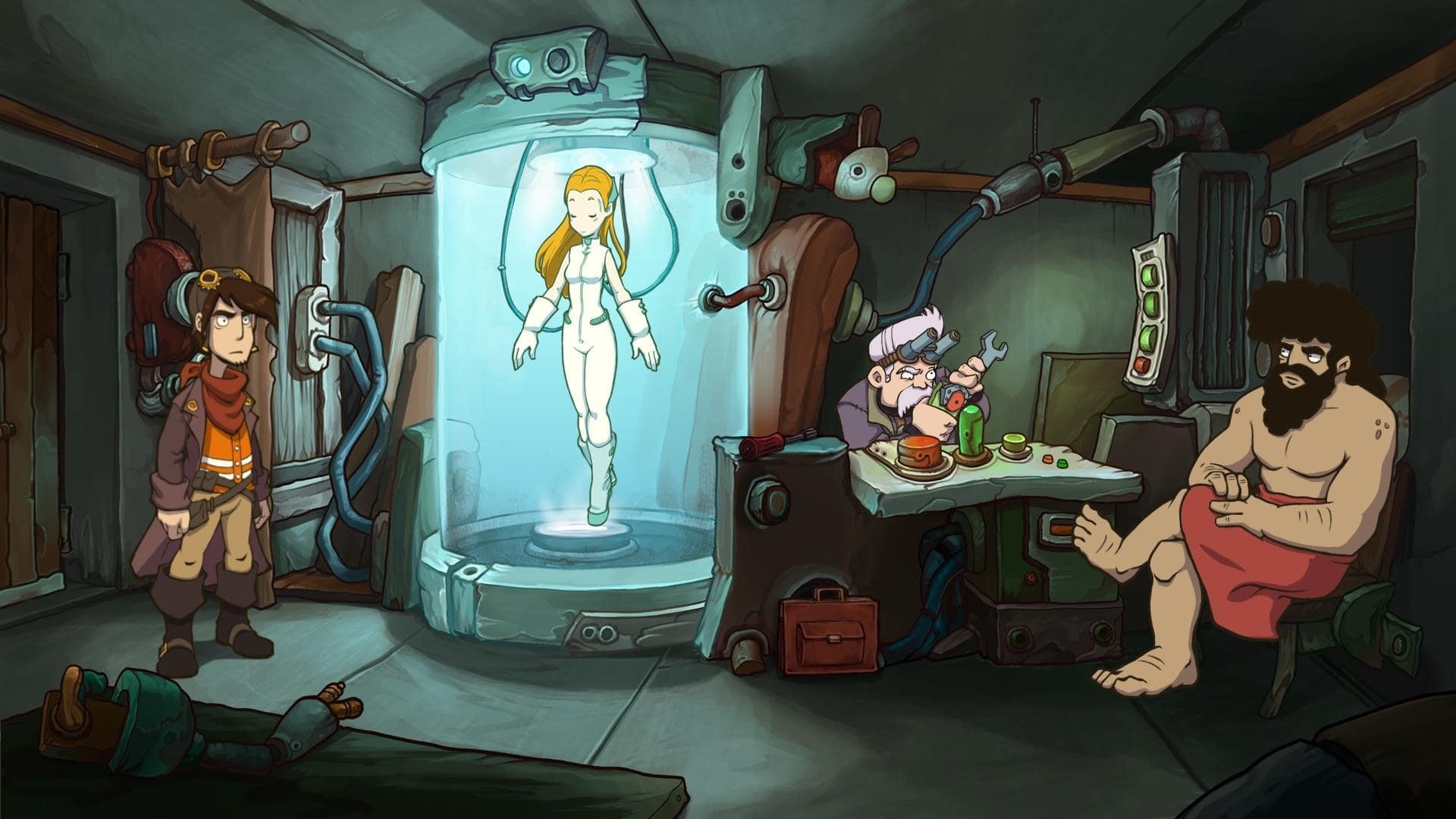
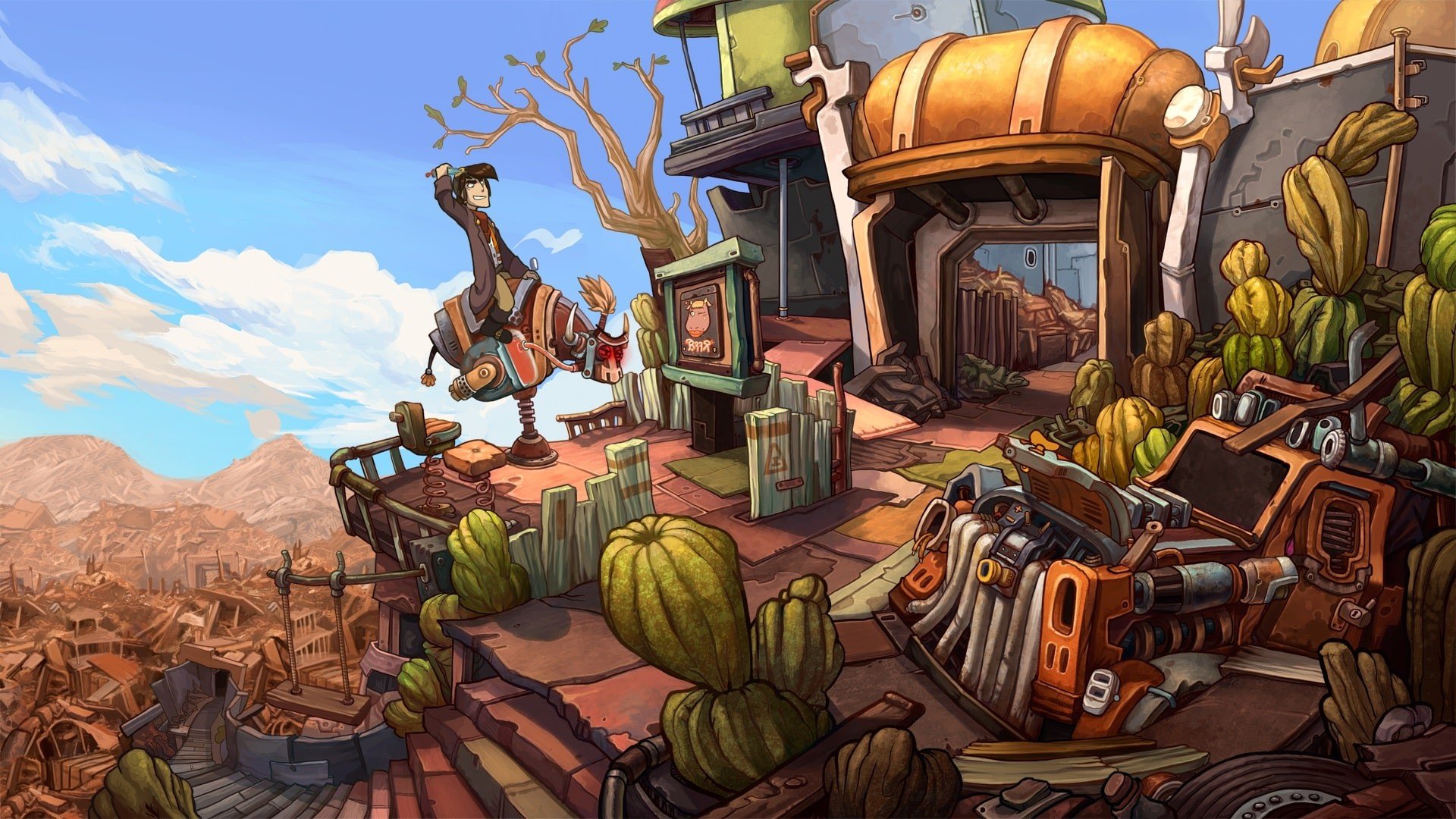
In the world of point-and-click adventure games, Deponia: The Complete Journey has earned its place as a cult classic, offering players a perfect blend of humor, puzzle-solving, and heartfelt storytelling. Set in the quirky, dystopian world of Deponia—a planet covered in endless layers of garbage—the game follows the misadventures of Rufus, an audacious and often reckless protagonist, as he attempts to escape his trash-strewn home for the floating utopia of Elysium. This complete edition combines the trilogy’s three main titles into one seamless experience, offering a comprehensive look at Rufus’s chaotic journey.
Gameplay and Mechanics
Deponia: The Complete Journey sticks to the classic point-and-click mechanics that fans of the genre know and love. Players explore diverse environments, interact with eccentric characters, and solve inventive puzzles to progress through the story. The game encourages exploration and experimentation, often rewarding players for creative thinking and humor in approaching obstacles. Each title in the trilogy introduces new mechanics and puzzle types, keeping the gameplay fresh while maintaining a cohesive experience across all three adventures.
One of the game’s defining features is its puzzle design. While some challenges test logical thinking, others lean into absurdity and slapstick humor, reflecting the game’s comedic tone. Players are encouraged to experiment with inventory items, dialogue options, and environmental interactions, often leading to amusing or unexpected outcomes. This playful approach ensures that the game is both challenging and entertaining, appealing to a wide range of players.
Narrative and Characters
At the heart of Deponia: The Complete Journey is its engaging story. Rufus’s ambitions to leave Deponia clash with his inherent clumsiness and selfish tendencies, resulting in humorous mishaps and chaotic adventures. Along the way, he encounters a cast of memorable characters, including Goal, the determined and resourceful woman who often serves as his moral compass. The narrative explores themes of friendship, ambition, and personal growth, wrapped in a layer of witty writing and satirical commentary on social and environmental issues.
The trilogy’s storytelling is both episodic and interconnected. Each game builds on the events of the previous installment, gradually expanding the universe and deepening character relationships. Players witness Rufus evolve from a selfish dreamer into someone capable of selfless acts, all while navigating a world filled with bizarre inventions, treacherous villains, and laugh-out-loud situations.
Visuals and Audio
Deponia: The Complete Journey captivates with its distinctive hand-drawn art style, which perfectly complements the game’s humorous and chaotic tone. Vibrant environments, exaggerated character designs, and attention to detail make exploration a visual delight. The audio further enhances immersion, featuring lively voice acting, quirky sound effects, and a soundtrack that matches the game’s whimsical energy.
Conclusion
Deponia: The Complete Journey is more than a point-and-click adventure; it is a masterful combination of humor, storytelling, and clever puzzle design. By uniting the trilogy into one cohesive experience, players can fully appreciate Rufus’s chaotic yet endearing journey across Deponia. Its witty narrative, challenging puzzles, and unforgettable characters make it a must-play for fans of adventure games seeking laughter, intrigue, and a trash-filled world worth exploring. Whether new to the series or revisiting it, this complete edition delivers an unforgettable journey through one of gaming’s most delightfully absurd universes.
OS: Lion (10.7)Processor: 2 GHz (Dual Core) IntelRAM: 2 GBDisk space: 8 GB
Run the downloaded image and drag the application to the Applications folder shortcut.
Once copying is complete, the application can be launched via Launchpad.
Frequently Asked Questions
Mount the image and run Open Gatekeeper friendly.
Press Enter to bypass Gatekeeper in the Terminal window.
Drag the application to the Applications folder.
The application is ready for use.
ATTENTION! SIP must be disabled. Learn more >
Restart your Mac and hold down Command + R to enter Recovery Mode.
Open Terminal from the Utilities menu.
Enter the command: csrutil disable
Restart your Mac.
This is a common Gatekeeper issue. Follow these steps:
1. Open Terminal
2. Enter: sudo xattr -rd com.apple.quarantine /Applications/AppName.app
3. Replace "AppName" with the actual application name
4. Press Enter and enter your password
Yes, all our downloads are thoroughly checked for viruses and malware.
We use multiple antivirus engines to scan every file.
Our team tests each application before publishing.
We never bundle adware or unwanted software.
Yes, we regularly update our applications to the latest versions.
You can check our website for updates or subscribe to our newsletter.
We strive to provide the most recent versions within 24-48 hours of release.
If a download link is not working, please:
1. Try a different browser
2. Clear your browser cache and cookies
3. Try the alternative download links provided
4. Contact our support team if the issue persists