


Detention
Download Detention
Run the downloaded image and drag the game to the Applications folder shortcut.
Once the copying is complete, the game can be launched via Launchpad.
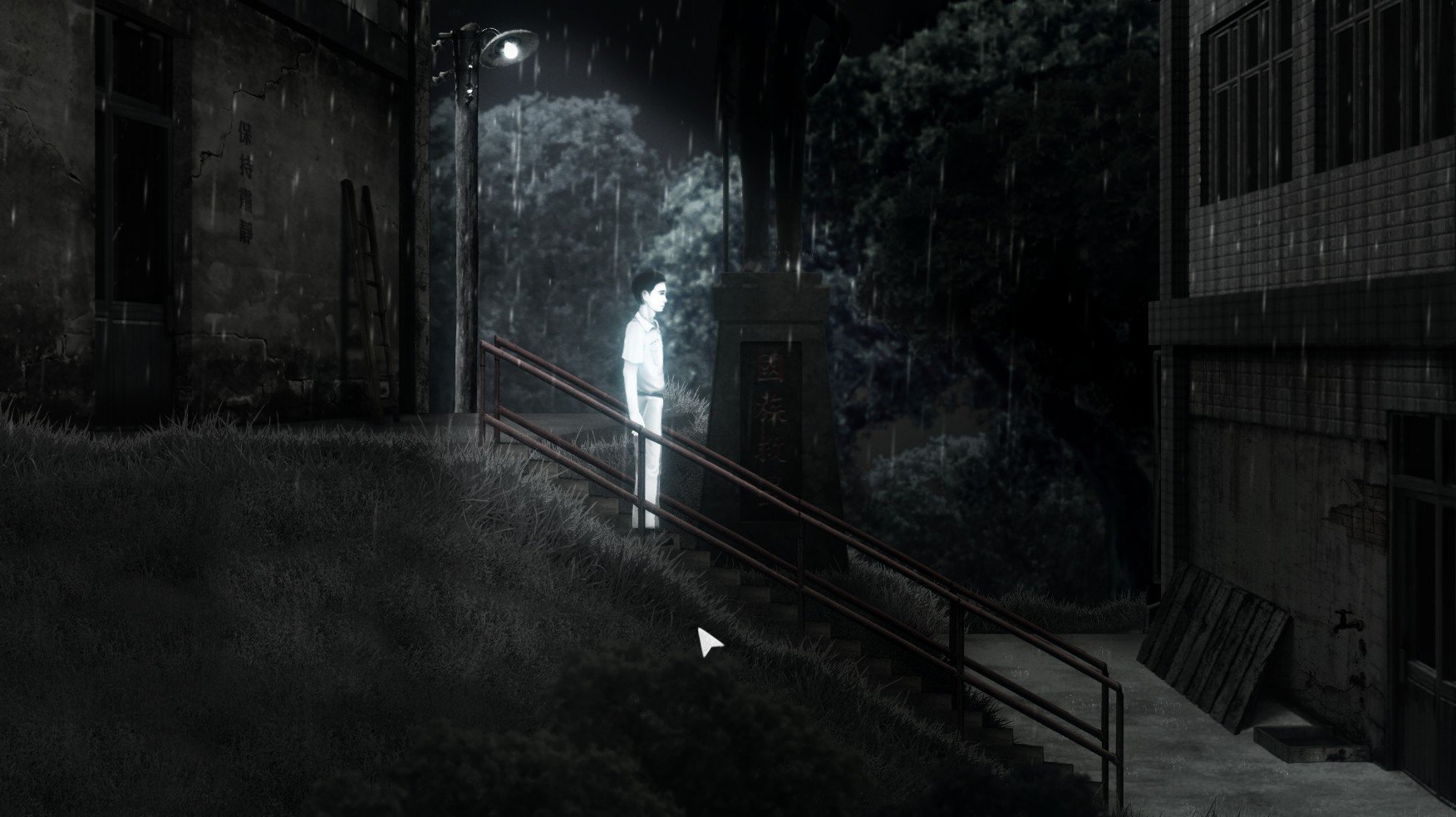
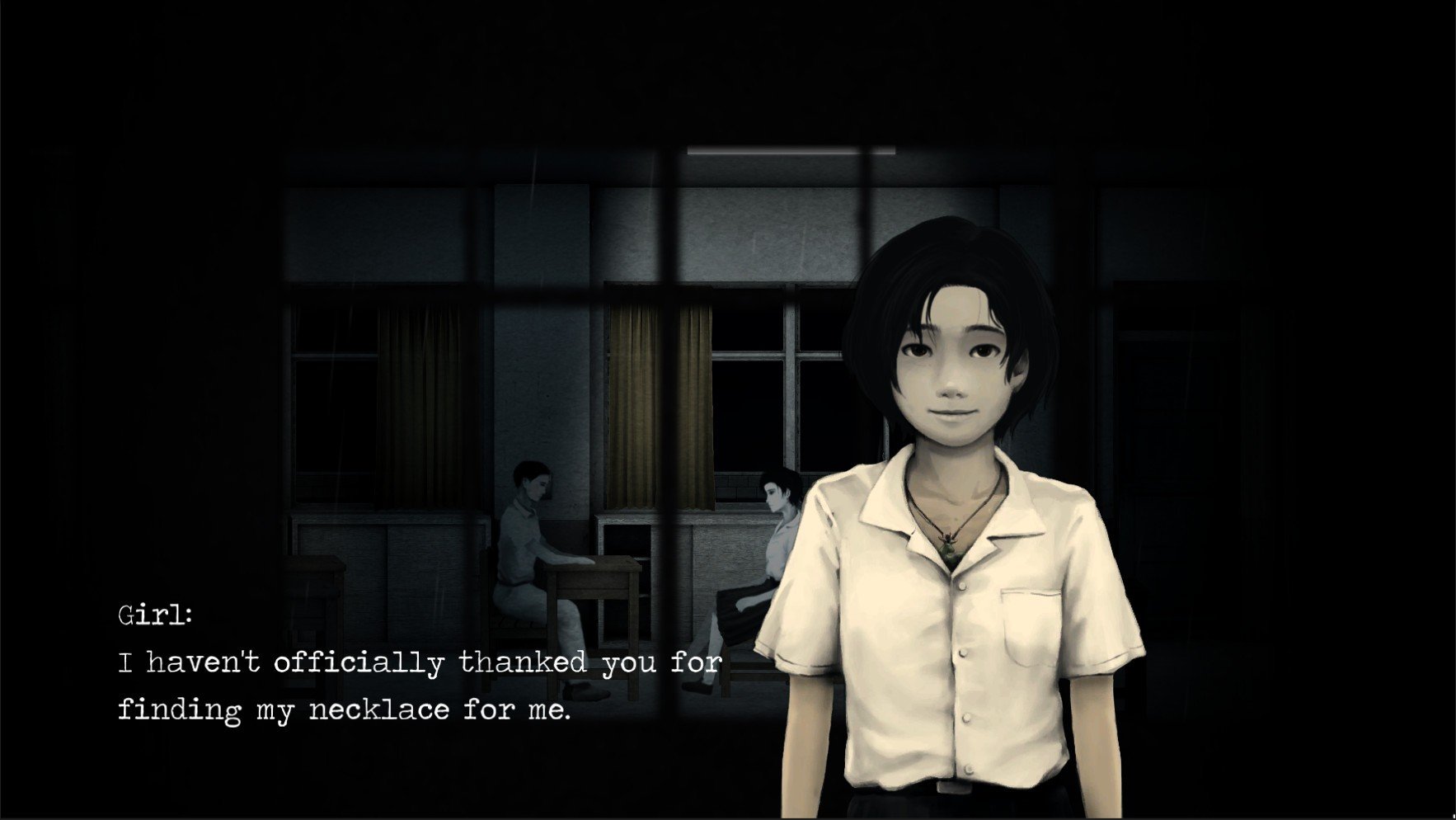
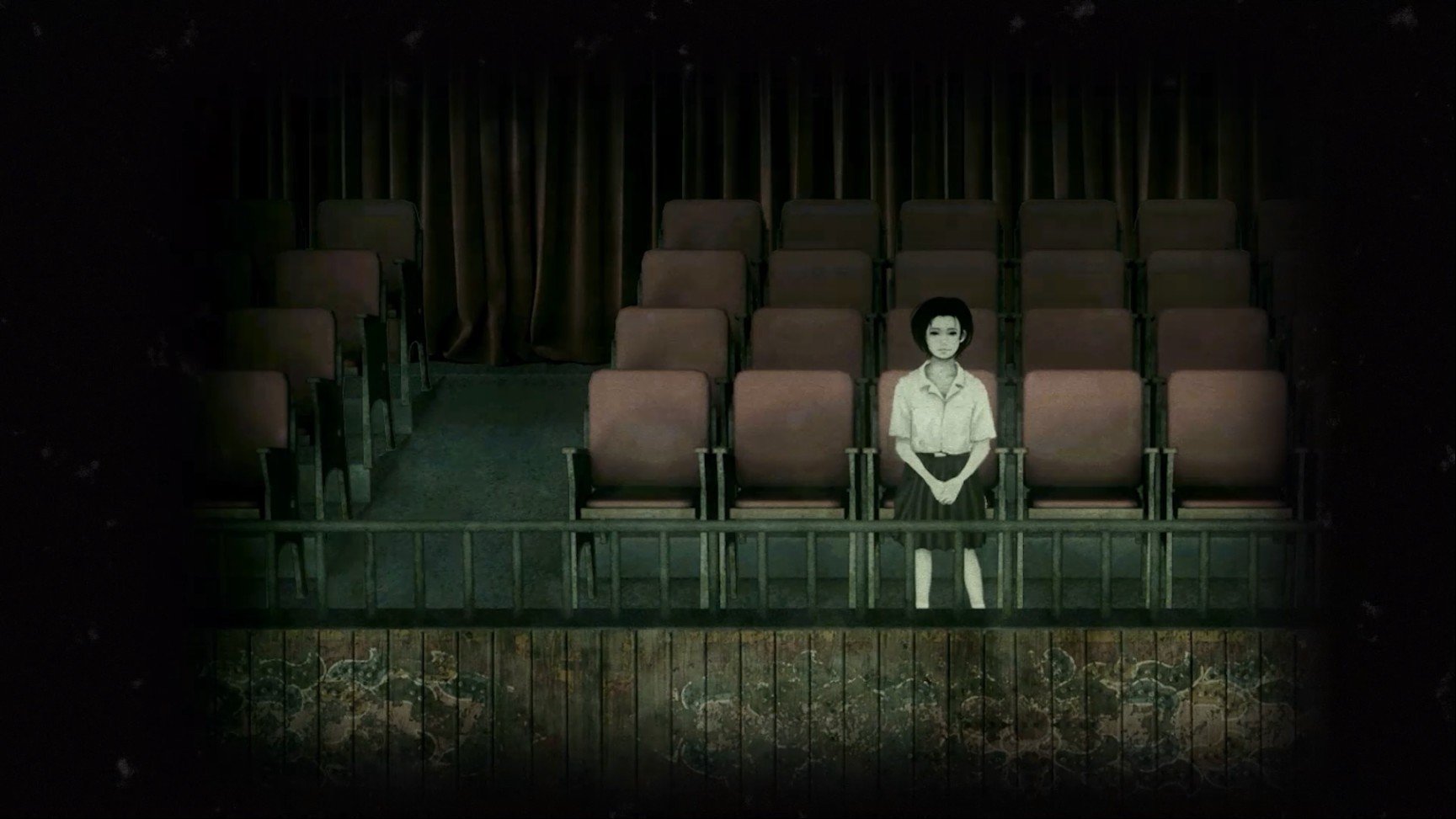
Detention, developed by Red Candle Games, is a psychological horror title that masterfully blends suspenseful storytelling with historical context. Set in 1960s Taiwan during the era of martial law, the game draws players into a world of fear, oppression, and supernatural mystery. Unlike conventional horror games that rely solely on jump scares, Detention immerses players in an emotionally charged narrative that is both thought-provoking and terrifying, making it a standout experience in the genre.
The game follows the story of two high school students, Wei and Ray, who find themselves trapped in their school at night. As they navigate the dark corridors, abandoned classrooms, and eerie hallways, players quickly realize that the school itself is a manifestation of both personal trauma and the sociopolitical climate of the time. The setting reflects a society under strict control, where fear and paranoia are constant companions. This historical backdrop adds depth and meaning to the supernatural events, creating a unique blend of horror and cultural storytelling rarely seen in video games.
Exploration is a key component of Detention. Players must investigate the school, solve puzzles, and uncover hidden secrets to progress. The game encourages careful observation and critical thinking, as danger lurks in unexpected places. Unlike traditional action-oriented horror games, Detention relies on atmosphere and tension. Shadows, ambient sounds, and the ever-present feeling of being watched contribute to a sense of dread that builds gradually, keeping players on edge throughout the experience.
The art style and design choices in Detention further enhance its eerie atmosphere. The game employs a 2D side-scrolling perspective with hand-drawn visuals that evoke a sense of isolation and unease. The muted color palette, combined with minimalist yet effective animations, allows the horror elements to shine without overwhelming the player. The soundtrack and sound design are equally impressive, featuring haunting melodies and subtle environmental cues that heighten suspense and emotional impact.
Narrative is the heart of Detention. Through diary entries, environmental storytelling, and character interactions, players gradually piece together the events leading up to the haunting. Themes of guilt, oppression, and the struggle for personal freedom are explored with nuance and care. Every choice, observation, and discovery contributes to a deeper understanding of the characters’ fears and motivations, creating a narrative experience that lingers long after the game ends.
Ultimately, Detention is more than just a horror game; it is a journey through fear, history, and human emotion. It challenges players to confront unsettling truths while delivering an experience that is both terrifying and meaningful. By combining historical context, psychological horror, and immersive storytelling, Detention stands out as a deeply impactful game that resonates with players on multiple levels. For those seeking a horror experience that engages the mind as much as it unsettles the senses, Detention offers a haunting adventure that is unforgettable, thought-provoking, and uniquely compelling.
OS: OS X 10.9 (64-bit)Processor: Intel(R) Core(TM)2 Duo 2.4, AMD Athlon(TM) X2 2.8 GhzRAM: 4 GBVideo card: Geforce 9600 GS, Radeon HD4000Disk space: 3 GB
Run the downloaded image and drag the game to the Applications folder shortcut.
Once the copying is complete, the game can be launched via Launchpad.
Frequently Asked Questions
Mount the image and run Open Gatekeeper friendly.
Press Enter to bypass Gatekeeper in the Terminal window.
Drag the application to the Applications folder.
The application is ready for use.
ATTENTION! SIP must be disabled. Learn more >
Restart your Mac and hold down Command + R to enter Recovery Mode.
Open Terminal from the Utilities menu.
Enter the command: csrutil disable
Restart your Mac.
This is a common Gatekeeper issue. Follow these steps:
1. Open Terminal
2. Enter: sudo xattr -rd com.apple.quarantine /Applications/AppName.app
3. Replace "AppName" with the actual application name
4. Press Enter and enter your password
Yes, all our downloads are thoroughly checked for viruses and malware.
We use multiple antivirus engines to scan every file.
Our team tests each application before publishing.
We never bundle adware or unwanted software.
Yes, we regularly update our applications to the latest versions.
You can check our website for updates or subscribe to our newsletter.
We strive to provide the most recent versions within 24-48 hours of release.
If a download link is not working, please:
1. Try a different browser
2. Clear your browser cache and cookies
3. Try the alternative download links provided
4. Contact our support team if the issue persists