


Teslagrad
Download Teslagrad
Mount the downloaded image and drag the game to the Applications folder.
Previous Versions
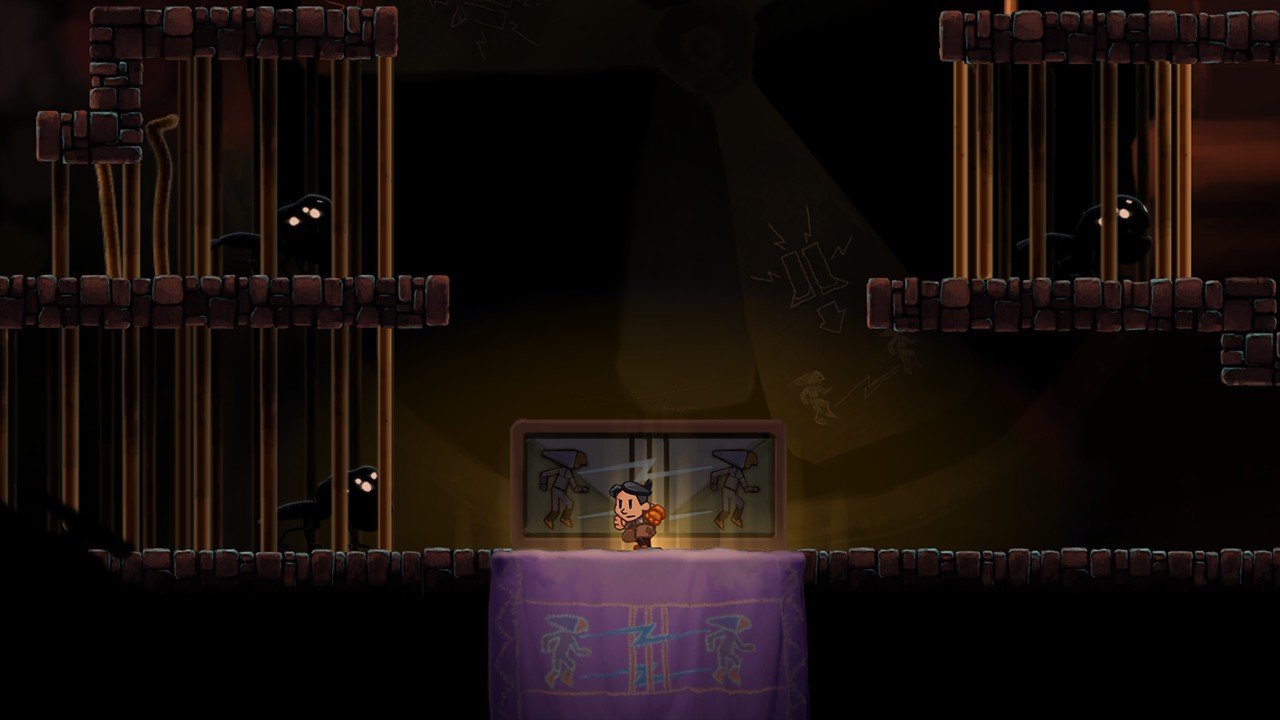
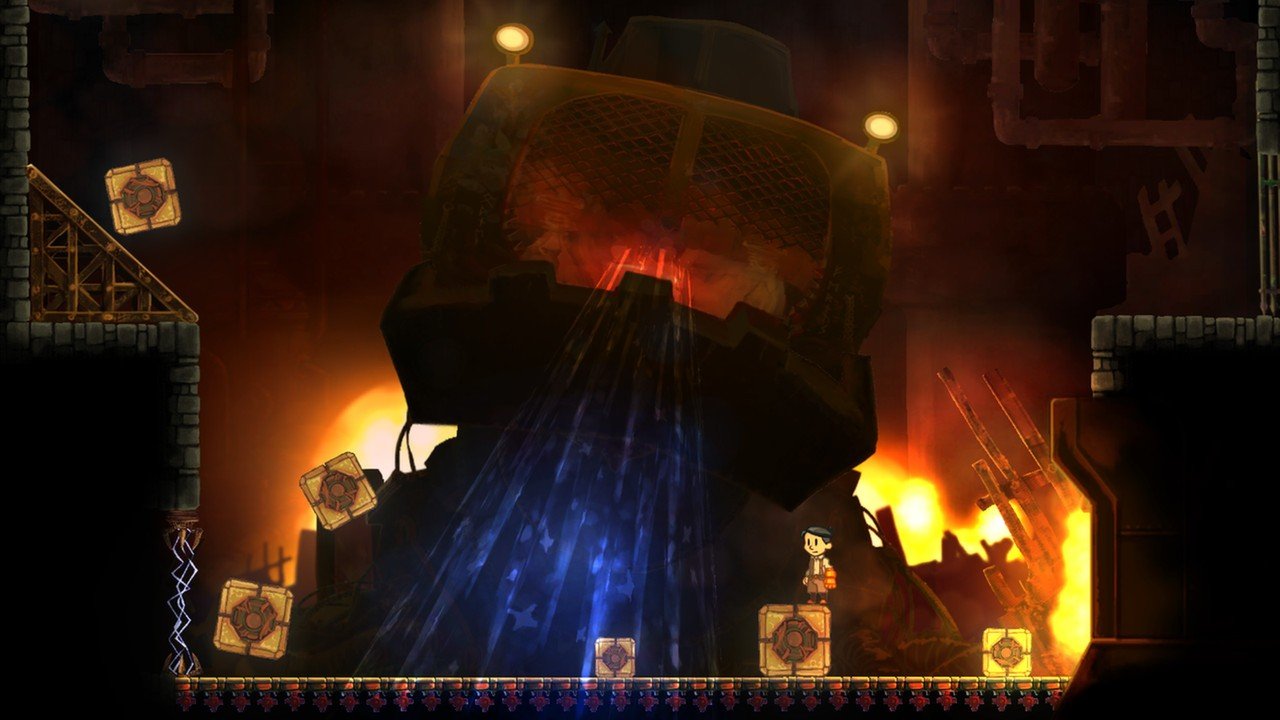
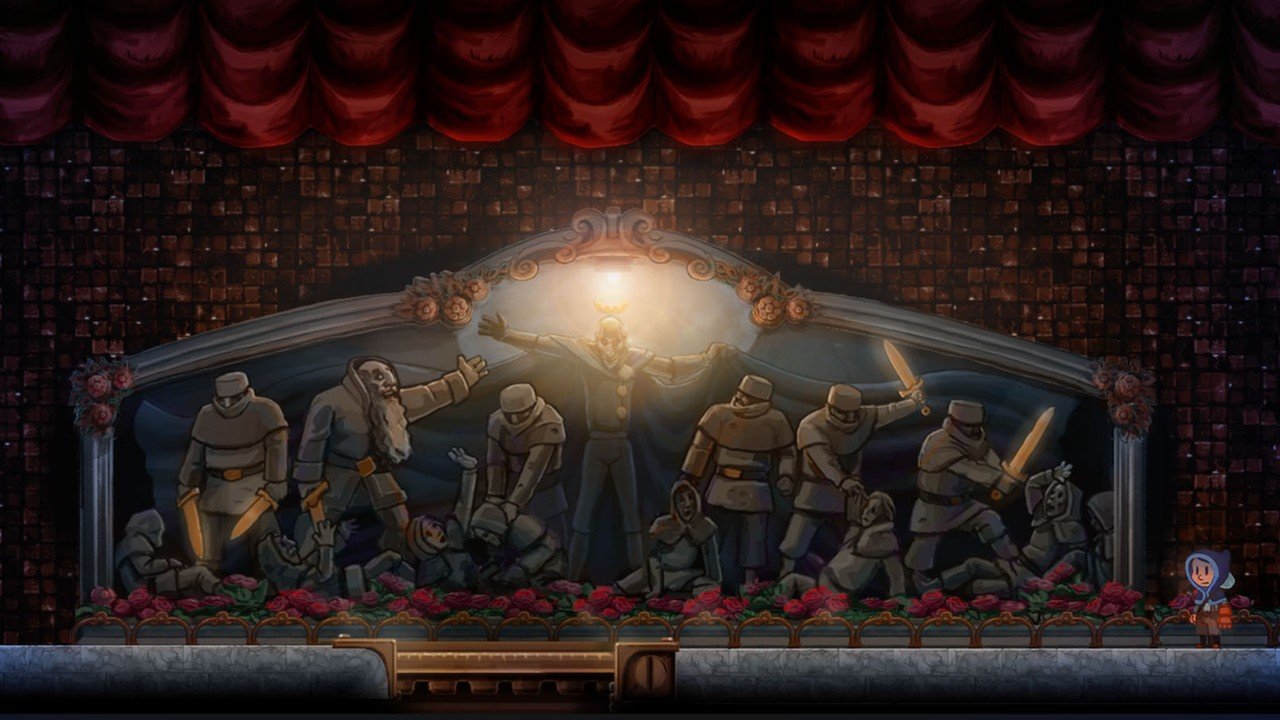
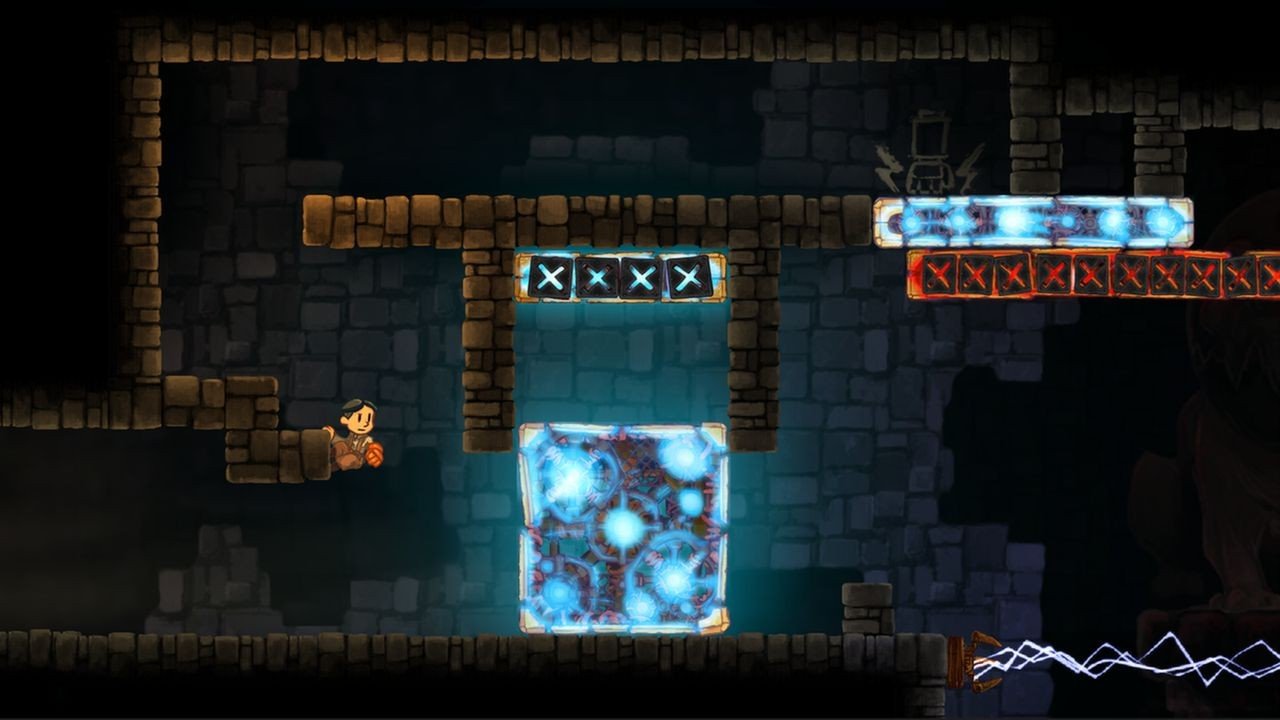
In the realm of indie platformers, few games manage to combine captivating puzzles, engaging platforming, and a unique visual style as effectively as Teslagrad. Developed by Rain Games, this title offers players a distinctive experience centered around magnetism, electricity, and exploration. Set in a beautifully hand-drawn steampunk world, Teslagrad challenges players’ problem-solving skills while immersing them in a rich, atmospheric environment.
The game follows the story of a young boy who sneaks into the abandoned Tesla Tower, a mysterious facility filled with mechanical wonders, deadly traps, and ancient secrets. The protagonist must navigate through this tower, using a combination of movement skills and magnetic powers to solve puzzles, overcome obstacles, and survive increasingly complex challenges. Teslagrad’s narrative is told largely without words, relying instead on environmental storytelling, expressive animation, and subtle visual cues, which enhances the sense of discovery and personal interpretation.
At the core of Teslagrad’s gameplay is its innovative magnetism-based mechanics. Players manipulate magnetic forces to move objects, repel or attract platforms, and interact with the environment in creative ways. These mechanics are seamlessly integrated into platforming, requiring players to think logically, plan moves ahead, and react with precision. The puzzles gradually increase in complexity, ensuring that players are continually challenged without feeling overwhelmed.
Teslagrad’s visual design is one of its most remarkable features. The game employs hand-drawn 2D art with a painterly aesthetic, combining vibrant colors with intricate details that bring the steampunk world to life. The Tower itself feels alive, with mechanical contraptions, shifting platforms, and subtle environmental animations that immerse players in its mysterious atmosphere. Coupled with a haunting and emotive musical score, the visuals contribute to an experience that is both mesmerizing and emotionally engaging.
Another compelling aspect of Teslagrad is its level design and progression. Each section of the tower is meticulously crafted, blending platforming challenges with puzzle-solving elements. Players encounter new magnetic tools, abilities, and environmental hazards as they ascend the tower, ensuring a steady learning curve and a sense of progression. The combination of exploration, experimentation, and skillful navigation keeps the gameplay dynamic and rewarding.
Teslagrad also encourages exploration and replayability. Hidden areas, collectibles, and secret pathways reward curiosity, providing additional challenges for those willing to investigate every corner of the tower. This design philosophy reinforces the game’s focus on discovery and mastery, giving players a reason to revisit levels and refine their strategies.
In conclusion, Teslagrad is more than a traditional platformer—it is an inventive puzzle adventure that blends unique mechanics, striking visuals, and thoughtful level design. Its magnetic gameplay, hand-drawn art, and atmospheric storytelling create an immersive experience that appeals to both casual and dedicated gamers. By challenging players’ minds and reflexes while rewarding creativity and exploration, Teslagrad proves itself as a standout title in the indie gaming landscape, offering a journey through a world that is as beautiful as it is enigmatic.
OS: OS X 10.9+Processor: Dual Core 2GHzRAM: 2 GBVideo card: Hardware Accelerated Graphics with dedicated memoryDisk space: 1 GB
Mount the downloaded image and drag the game to the Applications folder.
Frequently Asked Questions
Mount the image and run Open Gatekeeper friendly.
Press Enter to bypass Gatekeeper in the Terminal window.
Drag the application to the Applications folder.
The application is ready for use.
ATTENTION! SIP must be disabled. Learn more >
Restart your Mac and hold down Command + R to enter Recovery Mode.
Open Terminal from the Utilities menu.
Enter the command: csrutil disable
Restart your Mac.
This is a common Gatekeeper issue. Follow these steps:
1. Open Terminal
2. Enter: sudo xattr -rd com.apple.quarantine /Applications/AppName.app
3. Replace "AppName" with the actual application name
4. Press Enter and enter your password
Yes, all our downloads are thoroughly checked for viruses and malware.
We use multiple antivirus engines to scan every file.
Our team tests each application before publishing.
We never bundle adware or unwanted software.
Yes, we regularly update our applications to the latest versions.
You can check our website for updates or subscribe to our newsletter.
We strive to provide the most recent versions within 24-48 hours of release.
If a download link is not working, please:
1. Try a different browser
2. Clear your browser cache and cookies
3. Try the alternative download links provided
4. Contact our support team if the issue persists