


Down in Bermuda
Download Down in Bermuda
Run the downloaded image and drag the application to the Applications folder shortcut.
Once copying is complete, the application can be launched via Launchpad.
Previous Versions
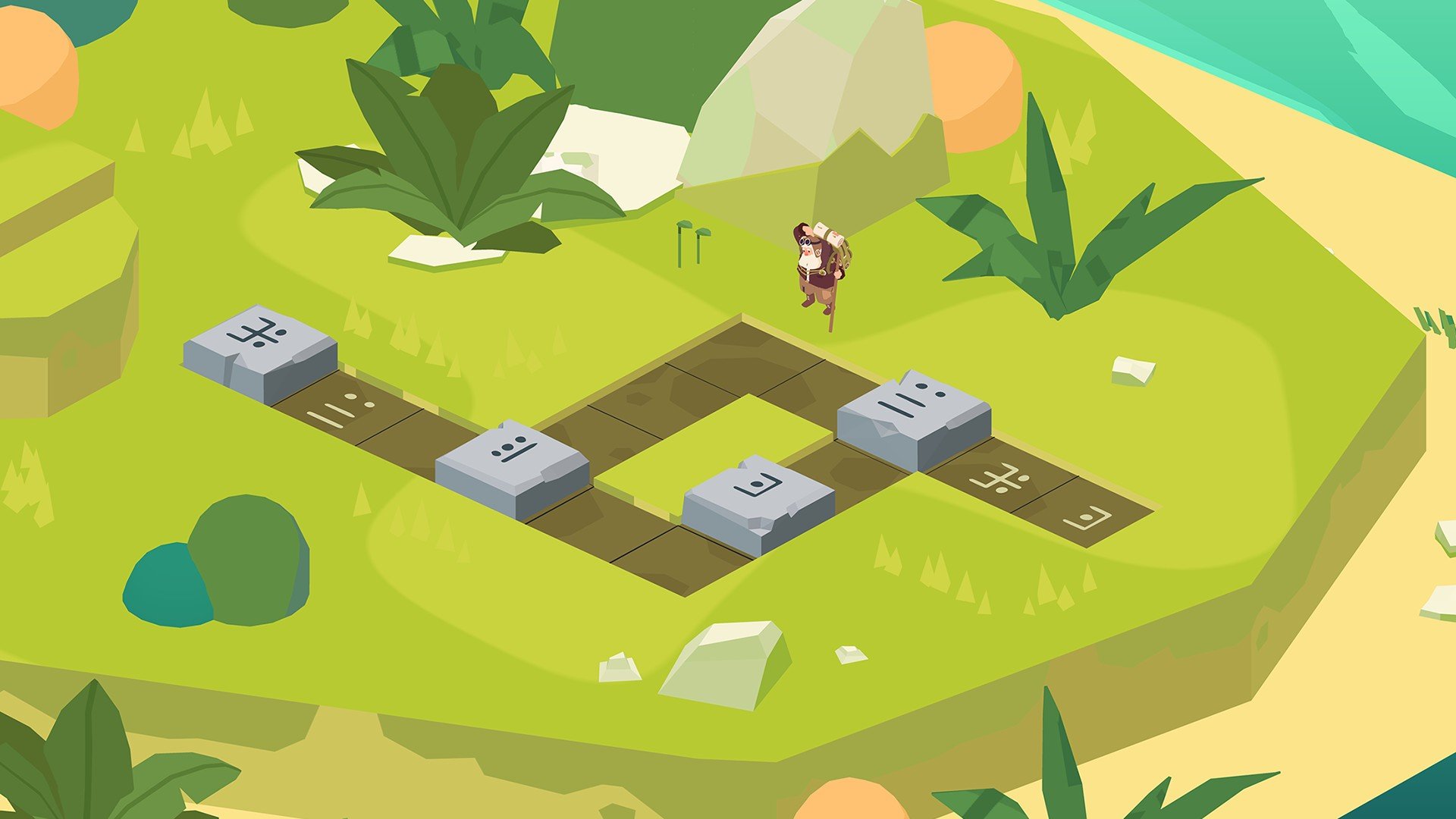

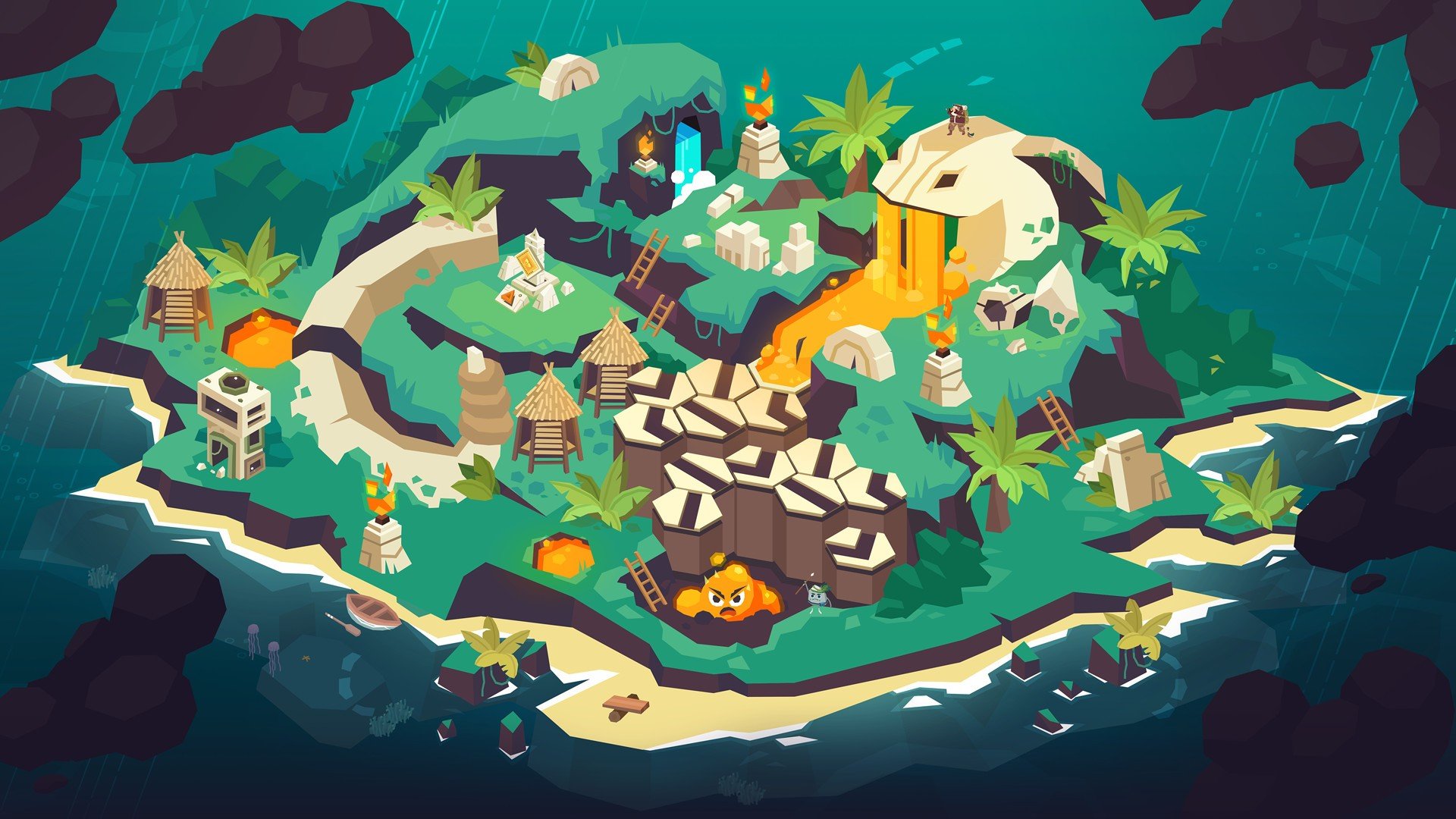

Down in Bermuda is an action-adventure game that combines survival, exploration, and atmospheric storytelling to create an engaging experience for players seeking both excitement and challenge. Developed by Studio Oniric, the game immerses players in the mysterious Bermuda Triangle, where danger, puzzles, and unexpected twists await at every turn. With its compelling mix of strategy, exploration, and narrative depth, Down in Bermuda offers a uniquely thrilling gaming experience.
The premise of Down in Bermuda places players in the shoes of a pilot whose plane crashes in the infamous Bermuda Triangle. Stranded in a bizarre and unpredictable world, the protagonist must navigate treacherous waters, hostile creatures, and hidden secrets to survive. Unlike traditional survival games, Down in Bermuda emphasizes both tactical decision-making and resource management, requiring players to think ahead while adapting to an ever-changing environment. The challenge lies not just in staying alive but also in unraveling the mysteries that surround this enigmatic region.
Exploration is at the heart of the gameplay. Players traverse islands, underwater caverns, and abandoned structures, each filled with environmental puzzles, hidden clues, and potential threats. The game encourages careful observation, as subtle hints often guide players toward safe paths, resources, or story revelations. This blend of adventure and puzzle-solving ensures that the journey is as intellectually engaging as it is action-packed. Each new area brings surprises, from natural hazards to remnants of past travelers, enhancing the feeling of mystery and discovery.
The survival mechanics in Down in Bermuda are both immersive and strategic. Players must manage health, stamina, and resources, making decisions that can have significant consequences. Crafting tools, gathering food, and navigating dangerous terrain require careful planning. This focus on survival adds tension to every action, making each decision meaningful and heightening the sense of immersion. Unlike some survival games that rely heavily on combat, Down in Bermuda balances action with strategic thinking, rewarding players who plan their moves thoughtfully.
Visually, the game excels in creating a sense of isolation and wonder. The environments range from tropical beaches and dense jungles to eerie underwater locations, all designed with attention to detail and atmosphere. Lighting, textures, and dynamic weather effects contribute to a sense of realism while reinforcing the mysterious tone of the Bermuda Triangle setting. The sound design complements the visuals, with ambient sounds, distant wildlife, and suspenseful musical cues enhancing tension and immersion throughout the journey.
In conclusion, Down in Bermuda is more than a survival game—it is a carefully crafted adventure that challenges players to think, explore, and adapt in a world filled with mystery and danger. Its combination of survival mechanics, environmental puzzles, and compelling storytelling creates a unique experience that is both engaging and memorable. For gamers seeking an adventure that tests both intellect and reflexes while immersing them in a hauntingly beautiful setting, Down in Bermuda delivers a journey worth taking, deep into the heart of one of the world’s most enigmatic regions.
macOS 10.15 or later
Run the downloaded image and drag the application to the Applications folder shortcut.
Once copying is complete, the application can be launched via Launchpad.
Frequently Asked Questions
Mount the image and run Open Gatekeeper friendly.
Press Enter to bypass Gatekeeper in the Terminal window.
Drag the application to the Applications folder.
The application is ready for use.
ATTENTION! SIP must be disabled. Learn more >
Restart your Mac and hold down Command + R to enter Recovery Mode.
Open Terminal from the Utilities menu.
Enter the command: csrutil disable
Restart your Mac.
This is a common Gatekeeper issue. Follow these steps:
1. Open Terminal
2. Enter: sudo xattr -rd com.apple.quarantine /Applications/AppName.app
3. Replace "AppName" with the actual application name
4. Press Enter and enter your password
Yes, all our downloads are thoroughly checked for viruses and malware.
We use multiple antivirus engines to scan every file.
Our team tests each application before publishing.
We never bundle adware or unwanted software.
Yes, we regularly update our applications to the latest versions.
You can check our website for updates or subscribe to our newsletter.
We strive to provide the most recent versions within 24-48 hours of release.
If a download link is not working, please:
1. Try a different browser
2. Clear your browser cache and cookies
3. Try the alternative download links provided
4. Contact our support team if the issue persists