


Dungeons 3
Download Dungeons 3
Mount the downloaded image and follow the standard installation procedure.
The installation is completed by choosing a location to place the game.
It is recommended to specify the Applications folder.
Previous Versions
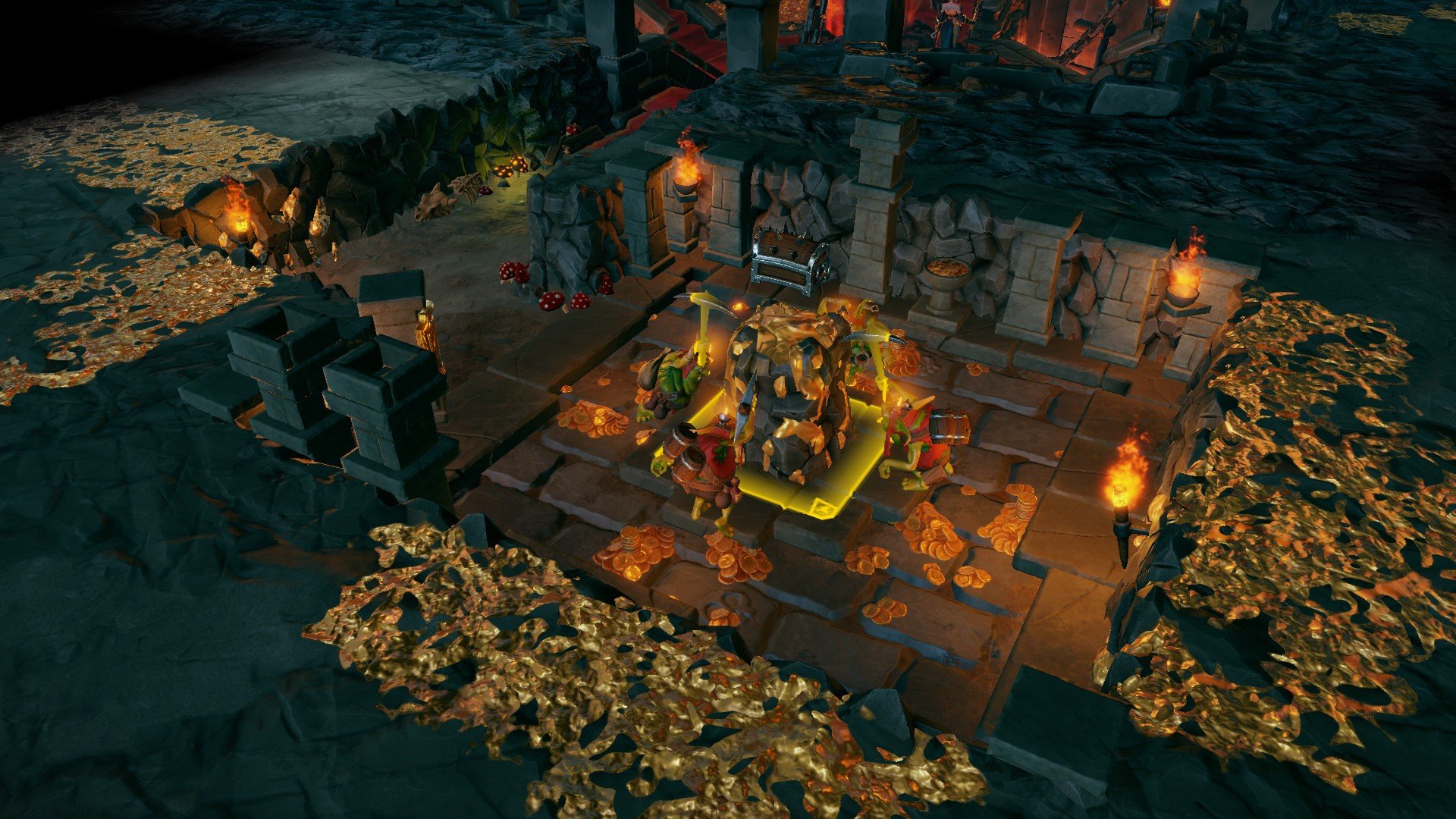
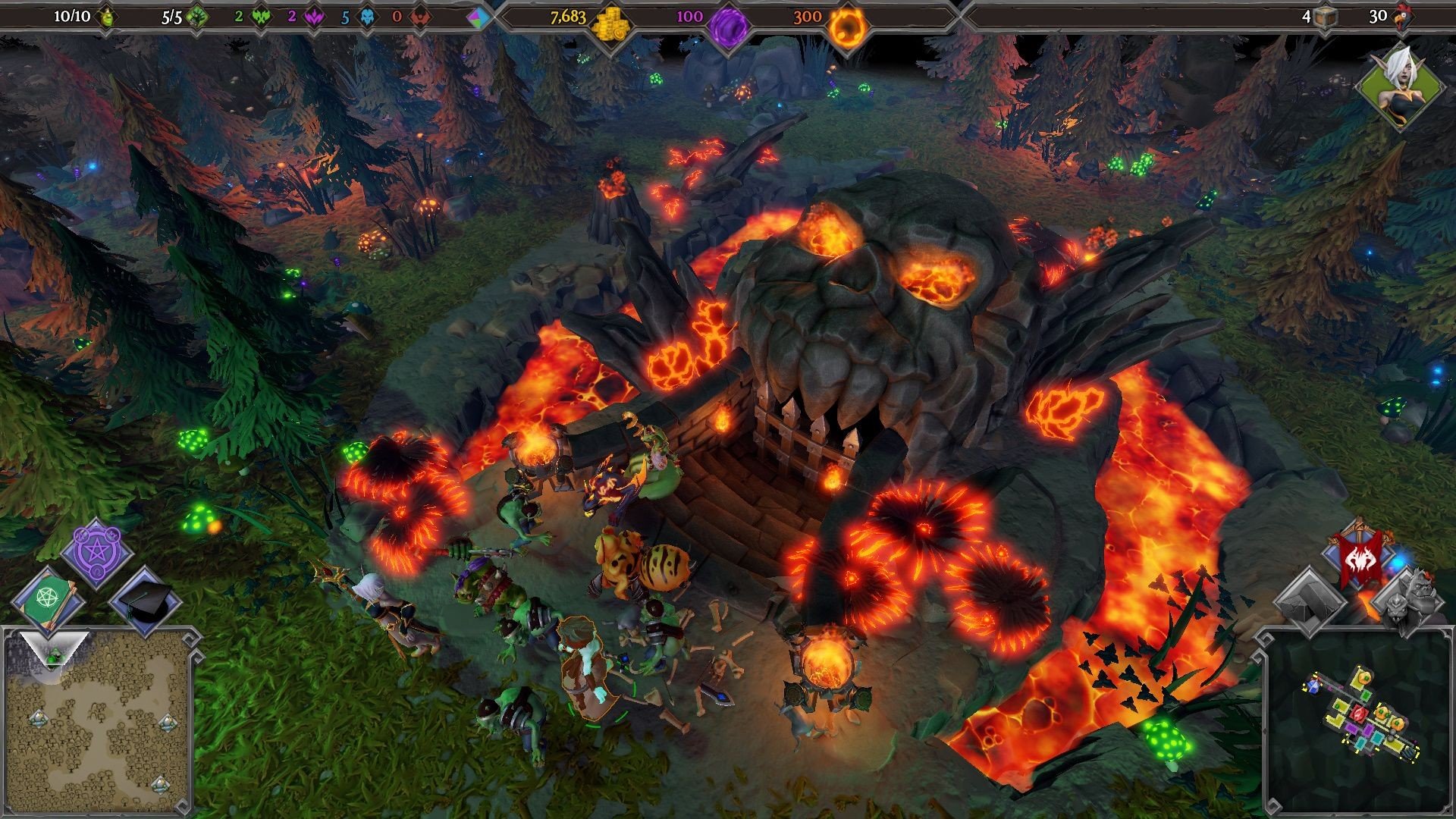
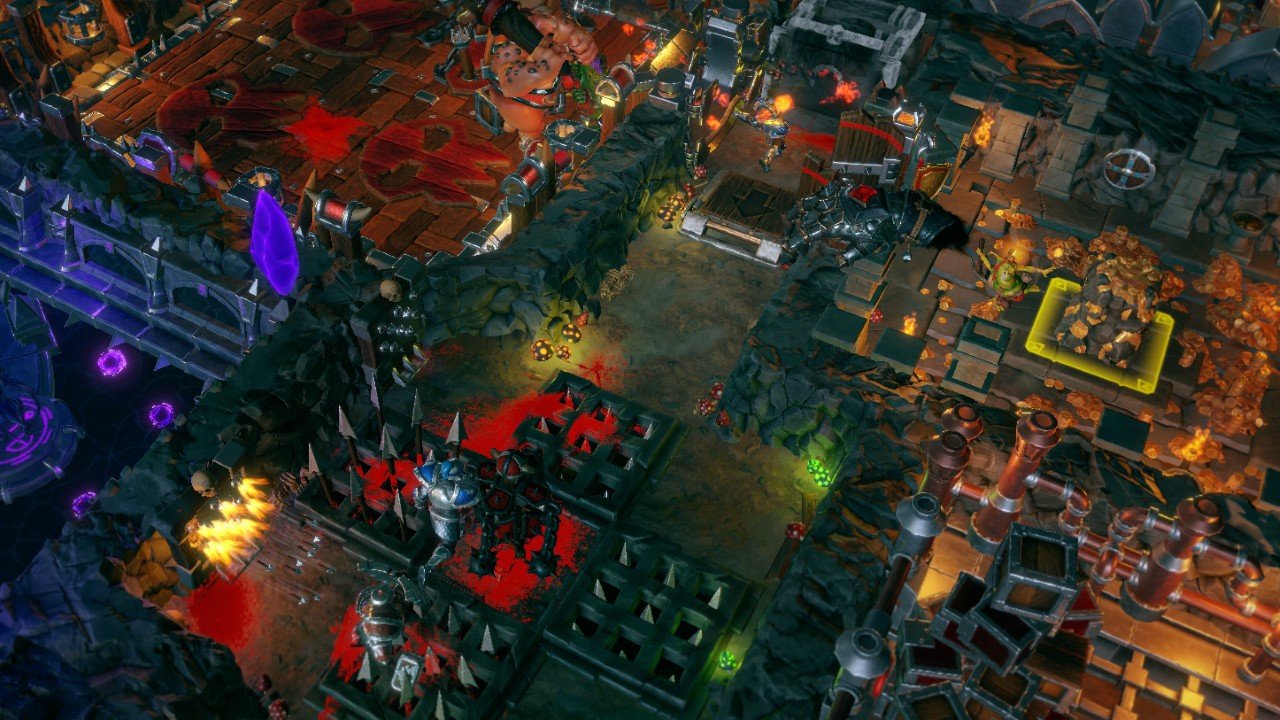
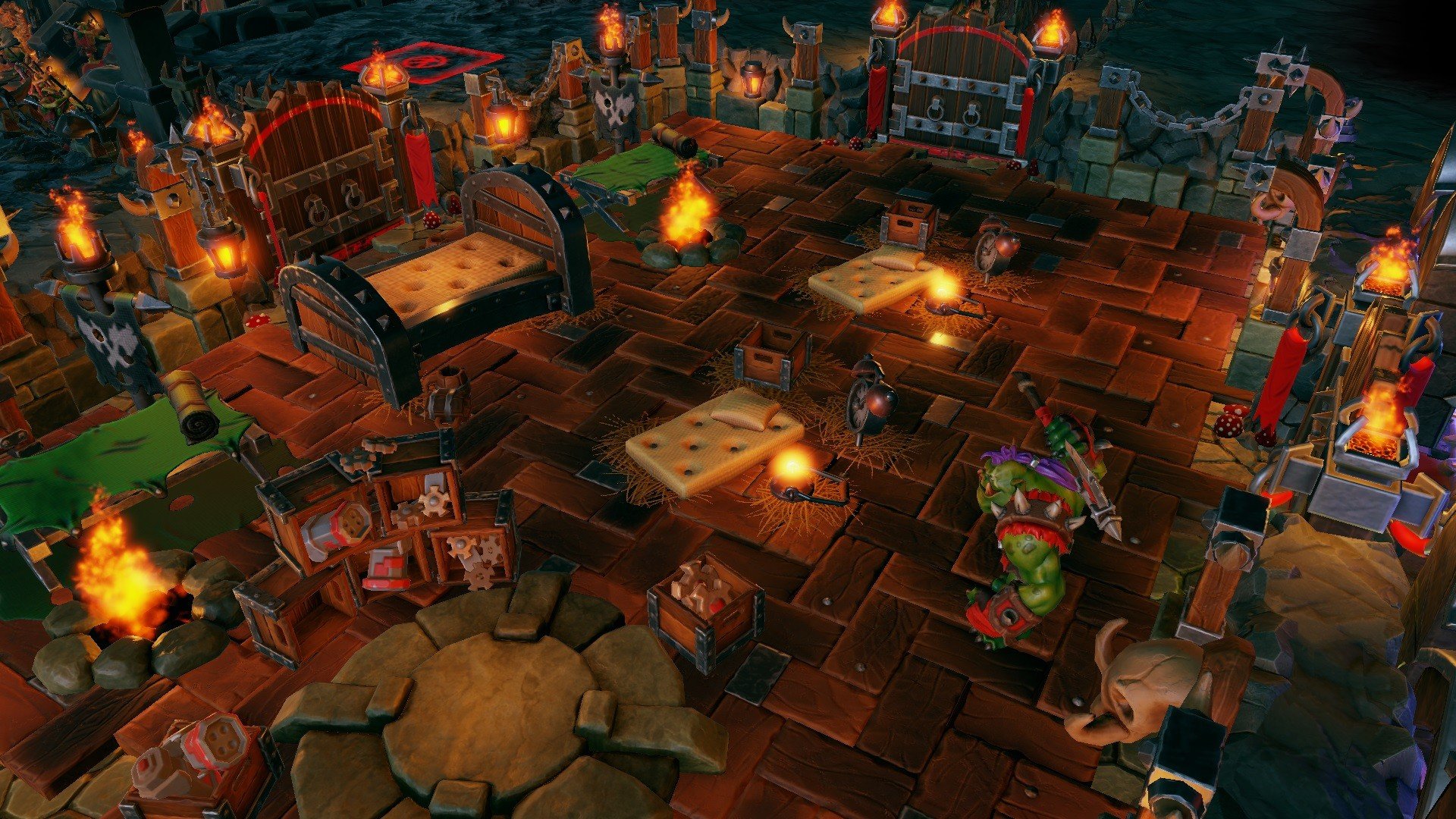
Dungeons 3 is a strategy and simulation game that combines dungeon management with real-time strategy in a way that both challenges and entertains. Developed by Realmforge Studios, the game offers a unique twist on traditional strategy games by putting players in the role of an evil dungeon lord. Unlike conventional RPGs or city-building games, Dungeons 3 encourages creativity, resourcefulness, and a healthy sense of dark humor.
The game’s premise is delightfully irreverent. Players take on the role of the Dungeon Lord, tasked with building and expanding a subterranean empire. From digging out new rooms to recruiting minions, every decision shapes the dungeon’s efficiency and the success of its operations. Unlike most strategy games where you play as the heroic side, here the narrative turns evil into an art form. The story is full of satire, clever writing, and tongue-in-cheek references to fantasy tropes, making the experience entertaining beyond its strategic depth.
One of the core mechanics of Dungeons 3 is resource management. Players must carefully balance gold income, dungeon space, and minion needs. Each minion has unique abilities and roles—from warriors and mages to engineers and workers—and ensuring they are well-fed and happy is essential to maintaining a productive workforce. The game challenges players to think critically about room placement, trap design, and workflow efficiency. A poorly organized dungeon can quickly become chaotic, turning minions into liabilities rather than assets.
Combat is another essential element that sets Dungeons 3 apart. While dungeon management occurs underground, the game periodically takes players to the overworld, where their minions fight against heroes and rival forces. These battles are tactical and require careful planning, as different minion types and spells can interact in complex ways. Players must balance offensive strategies with the ongoing needs of their dungeon, creating a dynamic experience that blends planning with action.
Visually, the game combines colorful graphics with a playful, cartoonish style. While it features detailed dungeons and character designs, it avoids dark or overly serious aesthetics, complementing its comedic tone. The audio design reinforces the experience, with witty dialogue, humorous sound effects, and an epic soundtrack that contrasts amusingly with the antics of your minions.
Another notable feature is the campaign mode, which offers a series of increasingly challenging missions. Players gradually unlock new units, spells, and dungeon rooms, encouraging experimentation and strategic adaptation. For those seeking additional challenges, sandbox and multiplayer modes provide endless replayability, allowing for creative dungeon layouts or competitive battles against other players.
Ultimately, Dungeons 3 is more than just a strategy game—it’s an experience that combines humor, tactical depth, and imaginative world-building. It rewards planning, adaptability, and creativity, while keeping players entertained with its playful narrative and vibrant presentation. For strategy enthusiasts who enjoy thinking like a villain and building elaborate underground empires, Dungeons 3 delivers a uniquely satisfying adventure that blends fun and challenge in equal measure.
OS: OS X El Capitan (10.11)Processor: 2.8 GHz Quad CoreRAM: 4 GBVideo card: AMD/NVIDIA dedicated graphic card, with at least 1024MB of dedicated VRAM and with at least DirectX 11 and Shader Model 5.0 support (AMD Radeon HD 7000 series and NVIDIA GeForce GTX 600 series)Disk space: 5 GB
Mount the downloaded image and follow the standard installation procedure.
The installation is completed by choosing a location to place the game.
It is recommended to specify the Applications folder.
Frequently Asked Questions
Mount the image and run Open Gatekeeper friendly.
Press Enter to bypass Gatekeeper in the Terminal window.
Drag the application to the Applications folder.
The application is ready for use.
ATTENTION! SIP must be disabled. Learn more >
Restart your Mac and hold down Command + R to enter Recovery Mode.
Open Terminal from the Utilities menu.
Enter the command: csrutil disable
Restart your Mac.
This is a common Gatekeeper issue. Follow these steps:
1. Open Terminal
2. Enter: sudo xattr -rd com.apple.quarantine /Applications/AppName.app
3. Replace "AppName" with the actual application name
4. Press Enter and enter your password
Yes, all our downloads are thoroughly checked for viruses and malware.
We use multiple antivirus engines to scan every file.
Our team tests each application before publishing.
We never bundle adware or unwanted software.
Yes, we regularly update our applications to the latest versions.
You can check our website for updates or subscribe to our newsletter.
We strive to provide the most recent versions within 24-48 hours of release.
If a download link is not working, please:
1. Try a different browser
2. Clear your browser cache and cookies
3. Try the alternative download links provided
4. Contact our support team if the issue persists